



For those that don't know, Fujifilm X Raw Studio is (from the Fujifilm website):"FUJIFILM X RAW STUDIO" is new RAW conversion software completely different from conventional RAW conversion software.
Once connecting a digital camera to a computer, "FUJIFILM X RAW STUDIO" allows users to:
Convert RAW files in a short time just almost same duration as a camera takes a photo. And it does not depend on the performance of your computer as the FUJIFILM X RAW STUDIO system utilizes the image processor in the camera instead of the CPU in the computer.
Get an image with retained exceptional image quality (tonality, colour reproduction, noise reduction, and so on of the camera).
Fujifilm X Raw Studio is totally free and available for both PC and Mac users. Y
ou can download it here:Download Fujifilm X Raw Studio
The following video takes you through, step by step, how to use Fujifilm X Raw Studio:
I created this video because I got asked many times after my post about my JPEG and Custom Settings how I created duplicate images in the camera based on separate JPEG Settings.
And the answer, of course, is Fujifilm X Raw Studio.
How to use Fujifilm X Raw Studio Step By Step:
The software is pretty easy to use, but it can be a little frustrating to get up and running.
Firstly, you'll need to use the compatible USB cable that came with your camera.
NOTE: Using the wrong USB cable, or one that is too slow won't yield any errors, but it won't work. If you are struggling to get the computer to see the camera, then its almost definitely the USB cable you are using.
It's also important to have the latest firmware on your camera. You can get the latest firmware for Fujifilm cameras here.
Once you have the connection to your computer, navigate to the PC Connection mode in the menu:

How to use Fujifilm X Raw Studio
If your computer cannot see the camera, you will see the following:

How to use Fujifilm X Raw Studio
Once connected, you will see this:

How to use Fujifilm X Raw Studio
A key thing to realise is that you DO NOT need to have a memory card in your camera. The RAW files should already be on your computer.
Critically though, the RAW files need to be from the same camera as you have attached. For example, if you are converting RAW files from an X-Pro2, then you will need an X-Pro2 attached to the computer via USB.
I've had many questions asking why this is. And the answer is pretty simple. The JPEG processing engine is in the camera. It is not in the X Raw Studio software. This makes sense, as it's a piece of code designed specifically for camera firmware and is not possible (so I'm told) to port that to a PC/Mac based model.
This is the reason you have to have the camera connected.
It is the camera that does the conversion. Not the software.

How to use Fujifilm X Raw Studio
You point the software to the location on your computer where the RAW files are located. There in, you can emulate exactly the same processing that the camera will apply to the JPEGs.
You can even create recipes. I have mine set up to emulate my 7 Custom JPEG Settings

How to use Fujifilm X Raw Studio
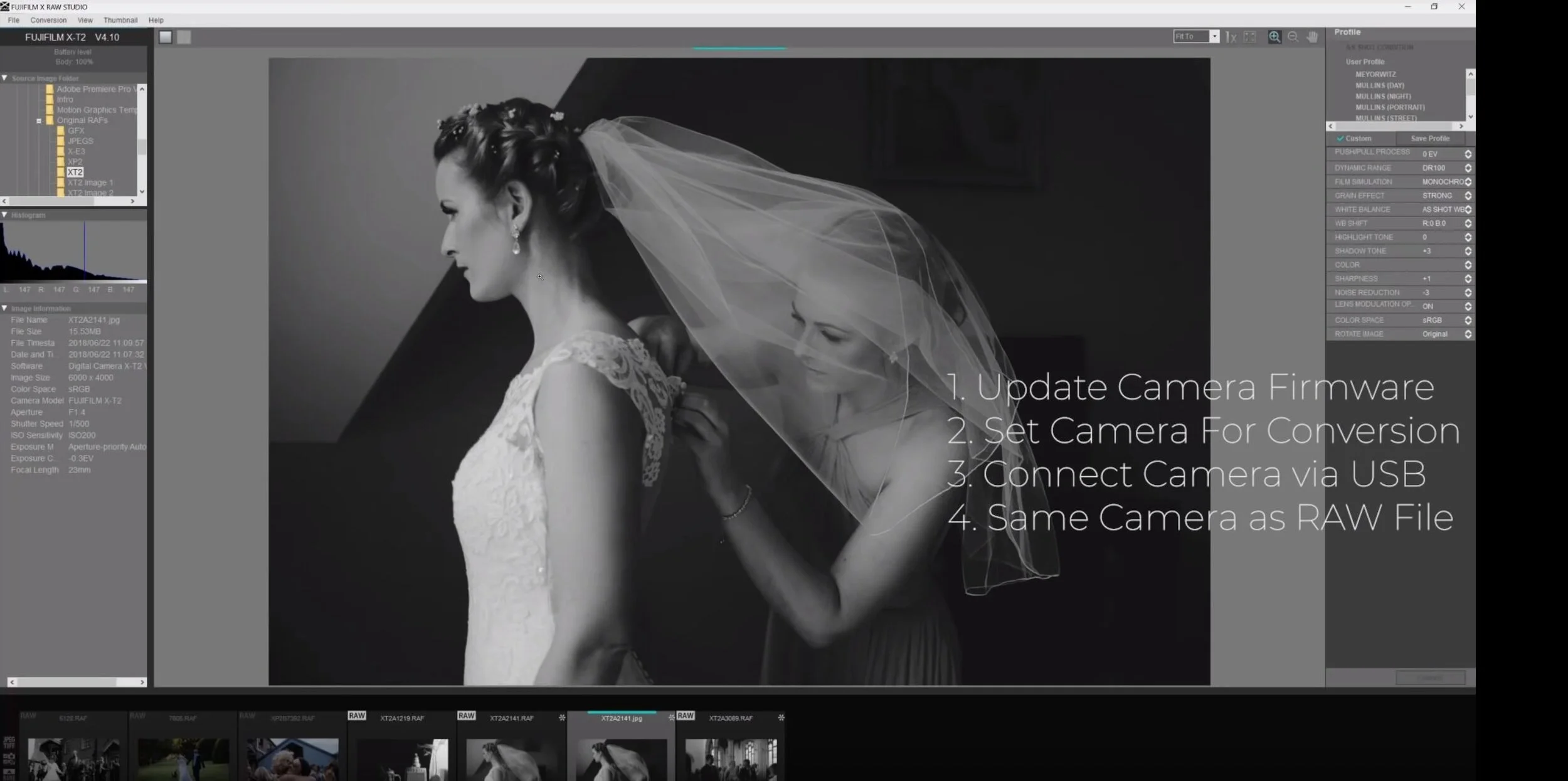
How to use Fujifilm X Raw Studio
You'll get a complete overview by watching the video above but in essence, here are the basic steps for How to use Fujifilm X Raw Studio:
Update the Camera Firmware
Set the Camera for Conversion
Connect Camera via USB
Ensure its the same camera that RAW files came from (same model. For example, if you have two X-Pro2's you can use either camera).
That's it. I hope you found the article useful. Leave any comments below and I'll do my best to answer them as soon as I can.
If you want to find out more about my Workshops, you can find all available dates here.
Prefer Editing in Lightroom?
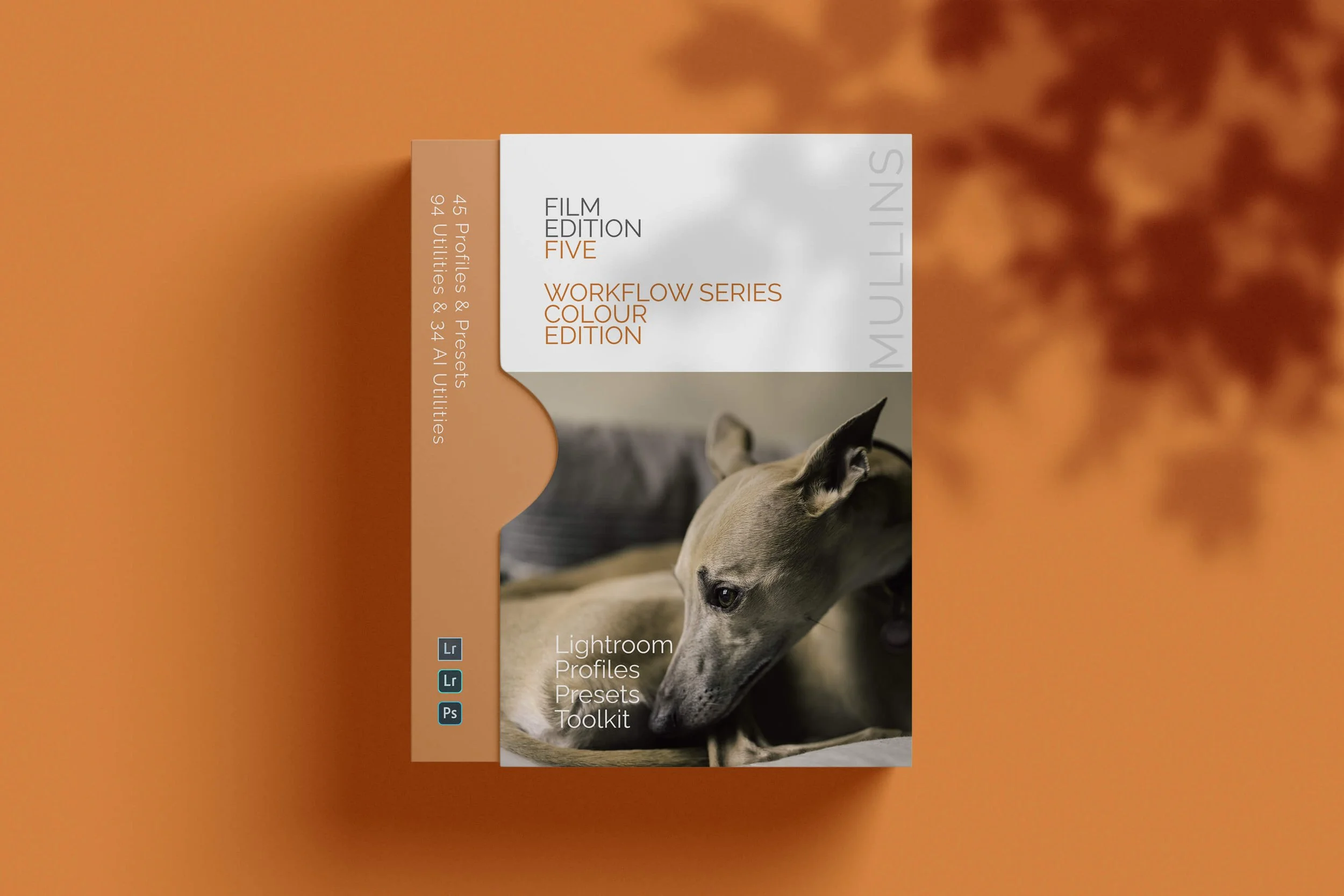
A complete colour Profile, Preset & Workflow Pack for Lightroom
Film Edition 5 - Workflow Series (Colour) is a structured set of Lightroom profiles and presets designed to help you quickly and consistently create a finished colour look, without making Lightroom feel like a chore.
If you edit regularly in Lightroom, you already know the issue. You want a strong colour style, but you also need it to hold together across changing light, different scenes, and mixed subject matter. This pack is designed to help you move quickly without the work looking rushed.
The custom colour profiles give you the tonal and colour foundation first. From there, the workflow presets help you shape contrast, depth, and presence more precisely. Then, if the frame needs extra work, the included Toolkit gives you targeted help with AI masks, fixes, grain, curves, colour control, sharpening, noise reduction, and finishing touches.
Built for speed and consistency
Fast workflow with fewer decisions and clearer steps
Consistent results across a full set of edits
Film-inspired colour and tonality with depth, shape, and texture
Useful fixes and finishing tools for real-world Lightroom work
What’s included
15 custom colour profiles
30 workflow presets
128 Mullins Lightroom Toolkit presets, including AI masks, base fixes, utilities, grain, tone curves, colour helpers, sharpening, noise reduction, and finishers
Compatibility
Works with Lightroom Classic on Mac and Windows, as well as Lightroom Desktop. AI Mask presets require Lightroom Classic 11.0+ or Lightroom Desktop 5.0+.
3 for 2 offer
All preset packs are included in the 3-for-2 offer. Add any three preset packs to your basket, and the cheapest one is free at checkout.
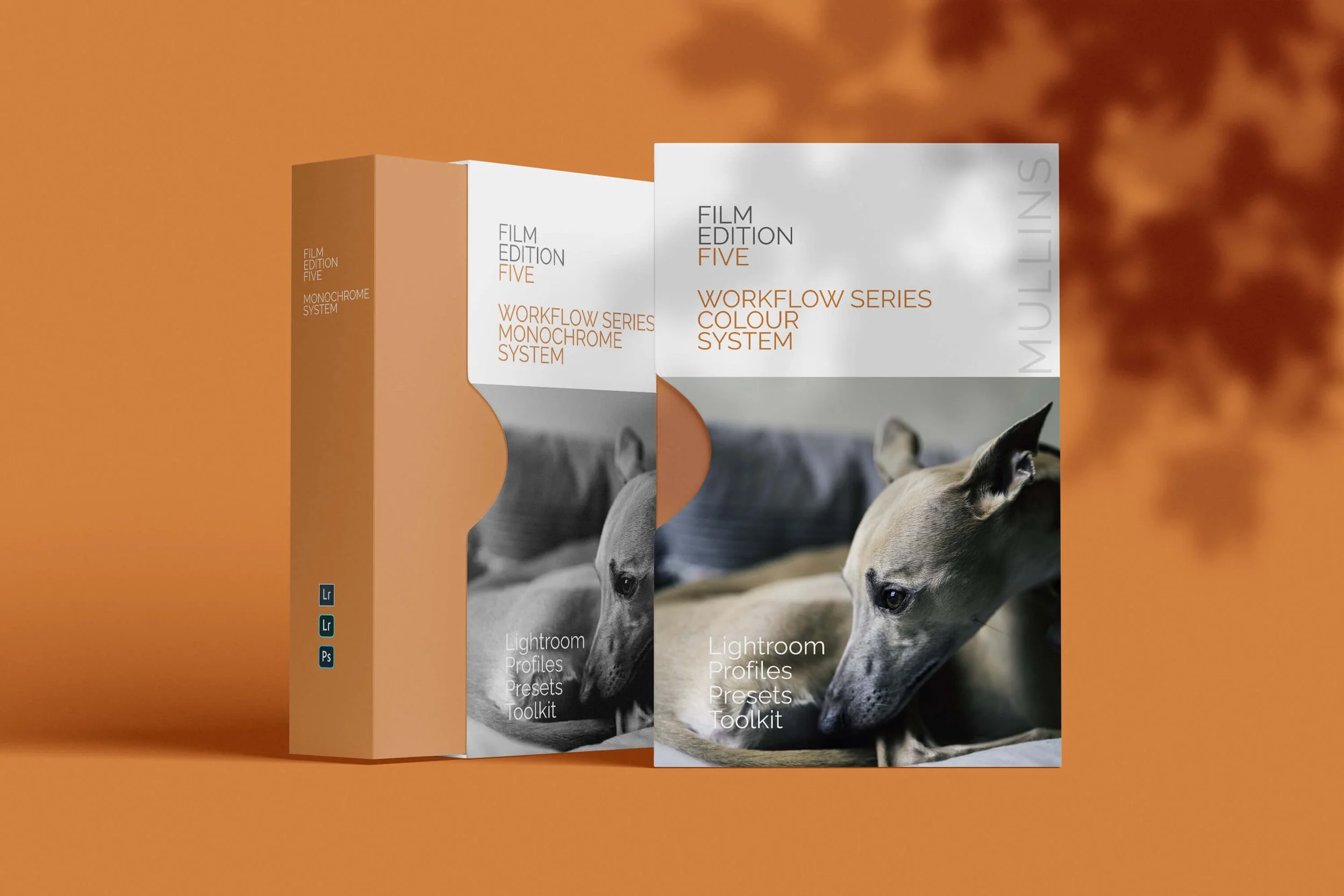
Film Edition 5 Bundle - complete colour and monochrome workflow packs for Lightroom
Film Edition 5 Bundle brings together both Film Edition 5 Workflow Series Colour and Film Edition 5 Workflow Series Monochrome in one package, giving you the full FE5 system for photographers who want a film-inspired workflow in both colour and black-and-white.
This is not just a collection of slider-based presets. Both packs are built around custom-crafted profiles, developed through LUT-based processes, then supported by workflow presets, finishing tools, and AI utilities designed to help you work quickly without losing control of the final look.
If you want the full Film Edition 5 experience, this is the simplest way to get it. You have the colour pack for rich, film-inspired edits with depth and tonality, and the monochrome pack for strong black-and-white work with shape, texture, and consistency. Together, they give you a flexible Lightroom workflow that feels organised, repeatable, and fast.
Built for speed and consistency
Two complete FE5 workflow packs in one bundle
Colour and monochrome profiles for different editing needs
Workflow presets designed to take images from a strong starting point to a finished edit quickly
Practical Toolkit and AI utilities included for real-world Lightroom work
What’s included
Film Edition 5 Workflow Series Colour
15 custom colour profiles
30 workflow presets
Mullins Lightroom Toolkit with AI utilities included
Film Edition 5 Workflow Series Monochrome
11 custom monochrome profiles
20 workflow presets
Mullins Lightroom Toolkit with AI utilities included
Compatibility
Works with Lightroom Classic and Lightroom Desktop, with Lightroom Mobile support referenced across the FE5 preset range where supported. AI Mask presets require current Lightroom versions as noted on the individual FE5 product pages.
3 for 2 offer
All preset packs are included in the 3-for-2 offer. Buy any two preset packs and get a third free, with the discount applied automatically at checkout.
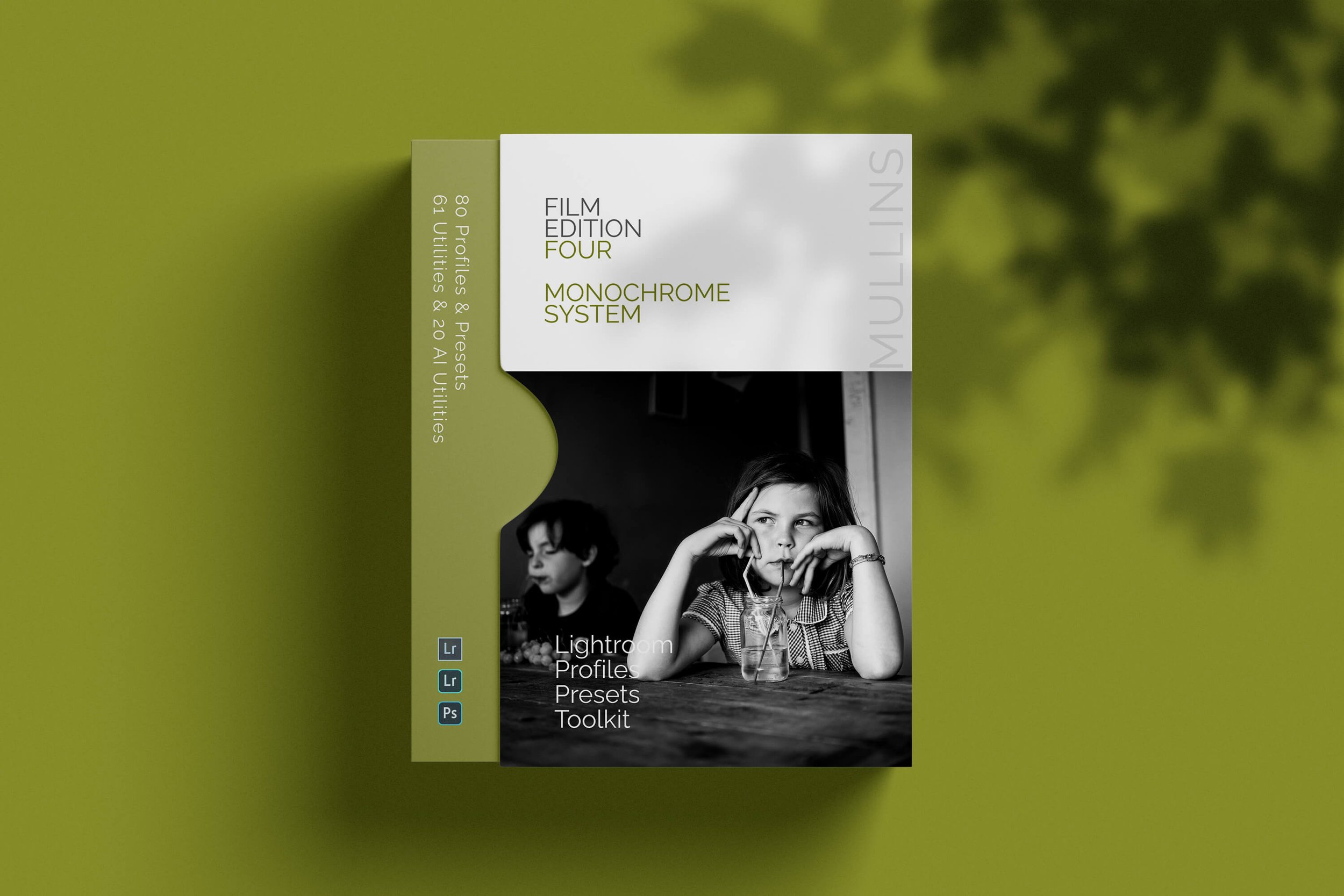
A complete black and white Profile, Preset & Workflow Pack for Lightroom
Film Edition 4 - Monochrome is a structured black-and-white preset and profile pack for Lightroom, designed to help you create expressive monochrome work with depth, texture, and consistency. It is built around handcrafted presets, custom monochrome profiles, workflow utilities, and AI-powered tools, giving you a more complete editing system rather than just a handful of looks.
This is not a simple desaturation pack. It is designed to give your images the tonal richness, contrast depth, grain character, and film-inspired response associated with classic black-and-white stocks. The page positions it around the look and feel of films such as Kodak Tri-X, Ilford HP5+, Fuji FP-3000B, and Rollei Retro, supported by raw-level monochrome profiles that shape tone and dynamic range before you even start adjusting sliders.
If you edit regularly in Lightroom, you already know the challenge. You want black-and-white work to feel intentional, not flat, muddy, or overly digital. This pack is built to help you move quickly while still giving your images character. The included profiles give you a strong tonal base, the presets build on that foundation, and the utilities and AI tools are there when you need more precise control.
Built for speed and consistency
Fast workflow with fewer decisions and clearer starting points
Strong monochrome tonality with depth, texture, and film-inspired contrast
Flexible profiles that can be used on their own or as the base for a full preset edit
Useful workflow, AI, and technical adjustment tools for real-world Lightroom editing
What’s included
65 handcrafted black and white presets
15 custom-built monochrome base profiles
Time-saving editing utilities
AI-powered tools for the latest versions of Lightroom
Technical Adjustment Utilities for monochrome tone curves, contrast response, and highlight behaviour
Compatibility
Built for Lightroom Classic, CC, and Cloud, with AI-powered tools included for the latest versions of Lightroom.
3 for 2 offer
All preset packs are included in the 3-for-2 offer. Add any three preset packs to your basket, and the cheapest one is free at checkout.
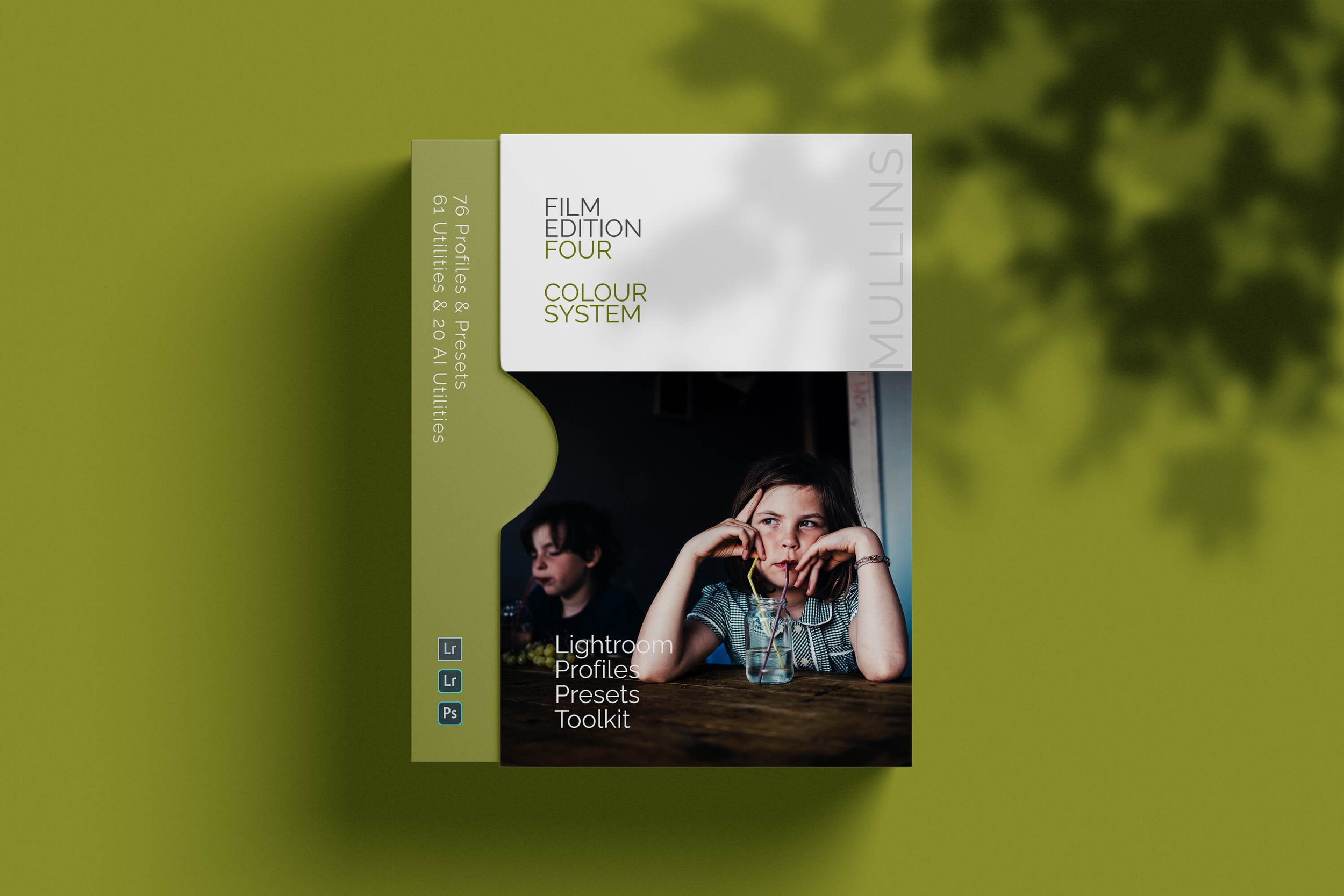
A complete colour Profile, Preset & Workflow Pack for Lightroom
Film Edition 4 - Colour is a structured colour preset and profile pack for Lightroom, designed to help you create rich, film-inspired edits with consistency, depth, and subtlety. It combines handcrafted colour presets, custom base-level profiles, workflow utilities, AI tools, and technical adjustment tools into one complete editing system.
This is not a simple preset pack built around slider shifts. It is designed to give your images the tonal response, colour feel, grain character, and atmosphere associated with classic colour film, while still fitting into a modern Lightroom workflow. The page positions it around analogue-inspired looks, supported by profiles that work at the profile stage rather than simply layering colour on top.
If you edit regularly in Lightroom, you already know the problem. You want colour that feels intentional, not trendy or overcooked, but you also need it to work across different scenes and lighting conditions. This pack is built to help you move quickly while still keeping control. The profiles give you a strong starting point, the presets build on that foundation, and the included utilities and tools are there when you need extra refinement.
Built for speed and consistency
Fast workflow with fewer decisions and clearer starting points
Film-inspired colour with depth, subtle contrast, and natural tonal transitions
Flexible profiles that can be used on their own or as the base for a full preset edit
Useful workflow, AI, and technical adjustment tools for real-world Lightroom editing
What’s included
63 handcrafted colour presets
13 custom-built colour base profiles
Time-saving editing utilities
AI Utilities for Lightroom Classic, CC, and Cloud
Technical Adjustment Tools for better control over tone, contrast, and colour
Compatibility
Built for Lightroom Classic, CC, and Cloud, with AI Utilities included for supported Lightroom versions.
3 for 2 offer
All preset packs are included in the 3-for-2 offer. Add any three preset packs to your basket, and the cheapest one is free at checkout.

A complete colour and black and white Profile, Preset & Workflow Bundle for Lightroom
Film Edition 4 Bundle brings together both Film Edition 4 Colour and Film Edition 4 Monochrome in one package, giving you the full FE4 system for photographers who want a film-inspired Lightroom workflow in both colour and black and white. It is designed for people who want more than a handful of looks, with profiles, presets, utilities, AI tools, and technical adjustment tools all working together as one complete editing toolkit.
This is not a simple bundle of slider-based presets. The Colour pack is built around 63 handcrafted colour presets and 13 custom colour base profiles, while the Monochrome pack includes 65 handcrafted black-and-white presets and 15 custom monochrome base profiles. Both packs also include time-saving utilities, AI tools for Lightroom, and the newer Technical Adjustment Tools introduced in Edition 4.
If you want the full Film Edition 4 experience, this is the cleanest way to get it. You have the Colour pack for rich, film-inspired edits with subtle tonal transitions and analogue character, and the Monochrome pack for black-and-white work with depth, texture, and strong tonal structure. Together, they give you a more flexible Lightroom workflow that still feels consistent from one shoot to the next.
Built for speed and consistency
Two complete Film Edition 4 packs in one bundle
Colour and monochrome workflows for different editing needs
Custom profiles, presets, utilities, AI tools, and technical adjustment tools included
A better-value way to get the full FE4 system in one purchase
What’s included
63 handcrafted colour presets
13 custom-built colour base profiles
Time-saving editing utilities
AI Utilities for Lightroom Classic, CC, and Cloud
Technical Adjustment Tools for tone, contrast, and colour control
65 handcrafted black and white presets
15 custom-built monochrome base profiles
Time-saving editing utilities
AI-powered tools for Lightroom Classic, CC, and Cloud
Technical Adjustment Utilities for monochrome tone curves, contrast response, and highlight behaviour
Compatibility
Built for Lightroom Classic, CC, and Cloud, with AI tools included for supported Lightroom versions across both packs.
3 for 2 offer
All preset packs are included in the 3-for-2 offer. Add any three preset packs to your basket, and the cheapest one is free at checkout.
Some of my recent JPEG Recipes
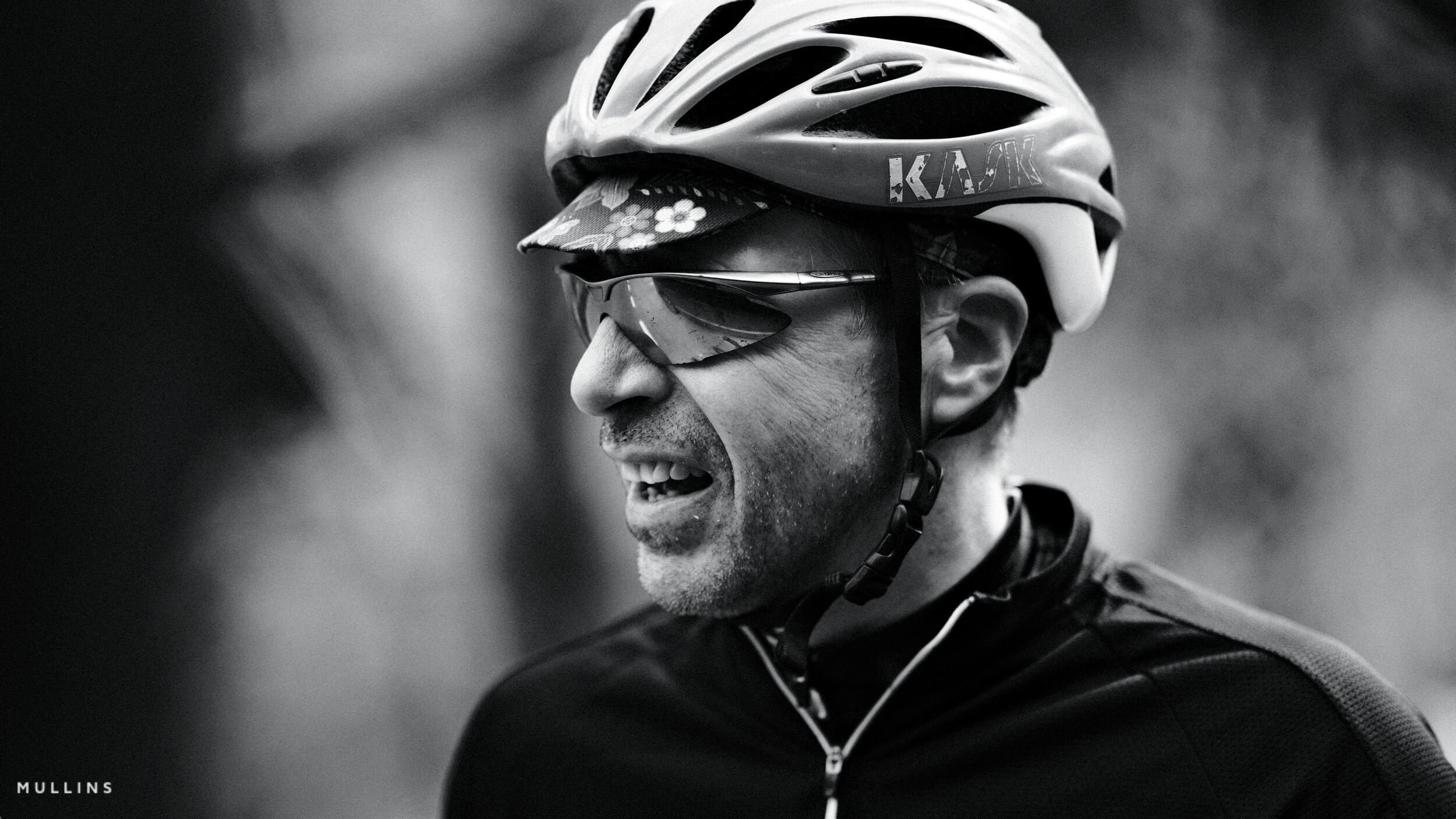
Six Fujifilm film simulation recipes I keep coming back to, from high-contrast monochrome to warm nostalgic colour.
I’ve launched a free Fujifilm JPEG Recipe Maker on my website. It helps Fujifilm photographers generate fresh recipe ideas based on camera compatibility, sensor generation, mood and style.
This article shows how to use ChatGPT as a creative partner, not a preset vending machine. You will learn how to brief it properly, get your settings in a usable format, test them on your Fujifilm camera, and refine each recipe until it genuinely matches your style.

A moody, high-contrast monochrome Fujifilm recipe designed for dramatic light and deep shadows. Cysgod is the Welsh word for “shadow” — and that’s exactly what this recipe plays with. Built for street shooters and storytellers who want punchy black and white straight out of camera.

The Lighthouse recipe is inspired by the cinematic aesthetics of film noir, particularly influenced by the visually striking film "The Lighthouse". This black-and-white recipe is designed to create high-contrast, dramatic images with a gritty, timeless feel.
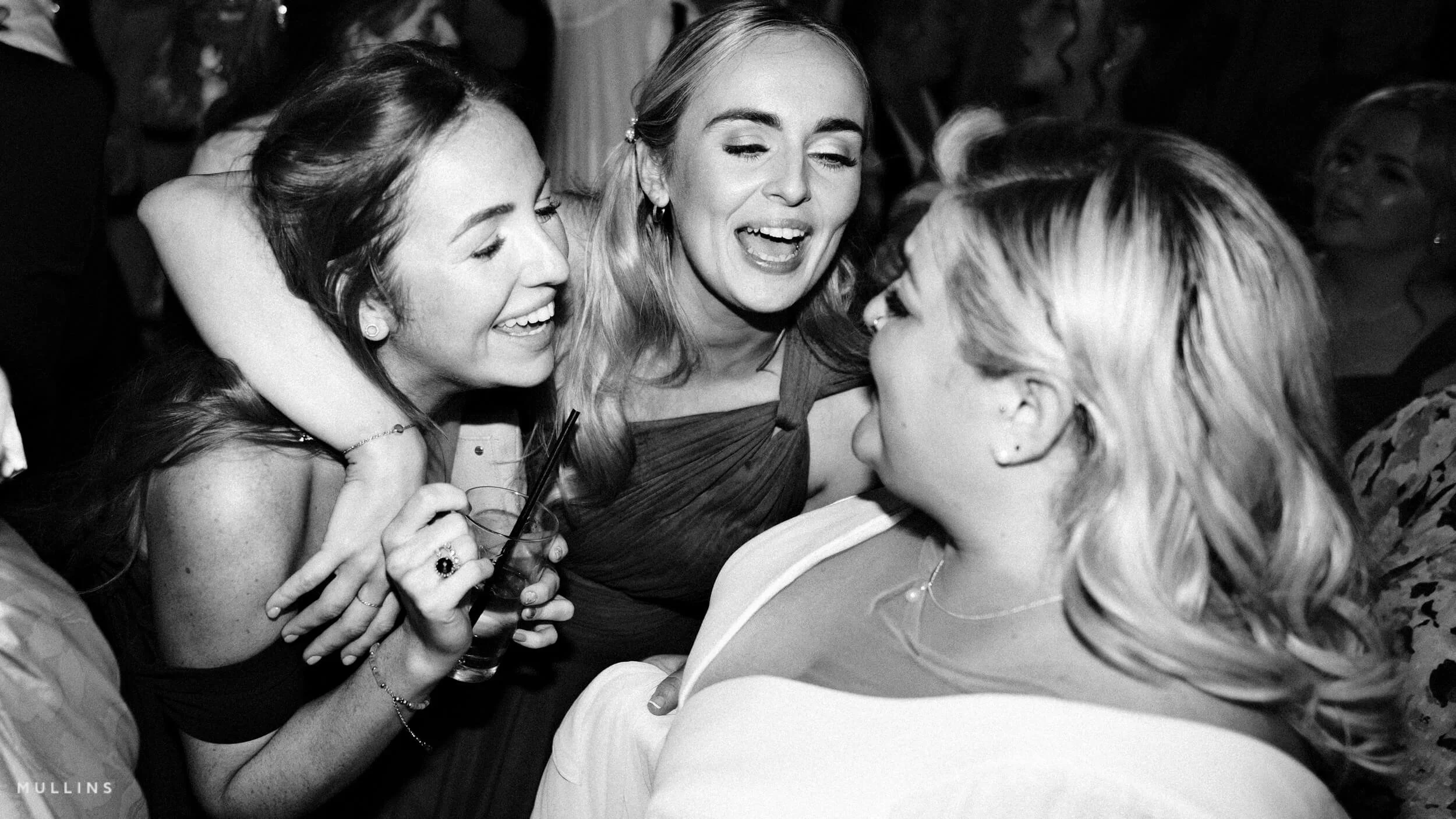
The Pure Grit recipe is designed to give a gritty, analog film look, perfect for creating raw and intense black-and-white images. This recipe enhances textures and contrasts to deliver a powerful visual punch reminiscent of classic film photography.
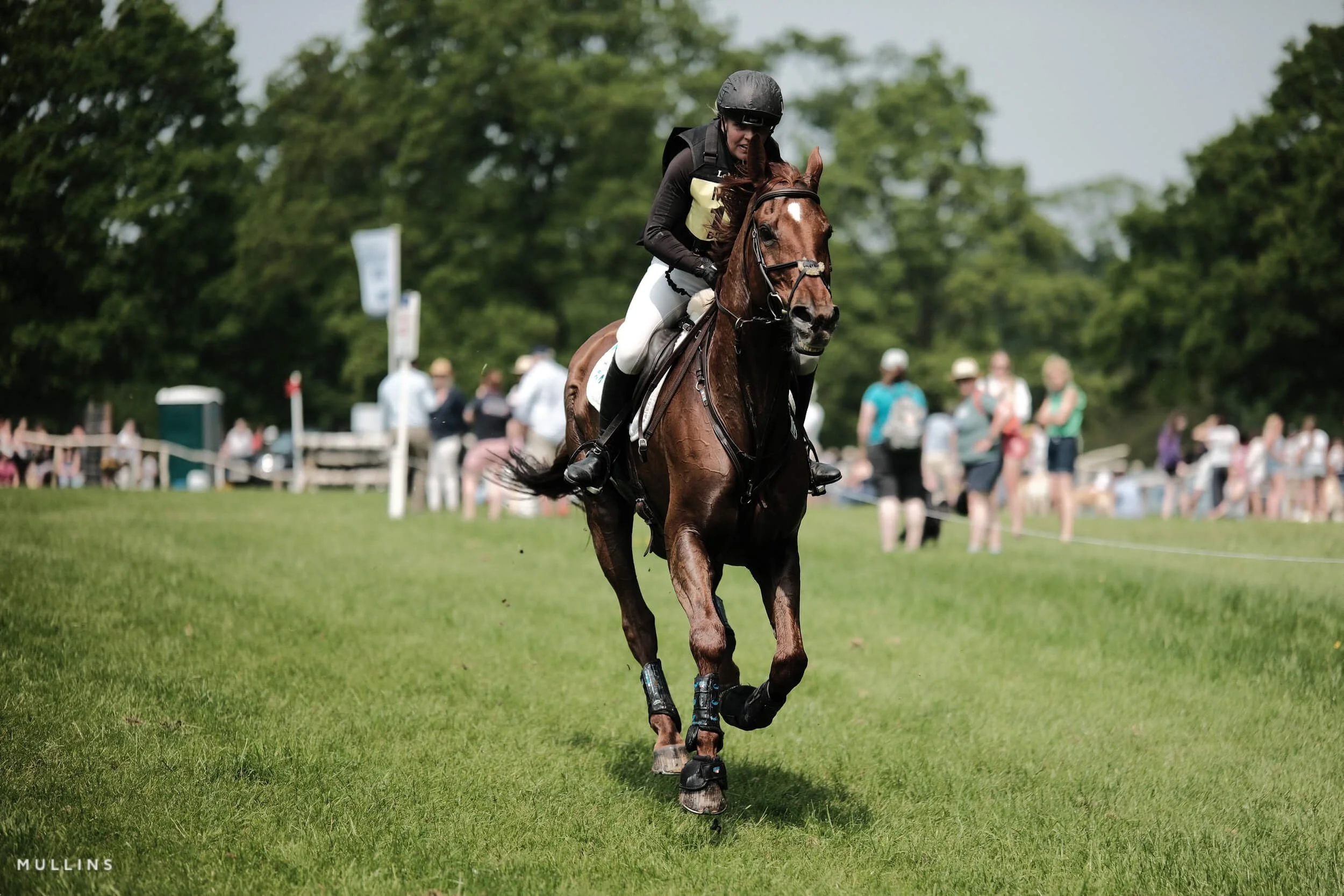
Emulate contemporary digital cinema's sleek, vibrant aesthetic with this Fujifilm JPEG Recipe based on Classic Chrome.
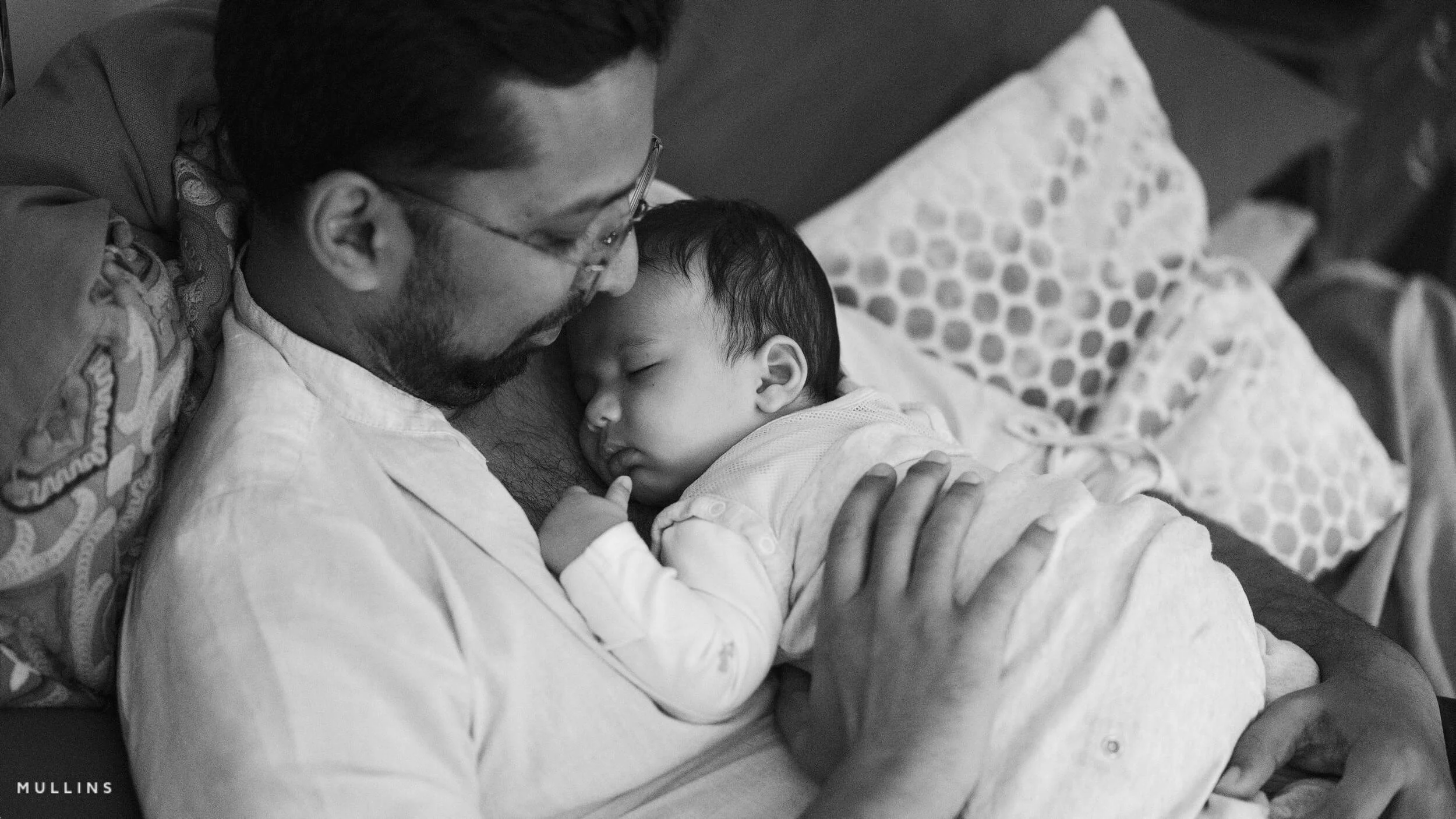
The Documentary Monochrome (Acros+Ye) recipe is tailored for photojournalists and storytellers who prefer black and white photography. This recipe enhances contrasts and textures to create authentic, compelling monochrome images that capture the essence of real-life moments.
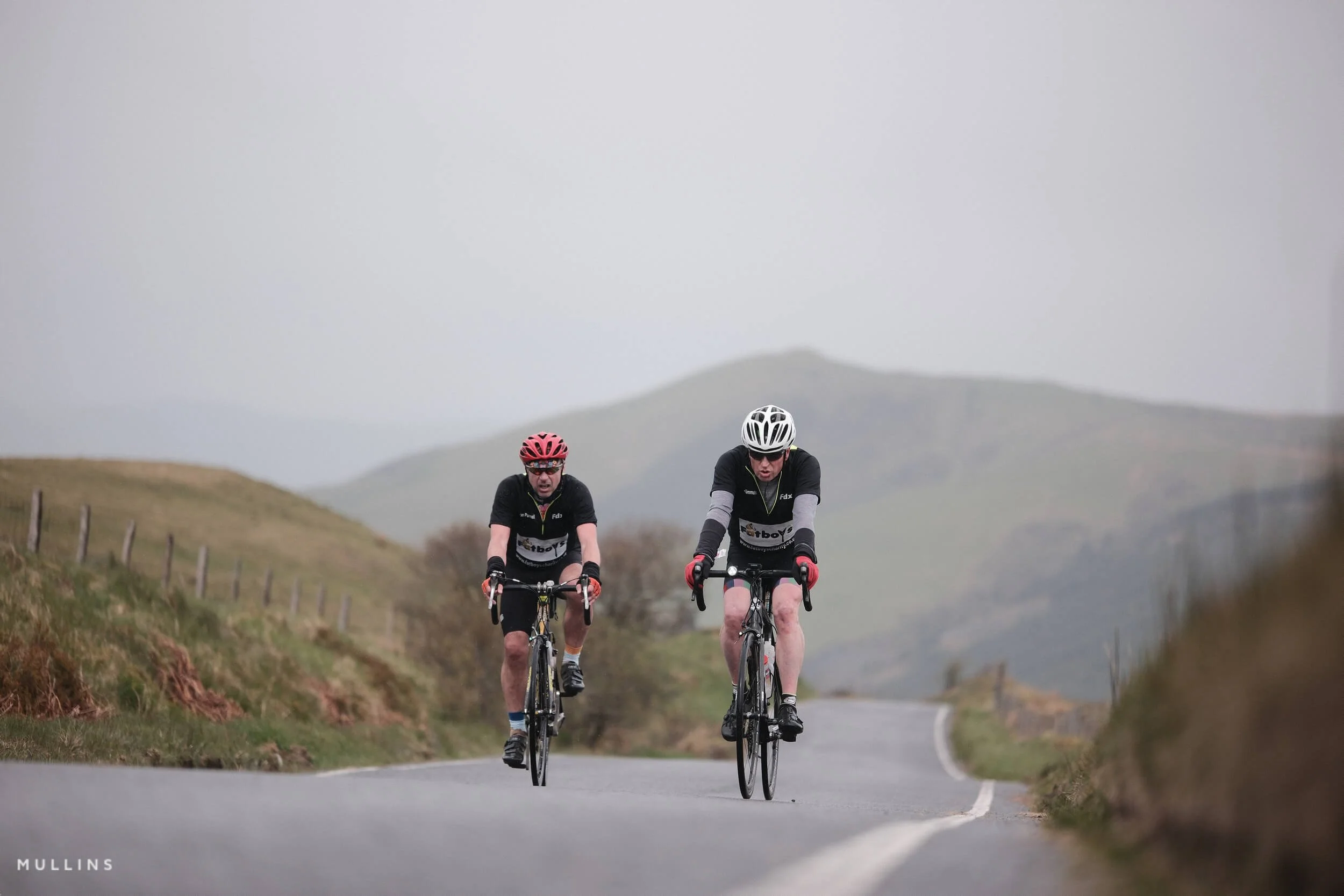
The Documentary Colour (Classic Chrome) Fujifilm JPEG recipe is tailored for photojournalists and storytellers, enhancing the natural, subdued tones and textures in your images.
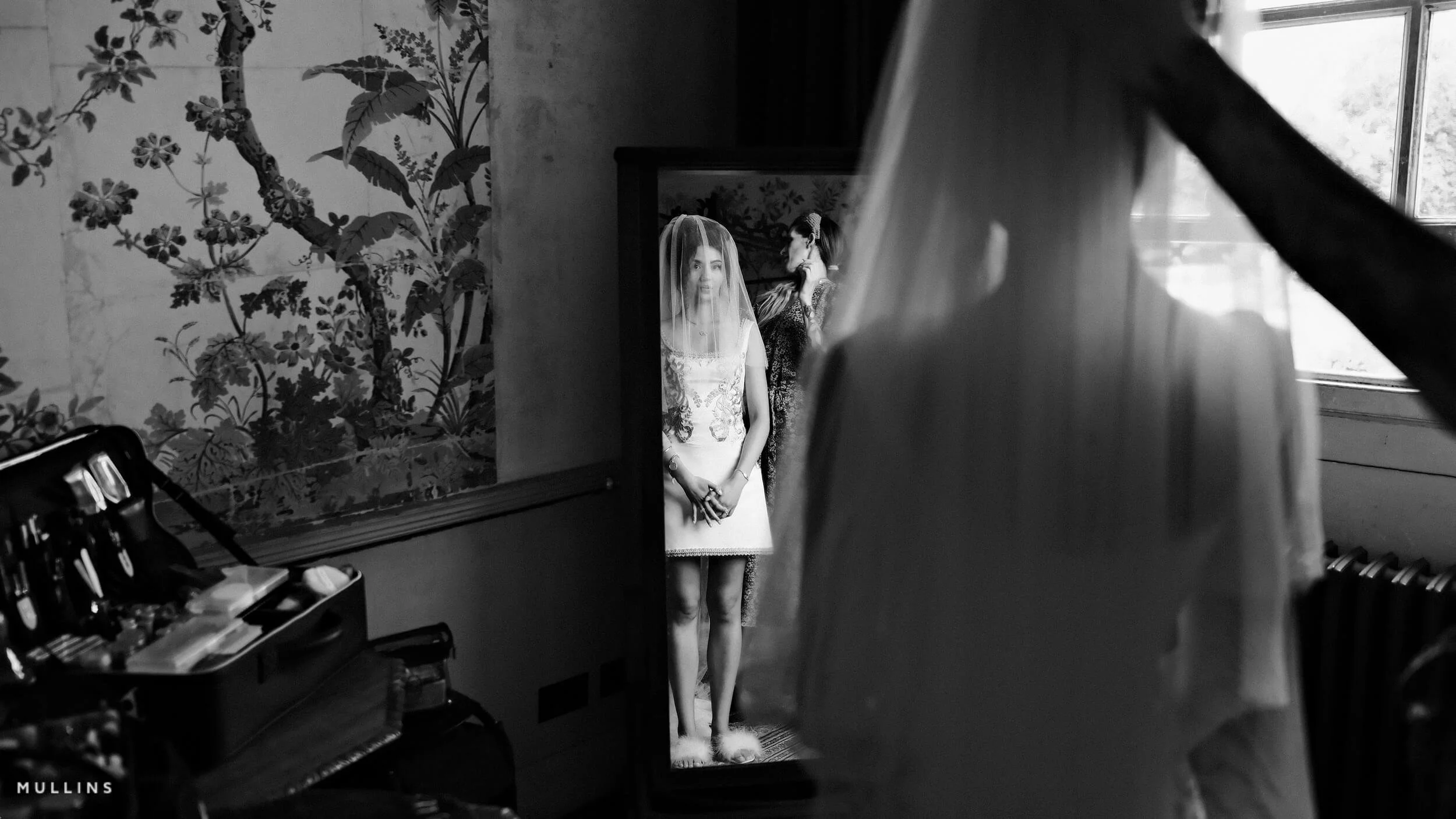
Give your Fujifilm photographs an evocative and dramatic, timeless feel of classic cinema with my Cinematic Monochrome (Mono-Ye) JPEG Recipe.
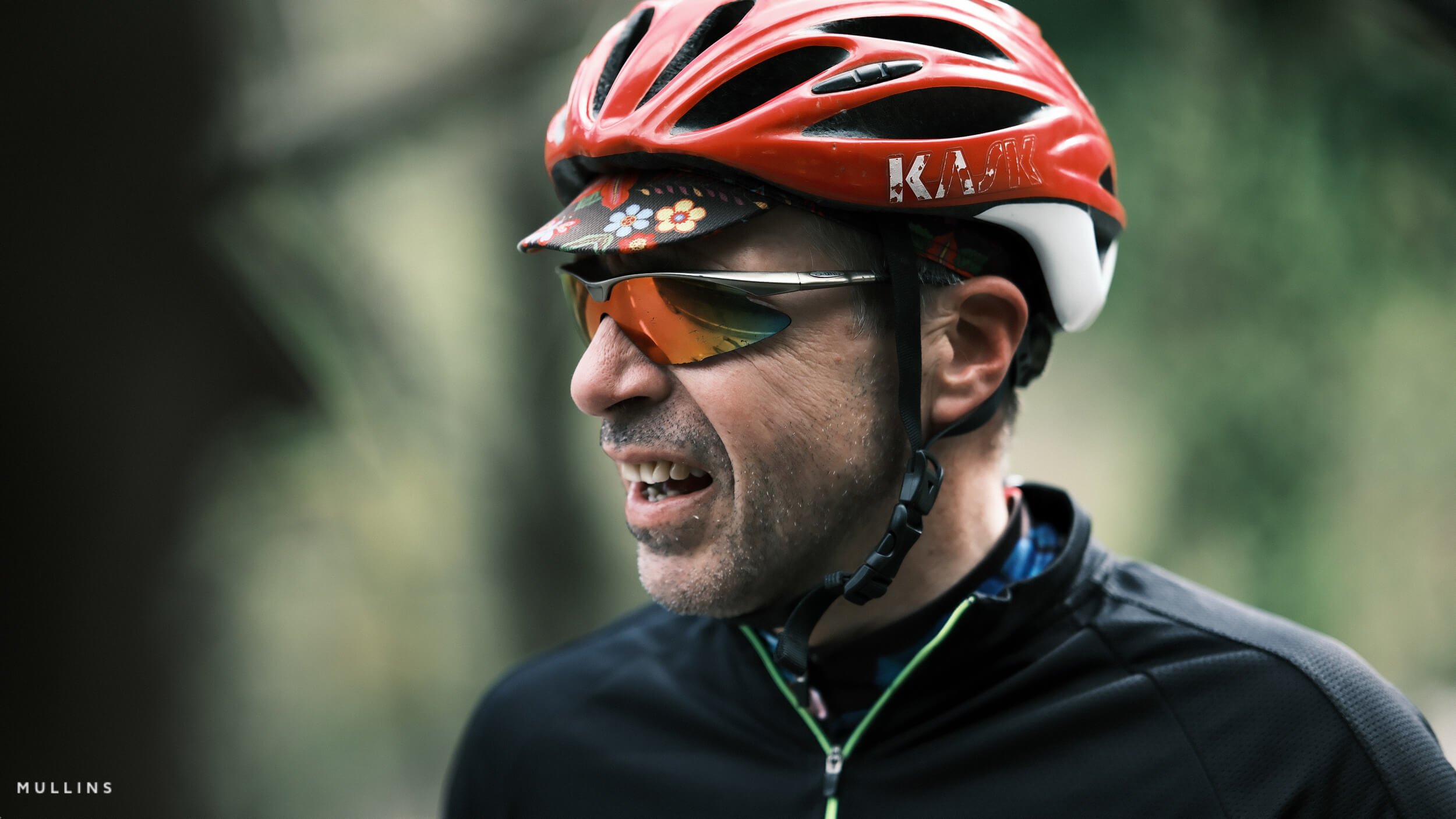
Give your Fujifilm photographs a Cinematic Look with my Cinematic Colour (Classic Neg) film simulation recipe, tailored explicitly for Fujifilm's X-Trans sensor cameras.
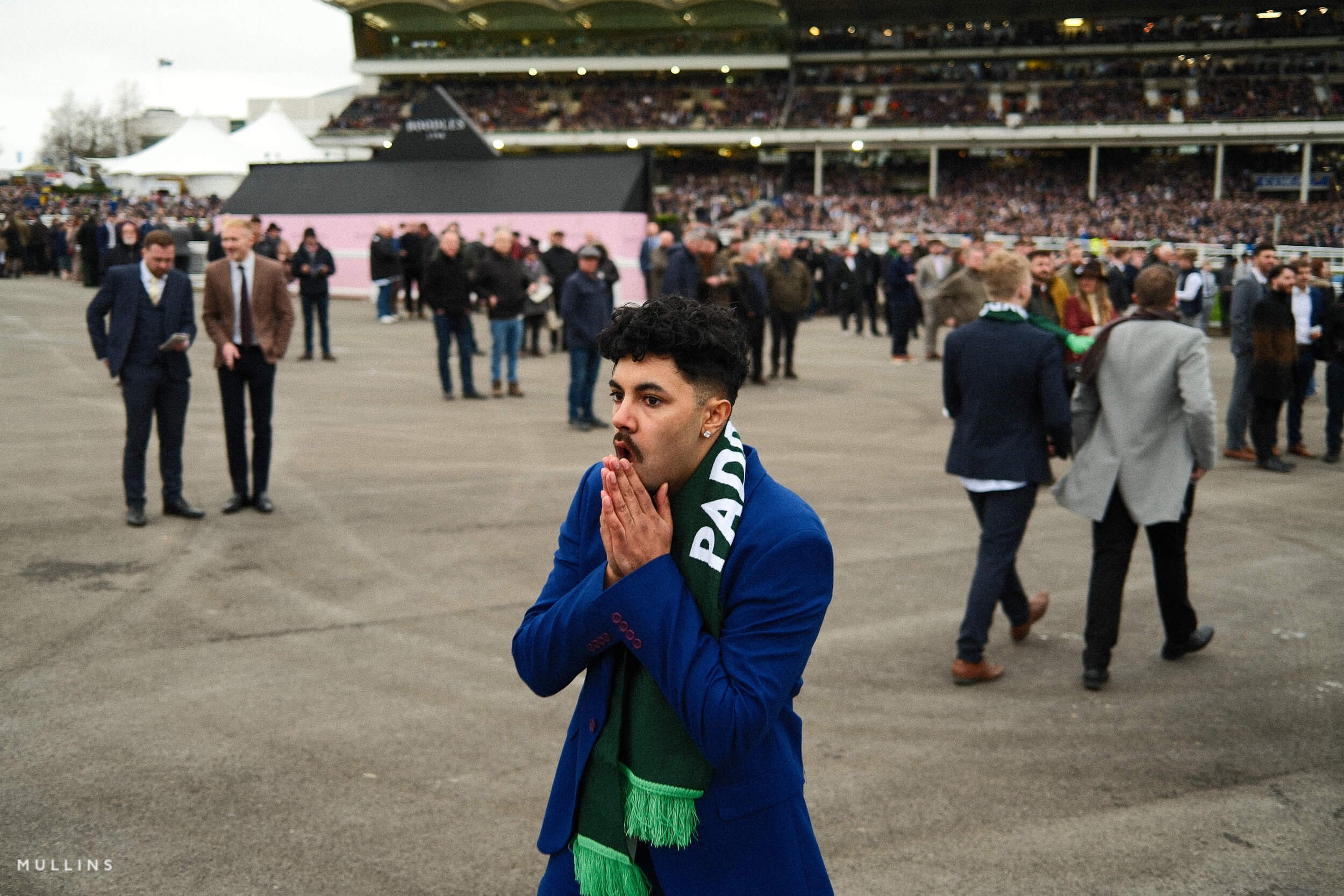
Transform your photographs into filmic masterpieces with my custom Kodak Gold (Reala Ace) film simulation recipe.


Transform your photographs into vibrant masterpieces with my custom Technicolor film simulation recipe tailored to Fujifilm's X-Trans V sensor cameras. Embrace the iconic look of the golden era of Hollywood.

Capture the timeless elegance of classic film photography with our custom Fujifilm X-Trans 4 recipe, meticulously crafted to emulate the iconic Ilford HP4 film stock. With this recipe, your images will inherit the rich monochromatic tones, fine grain, and dynamic range that made HP4 beloved by photographers worldwide.

Embark on a photographic journey reminiscent of the classic Ilford Pan-F film stock with this custom X-Trans IV recipe. Designed to replicate the fine grain, sharp contrasts, and subtle warmth of Pan-F, this recipe transforms your digital captures into timeless black-and-white masterpieces, blending modern technology with vintage charm.

Inspired by classic newsroom film, this recipe keeps things punchy and honest deep blacks, bright whites, and a touch of grit for that printed-on-paper vibe.

Indulge in the timeless art of photography with my Fujifilm recipe inspired by the allure of 1950s noir. Capture the essence of classic black-and-white imagery, infusing your shots with cinematic intrigue and nostalgia. Elevate your photography with the mystique of the past, using Fujifilm's cutting-edge technology to bring the vintage aesthetic of film noir into the modern era.

Unlock the art of timeless photography with my Fujifilm soft black and white film recipe named after the legendary Fujifilm Desiner Masazumi Imai. Discover the secrets to capturing stunning monochrome moments with a touch of nostalgia. Perfect for those seeking classic elegance in every frame.
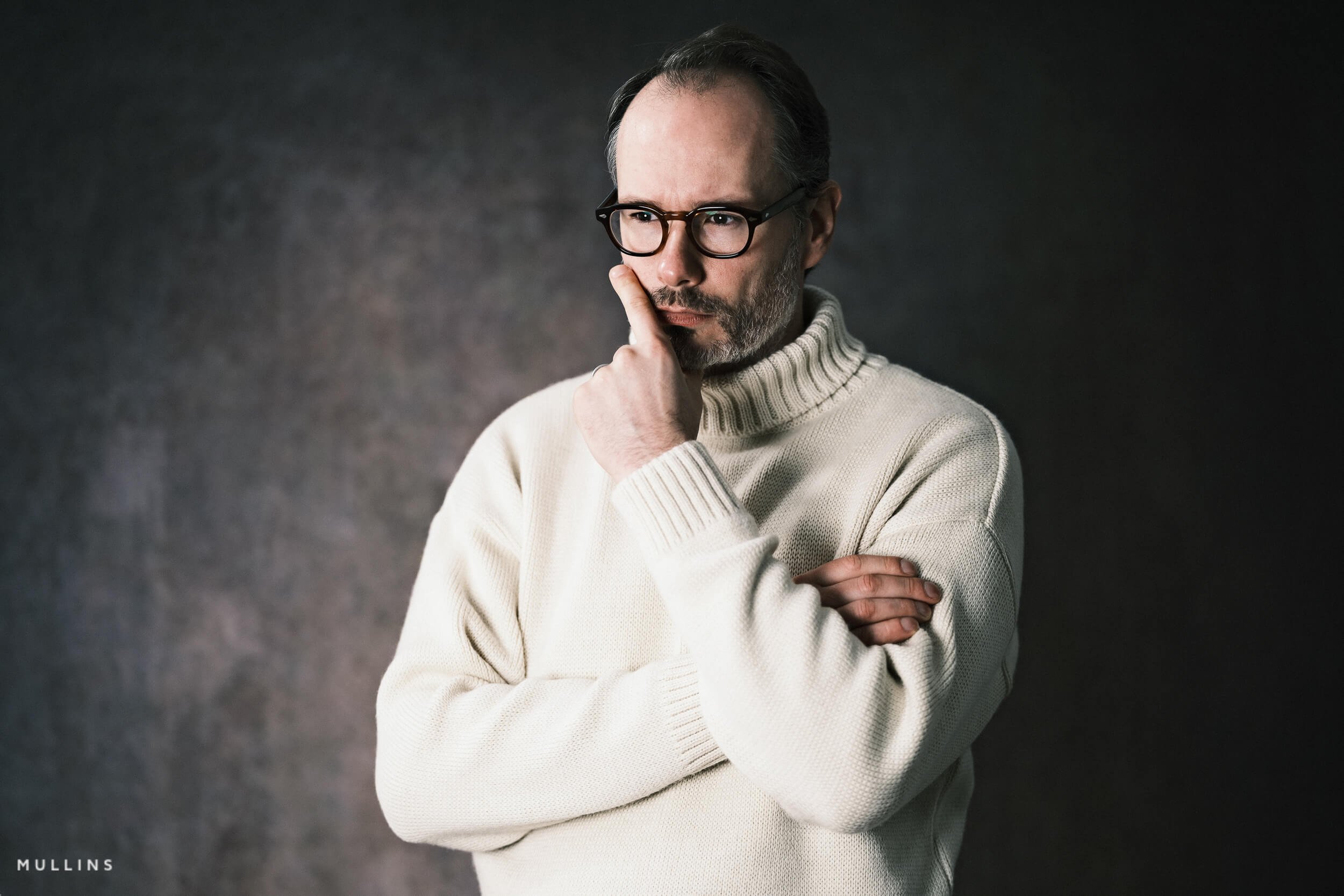
Unlock the essence of iconic photographer Joel Meyerowitz with my Fujifilm film recipe. Discover how I try to emulate his signature style and unique vision. Capture the world through Meyerowitz's lens and create timeless images with this inspiring recipe.

Experience the magic of vintage photography with my 'Kodachrome' film recipe – a nostalgic homage to the classic film. Revisit the timeless look and colours that defined an era in photography. Unlock the key to stunning, retro-inspired images with this Fujifilm recipe.
Discover the art of analog photography with my Fujifilm Film Recipe - Padilla - Grainy Film Base (Monochrome). Uncover the secret behind this captivating Fujifilm monochrome film recipe, where grain meets elegance.

I have updated my Fujifilm JPEG recipes for 2020. Another set of seven custom settings you can use yourself in your Fuji Cameras.


These are the seven Fujifilm JPEG Settings that I store in my custom settings in all my Fujifilm Cameras now.

A complete black and white Profile, Preset & Workflow Pack for Lightroom
Film Edition 5 - Workflow Series (Monochrome) is a structured set of Lightroom profiles and presets designed to help you achieve a finished monochrome look quickly and consistently.
This is not a random “pick a look and hope” pack. It’s designed as a repeatable workflow you can run on a full set of images, with fixes and finishing tools when you need them.
If you edit regularly in Lightroom, you already know the problem. You want a strong black-and-white style, but you also need it to behave consistently across different scenes, lighting conditions, and subjects. This pack is designed to help you move fast without the work looking rushed.
You start with one of the custom monochrome profiles to establish the tonal foundation, then shape the image with workflow presets that are designed to work with that profile rather than fight against it. From there, you can use the included Toolkit for things like AI masking, grain, curves, highlight control, sharpening, finishing touches, and everyday problem-solving inside Lightroom. The product page positions the pack exactly this way, with the profile first, workflow second, then utilities and finishers to refine only when needed.
Built for speed and consistency
If you edit your photos in Lightroom, you already know the problem: you want a strong monochrome style, but you also need it to work across different scenes without constant fighting.
This pack helps you move fast without the work looking rushed.
Fast workflow: fewer decisions, clearer steps.
Consistent results: the set hangs together as a series.
Film-inspired tonality: depth, shape, and texture without the “preset look”.
Useful fixes included: real-world Lightroom problems, solved quickly.
What’s included
11 custom monochrome profiles
20 one-click presets
128 Mullins Lightroom Toolkit presets, including AI masks, fixes, utilities, grain, tone curves, colour helpers, sharpening and finishers
Compatibility
Works with Lightroom Classic and Lightroom Desktop. AI Mask presets require Lightroom Classic 11.0+ or Lightroom Desktop 5.0+.
Three for Two Offer
All preset packs are included in the 3-for-2 offer. Add any three preset packs to your basket, and the cheapest one is free at checkout.