


Lighthouse: Monochrome Film Simulation Recipe
Lighthouse
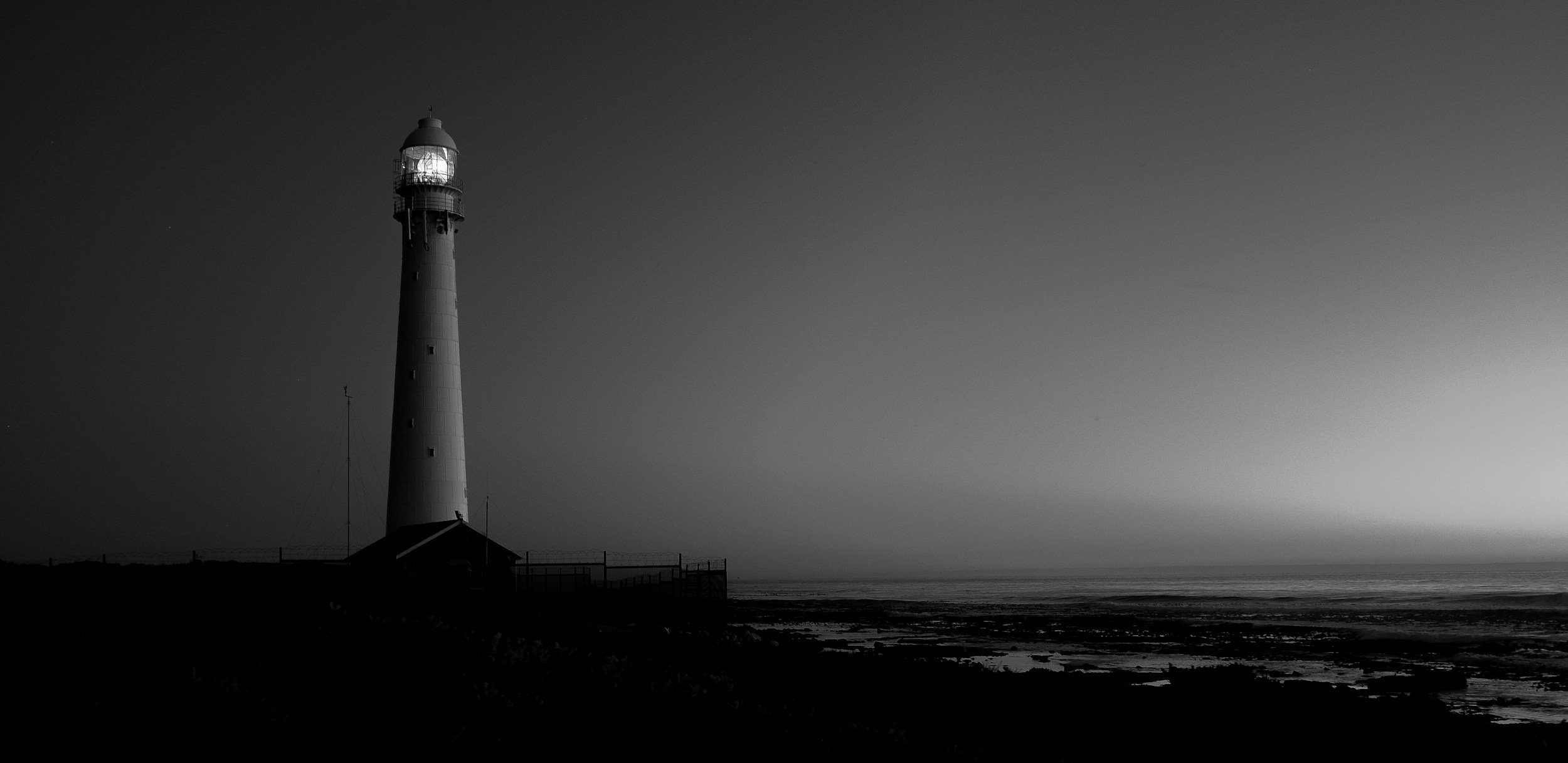
Lighthouse is a black-and-white recipe built for drama. Not the kind of quiet, contemplative monochrome some photographers go for. This is heavier. Denser. The shadows are deep and final, the highlights bright enough to sting a little. It’s meant to feel a bit uncomfortable at times—deliberate, shaped, stylised.
The name comes from The Lighthouse (2019), directed by Robert Eggers. If you’ve seen it, you’ll know what I mean. It’s unsettling, slow, dark—shot in a tight 4:3 frame with harsh black-and-white contrast that turns every surface into something almost ancient. I don’t think this recipe recreates that look exactly, but it definitely draws from the same mood. Bleak, raw, theatrical. There's beauty in that, I think.
I’ve used Lighthouse mostly in harsh light—streets on bright days, window light that falls across faces like theatre. Sometimes coastal scenes, where the light flickers off the sea and shadows stretch unnaturally. It’s not a quiet look, and it definitely doesn’t blend in.
But it is expressive. You feel it more than analyse it.
Fujifilm JPEG Settings:
Film Simulation: Acros+R
Grain Effect: Strong/Large
Monochromatic Colour: WC:-1 MG:0
Highlights: +4
Shadows: +4
Sharpness: +1
Noise Reduction: -4
Clarity: +3
Settings Explanation:
ACROS+R is the engine here. The red filter version adds heavy contrast, especially in skies and skin. It’s what gives the recipe that noir-style density and weight.
Monochromatic Colour Shift at WC:-1 MG:0 cools things down just slightly. It’s subtle—really subtle—but enough to push the mood away from warmth and closer to bleak, which fits the spirit of the film.
Grain Effect: Strong / Large gives the image a rougher, almost abrasive texture. It’s not subtle at all—which works here. That heavy grain helps reinforce the film-like feel, especially when paired with the high contrast and clarity. It’s the kind of texture that feels deliberate, not just digital noise creeping in. You might find it a bit much for some scenes, but for this recipe, it belongs.
Highlight and Shadow both at +4. This combo is what makes the image snap. Whites go white, blacks go black. You’ll lose detail at both ends, but in return, you get serious impact.
Sharpness +1 keeps textures defined without overcooking them.
High ISO NR -4 removes smoothing so the natural grain and roughness can live freely in the frame.
Clarity +3 pushes midtone contrast for even more bite. It’s great here, but it will slow the camera down after each shot. If that delay becomes annoying, try setting it to 0 and add it back later in X RAW Studio.
Artistic Reasoning:
Lighthouse isn’t a subtle, everyday look. It’s built for scenes where you want emotion from the light itself. Sunlight on brickwork. A quiet figure in the shadows. Faces caught in the glare of a passing car. Anything with contrast or isolation or quiet tension.
It also works well in low light—especially if you don’t mind a bit of grain creeping in. That grain can feel cinematic, even if the scene itself is quite ordinary.
This isn’t a balanced recipe. It’s more about sensation than technical perfection. It might not suit everything—but when it fits, it really fits.
Let it be imperfect. Let it go too far, sometimes. That’s often where the best photos come from anyway.
NOTE: Some settings may not be available on every Fujifilm Camera
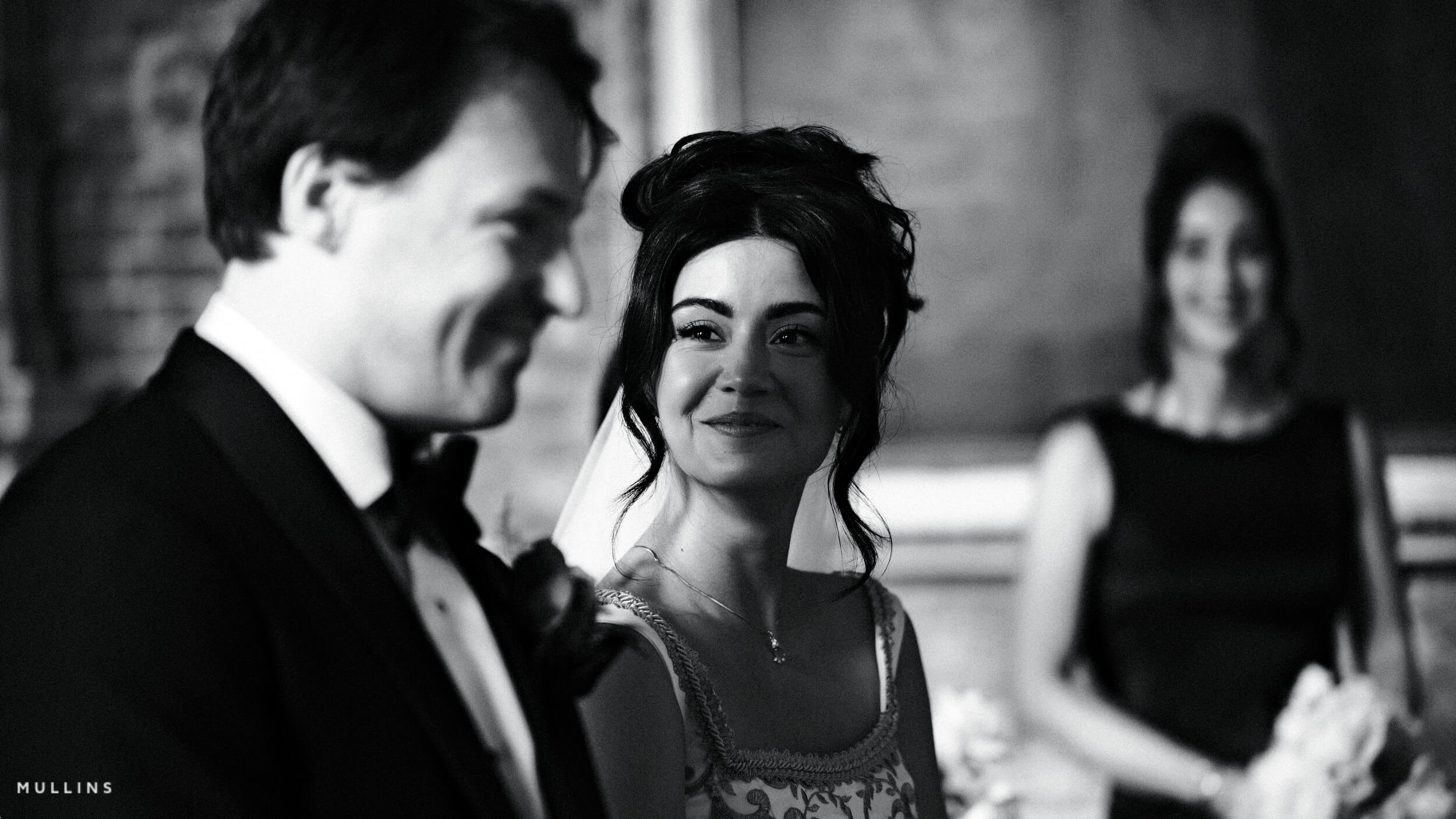
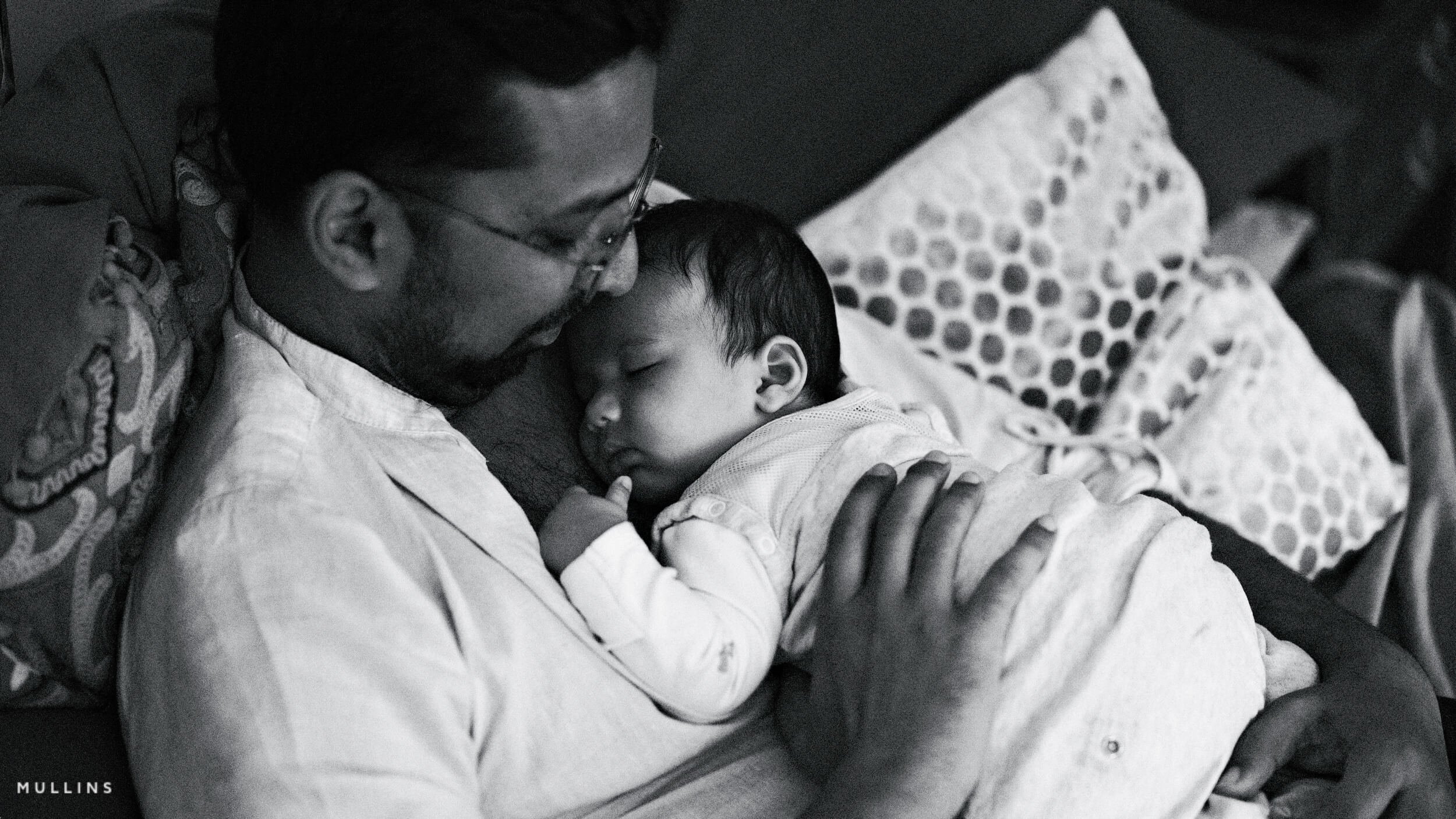
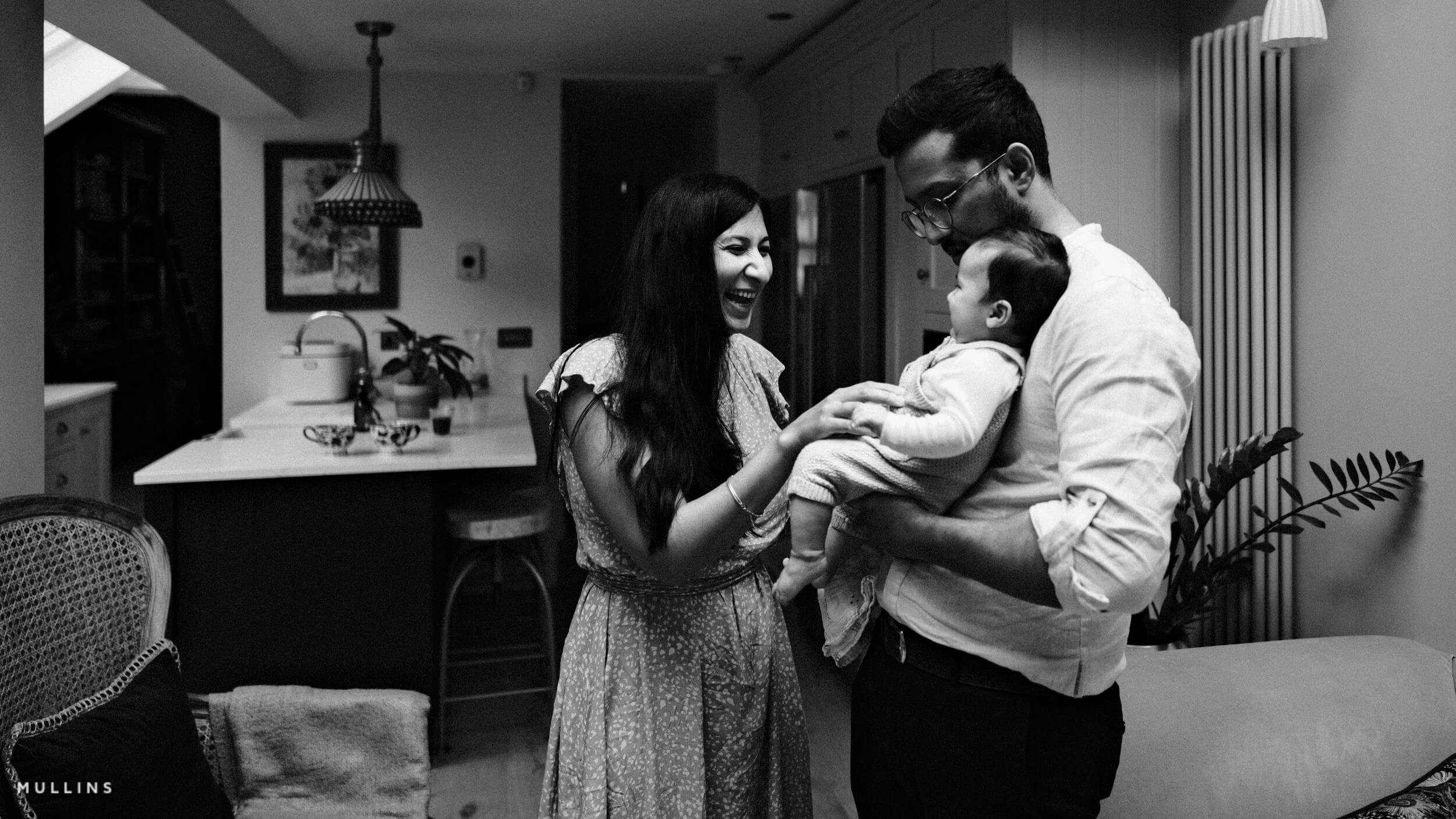
Lighthouse: Monochrome Film Simulation Recipe Film Simulation Recipe (Sample Images)
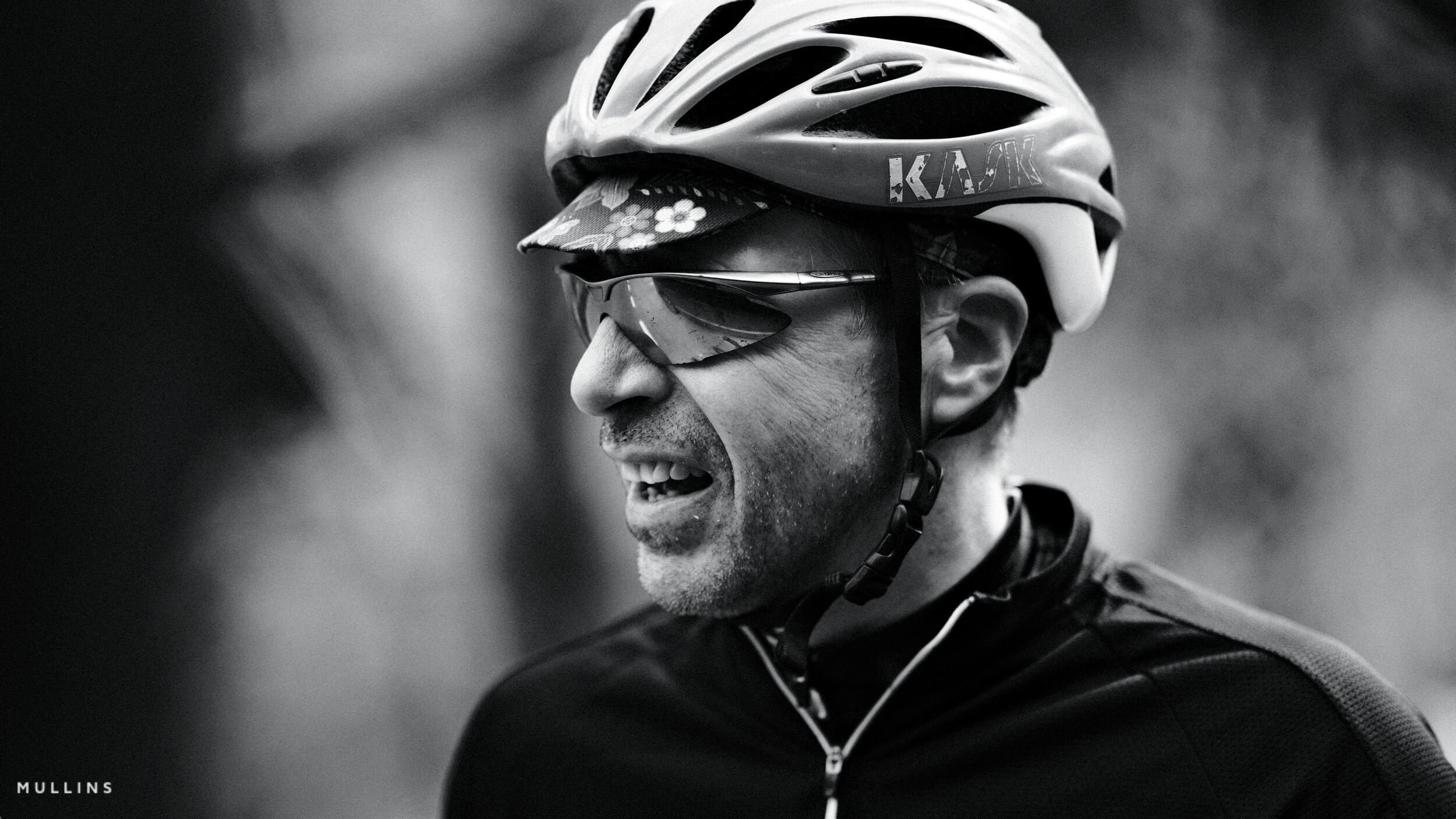
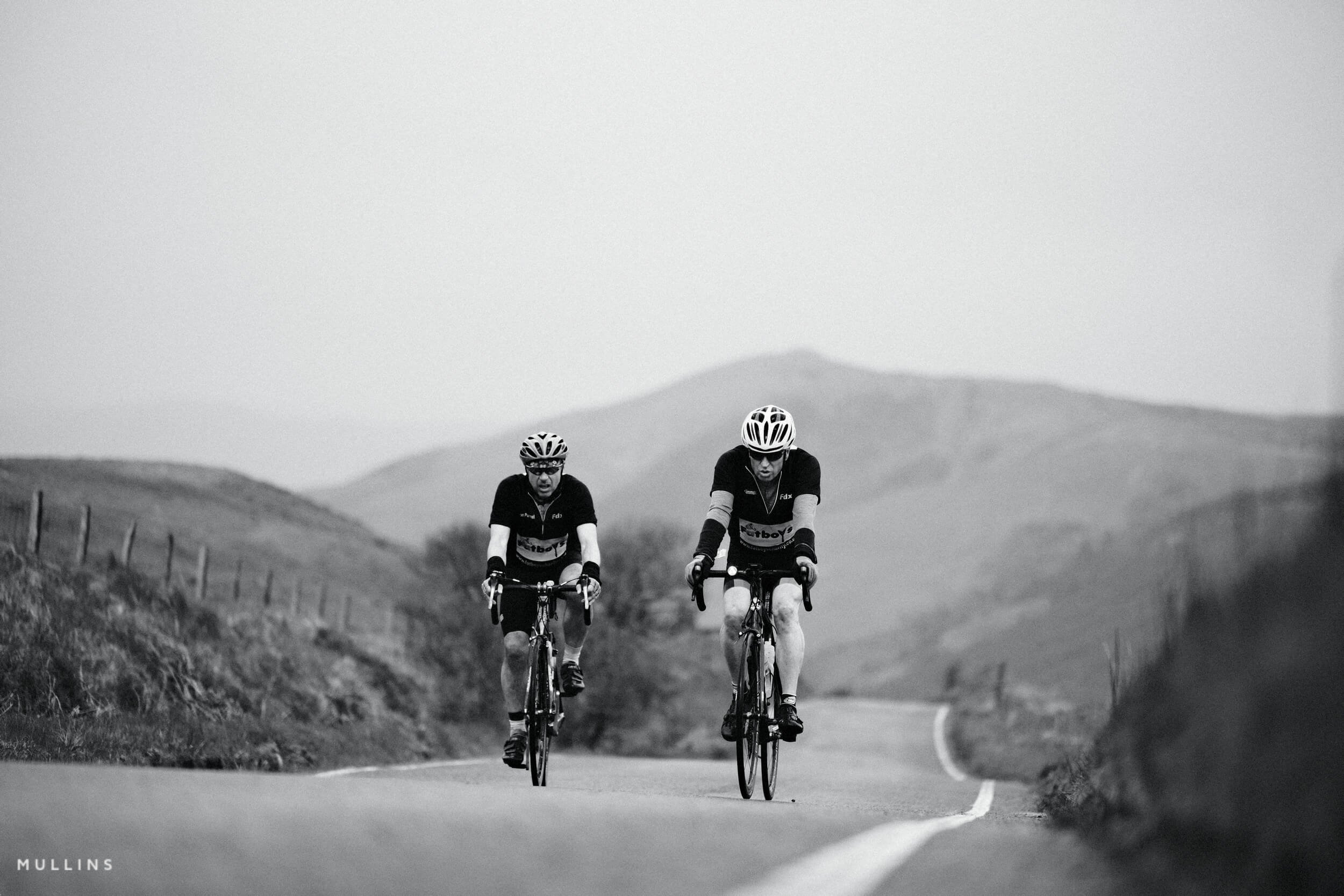
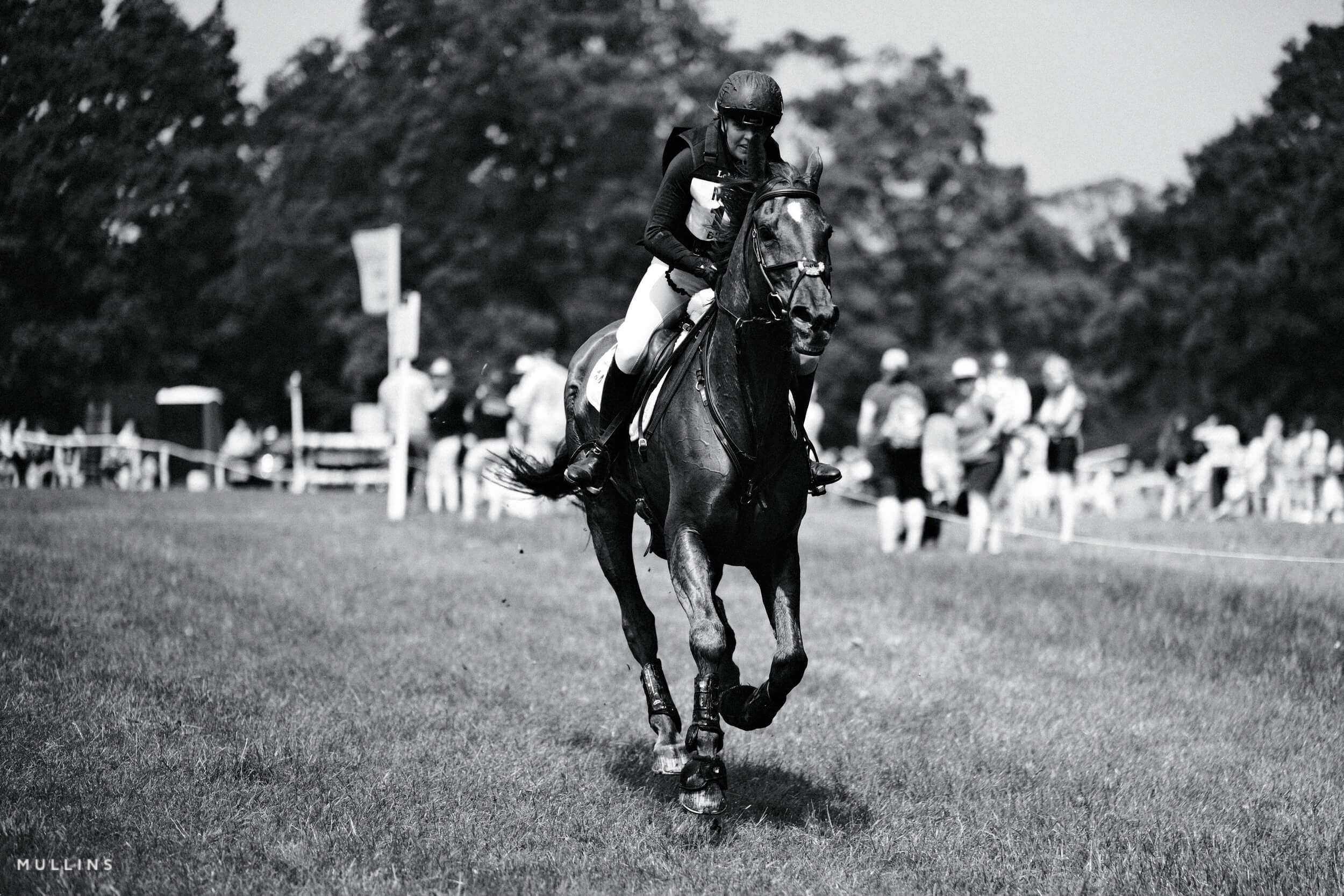
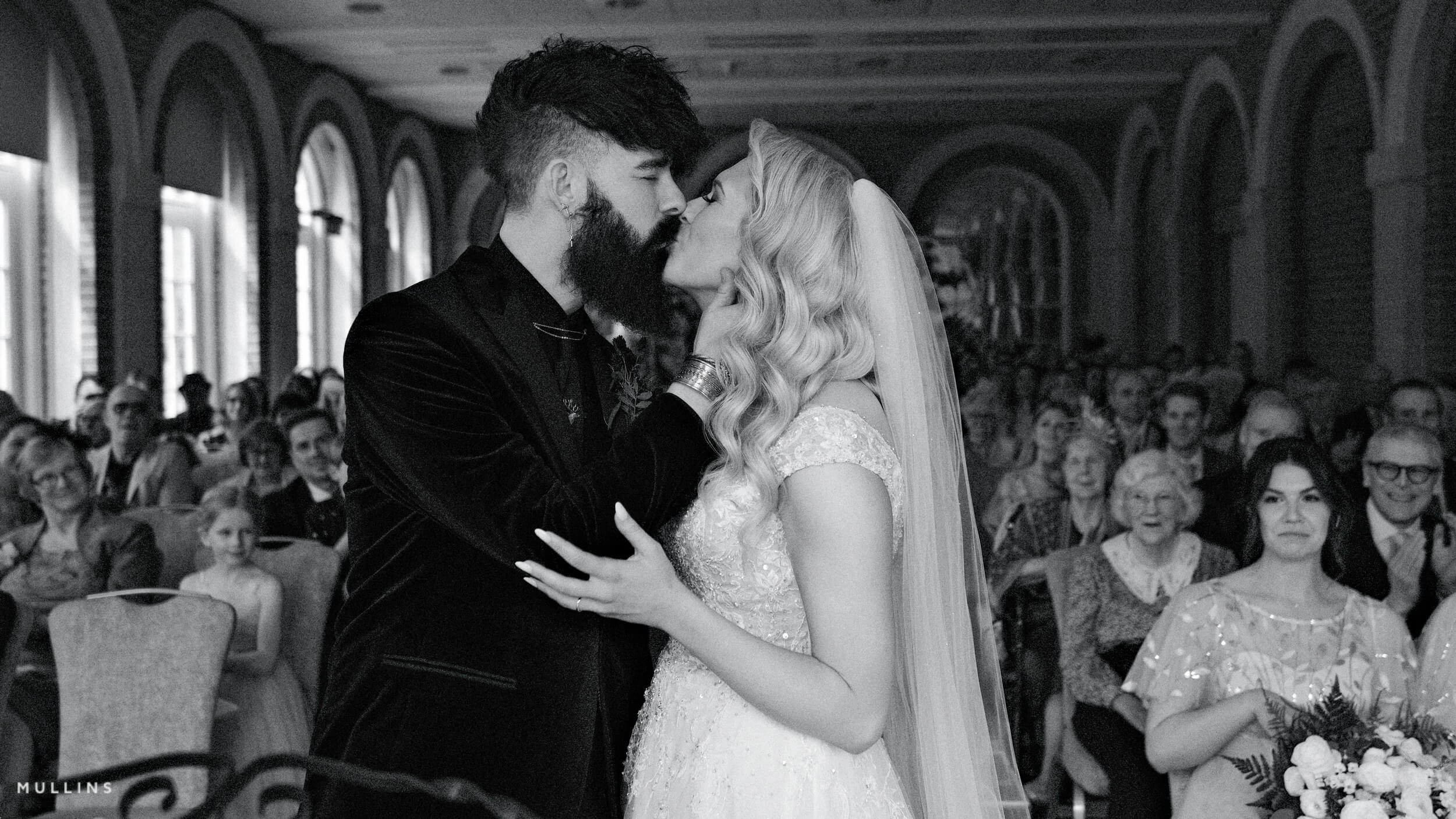
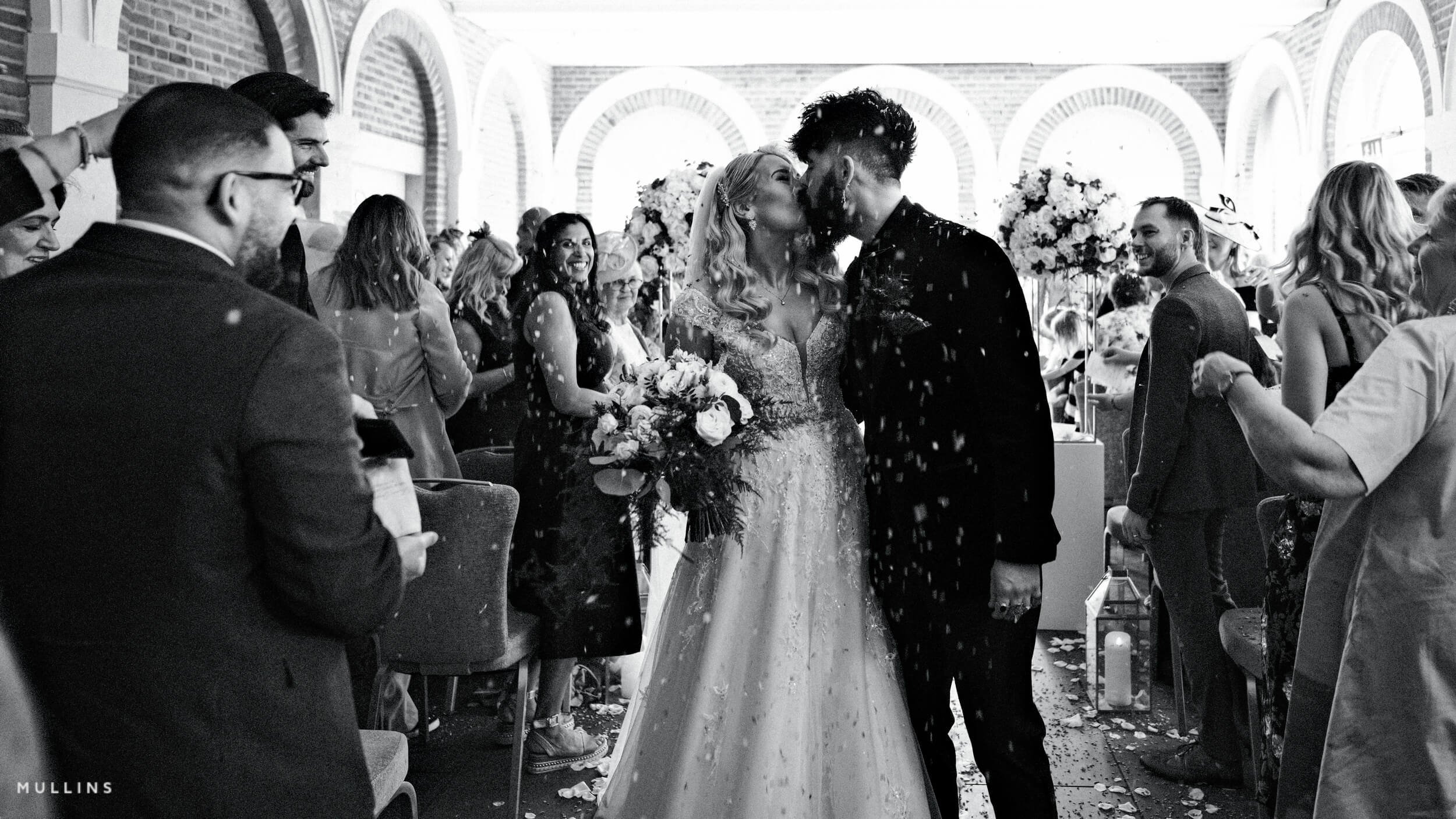
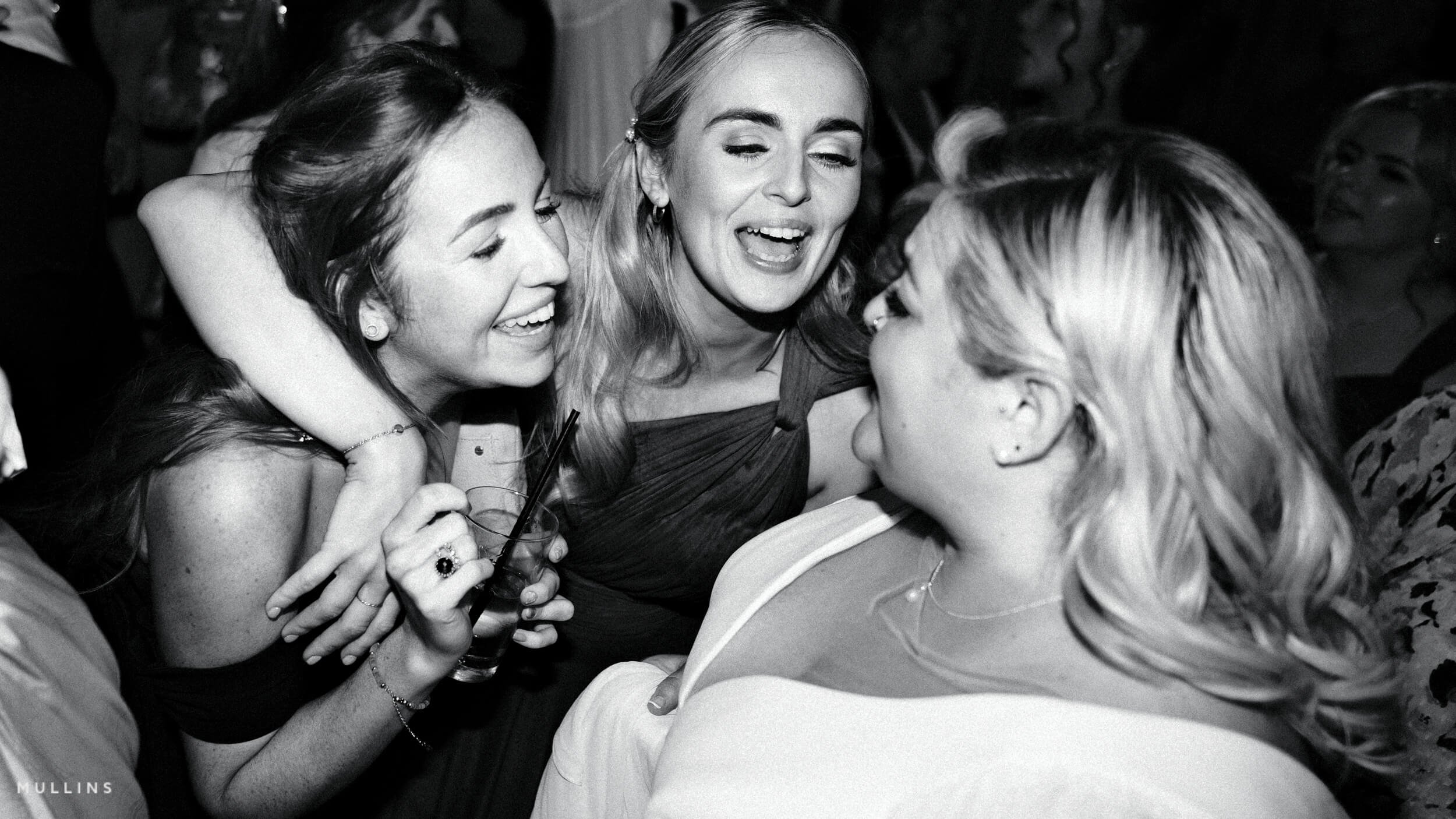
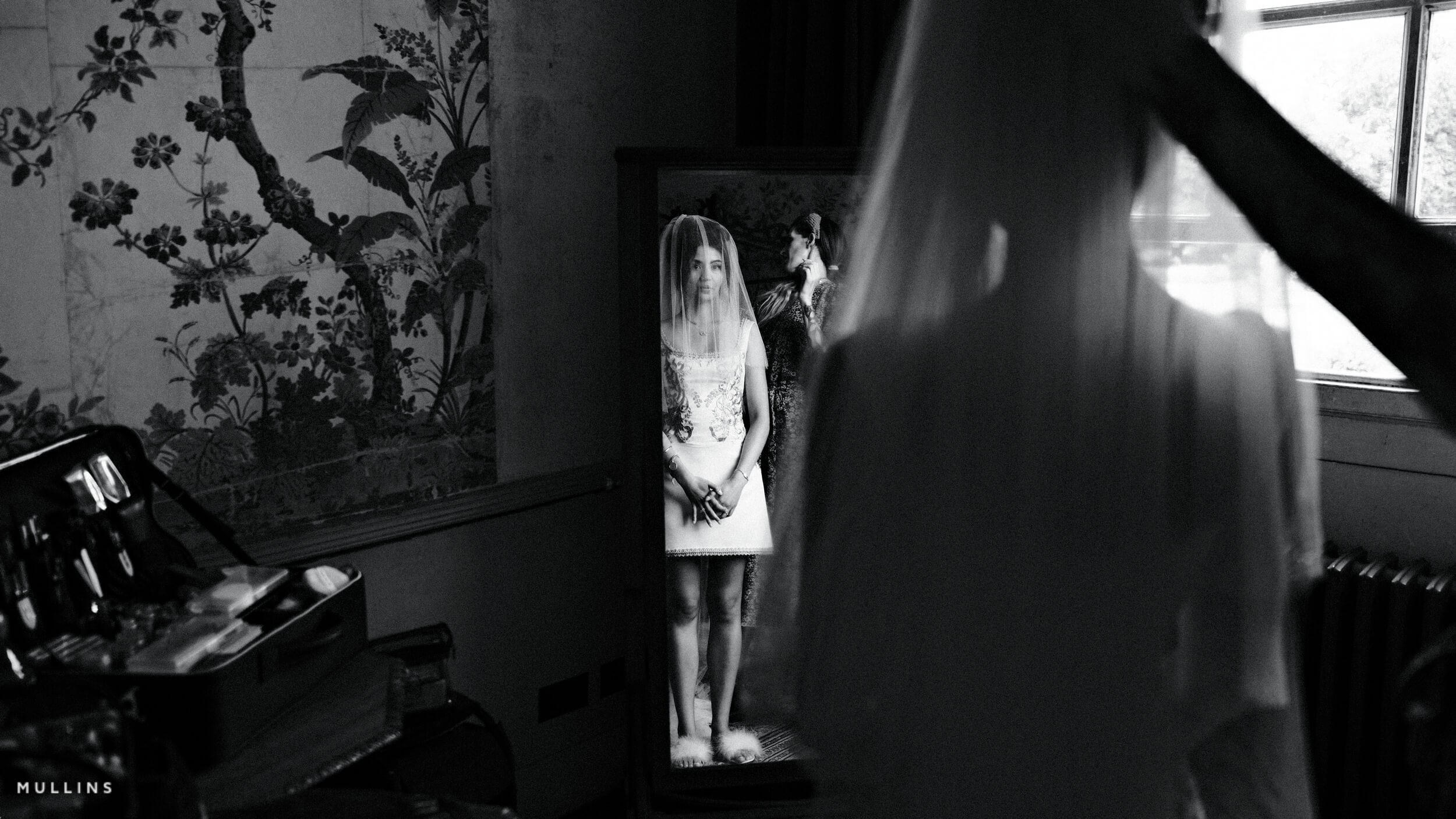
If you prefer Shooting RAW:
Those of you who prefer to shoot RAW and edit with the more advanced latitude this gives you may be interested in my current set of Professionally designed profile-based Lightroom and Adobe Camera Raw Presets.
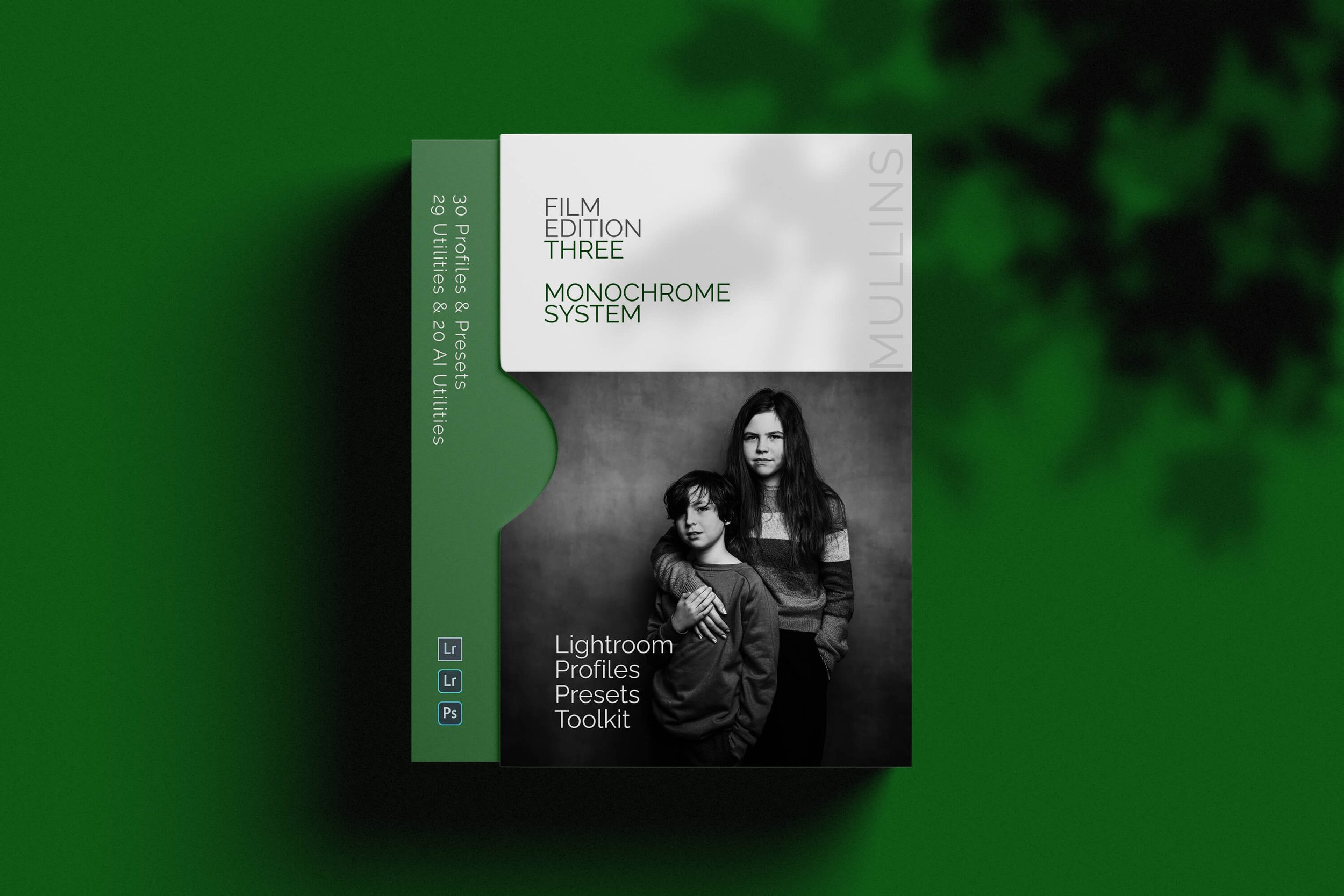

A complete colour and black and white Profile, Preset & Workflow Bundle for Lightroom
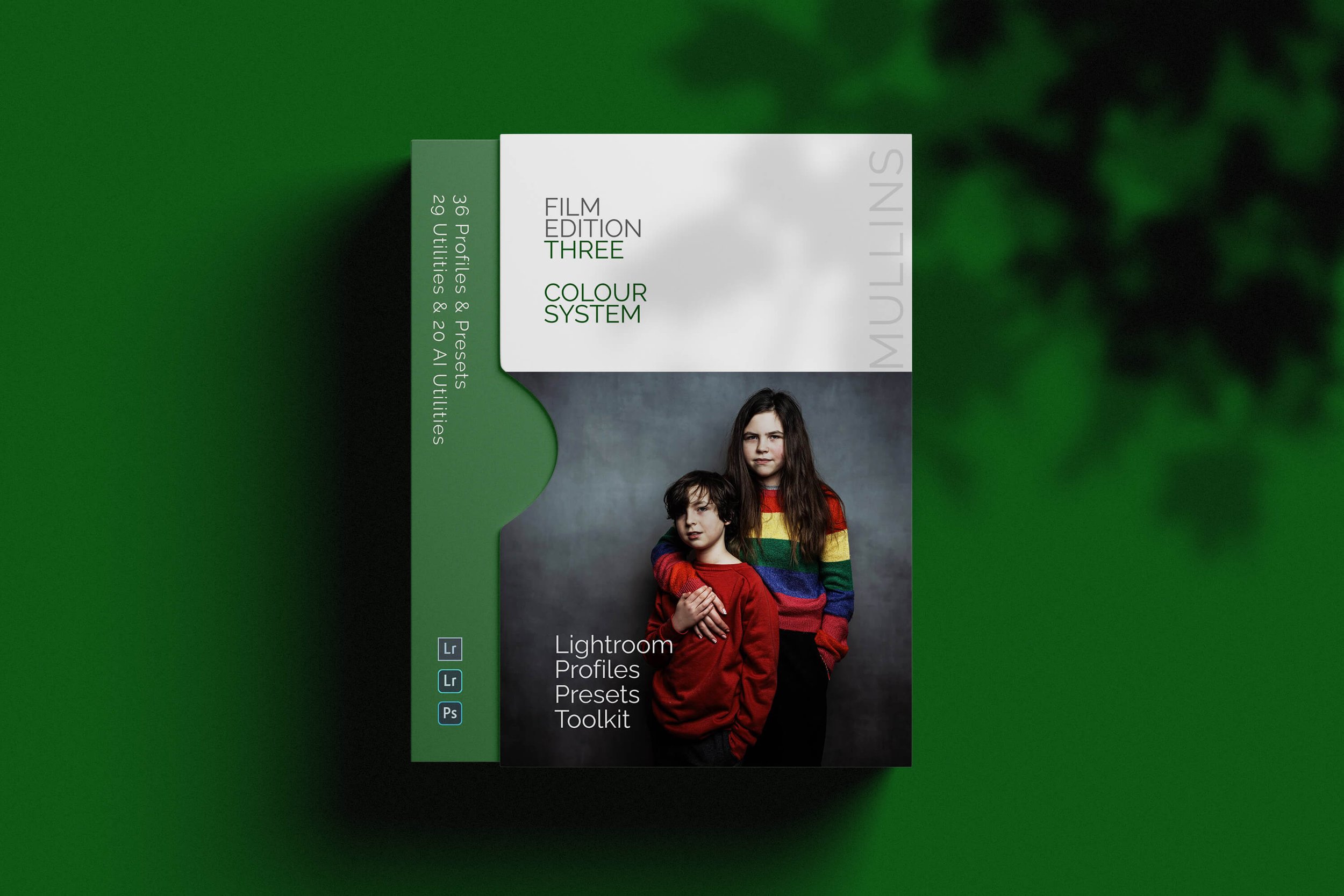
Film Edition 3 Bundle brings together both Film Edition 3 Colour and Film Edition 3 Monochrome in one package, giving you the full FE3 system for photographers who want a film-inspired Lightroom workflow in both colour and black and white. It is designed for people who want more than a handful of looks, with profiles, presets, workflow utilities, and AI tools all working together as one complete editing toolkit.
This is not a simple bundle of slider-based presets. The Colour pack includes 20 handcrafted colour presets and 16 detail-accurate base-level profiles, while the Monochrome pack includes 21 handcrafted monochrome presets and 9 detail-accurate base-level monochrome profiles. Both packs also include 29 workflow utilities and 19 AI Utilities, giving you a broader editing system rather than just a set of looks.
If you want the full Film Edition 3 experience, this is the cleanest way to get it. You have the Colour pack for rich, film-inspired edits with depth and tonal subtlety, and the Monochrome pack for black-and-white work with contrast, character, and a stronger tonal foundation. Together, they give you a more flexible Lightroom workflow that still feels consistent from one shoot to the next.
Built for speed and consistency
Two complete Film Edition 3 packs in one bundle
Colour and monochrome workflows for different editing needs
Custom profiles, presets, utilities, and AI tools included
A better-value way to get the full FE3 system in one purchase
What’s included
Film Edition 3 Colour
20 handcrafted colour presets
16 detail-accurate base-level colour profiles
29 workflow utilities
19 AI Utilities
Works with any camera brand
Film Edition 3 Monochrome
21 handcrafted monochrome presets
9 detail-accurate base-level monochrome profiles
29 workflow utilities
19 AI Utilities
Works with any camera brand
3 for 2 offer
All preset packs are included in the 3-for-2 offer. Add any three preset packs to your basket, and the cheapest one is free at checkout.