

Meyerowitz: Iconic Colour Film Emulation
Meyerowitz Fujifilm Film Recipe
Meyerowitz is inspired by the iconic work of Joel Meyerowitz, whose colour street photography helped redefine how we see everyday life. His images from the late 20th century captured quiet gestures, layered moments, and the dance between light and time—all in rich but realistic colour.
This recipe is built to reflect that mood. It leans into natural light, gentle tonal shifts, and a muted palette that lets the scene speak for itself. It’s cinematic, but in a quiet way. Not flashy—just thoughtful, with depth in the shadows and air in the highlights.
Use it when you're moving through the world and paying attention.
Fujifilm JPEG Settings:
Film Simulation: Classic NegGrain Effect: StrongGrain Size: SmallColour Chrome Effect: WeakColour Chrome FX Blue: StrongWB Shift: R:-1 B:+1Highlight Tone: +1Shadow Tone: +2Colour: -1Sharpness: +2Clarity: +3
Notes on the Settings
Classic Neg provides the perfect foundation—its soft tonality, muted warmth, and lifted blacks suit a Meyerowitz-inspired look beautifully.
Grain Effect: Strong / Size: Small adds a fine surface texture that nods to the 35mm film stock Meyerowitz shot with—especially noticeable in skies and soft areas.
Color Chrome Effect: Weak deepens muted colours slightly, while Color Chrome FX Blue: Strong gives cooler tones a subtle presence, helping balance shadow areas and deep light.
White Balance Shift R:-1 B:+1 keeps the colour palette natural with a gentle cool tint—ideal for balancing the warmth of Classic Neg and giving a hint of chromatic separation.
Highlight Tone +1 / Shadow Tone +2 gives the image subtle shape and weight, without pushing contrast too far. The shadows hold gently, the highlights breathe.
Color -1 softens overall saturation, giving a slightly faded, timeless quality without flattening the scene.
Sharpness +2 / Clarity +3 create depth and presence—especially in midtones and reflective surfaces. Details pop without losing subtlety.
Artistic Reasoning
Meyerowitz is for photographers who see colour as part of the language of observation—not just a visual effect. It works beautifully in natural light, particularly in the street, on the coast, or wherever layers, textures, and passing gestures collide.
Use it when you want the world to feel just a little quieter—but no less alive.
It doesn’t imitate Meyerowitz’s work. It listens to it.
NOTE: Some settings may not be available on every Fujifilm Camera
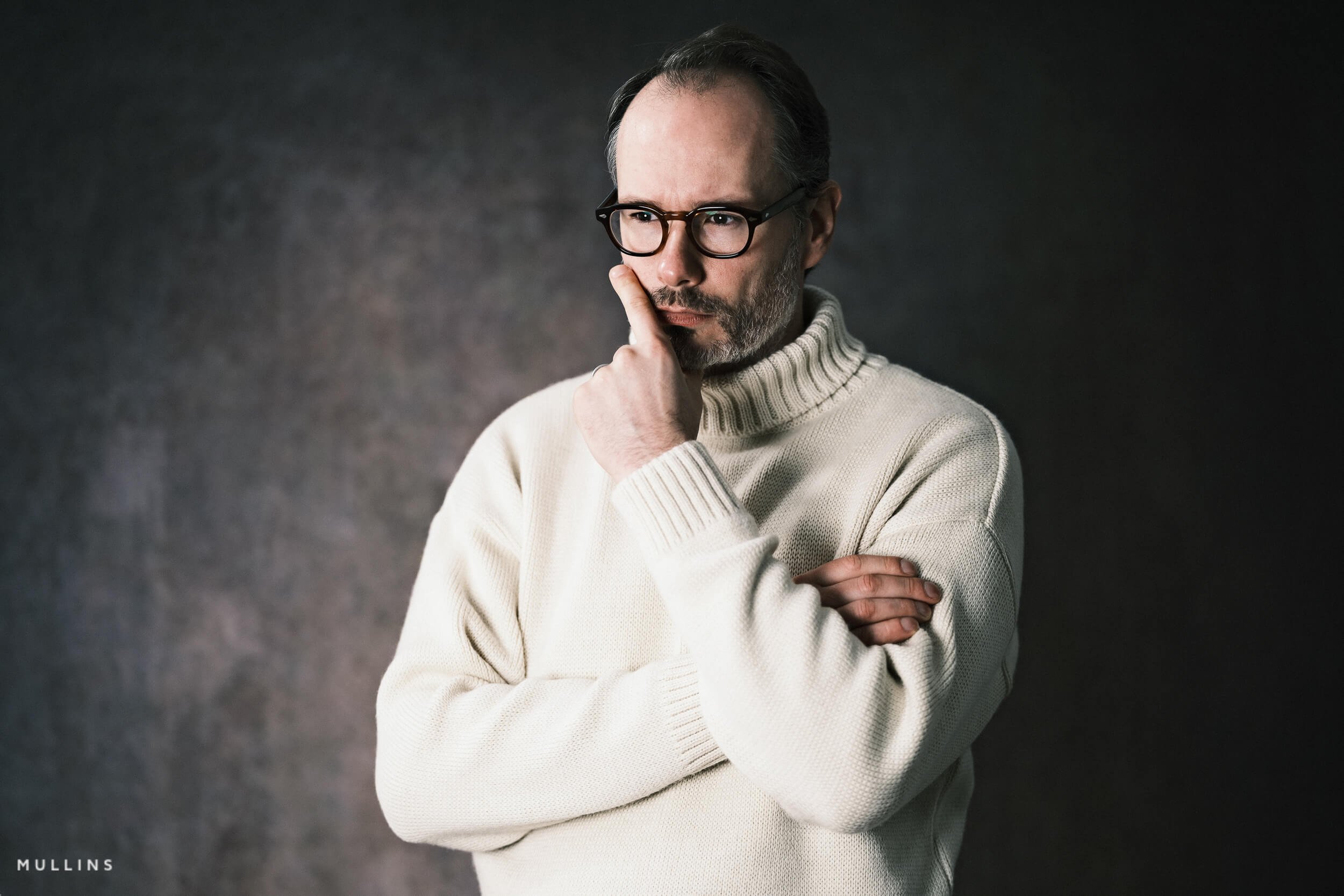
Meyerowitz: Colour Film Simulation Recipe (Sample Images)


If you prefer Shooting RAW:
For those of you who prefer to shoot RAW and edit with the more advanced latitude this gives you, you may be interested in my current set of Professionally designed profile-based Lightroom and Adobe Camera Raw Presets.
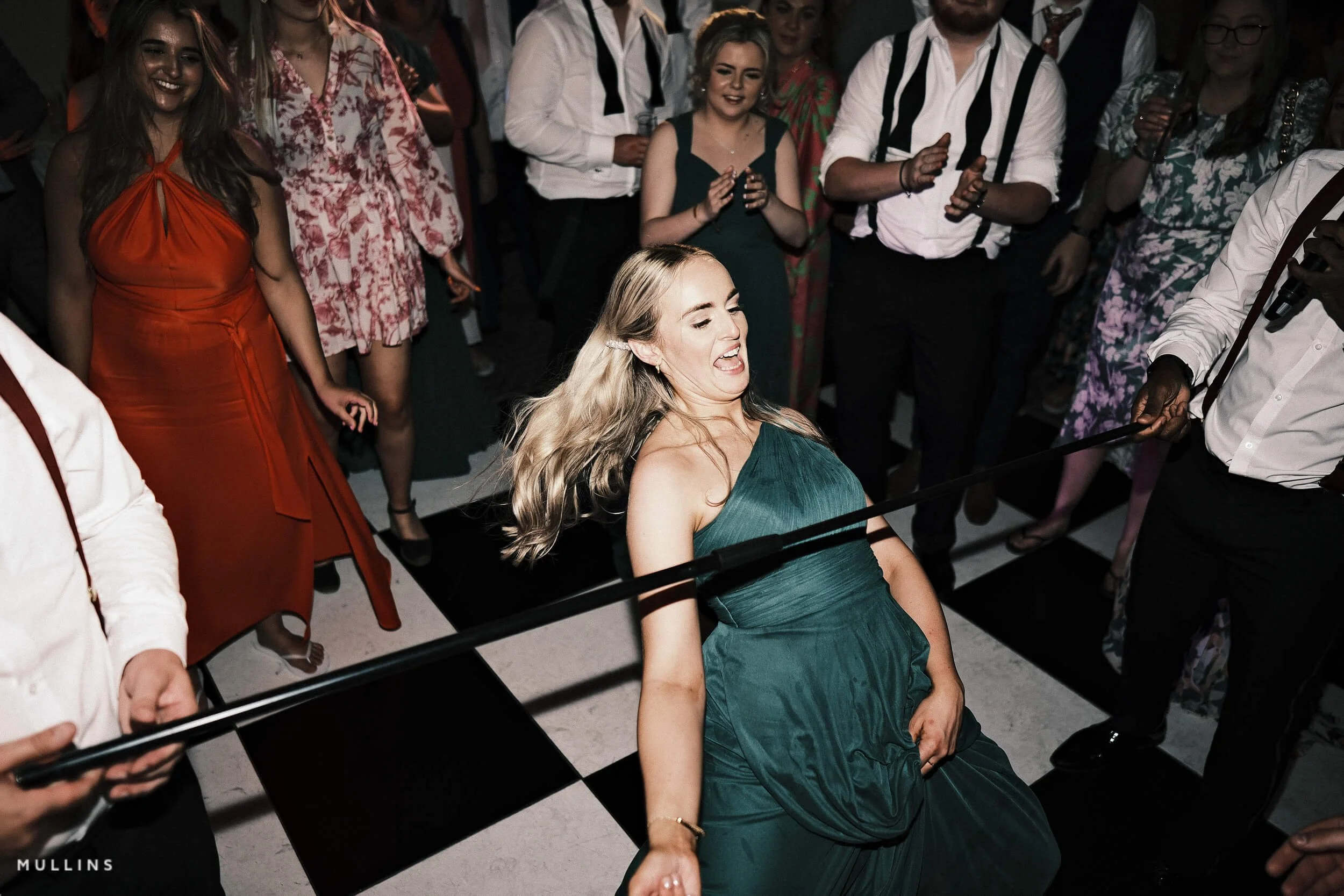
Meyerowitz: More Sample Images





A complete black and white Profile, Preset & Workflow Pack for Lightroom
Film Edition 5 - Workflow Series (Monochrome) is a structured set of Lightroom profiles and presets designed to help you achieve a finished monochrome look quickly and consistently.
This is not a random “pick a look and hope” pack. It’s designed as a repeatable workflow you can run on a full set of images, with fixes and finishing tools when you need them.
If you edit regularly in Lightroom, you already know the problem. You want a strong black-and-white style, but you also need it to behave consistently across different scenes, lighting conditions, and subjects. This pack is designed to help you move fast without the work looking rushed.
You start with one of the custom monochrome profiles to establish the tonal foundation, then shape the image with workflow presets that are designed to work with that profile rather than fight against it. From there, you can use the included Toolkit for things like AI masking, grain, curves, highlight control, sharpening, finishing touches, and everyday problem-solving inside Lightroom. The product page positions the pack exactly this way, with the profile first, workflow second, then utilities and finishers to refine only when needed.
Built for speed and consistency
If you edit your photos in Lightroom, you already know the problem: you want a strong monochrome style, but you also need it to work across different scenes without constant fighting.
This pack helps you move fast without the work looking rushed.
Fast workflow: fewer decisions, clearer steps.
Consistent results: the set hangs together as a series.
Film-inspired tonality: depth, shape, and texture without the “preset look”.
Useful fixes included: real-world Lightroom problems, solved quickly.
What’s included
11 custom monochrome profiles
20 one-click presets
128 Mullins Lightroom Toolkit presets, including AI masks, fixes, utilities, grain, tone curves, colour helpers, sharpening and finishers
Compatibility
Works with Lightroom Classic and Lightroom Desktop. AI Mask presets require Lightroom Classic 11.0+ or Lightroom Desktop 5.0+.
Three for Two Offer
All preset packs are included in the 3-for-2 offer. Add any three preset packs to your basket, and the cheapest one is free at checkout.