

Unlock the art of timeless photography with my Fujifilm soft black and white film recipe named after the legendary Fujifilm Desiner Masazumi Imai. Discover the secrets to capturing stunning monochrome moments with a touch of nostalgia. Perfect for those seeking classic elegance in every frame.

Imai: Soft Film Like Monochrome Fujifilm Recipe
Imai Fujifilm Film Recipe

My original X100, signed by Masazumi Imai
This recipe is personal. Named after Masazumi Imai, the legendary designer behind the original Fujifilm X100 and the wider X/GFX series, Imai is my quiet tribute to the elegance he brought to digital photography.
I’ve been fortunate enough to meet Masazumi-san several times in Tokyo over the years. At one of our last meetings, he graciously signed my original X100—a small gesture, perhaps, but it’s something I’ll always treasure. It felt like a full circle moment, holding the camera that changed the way I saw photography, with the signature of the person who helped make it.
This recipe echoes that sense of quiet, thoughtful design. It’s subtle. Gentle. More tonal than dramatic. Think soft monochrome with just enough shadow lift to create depth without force. It’s not about impact. It’s about presence.
Fujifilm JPEG Settings:
Film Simulation - Acros + RGrain Effect - WeakGrain Size - SmallMonochromatic Colour - WC:1 MG:0WB Shift - R:-1 B:+1Highlight Tone - -1Shadow Tone - +2.5Sharpness - 0Clarity - +1
Notes on the Settings
ACROS+R gives just enough richness to the shadows, but in this case it’s dialled back a little through the tonal controls. The red filter brings quiet contrast to skin and sky, which helps maintain definition without harshness.
Grain Effect: Weak / Small was a deliberate choice. The original Pan F and Neopan films Imai-san would have known weren’t noisy—they were clean, elegant, and deliberate. This preserves that character.
White Balance Shift R:-1 / B:+1 cools the image ever so slightly. Combined with Monochromatic Colour WC:+1, there’s a faint lift in the whites—just enough to create a lighter, quieter feel overall.
Highlight Tone -1 / Shadow Tone +2.5 makes the contrast feel soft but dimensional. You’ll get detail in bright areas, with shadows that feel deep without being heavy. The balance here is subtle but important.
Sharpness at 0 keeps the image natural. Not too crisp, not too soft. It’s the kind of neutral sharpness that feels honest.
Clarity +1 adds a touch of presence without overwhelming the softness. It helps define midtones, especially in natural light. Any higher, and the character of the recipe starts to change.
High ISO NR at 0 keeps the image clean without stripping away the gentle film-like feel. You could reduce it if you prefer more texture, but this setting keeps it balanced.
Artistic Reasoning
Imai is a soft monochrome look for thoughtful photography. It doesn’t try to command attention. It’s better suited to quiet portraits, soft morning light, or slower, more reflective scenes.
It was never meant to be dramatic. Instead, it’s rooted in subtlety, design, and a respect for simplicity. It’s a look that lets the subject speak on its own terms—like good design often does. Elegant without being distant. Understated but complete.
It won’t suit every subject. But when it fits, it leaves space for something more honest to come through. And in a way, that feels like the right kind of tribute.
NOTE: Some settings may not be available on every Fujifilm Camera
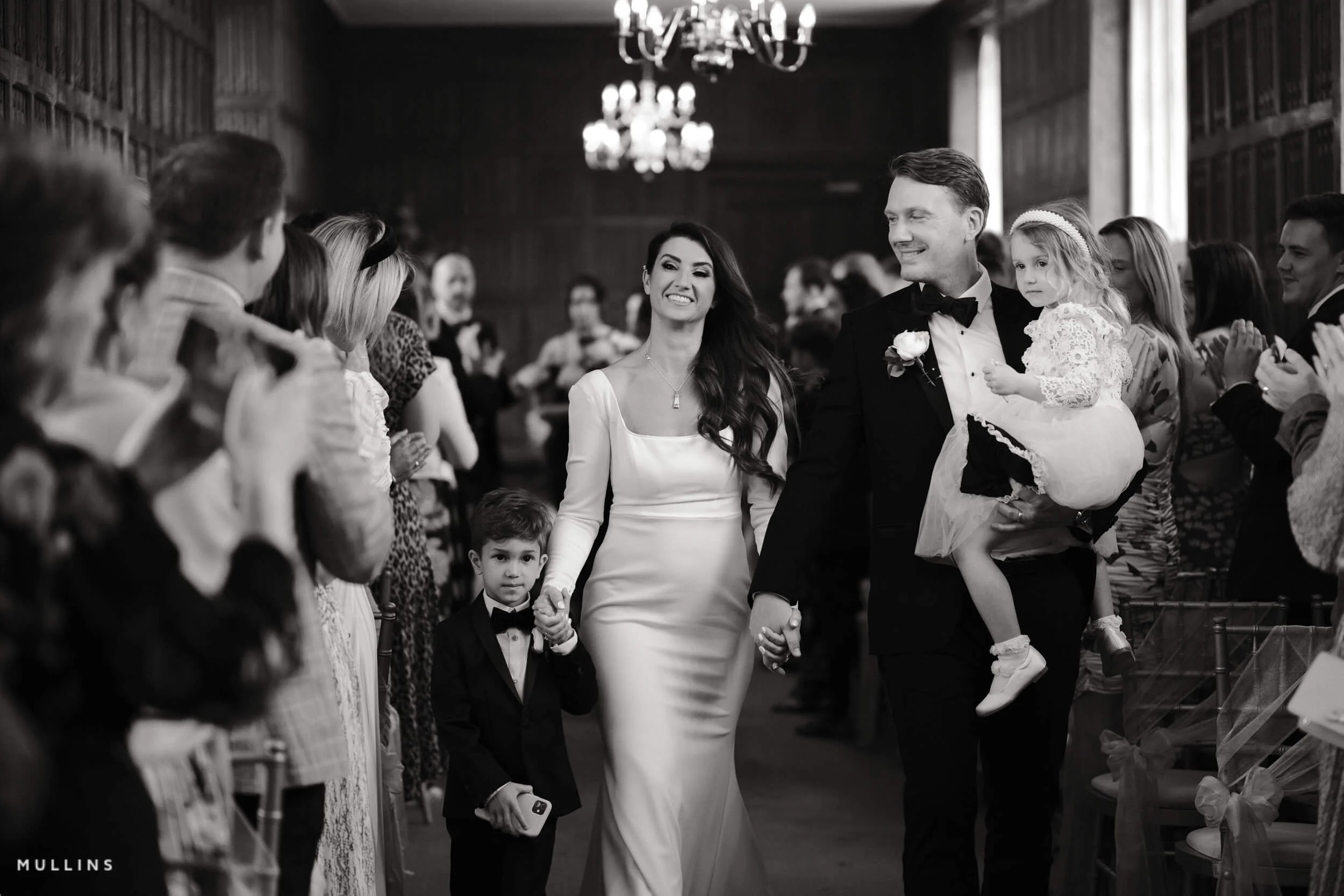
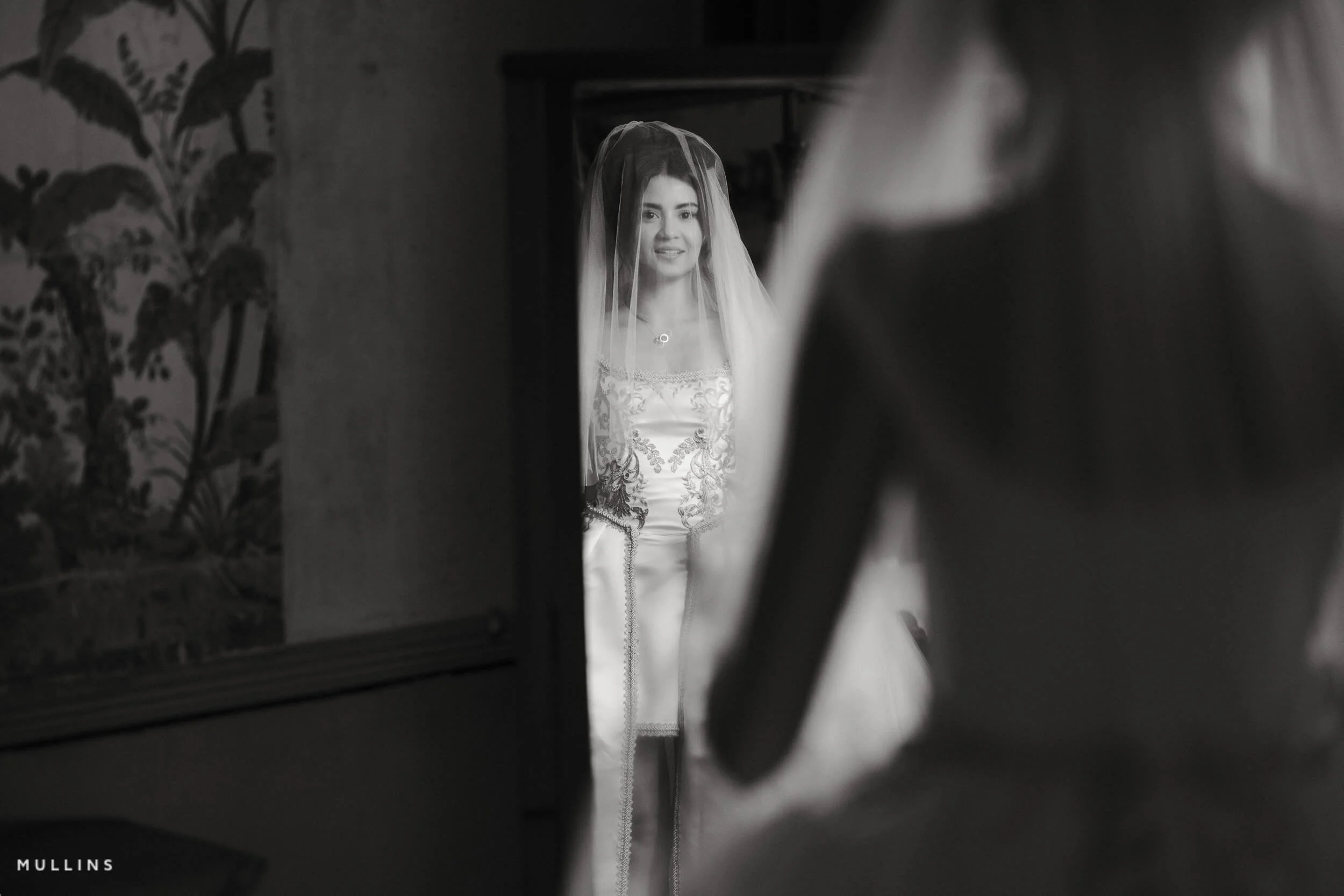
Imai: Soft Monochrome Film Simulation Recipe (Sample Images)




If you prefer Shooting RAW:
Those of you who prefer to shoot RAW and edit with the more advanced latitude this gives may be interested in my current set of Professionally designed profile-based Lightroom and Adobe Camera Raw Presets.
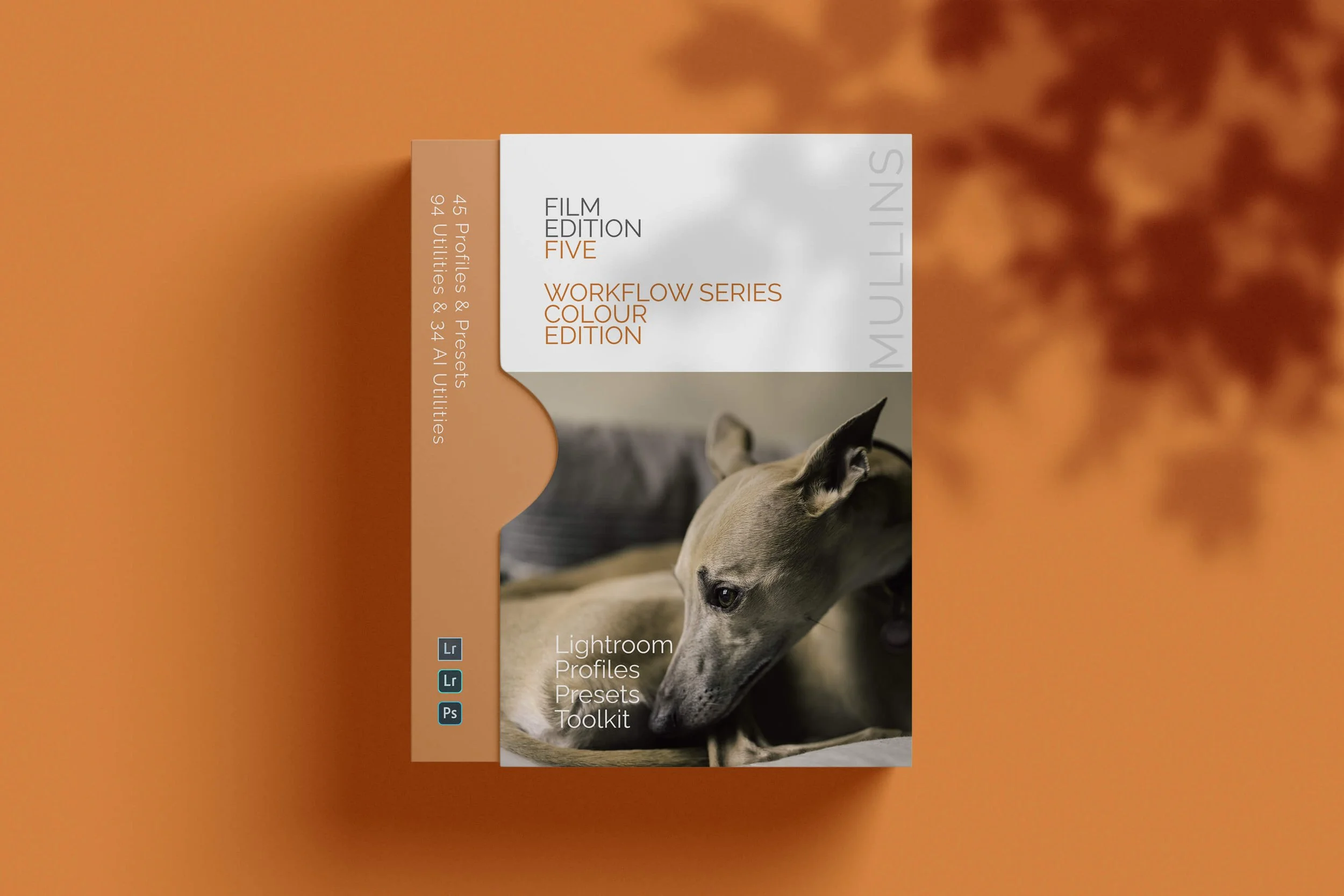
Imai: More Sample Images







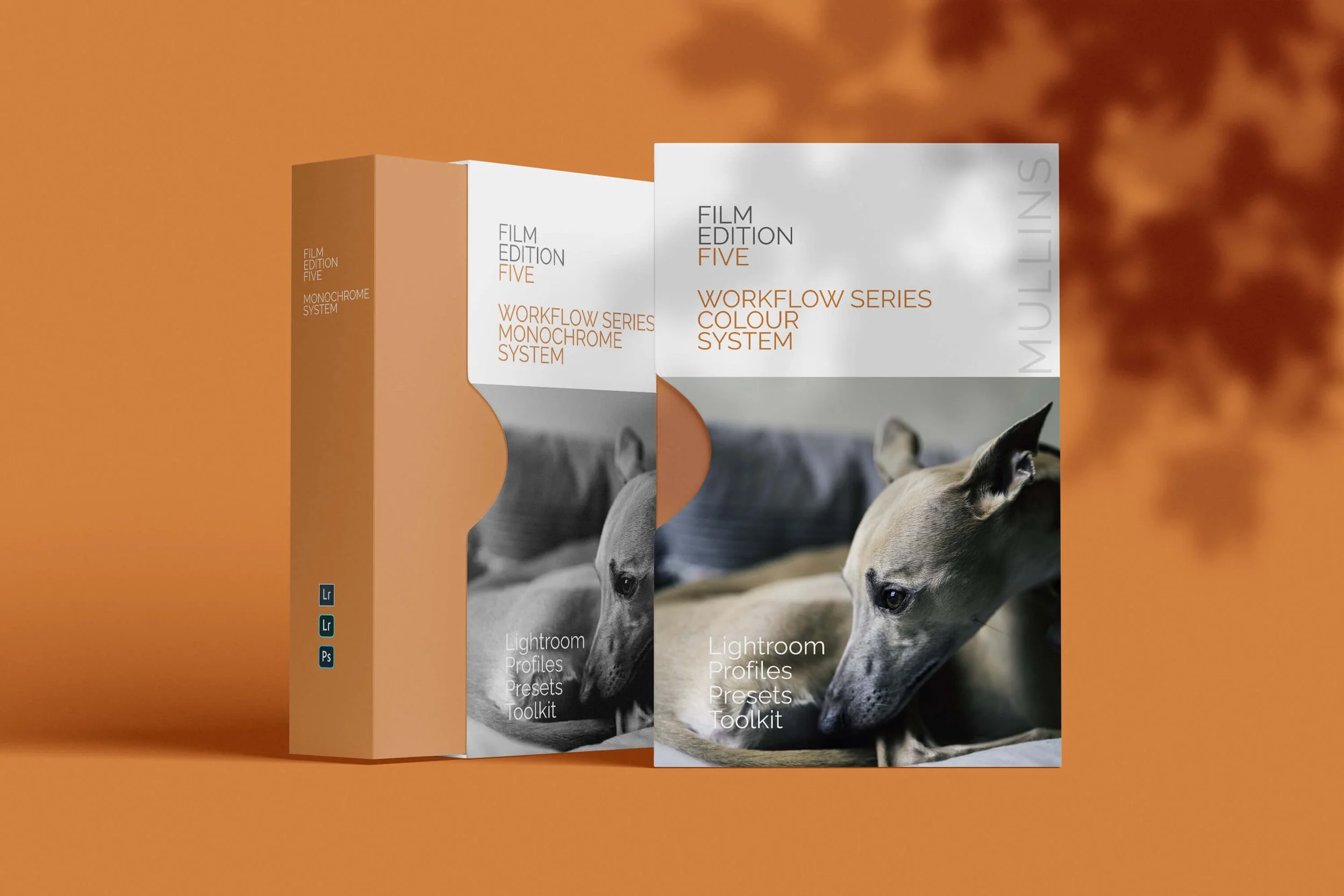
A complete black and white Profile, Preset & Workflow Pack for Lightroom
Film Edition 5 - Workflow Series (Monochrome) is a structured set of Lightroom profiles and presets designed to help you achieve a finished monochrome look quickly and consistently.
This is not a random “pick a look and hope” pack. It’s designed as a repeatable workflow you can run on a full set of images, with fixes and finishing tools when you need them.
If you edit regularly in Lightroom, you already know the problem. You want a strong black-and-white style, but you also need it to behave consistently across different scenes, lighting conditions, and subjects. This pack is designed to help you move fast without the work looking rushed.
You start with one of the custom monochrome profiles to establish the tonal foundation, then shape the image with workflow presets that are designed to work with that profile rather than fight against it. From there, you can use the included Toolkit for things like AI masking, grain, curves, highlight control, sharpening, finishing touches, and everyday problem-solving inside Lightroom. The product page positions the pack exactly this way, with the profile first, workflow second, then utilities and finishers to refine only when needed.
Built for speed and consistency
If you edit your photos in Lightroom, you already know the problem: you want a strong monochrome style, but you also need it to work across different scenes without constant fighting.
This pack helps you move fast without the work looking rushed.
Fast workflow: fewer decisions, clearer steps.
Consistent results: the set hangs together as a series.
Film-inspired tonality: depth, shape, and texture without the “preset look”.
Useful fixes included: real-world Lightroom problems, solved quickly.
What’s included
11 custom monochrome profiles
20 one-click presets
128 Mullins Lightroom Toolkit presets, including AI masks, fixes, utilities, grain, tone curves, colour helpers, sharpening and finishers
Compatibility
Works with Lightroom Classic and Lightroom Desktop. AI Mask presets require Lightroom Classic 11.0+ or Lightroom Desktop 5.0+.
Three for Two Offer
All preset packs are included in the 3-for-2 offer. Add any three preset packs to your basket, and the cheapest one is free at checkout.