

— Lightroom PROFILES & PresetsProfiles first.
Presets with character.
Most Lightroom presets are saved slider moves.
These are different.
They begin with custom LUT-based profiles that shape the colour, contrast and tonal response before the preset settings are applied.
That means you get a more considered starting point, a faster edit, and a finish that feels less like a filter and more like a photographic look.
— Built for photographers who want speed, consistency, and natural-looking editS— What makes these differentMost preset packs are saved slider moves.
Mine aren't.
A slider adjustment sits on top of whatever Lightroom thinks your photo "should" look like by default.
Move the white balance; you've nudged the same starting point. Useful, but limited.
A profile is different. It's the underlying colour and tonal response of the image, the equivalent of choosing a film stock before you start. I built profiles from a hand-crafted LUT (a deliberate mapping of how every colour and tone should behave), and it changed the starting point entirely.
The preset still sits on top. But the foundation is real. The practical difference: less fighting with Lightroom, more consistency across a wedding or a project, and a finish that holds up at any size.


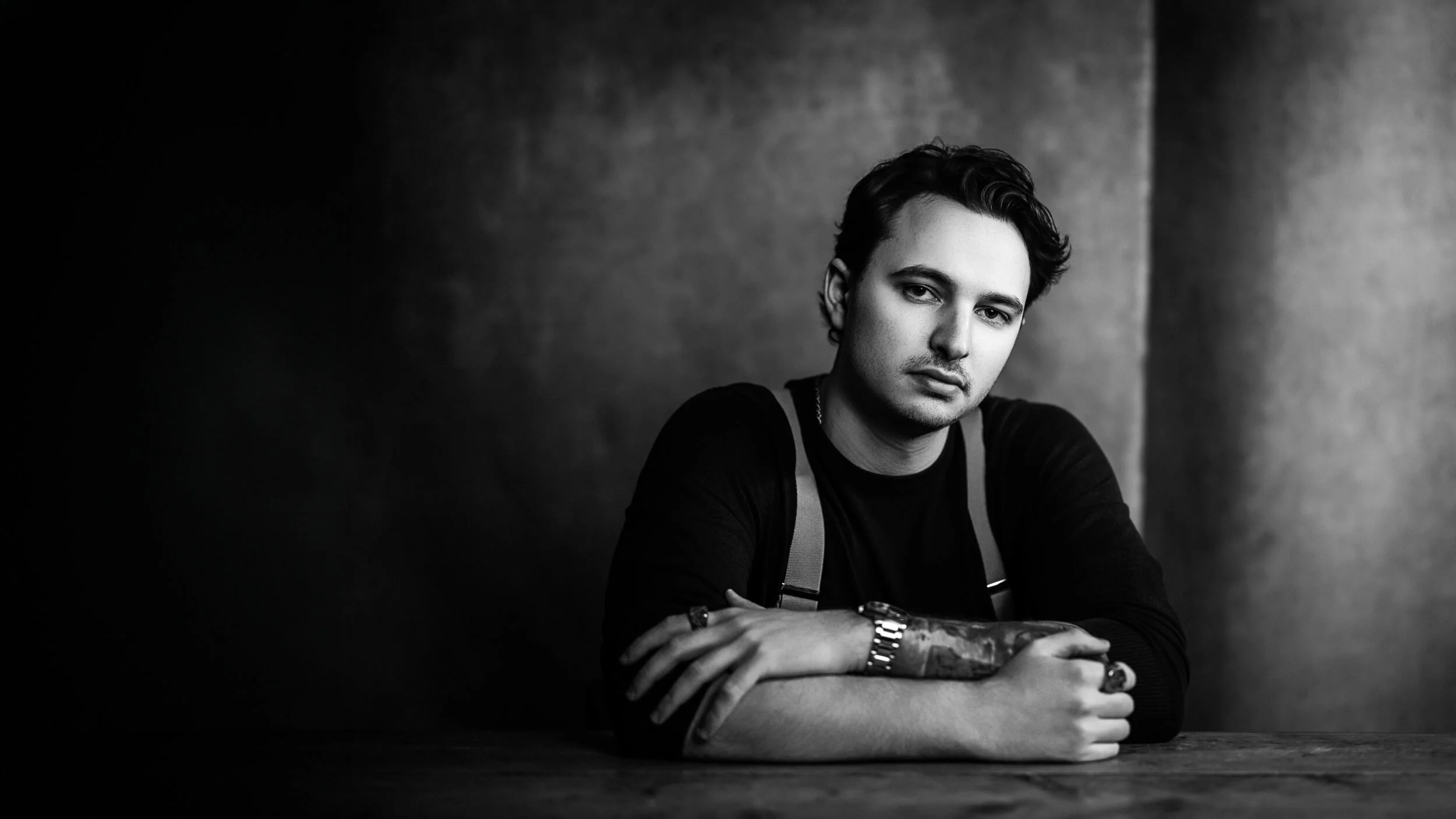
Night Echo · Edition 4 ColourProfile - the foundation
Custom LUT-based profiles set the colour and tonal response. Like choosing a film stock before you press the shutter. Apply just the profile, and you already have a finished look.
Preset - the surface
Slider adjustments built on top of the profile. The finishing moves, the workflow steps, and the practical fixes that shape the final image.
Result - the workflow
Consistent across a whole project. Quicker to edit. Character that feels deliberate rather than applied, with full Lightroom control retained throughout.
Meet Film Edition 5.
— The Latest Edition— REAL FILM LIKE LOOKSBased on Real Film profiles.
ADOX SILVERMAX 100 PROFILE · Edition 4 MONOCRHOME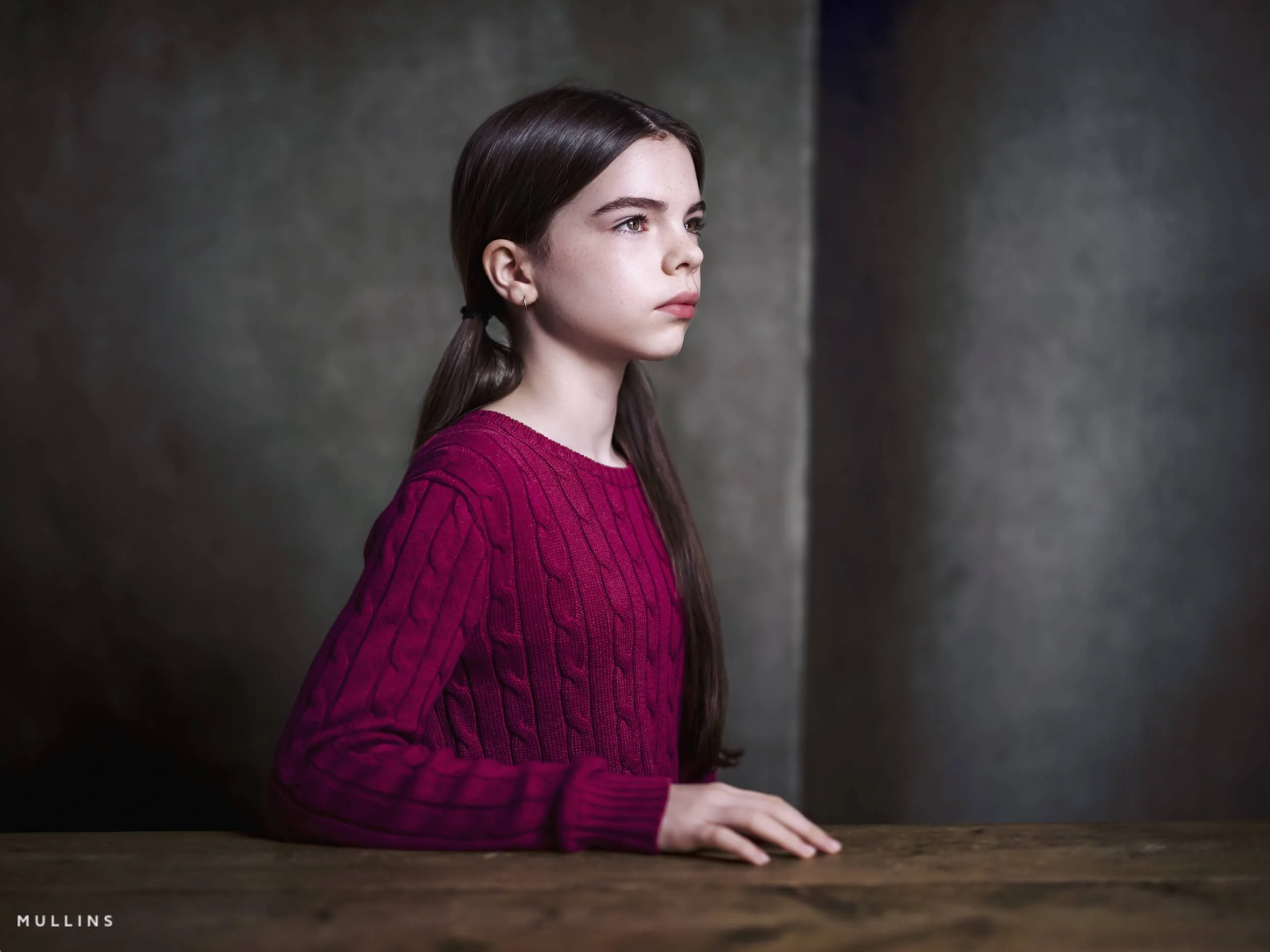
VELVIA PROFILE · Edition 3 Colour— SEE THE DIFFERENCETwo more looks, three different starting points.
Each of these begins from the same camera output. The change comes from the profile, not from sliders.
Drag any frame to compare.


Tri-X Style
A documentary frame in afternoon light. Tri-X Style applied: high contrast, fine grain, the classic Kodak Tri-X feel from 1954 onwards.
From Edition 4 Monochrome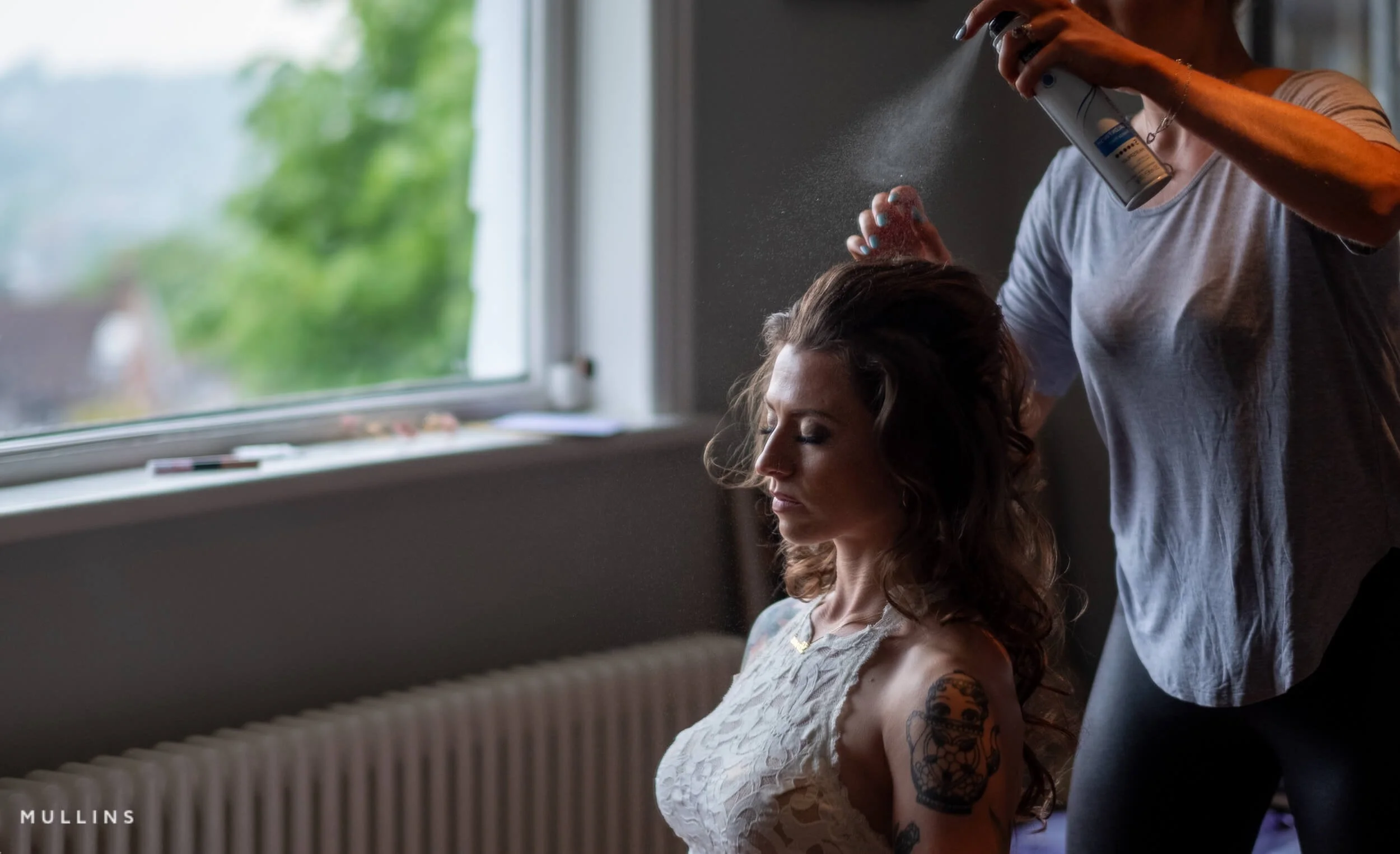
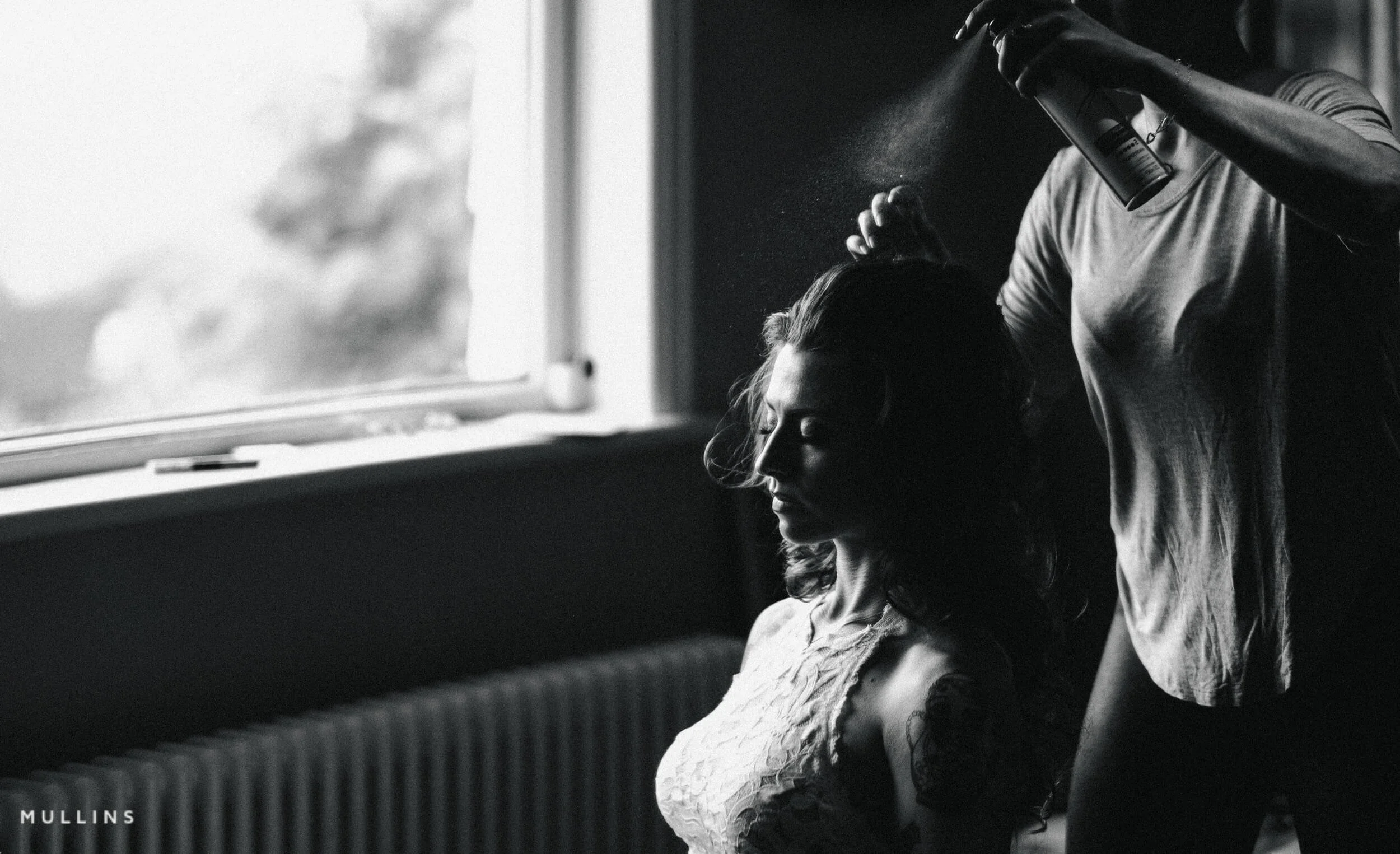
Pure Deep Shadow 02
Built on Kevin's custom Deep Shadow profile. Silver-rich tones, textured shadows, the look of one cinema's iconic black-and-white film stocks.
From Edition 5 MonochromeCompare the latest packs.
Quick answer to "Which Lightroom presets do I need?"
If you only edit in colour, get the Colour pack. If only mono, get Mono. For both, get the Bundle. For the full selection, get the Collection.
| Compare | Colour Edition 5 | Mono Edition 5 | Bundle Edition 5 | Collection Editions 1-5 |
|---|---|---|---|---|
| Custom LUT-based profiles | ✓ Colour | ✓ Mono | ✓ Both | ✓ Full range |
| Workflow presets | ✓ | ✓ | ✓ | ✓ |
| AI tools (latest Lightroom) | ✓ | ✓ | ✓ | ✓ |
| Older editions included | — | — | — | ✓ All |
| Silver Palette pack | — | — | — | ✓ |
| Works with RAW + JPEG | ✓ | ✓ | ✓ | ✓ |
| Best for | Colour-first photographers | Black-and-white workflow | Most photographers | Maximum range |
| £50 | £50 | £80 | £100 |
— AT A GLANCE— THE FULL CATALOGUEFind the pack that fits.
Edition 5 is the latest, but it isn't the only option. Some photographers want a specific look, others a monochrome-only workflow, and others a more affordable entry. Here's the wider catalogue.
You can also see some real editing examples further down this page.
Bundles
For the full creative spread. Bundles combine the Colour and Monochrome packs, offering a more complete toolkit at a better value than buying them separately.
Monochrome Packs
For photographers who think in tones, contrast, and light. The richer, more developed monochrome tools in the later editions, alongside the character of the earlier releases.
Colour Packs
If your editing starts with colour, these packs bring the full colour range together. Film-inspired looks with character and flexibility, across two editions.
— For Fujifilm shooters onlyFujifilm Micro Packs.
Three small packs, each tied to a specific Fujifilm camera.
They build on the in-camera film simulations rather than starting from scratch, and only work with the camera they're built for.
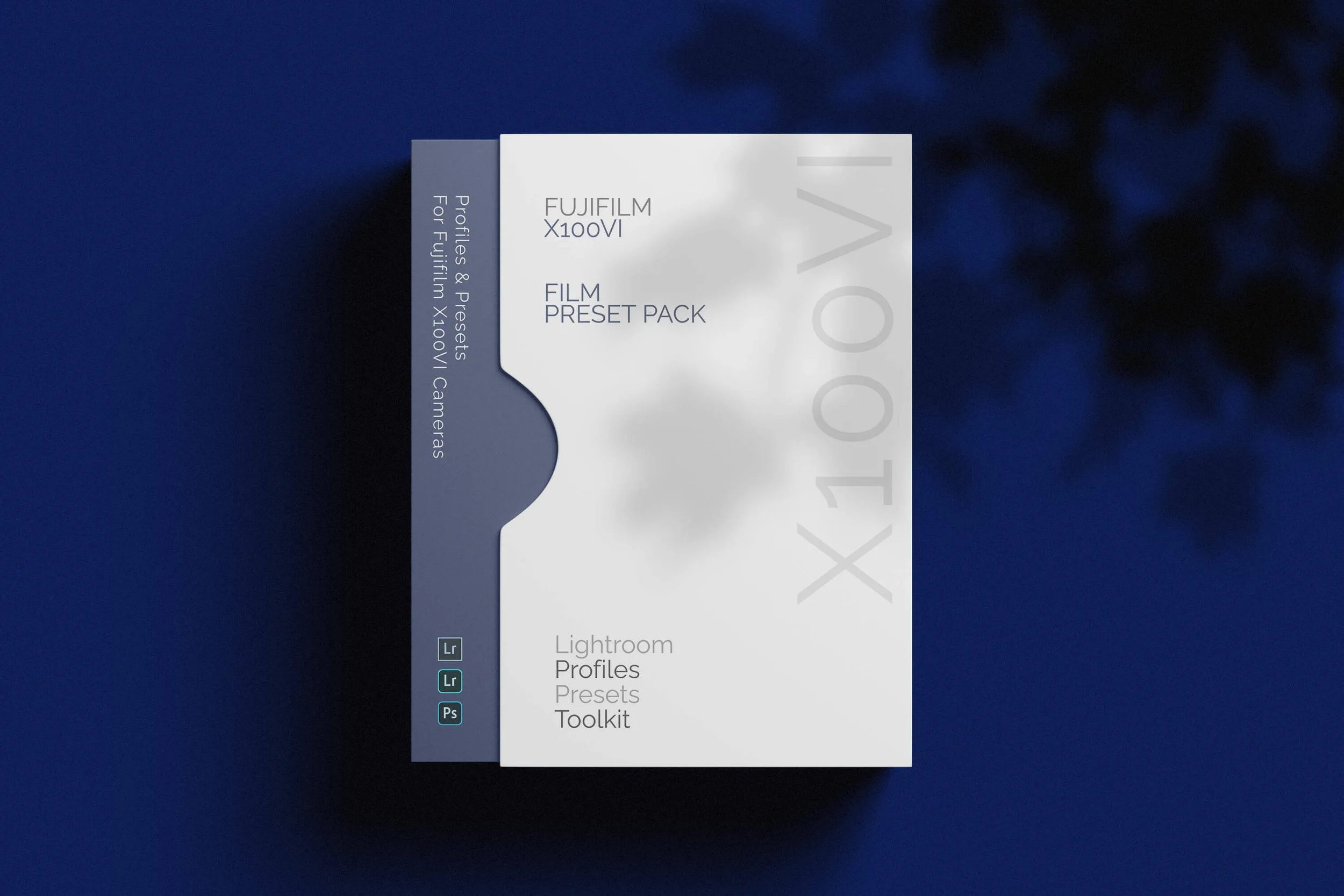
X100VI Micro Film Pack
A film-inspired finish built on the X100VI's in-camera film simulations. For X100VI shooters wanting a refined edit without leaving the camera's character behind.
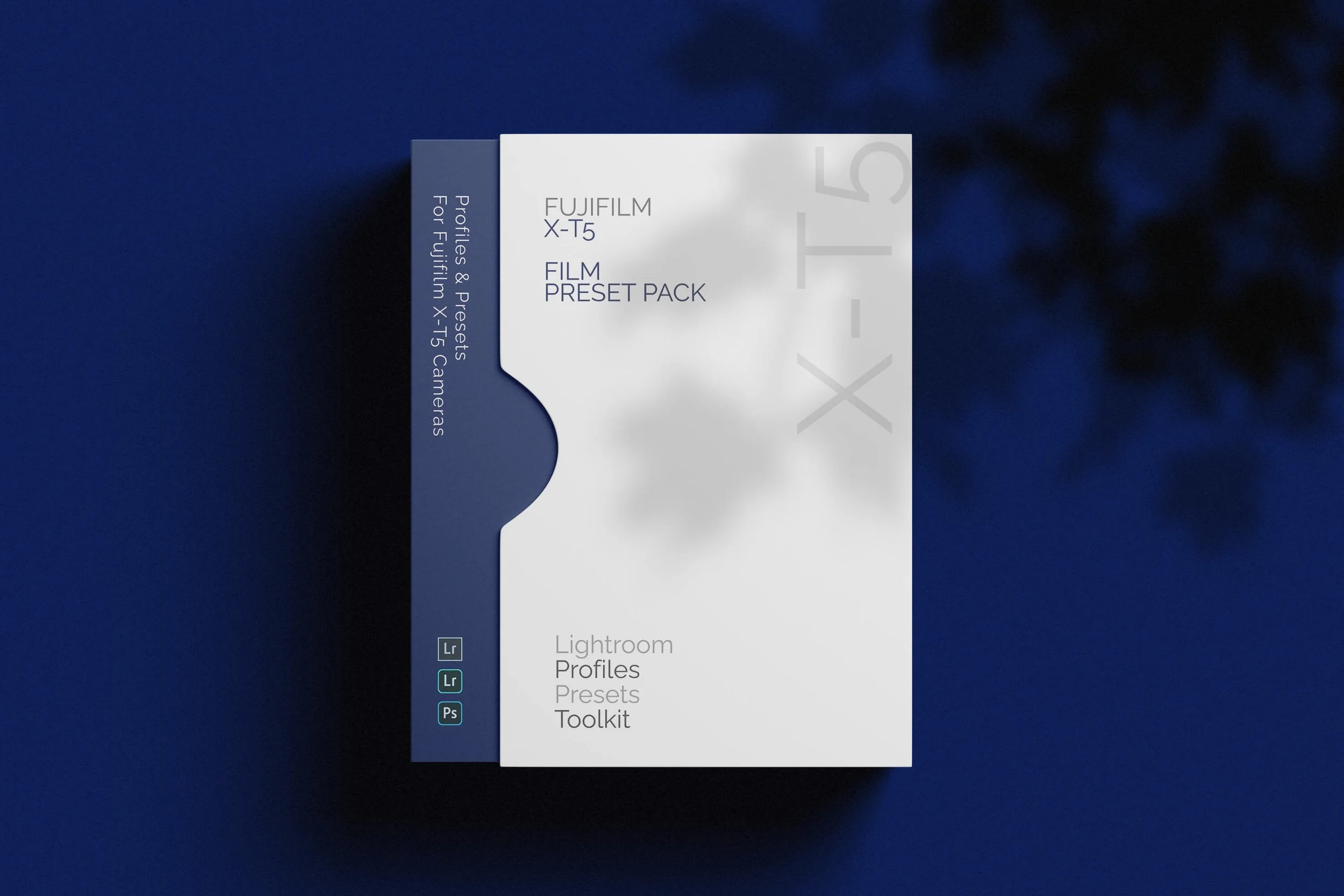
X-T5 Micro Film Pack
Built on the X-T5's film simulations. Quick, low-friction finishing for X-T5 photographers, with Kevin's edit-on-top.
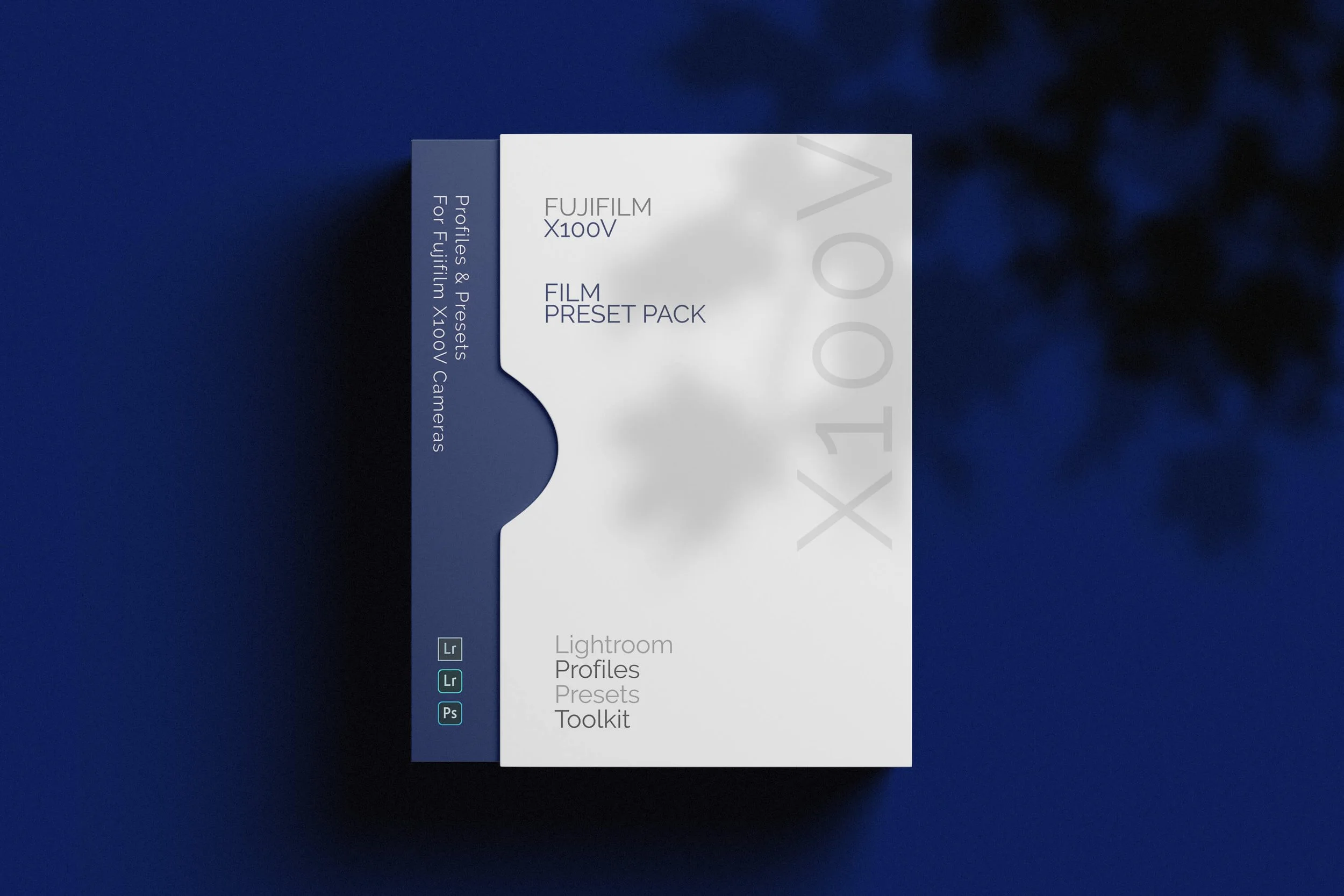
X100V Micro Film Pack
The original Micro Pack, built around the X100V's film simulations. Compatible only with files from the X100V.
Earlier editions are still available
The original standalone packs. They remain available for photographers who already know the look, prefer the earlier style, or want a lower-cost way into the range.
— SEE THEM IN ACTIONReal editing
sessions.
updated regularly— If you want more than presetsTry the Lightroom plugins.
Different products, different problems. The plugins are camera- or workflow-specific tools that go beyond a preset.
One-click black-and-white workflow pluginClassic plugin for Fujifilm X100VI RAW shooters— FREQUENTLY ASKEDThings people ask.
If something isn't covered here, send a message via the contact page.
-
Yes. As long as your camera model is supported by the version of Lightroom you’re using, you’re good to go. If Lightroom can open your files, the presets and profiles can be applied.
-
Yes. They work with RAW and JPEG/HEIF files. You’ll usually get the most flexibility from RAW (there’s simply more data to grade), but the looks and toolkits still work nicely on JPEG/HEIF too.
-
Yes
-
Profiles set the underlying colour and tonal response of your photo. Think of them as the “film stock” decision. They can change the feel of an image without you touching a single slider.
Presets adjust Lightroom’s sliders. They’re the finishing moves, the workflow steps, and the practical fixes that shape the image once the base profile is in place.
-
Mine are built around custom profiles made from Look-Up Tables (LUTs). In plain English, that means the colour and tone shaping is mapped deliberately, rather than relying on generic slider moves.
The result is a more nuanced, film-like grade with consistent behaviour from image to image. You still get full control in Lightroom, it just starts from a more deliberate foundation.
-
Both.
If you want one click, you can apply a profile (or a look preset) and stop there. If you want more control, the workflow presets and utilities let you build the finish in sensible steps, without fighting Lightroom or rebuilding the same edits every time.
-
Yes, for the pack you bought. If I release a maintenance update or a compatibility tweak within that pack, you’ll have access to it.
Major new releases or new editions are treated as new products, because they’re genuinely new looks and new builds, not small upgrades.
-
Yes. They work on both Mac and Windows, as long as you’re running a compatible version of Lightroom.
-
Not yet. If you want those in future, the easiest thing is to join my newsletter below. That’s where I’ll announce it first if and when I release Capture One styles.