 Image 1 of 7
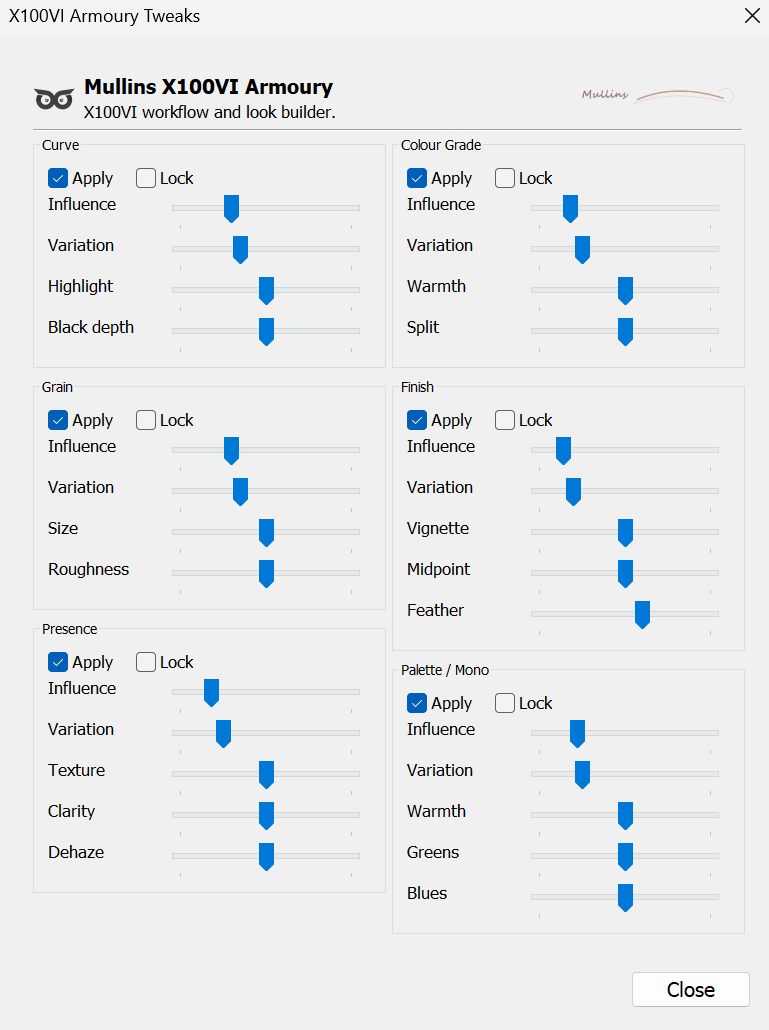 Image 2 of 7
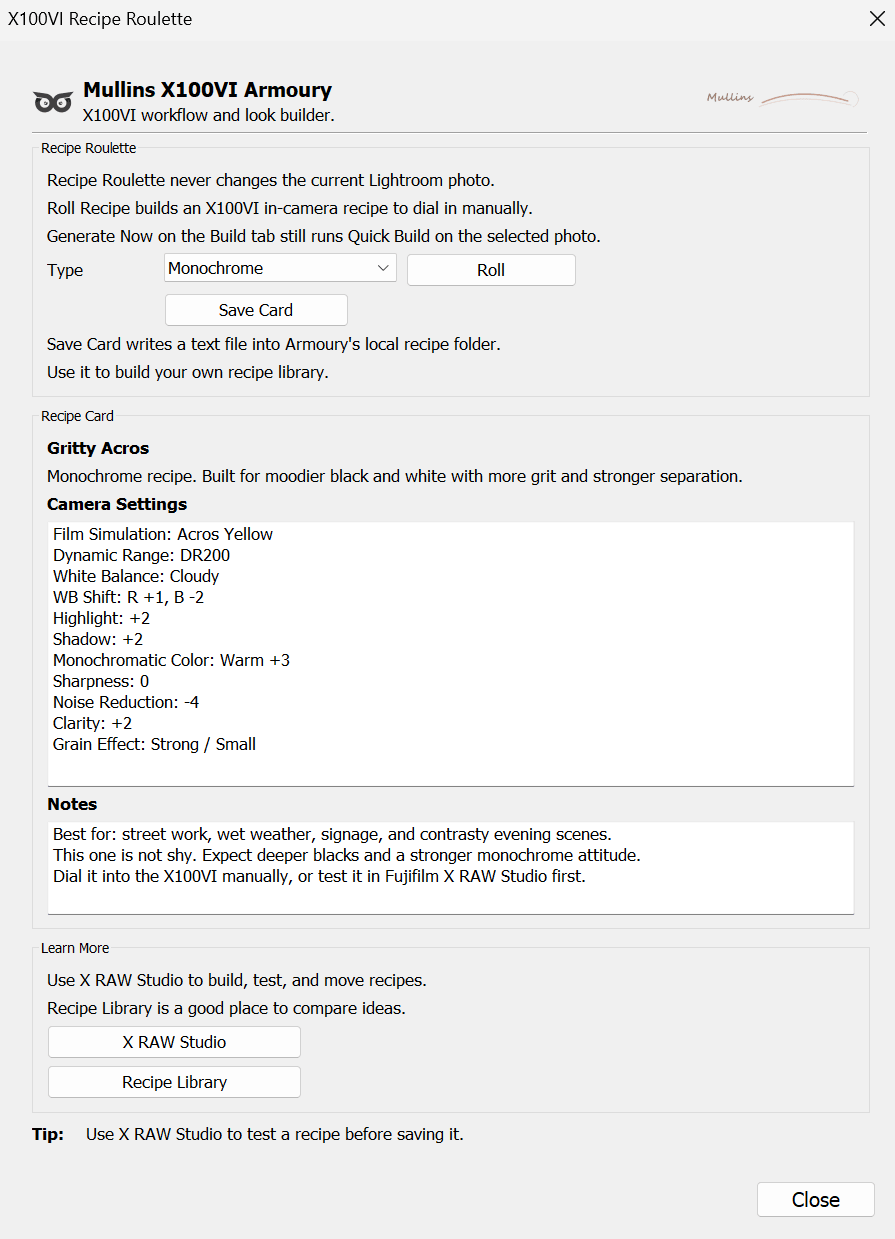 Image 3 of 7
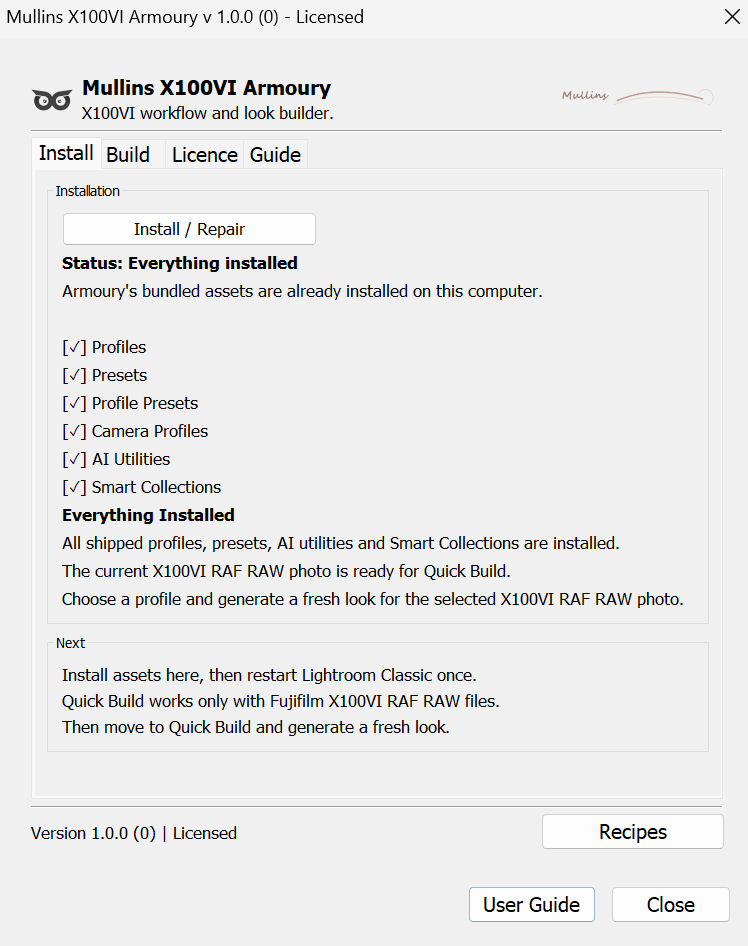 Image 4 of 7
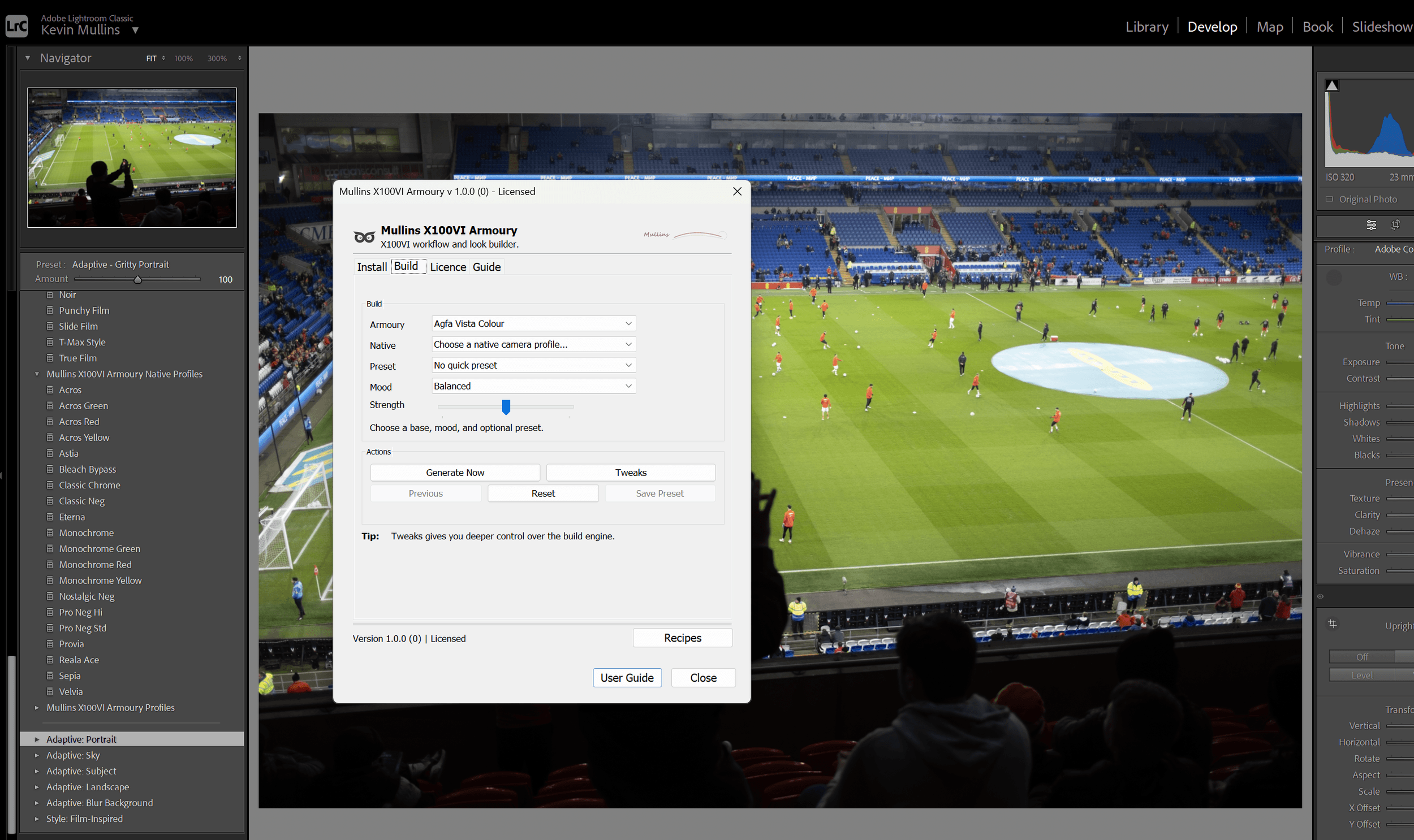 Image 5 of 7
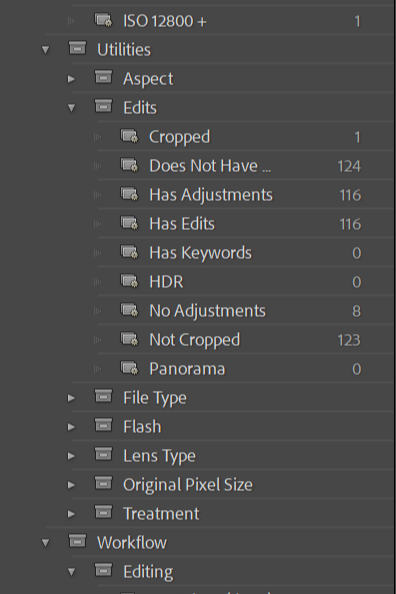 Image 6 of 7
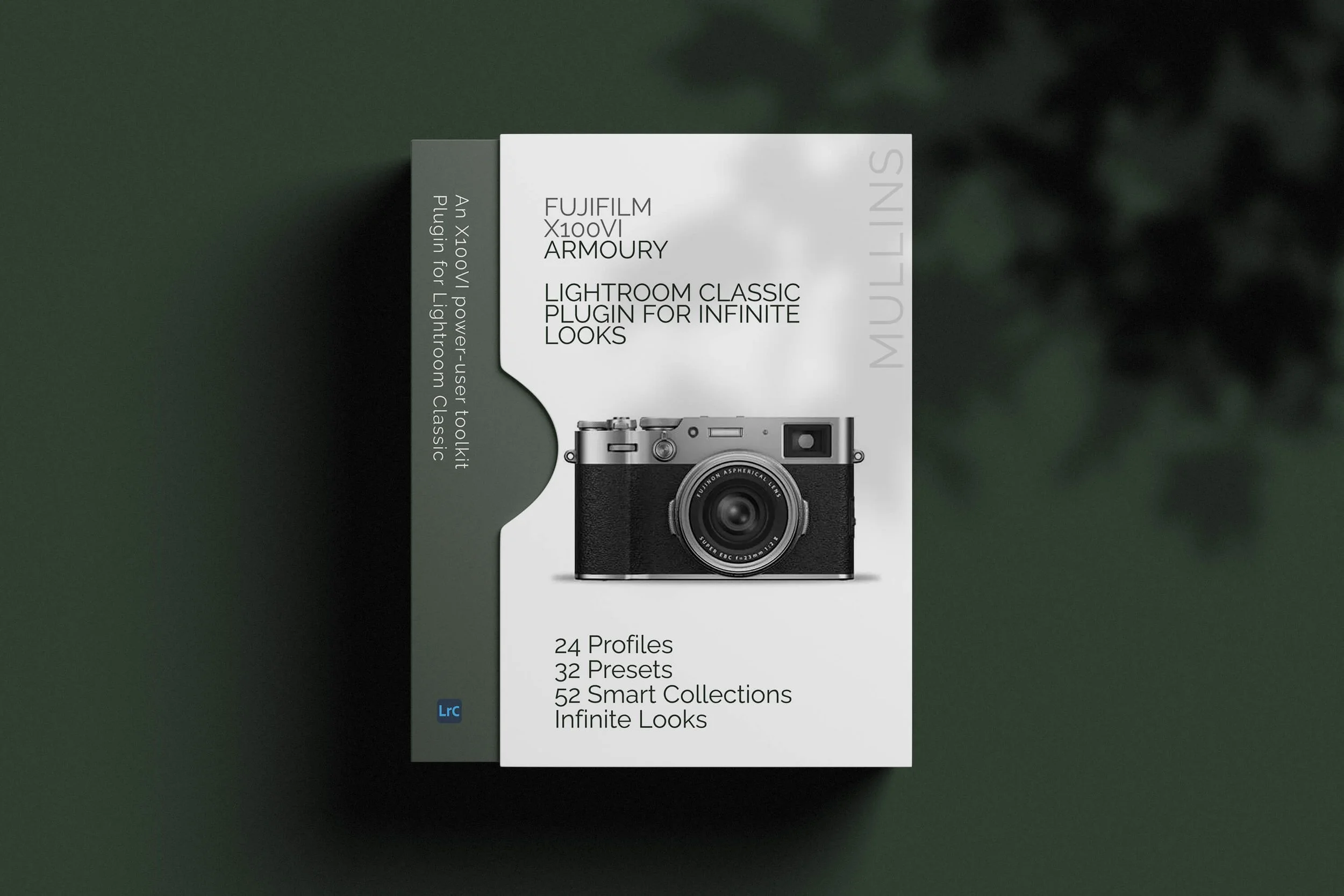 Image 7 of 7
Lightroom Classic plug-in
Mullins X100VI Armoury
An X100VI power-user toolkit for Lightroom Classic that makes it faster to build finished RAW looks, create your own presets, install a practical workflow system, explore Fujifilm-style colour and monochrome options, and generate in-camera JPEG recipe ideas without getting lost in menus all day. It also lets you press Generate Now again and again to create controlled variations of a look, opening up millions of possible, well-crafted editing directions from the same set of sensible starting points.
A proper Lightroom toolkit for X100VI RAW shooters
This is not just a preset bundle. Armoury is built for photographers using the Fujifilm X100VI who want a quicker, more enjoyable way to work with RAW files in Lightroom Classic. It gives you fixed one-click looks when you want speed, but it also gives you a much deeper build engine when you want to go further and create something more personal.
Build looks quickly
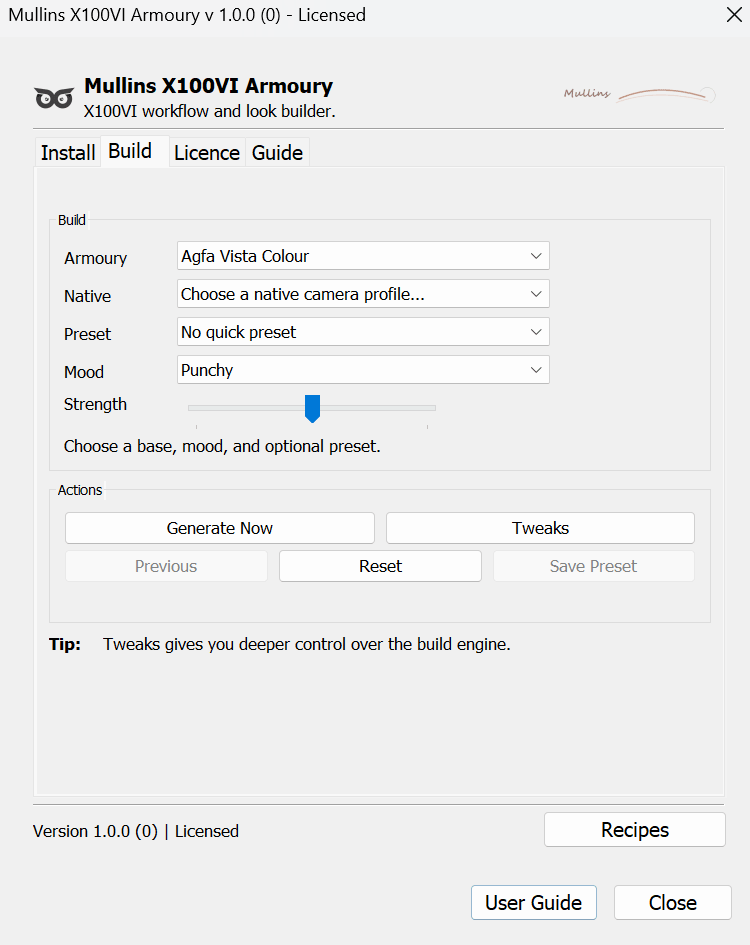
Start with one of 24 custom Armoury profiles or one of 20 adapted Camera Matching build bases, steer the mood, set the strength, and generate a fresh result on the selected X100VI RAF file. Press Generate Now again and you get another controlled variation. It is quick, but it is not blind. You are still directing it.
Install useful assets
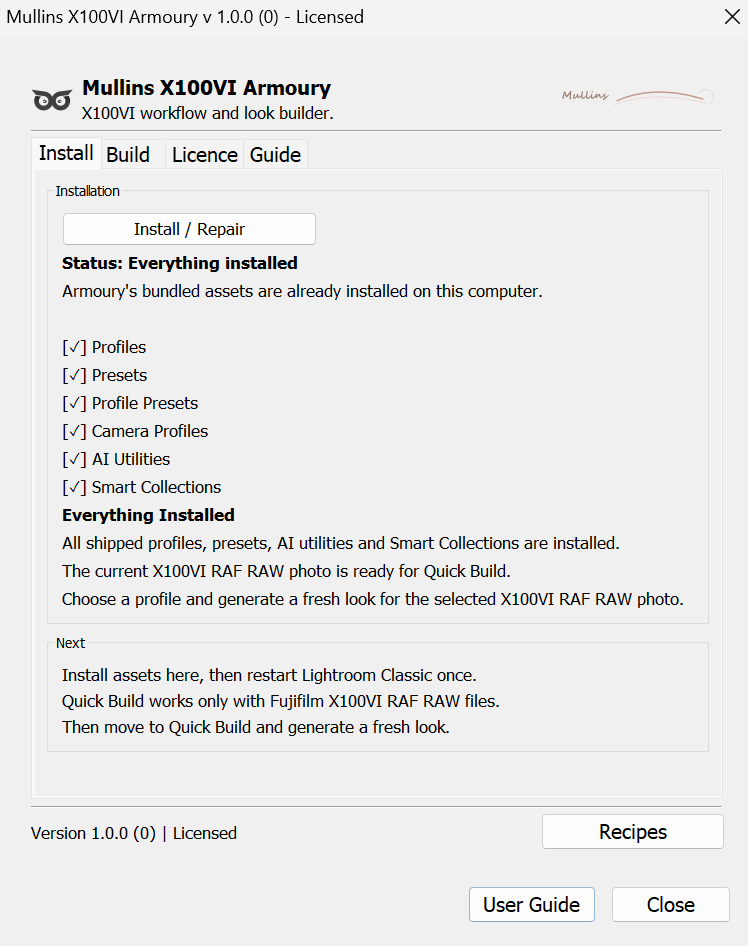
Armoury profiles, one-click presets, adapted Camera Matching build bases, AI utility presets, and a full Smart Collection workflow can all be installed from inside the plug-in. No messing about hunting folders down yourself.
Experiment without complication
Recipe Roulette gives you Fujifilm JPEG recipe ideas to test in-camera or in X RAW Studio, while Quick Build handles your Lightroom RAW workflow separately and lets you create a near-infinite number of controlled variations far beyond the supplied one-click presets.
Armoury absolutely suits photographers who like control, but you do not need to be some kind of Lightroom wizard to use it. If you shoot X100VI RAW files and want a better workflow, you can use it.
The video below is the quickest way to see Armoury in action. It shows how the plug-in moves from a selected X100VI RAF file to generated RAW looks, fresh variations, deeper tweaks, saved presets, Recipe Roulette and the workflow tools.
What you actually get
Armoury gives you both the creative side and the practical side. It is one thing to have interesting looks. It is another to have a workflow that helps you find, sort, build, save, and reuse them. The important difference here is that the one-click presets are fixed finished looks, while the plug-in itself is designed to build far more variations from controlled starting points.
| Included | What it does | Why it matters |
|---|---|---|
| 24 unique Armoury profiles | Custom-built X100VI-only profiles that act as the main creative foundations inside Armoury. | These are your custom starting points for building film-like looks in the plug-in, and they can also be used directly in Lightroom Classic. |
| 14 one-click colour presets | Fixed finished colour presets based on the custom Armoury profiles. | Use them when you want a ready-made colour look in one click without entering the build workflow. |
| 11 one-click monochrome presets | Fixed finished monochrome presets based on the custom Armoury profiles. | These give you quick black and white options, again as finished one-click looks rather than generated variations. |
| 20 adapted Camera Matching build bases | Adaptations of the Camera Matching profiles, built so the plug-in can create film-like looks starting from familiar Fujifilm simulations. | This means you can build from Acros, Velvia, Classic Chrome, Classic Neg, Reala Ace, Eterna and other native-style starting points as well as the custom Armoury profiles. |
| Quick Build engine | Creates controlled variations from your chosen Armoury profile or adapted Camera Matching build base using mood, strength, and deeper tweak controls. | This is the real engine of the plug-in. It is what takes Armoury beyond a fixed preset pack and lets you create almost unlimited, but still controlled, looks. Press Generate Now repeatedly and Armoury keeps exploring new variants of the direction you have chosen. |
| Armoury profile helper presets | Preset wrappers that make the custom Armoury profiles easier to reach from Lightroom’s Presets panel. | Helpful if you prefer browsing from the Presets panel, but they are wrappers rather than extra unique looks. |
| 6 AI utility presets | Includes tools such as Background Darken, Face Brighten, Sky Shape and Subject Pop. | They help with fast finishing moves once the main look is in place. |
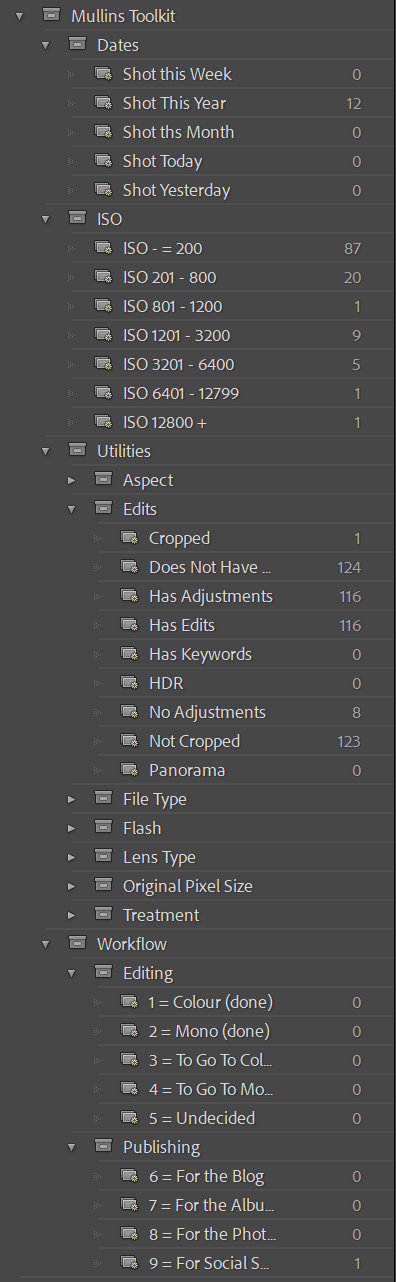
| 52 Smart Collections | A practical collection structure covering dates, ISO ranges, editing stages, publishing, file type, aspect, flash use, edits, keywords and more. | This gives Lightroom a bit of structure, which a lot of catalogues need. |
| Recipe Roulette | Generates Fujifilm X100VI JPEG recipe ideas with the option to save text cards for later. | Useful if you enjoy the camera’s JPEG side as well as RAW editing. |
The one-click presets are fixed finished looks based on the custom Armoury profiles. Quick Build is different. It starts from either one of the 24 custom Armoury profiles or one of the 20 adapted Camera Matching build bases, then lets you create far more variations using mood, strength, and tweak controls. In other words, the supplied presets are the quick shortcuts. The plug-in itself is the creative engine.
The fixed presets are useful, but they are only part of the product. The bigger idea is that Armoury lets you combine bases, moods, strengths, curves, grain, presence, colour grades, finishes and palette choices. Each press of Generate Now can create another controlled variation, so the practical number of usable looks runs into the millions.
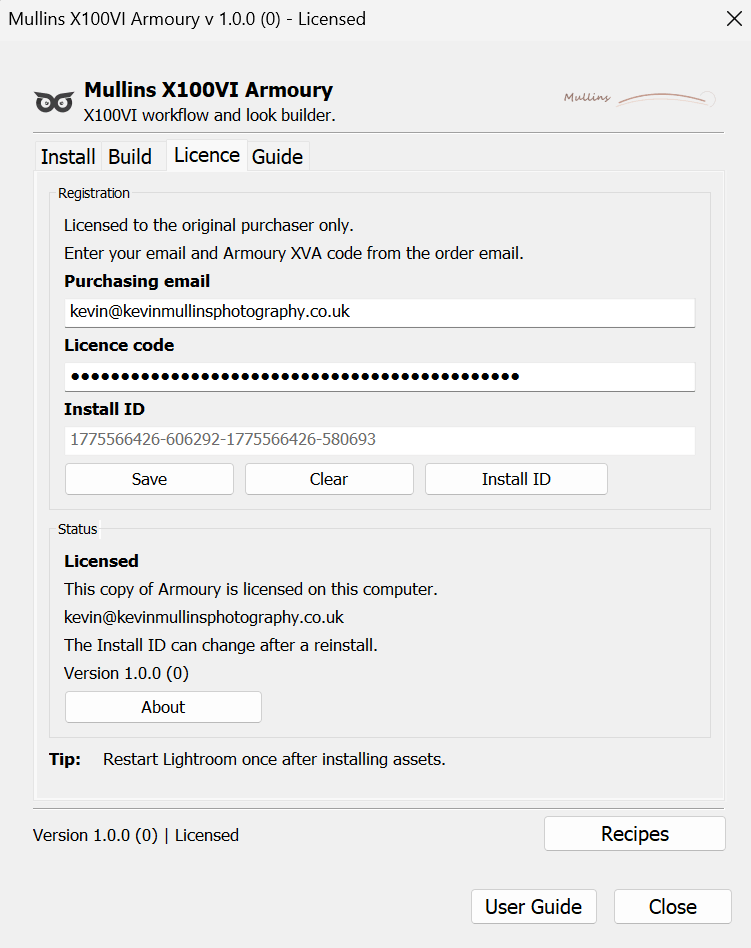
Install the plug-in through Lightroom Classic, run Install / Repair inside Armoury, restart Lightroom, and you are ready to go. Once you have your licence code and register the plug-in, it is yours to use freely.
Look showcase
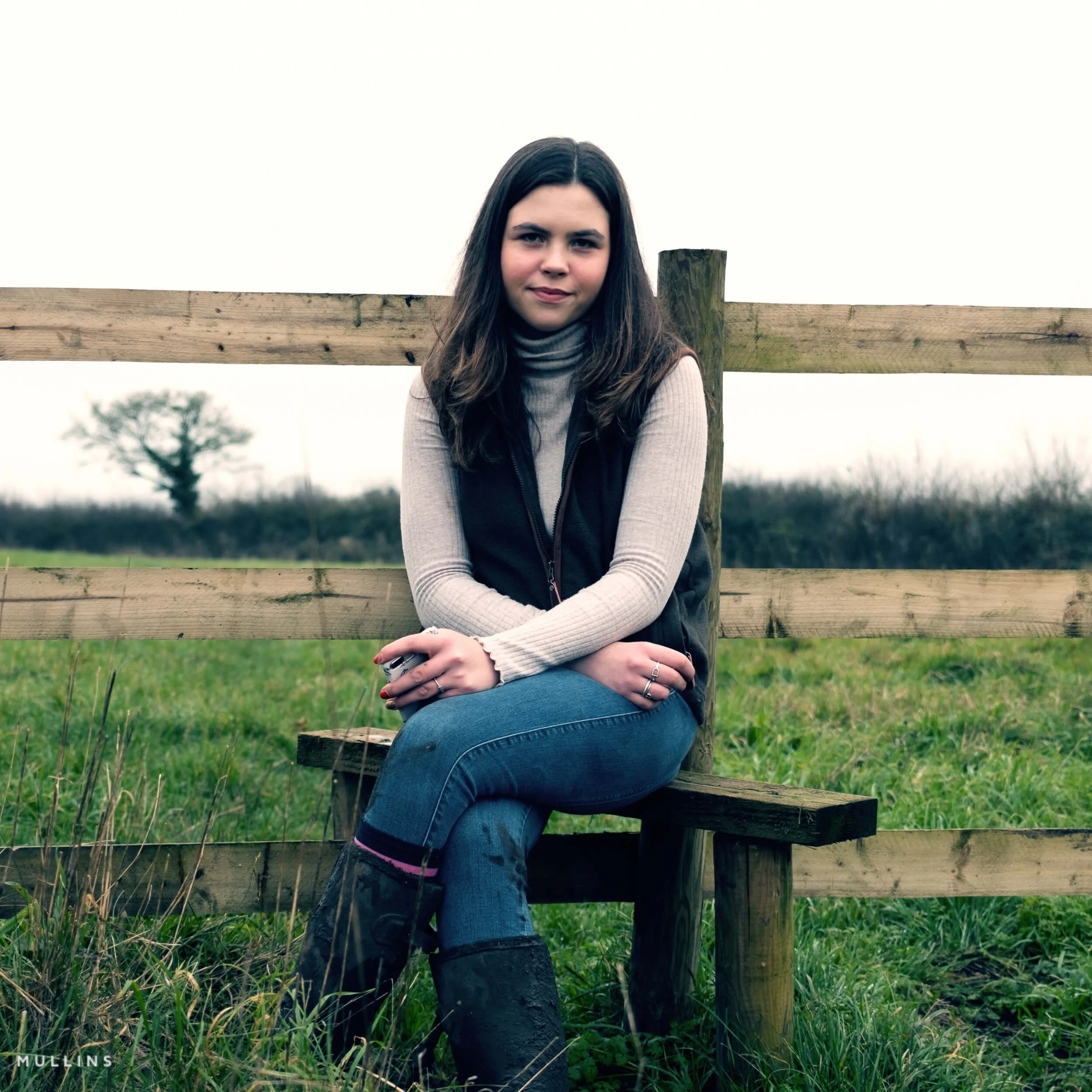
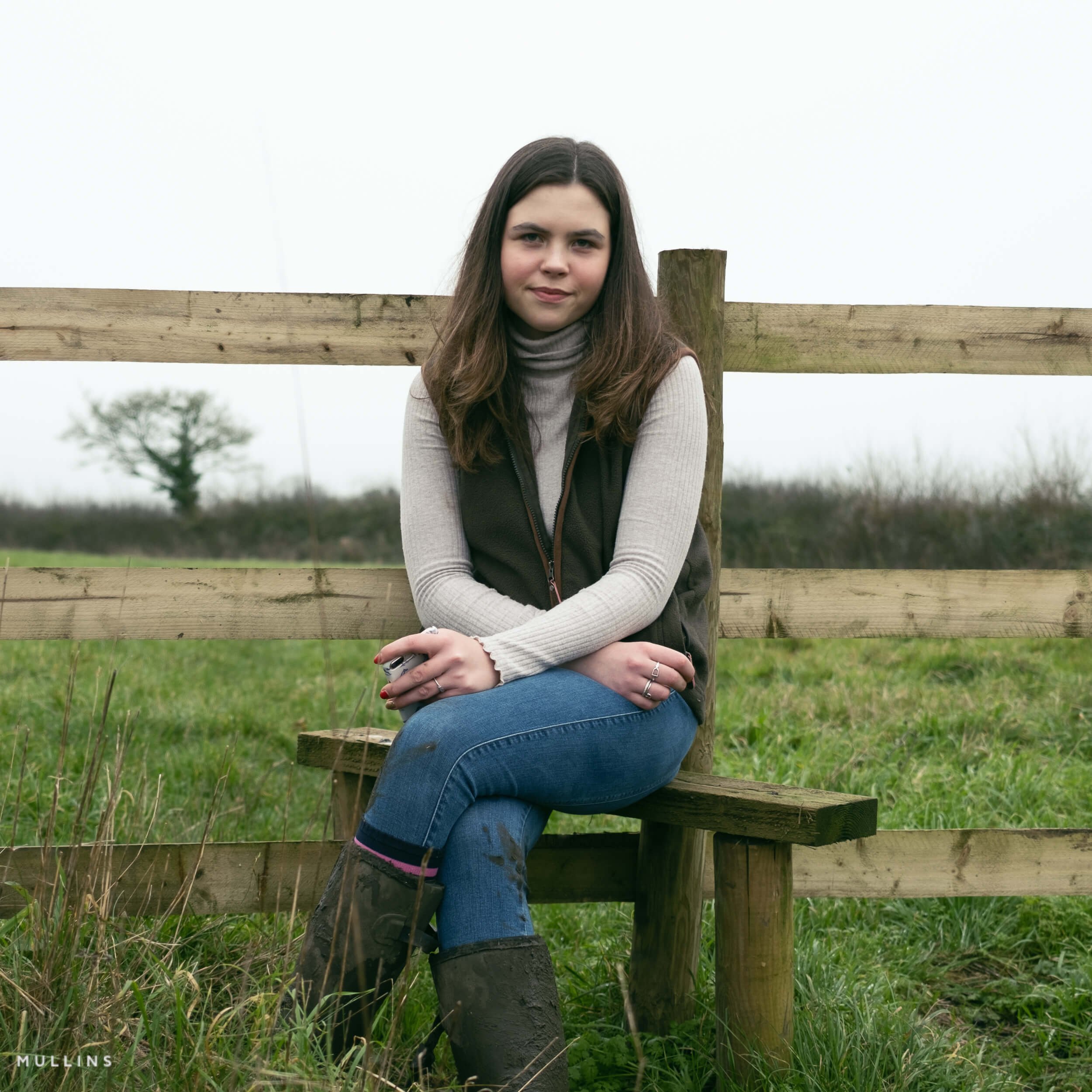
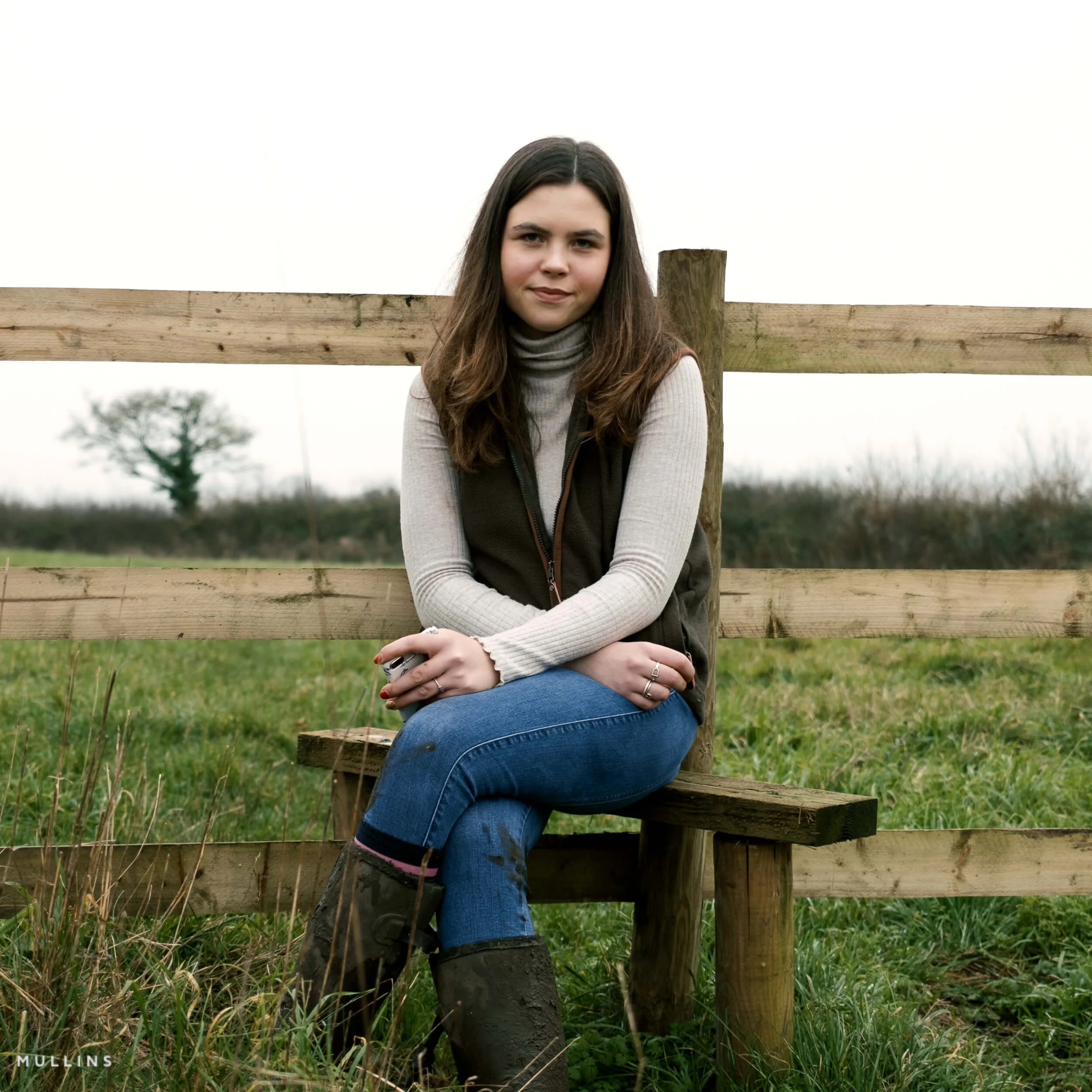
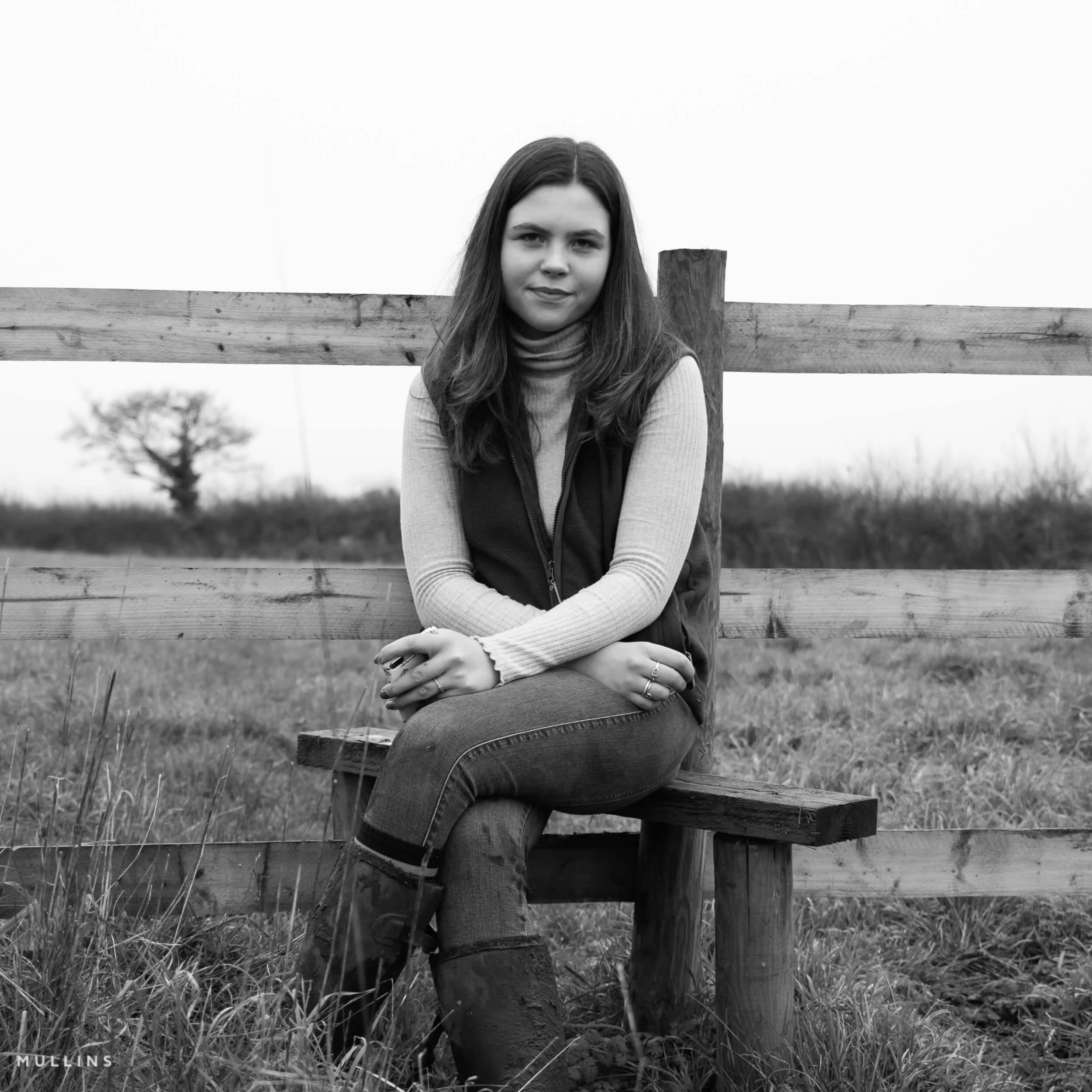
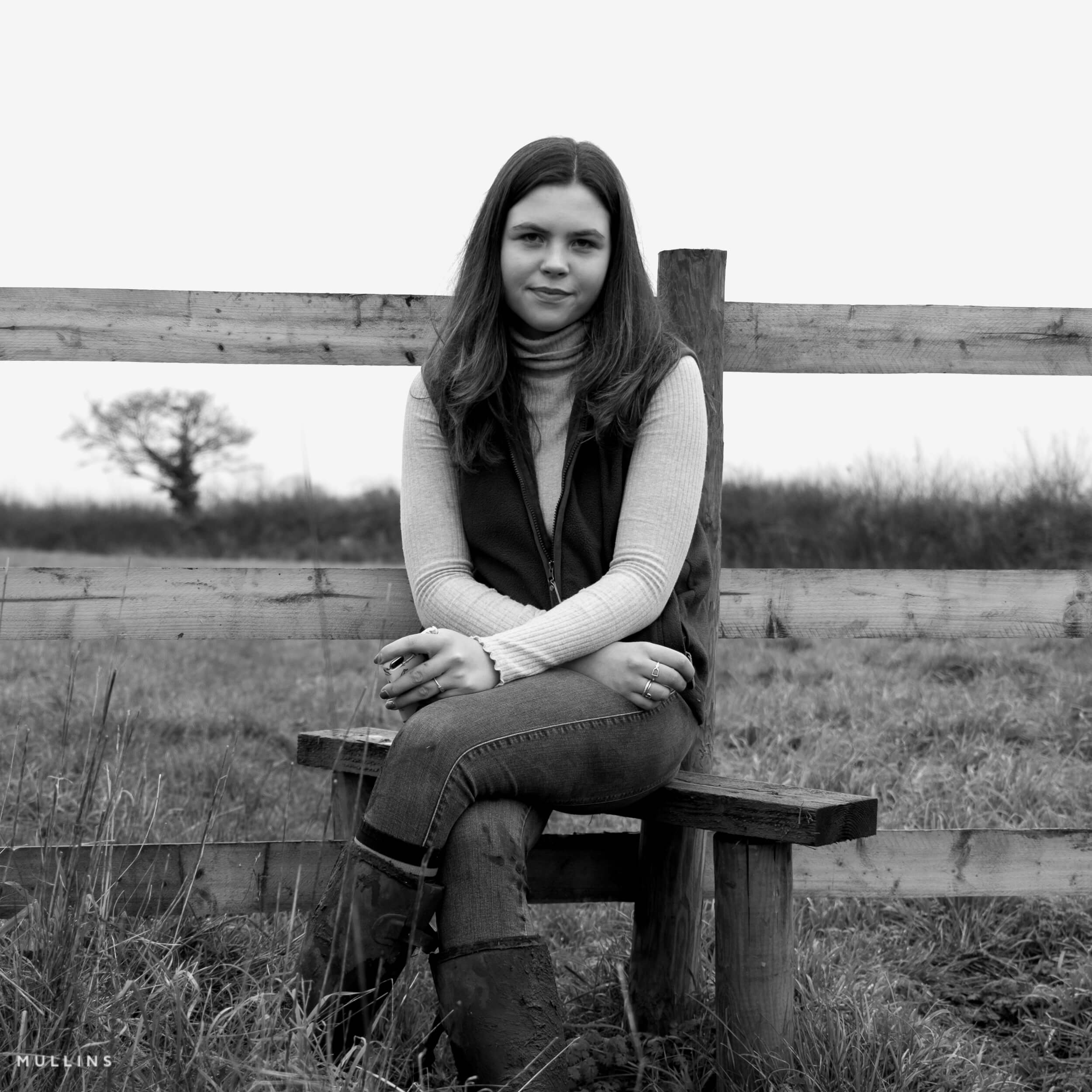
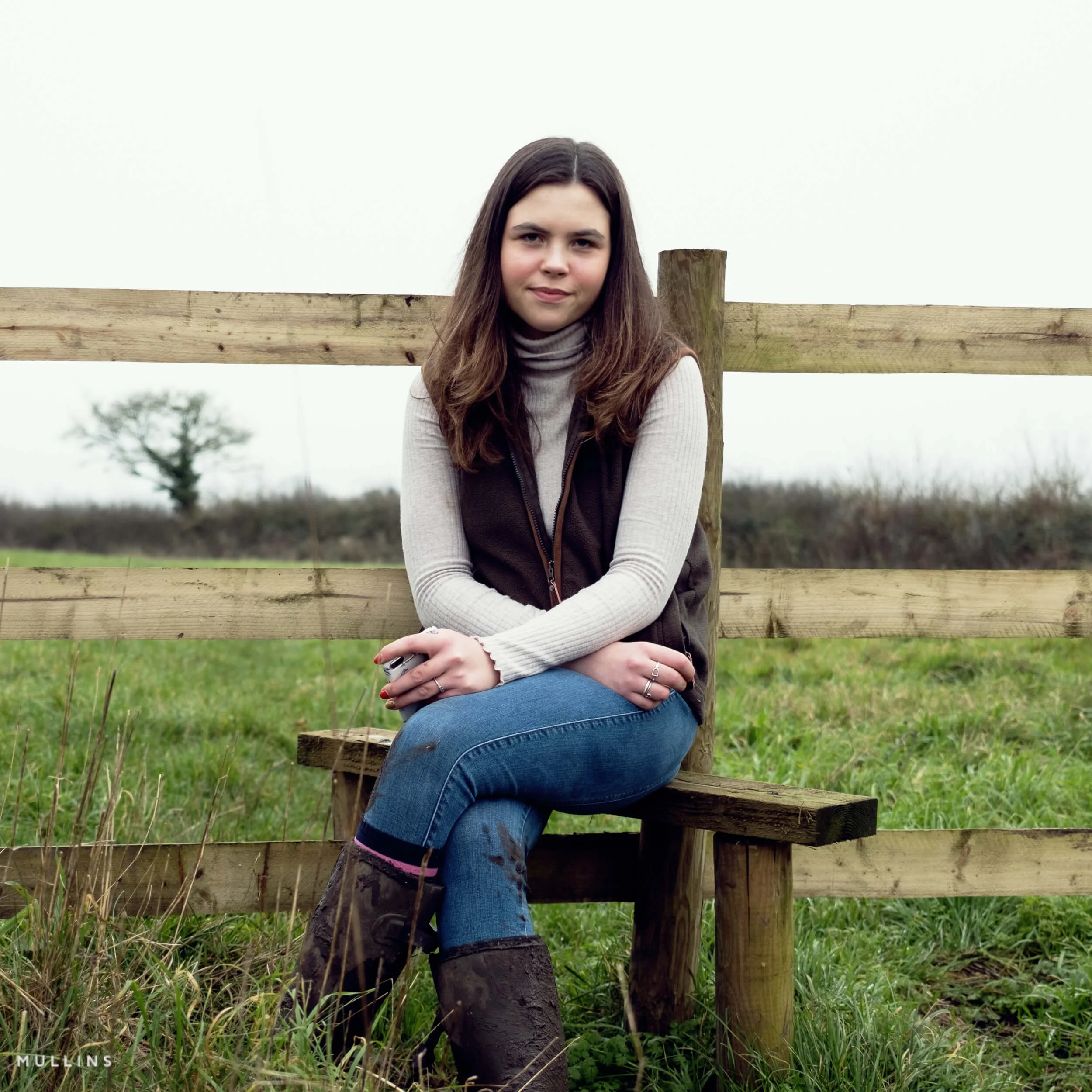
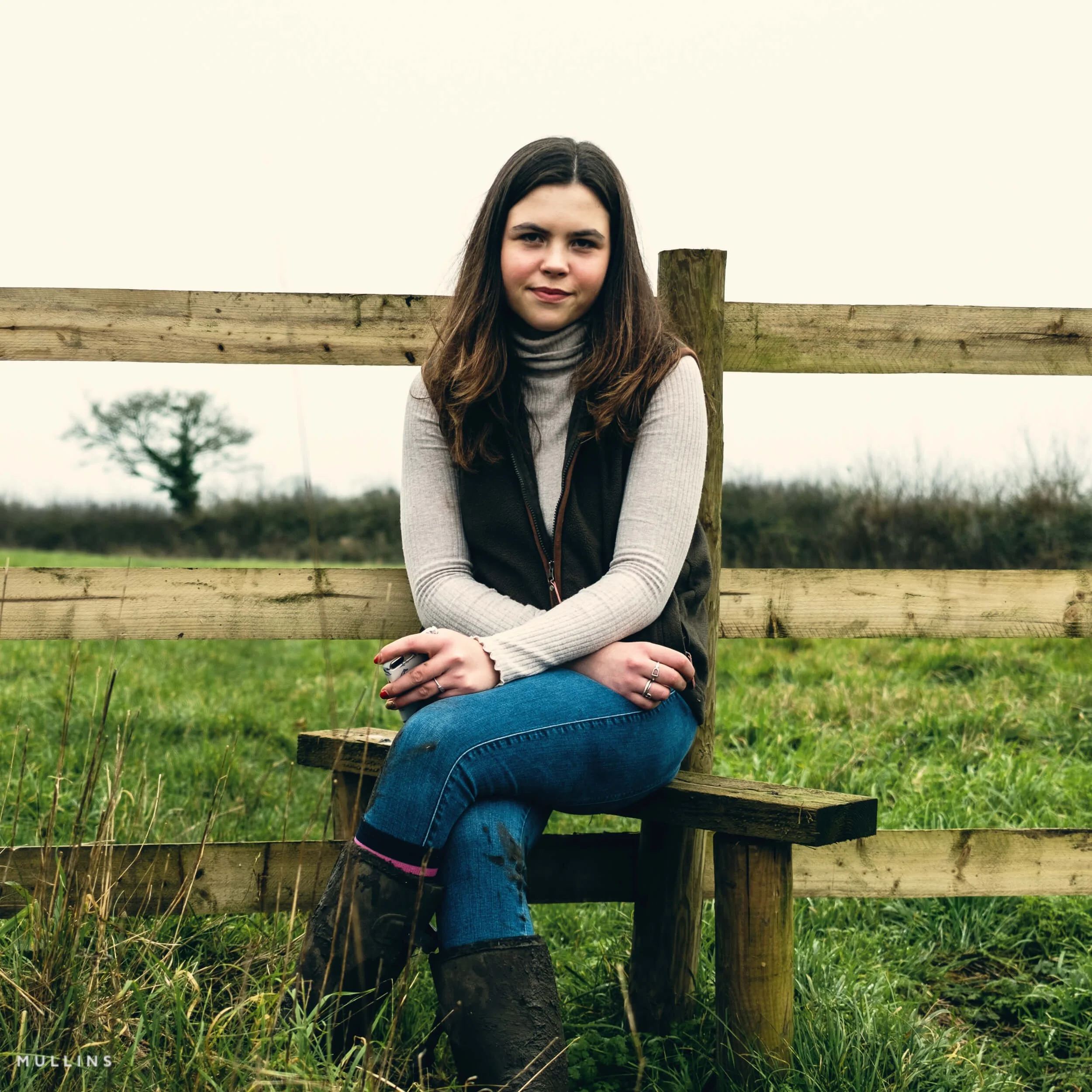
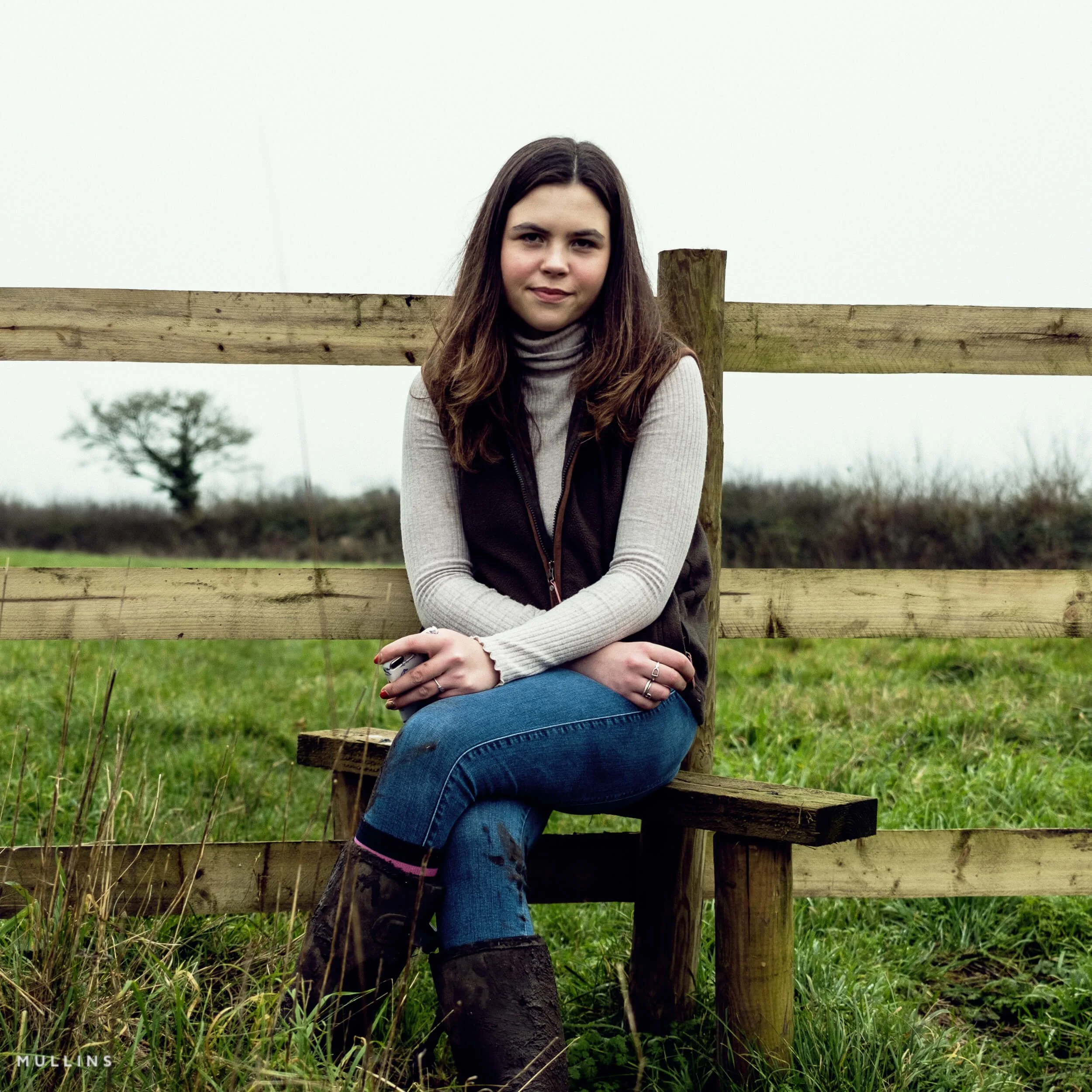
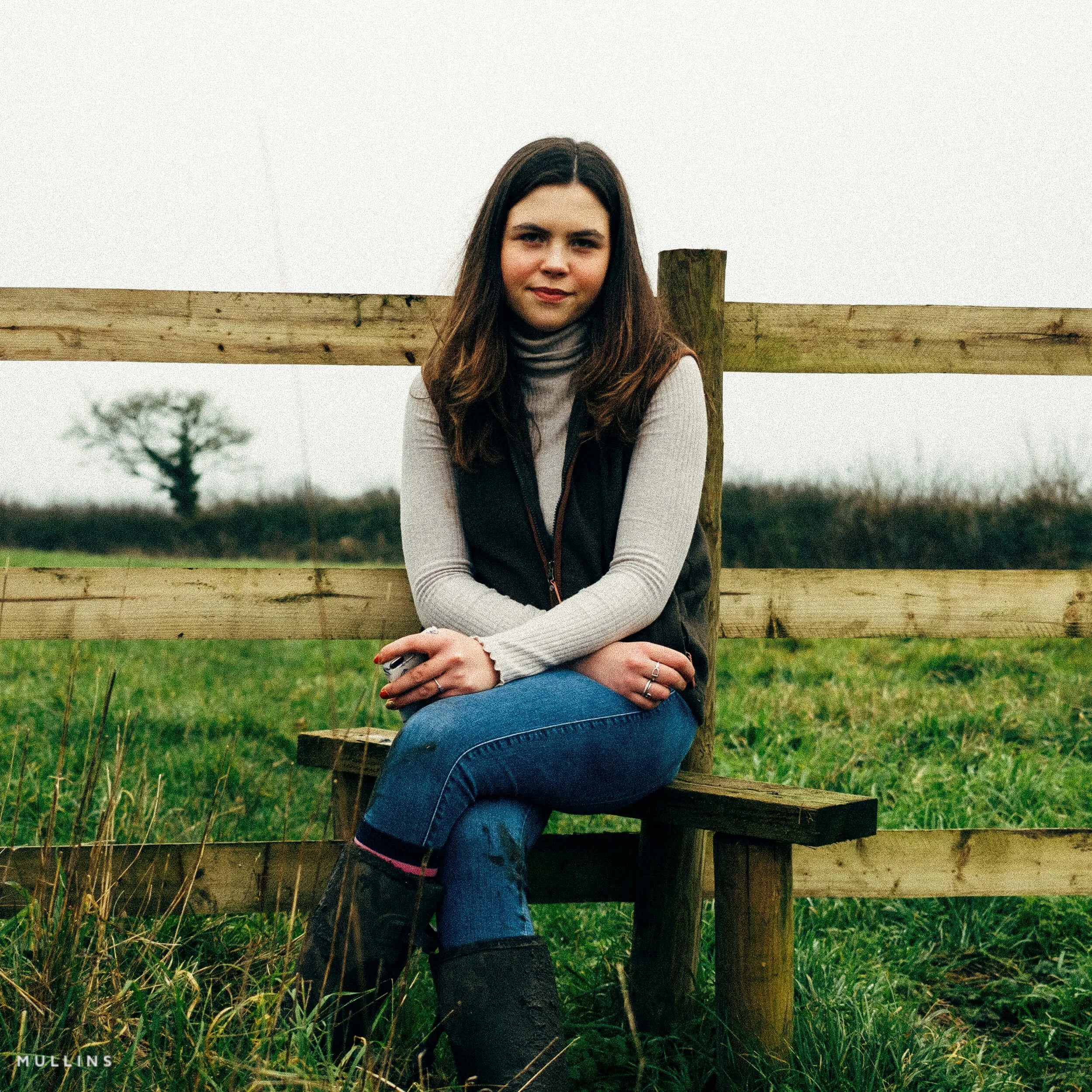
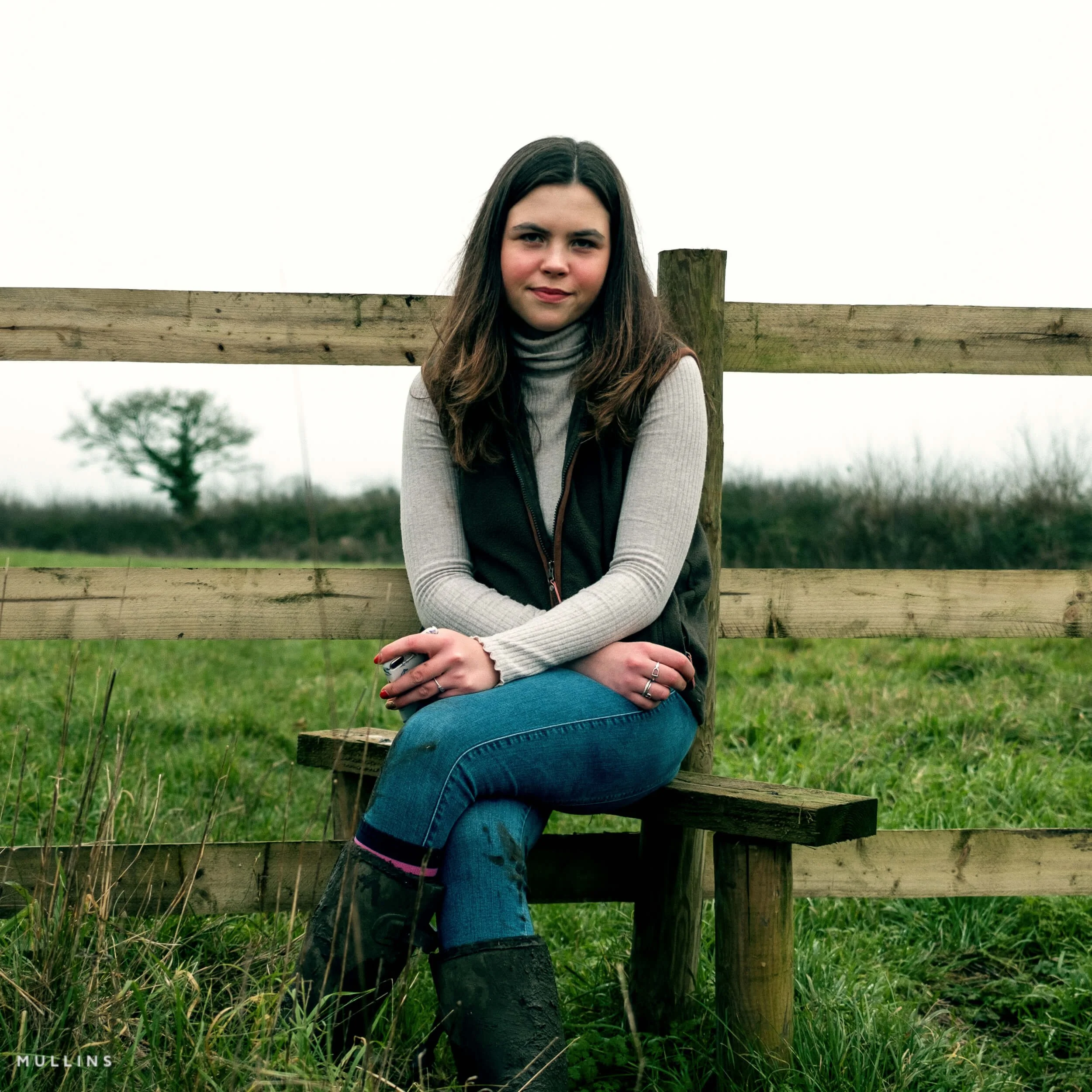
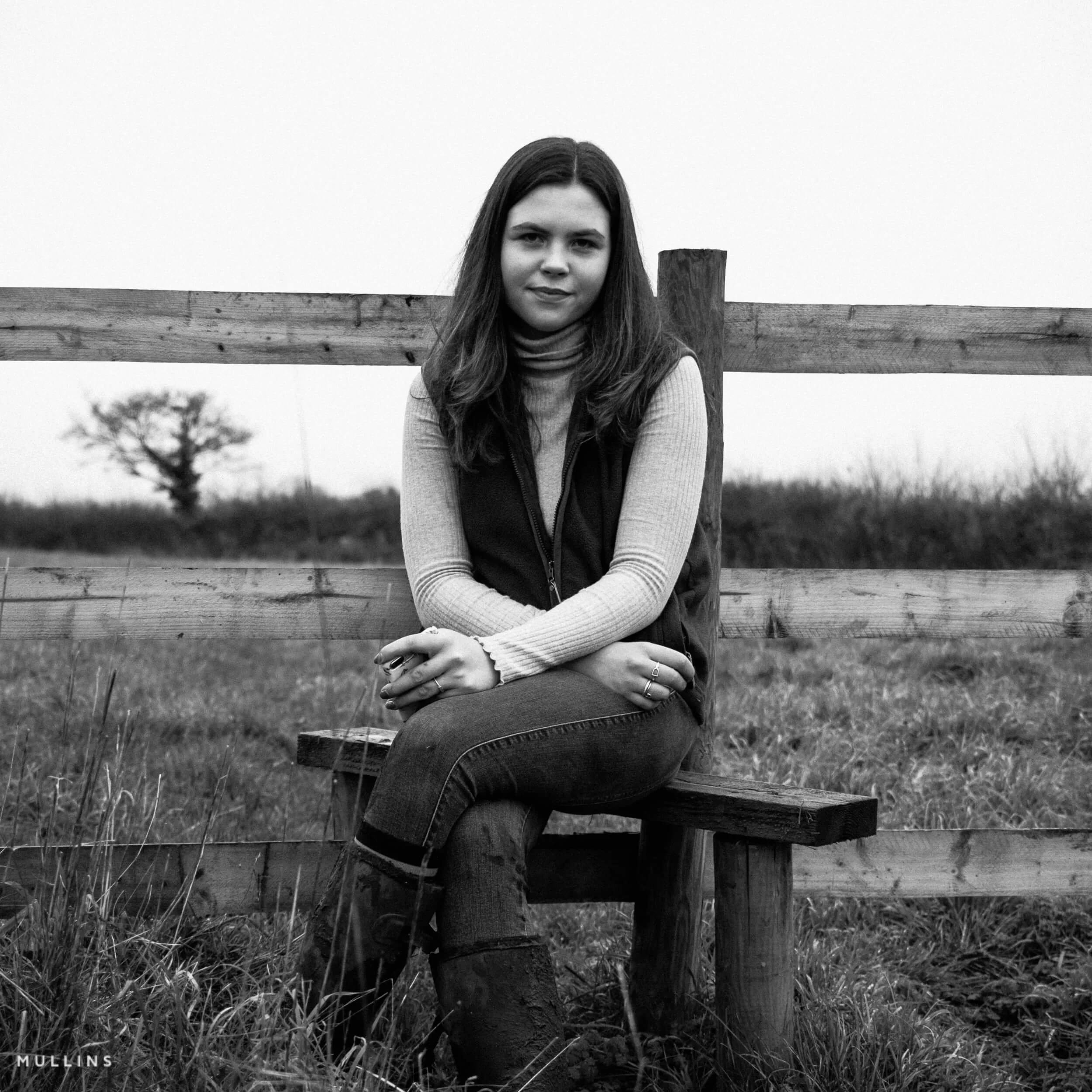
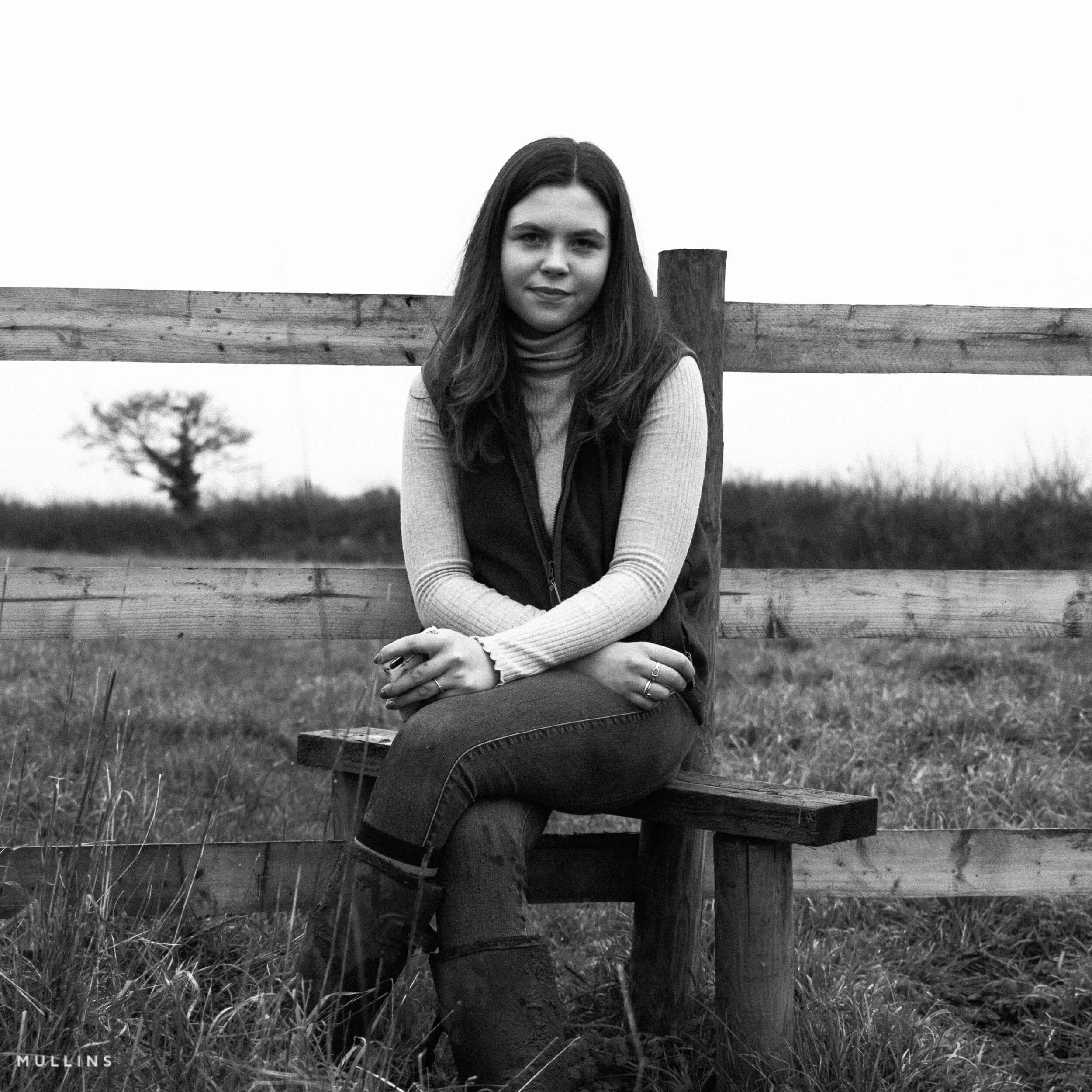
Below, you can see how the included Armoury profiles and one-click presets can shape the same X100VI RAW file in very different ways. By using a single starting image throughout, it becomes much easier to compare the character of each look and get a feel for what suits your own style, whether that leans more towards colour, monochrome, subtlety, contrast, or something a bit more filmic. These examples show the supplied looks, but Quick Build can take you much further by generating controlled variants from the same creative foundations.
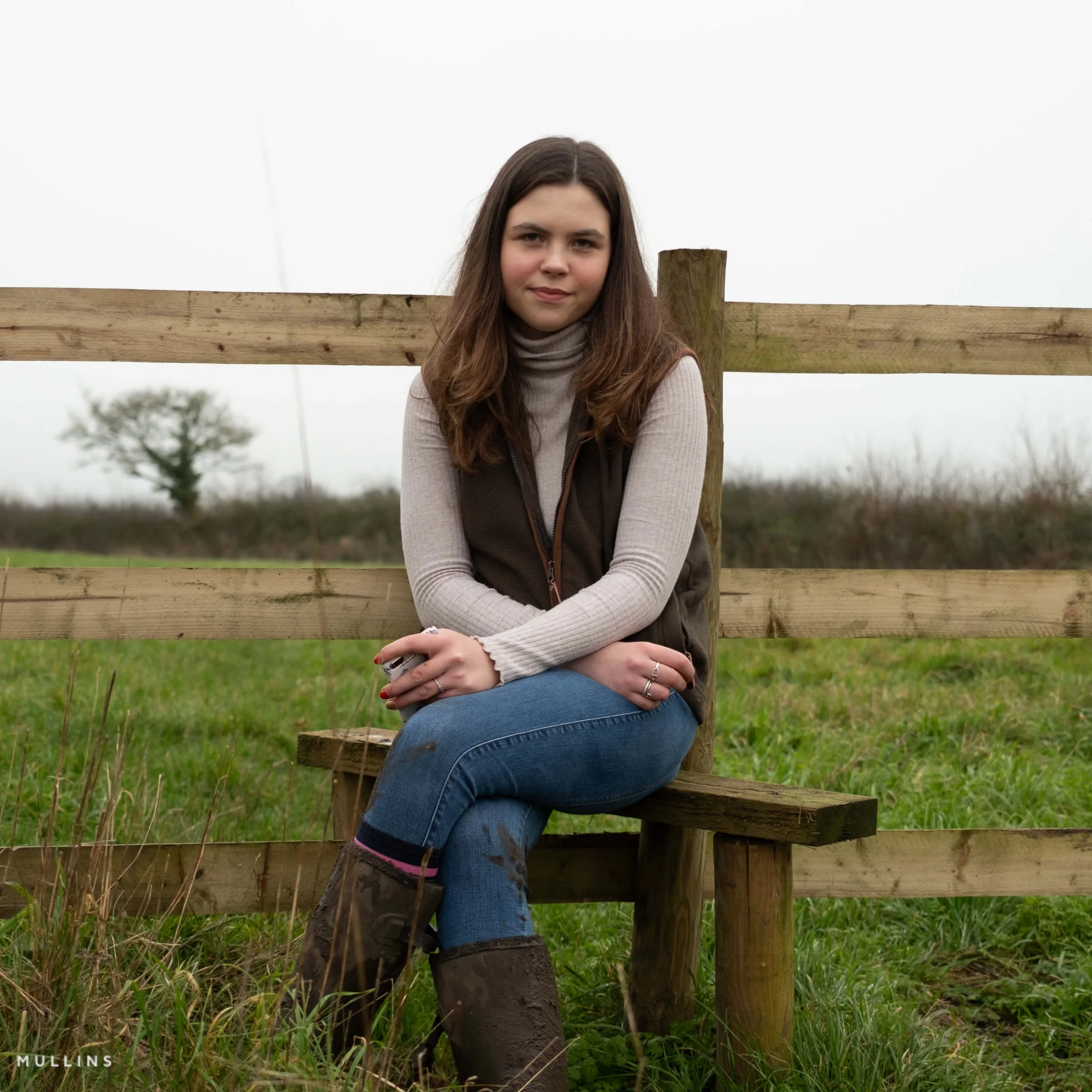
Starting image
This is the original X100VI RAW file used for the examples below. Every profile and preset in the showcase is applied to this same image, so you can compare the different looks more clearly and see how each one shifts colour, tone and overall feel.
What this showcase represents
- These are the supplied looks - The examples below show the 24 included Armoury profiles and the fixed one-click presets that come with the plug-in.
- One-click presets are fixed - The one-click presets are finished looks based on the custom Armoury profiles. They are there for speed.
- Quick Build goes much further - The plug-in itself is not restricted to those fixed looks. Quick Build creates controlled variations from either the 24 custom Armoury profiles or the 20 adapted Camera Matching build bases.
- Generate new variants - Pressing Generate Now multiple times lets you explore different versions of the same broad idea without completely losing control of the edit.
- Use native Fujifilm-style bases too - You can build from familiar starting points such as Acros, Velvia, Classic Chrome, Classic Neg, Reala Ace, Eterna and more.
- Make it your own - In practice, this means you can use the supplied looks when you want speed, or push well beyond them when you want something more personal.
24 Armoury Profiles
24 examples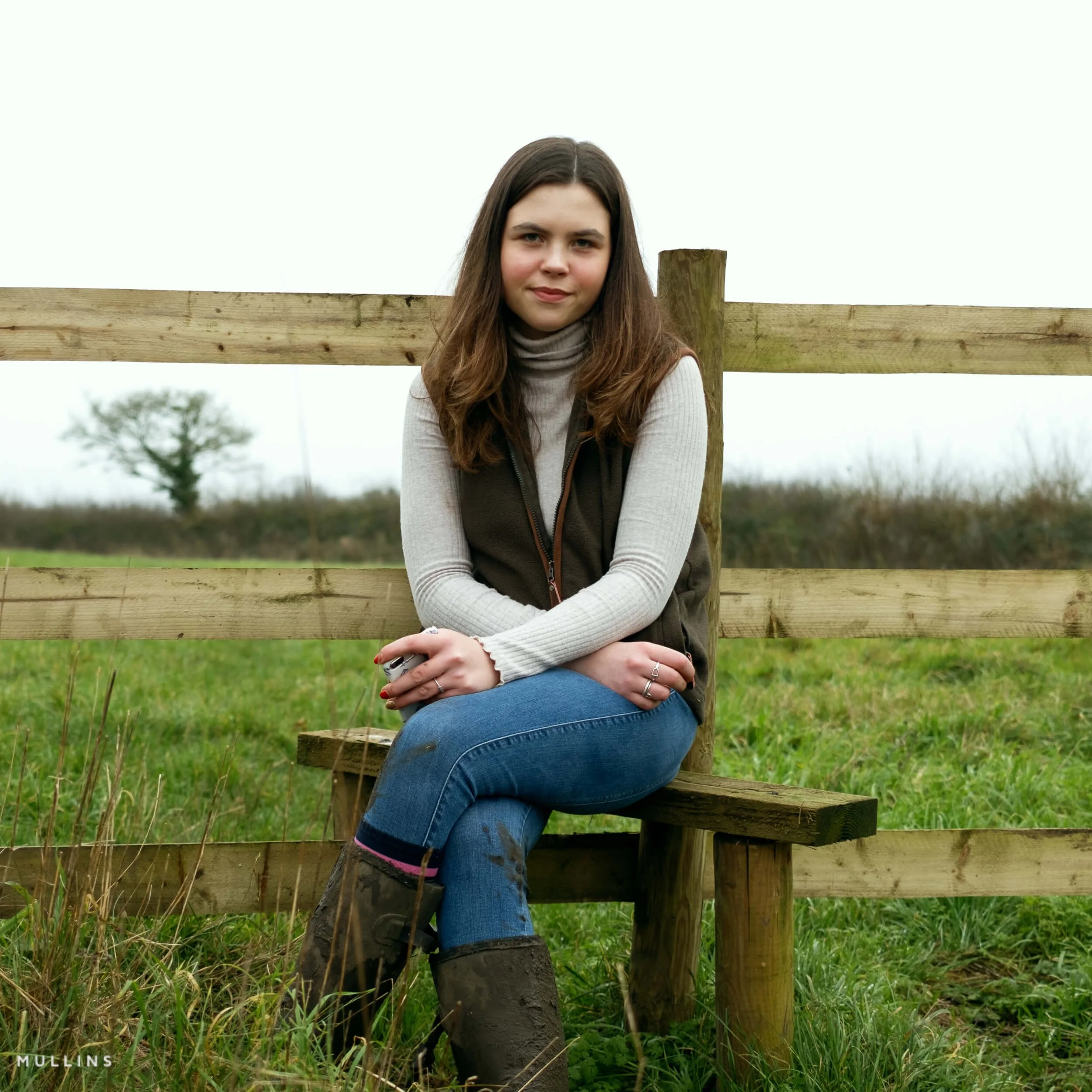
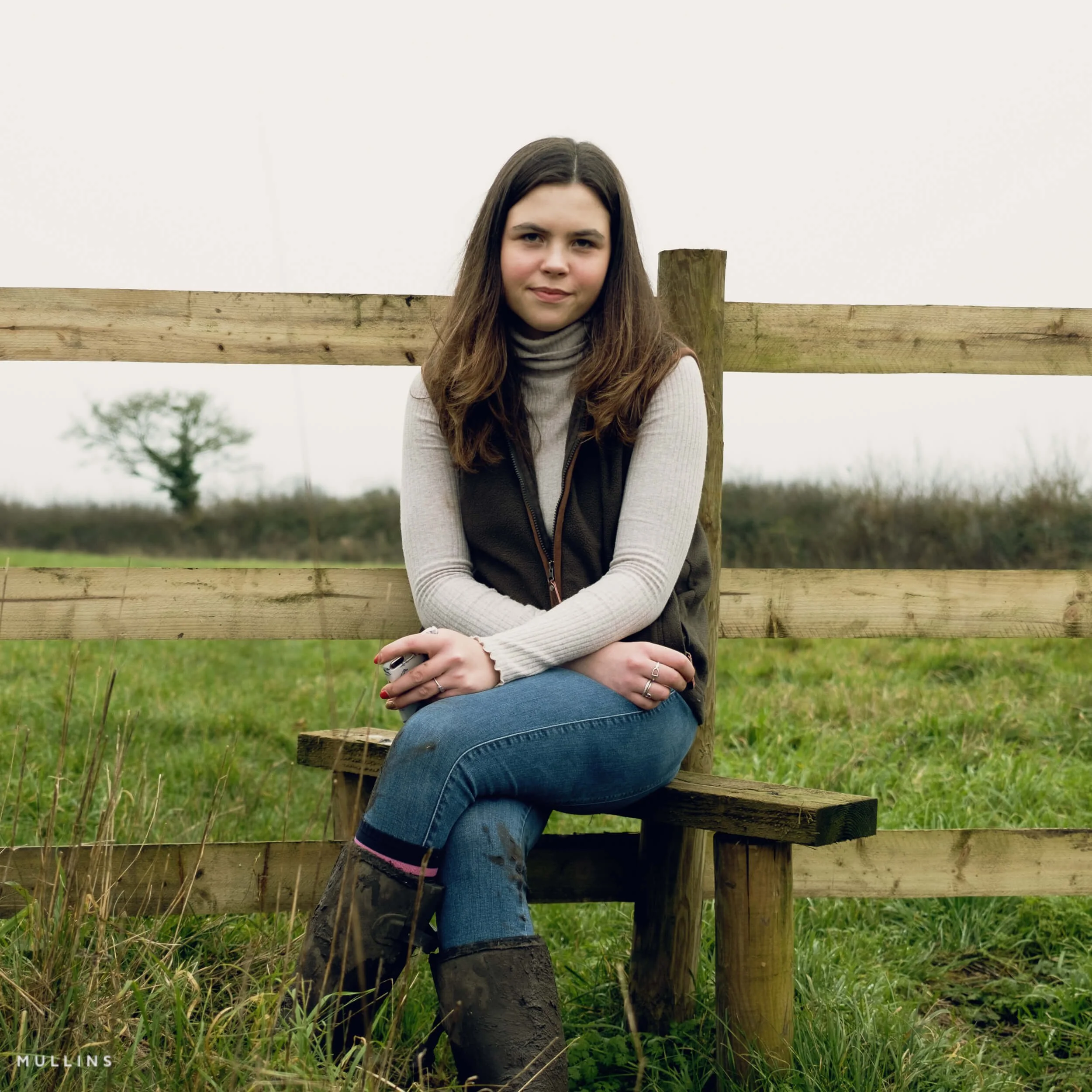
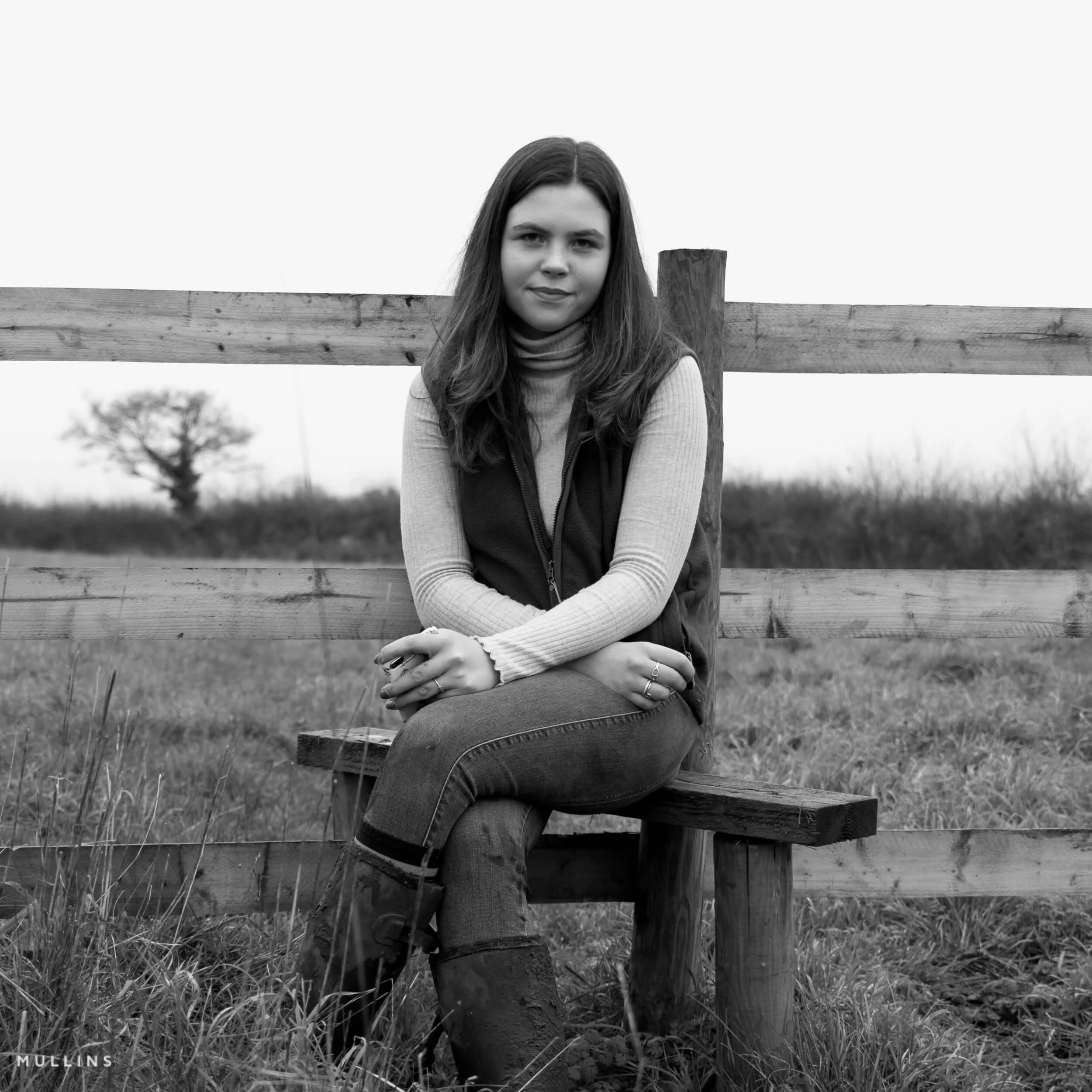
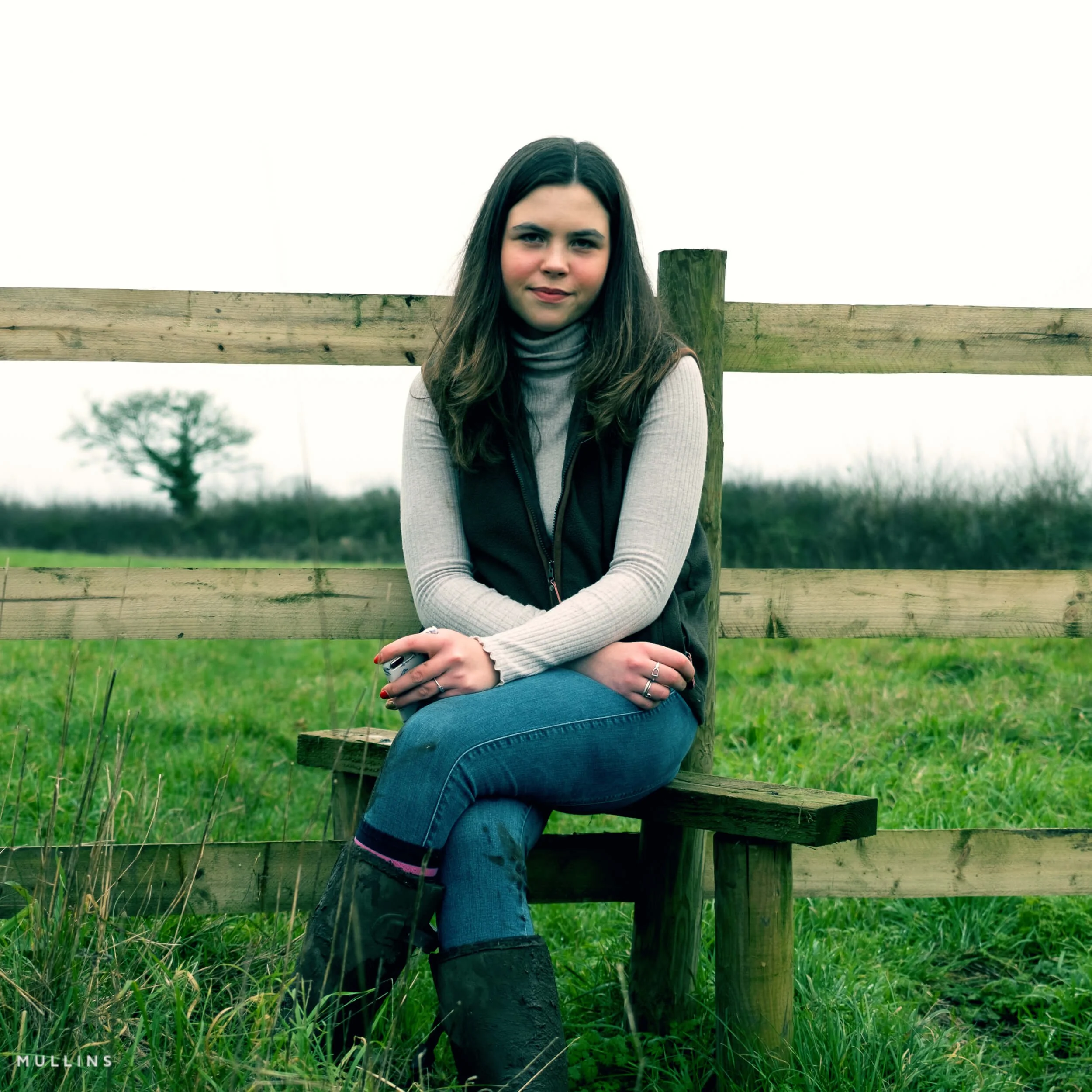
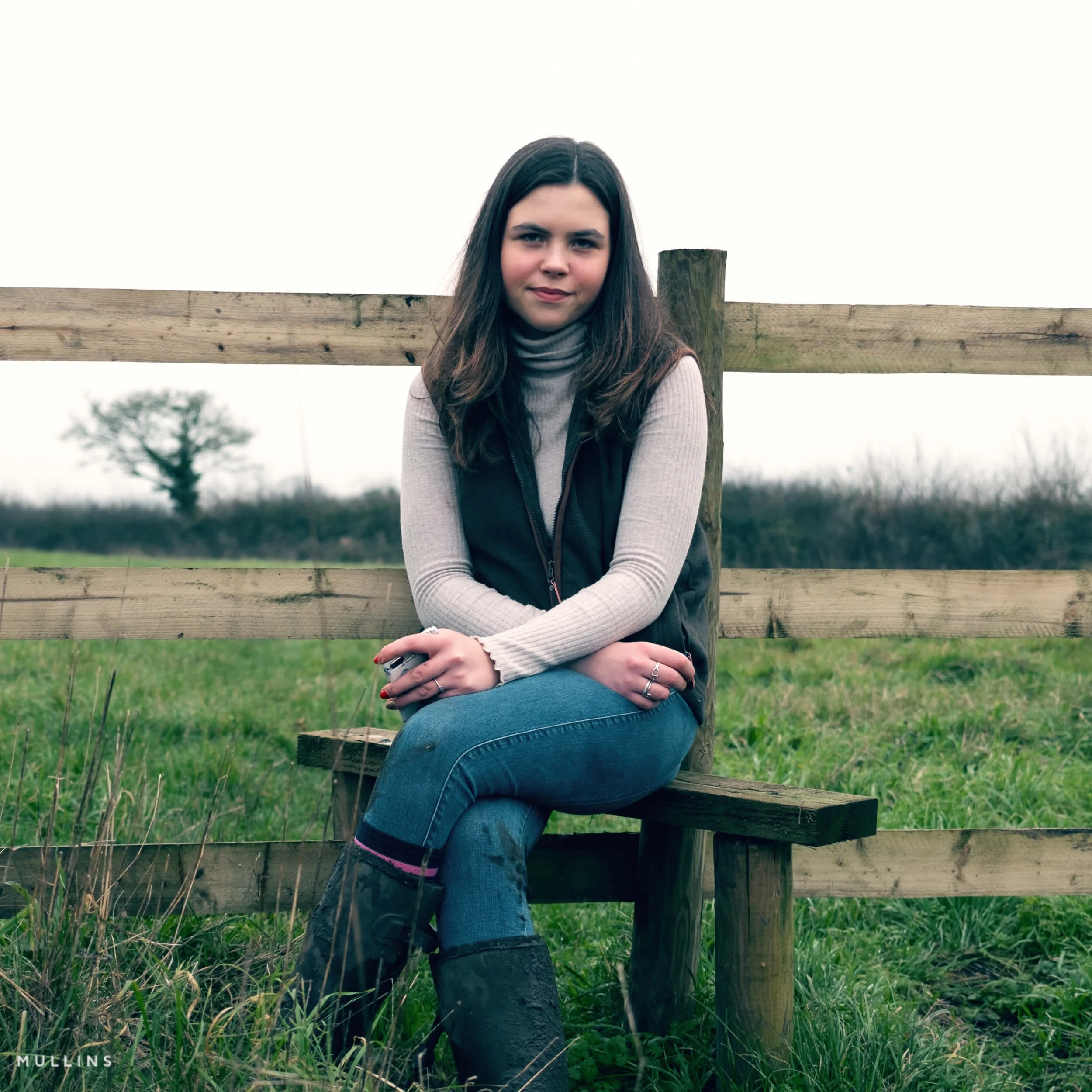
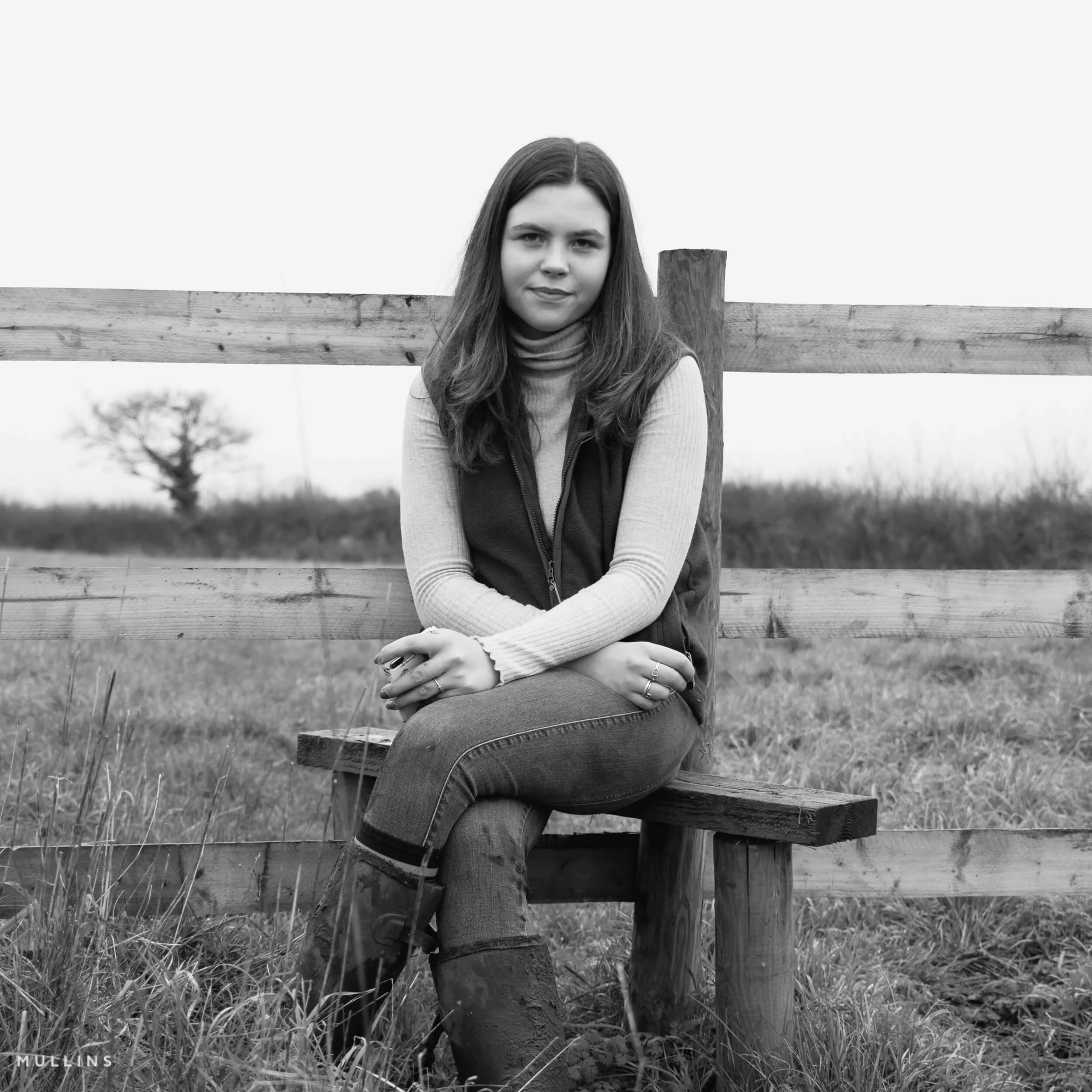
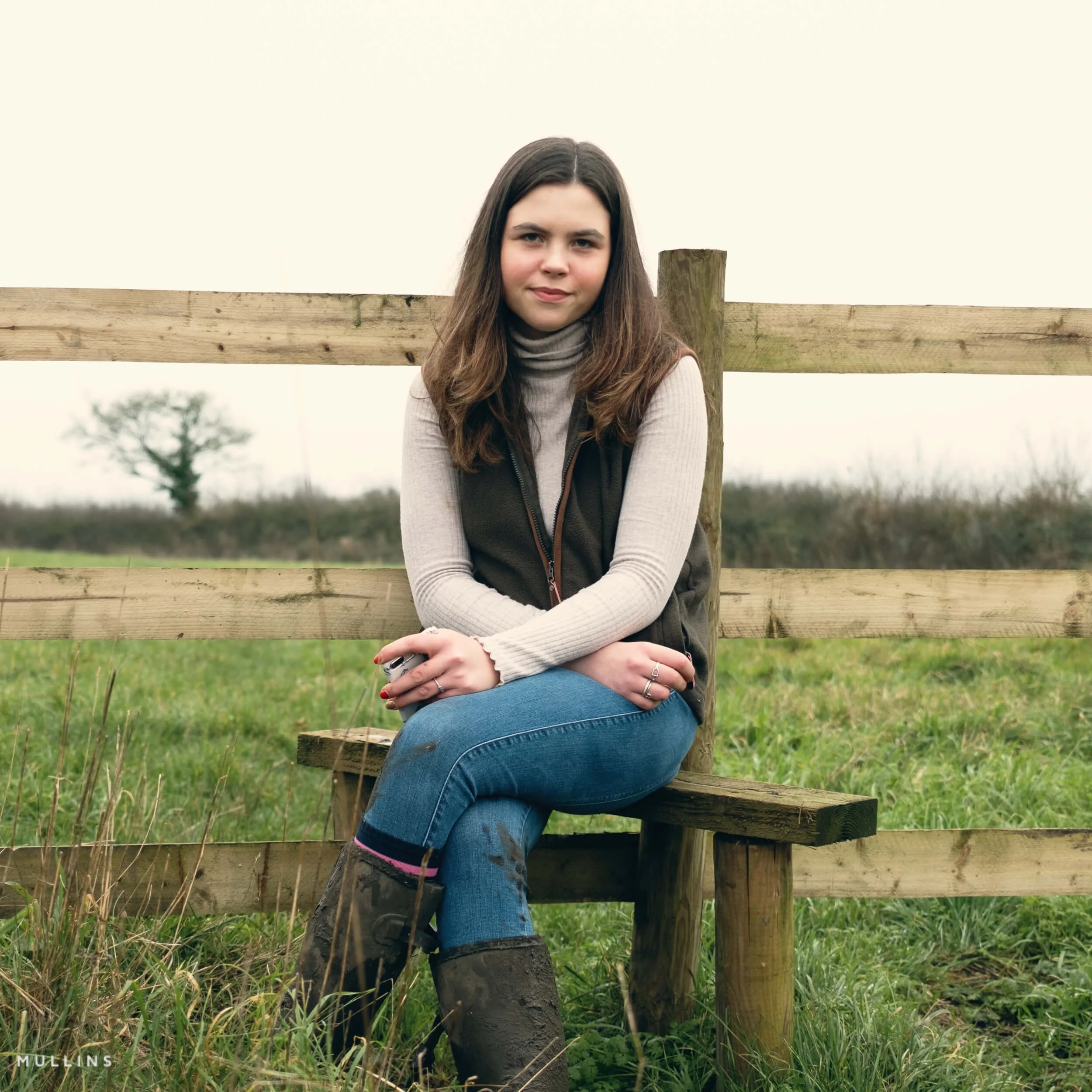
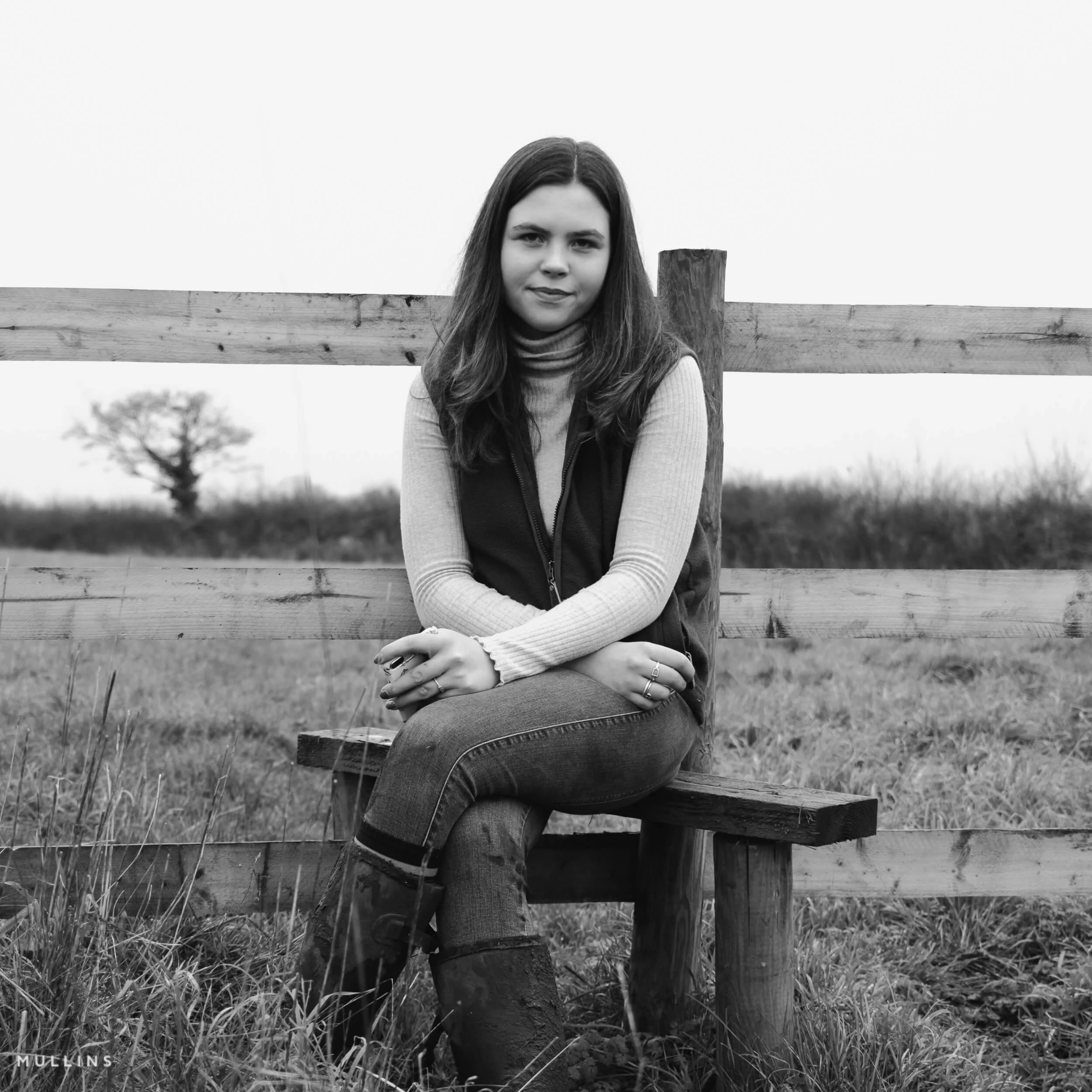
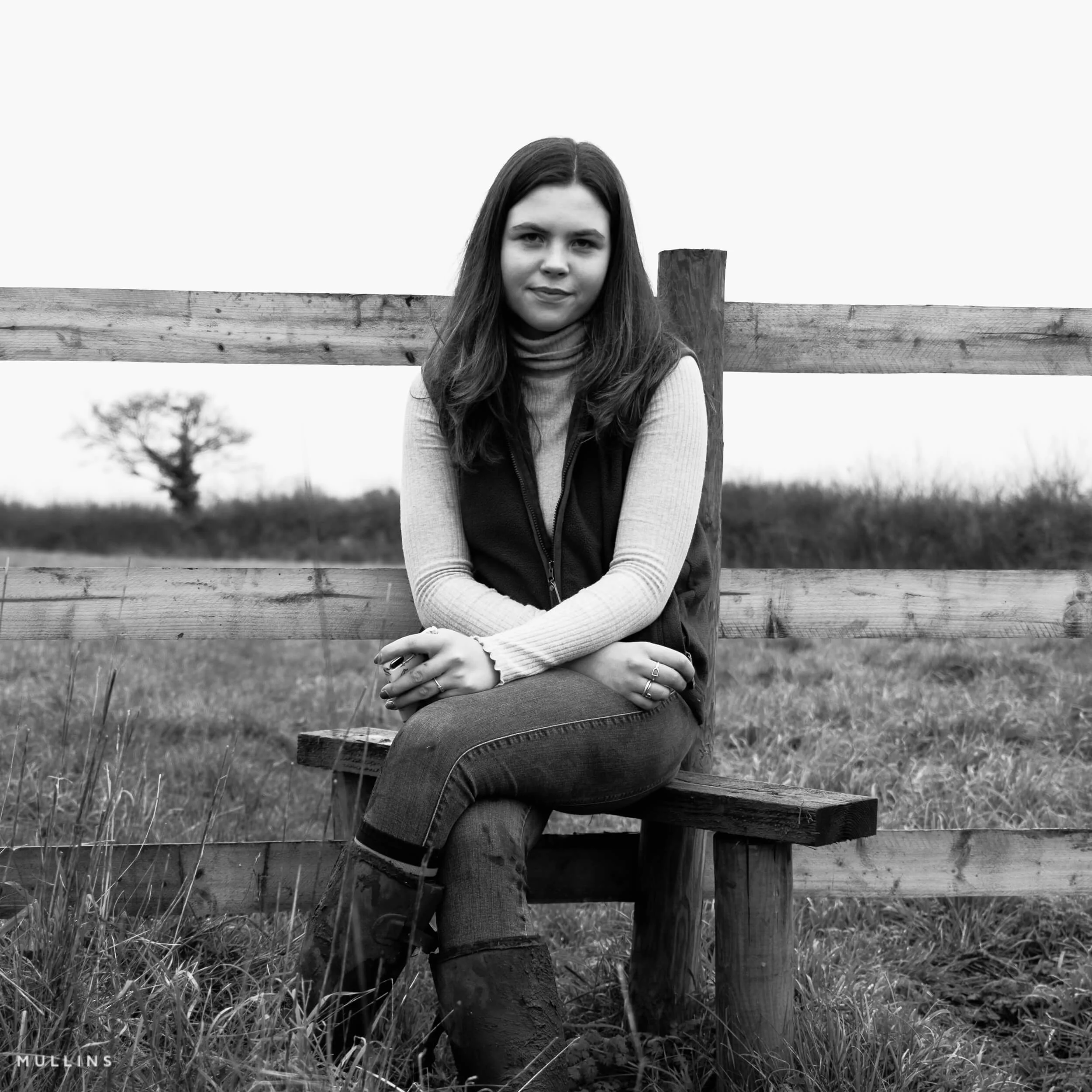
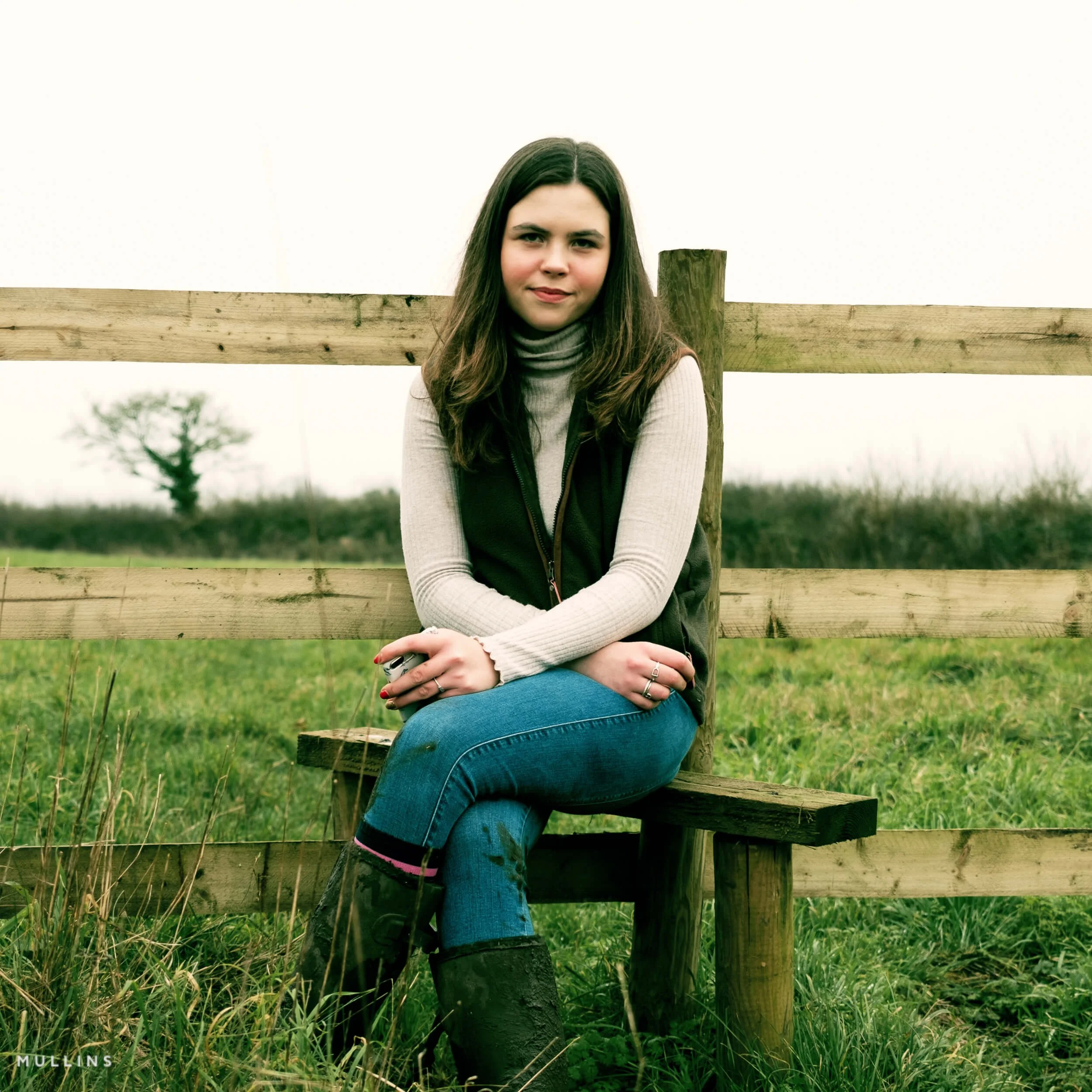
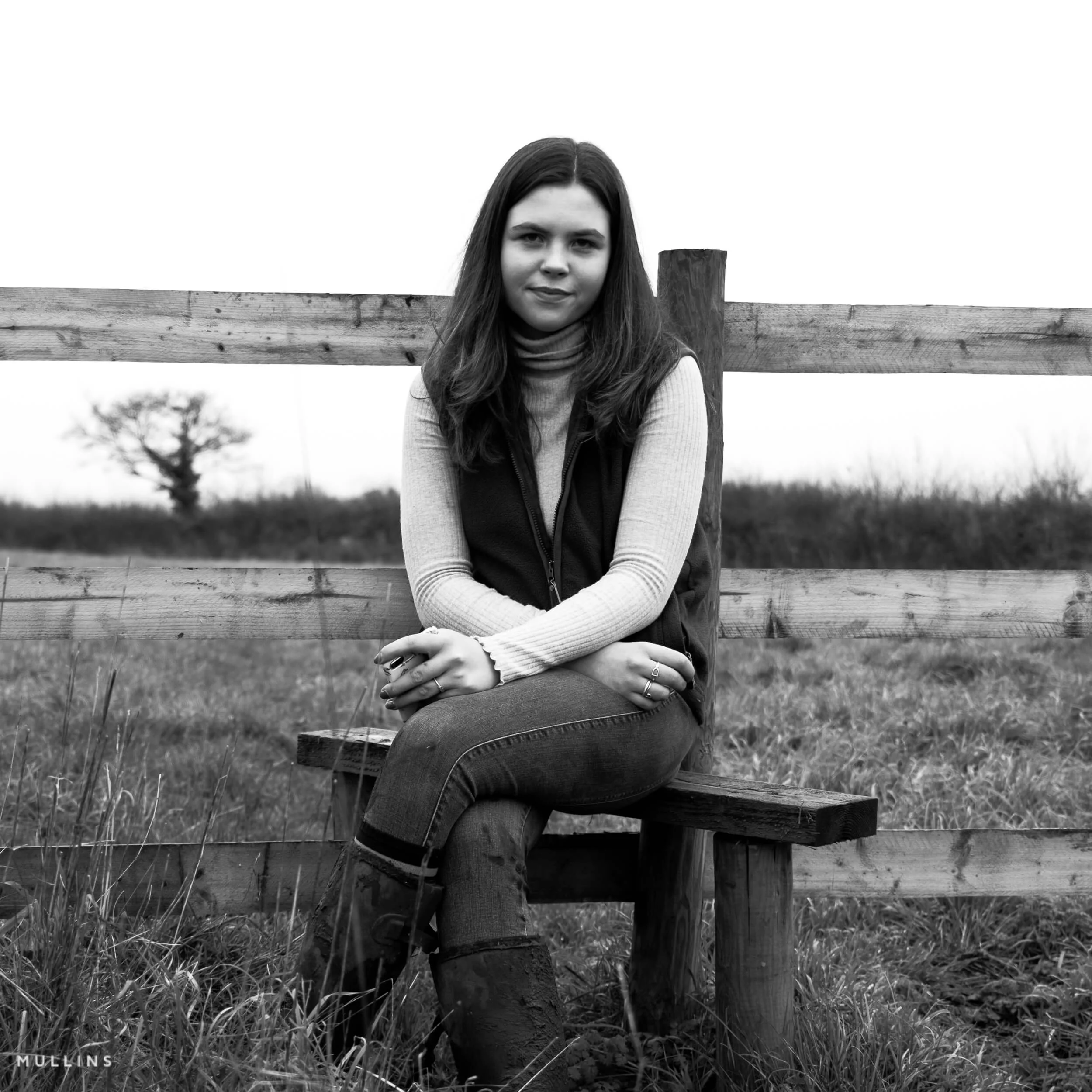
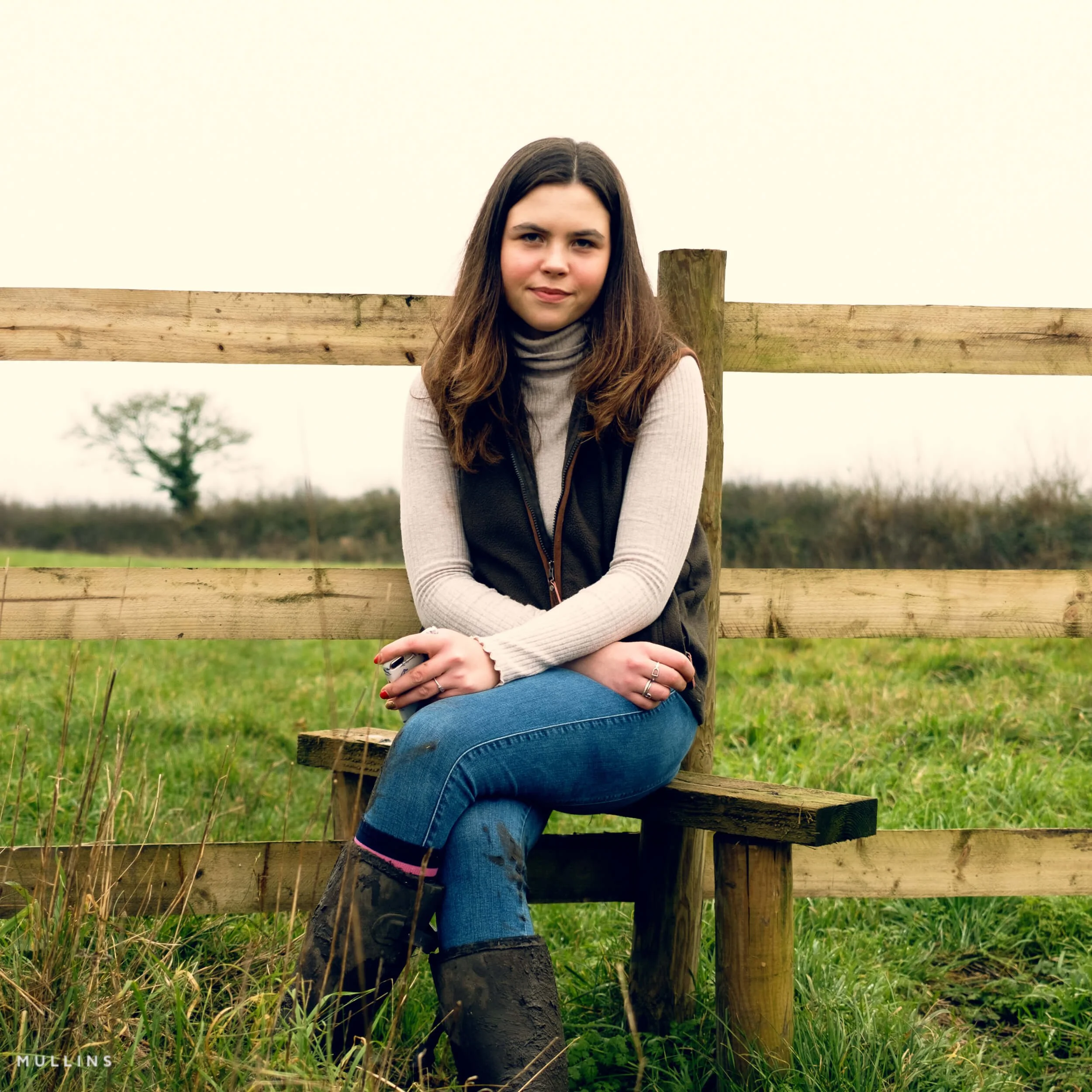

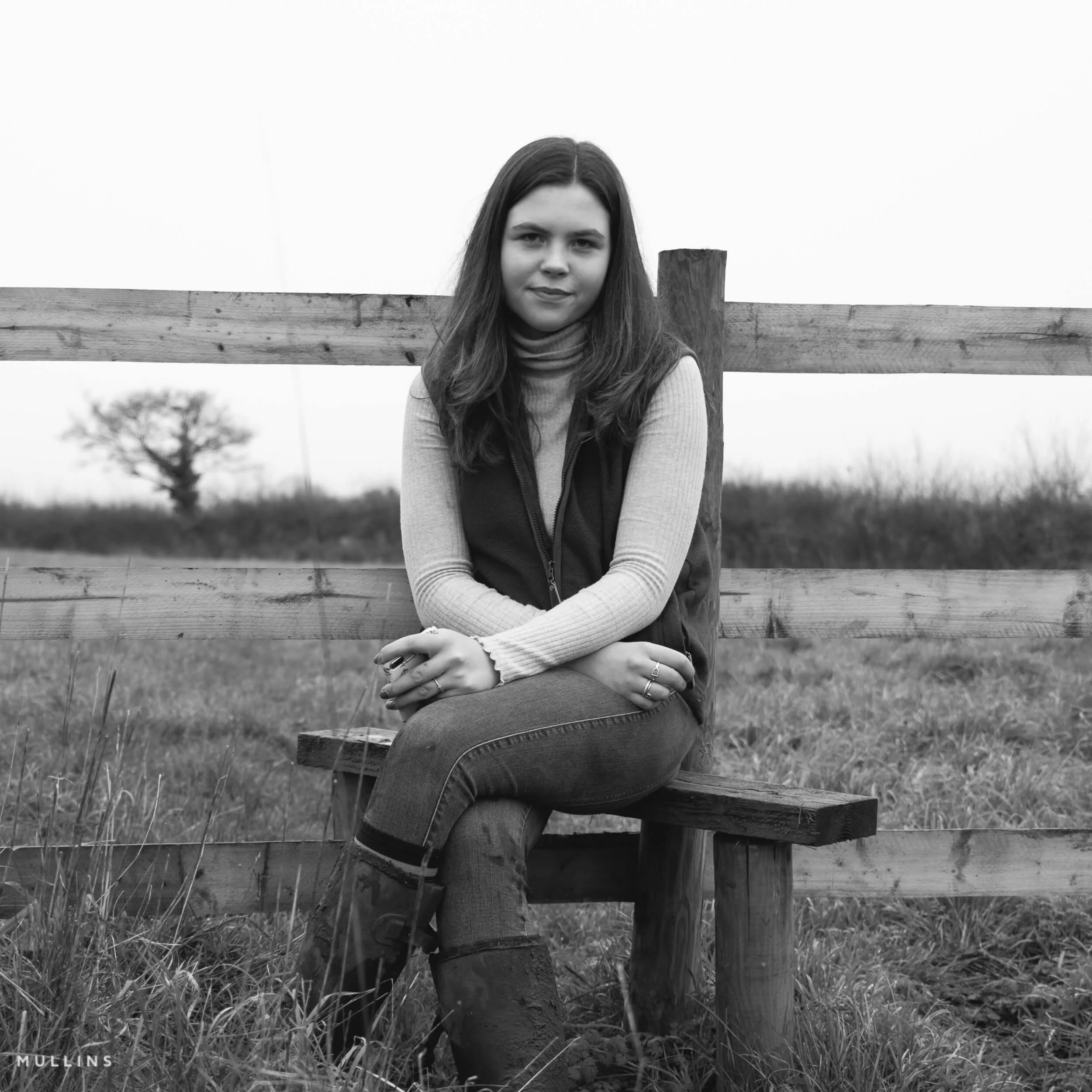
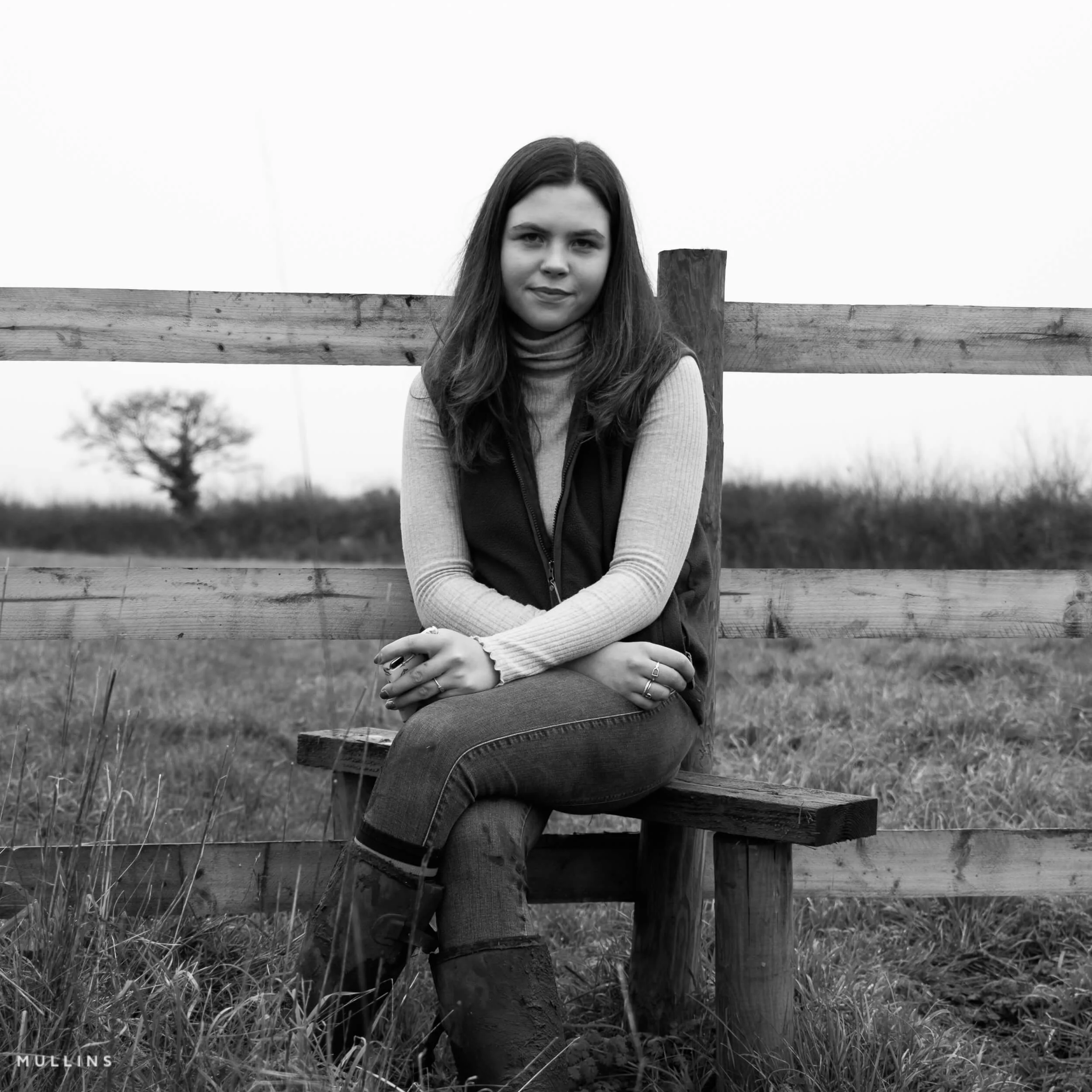
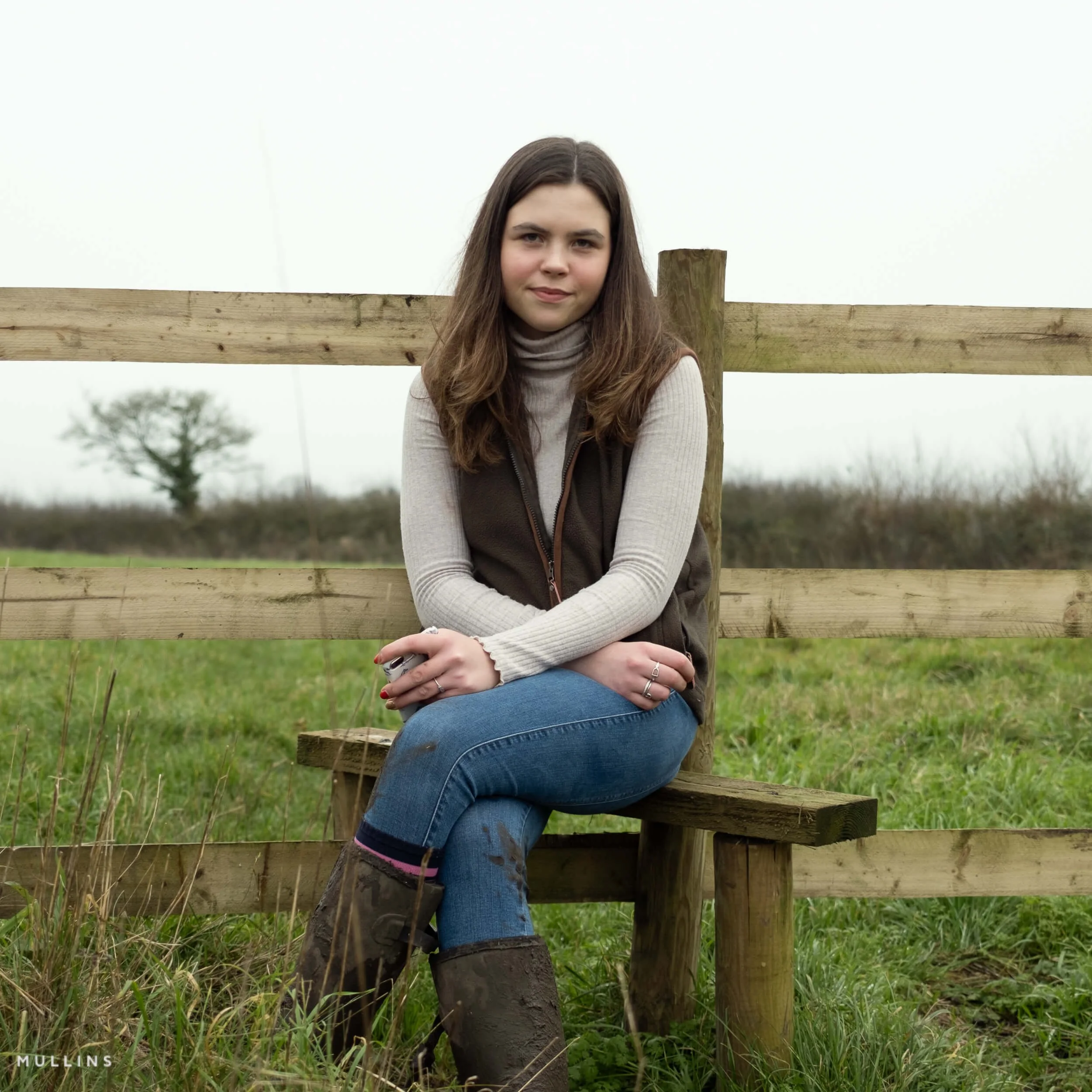
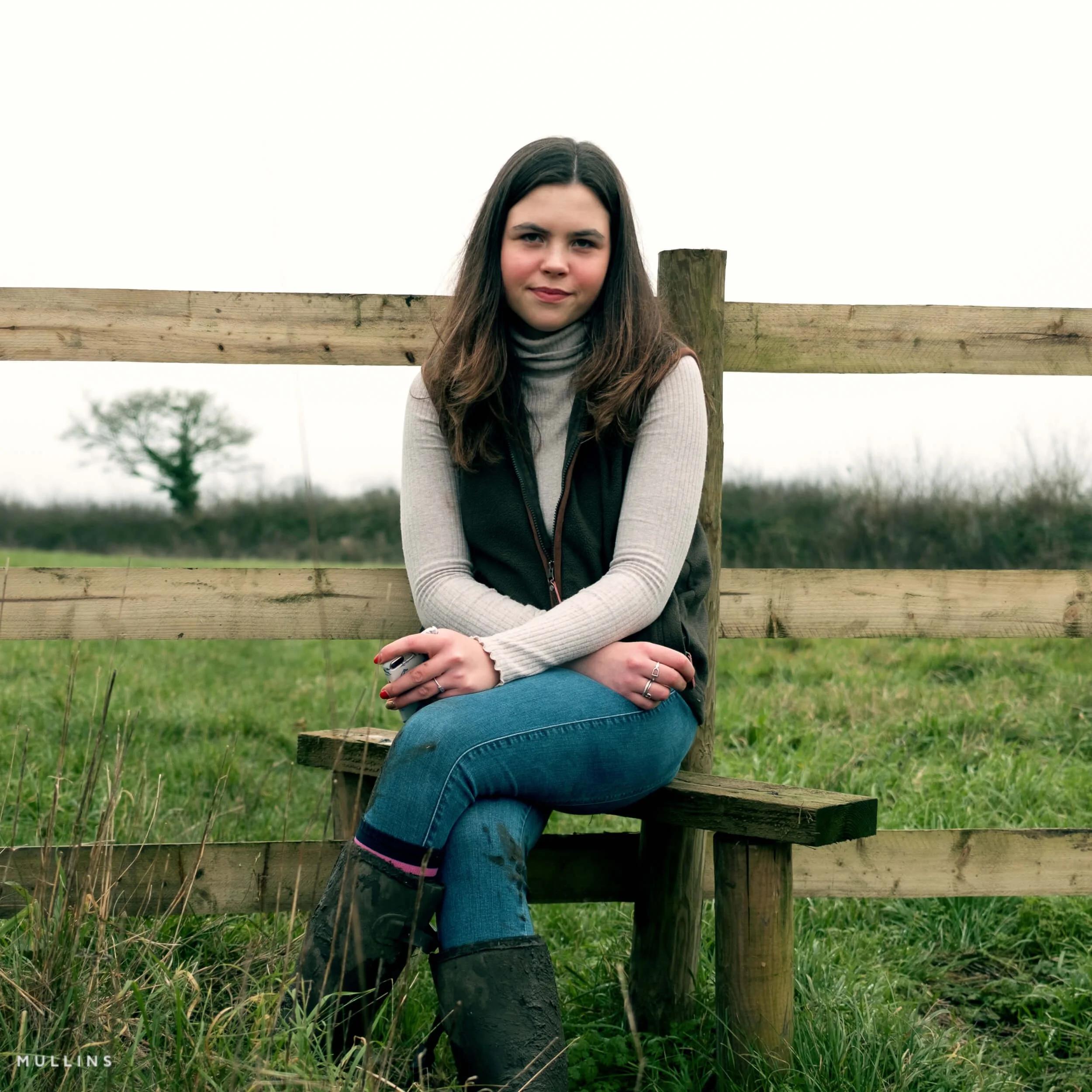
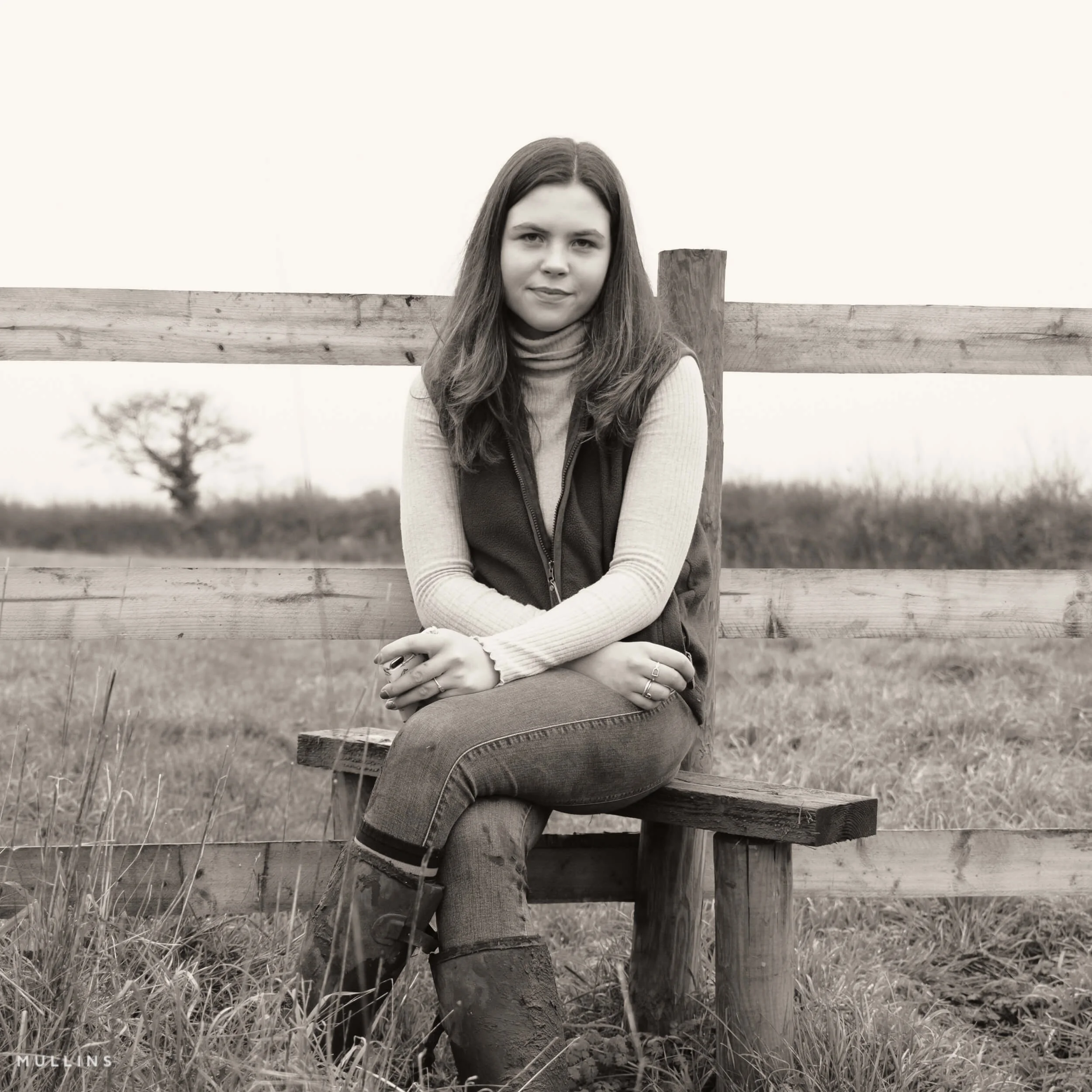
25 One-Click Presets
14 colour + 11 monochrome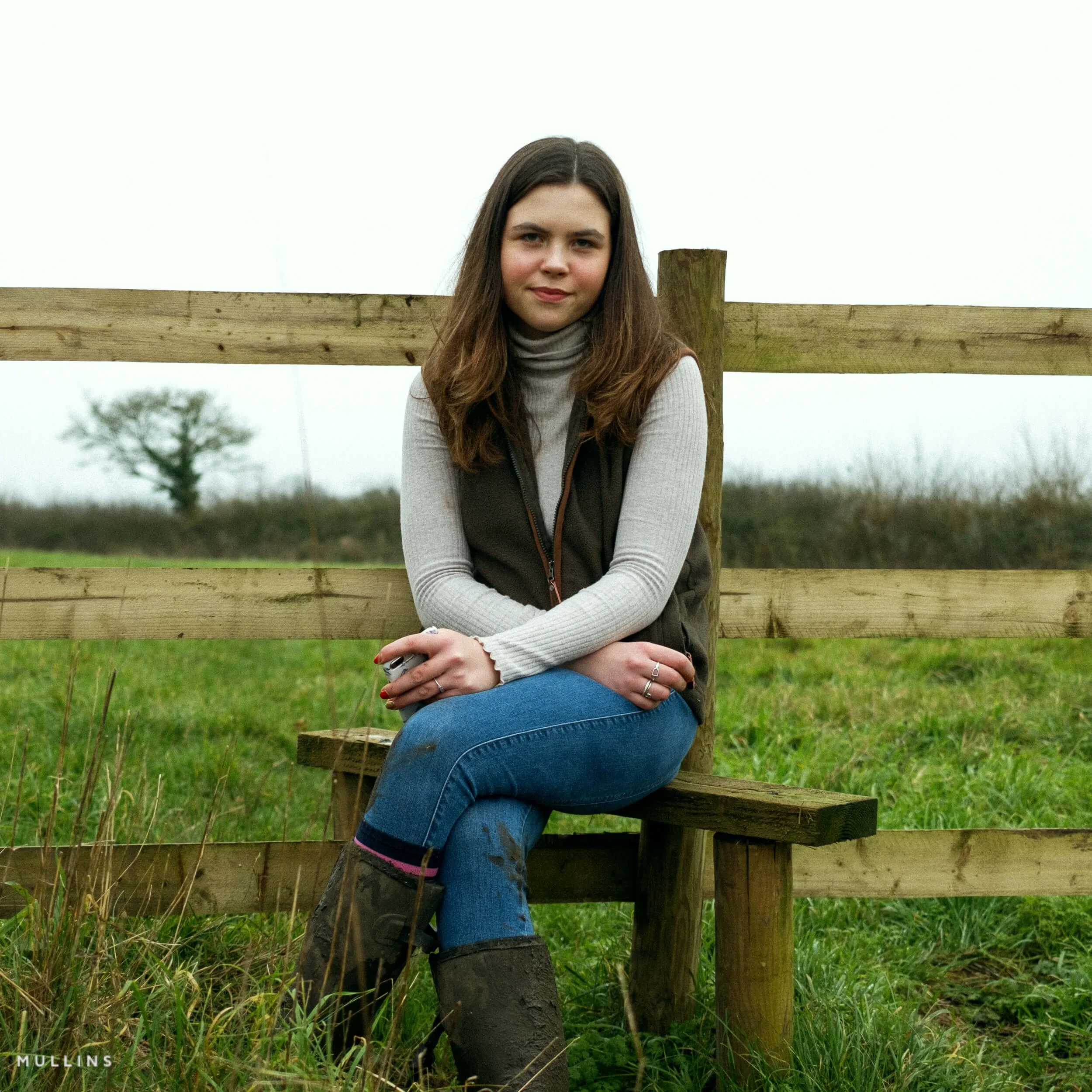
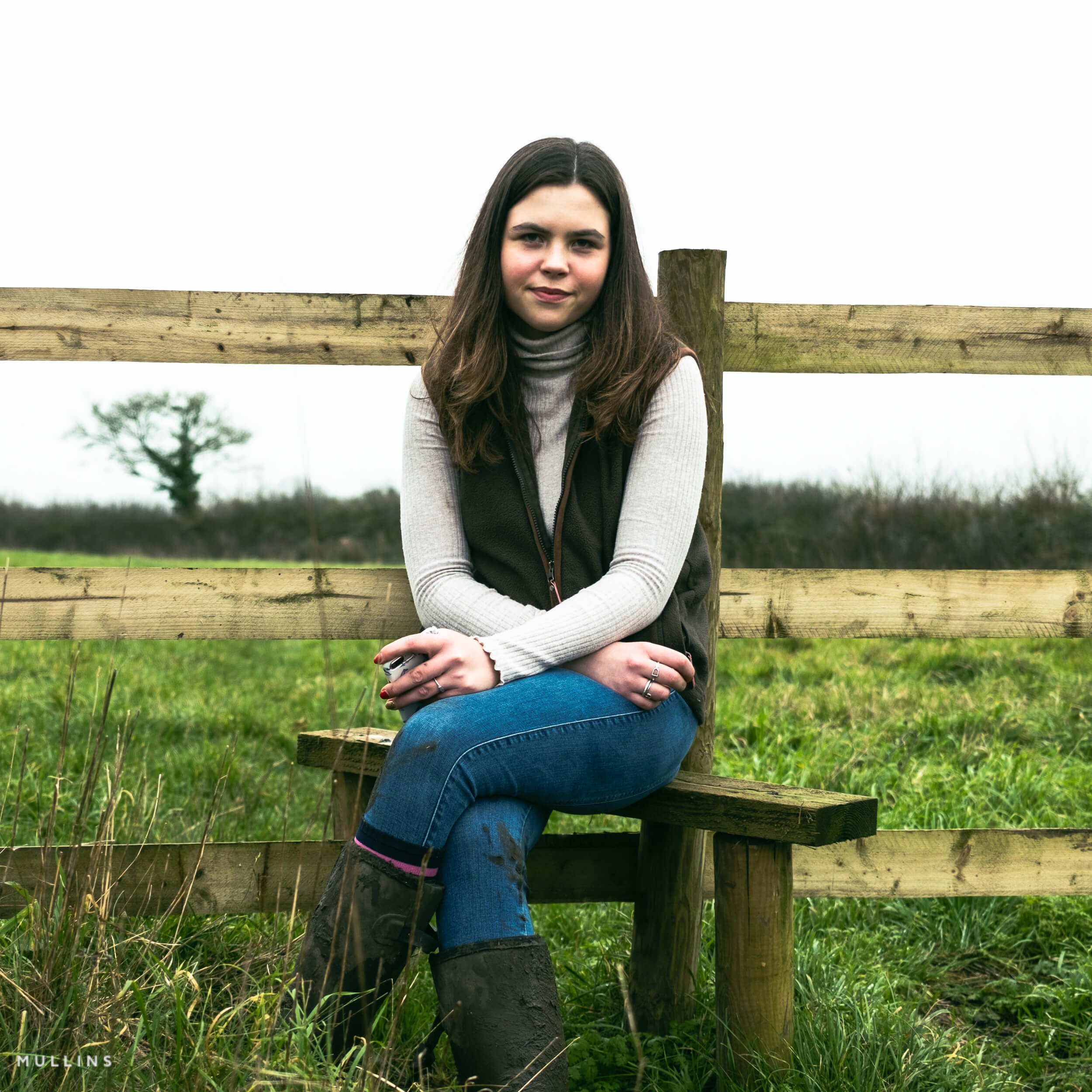

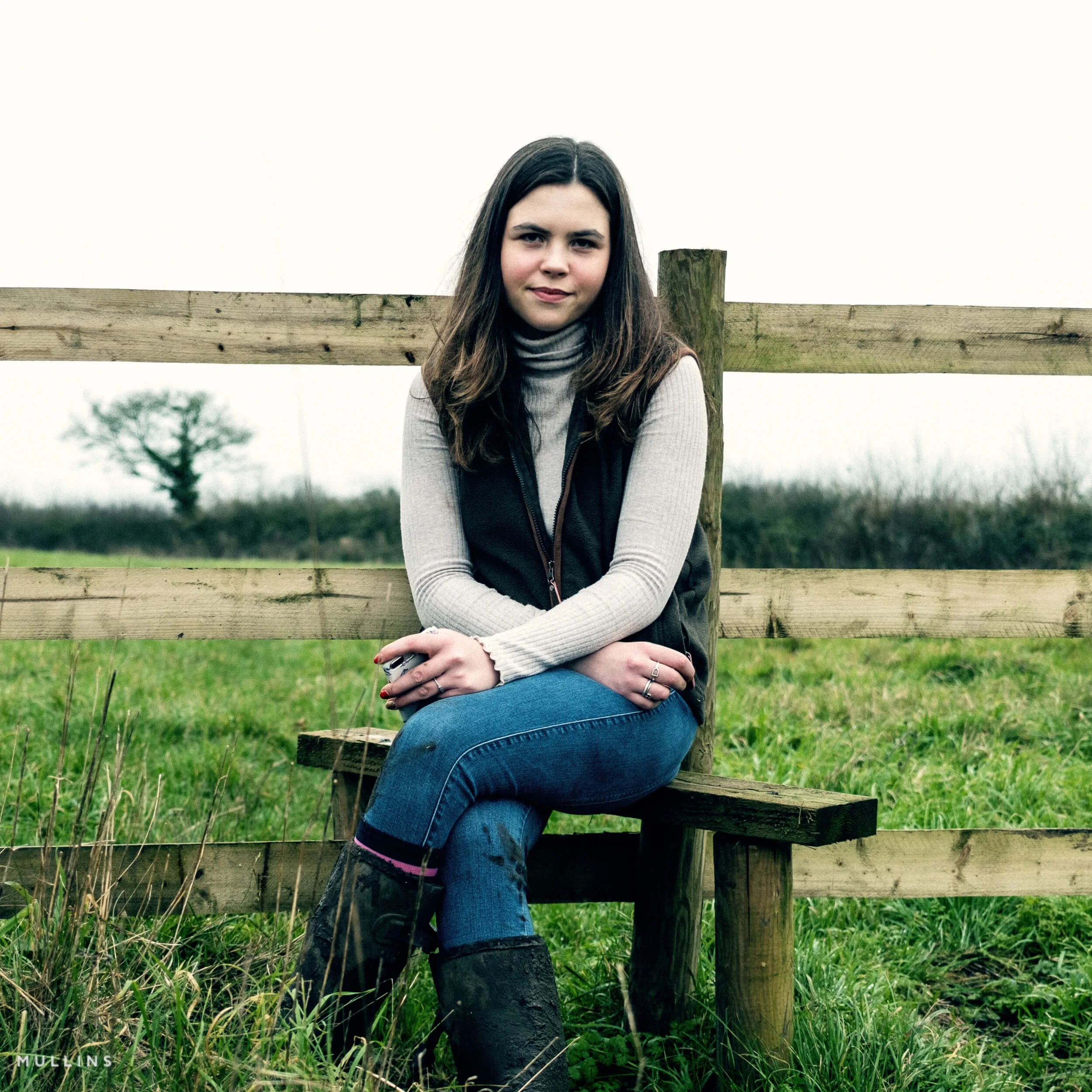
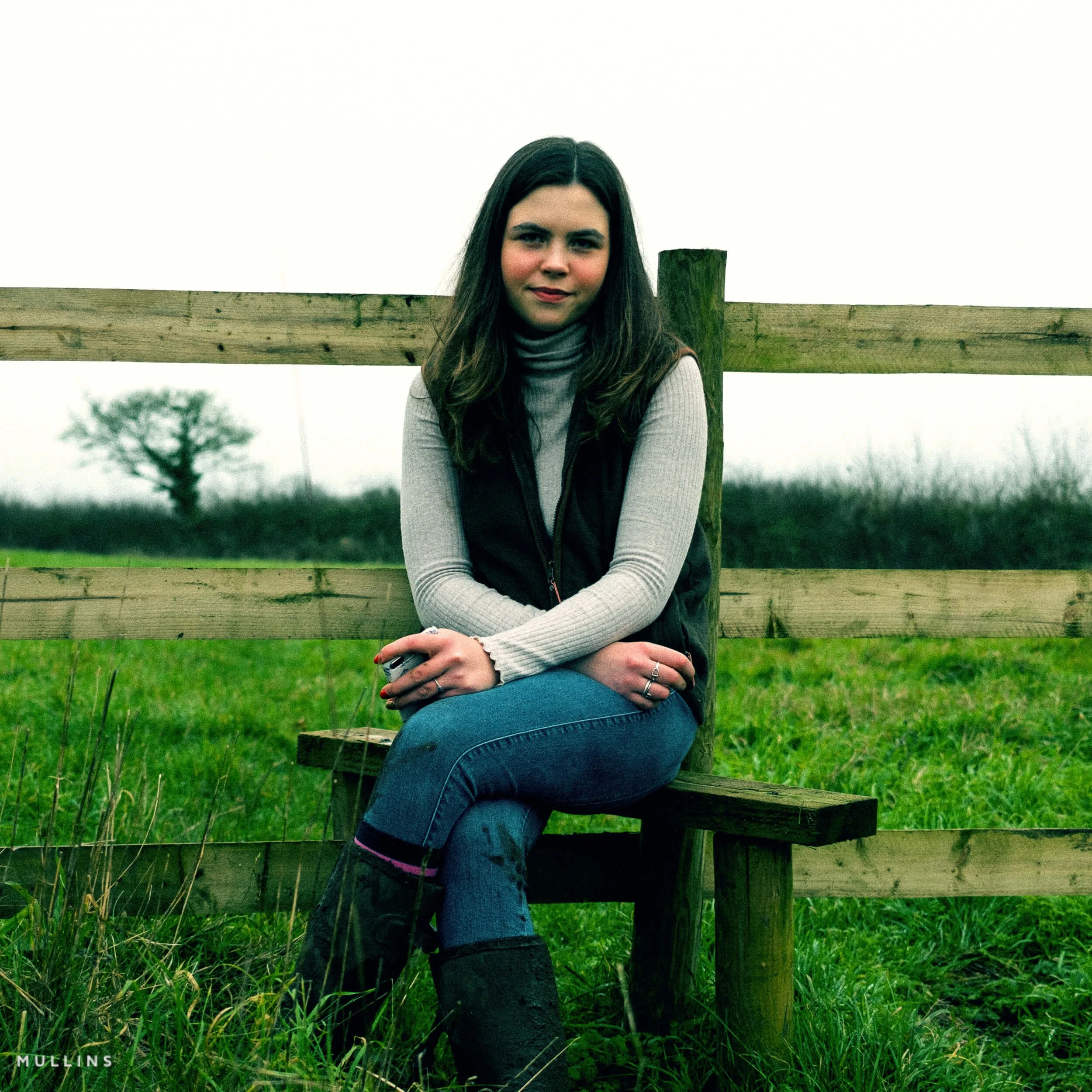

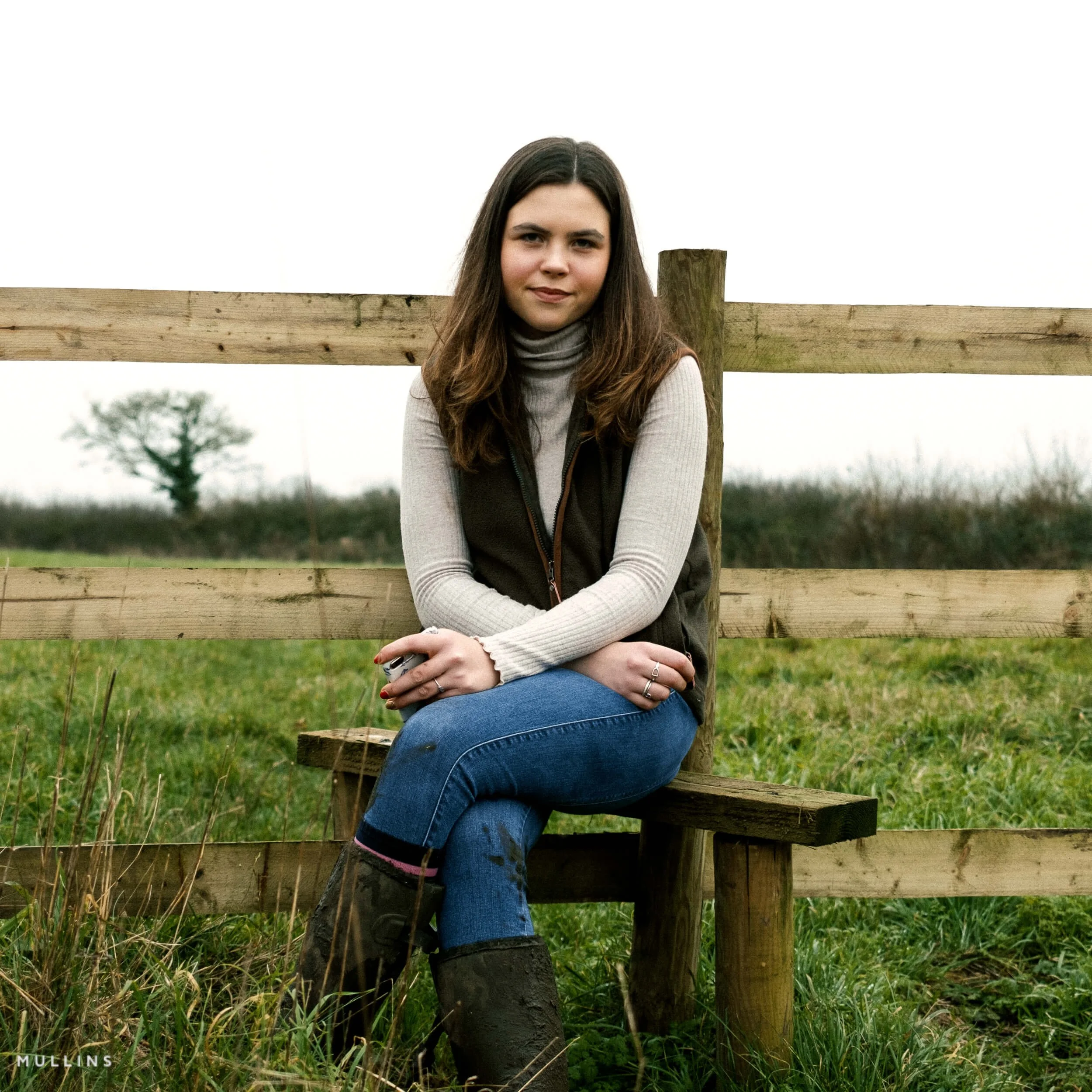
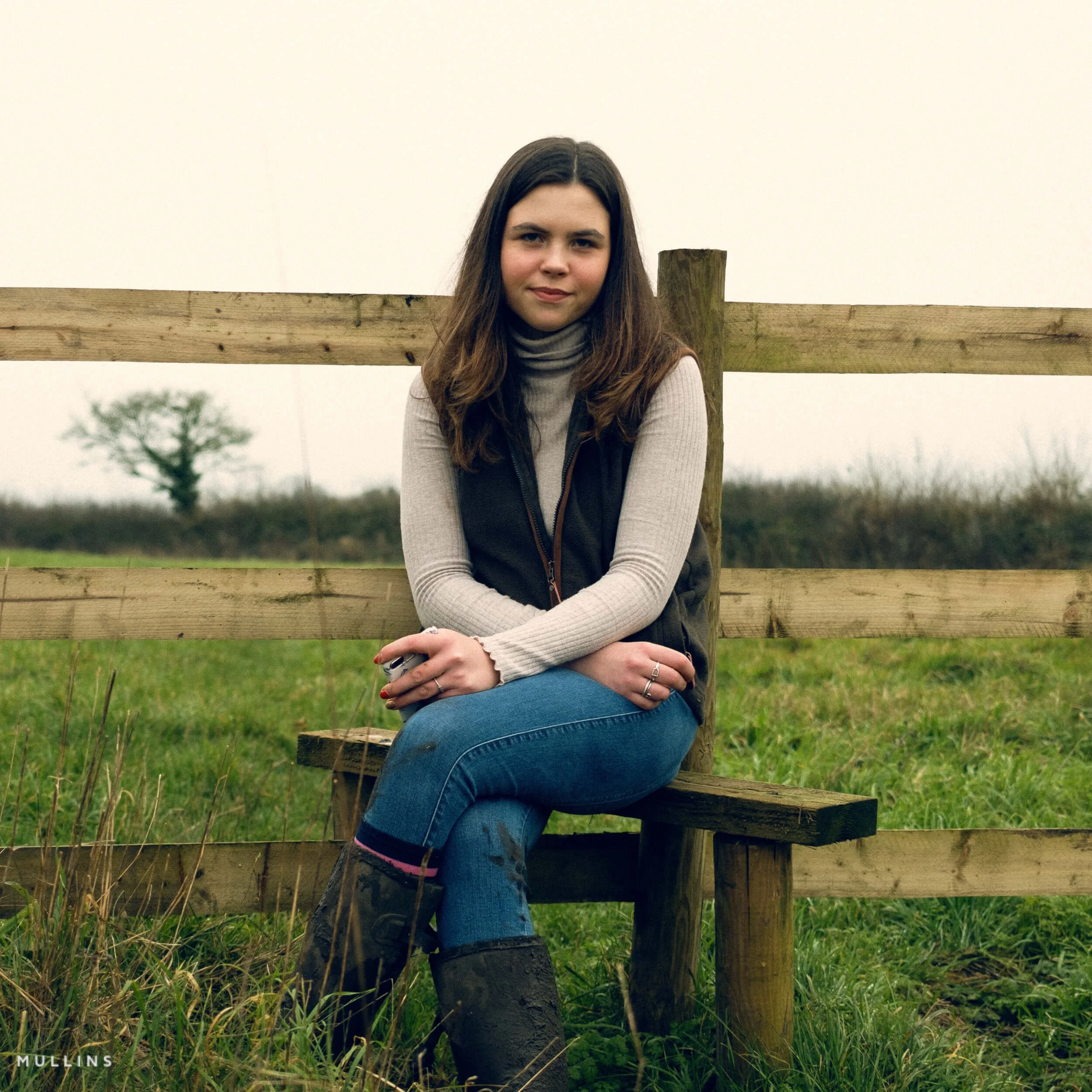
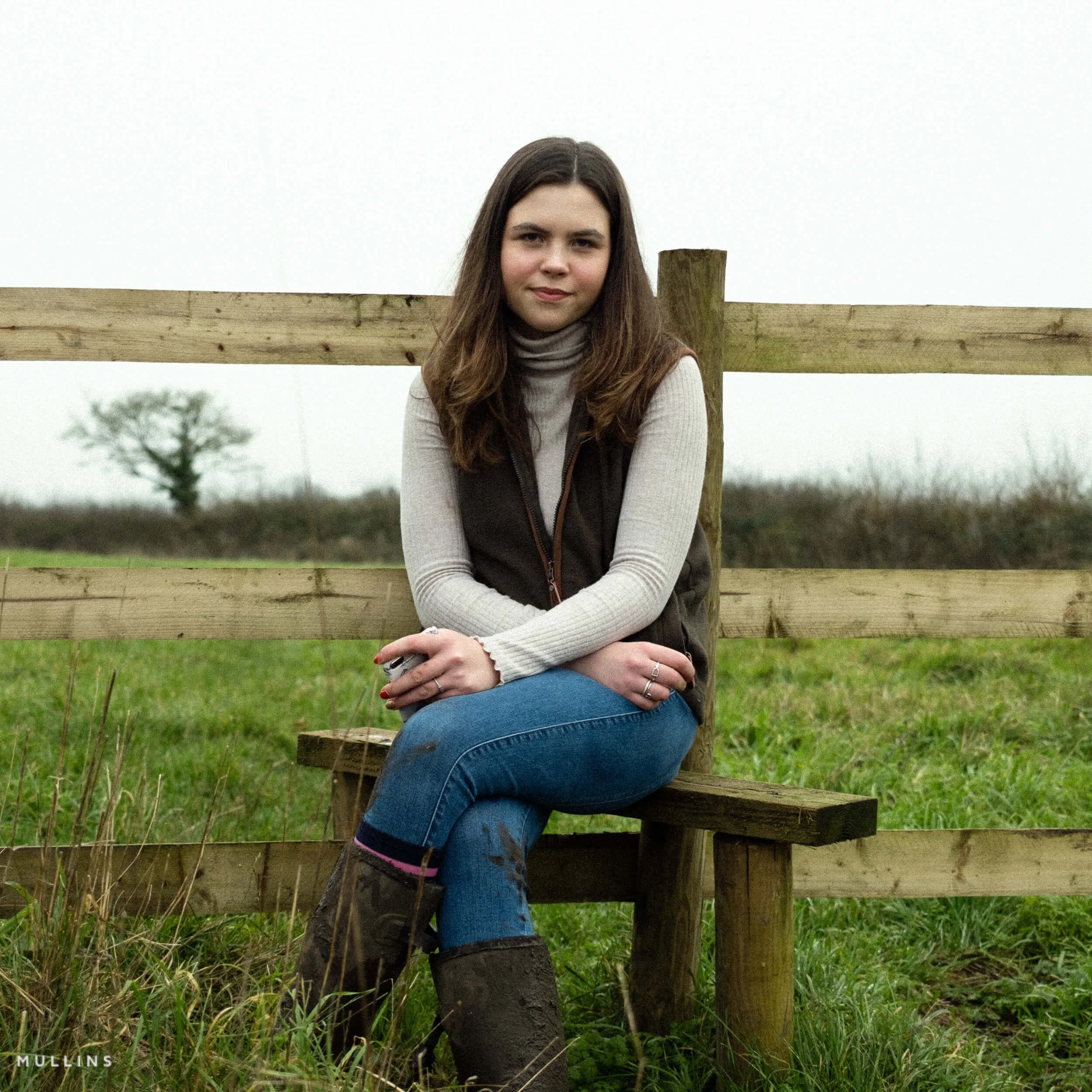
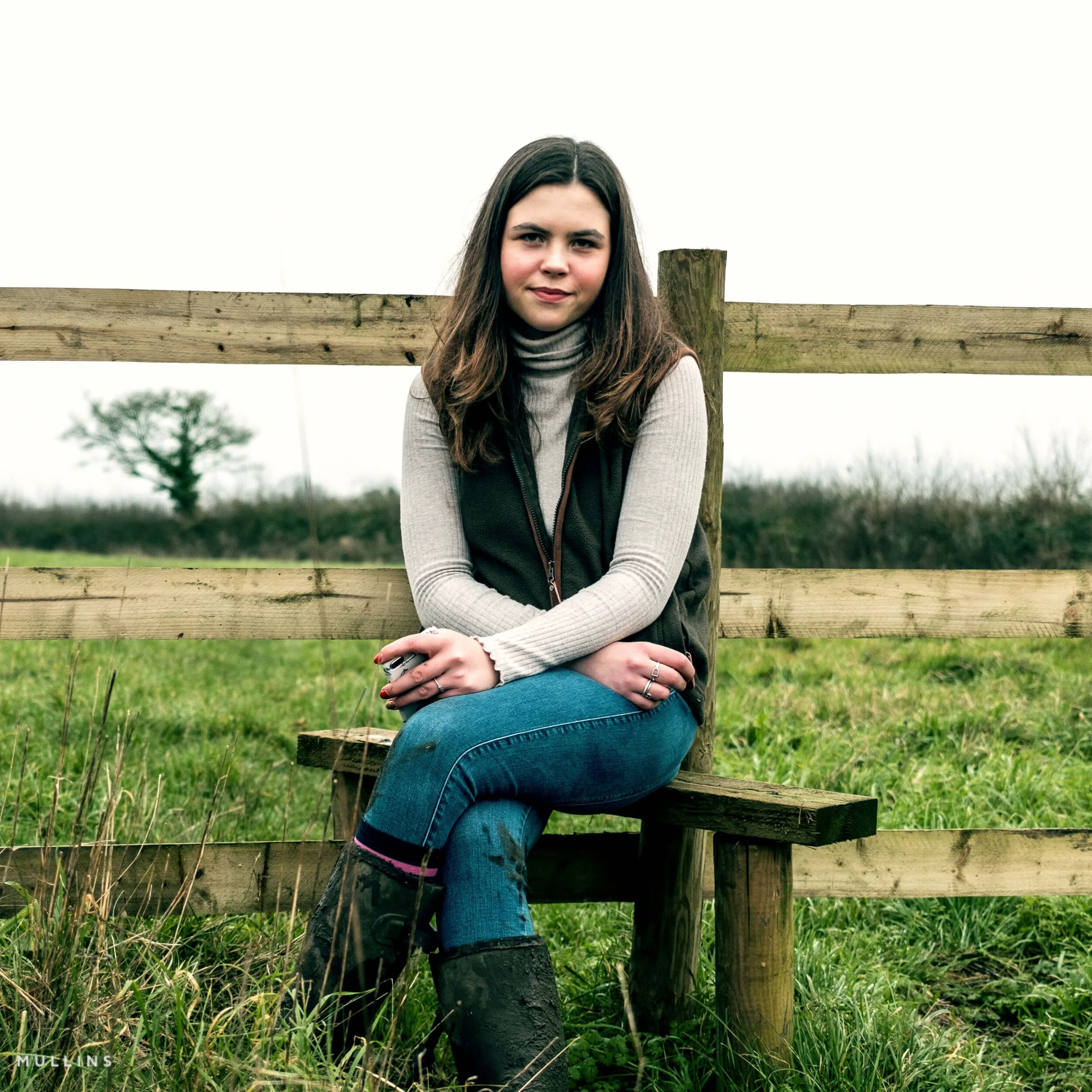
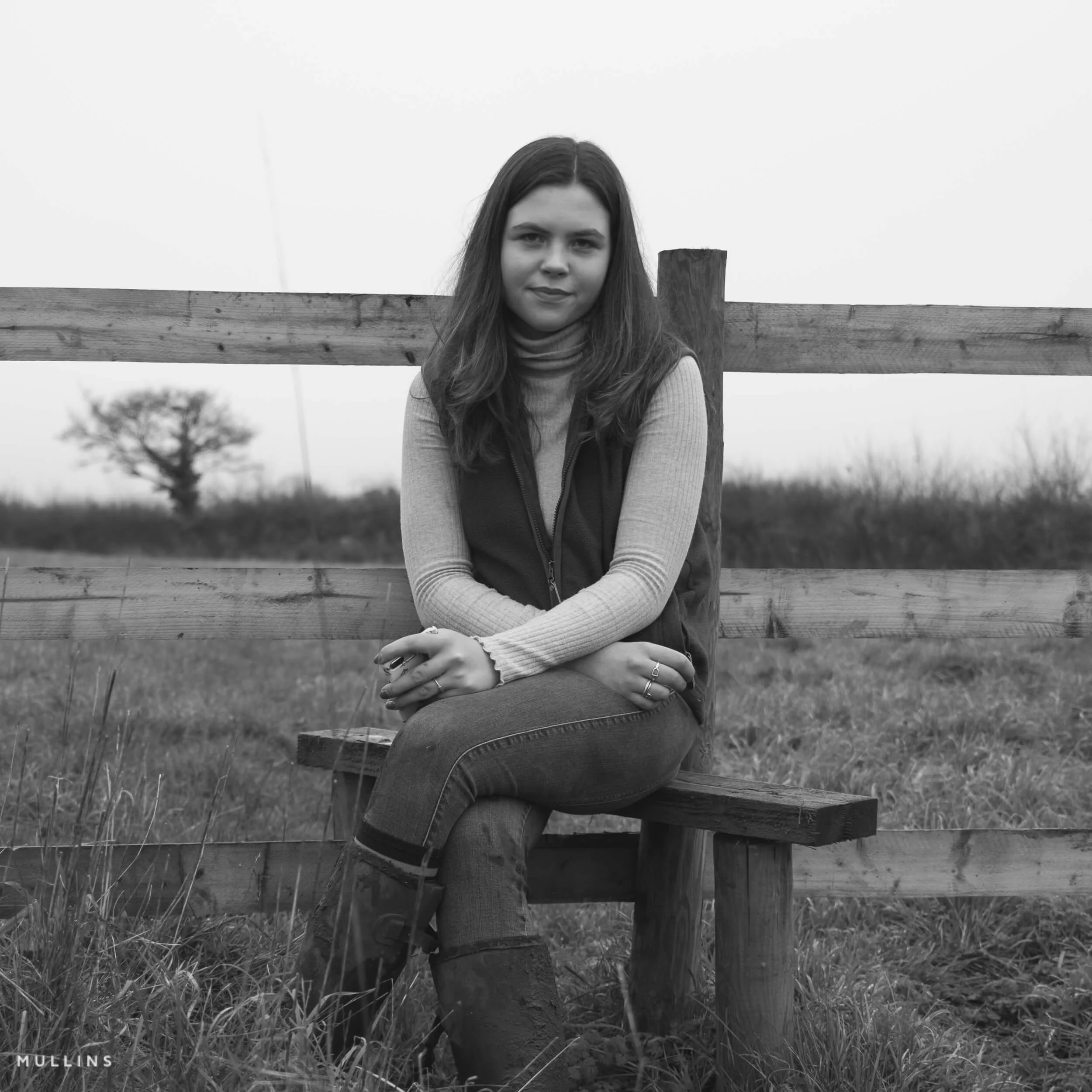
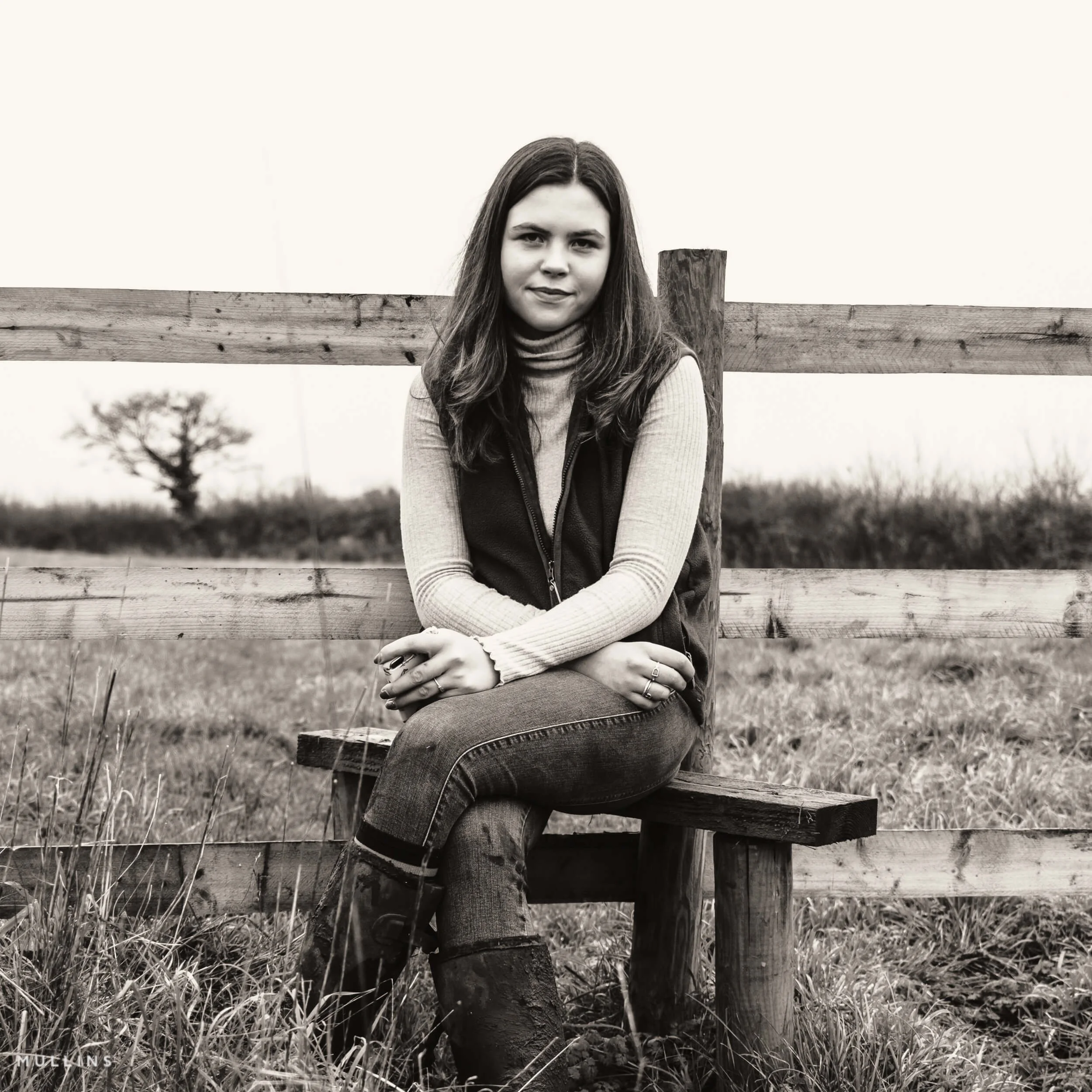
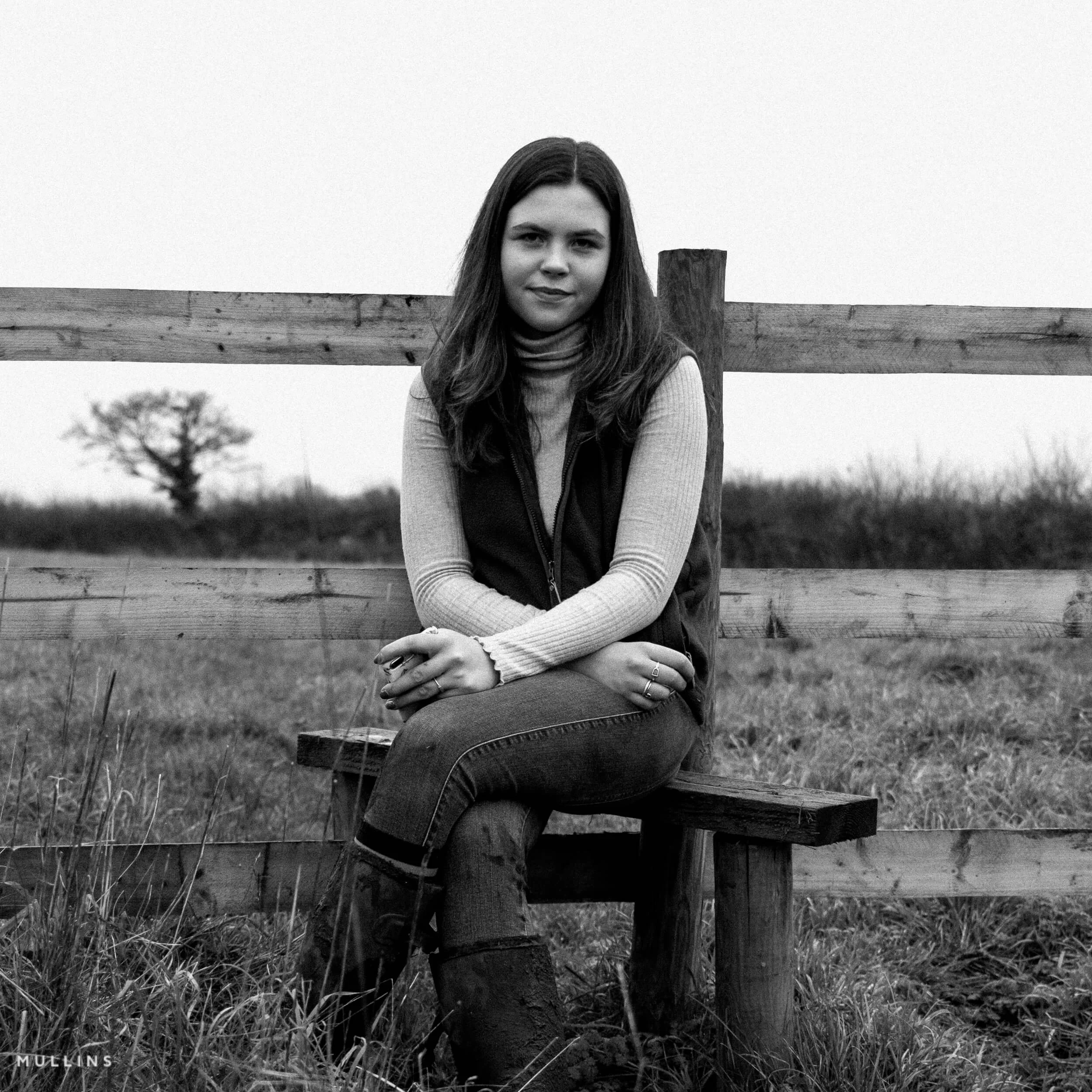
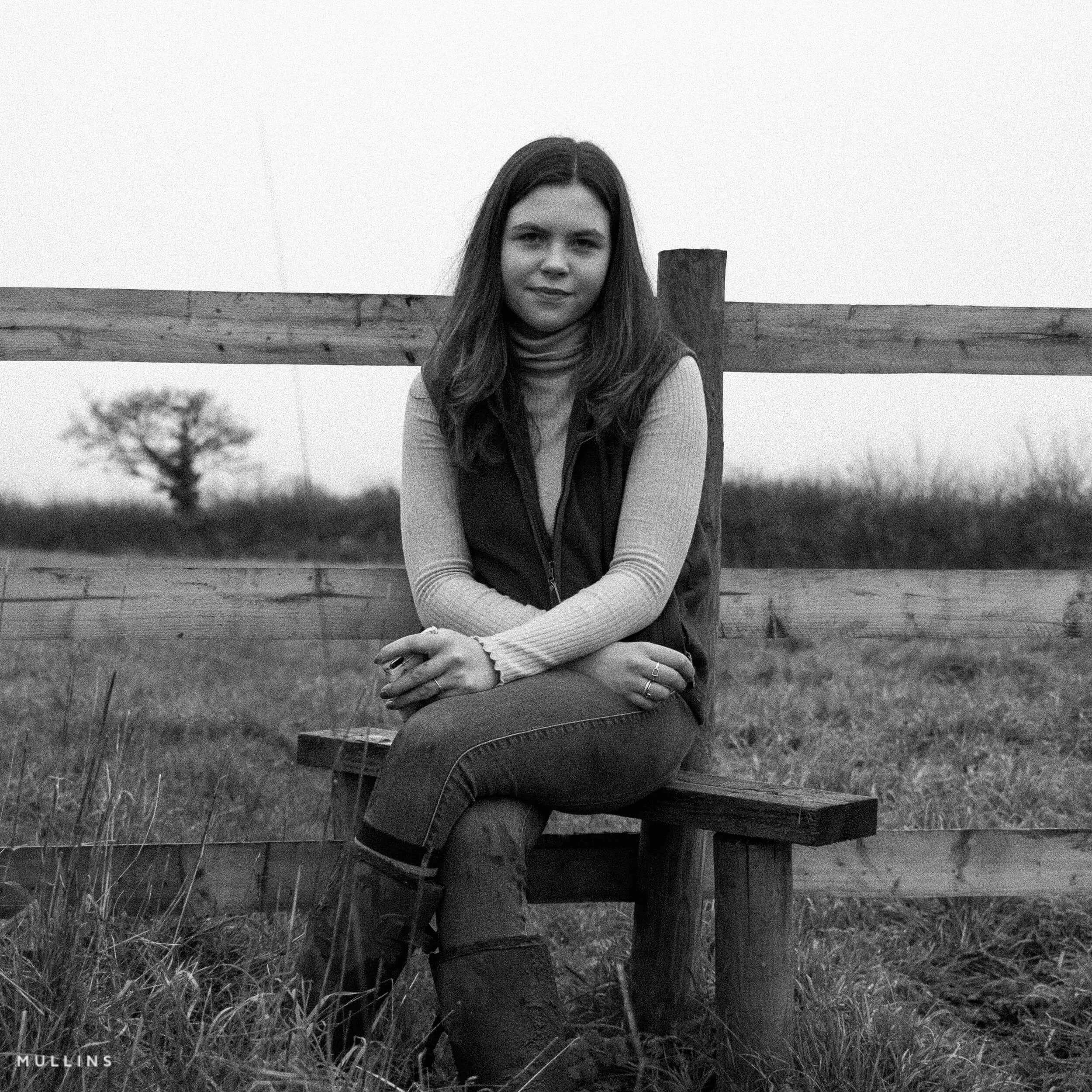
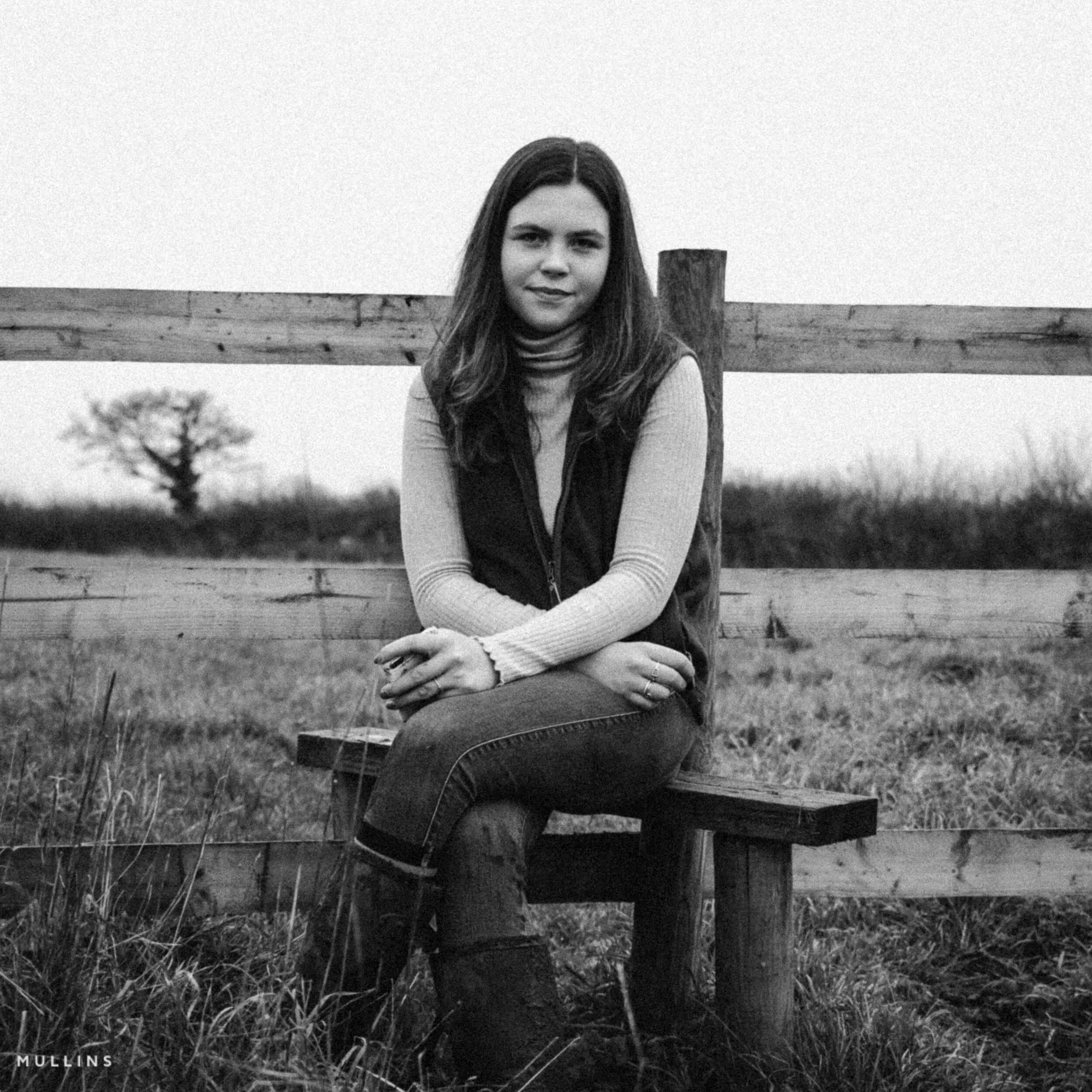
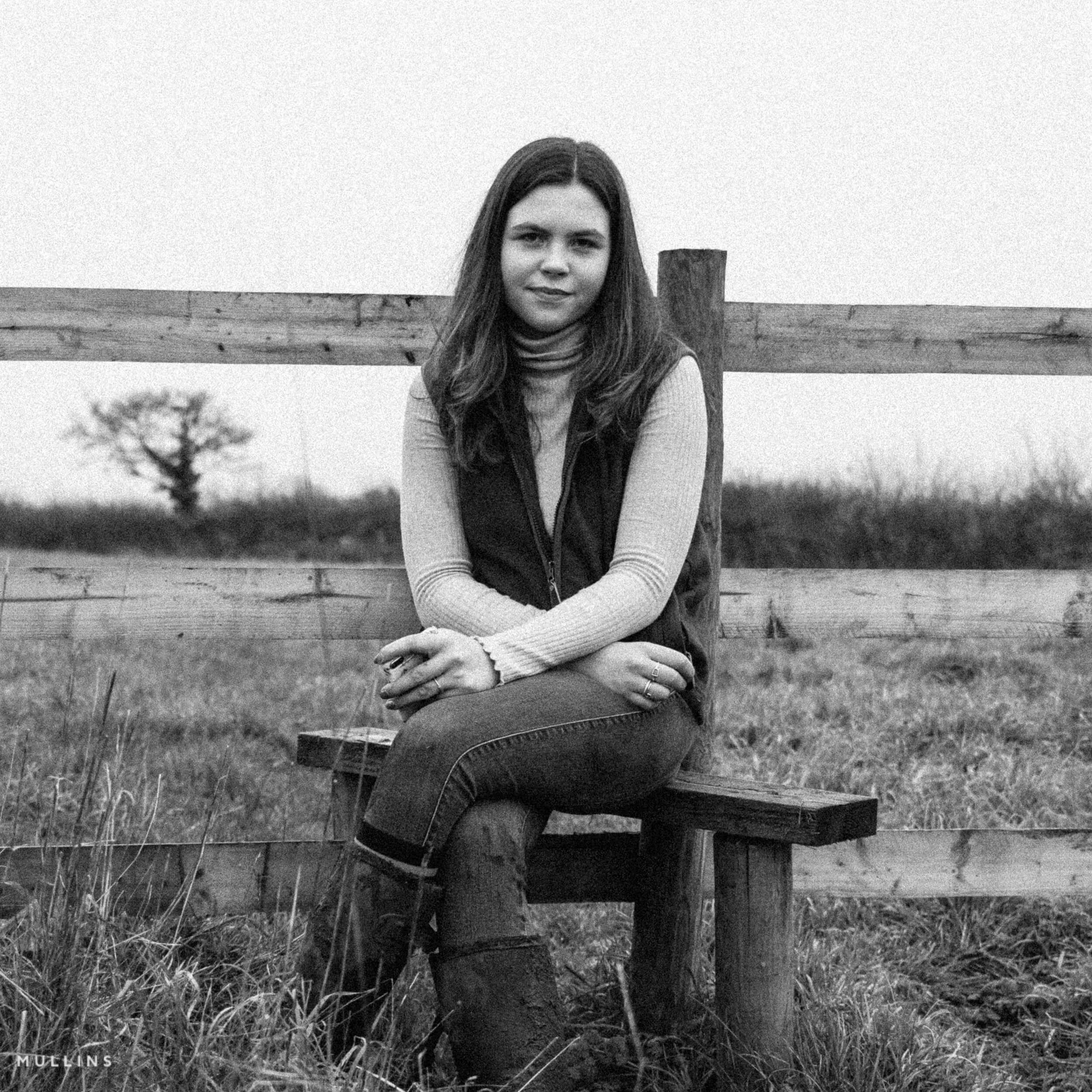
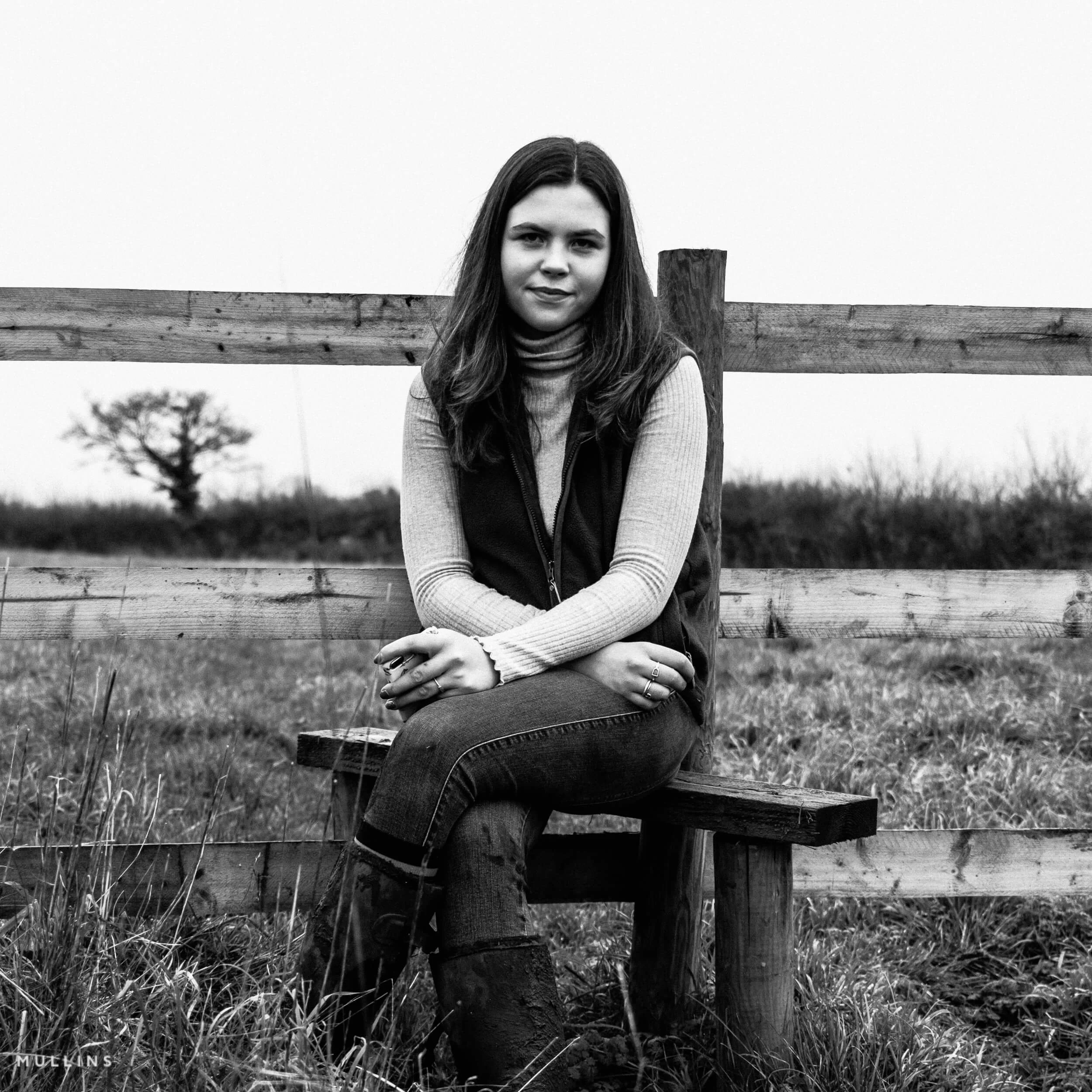
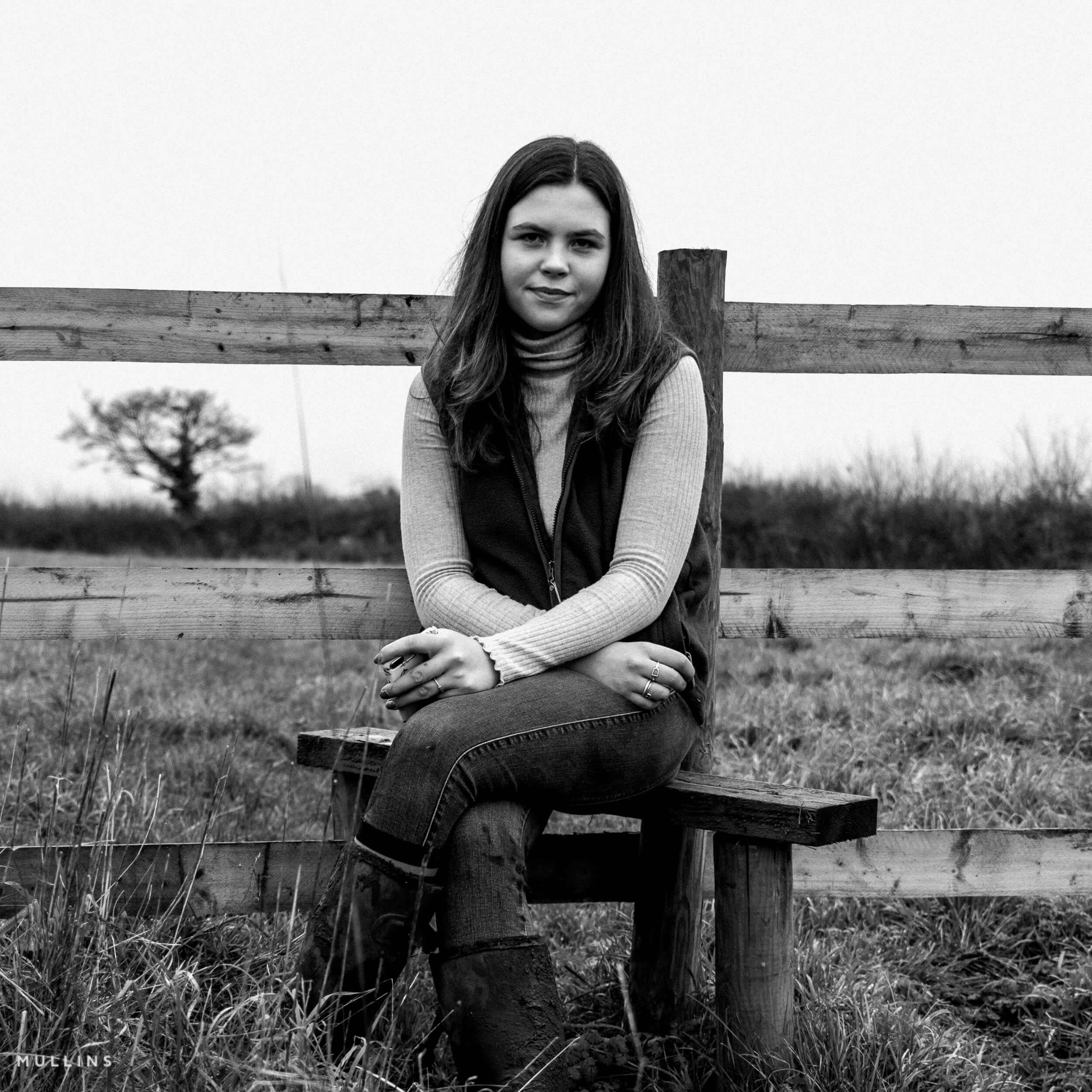
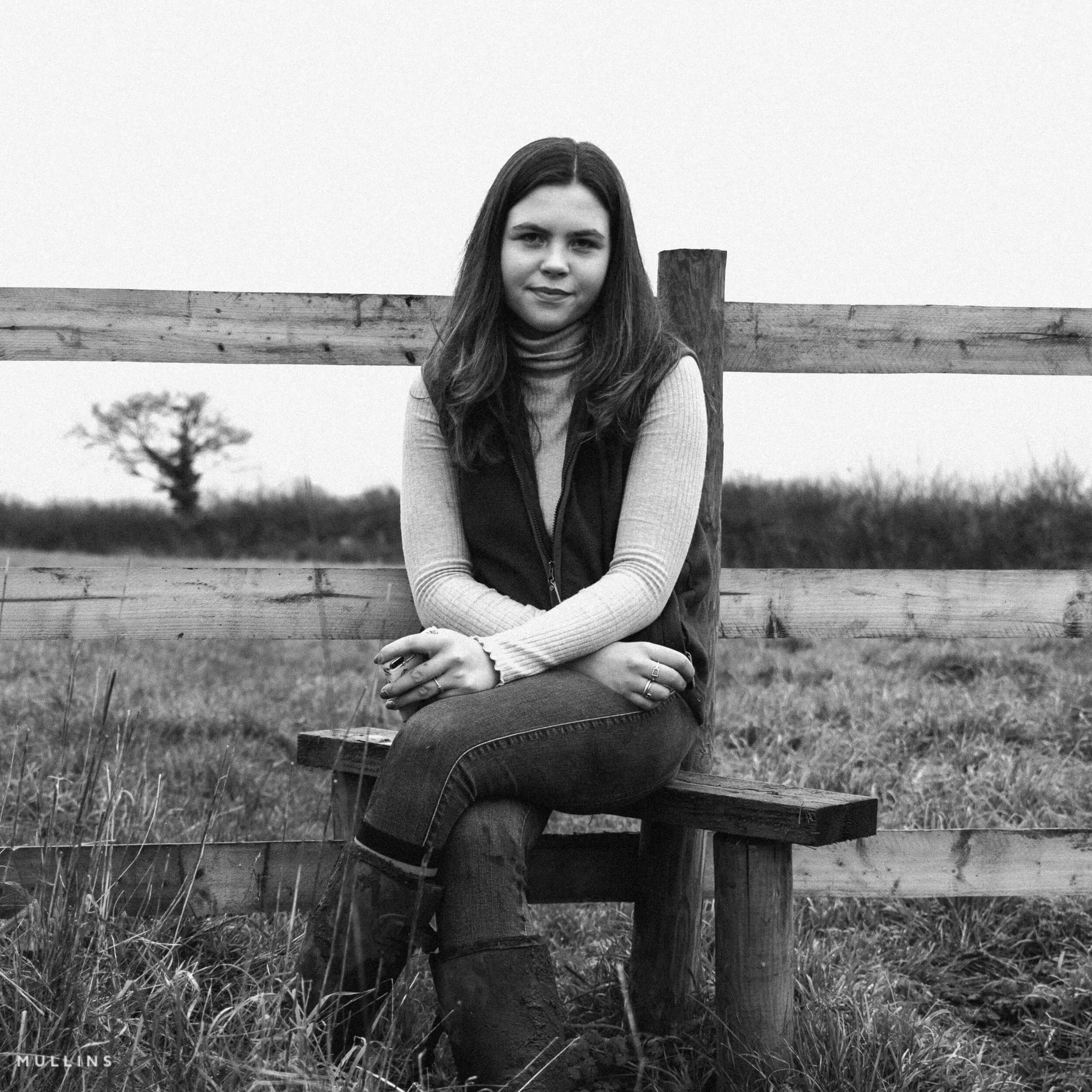
Quick Build is where the engine is
The real strength of Armoury is not that it throws random edits at a file. It is that it gives you a guided way to explore finished RAW looks from a sensible base. The one-click presets are there when you want a fixed answer quickly. Quick Build is there when you want to go well beyond that and create almost unlimited, but controlled, variations. Pick a direction, press Generate Now, then press it again if you want another version of that idea.
One-click presets are fixed finished looks based on the custom Armoury profiles. Quick Build is the plug-in workflow. It starts from either one of the 24 custom Armoury profiles or one of the 20 adapted Camera Matching build bases, then lets you shape the result with mood, strength, and tweak controls.
- Select a Fujifilm X100VI RAF RAW file in Lightroom Classic.
- Choose either one of the 24 custom Armoury profiles or one of the 20 adapted Camera Matching build bases.
- Pick a Quick Build recipe if you want one, then choose mood and strength.
- Click Generate Now and let Armoury build a fresh direction on the selected photo.
- Click Generate Now again to explore another controlled variant, or refine further with Tweaks, step back with Previous, or save the result as a reusable preset.
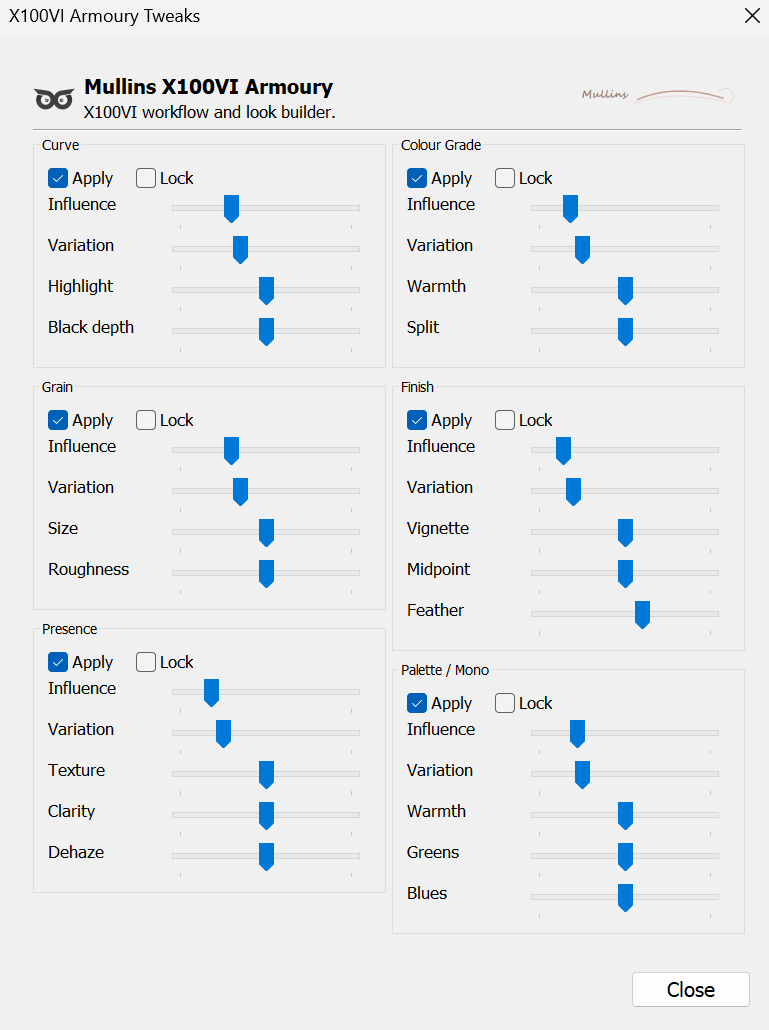
What you can steer
- Armoury profile or adapted Camera Matching build base
- Quick Preset
- Mood
- Strength
- Curve
- Grain
- Presence
- Colour grade
- Finish
- Palette / monochrome shaping
Fast when you want speed
You can get something strong on-screen very quickly. That is useful when you are in the mood to explore and do not want to build every look from scratch.
Flexible when you want control
If one part of a look is working, you can lock it and keep pushing the other modules around it. That is where the plug-in becomes very enjoyable to use.
Reusable when you find a winner
When you land on something you love, save it as a local Lightroom preset and keep it as part of your own working set.


Recipe Roulette adds the X100VI fun back in
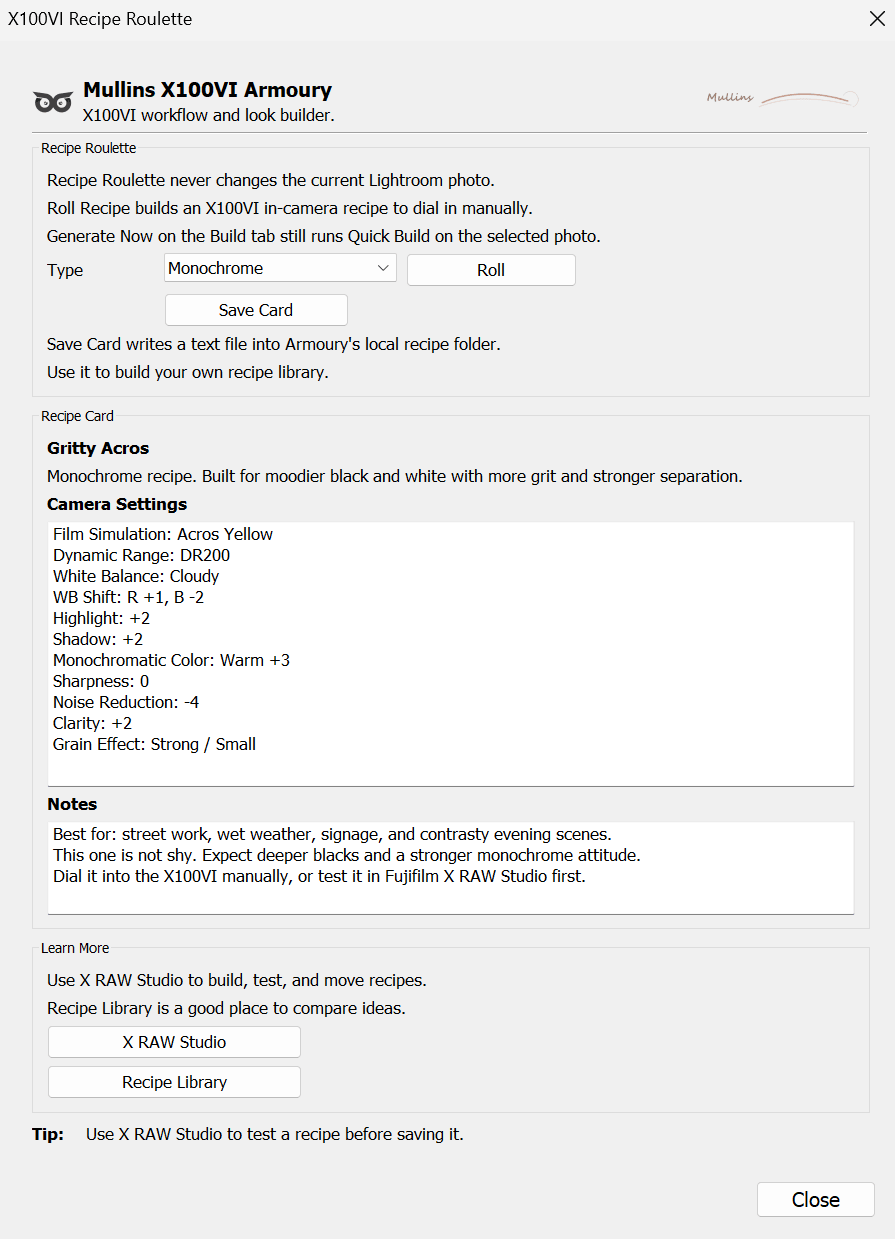
One of the lovely things about the X100VI is that it is not just a RAW camera. Armoury respects that. Recipe Roulette gives you Fujifilm JPEG recipe ideas you can test in-camera or in X RAW Studio, without affecting the Lightroom photo you currently have selected.
Separate from Quick Build, deliberately
Quick Build works on the selected Lightroom RAW file. Recipe Roulette does not. It only generates camera recipe ideas. That split is deliberate because the two workflows are related, but not the same.
- Any
- Colour
- Monochrome
- Save Card
- X RAW Studio friendly
- Does not change the photo
Good for
- Trying new in-camera looks
- Building your own recipe library
- Testing settings before a trip or shoot
- Keeping the Fujifilm side of the camera alive, even if you mainly edit RAW
Recipe cards can include
- Film Simulation
- Dynamic Range
- White Balance and shift
- Highlight and Shadow
- Colour or Mono Colour
- Grain, Clarity, Sharpness and more
Not just looks. A proper Lightroom workflow structure too.
A lot of Lightroom catalogues are a bit chaotic. Armoury helps there as well. The bundled Smart Collections give you a practical framework for sorting, reviewing and finding files by date, ISO, treatment, edit state, file type, aspect, flash use and more.
| Collection groups | Examples | Why they are useful |
|---|---|---|
| Dates | Shot Today, Shot Yesterday, Shot this Week, Shot this Month, Shot this Year | Quick access to recent work without building manual filters. |
| ISO | Low to very high ISO bins | Good for reviewing noisy files, comparing edits, or just understanding your shooting habits. |
| Workflow / Editing | Colour done, Mono done, To go to colour, To go to mono, Undecided | Useful if you like a rating-as-status system. |
| Workflow / Publishing | For the Blog, For the Album, For the Photofilm, For Social Sharing | Makes it much easier to gather files by output purpose. |
| Treatment, aspect, file type, flash, edits | Colour, Black and White, Horizontal, Vertical, JPEG, TIFF, Video, Has Edits, No Adjustments and more | Very handy for day-to-day catalogue management. |
Even if you buy Armoury mainly for Quick Build, the Smart Collections and utility presets make the whole thing feel more complete. It is a toolkit, not a one-trick plug-in.
Who Armoury is for, and who it isn’t
This is built for a specific kind of photographer. That is a strength, not a limitation. It is better at its job because it knows exactly what it is for.
Armoury is a good fit if you...
- Shoot Fujifilm X100VI RAF RAW files in Lightroom Classic
- Want to get to strong colour or monochrome looks more quickly
- Like the idea of guided exploration rather than starting every edit from zero
- Enjoy Fujifilm JPEG recipes as well as RAW editing
- Would benefit from a more organised Lightroom workflow
- Want something easy to use now, but deep enough to grow into
Armoury is not for you if...
- You only shoot JPEG and do not edit X100VI RAW files
- You want a generic preset pack for lots of camera brands and bodies
- You need support for Fujifilm models other than the X100VI
- You use Lightroom mobile or the cloud-based Lightroom apps rather than Lightroom Classic
- You want Quick Build to work on TIFFs, DNG copies, exported JPEGs or files from another camera
Quick Build is for Fujifilm X100VI RAF RAW files only. That is intentional. It means the plug-in can stay focused, reliable and properly tuned for the camera it was designed around.
Why this one feels different
A lot of photography software feels like it was built backwards. Start with a list of features, throw them in a box, and hope people find a use for them. Armoury feels different because it has come from an actual working photography workflow.
Built by a working photographer
This has been shaped around real Lightroom use, real Fujifilm use, and the kind of practical choices photographers actually make when they are trying to work quickly without losing their style.
Specific to the X100VI
It is not pretending to be for every camera under the sun. That focus is what lets it feel tighter, cleaner, and more useful for people who genuinely shoot the X100VI.
Creative and practical
You get the fun part, which is the look-building and recipe side, but you also get the practical side like organisation, saved looks, helper presets and workflow collections.
In plain English
If you have ever sat there with an X100VI RAW file thinking, “I know this could look great, but I cannot be bothered to do the same dance again from scratch,” that is exactly the sort of problem Armoury is trying to solve. It gives you a controlled way to keep exploring until the file starts to feel right.
FAQ
Do I need to be an advanced Lightroom user?
No. Armoury is designed so you can get going quickly. The deeper controls are there when you want them, but you do not need to master everything on day one.
Does it work with other Fujifilm cameras?
No. Quick Build is built specifically for Fujifilm X100VI RAF RAW files.
Can I use Quick Build on JPEG files?
No. Quick Build is for X100VI RAF RAW files only. Recipe Roulette is still useful if you are exploring JPEG settings and ideas.
Are the supplied presets usable outside the plug-in?
Yes. The bundled one-click presets - 14 colour and 11 monochrome - can be used in Lightroom Classic directly, outside Armoury itself.
What is the difference between the one-click presets and Quick Build?
The one-click presets are fixed finished looks based on the custom Armoury profiles. Quick Build is the creative side of the plug-in. It uses either the 24 custom Armoury profiles or the 20 adapted Camera Matching build bases, then creates controlled variations from there.
Does Armoury create more than the supplied presets?
Yes. The supplied presets are fixed finished looks. Quick Build goes much further by combining profile bases, adapted Camera Matching bases, moods, strengths and tweak modules. Press Generate Now multiple times and you can create millions of possible, controlled variations.
What happens after I buy?
You install the plug-in in Lightroom Classic, run the built-in installer, and register with the licence code sent separately after purchase.
Do I need to restart Lightroom after install?
Yes, that is the sensible way to finish setup. Smart Collections may appear immediately, but profiles and presets often need a full restart before they show properly.
Can I save looks I create in Quick Build?
Yes. If you like a result, you can save it as a local Lightroom preset and reuse it later.
Does Recipe Roulette change the selected photo?
No. Recipe Roulette only creates camera recipe ideas and saved text cards. It does not alter the Lightroom photo.
What version of Lightroom do I need?
Lightroom Classic 10.0 or later.
Is there a full manual?
Yes. There is a full user guide that covers installation, setup, features, saving, troubleshooting and more.
Prefer to see the full walkthrough first?
If you want a more detailed run-through of how Armoury works inside Lightroom Classic, there is a full step-by-step guide covering installation, requirements, Build, Tweaks, Recipe Roulette, saving and troubleshooting.