Note - These Fujifilm Recipes were updated in late 2023. All the new Recipes can be found on my Dedicated Fujifilm Recipes Page.
Padilla: Fujifilm JPEG Setting 2020
Welcome to my updated custom Fujifilm JPEG Settings for 2020
A couple of years ago, on this site, I published my JPEG Settings for Fujifilm Cameras. It was well-received, and the YouTube video accompanying the post to date is still one of my most viewed videos.
People have asked me many times if I’m going to update the settings to take into account the newer Fujifilm cameras and sensors.
So, here, my friends, you will find my updated favourite Fujifilm JPEG settings for 2020 and beyond.
Fujifilm JPEG Settings Video
As is the norm, below, you can watch the entire video posted on my YouTube channel.
I do encourage you to watch it, as I explain in subtle difference the different JPEG recipes and settings I use.
Below the video, I will extrapolate further and give the individual settings for your convenience.
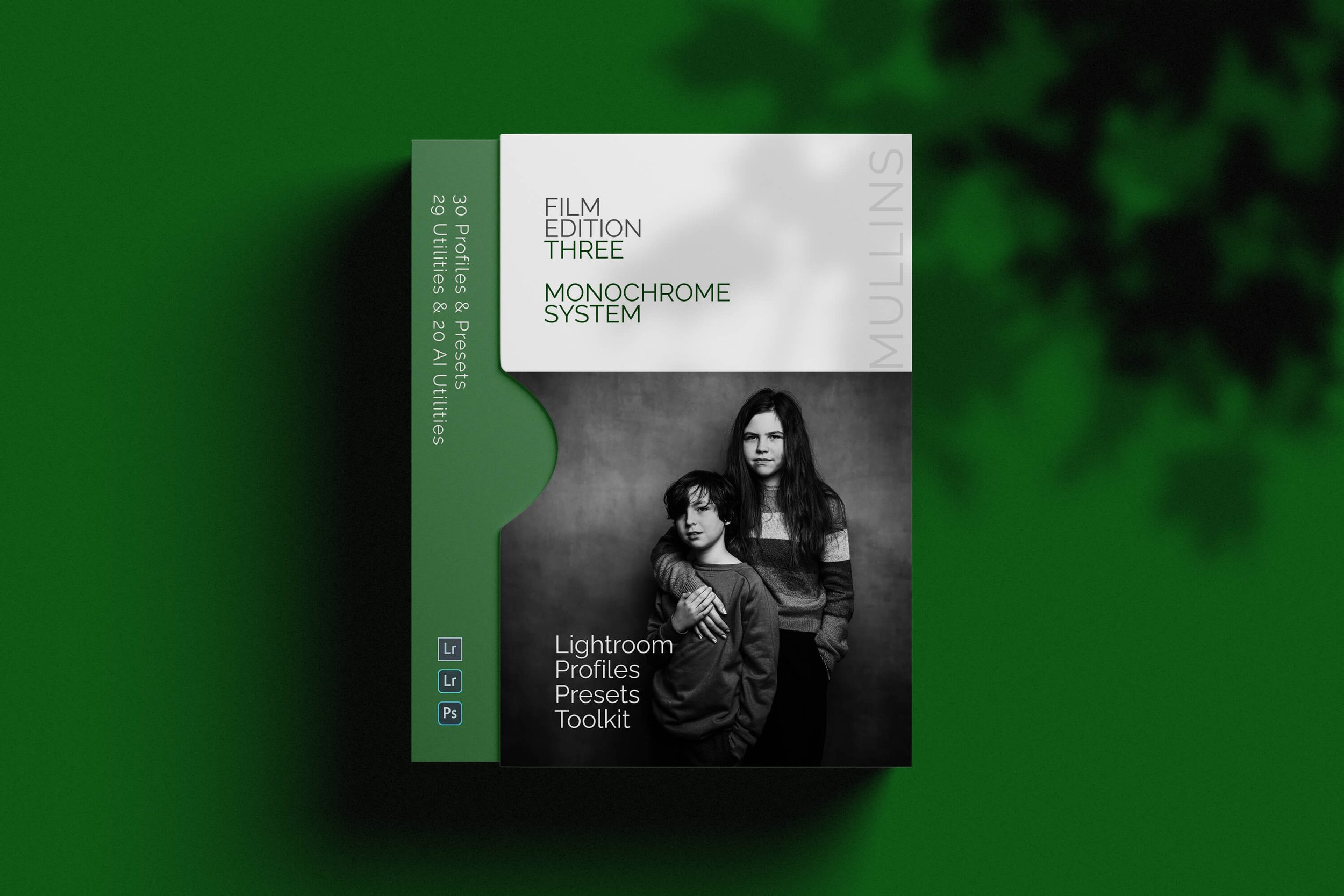
A complete black and white Profile, Preset & Workflow Pack for Lightroom
Film Edition 3 - Monochrome is a structured black-and-white preset and profile pack for Lightroom, designed to help you create expressive monochrome edits with consistency, speed, and a stronger tonal foundation. It combines handcrafted monochrome presets, detail-accurate base profiles, workflow utilities, and AI tools into one complete editing system.
This is not a simple desaturation pack or a bundle of slider tweaks. The presets are built around carefully crafted Look-Up-Table profiles, giving each image a stronger starting point than a preset-only workflow. The page positions Film Edition 3 as a fresh collection, distinct from the earlier packs, with a more developed monochrome system and a wider supporting toolset.
If you edit regularly in Lightroom, you already know the problem. You want black and white work to feel deliberate, rich, and film-inspired, but you also need it to behave well across different scenes and subjects. This pack is designed to help you move quickly while keeping your edits cohesive. The base profiles give you the tonal starting point, the presets build from that, and the utilities and AI tools are there when you need extra control.
Built for speed and consistency
Fast workflow with fewer decisions and clearer starting points
Film-inspired monochrome tonality with depth, contrast, and character
Flexible base profiles that can be used on their own or as the foundation for a full preset edit
Useful utilities and AI tools for real-world Lightroom editing
What’s included
21 handcrafted monochrome presets
9 detail-accurate base-level monochrome profiles
29 workflow utilities
19 AI Utilities for supported versions of Lightroom
Works with any camera brand
Compatibility
Built for Lightroom Classic, CC and Cloud. The page also notes that the AI Utilities require an up-to-date version of Lightroom CC.
3 for 2 offer
All preset packs are included in the 3-for-2 offer. Add any three preset packs to your basket, and the cheapest one is free at checkout.
Fujifilm JPEG Settings - The Recipes
Please bear in mind that these settings are aimed predominantly at the Fujifilm cameras that have Classic Neg and Acros Film Simulations. Currently, this is the X100V, X-Pro3, X-T4, GFX100.
It may well be that older cameras get these film simulations via firmware updates. However, if you have an older camera, you may want to return to my previous blog post, which might have better Fujifilm JPEG settings for you.
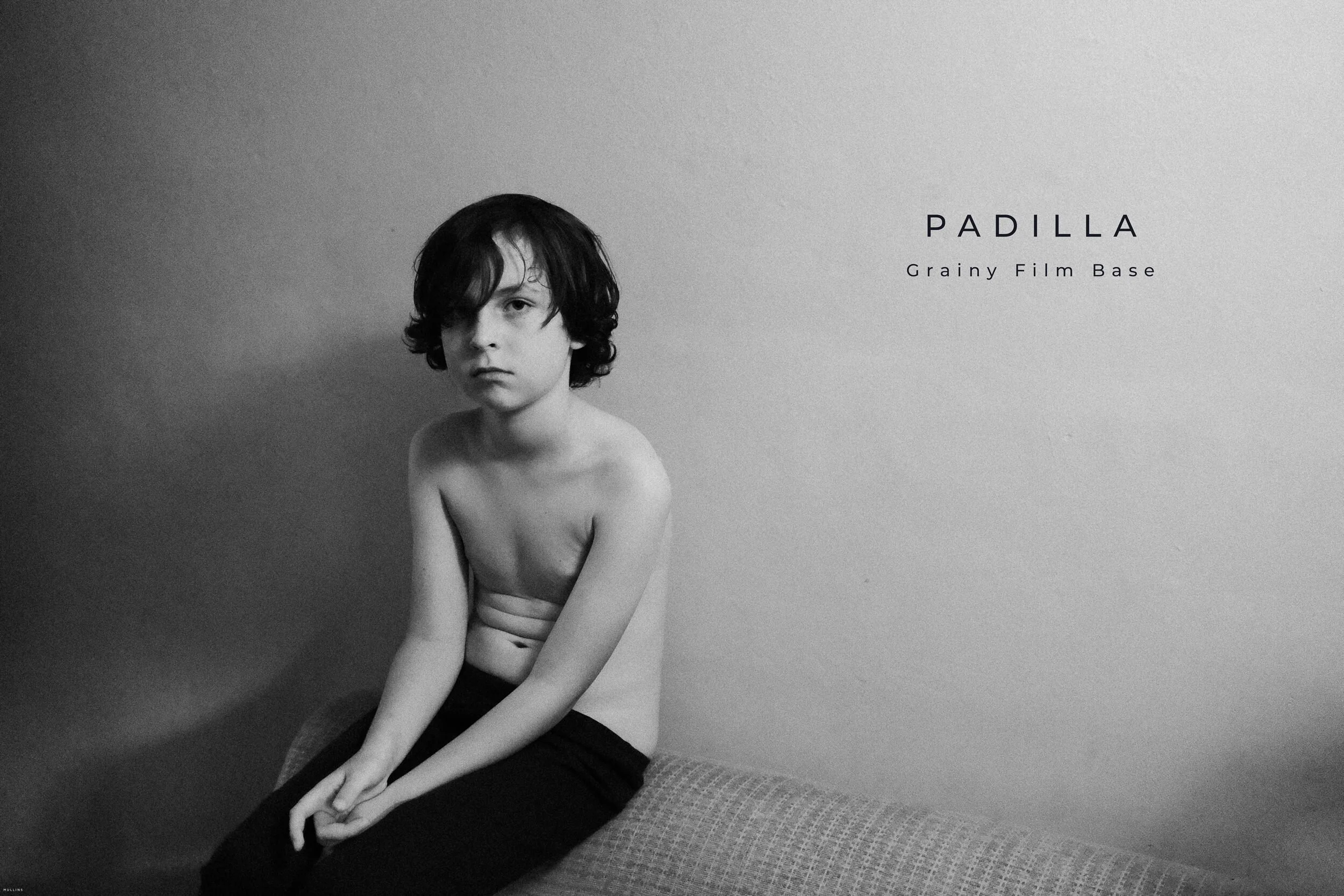
Padilla - Grainy Film Base (monochrome)
This Fujifilm JPEG setting aims to emulate the beautiful black and whites of the wonderful documentary photographer Darcy Padilla.
Film Simulation - Monochrome + RGrain Effect - StrongGrain Size - LargeHighlight Tone - 0Shadow Tone - +3Sharpness - +1Noise Reduction - 0Clarity - +1

Padilla JPEG Setting
Kodak Style - 70s Kodak Simulation (colour)
This JPEG Recipe is design to emulate the golden age of the Kodachrome Kodak Film.
Film Simulation - Classic NegGrain Effect - StrongGrain Size - LargeWhite Balance - 5000KWB Shift - R:-1 B:2Highlight Tone - +2Shadow Tone - +3Colour - -1Sharpness - +2Noise Reduction - -4Clarity - +1

Kodak Style JPEG Setting
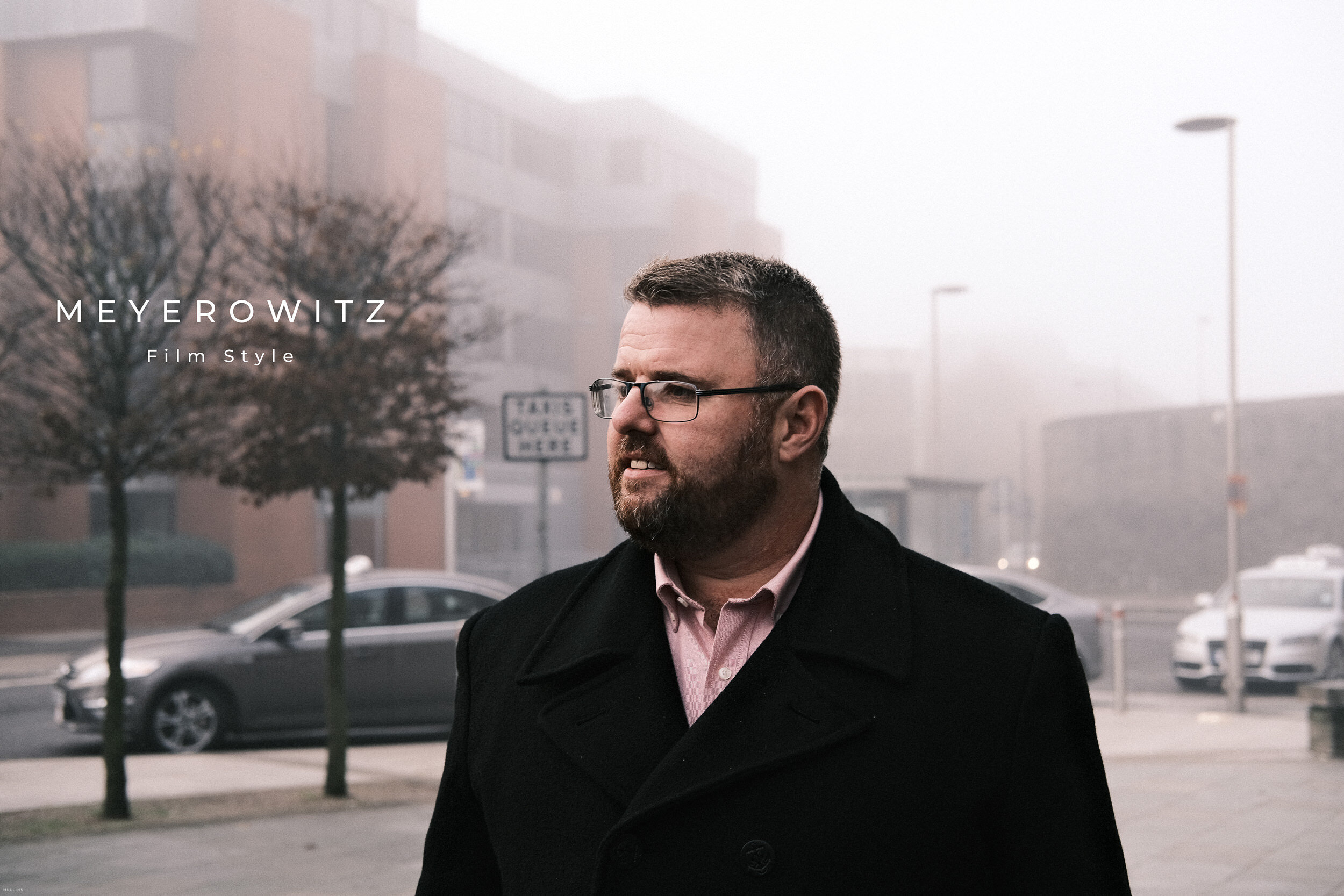
Meyerowitz - Film Style (colour)
Joel Meyerowitz is perhaps my favourite Street Photographer. Here, I try to emulate the look of his early 80’s colour shots.
Film Simulation - Classic NegGrain Effect - WeakGrain Size - LargeColour Chrome Effect - WeakColour Chrome FX Blue - StrongHighlight Tone - -1Shadow Tone - +2Colour - -2Sharpness - +1Noise Reduction - -2Clarity - +3
Meyerowitz JPEG Setting
Parr - Punchy (colour)
Martin Parr is perhaps on the UKs most known photographers. Known primarily for his punchy, high contrast colour photographs.
Film Simulation - Classic NegColour Chrome Effect - StrongColour Chrome FX Blue - OffHighlight Tone - +2Shadow Tone - +2Colour - +2Sharpness - +2Noise Reduction - -1Clarity - +1

Parr JPEG Setting
Imai - Soft Filmic Look (monochrome)
Masazumi Imai is the chief designer and “father” of the Fujifilm X100. This Fujifilm JPEG Setting pays homage to him. You can hear my interview with Masa on The Fujicast Podcast.
Film Simulation - Monochrome + RGrain Effect - StrongGrain Size - SmallHighlight Tone - 0Shadow Tone - +4Sharpness - -1Noise Reduction - -3Clarity - -1

IMAI JPEG Setting
50s Noir - Cinematic (monochrome)
In this Fujifilm JPEG Recipie I’m attempting to replicate the lush, contrast based, 50s Cinematic film look.
Film Simulation - Acros + YeGrain Effect - StrongGrain Size - LargeHighlight Tone - +4Shadow Tone - +4Sharpness - +4Noise Reduction - -4Clarity - +1

50s Noir JPEG Setting
Newspaper - Subtle Warm (monochrome)
This Fujifilm Film Simulation Setting will give you images that resemble those of printed black and white newspapers.
Film Simulation - Acros + YeMonochrome Colour - WC:-1 MG+1Grain Effect - StrongGrain Size - SmallWB Shift - R:7 B:-4Highlight Tone - +4Shadow Tone - +4Sharpness - +2Noise Reduction - -4Clarity - 0

Newspaper JPEG Setting
Using Fujifilm X-Raw Studio
You will notice during the main video, that I use Fujifilm X-RAW studio to design my JPEG Recipes.
X-Raw studio is a wonderful, free, piece of software that allows you to configure your Fujifilm JPEG Settings and even migrate them to the custom settings in your camera.
Below is an older video I created as a tutorial on how to use Fujifilm X-RAW Studio.
Do you shoot mostly RAW?
You may be interested in Edition One of the Kevin Mullins Black & White Film Lightroom Presets, or, new for 2021 my Essential Film 2021 Set.
This Lightroom Presets collection is more than just a series of pre-selected sliders.
These Lightroom Presets are built on carefully crafted profiles, generated with colour critical Look-Up Tables.
I have been editing my images for many years to closely replicate black and white film. This collection gives you access to the very same developing process that I use for my professional photography.
These packs are inspired by my love of monochrome and colour film and include a full set of profiles, presets and utility options to recreate an extremely specific filmlike look for your black and white photographs.

A complete film-inspired Profile, Preset & Workflow Pack for Lightroom
Film Edition 2 is a structured Lightroom preset and profile pack designed to help you create film-inspired edits quickly and consistently. Built around a broader mix of colour looks, monochrome styles, Legends presets, and practical workflow tools, it gives you a flexible editing system rather than a handful of isolated preset effects.
This is not a random collection of slider-based presets. The live page positions Film Edition 2 as a more advanced follow-on from Film Edition 1, with a stronger focus on film stock emulation and a new modular approach to building your own look. It also introduces the Legends Presets, which aim to capture the feel of some of your favourite photographers, alongside colour- and monochrome-profile-based processes.
If you edit regularly in Lightroom, you already know the problem. You want variety and character, but you also need the pack to stay practical across a full set of images. Film Edition 2 is built to give you that balance. The profile-based looks give you a strong starting point, while the included utilities and noise-reduction tools help you shape and refine the result without slowing your workflow.
Built for speed and consistency
Film-inspired colour and monochrome looks in one pack
Profile-based processes designed for a stronger starting point
Legends presets included for more creative variation
Workflow utilities and noise reduction tools to keep editing practical and consistent
What’s included
22 colour profiles
21 monochrome profiles
6 Legends of Film presets
22 workflow utility tools
6 noise reduction utility tools
Works on RAW or JPEG files from any camera brand
Compatibility
Built for Adobe Lightroom CC or Adobe Lightroom Classic 7.3 or newer, on both Windows and Mac.
3 for 2 offer
All preset packs are included in the 3-for-2 offer. Add any three preset packs to your basket, and the cheapest one is free at checkout.
In Summary

I hope you find these Fujifilm JPEG Settings useful.
The Fujifilm JPEGs are one of the main reasons I migrated to Fujifilm back in 2011 and whilst I typically shoot both RAW & JPEG. I love the versatility and enjoyment of creating my Film Recipes.
As always, feel free to leave questions and comments below.
I hope you are your loved ones are safe and well.
Kevin