Editing & Workflow: Lightroom, Presets, Culling and Delivery
Save hours without cutting corners.
This page pulls together everything I’ve written about editing and workflow, from how I cull quickly to how I use Lightroom, presets and Smart Collections to keep projects moving.
It’s the same process I use for client work and personal projects: simple file management, consistent colour and black-and-white looks, sensible backups, and exports that land right first time.
You’ll find practical walkthroughs, settings I rely on, and ways to shave minutes off every job without losing the craft.
If you want to see all articles on my site, beyond just reviews, head to the main blog section.
What actually gives a photo a filmic feel? In this post, I break down tone, colour, grain and contrast, with real Lightroom examples and before/after edits.
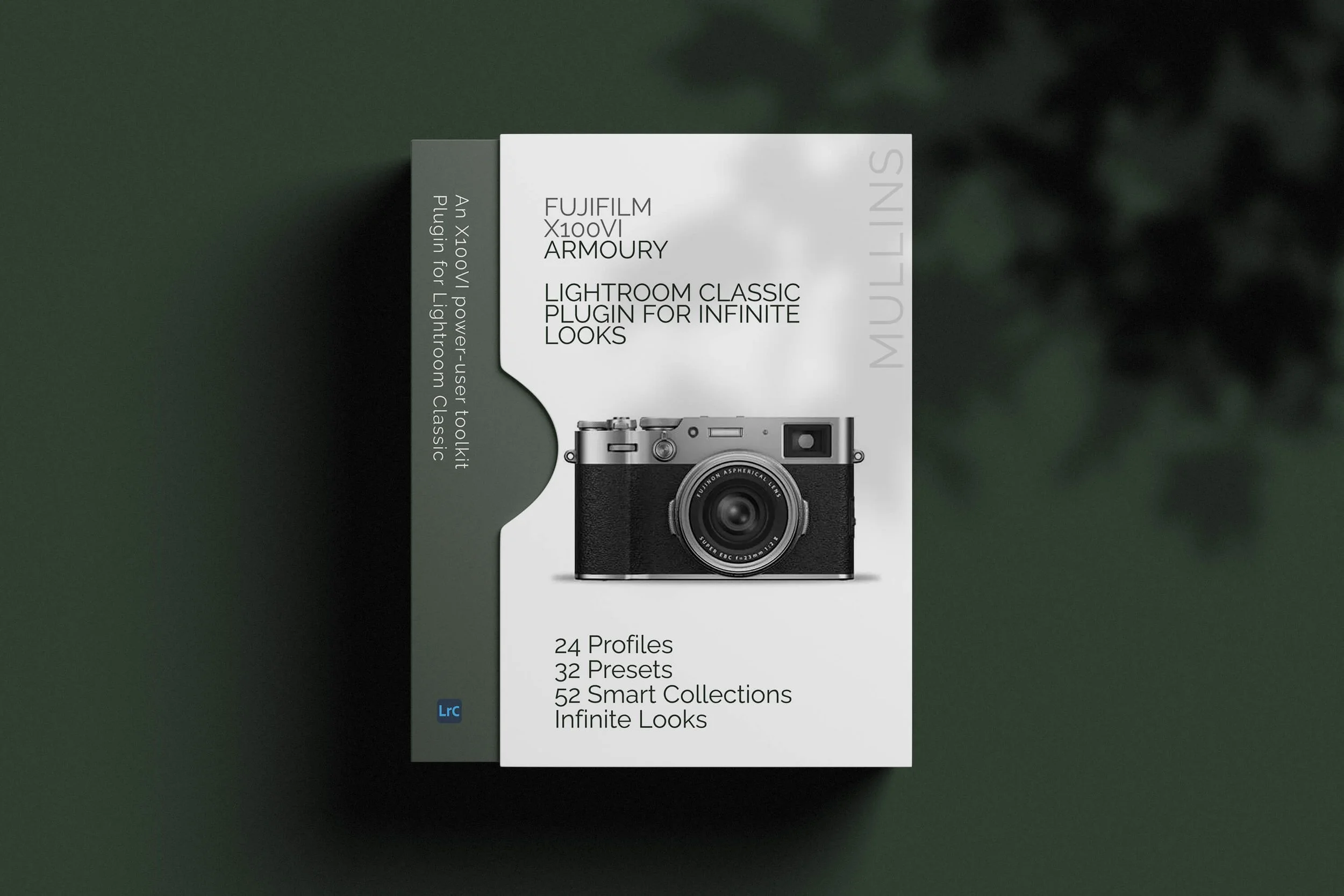
I’ve created a new Lightroom Classic plugin specifically for Fujifilm X100VI RAW shooters. Mullins X100VI Armoury brings together custom profiles, one-click presets, a Quick Build engine, Smart Collections, AI utilities and Fujifilm JPEG recipe inspiration in one focused toolkit.
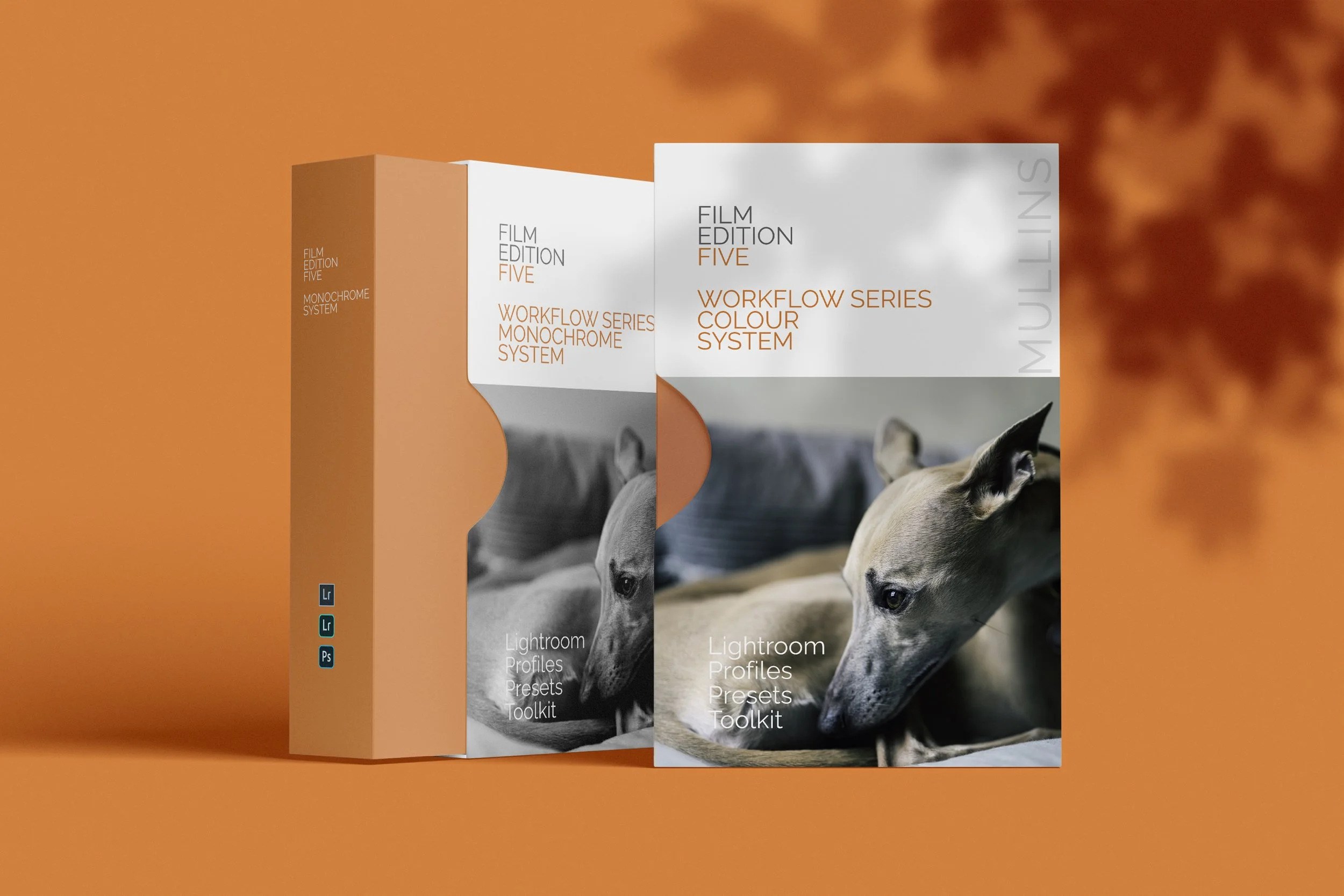
Film Edition 5 is live. Two brand new Workflow Series packs for Lightroom, one Colour and one Monochrome, built around profiles first, then practical workflow presets, plus a full set of utilities and AI utilities when you need them.
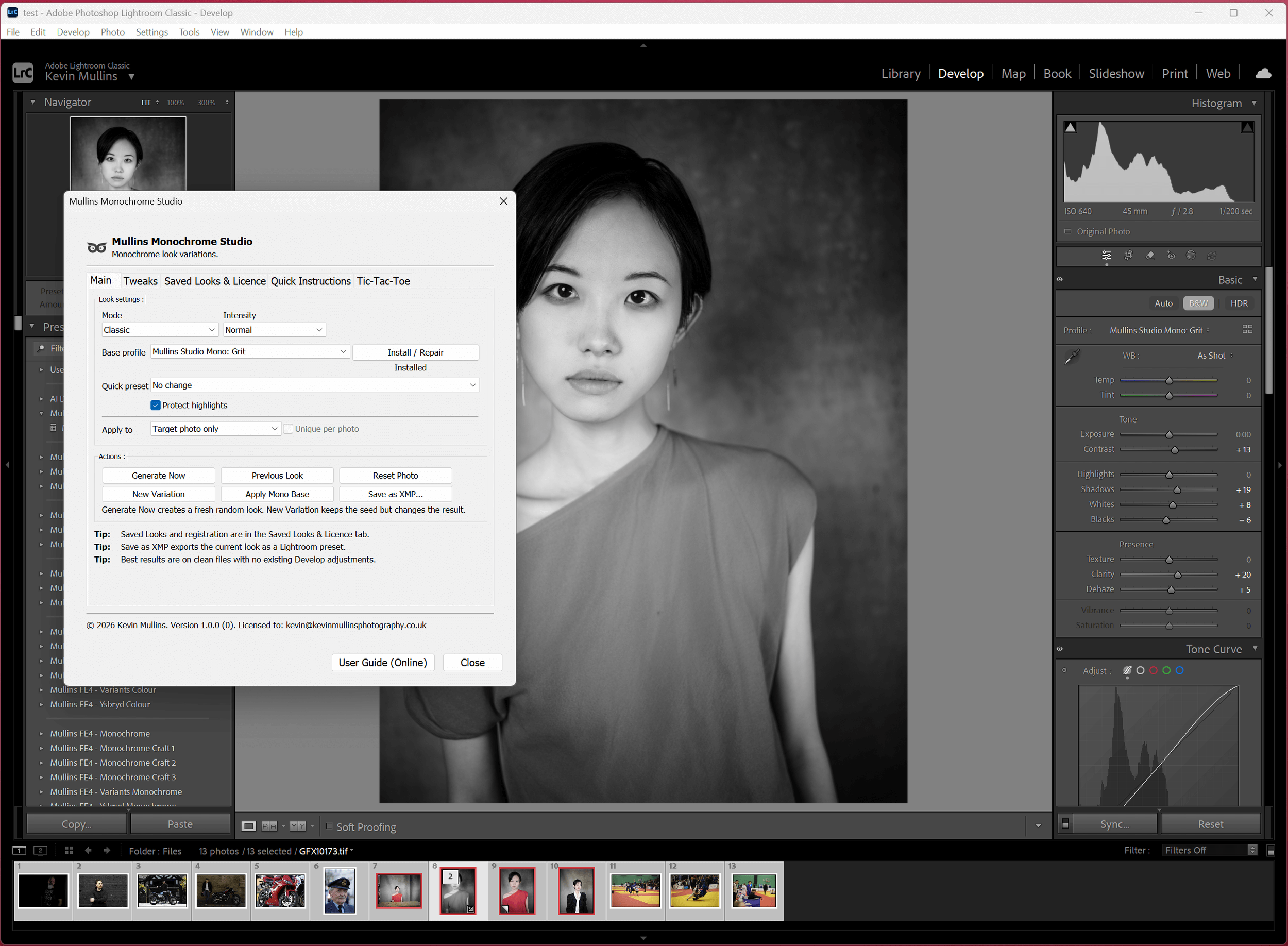
I’ve launched Mullins Monochrome Studio, a Lightroom Classic plugin that creates an infinite amount of fresh monochrome looks in seconds. Here’s how it works.
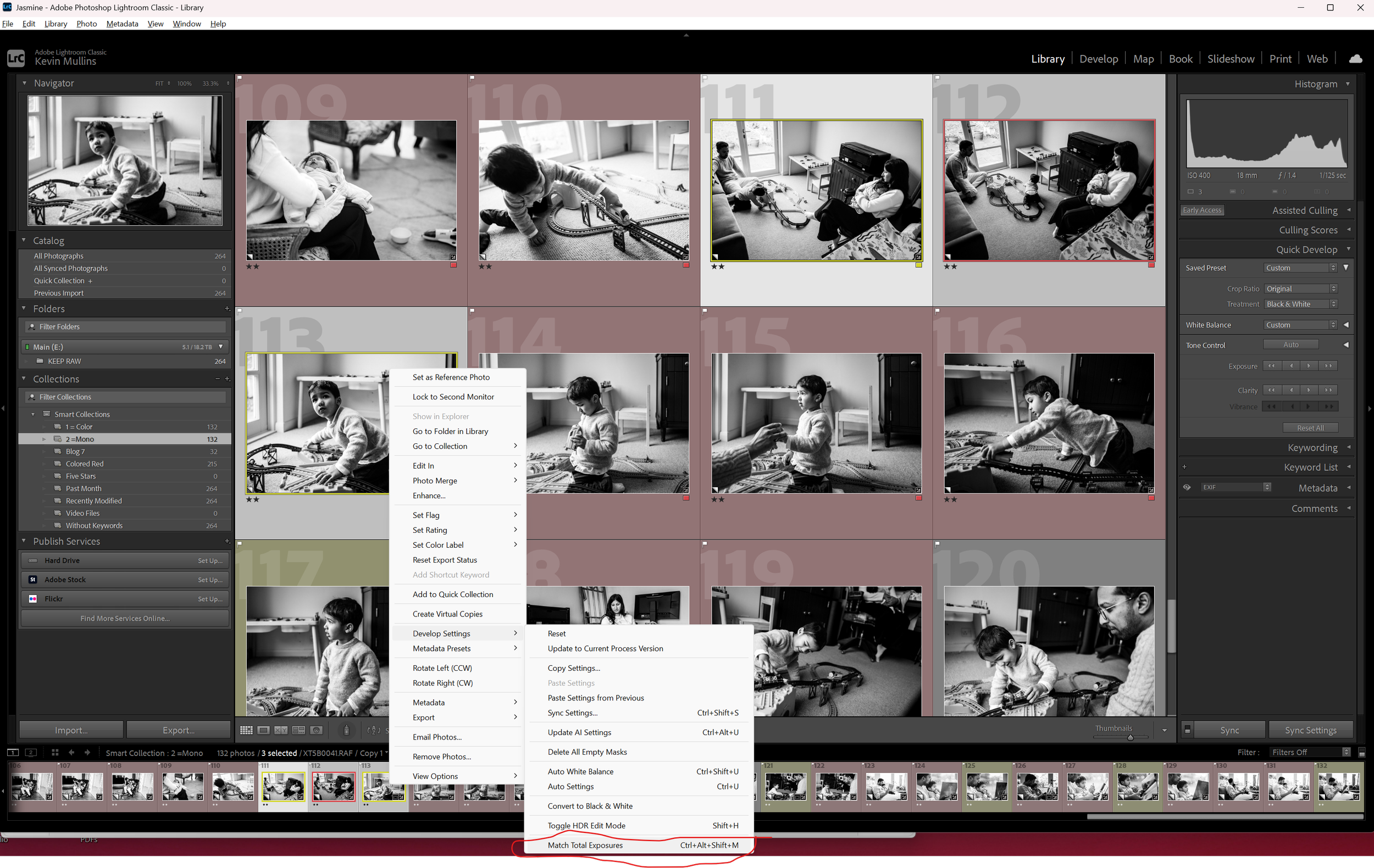
If Lightroom feels slow, it is usually the workflow, not your talent. In this post I share the exact import presets, smart collections and performance tweaks I use so you can cut your editing time without compromising the quality of your images.
If you’re a street photographer, you’ll know that how you edit an image can matter just as much as when you pressed the shutter. In this post, I’m sharing the Lightroom presets I actually use in 2025.
In this video, I explain the built-in Fujifilm Profiles in Adobe Lightroom. I explain how they differ from presets, how to use them, and a few tips and tricks.
Editing Fujifilm JPEGs - My Workflow using Adobe Lightroom. Editing JPEGs directly from the camera to give them a little more sparkle.
Lightroom Performance Tips: I thought this might be useful to some of you. It's not Fuji specific but certainly aids me in my day to day running of Lightroom.
A Raw Workflow on How I Edit my Colour Images with Lightroom. Working from Fujifilm RAW RAF Files through to JPEG's entirely in Lightroom.


Fujifilm JPEG recipes shape your look in-camera. Lightroom presets shape RAW files after. Here is how they differ, when to use each, and which to choose.