Fujifilm recently release a new firmware update (version 3.0) for the GFX100 Medium/Large format camera.
Primarily, this update was used to roll out the new Pixel Shift technology.
This is what Fujifilm say about Pixel Shift in the GFX100:
“The Pixel Shift Multi-Shot function automatically records 16 frames with a single shutter release, shifting GFX100’s image sensor at ultra-high precision at each frame. The GFX100’s IBIS mechanism is used to precisely control the movements of the image sensor. Then, the Pixel Shift Multi-Shot function produces single 400MP image, the world’s highest image resolution, from these frames using new dedicated software “Pixel Shift Combiner.”
Generally, an image sensor records only red (R), green (G) or blue (B) information with each of its pixels. Information about the other two colors is estimated and complemented based on information from surrounding pixels. The Pixel Shift Multi-Shot function automatically takes images while shifting the camera’s image sensor to record information about all three colors for each of its pixels, thereby allowing accurate color reproduction and delivering an advanced level of image resolution to capture the finest details.”
How to use Pixel Shift in the Fujifilm GFX100
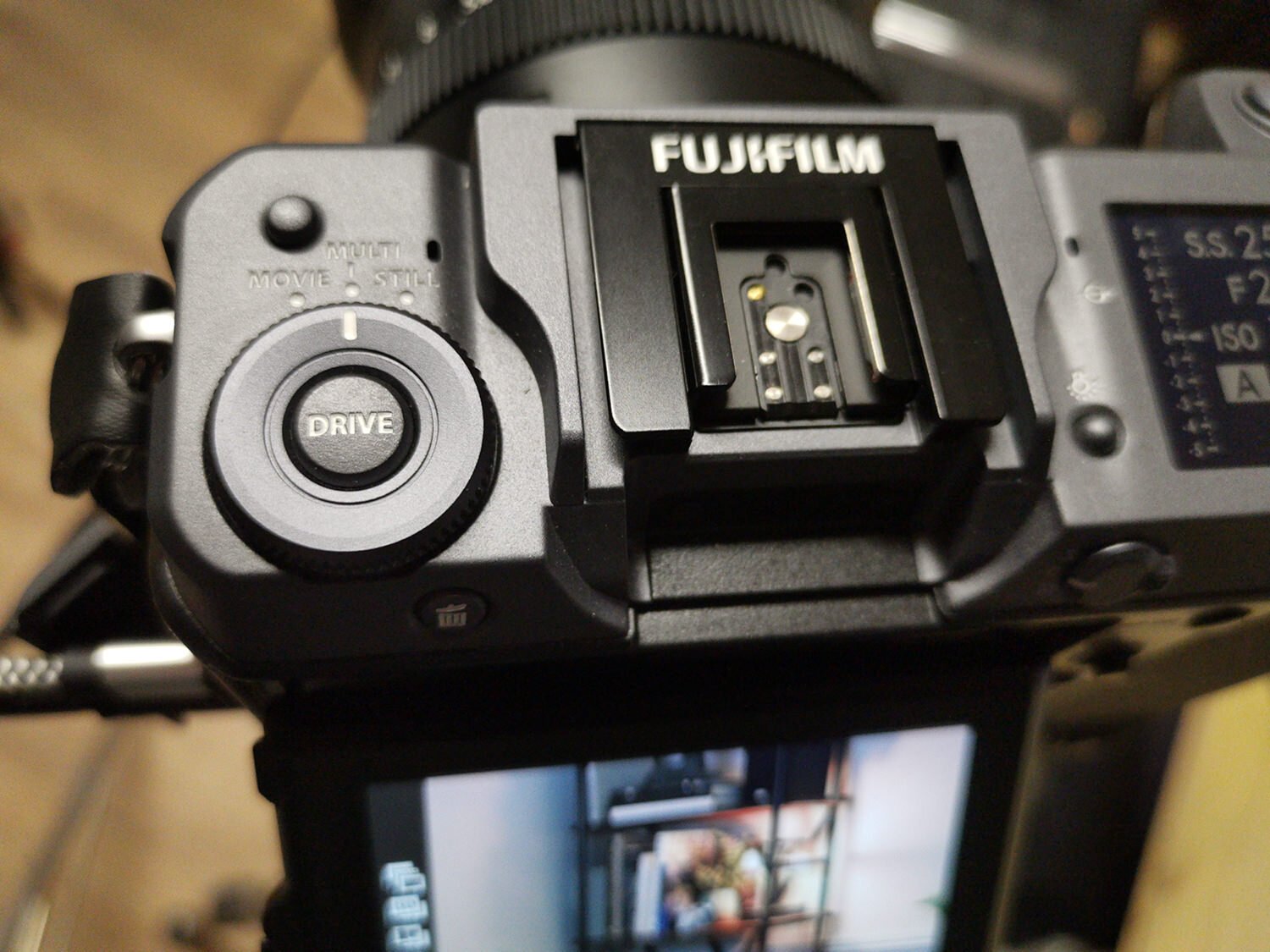

Here are the steps to enable Pixel Shift in the Fujifilm GFX100:
Download and install Version 3 of the GFX100 Firmware from Fujifilm.com.
Download the Pixel Shift Combiner Software from Fujifilm.com.
On the camera, set the Drive collar to Multi.
Press the Drive Button.
In the settings, choose the correct option for the time lag between shots.
Tips for using Pixel Shift in the GFX100
From my experiments with the Pixel Shift technology, I came to two very clear conclusions;
You absolutely need to have a robust and very stable tripod. This is micro movement technology and any slight movement of the camera will result in artefacts. You won’t be able to identify this until you are on your computer so ensure you have an absolutely secure tripod.
Beyond the Tripod, other vibrations can affect the process. Heavy traffic moving nearby was enough to affect mine. Eventually, when I was shooting with the Pixel Shift technology, I didn’t even move once the exposures were triggered. My studio has wooden floors and even the slight movement of that would cause artefacts.
Pixel Shift Review and Editing of Images
Here is my YouTube video where I explain how to use the Pixel Shift Combiner software and go through some edits in the Lightroom. You can see some of the final images below, as well as download one of the DNG files.
I think you can see that the detail and retaining of colour rendering is quite incredible.
The Pixel Shift in Fujifilm GFX100 is not something that many people will use regularly, however it has it’s application.
I already had a comment on YouTube that insisted that the Megapixel war was ridiculous. But they are totally missing the point.

I see this technology as being used for archival work, forensic work, medical and fine art. Of course, in addition, you will be able to print billboard size images from Pixel Shifted files very easily with little upsizing required.
Pixel Shift in the GFX100 is not a gimmick, though I suspect it will be refined a little as time goes by.
What could be better with the Pixel Shift in GFX100?
There are two areas that spring to mind, and both are software - rather than the technology itself.
The Pixel Shift Blending software is good and functional. However, it’s very basic. I’d like to see renaming options and better file management. On my Windows version I can even expand the application to make it wider or larger.
It would also be good if we could tell the Pixel Shift option in the camera itself to save files in different folders. Currently, all the files are in the same folder and it can be awkward to identify which 16 should be together. This would be a big help.
Pixel Shift GFX100 Sample Files
Below you will see JPEGs that I have exported from the edit in the above video. I think you’ll agree that the potential here is quite incredible.
For those who want to do a side by side comparison between the standard RAF and the Pixel Shifted DNG file, you can Download the files here. Note, this is a 1.8GB Download
Pixel Shift GFX100 File Sizes
The standard DNG from the sixteen blended RAW files will be anywhere from 1.3GB to 1.8GB in my testing. If you want to export for very large printing, I would suggest exporting TIFFs at 16bit as you will not be able to export full size JPEGs from Lightroom very easily.


Where it can go wrong
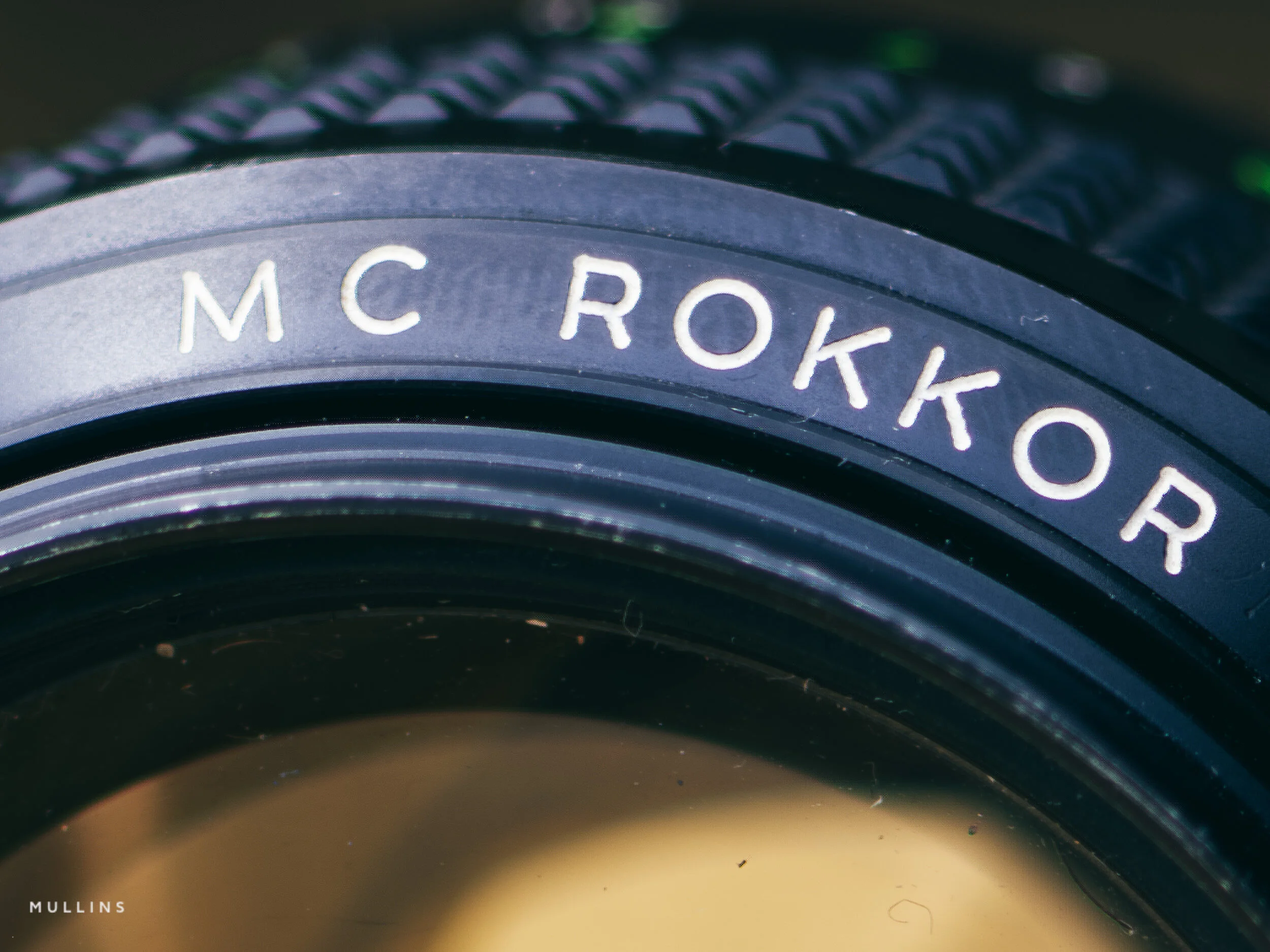
You’ll see in the below example, that whilst it still looks amazing, there is slight artefacts on the word ROKKOR in the lens in the 100% crop. This was due to me sneezing (believe it or not, and no, it’s not the ‘rona). So you can see how micro-sensitive this technology is.

My Lightroom Presets used in the video
As mentioned in the video, for this weekend only I am offering an addition 10% (that’s 60% in total) off the Lightroom presets you see used in this video using code: YTNOV20

A complete film-inspired Profile, Preset & Workflow Pack for Lightroom
Film Edition 2 is a structured Lightroom preset and profile pack designed to help you create film-inspired edits quickly and consistently. Built around a broader mix of colour looks, monochrome styles, Legends presets, and practical workflow tools, it gives you a flexible editing system rather than a handful of isolated preset effects.
This is not a random collection of slider-based presets. The live page positions Film Edition 2 as a more advanced follow-on from Film Edition 1, with a stronger focus on film stock emulation and a new modular approach to building your own look. It also introduces the Legends Presets, which aim to capture the feel of some of your favourite photographers, alongside colour- and monochrome-profile-based processes.
If you edit regularly in Lightroom, you already know the problem. You want variety and character, but you also need the pack to stay practical across a full set of images. Film Edition 2 is built to give you that balance. The profile-based looks give you a strong starting point, while the included utilities and noise-reduction tools help you shape and refine the result without slowing your workflow.
Built for speed and consistency
Film-inspired colour and monochrome looks in one pack
Profile-based processes designed for a stronger starting point
Legends presets included for more creative variation
Workflow utilities and noise reduction tools to keep editing practical and consistent
What’s included
22 colour profiles
21 monochrome profiles
6 Legends of Film presets
22 workflow utility tools
6 noise reduction utility tools
Works on RAW or JPEG files from any camera brand
Compatibility
Built for Adobe Lightroom CC or Adobe Lightroom Classic 7.3 or newer, on both Windows and Mac.
3 for 2 offer
All preset packs are included in the 3-for-2 offer. Add any three preset packs to your basket, and the cheapest one is free at checkout.