

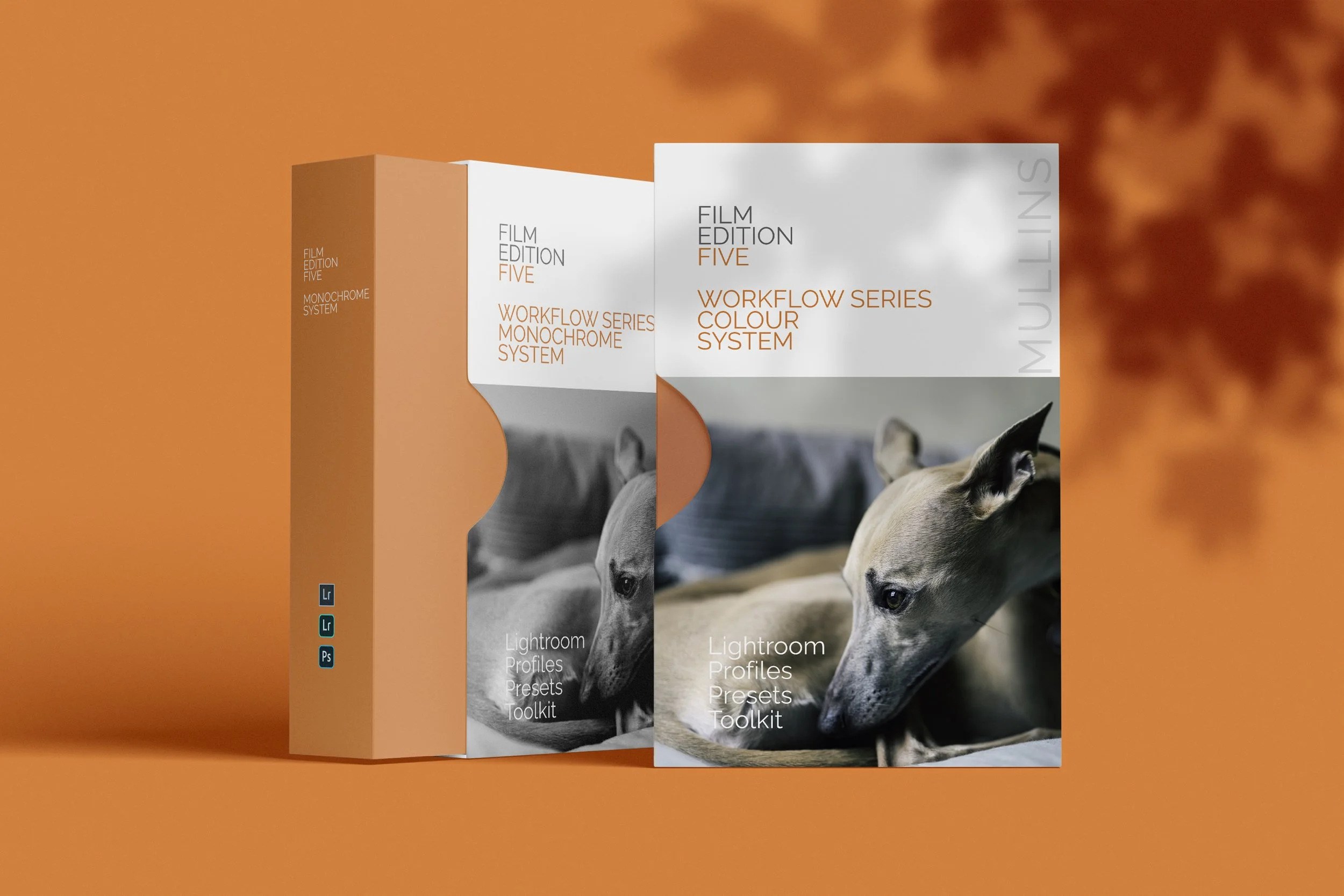
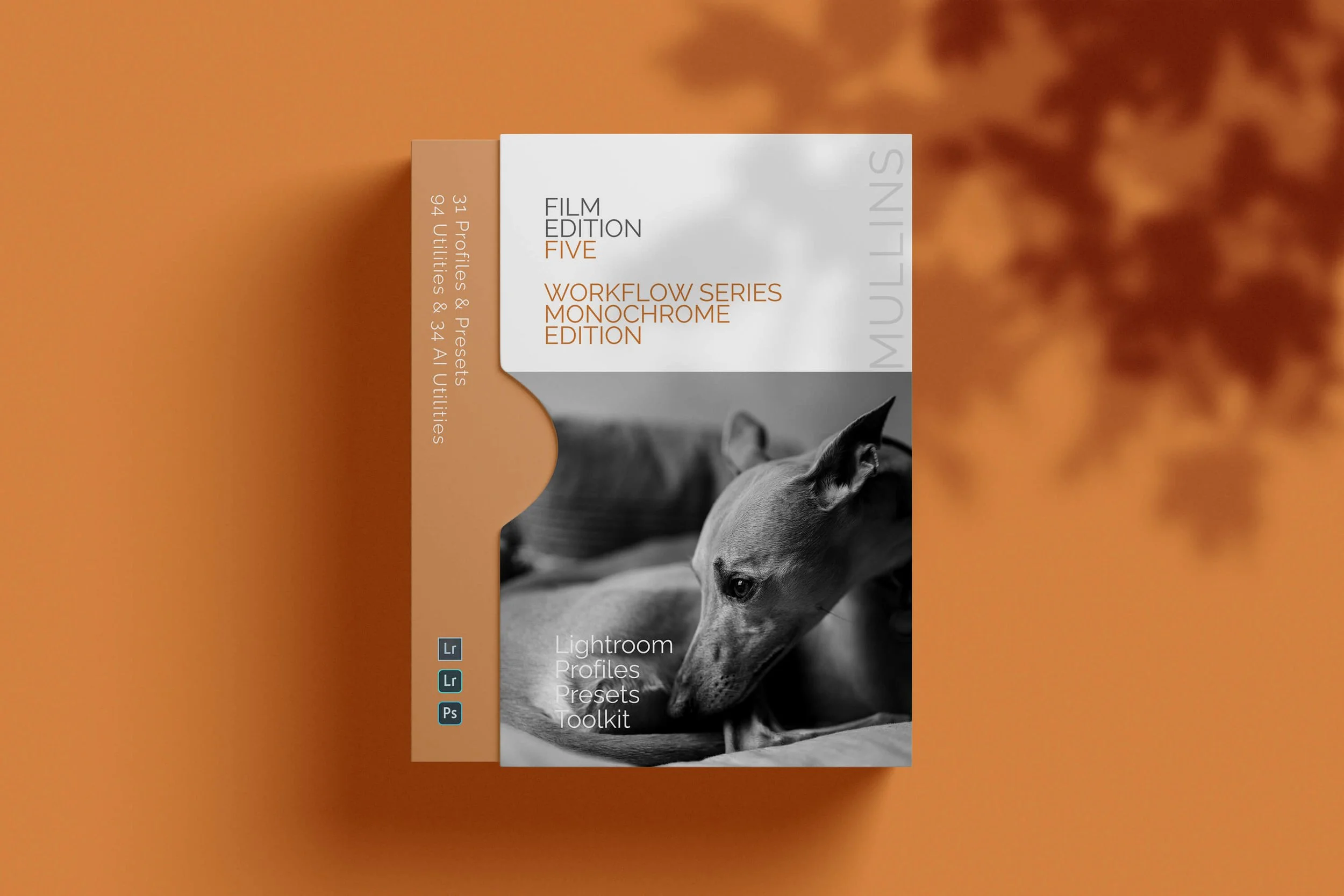
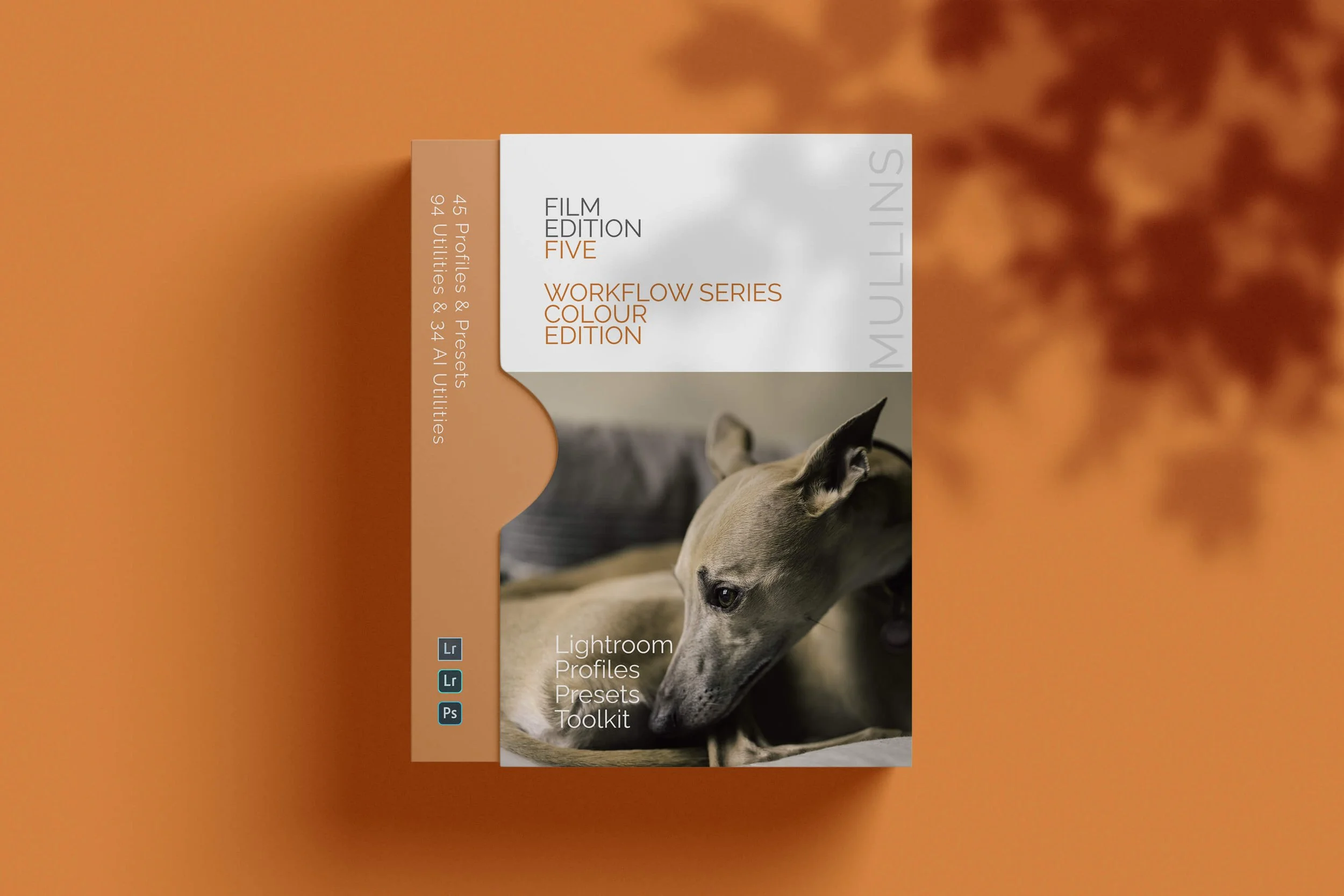
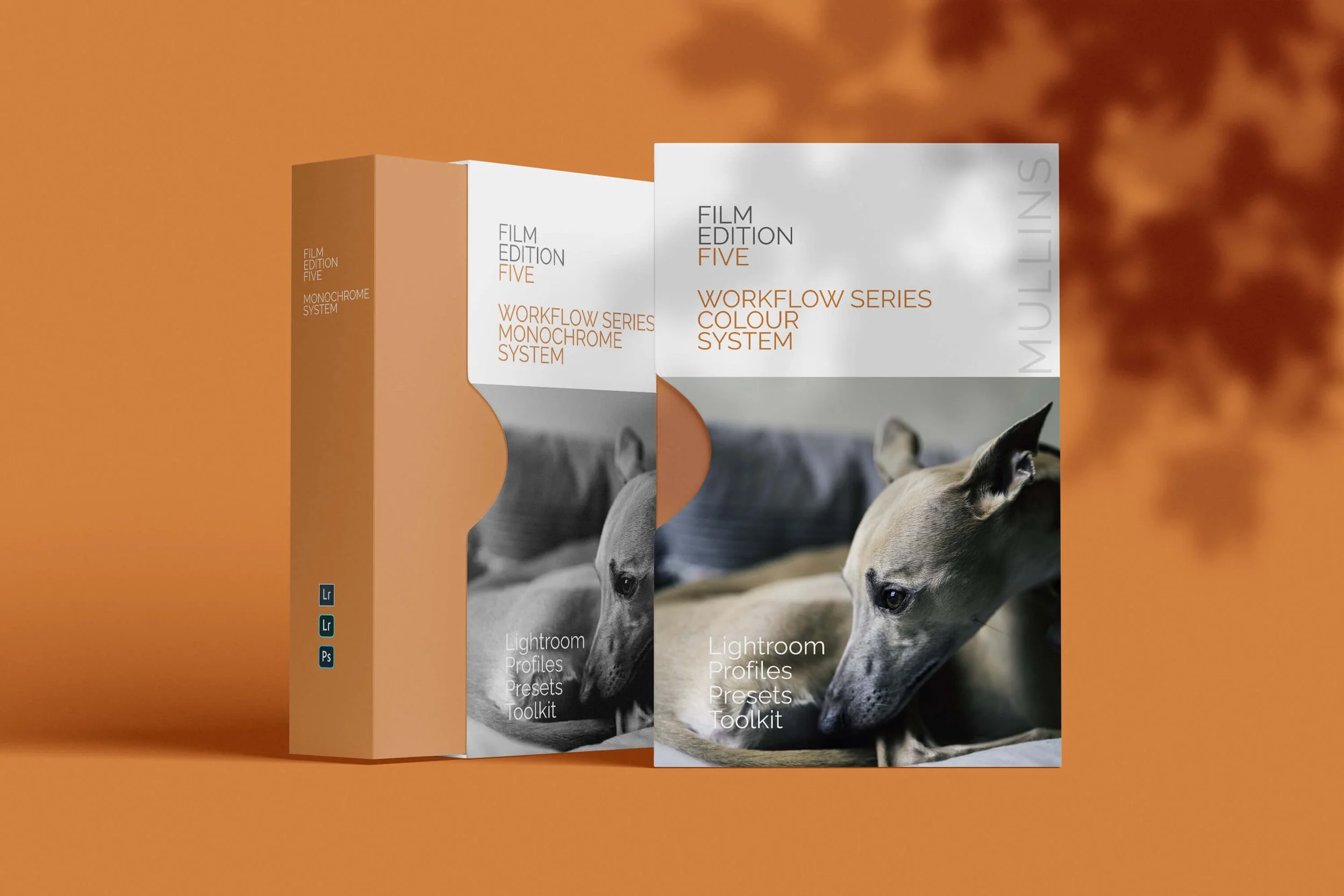
I’ve just released my Film Edition 5 Workflow Series, the latest and most up-to-date in my Lightroom Presets collection, and it’s split into two packs: Colour and Monochrome.
Both are completely new. Not an “updated Edition 4”, not a reshuffle of older looks. The whole point is to make the edit feel straightforward: choose a profile to set the direction, then use workflow presets to finish with intention.
Shop Film Edition 5
Colour and Monochrome are available separately, or grab the bundle if you want the full system.
What this post covers
What Film Edition 5 is: a simple workflow built around profiles first
What’s in the Colour pack: profiles, finished looks, utilities, AI utilities
What’s in the Monochrome pack: deeper tonality control, film-like character, speed
How to use it: a repeatable order that still leaves room to improvise
Key takeaways
If you only ever do one thing, start with the profile. It sets the tonal behaviour and colour response properly, before you touch a single slider.
If you want the quick overview, here are the two promo videos.
The basic idea: profile first, workflow second
Most preset packs (not mine, of course) fall into one of two traps. Either they are too subtle, and you end up doing everything yourself anyway, or they are so heavy-handed that they only work on one kind of light. Film Edition 5 is built to sit in the middle. You get a proper base response from the profile, then the workflow presets shape the image in a predictable way.
Step 1: Pick your base profile to choose the direction of travel for your edit
Step 2: Apply a workflow preset to build contrast, midtone shape and presence
Step 3: Use utilities and AI utilities when a photo needs targeted help, not more global sliders
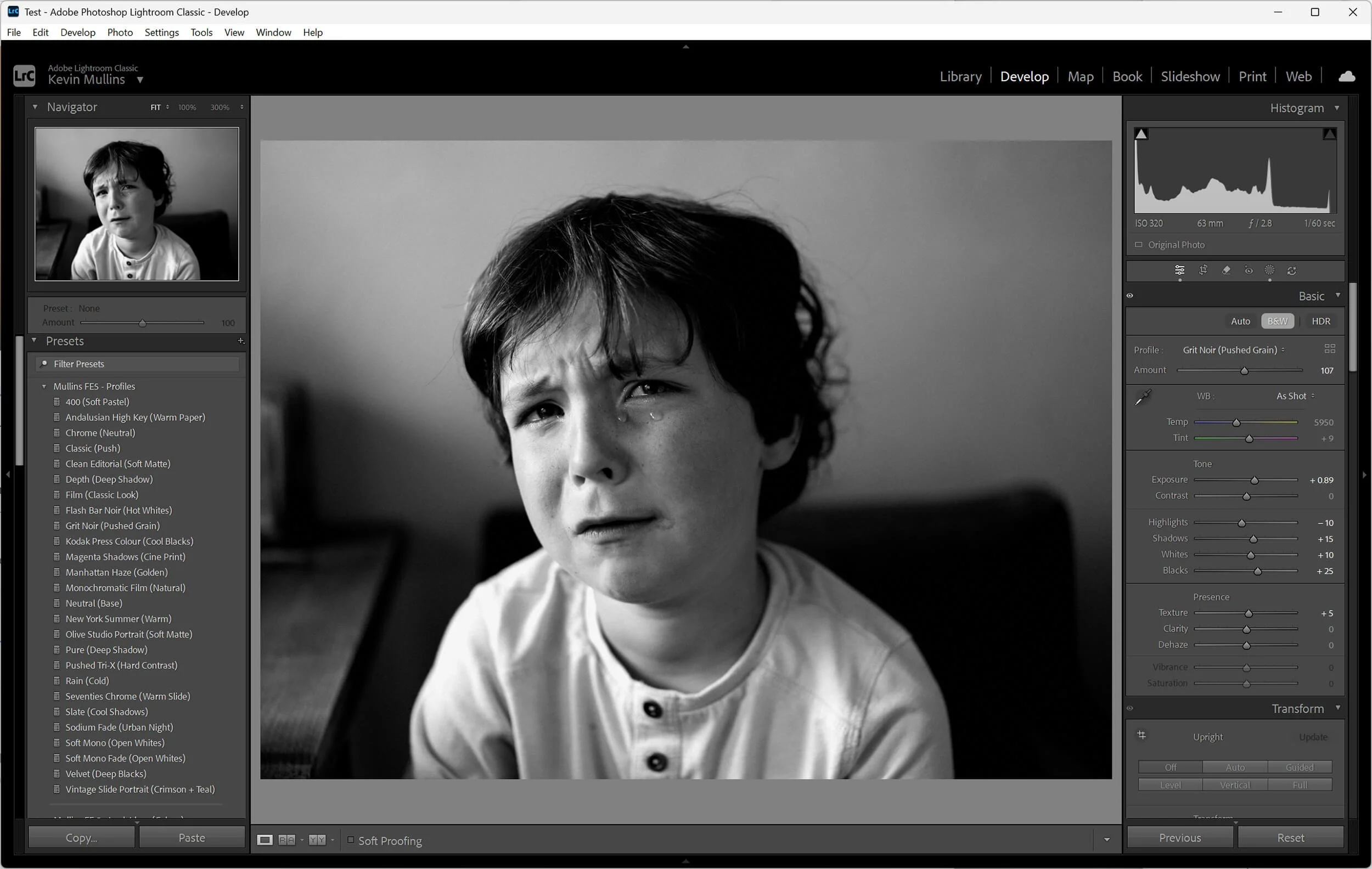
Screenshot of the Lightroom Presets Browser showing a few FE5 profiles.
Film Edition 5 Workflow Series Colour
The Colour pack is designed for photographers who want film-inspired colour without fighting skin tones or spending ages balancing contrast and saturation. It’s about palette, tonality, and that “finished” feel, but it still keeps the image real.
What you’ll find inside:
Base profiles that define the overall tonal response and colour palette
Workflow presets that take you from base look to finished edit quickly
Utilities for the practical stuff that comes up every day
AI utilities for targeted fixes that would otherwise mean manual masking


A small note; If you’re the sort of person who likes to stop early, you can. Plenty of photos are genuinely done at the profile stage, especially if the exposure is already where it needs to be. The workflow presets are there when you want shape and polish without rebuilding your process from scratch.
Film Edition 5 Workflow Series Monochrome
The Monochrome pack is built for proper black-and-white. Not grey. Not crunchy-for-the-sake-of-it. It gives you tonal separation, depth, and a bit of bite when you want it, with profiles that behave consistently from image to image.
Inside you’ll find:
Monochrome base profiles that set the tonal character cleanly
Workflow presets that shape depth, contrast and presence without chaos
Utilities + AI utilities for real-world problems (background control, subject lift, local contrast moves, that kind of thing)


Monochrome falls apart quickly if the profile response is wrong. This pack is designed so you’re not forced to rescue the midtones with heavy-handed global Contrast.
Utilities and AI utilities
This is the part that makes Film Edition 5 feel like a system. Utilities are the quick, repeatable steps you end up doing all the time. The AI utilities are for when you want speed, but you still want control, and you don’t fancy painting masks for ten minutes when the answer is basically “darken that background a touch”.
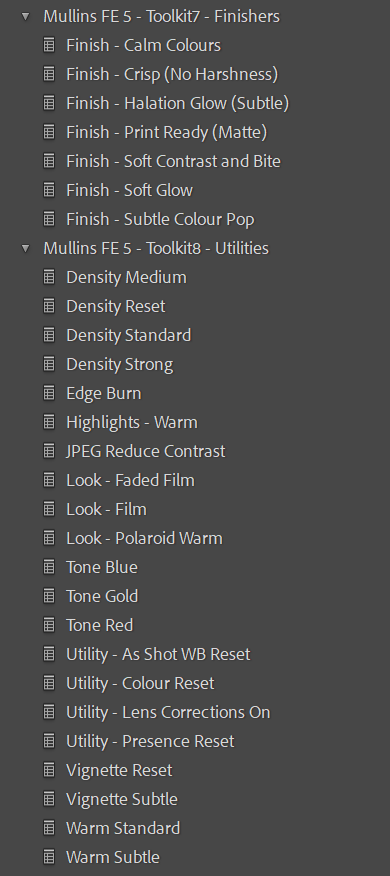
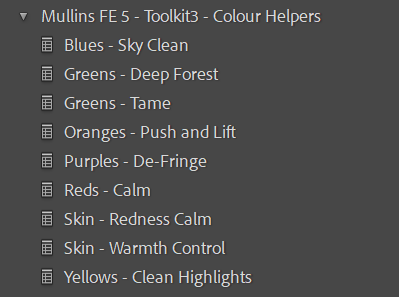
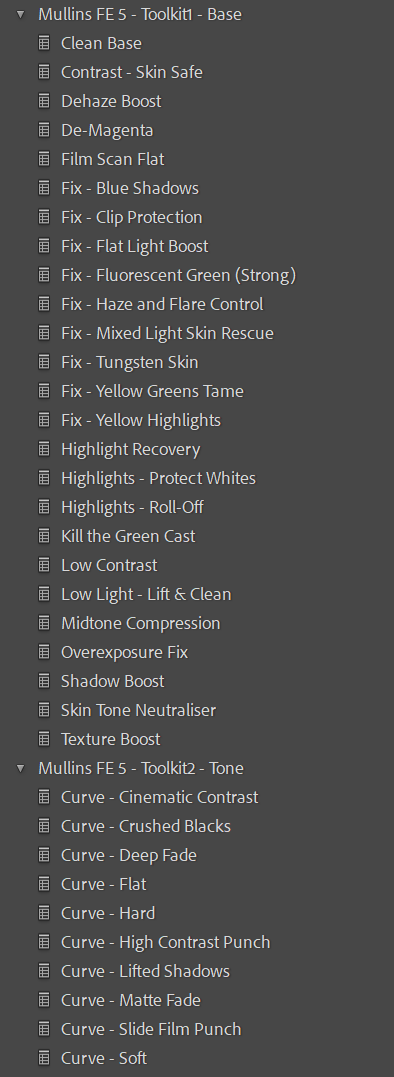
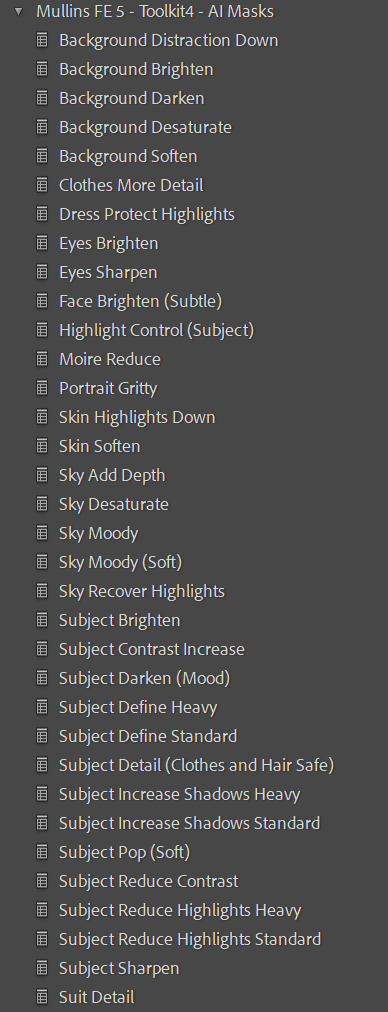
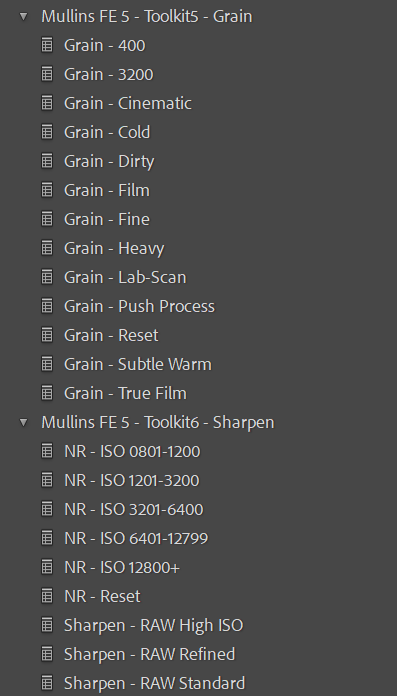
A clean folder layout (so you can actually find things)
Film Edition 5 is organised (as are all my Lightroom Presets) so you’re not hunting around in twenty folders wondering which one you used last time.
If you own the Colour pack, you see the Colour structure. If you own the Monochrome pack, you see the Monochrome structure.
If you own both, it still stays tidy.
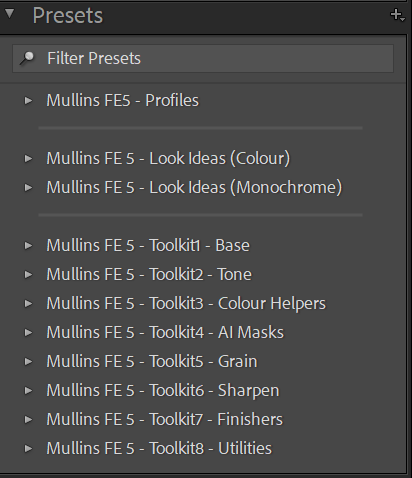
Screenshot of the preset panel showing the FE5 folder layout
Works across Lightroom Classic, CC, and Mobile
The packs are built to work across Lightroom Classic, Lightroom (desktop), and Mobile. Same idea, same workflow, same intent.
Who it’s for
If you want consistency without copying the same edit onto every photo
If you like film-inspired colour but still want skin tones to behave
If you love monochrome and want depth without the mud
If you want speed but not at the expense of taste
FAQ
-
No. These are built to work in Lightroom Classic, CC, and Mobile.
-
No. Film Edition 5 is a completely new set of looks and tools.
-
Not strictly. The order is there to keep things logical, but you can stop early or jump to what you need.
-
Yes. It installs alongside everything else. It’s designed to stay organised so it does not turn your preset panel into a mess.
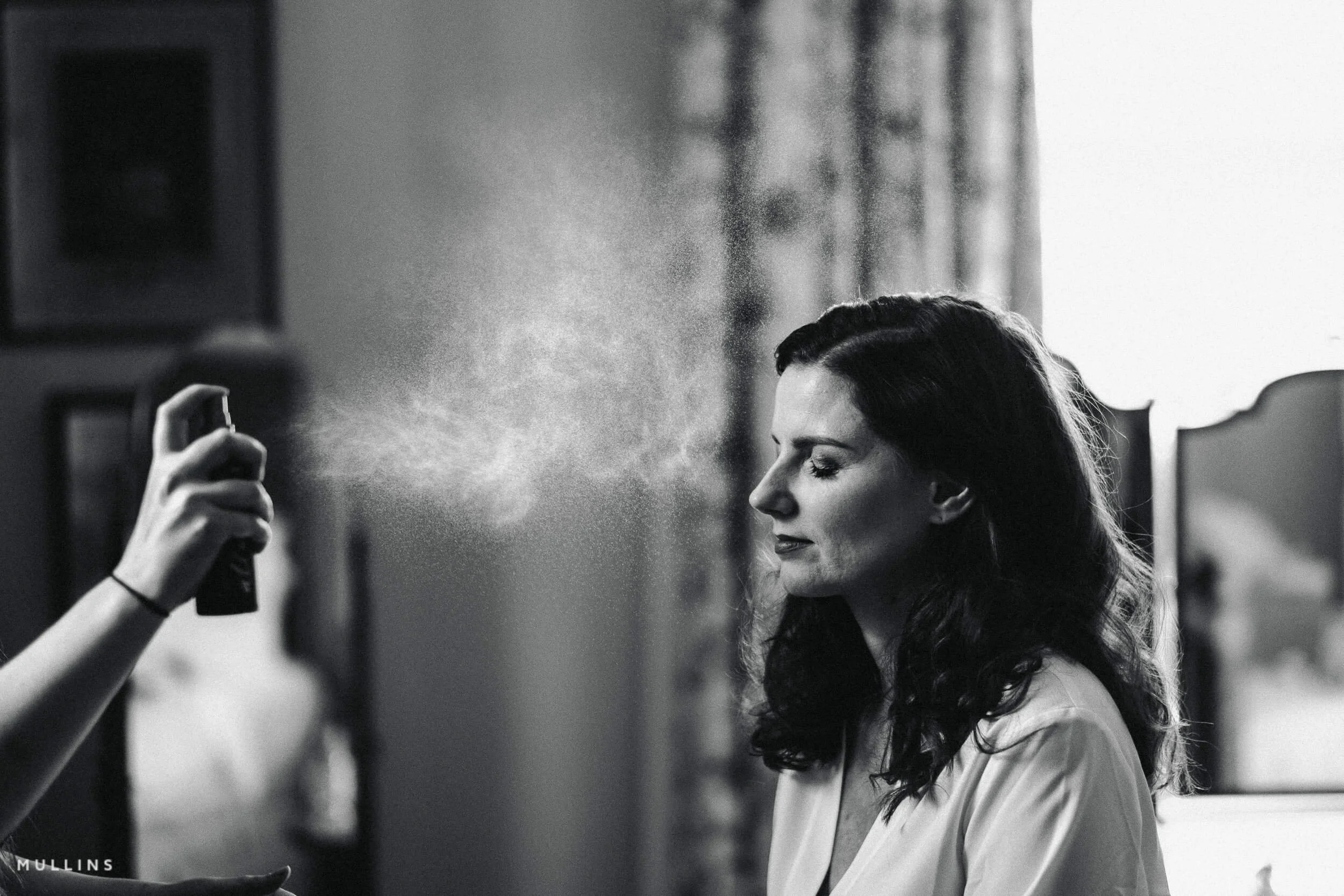
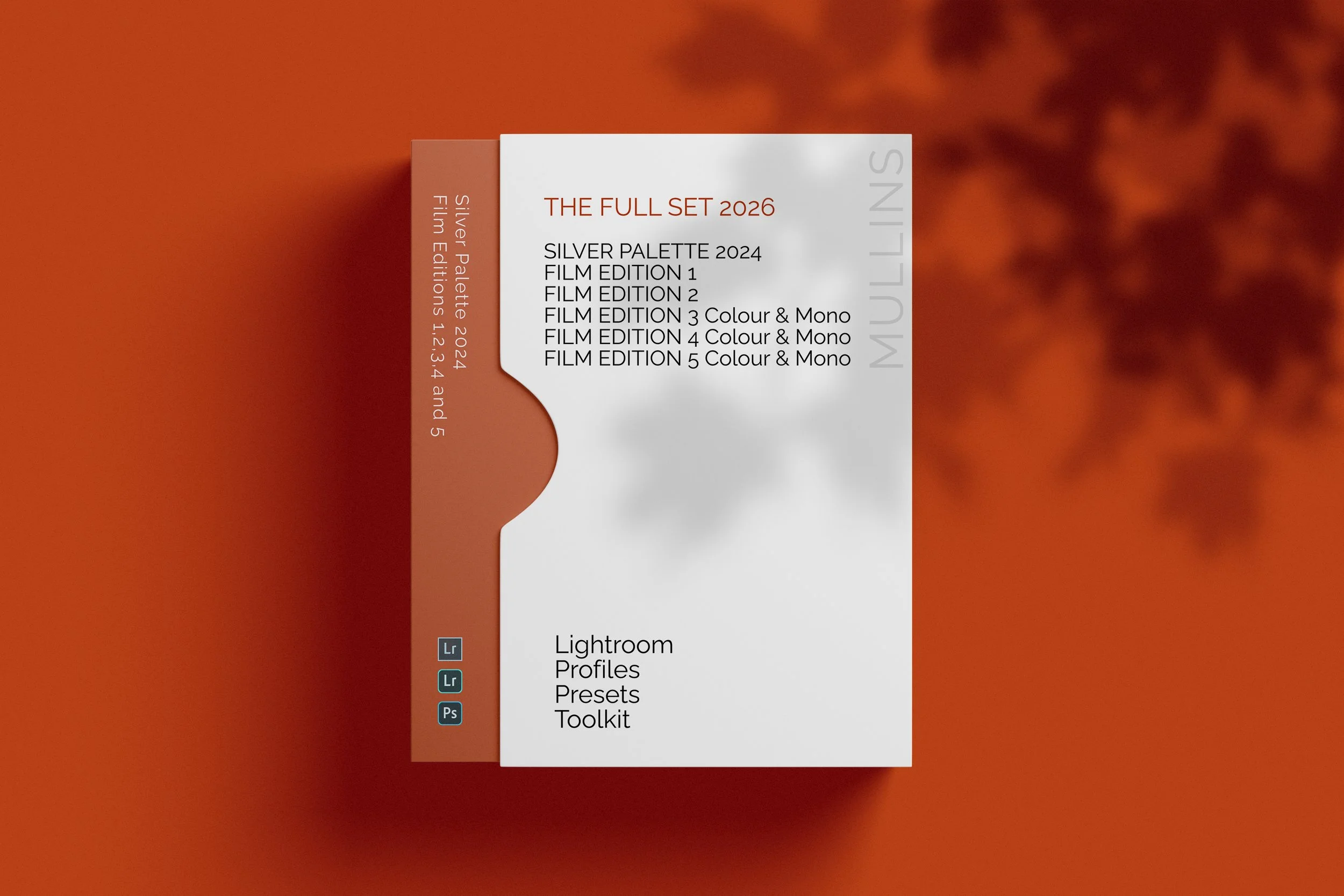

The complete preset collection for Lightroom.
The Full Collection (2026 Edition) brings together the complete Film Edition range from Editions 1 to 5, plus Silver Palette 2024, giving you the broadest preset and profile collection currently available across the Kevin Mullins Presets range. It is designed for photographers who want the full system rather than a single pack, with colour, monochrome, classic editions, workflow packs, utilities, and AI tools all in one place.
This is more than a bundle of slider-based presets. Across the range, these packs are built around custom-designed LUT-based profiles and practical workflow tools, so you can move between different editing styles while still keeping your process consistent. Some packs are more classic and film-emulation-driven, while Film Edition 5 adds a newer profile-first workflow with Toolkit and AI support.
If you want the widest possible choice across your editing, this is the collection that gives you that. You have the earlier Film Edition packs for a broader mix of established looks, Silver Palette 2024 for monochrome work, Film Edition 4 in both colour and black-and-white, and the newer Film Edition 5 Workflow Series packs for a more structured editing workflow. The live page also states that the full suite of Utilities and AI Utilities is included.
Built for speed and flexibility
The widest preset collection in the range
Includes both colour and monochrome packs
Combines classic film-style packs with the newer FE5 workflow system
Includes Utilities and AI Utilities for more control when you need them
What’s included
Film Edition 1
Film Edition 2
Silver Palette
Film Edition 3 Colour
Film Edition 3 Monochrome
Film Edition 4 Colour
Film Edition 4 Monochrome
Film Edition 5 - Workflow Series (Monochrome)
Film Edition 5 - Workflow Series (Colour)
Full suite of Utilities and AI Utilities
3 for 2 offer
All preset packs are included in the 3-for-2 offer. Buy any two preset packs and get a third free, with the discount applied automatically at checkout.