

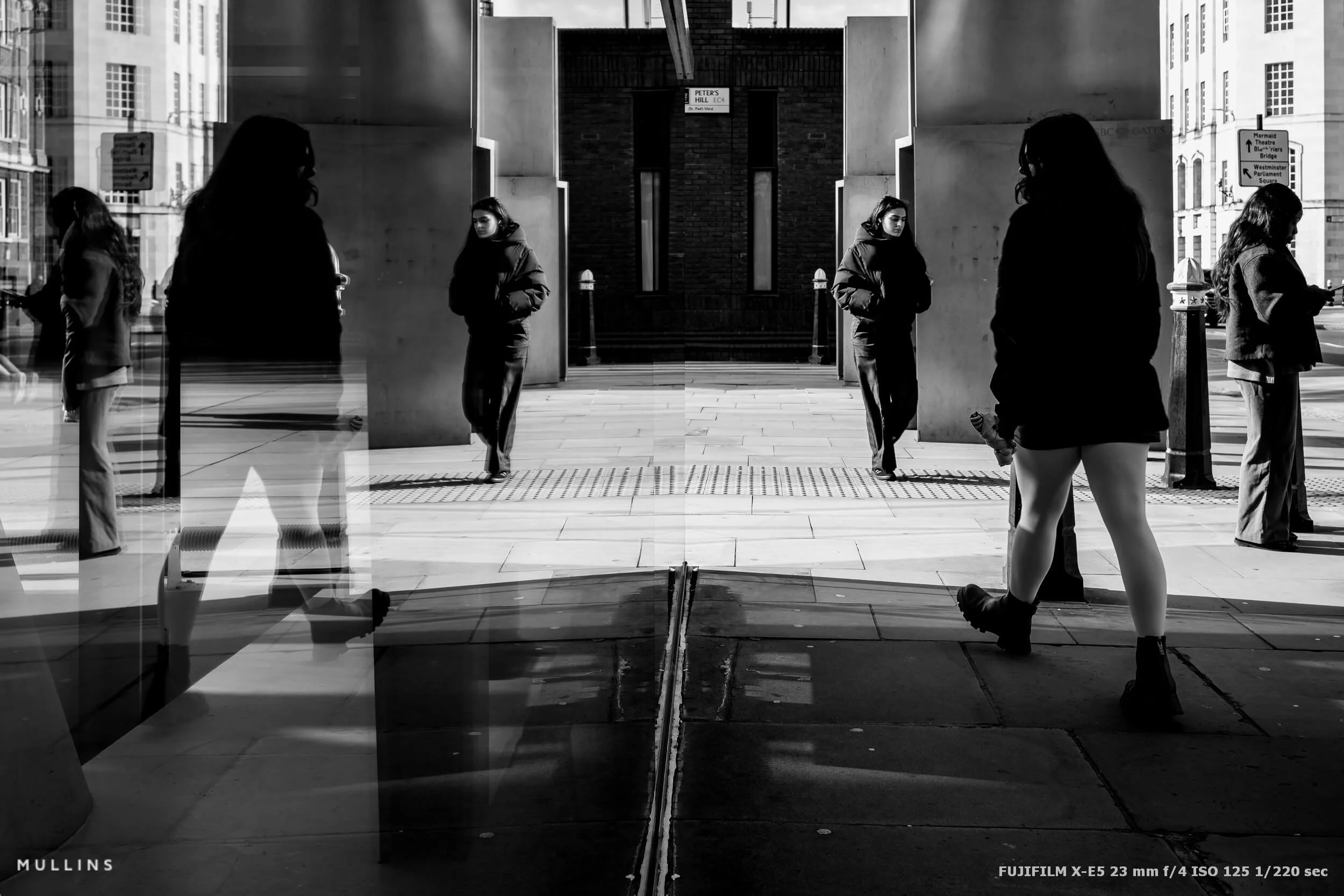
Reflections in Street Photography: A Quick Walk Around St Paul’s With the Fujifilm X-E5
I was only in London for a short spell, but I had the Fujifilm X-E5 with me, and I just fancied a bit of fun. It was the first relatively sunny day of 2026, the sort of day where the light does half really.
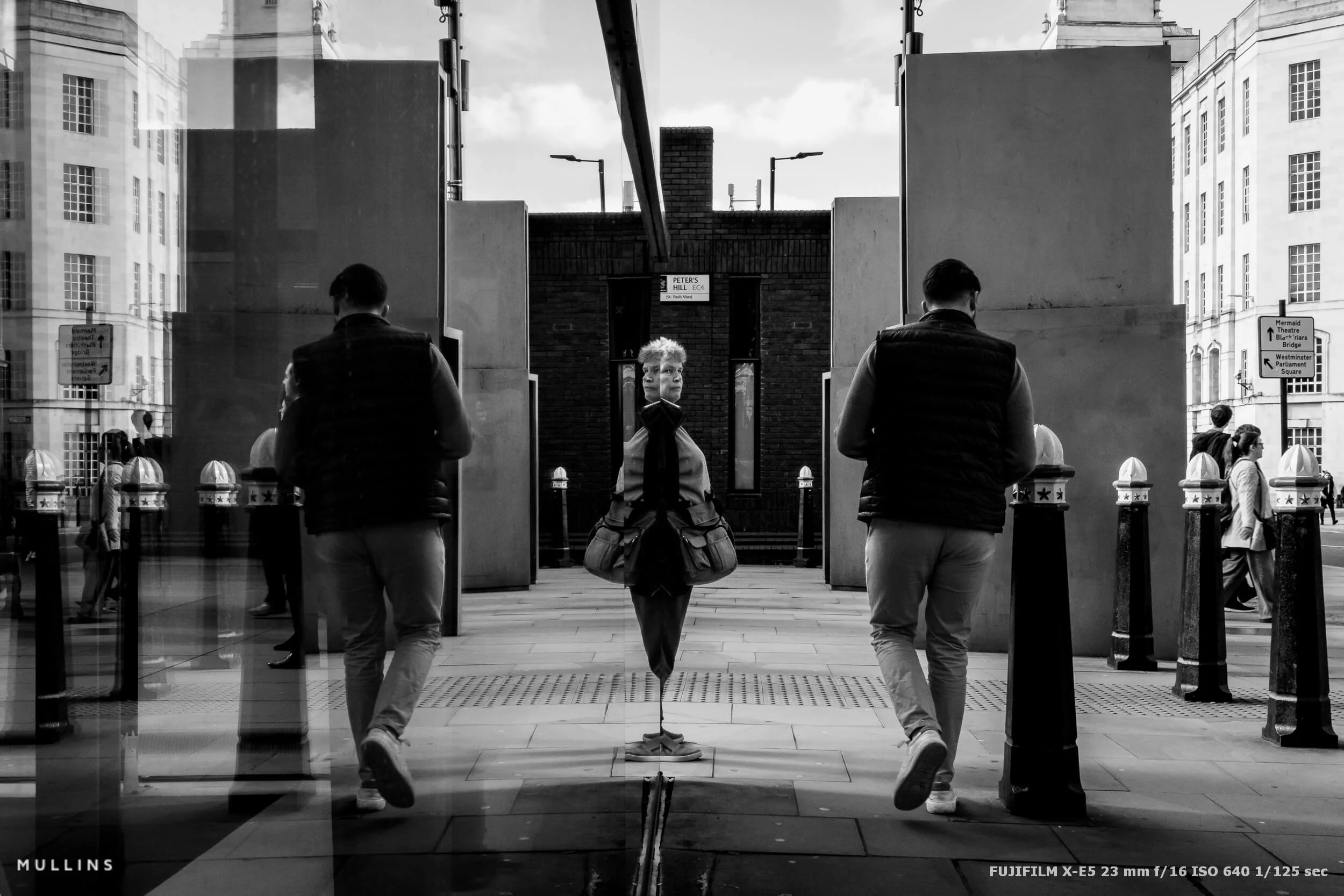
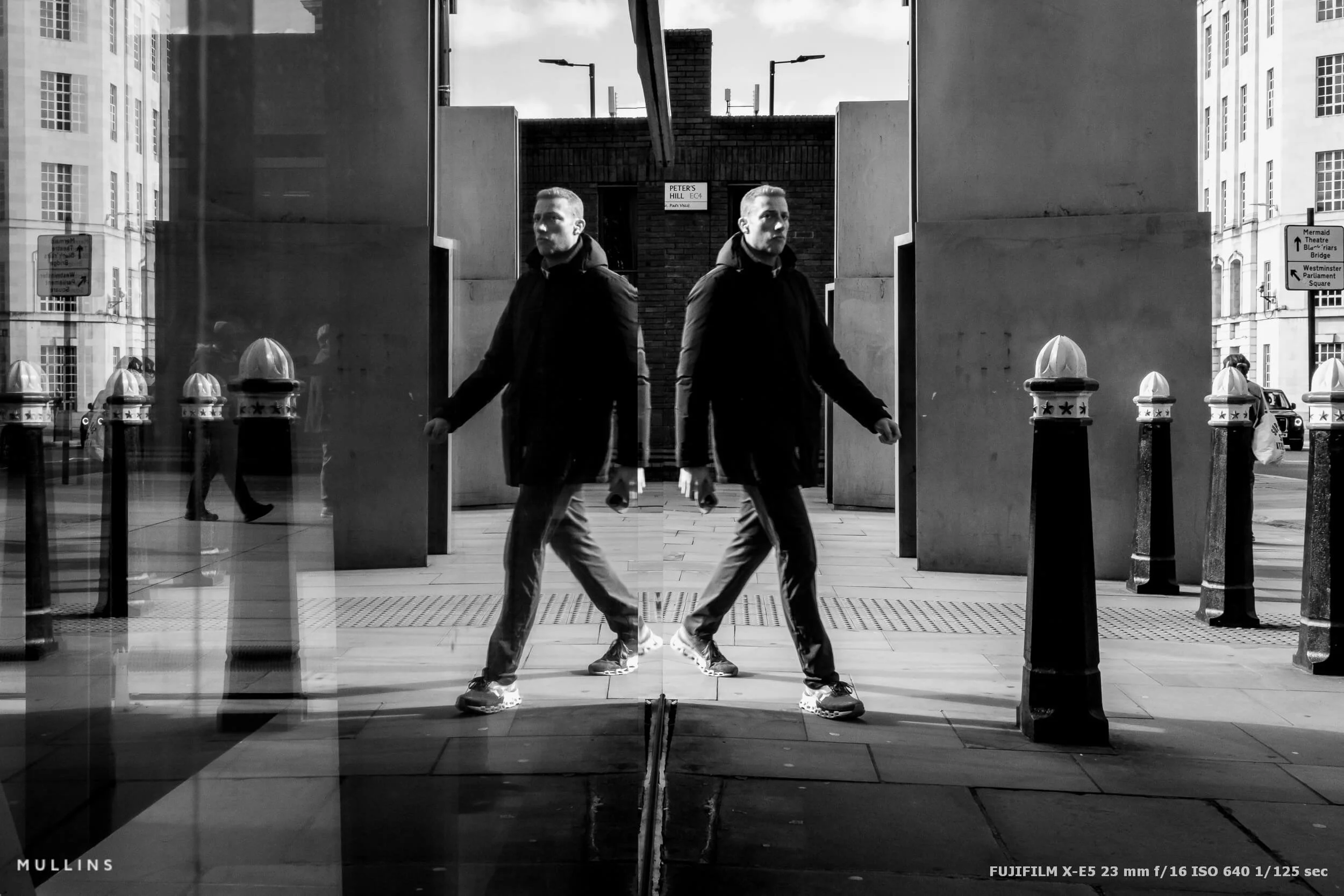
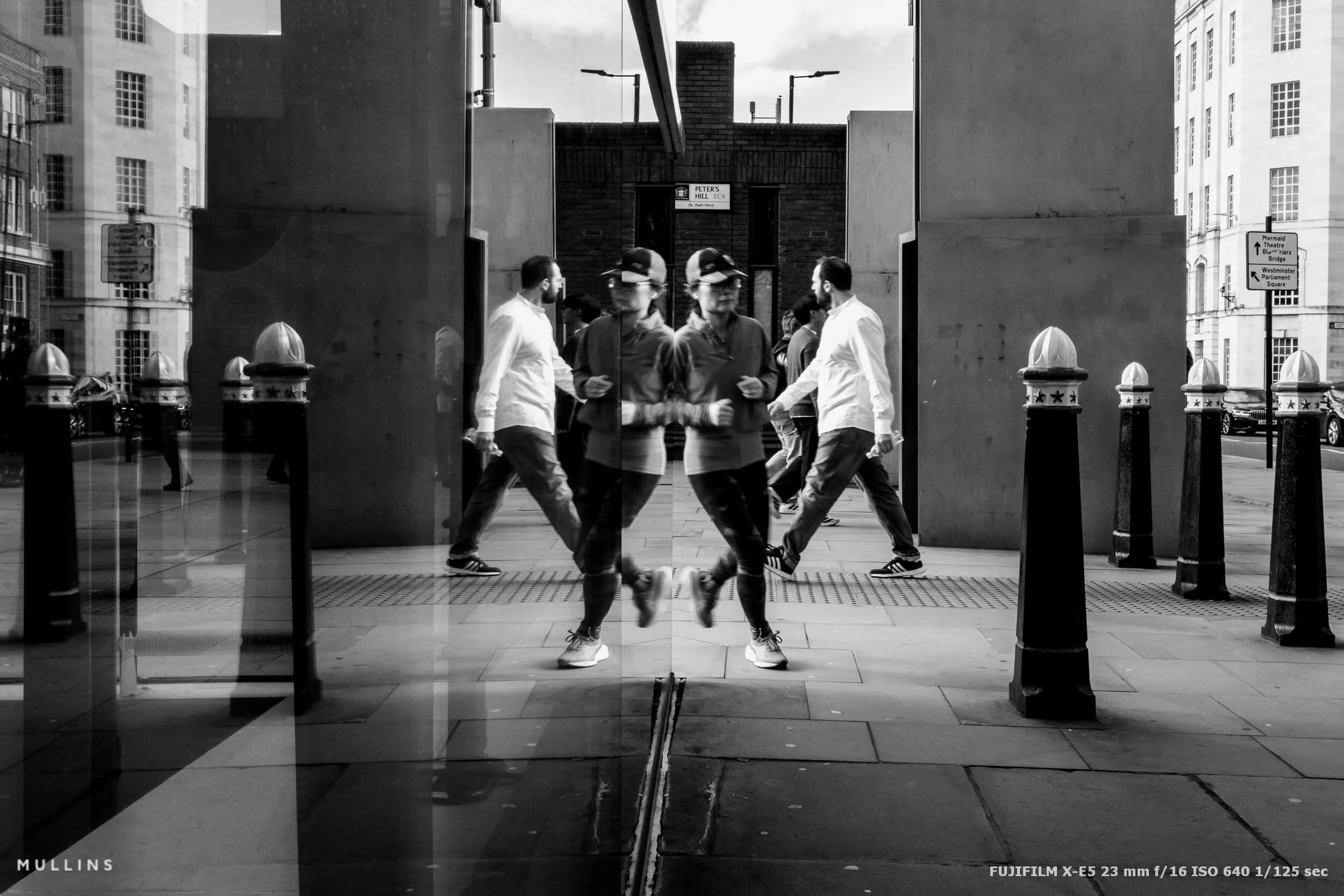
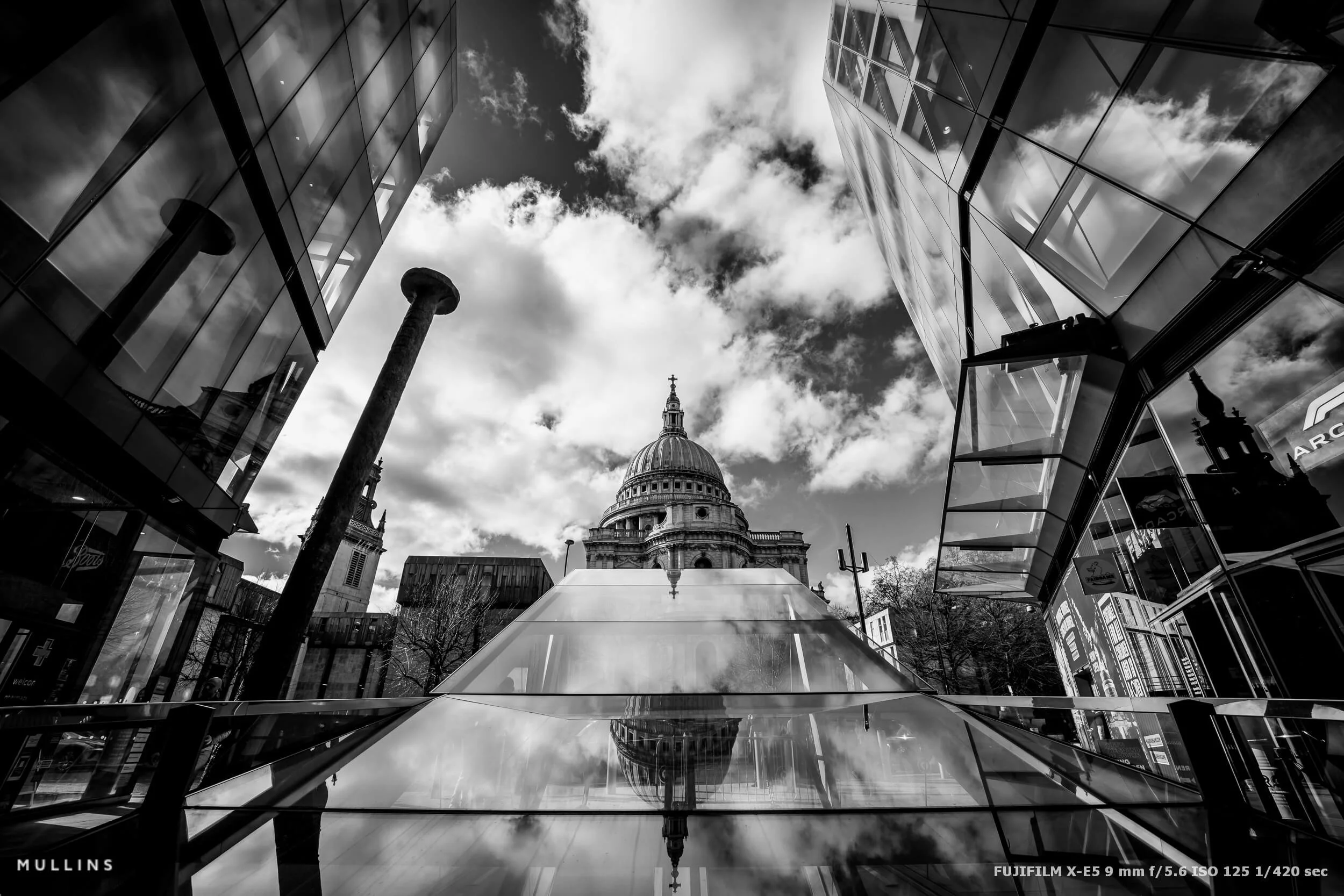
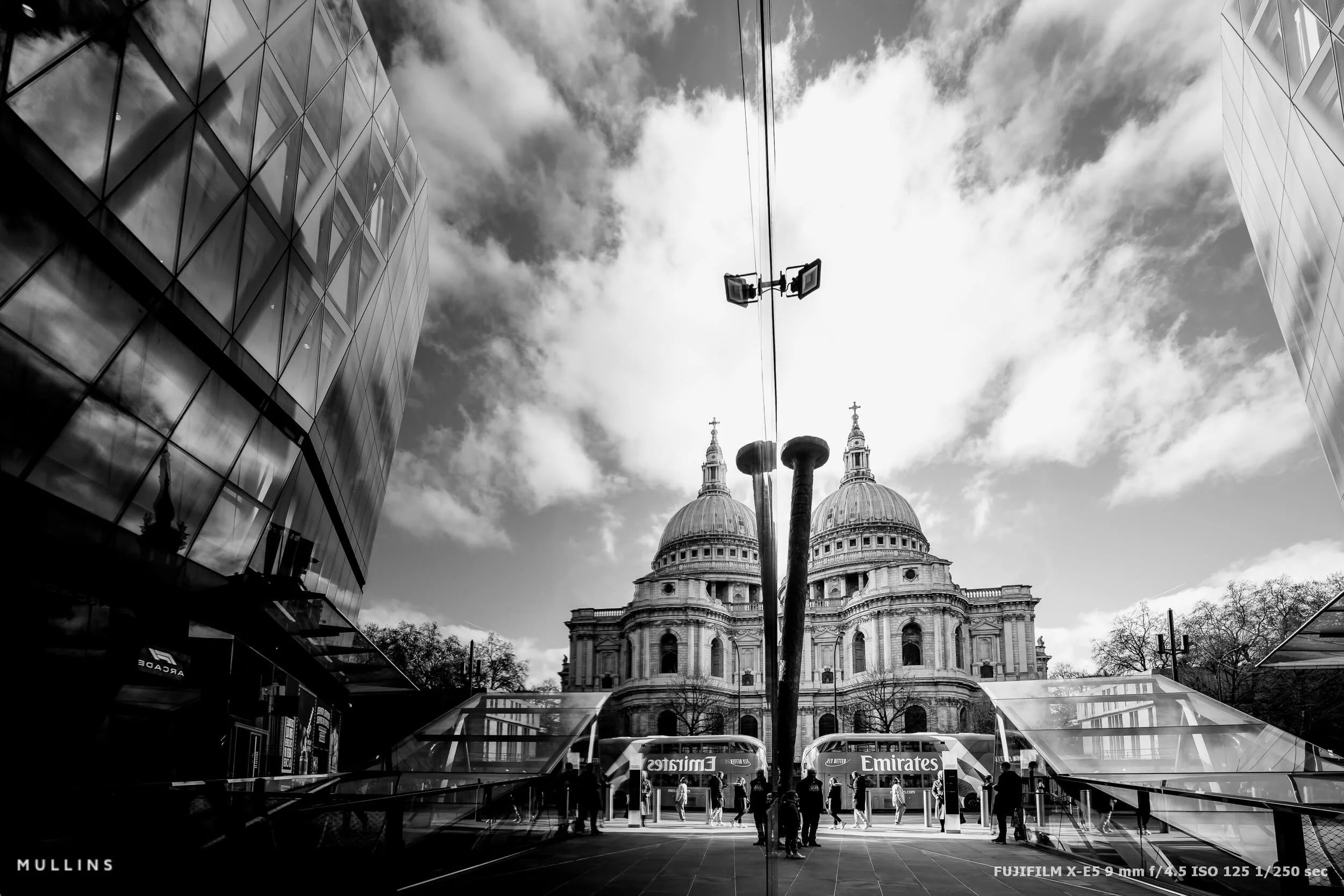
I ended up hovering around that little junction near St Paul’s Cathedral, dipping in and out of Paternoster Square and down by Peter’s Hill (EC4). It’s one of those areas that gives you everything in ten minutes: old and new architecture jammed together, hard light bouncing off glass, and a constant supply of reflective surfaces just waiting to be used.
These are really just very simple images I took on my way through.
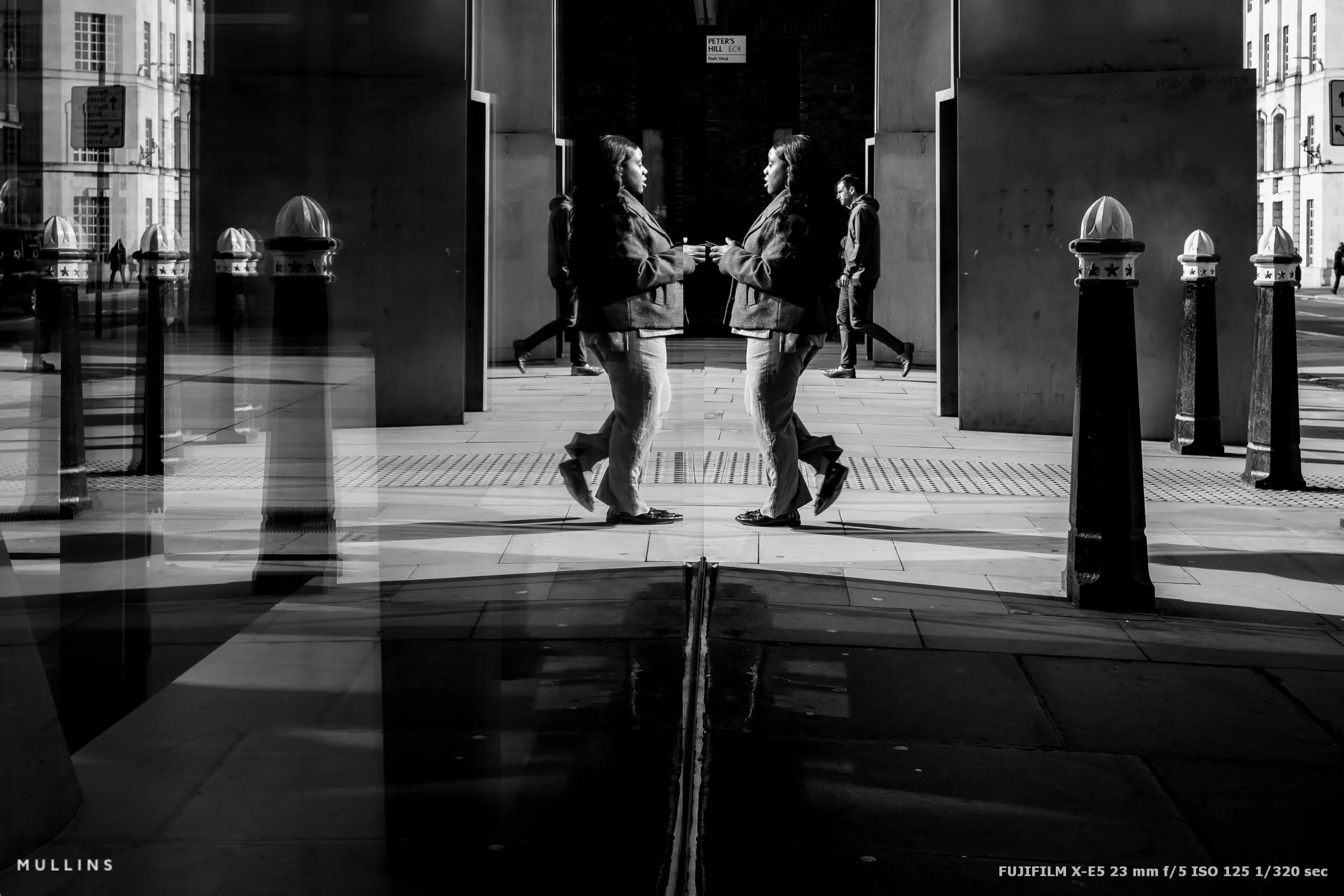
Why I Keep Coming Back to Reflections
Reflections come up a lot on my Street Photography Workshops because I believe they force you to slow down and actually look.
When you start hunting reflections, you stop photographing “things” and you start photographing relationships. Foreground and background. Light and Shadow. People and their echo.
The Gear: Two Lenses, Two Very Different Feels
For this little wander, I used two lenses:
The new XF23mm F2.8 WR, which is just… easy. It’s small and quick, and it lets you work without thinking about the lens at all.
And the wonderful Viltrox AF 9mm f/2.8 XF, which is the complete opposite. It’s wide in a serious way. If you point it at something, you’re saying “this is the whole scene”, including the messy edges, the stretch, the drama, the lot.
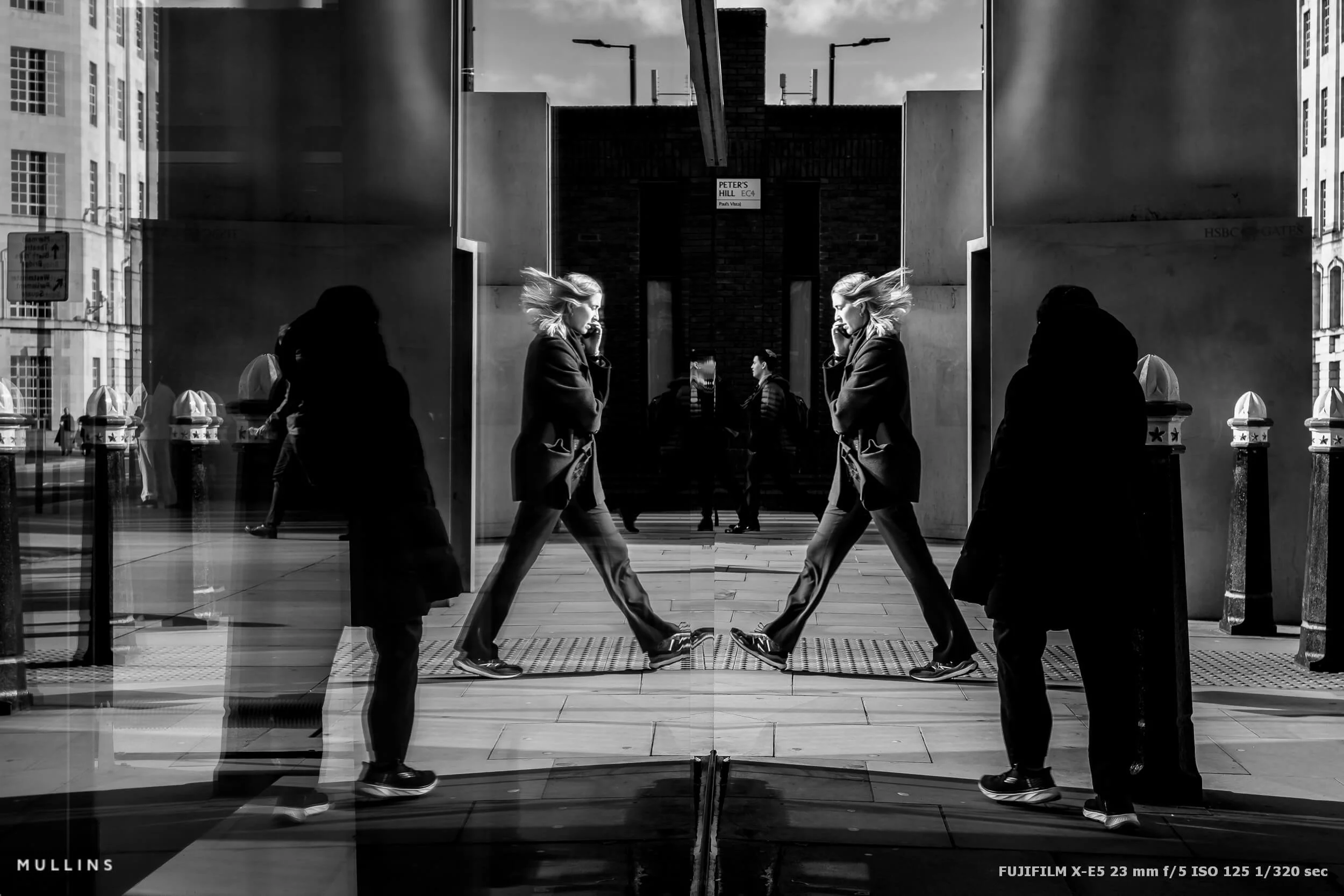
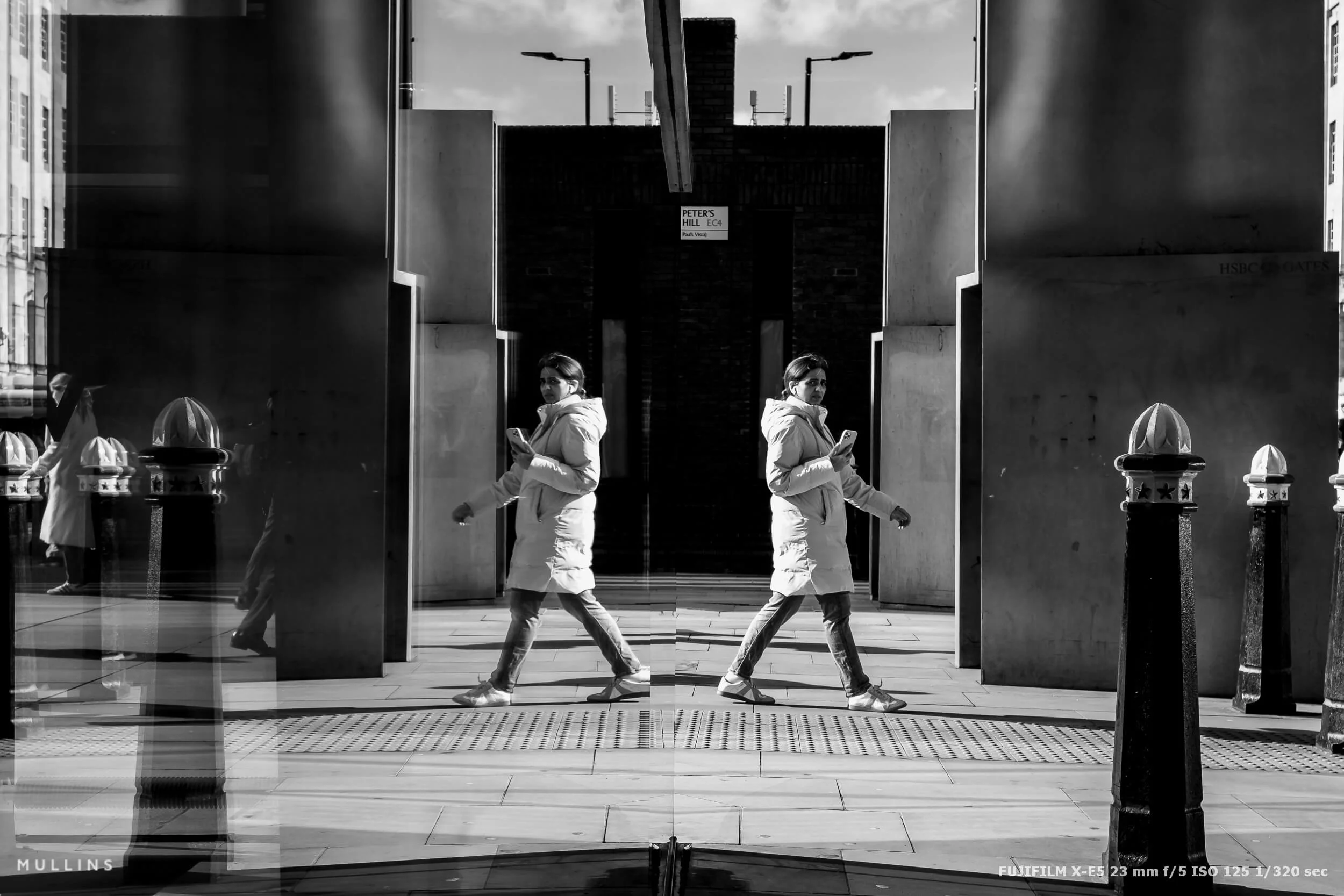
A Quick Word on the X-M5 (Because I Did Bring It)
I also had the Fujifilm X-M5 with me, and I’ll be honest, I really don’t get on with it. It gives me the same problems as the original Fujifilm X-H1.
The PASM approach just doesn’t suit how I shoot, and no viewfinder is a deal-breaker for me when I’m working quickly in bright conditions. I know some people will shrug at that, but I’ve shot with a viewfinder for so long that it’s part of how I think.
That said, I can absolutely see why it’s perfect for other people. If you’re coming from a more modern camera layout, or you want something small, simple, and video-friendly, it probably makes loads of sense. It’s just not for me.
The X-E5, on the other hand, feels like home for me.
Editing: Film Edition 5 and the Classic (Push) Profile
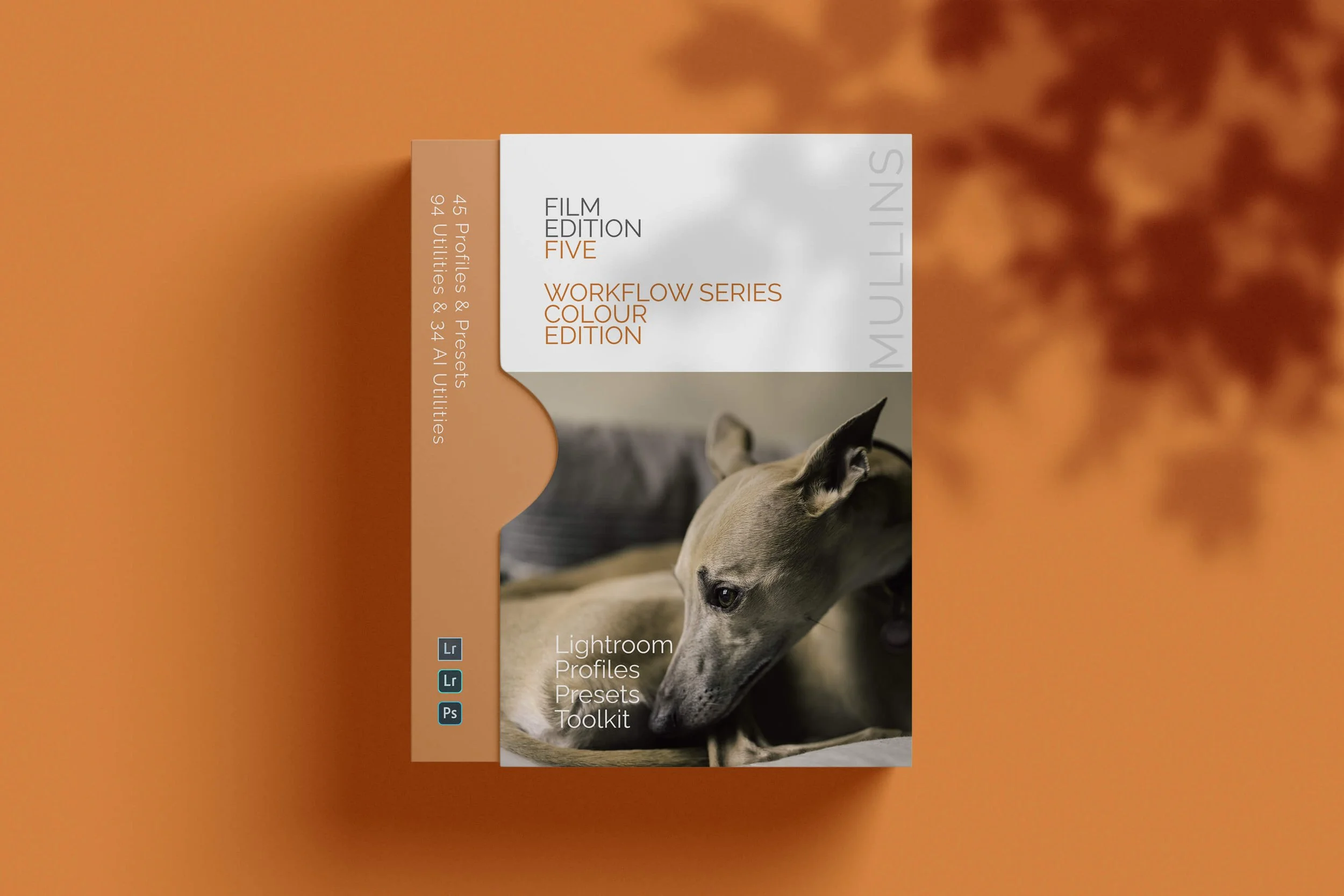
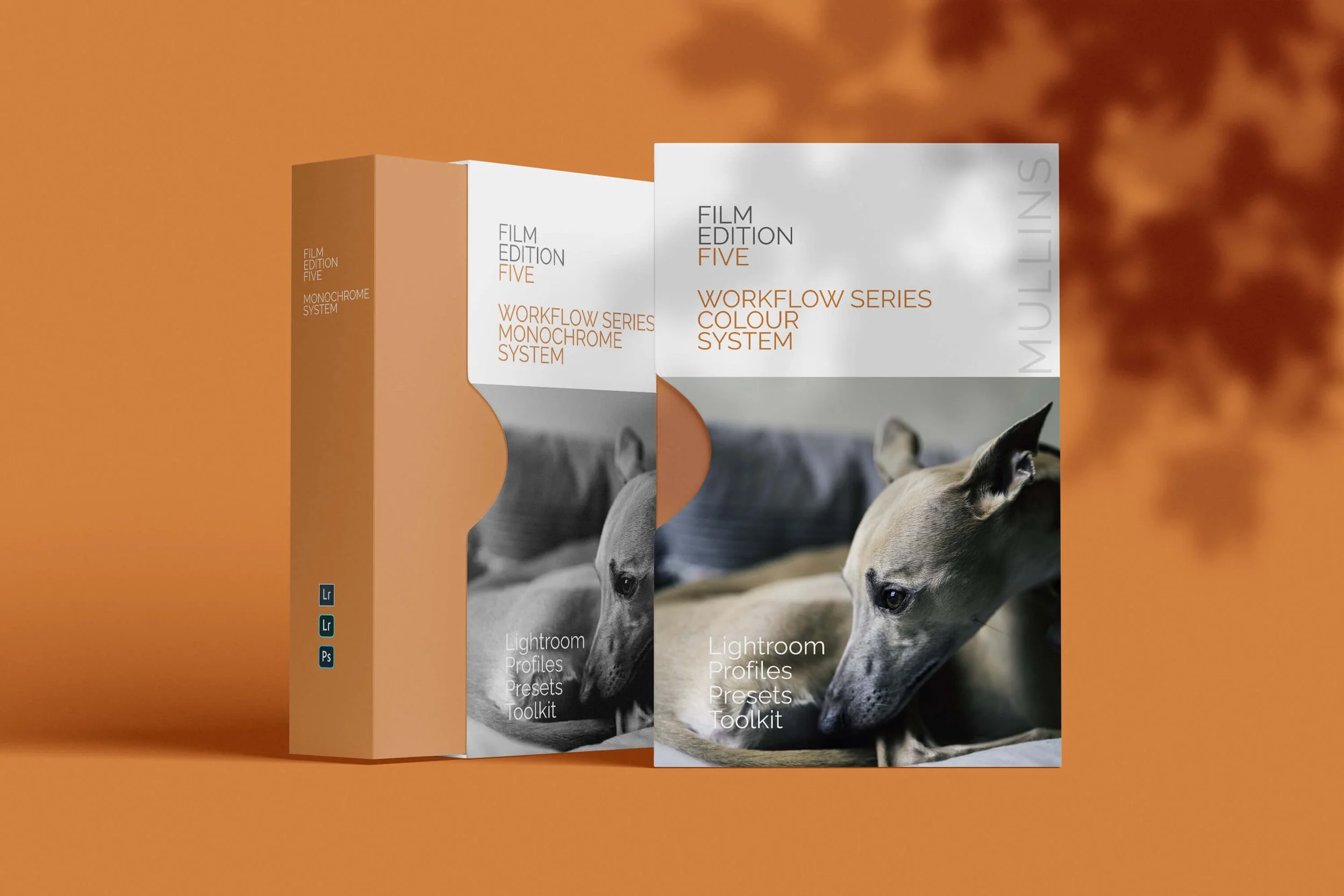
Everything here was edited with my new Film Edition 5 Presets, starting with the Classic (Push) profile.
That profile gives me a punchy, confident base without going crunchy, and it holds up nicely when you’ve got bright sky and deep shadows in the same photograph. From there, it was the usual small tweaks depending on the image, but the “tone of the photo” was basically decided the moment that profile went on.
What I Was Looking For on the Day
This set was really just me playing with three things:
Glass that behaves like a mirror when the light hits it right, people and motion, especially when a reflection doubles them or splits them.
In reality I was just wandering about thinking, “that might work”, and then waiting for the frame to fill itself.
If You Want to Try This Yourself
Next time you’re out with a camera, try giving yourself a ten-minute “reflections only” rule. No normal photos, no exceptions. Just windows, polished stone, puddles, shiny cars, whatever you can find.
It sounds restrictive, but it’s actually quite freeing. You stop chasing moments and you start building them based on light.
And if you fancy doing this sort of thing in person, reflections are one of those recurring themes that come up naturally on my Street Photography Workshops.

A complete black and white Profile, Preset & Workflow Pack for Lightroom
Film Edition 5 - Workflow Series (Monochrome) is a structured set of Lightroom profiles and presets designed to help you achieve a finished monochrome look quickly and consistently.
This is not a random “pick a look and hope” pack. It’s designed as a repeatable workflow you can run on a full set of images, with fixes and finishing tools when you need them.
If you edit regularly in Lightroom, you already know the problem. You want a strong black-and-white style, but you also need it to behave consistently across different scenes, lighting conditions, and subjects. This pack is designed to help you move fast without the work looking rushed.
You start with one of the custom monochrome profiles to establish the tonal foundation, then shape the image with workflow presets that are designed to work with that profile rather than fight against it. From there, you can use the included Toolkit for things like AI masking, grain, curves, highlight control, sharpening, finishing touches, and everyday problem-solving inside Lightroom. The product page positions the pack exactly this way, with the profile first, workflow second, then utilities and finishers to refine only when needed.
Built for speed and consistency
If you edit your photos in Lightroom, you already know the problem: you want a strong monochrome style, but you also need it to work across different scenes without constant fighting.
This pack helps you move fast without the work looking rushed.
Fast workflow: fewer decisions, clearer steps.
Consistent results: the set hangs together as a series.
Film-inspired tonality: depth, shape, and texture without the “preset look”.
Useful fixes included: real-world Lightroom problems, solved quickly.
What’s included
11 custom monochrome profiles
20 one-click presets
128 Mullins Lightroom Toolkit presets, including AI masks, fixes, utilities, grain, tone curves, colour helpers, sharpening and finishers
Compatibility
Works with Lightroom Classic and Lightroom Desktop. AI Mask presets require Lightroom Classic 11.0+ or Lightroom Desktop 5.0+.
Three for Two Offer
All preset packs are included in the 3-for-2 offer. Add any three preset packs to your basket, and the cheapest one is free at checkout.