

Tristan in my Studio
Introduction:
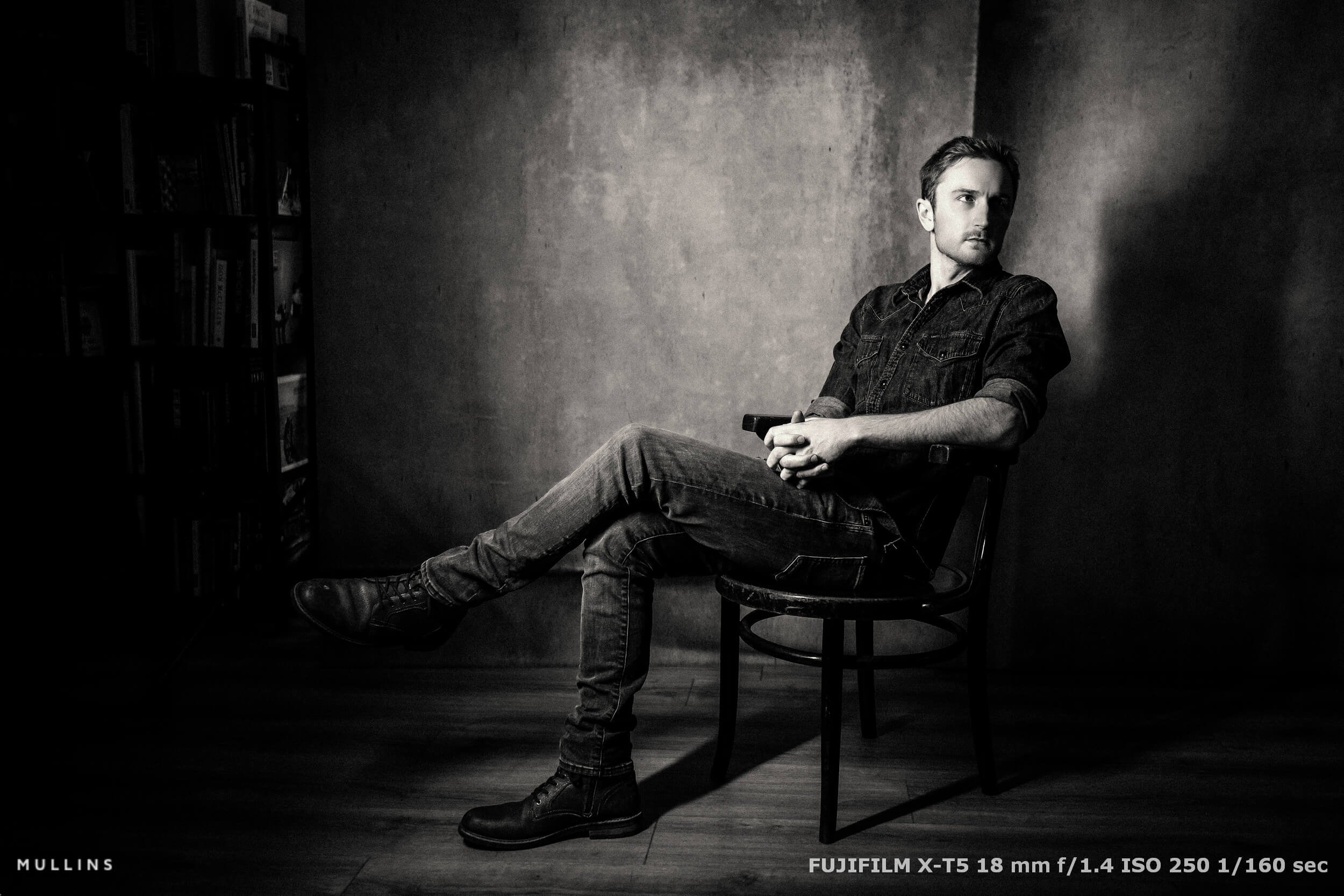
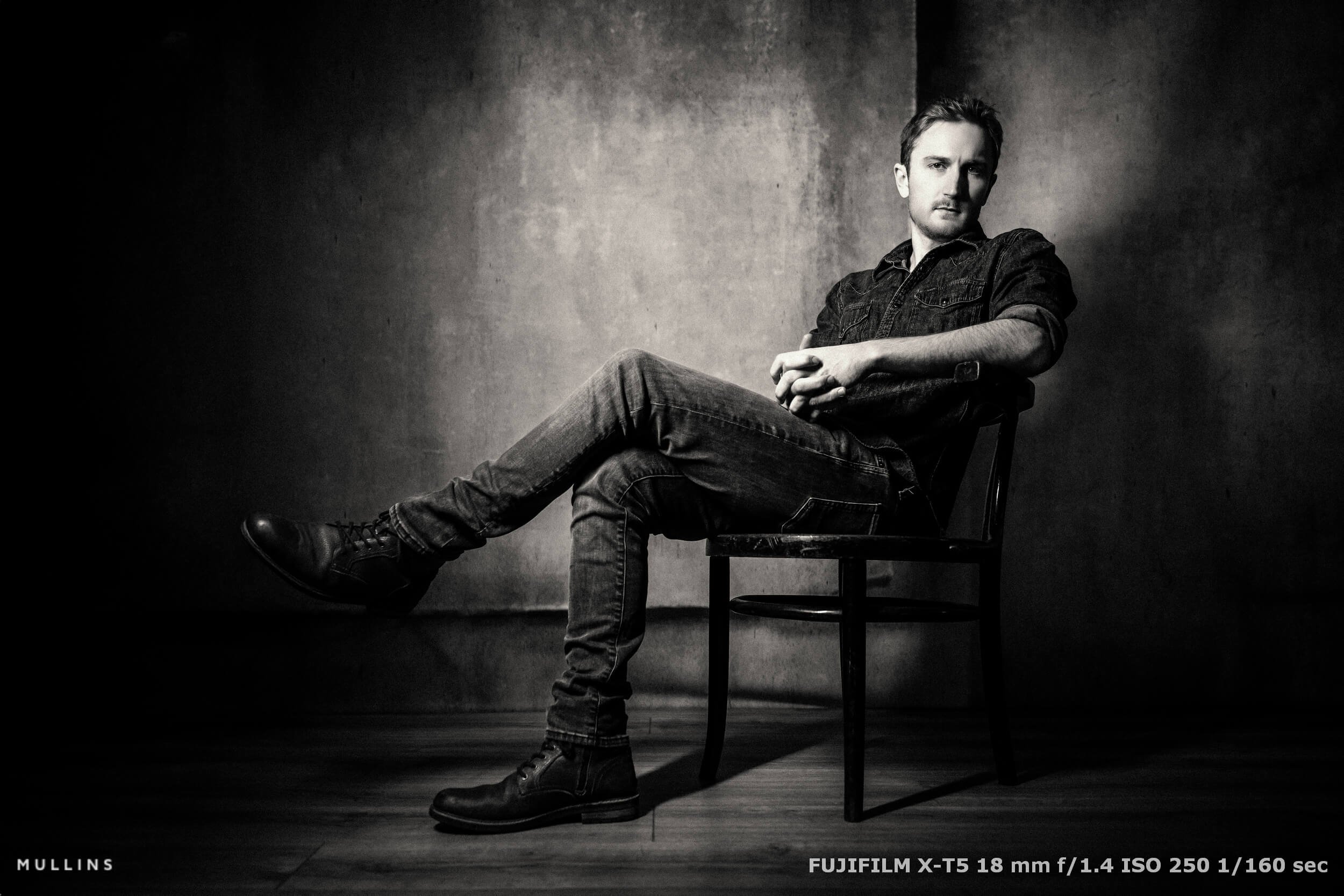
There’s something special about black and white portraits—they strip everything back to emotion and mood.
In this video, I’m sharing how I edit my images in Lightroom to create that bold, moody look.
I’ll show you how I use my own presets for a filmic feel and how you can get similar results with simple Lightroom tools.
I’ll also cover a bit of Photoshop work to clean up and extend backgrounds.
A Note About My Advanced Lightroom Presets & Profiles:
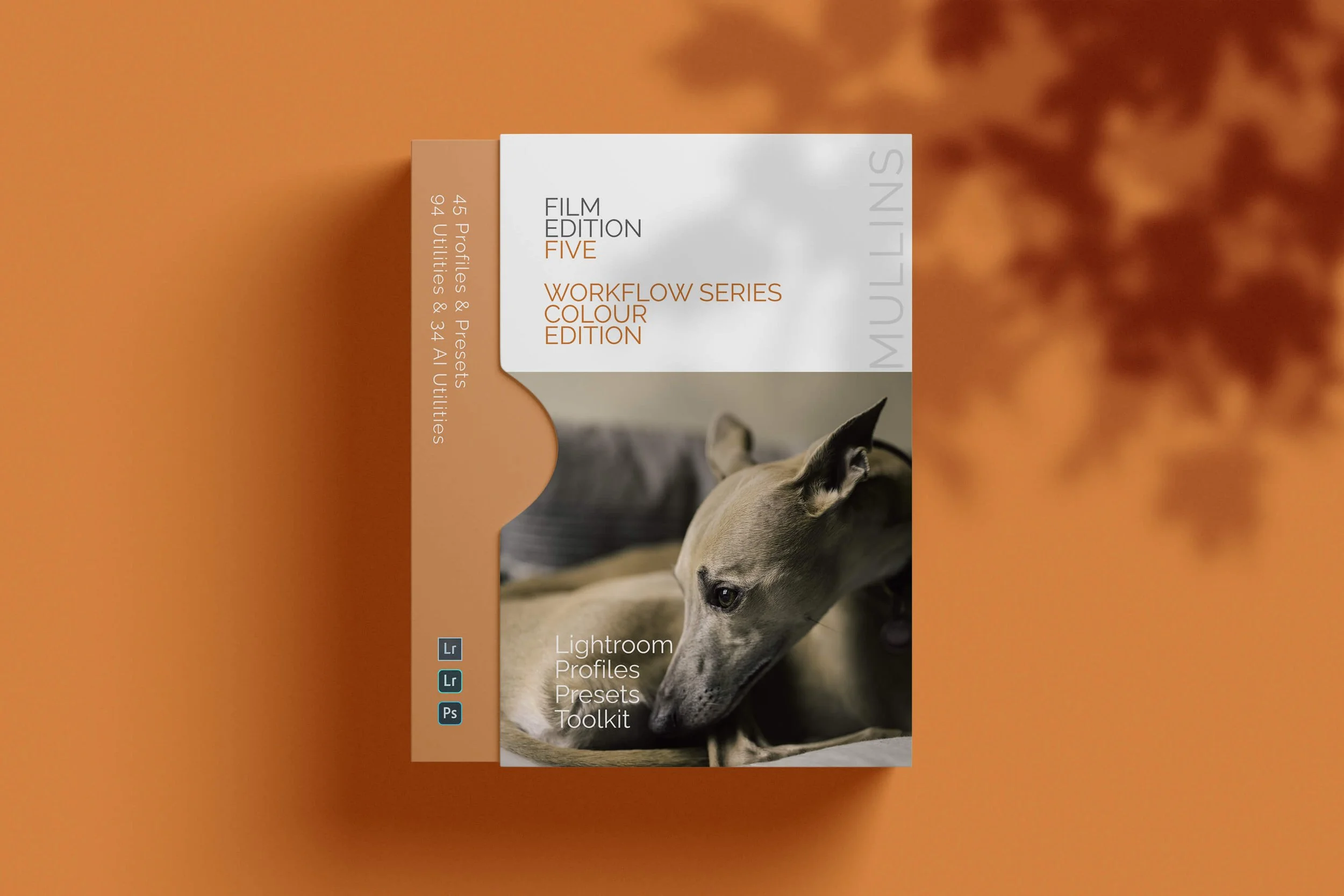
Love the photos you see here? Using my Mullins Film Edition Three Lightroom presets, you can achieve the same rich, moody tones and timeless black-and-white edits with just one click.
They are designed for photographers who want that bold, filmic look without the hassle. 10% Off with Code: YT10
Contents Overview:
Introduction to Moody Black & White Editing
Why black and white portraits hold timeless appeal
Tools used: Lightroom and Photoshop
Starting with the Basics: Exposure and Cropping
Correcting exposure and straightening images
Cleaning up distractions without relying on AI or Photoshop
Using Custom Lightroom Presets
Demonstrating Mullins Film Edition Three presets
Highlighting the Arizona Film look for warm monochrome tones
Adjusting grain, clarity, and vignette for a filmic effect
Manual Editing in Lightroom (No Presets Needed!)
How to achieve a bold, contrasty look using tone curves and clarity
Step-by-step adjustments with HSL and colour grading
Adding subtle warmth and grain for depth
Photoshop for Background Extension
Using Photoshop's AI-powered Generative Fill to extend backgrounds
Fixing clutter and enhancing composition without over-editing
Final Touches for Cohesion
Comparing edits with and without presets
Refining highlights and shadows for consistency across images

Final Thoughts:
Experimenting with different editing styles is key to developing your creative vision.
Whether you prefer using presets for a quick, consistent look or enjoy tweaking every detail manually, I love using Lightroom, as it gives you full control.


Build Your Photography Website with Squarespace
I’ve been using Squarespace for years to manage my photography websites, and it’s the platform I always recommend.
With their all-in-one system, it’s easy to create a professional, personalised website without needing to know any code.
Whether you're selling prints, digital products, or services, Squarespace has the tools to run your business smoothly—like online stores and appointment scheduling.
If you’re ready to build or refresh your website, head over to Squarespace.com/KevinMullins for 10% off your first website or domain.

A complete black and white Profile, Preset & Workflow Pack for Lightroom
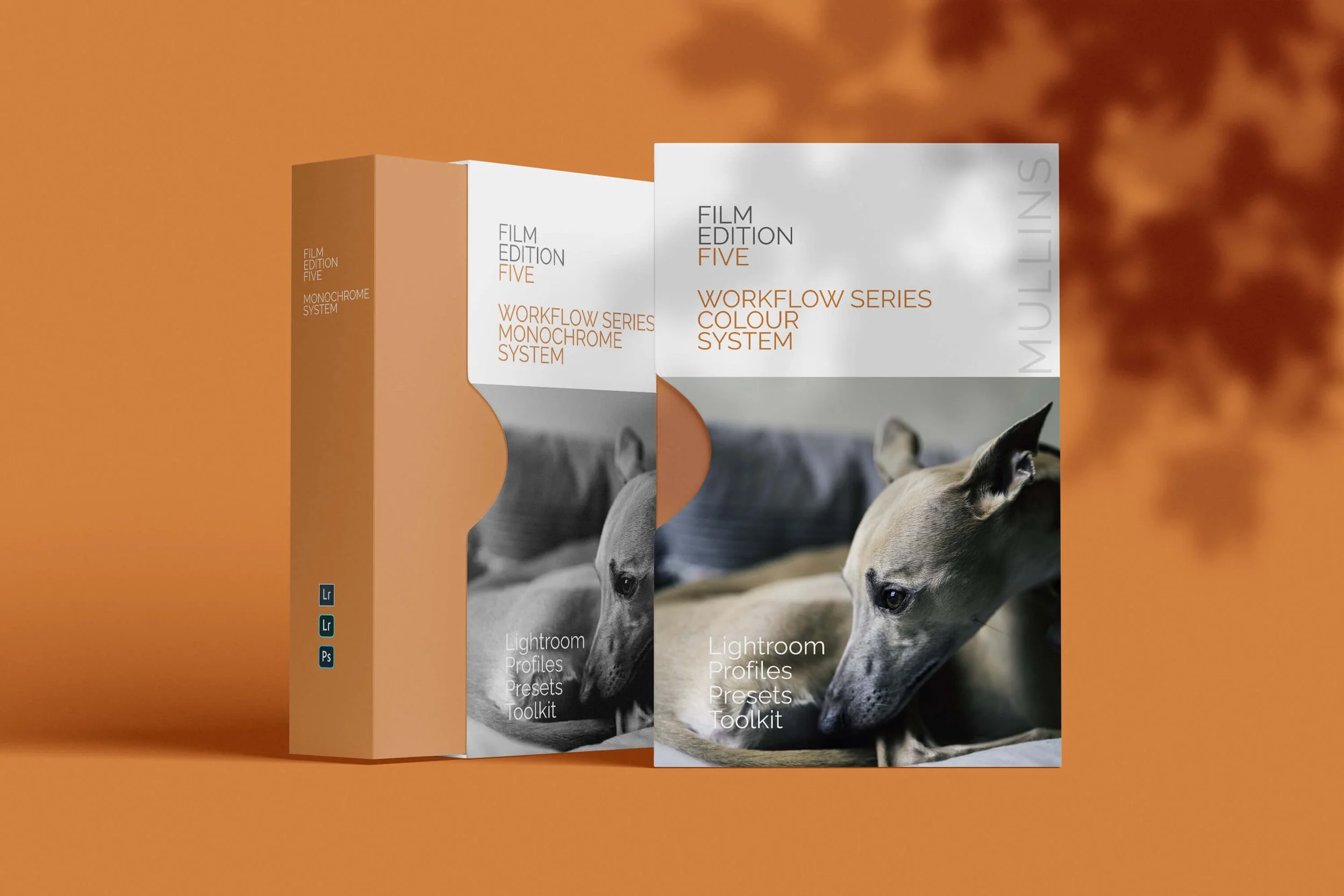
Film Edition 5 - Workflow Series (Monochrome) is a structured set of Lightroom profiles and presets designed to help you achieve a finished monochrome look quickly and consistently.
This is not a random “pick a look and hope” pack. It’s designed as a repeatable workflow you can run on a full set of images, with fixes and finishing tools when you need them.
If you edit regularly in Lightroom, you already know the problem. You want a strong black-and-white style, but you also need it to behave consistently across different scenes, lighting conditions, and subjects. This pack is designed to help you move fast without the work looking rushed.
You start with one of the custom monochrome profiles to establish the tonal foundation, then shape the image with workflow presets that are designed to work with that profile rather than fight against it. From there, you can use the included Toolkit for things like AI masking, grain, curves, highlight control, sharpening, finishing touches, and everyday problem-solving inside Lightroom. The product page positions the pack exactly this way, with the profile first, workflow second, then utilities and finishers to refine only when needed.
Built for speed and consistency
If you edit your photos in Lightroom, you already know the problem: you want a strong monochrome style, but you also need it to work across different scenes without constant fighting.
This pack helps you move fast without the work looking rushed.
Fast workflow: fewer decisions, clearer steps.
Consistent results: the set hangs together as a series.
Film-inspired tonality: depth, shape, and texture without the “preset look”.
Useful fixes included: real-world Lightroom problems, solved quickly.
What’s included
11 custom monochrome profiles
20 one-click presets
128 Mullins Lightroom Toolkit presets, including AI masks, fixes, utilities, grain, tone curves, colour helpers, sharpening and finishers
Compatibility
Works with Lightroom Classic and Lightroom Desktop. AI Mask presets require Lightroom Classic 11.0+ or Lightroom Desktop 5.0+.
Three for Two Offer
All preset packs are included in the 3-for-2 offer. Add any three preset packs to your basket, and the cheapest one is free at checkout.