


Auto ISO on Fujifilm Cameras - At a Glance
- What it does: Automatically adjusts ISO to maintain exposure while respecting your shutter/aperture settings.
- Best use: Fast-moving or changing light environments like weddings or street photography.
- My setup: Auto 3 – ISO 125 to 12,800, recommended min shutter 1/125s.
- Tip: The “minimum shutter speed” is really a recommended limit — the camera may go lower if it needs to.
If you’ve ever wondered what Auto ISO actually does on a Fujifilm camera, or how it fits into a real-world shooting setup, you’re not alone.
It’s one of those quietly powerful features that many photographers turn on once and never revisit, but it’s also one of the best ways to balance control with flexibility, especially when you’re working fast.
In this post, I’ll walk through how Auto ISO works on Fujifilm cameras, how I personally use it for documentary and street work, and why you might want to rethink your own settings.
If you’d like a quick reference, there’s a free downloadable PDF further down in this article.
What Auto ISO Actually Does
ISO, in the simplest sense, controls how sensitive your sensor is to light. Normally, you’d set it manually, but Auto ISO lets the camera decide within boundaries you define.
So instead of locking ISO at, say, 800, you tell the camera:
“Feel free to use anything between ISO 160 and ISO 6400, but don’t go below 1/125 sec shutter speed.”
The camera then adjusts ISO automatically as light changes, while keeping your shutter speed and aperture consistent with your creative intent.
Setting Up Auto ISO on a Fujifilm Camera
Fujifilm makes this feature wonderfully flexible. You can store three custom Auto ISO presets (Auto 1, Auto 2, and Auto 3), each with its own:
Base ISO (the lowest sensitivity)
Maximum ISO
Minimum shutter speed
To set it up:
Menu → Shooting Settings → ISO → Auto Setting → Auto 1/2/3

Here’s how I typically configure mine with Auto 3 being my default and most used preset:
| Preset | Base ISO | Max ISO | Min Shutter | Use Case |
|---|---|---|---|---|
| Auto 1 | 125* | 800 | 1/60 s | Indoors with decent light |
| Auto 2 | 125* | 3,200 | 1/125 s | General purpose / documentary |
| Auto 3 | 125* | 12,800 | 1/125 s | Street / fast movement (my most used) |
*Set Base ISO to 125 — or whatever the lowest native ISO is on your camera.
Quick Tip
Keep an eye on the shutter speed display in your viewfinder. When it changes colour, your camera has dipped below your chosen limit. A subtle cue that Auto ISO is doing its best to protect exposure in low light.

My Default Setting for Auto ISO
Why Auto ISO Matters in Real-World Shooting
For me, it’s all about flow. When you’re documenting a wedding or out on the street, things happen fast. You don’t always have time to think, “Right, it’s got darker, I’ll bump up the ISO.”
That’s where Auto ISO quietly earns its keep. It keeps you in the moment rather than buried in menus.
The camera still listens to your preferences. You decide how slow you’ll let the shutter drop, and within that range, it adjusts ISO automatically to maintain exposure. It’s a nice balance between control and flexibility.
There’s also an “Auto” option for the minimum shutter speed, which adjusts dynamically depending on your lens’s focal length: slower for wider lenses, faster for longer ones.
Personally, I rarely use it. I prefer to choose my own minimum shutter speed because it keeps results more predictable, especially when switching lenses quickly. But if you often move between, say, a 23mm and a 90mm and don’t want to think about adjusting, Auto can be handy.
It’s one of those features you might not rely on all the time, but it’s good to know it’s there when consistency matters more than control.
When Auto ISO Can Trip You Up
Auto ISO is one of those clever features that feels almost invisible when it’s working well, but there are a few quirks worth knowing about.
Exposure Compensation in Manual Mode
If you’re shooting in Manual mode with Auto ISO, your exposure compensation dial won’t do anything.
That’s because in full Manual you’ve told the camera, “I’ll handle the exposure myself.”
Auto ISO still adjusts to balance things, but it won’t listen to compensation input unless you’ve also got the shutter speed set to “A” — which technically makes it Aperture Priority. That’s just how Fujifilm designed it, and it’s been consistent across nearly all models.
“Minimum” Shutter Speed Isn’t Always Minimum
Another thing to watch is your minimum shutter speed setting. Strictly speaking, it’s not truly “minimum” — it’s more of a recommended minimum shutter speed.
If the light really drops and the camera hits your maximum ISO limit, it can and will dip below that threshold to maintain exposure. You can see this happening live: the shutter speed value in the viewfinder changes colour when the camera has decided to go slower than your set value.
Back when I was a Fujifilm ambassador, I actually lobbied for the wording to be changed from Minimum to Recommended Minimum, because it would make far more sense to new users. Sadly, that never made it into firmware. Now that I’m no longer an ambassador, I don’t get to give that sort of feedback anymore, but I still think it was a fair suggestion.
Older Bodies Handle Auto ISO Differently
There’s also a small generational quirk. Older Fujifilm bodies, such as the X-Pro1 or X-T1, sometimes didn’t update ISO changes live in the viewfinder; you’d only see the final ISO value after taking the shot.
It’s not an issue on newer cameras (anything from the X-T2 onwards), but if you’re using one of the early models, it’s worth remembering.
None of these are deal-breakers. They’re just little behaviours that make Auto ISO feel more predictable once you understand what’s happening behind the scenes.
My Typical Setup for Documentary Work
For most of my documentary work, weddings, street, or general storytelling, I’m in Manual exposure mode with Auto ISO 3. That setup gives me full control over aperture and shutter speed, while letting ISO do the heavy lifting as the light changes.
Auto 3 is the preset I rely on the most. It’s set with a base ISO of 125 (or whatever the lowest is on your camera), a maximum of 12,800, and a recommended minimum shutter speed of 1/125s. That balance works across almost everything I shoot: steady enough to avoid motion blur, but still flexible when light levels dip.
Occasionally, if I’m in consistently bright or evenly lit environments, say, prep rooms or quiet interior moments, I’ll drop back to Auto 2. But the reality is, Auto 3 stays active probably 99% of the time.
This way, I’m not thinking about exposure triangles or histograms when something unfolds, the camera just does its thing, and I stay focused on the moment.
Free PDF: Fujifilm Auto ISO Settings Guide
A quick, printable reference to set up Auto ISO on Fujifilm cameras. Includes my most-used preset (Auto 3), the recommended minimum shutter note, and practical tips for weddings and street work.
Why Fujifilm’s Auto ISO Is Better Than You Might Think
I believe Fujifilm’s implementation feels tuned for photographers rather than engineers. The behaviour is predictable, even across models. The ability to assign ISO presets to a function button or custom menu slot means you can adapt fast to changing scenes , say, from a bright ceremony to a candle-lit dance floor without missing a shot.
That’s what makes it quietly powerful: it’s automation without surrendering intent.
Frequently Asked Questions
-
Yes — but only if you’re in an automatic or semi-automatic mode (like Aperture Priority). In full Manual mode, exposure compensation is locked unless your shutter is set to Auto.
-
Not directly. Higher ISO increases noise, but modern Fujifilm sensors handle ISO 3200–6400 extremely well, especially if you expose accurately.
-
Auto ISO doesn’t alter your chosen film simulation, but it can influence the tonal response. For example, a higher ISO shot in Classic Chrome might show slightly softer shadows than the same scene at ISO 200.
-
It depends. For controlled lighting or professional work, manual ISO gives consistent results. For casual clips or run-and-gun filming, Auto ISO is a lifesaver.
This article is part of my Fujifilm Learning Hub.
A growing collection of real-world guides, camera setup tips, lens suggestions by use-case, practical assignments, and buying advice with examples.
Prefer to see everything I write—brand-agnostic pieces on documentary & street work, reviews, tips, and the business of photography? Browse Main Articles & More.
Why This Matters
Understanding Auto ISO means spending less time adjusting settings and more time catching real moments, which is the heart of documentary photography.
In Summary
Auto ISO on Fujifilm cameras isn’t a “set and forget” gimmick; it’s one of the most useful tools for photographers who want to stay reactive and intuitive. You’re giving the camera permission to help you, not permission to override you.
Once you’ve dialled in your presets, you’ll likely wonder why you ever fought against it.
Editing and Presets
Every image you see on my site is edited using my Kevin Mullins Lightroom Presets.
They’re designed for speed, consistency and a natural look.

This article is part of my Fujifilm Learning Hub.
A growing collection of real-world guides, camera setup tips, lens suggestions by use-case, practical assignments, and buying advice with examples.
Prefer to see everything I write—brand-agnostic pieces on documentary & street work, reviews, tips, and the business of photography? Browse Main Articles & More.
Further Reading:

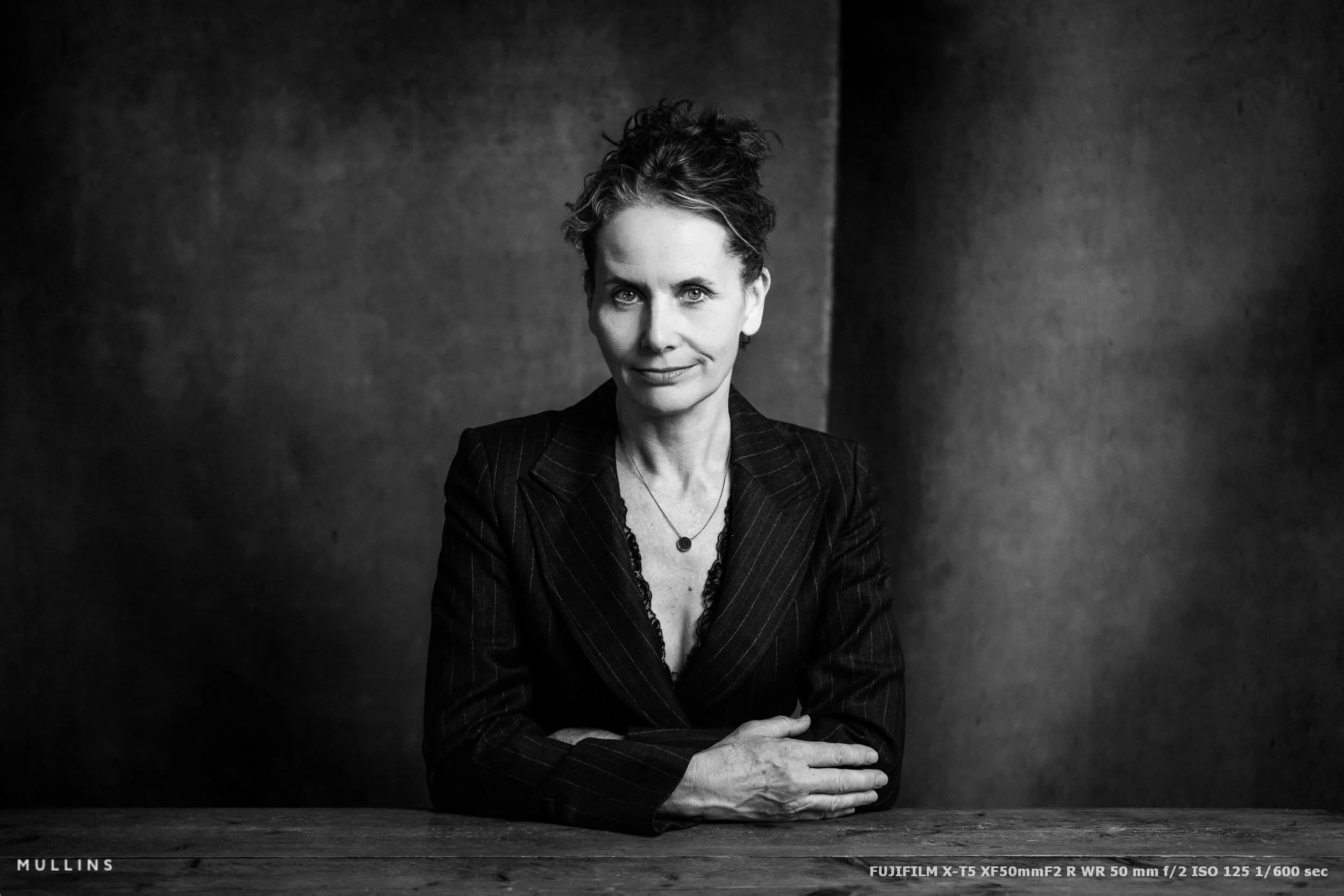
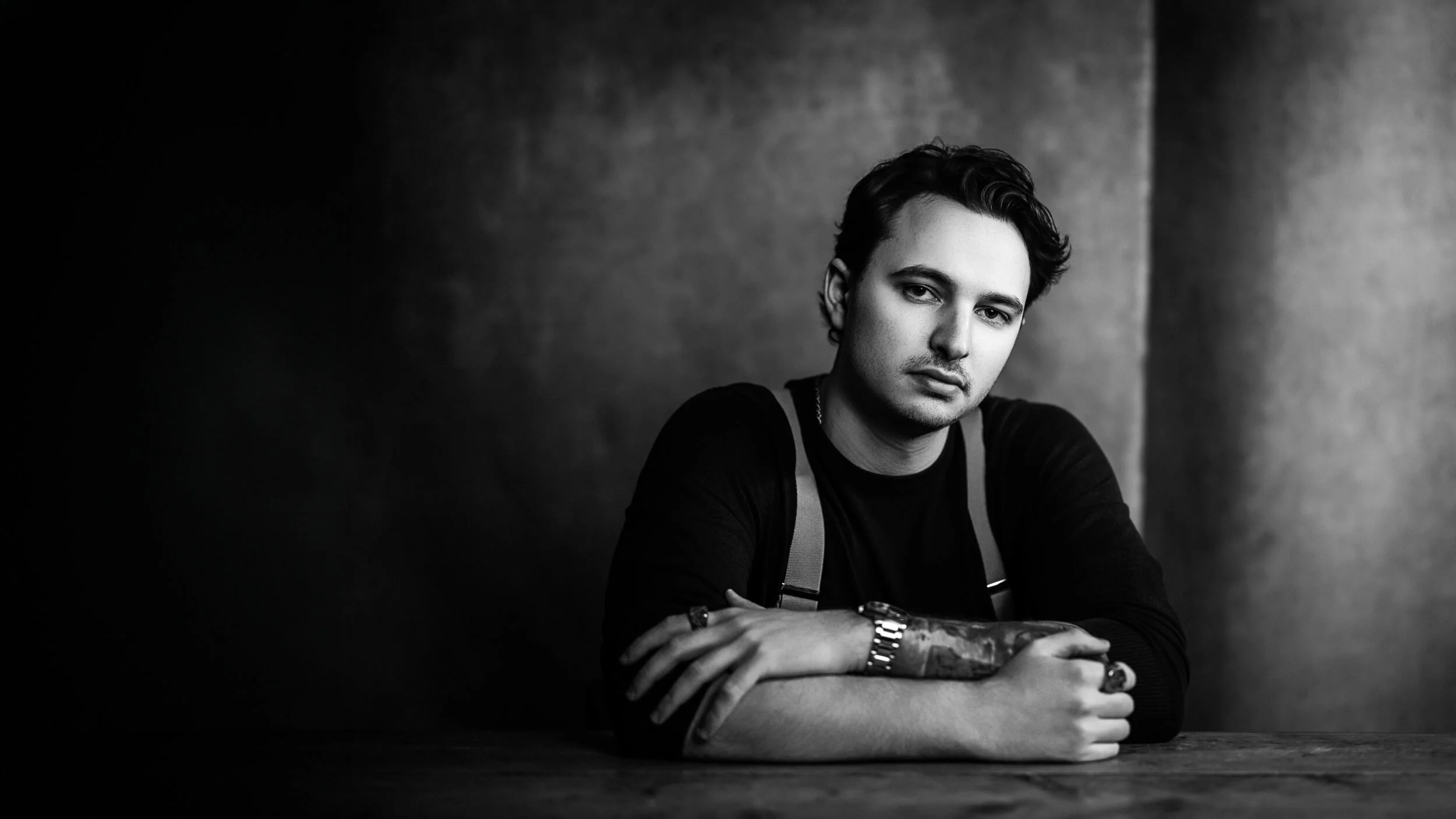
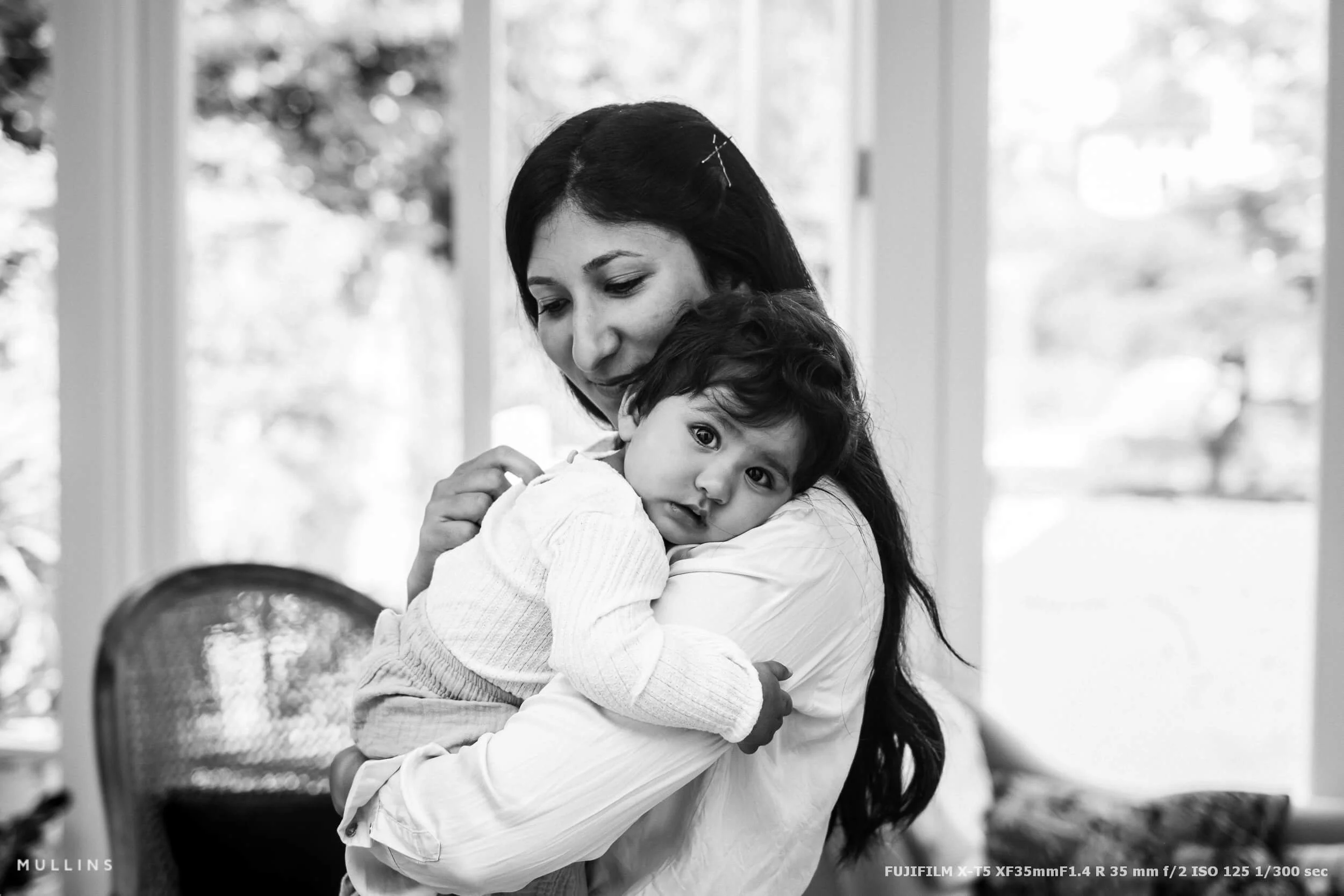

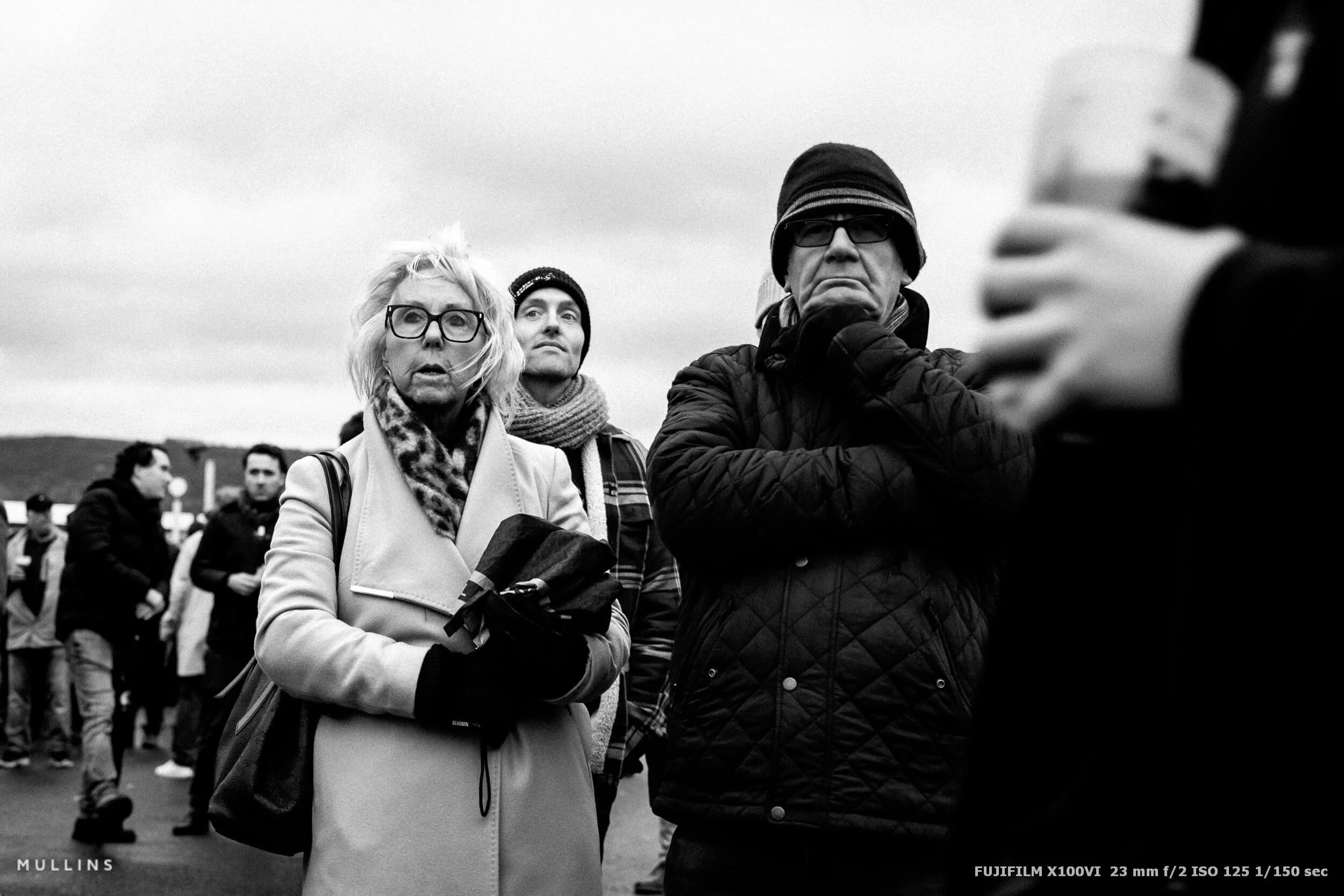

A complete black and white Profile, Preset & Workflow Pack for Lightroom
Film Edition 5 - Workflow Series (Monochrome) is a structured set of Lightroom profiles and presets designed to help you achieve a finished monochrome look quickly and consistently.
This is not a random “pick a look and hope” pack. It’s designed as a repeatable workflow you can run on a full set of images, with fixes and finishing tools when you need them.
If you edit regularly in Lightroom, you already know the problem. You want a strong black-and-white style, but you also need it to behave consistently across different scenes, lighting conditions, and subjects. This pack is designed to help you move fast without the work looking rushed.
You start with one of the custom monochrome profiles to establish the tonal foundation, then shape the image with workflow presets that are designed to work with that profile rather than fight against it. From there, you can use the included Toolkit for things like AI masking, grain, curves, highlight control, sharpening, finishing touches, and everyday problem-solving inside Lightroom. The product page positions the pack exactly this way, with the profile first, workflow second, then utilities and finishers to refine only when needed.
Built for speed and consistency
If you edit your photos in Lightroom, you already know the problem: you want a strong monochrome style, but you also need it to work across different scenes without constant fighting.
This pack helps you move fast without the work looking rushed.
Fast workflow: fewer decisions, clearer steps.
Consistent results: the set hangs together as a series.
Film-inspired tonality: depth, shape, and texture without the “preset look”.
Useful fixes included: real-world Lightroom problems, solved quickly.
What’s included
11 custom monochrome profiles
20 one-click presets
128 Mullins Lightroom Toolkit presets, including AI masks, fixes, utilities, grain, tone curves, colour helpers, sharpening and finishers
Compatibility
Works with Lightroom Classic and Lightroom Desktop. AI Mask presets require Lightroom Classic 11.0+ or Lightroom Desktop 5.0+.
Three for Two Offer
All preset packs are included in the 3-for-2 offer. Add any three preset packs to your basket, and the cheapest one is free at checkout.