

How many of you have missed a moment not because their camera was “bad”, but because the settings were getting in the way?
This isn’t a “best settings” post. It’s more like a mini-guide to the trappings of modern Fujifilm cameras. The sort of little tweaks that mean you spend less time thinking about your camera, and more time watching what’s happening in front of you.
If you shoot people (street, weddings, family, whatever), speed matters. Not burst-speed in the camera, but brain-speed.
What this post covers
The five settings traps I see most often with people in my Street Photography Workshops
Quick fixes you can apply straight away
A simple “default setup” you can use
This article is part of my Fujifilm Learning Hub.
A growing collection of real-world guides, camera setup tips, lens suggestions by use-case, practical assignments, and buying advice with examples.
Prefer to see everything I write, brand-agnostic pieces on documentary & street work, reviews, tips, and the business of photography? Browse Main Articles & More.

Quick answer (if you’re in a bit of a rush)
If you want your Fujifilm to feel faster, stop leaving “clever” features permanently switched on.
Use them like tools, not like defaults.
Keep AF simple, Auto ISO sensible, shutter behaviour controllable, and your buttons mapped to the things you actually change when out taking pictures.
Mistake 1: Leaving Face and Eye Detect on all the time
Face/Eye Detect can be brilliant. It’s also one of the easiest ways to make your camera feel out of your control, especially in crowds, busy backgrounds, people turning away, people wearing hats, people half-hidden behind pint glasses… you get it.
You press the shutter, the camera chooses a face you didn’t mean, and you’re suddenly getting angry.
What it looks like in real life: the focus box jumps around, you hesitate, and the moment moves on without you.
What I do instead: I treat Face/Eye Detect as something I switch on only when I know it helps.
Quick fix
Put Face/Eye Detect on a Fn button or in your Q menu.
Use it deliberately for portraits, couples, family groups.
Turn it off for street, candid scenes, anything with multiple faces.

Face/Eye Detection is perfect in the studio
Mistake 2: Using Wide/Tracking when the scene is chaotic
Wide/Tracking can be great, but it can also be a bit like handing your camera the flight controls and hoping for the best. In a clean scene, fine. In the real world, it can lock onto the wrong contrasty thing and then stay there.
If you shoot people, you usually need a little control.
What I do instead
Zone AF for moving people situations (a small zone, not half the frame).
Single Point when I want to be precise.
I only lean on Wide/Tracking when the background is simple, and I’ve got a clear subject.
Quick fix
Try Zone AF at something like 3x3 or 5x5.
Keep the zone where you tend to place your subjects, then reframe slightly as you shoot.
If it feels sluggish, make the AF area smaller, not bigger.
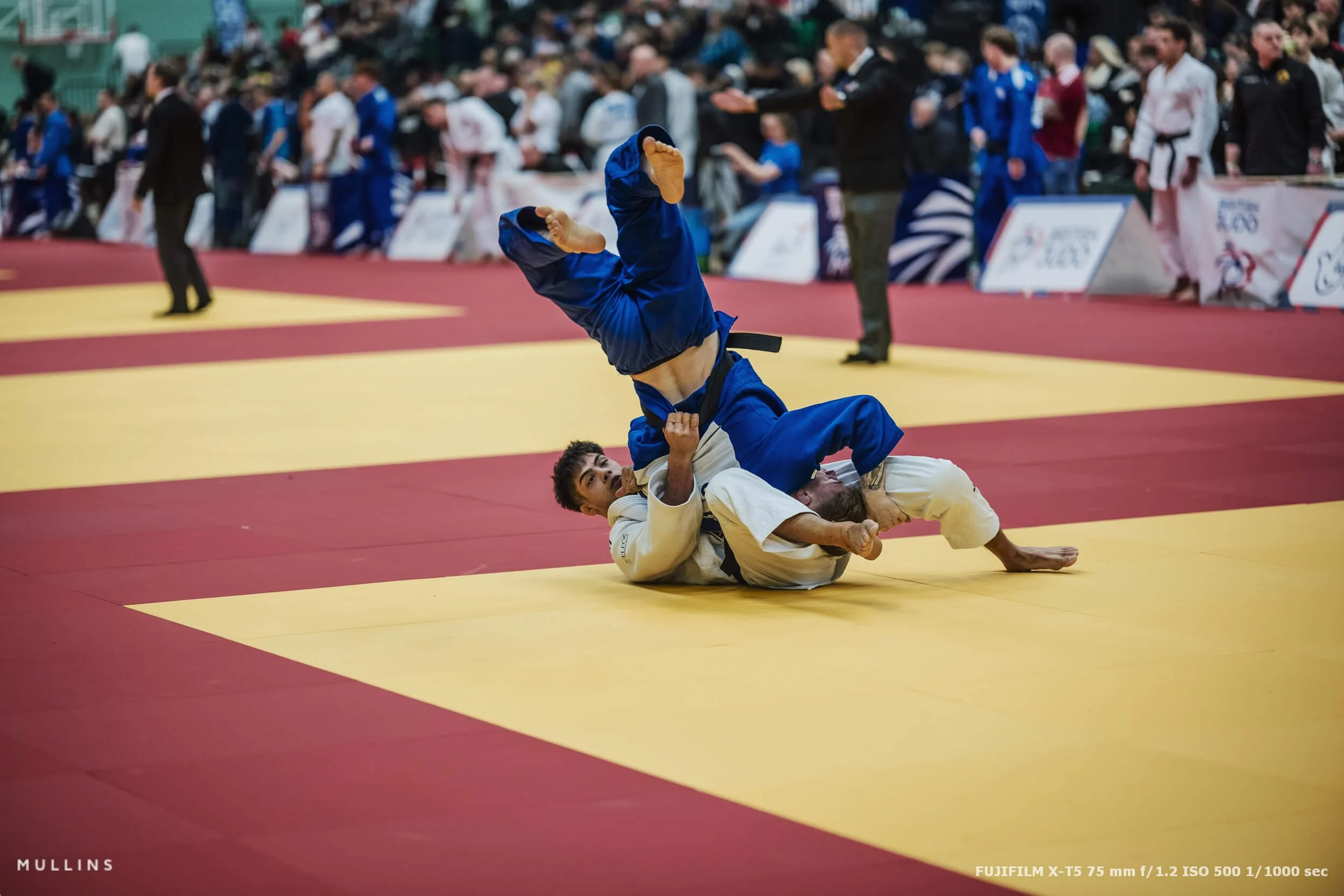
I used Zone AF for this shot at The British Judo Championships.
Mistake 3: Auto ISO that’s working against you
Auto ISO is meant to save you time. But if your minimum shutter speed is too slow, you get motion blur. Too fast, and you end up with unnecessarily high ISO. Both outcomes make you fiddle, chimp, adjust, repeat.
It’s not the end of the world, it just slows you down.
What I do instead
I set up two or three Auto ISO presets that match how I actually shoot.
Here’s a solid starting point (adjust to taste):
Auto ISO 1 : min shutter 1/250, max ISO 3200
Auto ISO 2 : min shutter 1/125, max ISO 1240 - this is the one I used 90% of the time.
Auto ISO 3 : min shutter 1/500, max ISO 12800
If you’re mainly shooting fairly static scenes, you can lower those shutter speeds. If you’re shooting energetic kids or fast street, push them up.
The point is: make Auto ISO match your what you are shooting.
Quick fix
Create at least two Auto ISO presets.
Put Auto ISO selection somewhere fast (if your camera has it) like a Fn button, Q menu or My Menu.
Stop changing ISO manually every five minutes unless you genuinely need to.

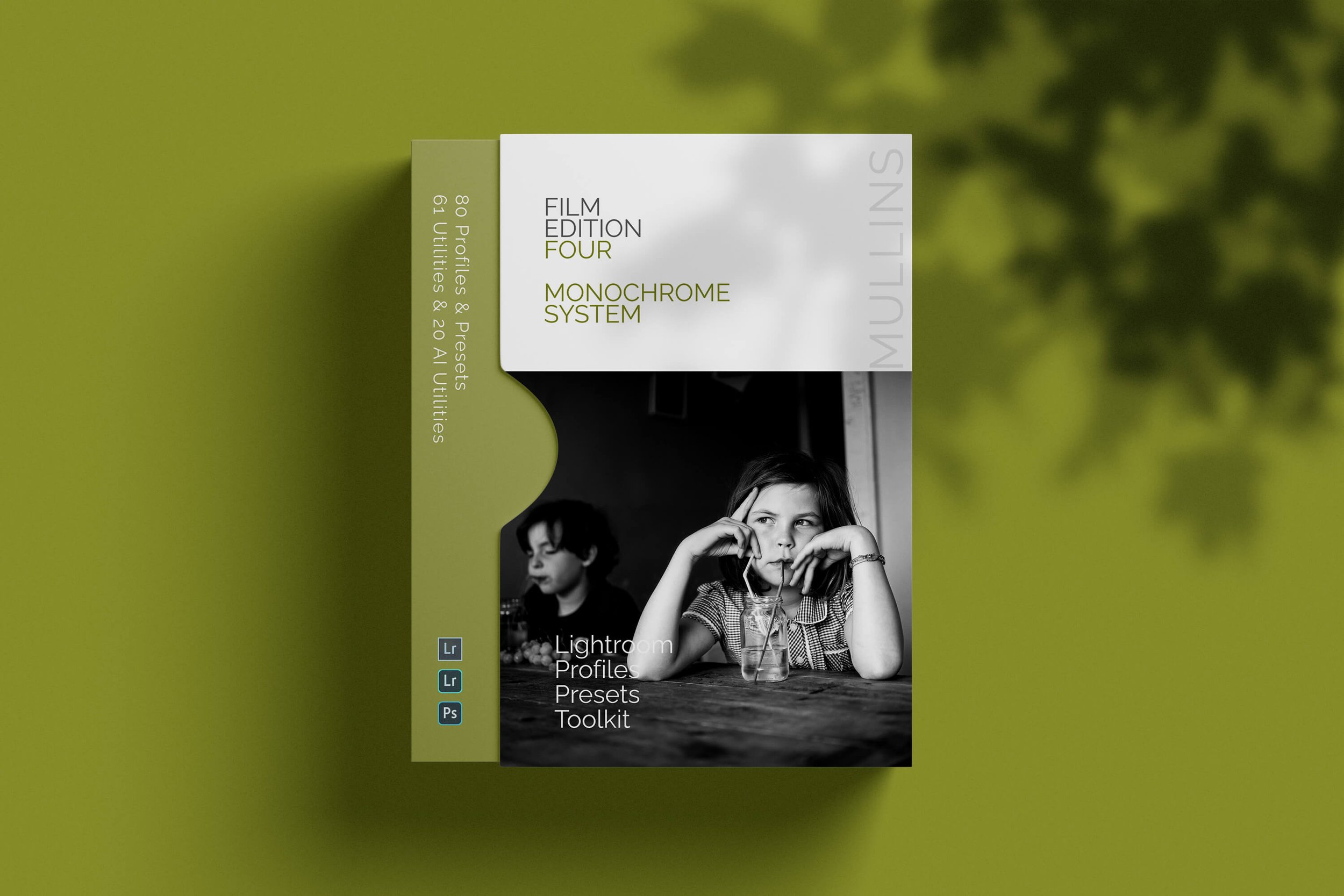
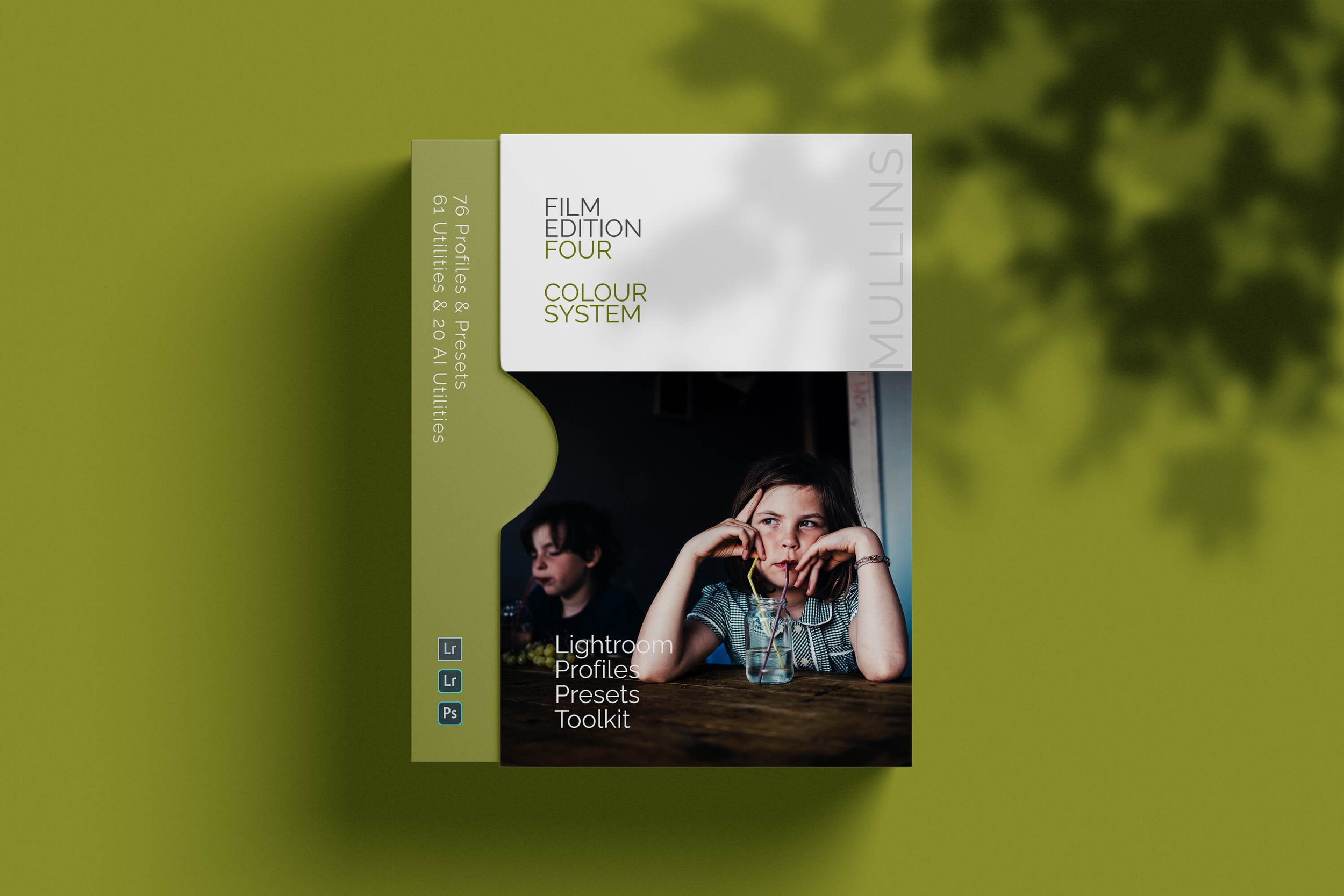
Edited with my Lightroom presets
Every photo in this post was edited using my own Lightroom presets.
If you like the feel of the images and want to get to a similar look quickly, you can have a look at my. They’re built around the way I shoot, so they suit real-world light and people photography really well.

Mistake 4: Shutter settings that can surprise you (banding, rolling shutter etc.)
Silent shooting all the time is tempting and certainly has its place. The electronic shutter is very convenient.
But as a default, the electronic shutter can cause:
banding under artificial light
rolling shutter on movement
odd rendering depending on the situation
If you’re trying to work quickly, unexpected behaviour is the enemy.
What I do instead
I keep my default shutter mode set to mechanical.
I switch to electronic only when I have a reason, not because it sounds “better”.
Quick fix
Use the mechanical shutter as your default.
If you need silence, switch to electronic deliberately and watch for banding. Take some test shots and review.
If you shoot indoors under LED lighting a lot, this one matters more than people think.
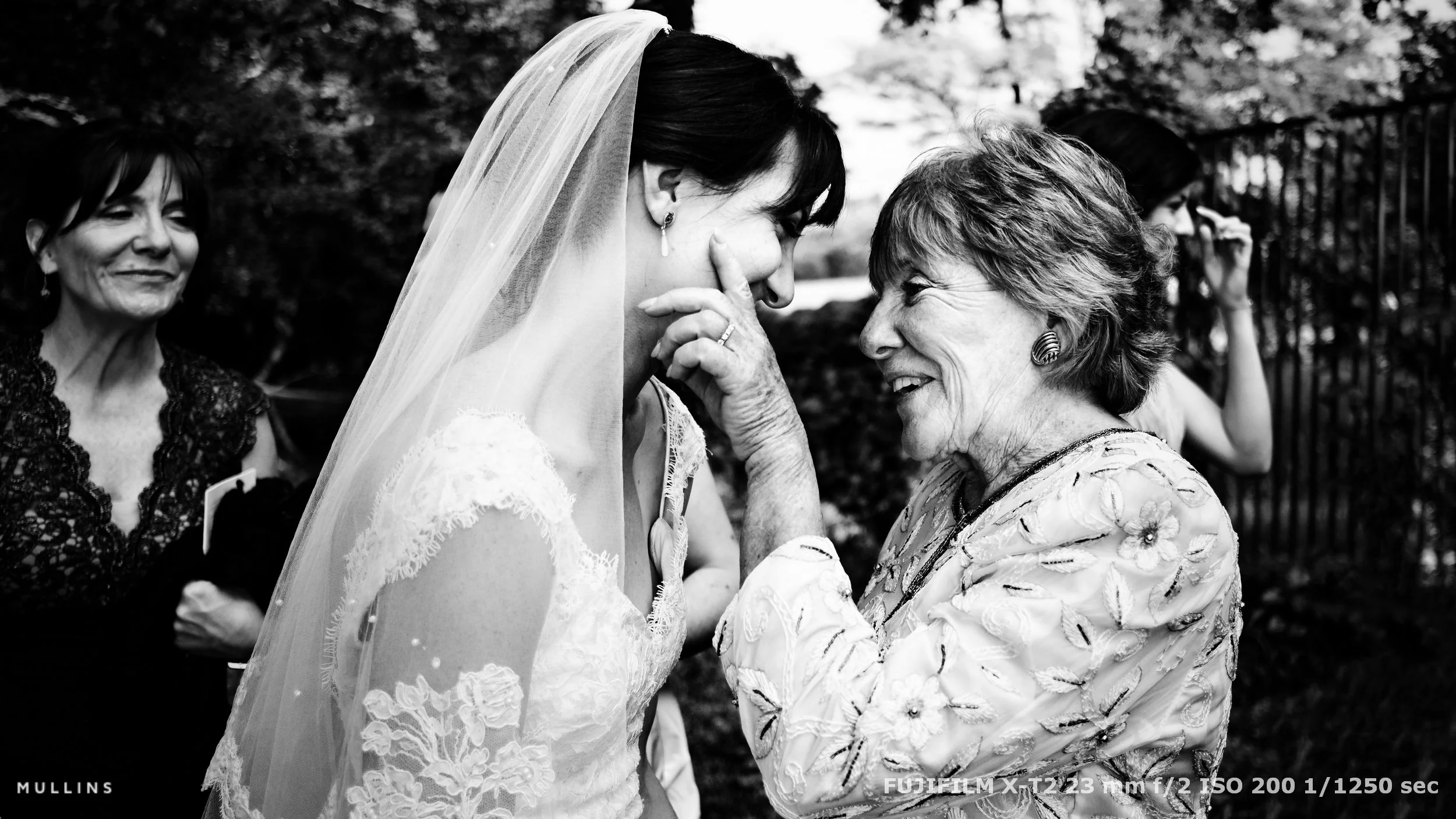
Sometimes using the Silent Shutter is essential to avoid destroying a moment
Mistake 5: Buttons mapped to things you never use
This is a funny one. People love customising Fujifilm cameras, but I see loads of setups where half the buttons are mapped to features that looked interesting once and then never got used again.
When you’re under pressure, you only want controls that solve real problems. Not theoretical ones.
What I do instead
I map buttons to the settings I change mid-shoot, without thinking. For me, that usually means:
Face/Eye Detect toggle
AF Mode (Single / Zone / Wide)
Auto ISO selection
Film Simulation or Recipe slot (if I’m shooting JPEG with intent)
Drive mode
Everything else can live in menus. The camera doesn’t need to be like a plane cockpit.
Quick fix
For each custom button, ask: Have I used this in the last three shoots?
If not, remap it to something you change frequently.
Keep the number of “quick changes” small.

My simple “fast” baseline setup
I’m not saying this is perfect for everyone, but it’s a good starting point.
AF: Zone AF (small zone), with Face/Eye Detect OFF by default
Auto ISO: two or three presets that match your reality
Shutter: mechanical as default, electronic only when needed
Buttons: mapped to the handful of things you genuinely change while shooting
That’s it. You really don’t need a complicated system.
You need one you can operate while paying attention to people or the thing you are photographing.
Want to practise this properly? Come to one of my photography workshops
A lot of this stuff is easier to learn when you can try it, miss a few frames, then fix it on the spot. That’s basically what my photography workshops are for.
We spend the sessions working with the same three core ideas I bang on about all the time: light, composition and moment. I keep groups small, we do simple exercises, and there’s plenty of time to talk through what’s working (and what isn’t) without it turning into a lecture.
If you fancy joining me on a future session, you can see upcoming dates and locations here.
If the dates aren’t right, the newsletter is the easiest way to hear about new ones first.
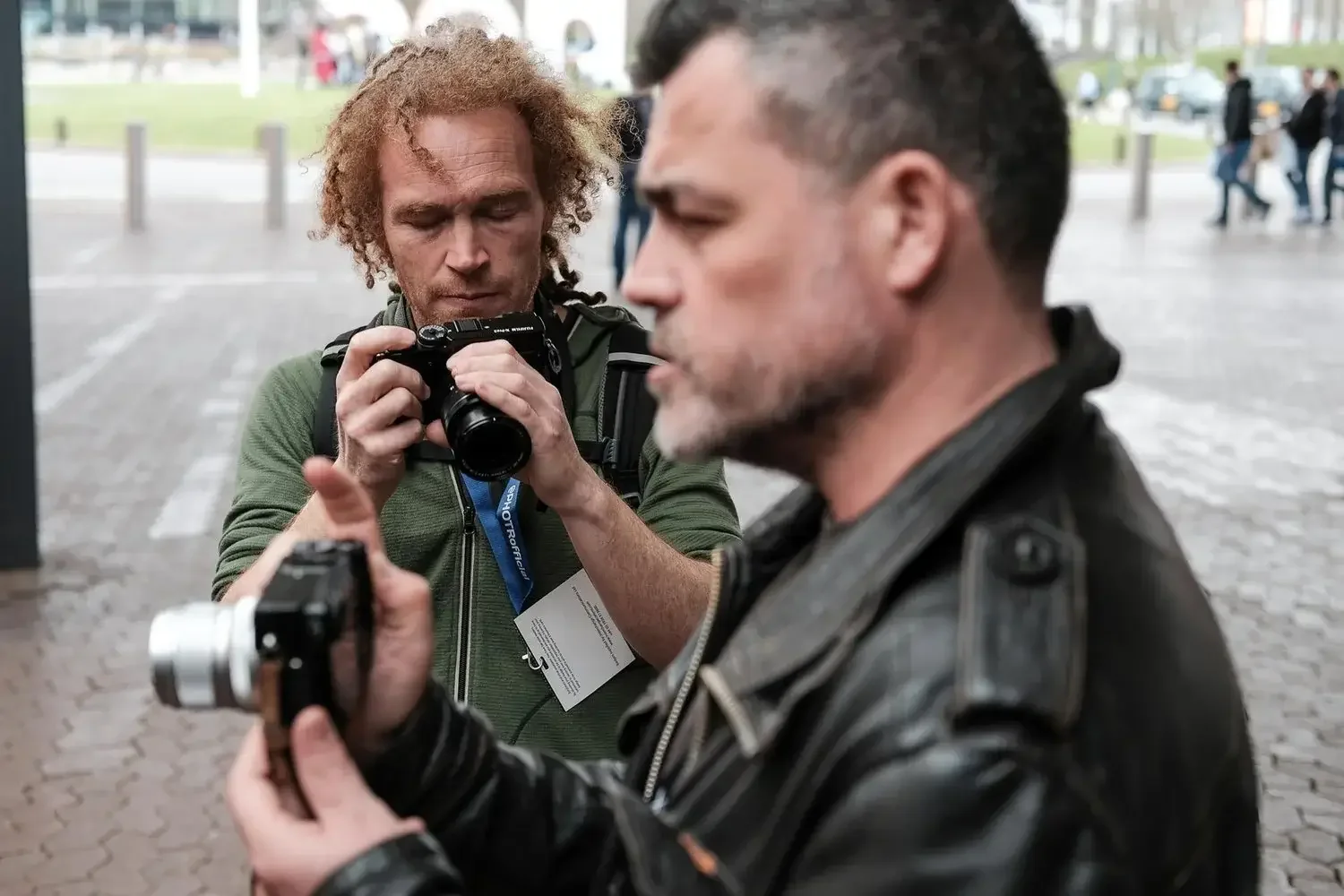
Me, teaching on one of my workshops. Over the years I’ve helped more than 1,000 photographers get more confident with their cameras and their observation skills.
FAQ
-
If it suits you, yes. If it makes you think about focusing instead of seeing moments, then no. I’d rather someone shoots more confidently with a simpler setup than chases the “correct” method.
-
Broadly, yes. Menu wording might vary slightly, but the principles are the same for all Fujifilm cameras: predictable behaviour, quick access to the settings you actually change, and fewer surprises.
-
Face/Eye Detect usage. Not because it’s bad, but because leaving it on permanently can make the camera feel like it has a mind of its own.
Closing
If you try just one thing from this post, try making your camera boring, predictable and quick - seriously, it helps. Then go back to watching light, composition and moment, which is the only part that really matters.

A complete black and white Profile, Preset & Workflow Pack for Lightroom
Film Edition 5 - Workflow Series (Monochrome) is a structured set of Lightroom profiles and presets designed to help you achieve a finished monochrome look quickly and consistently.
This is not a random “pick a look and hope” pack. It’s designed as a repeatable workflow you can run on a full set of images, with fixes and finishing tools when you need them.
If you edit regularly in Lightroom, you already know the problem. You want a strong black-and-white style, but you also need it to behave consistently across different scenes, lighting conditions, and subjects. This pack is designed to help you move fast without the work looking rushed.
You start with one of the custom monochrome profiles to establish the tonal foundation, then shape the image with workflow presets that are designed to work with that profile rather than fight against it. From there, you can use the included Toolkit for things like AI masking, grain, curves, highlight control, sharpening, finishing touches, and everyday problem-solving inside Lightroom. The product page positions the pack exactly this way, with the profile first, workflow second, then utilities and finishers to refine only when needed.
Built for speed and consistency
If you edit your photos in Lightroom, you already know the problem: you want a strong monochrome style, but you also need it to work across different scenes without constant fighting.
This pack helps you move fast without the work looking rushed.
Fast workflow: fewer decisions, clearer steps.
Consistent results: the set hangs together as a series.
Film-inspired tonality: depth, shape, and texture without the “preset look”.
Useful fixes included: real-world Lightroom problems, solved quickly.
What’s included
11 custom monochrome profiles
20 one-click presets
128 Mullins Lightroom Toolkit presets, including AI masks, fixes, utilities, grain, tone curves, colour helpers, sharpening and finishers
Compatibility
Works with Lightroom Classic and Lightroom Desktop. AI Mask presets require Lightroom Classic 11.0+ or Lightroom Desktop 5.0+.
Three for Two Offer
All preset packs are included in the 3-for-2 offer. Add any three preset packs to your basket, and the cheapest one is free at checkout.