


Lightroom
Presets & Profiles
More than just slider adjustments
“Kevin, your Delta 800 Preset has revolutionised my editing. It’s about as perfect a black and white that I’ve ever seen.”
Buy any Two Preset Packs and get a Third FREE– discount applied automatically at checkout.
Download Lightroom presets and custom profiles for Lightroom Classic, CC and Mobile (where supported), with colour and monochrome packs.
These Lightroom presets and profiles are all built around hand-crafted LUT-based colour profiles, not just sliders—so you get something that looks and feels a bit different right from the start.
Most Lightroom presets tend to tweak a few settings and call it a day. These go further. They’re designed to give your photos a more cinematic, filmic style—without adding more steps to your workflow.
You can easily flip between soft, vintage tones and sharper, modern looks in just a couple of clicks. It’s a simple way to keep your editing consistent, quick, and still full of character.
If you want to see how they actually perform, take a look at the Showcase Gallery. I’ve included before-and-after images and a few walkthrough videos so you can see the process for yourself.
Tri-X Style True Film - Film Edition 3 Monochrome Pack
Craft 3 - Eclipse Skin - Film Edition 4 - ColourA Complete Suite of Professionally Created Profiles & Presets for Lightroom
Unlock your creative potential with our AI Utilities, specifically designed for the latest versions of Adobe Lightroom. Includes AI tools for the latest Adobe Lightroom.
These advanced tools let you make precise, imaginative adjustments to any photo. For even more control, simply adjust the intuitive Amount Slider at the top of the Presets Panel—giving you the freedom to fine-tune every subtle detail to match your artistic vision.
-

Premium Lightroom Presets
More than just slider adjustments. Presets based on advanced colour critical profiles.
-

Adjustable Intensity Levels
Use the Intensity Slider to give yourself endless looks and artistic opportunities.
-

Cross Platform Compatibility
Access the Presets & Profile Across Lightroom Mobile, Classic and Photoshop Camera Raw.
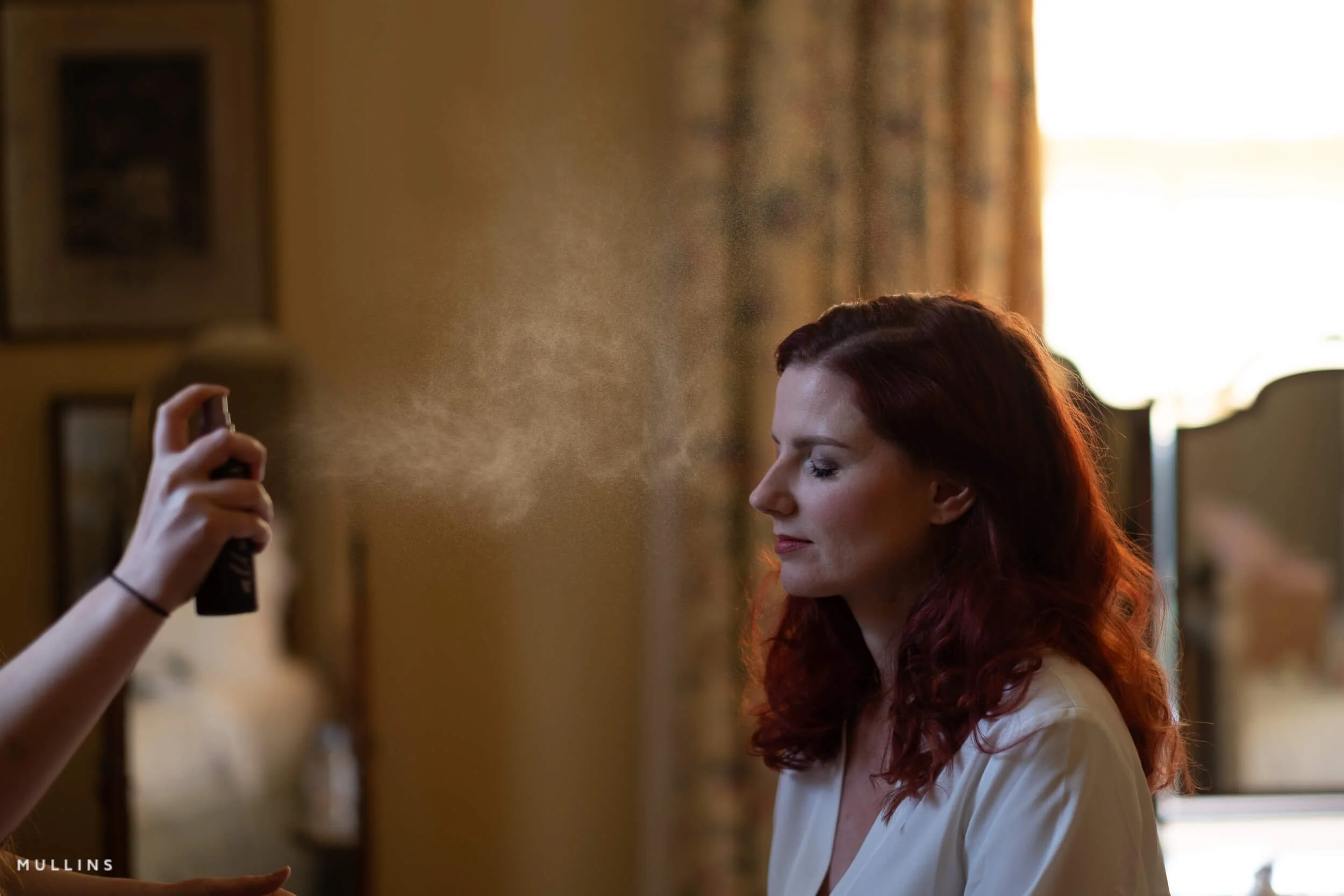
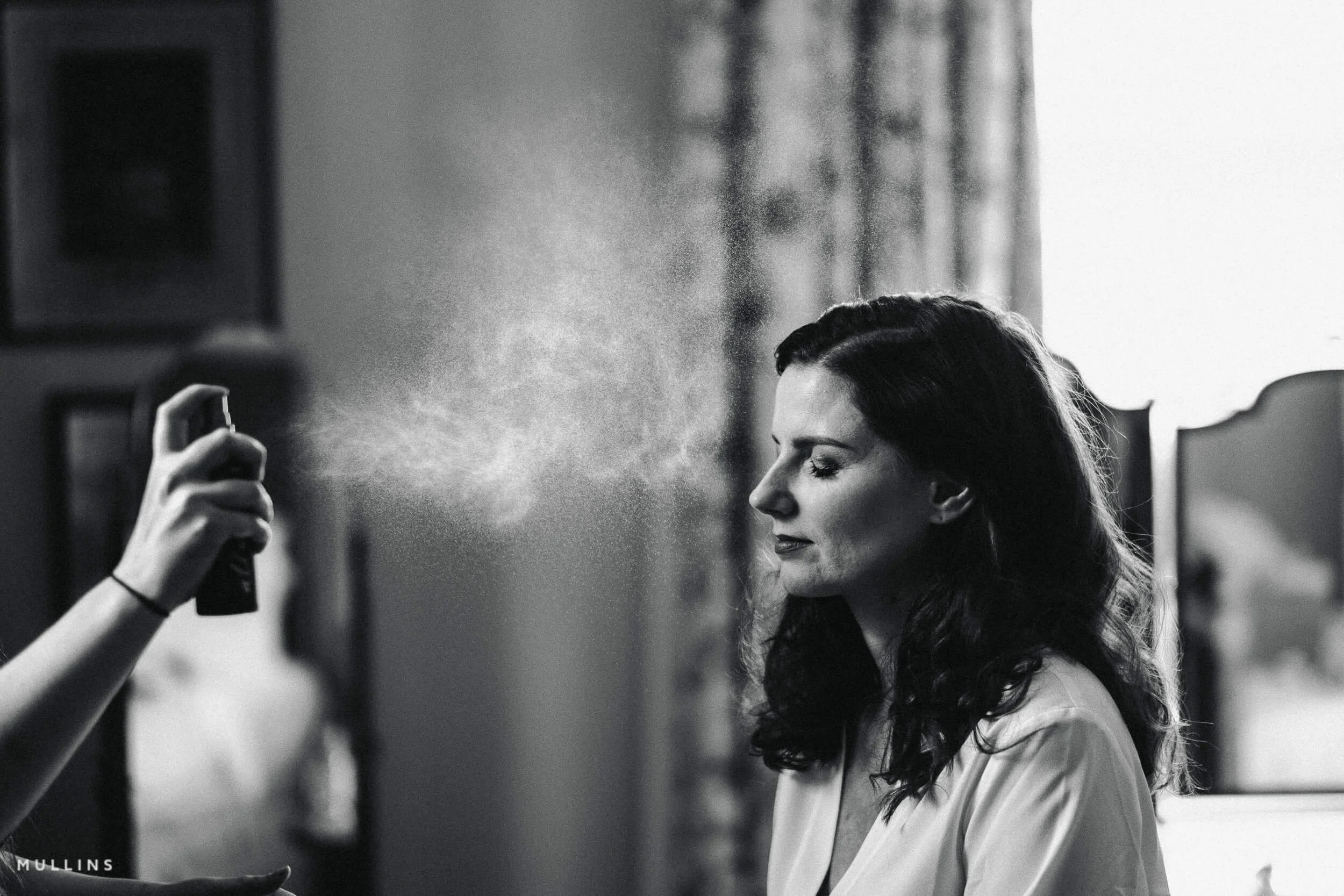
Example: Pure Deep Shadow 02
Pure Deep Shadow 02 is a one-click preset that creates a deep, dynamic filmic black-and-white look.
-
-
Pure Deep Shadow
-
For this image, I chose the Pure Deep Shadow 02 Preset.
One Click and Finished.
Example: Tri-X Style True Film
-
-
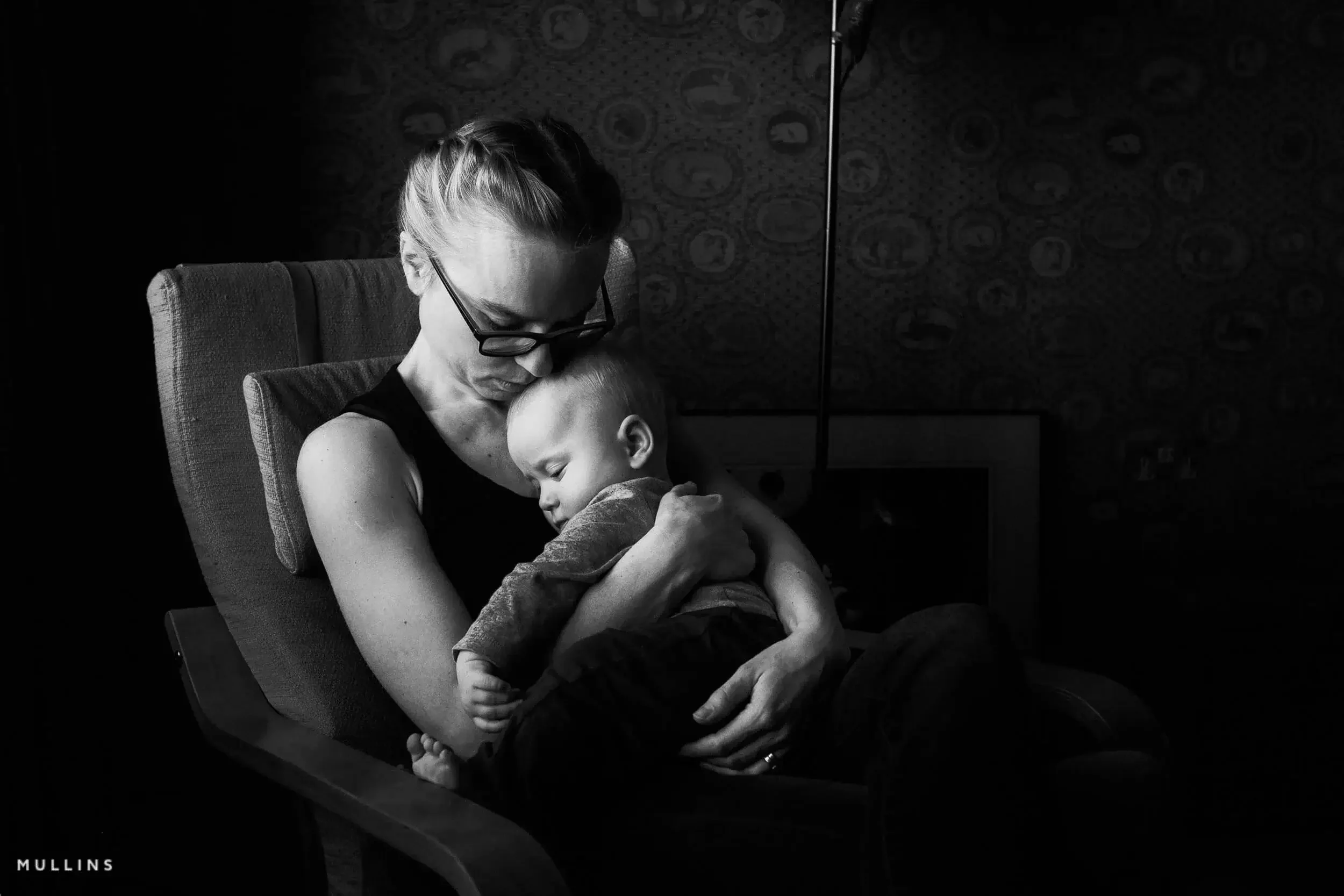
This one-click edit is based on my “Tri-X Style True Film” Preset.
-
For this image, I chose the Tri-X Style True Film Preset, “Background Darken“ and “Subject Define Standard” AI-Presets.
Three clicks of the mouse from start to end.
Tri-X is a legendary black-and-white film stock produced by Kodak. It's renowned for its versatility, high contrast, and fine-grain structure.
Introduced in 1954, it has been a favourite among photographers for decades, known for its classic look and suitability for various shooting conditions.


Not sure where to start?
If you’re not sure where to start, here’s the quickest way to browse. Film Edition 5 is the latest set, Film Edition 4 is the previous generation, and Film Editions 1 and 2 are a great entry point. If you want everything in one go, head straight to the Full Sets.
NOTE: Each pack is completely different - they are not upgrades to previous versions.
All packs work with files from any camera brand. The only exceptions are the Fujifilm Micro Film Packs.
Film Edition 5 (latest) - Monochrome · Colour · Bundle · Collection (Editions 1-5 + Silver Palette)
Film Edition 4 - Monochrome · Colour · Bundle · Collection (Editions 1-4 + Silver Palette)
Film Edition 3 - Monochrome · Colour · Bundle · Collection (Editions 1-3 + Silver Palette)
Earlier Releases - Film Edition 1 · Film Edition 2 · Bundle
Other packs - Silver Palette · X100V Micro Film · X100VI Micro Film · X-T5 Micro Film
Or, scroll down to explore more and see all that is on offer.
Introducing:
Film - Edition 5
Film - Edition 5 is a completely new release for 2026, built around two Workflow Series packs: Colour and Monochrome. Each one starts with my custom profiles for the base tonality, then adds a set of practical presets that take you from a strong starting point to a finished edit quickly, without you having to rebuild the same steps every time.
Alongside the looks, FE5 includes the biggest set of utilities I’ve created so far, including my AI Utilities. They’re there to handle the fiddly stuff fast: repeatable local adjustments, workflow helpers, and little tools that keep the editing moving when you’ve got a lot of images to get through.
It’s all designed to stay clean and easy to navigate in Lightroom.
Everything works across Lightroom Classic, Lightroom desktop, and Lightroom Mobile, so you can keep the same workflow wherever you edit. The aim is simple: less time wrestling sliders, more time finishing photos with a film-like feel.
Film Edition 5 - Workflow Series (Monochrome)
Film Edition 5 Workflow Series Monochrome is a completely new set of black-and-white profiles and presets designed to get you to a finished look quickly, without that “random slider ” feeling.
The idea is simple: start with a profile that sets the tonal character (clean, punchy, moody, whatever suits the frame), then use the workflow presets to build shape, depth and presence in a logical, repeatable way.
It’s not an upgrade of an older pack; it’s built for speed and consistency across Lightroom Classic, CC, and Mobile, with a tidy folder layout and a proper toolkit of utilities and AI utilities on top when you need that extra nudge.
Film Edition 5 - Workflow Series (Colour)
Film Edition 5 Workflow Series Colour is a completely new set of colour profiles and presets built to give you a strong starting point fast, then take you to a finished edit in a clean, repeatable way.
You begin by choosing a base profile that sets the overall palette and tonal response, then the workflow presets do the practical heavy lifting, shaping contrast, colour depth, and presence without you having to rebuild the same moves on every photo.
It’s designed to feel organised rather than overwhelming, with a simple folder structure and a proper set of utilities and AI utilities for when an image needs a bit more control, all working smoothly across Lightroom Classic, CC, and Mobile.








Micro Presets
Filters



Example: Elitechrome
-
-
This one-click edit is based on my “Elitechrome” Profile.
-
For this image, I chose the Elitechrome profile, Grain 400 Preset, Density (standard) Preset, and “Darken non Subject” AI-Preset.
Elitechrome was a colour reversal (slide) film manufactured by Kodak.
Known for its vibrant and saturated colours, it was a popular choice for photographers seeking high-quality transparencies.
This film was appreciated for its fine grain and wide exposure latitude, making it suitable for various lighting conditions and applications.
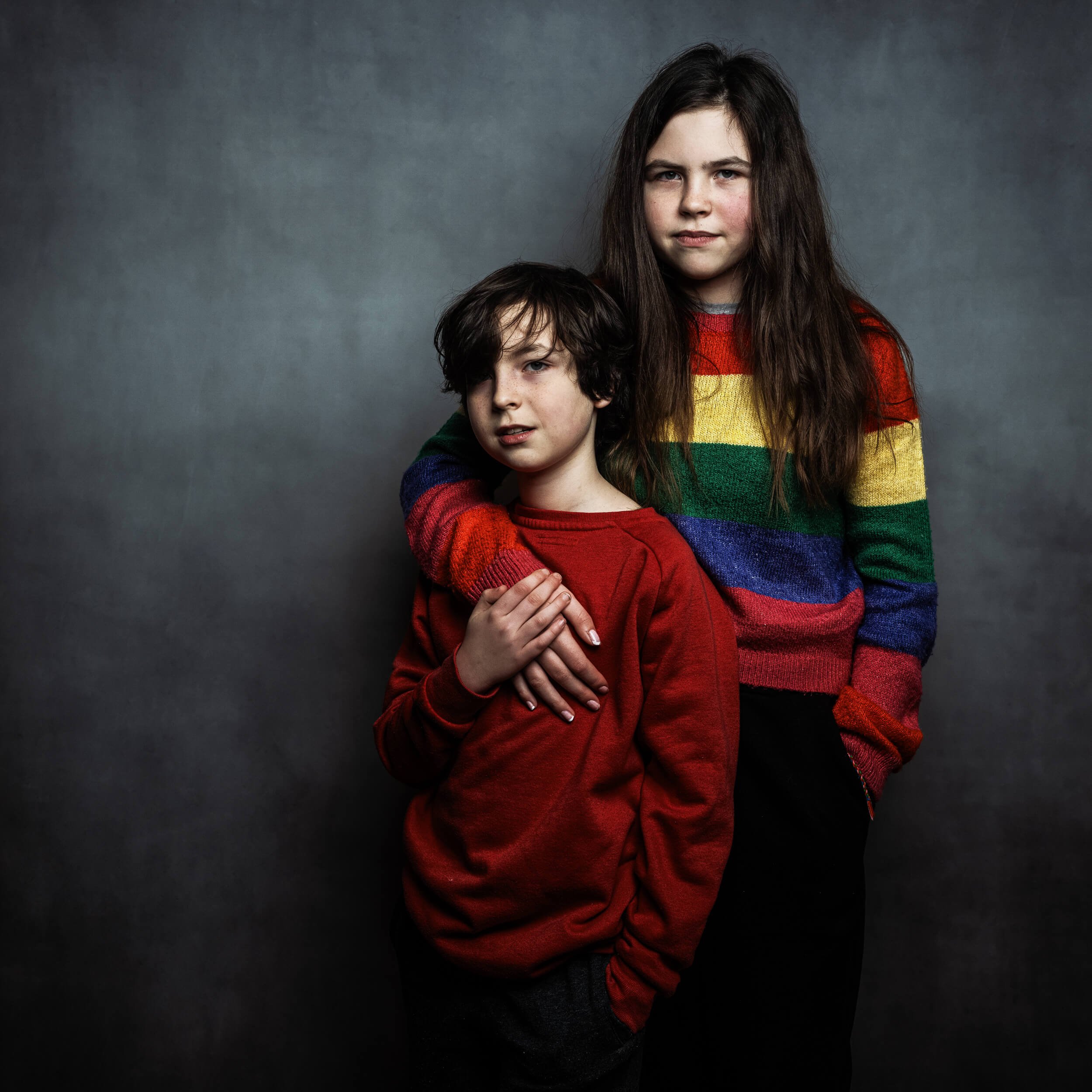

From the Showcase Gallery


Presets & Profiles Included
In the video below, I break down the key differences between profiles and presets in my Lightroom Preset Packs. While presets adjust multiple settings like exposure, contrast, and colour balance to create a specific look, profiles work at a deeper level, modifying how Lightroom interprets the image without affecting individual sliders.
FAQ
-
Yes. As long as your camera model is supported by the version of Lightroom you’re using, you’re good to go. If Lightroom can open your files, the presets and profiles can be applied.
-
Yes. They work with RAW and JPEG/HEIF files. You’ll usually get the most flexibility from RAW (there’s simply more data to grade), but the looks and toolkits still work nicely on JPEG/HEIF too.
-
Yes
-
Profiles set the underlying colour and tonal response of your photo. Think of them as the “film stock” decision. They can change the feel of an image without you touching a single slider.
Presets adjust Lightroom’s sliders. They’re the finishing moves, the workflow steps, and the practical fixes that shape the image once the base profile is in place.
-
Mine are built around custom profiles made from Look-Up Tables (LUTs). In plain English, that means the colour and tone shaping is mapped deliberately, rather than relying on generic slider moves.
The result is a more nuanced, film-like grade with consistent behaviour from image to image. You still get full control in Lightroom, it just starts from a more deliberate foundation.
-
Both.
If you want one click, you can apply a profile (or a look preset) and stop there. If you want more control, the workflow presets and utilities let you build the finish in sensible steps, without fighting Lightroom or rebuilding the same edits every time.
-
Yes, for the pack you bought. If I release a maintenance update or a compatibility tweak within that pack, you’ll have access to it.
Major new releases or new editions are treated as new products, because they’re genuinely new looks and new builds, not small upgrades.
-
Yes. They work on both Mac and Windows, as long as you’re running a compatible version of Lightroom.
-
Not yet. If you want those in future, the easiest thing is to join my newsletter below. That’s where I’ll announce it first if and when I release Capture One styles.
About Kevin Mullins
Kevin Mullins is a renowned British documentary-style photographer known for his candid, photojournalistic approach to wedding photography.
He captures unposed moments, focusing on emotions and atmosphere, which makes his work stand out.
Mullins is also respected for his black-and-white imagery and has conducted workshops and seminars.
A Brief Note About My Online Wedding Photography Course
Presets are a powerful tool, but great photography starts with strong storytelling. If you want to take your documentary wedding photography to the next level, check out my online course—a deep dive into capturing real moments, human interaction, and raw emotion, all without interrupting the scene.
In this comprehensive online course, you get over 7 hours of practical documentary wedding training with lifetime access, no matter which payment option you choose. Learn how to use light, composition and human behaviour to tell honest, story-led wedding narratives with confidence, drawing on real-world lessons from 800+ weddings, practical advice, personal insights and a recorded live Q&A. Enrol once, and keep coming back to rewatch chapters, refresh ideas and refine your own approach.
A Showcase Overview of the Chrome Profile from Film Edition 5 - Colour.