Showcase Series for my Lightroom Presets
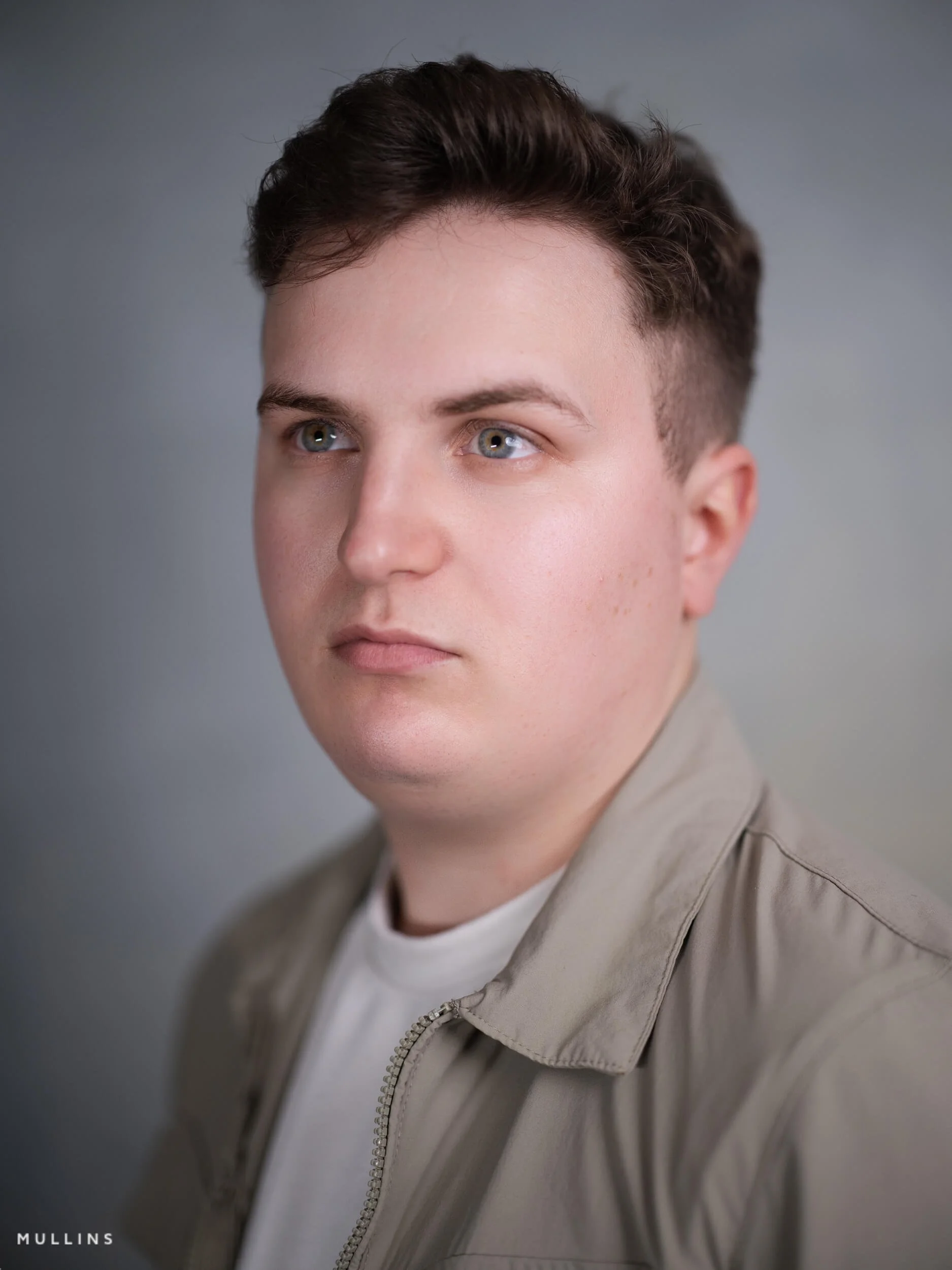
Chrome Profile (Final Edit) from Film Edition 5 - Colour
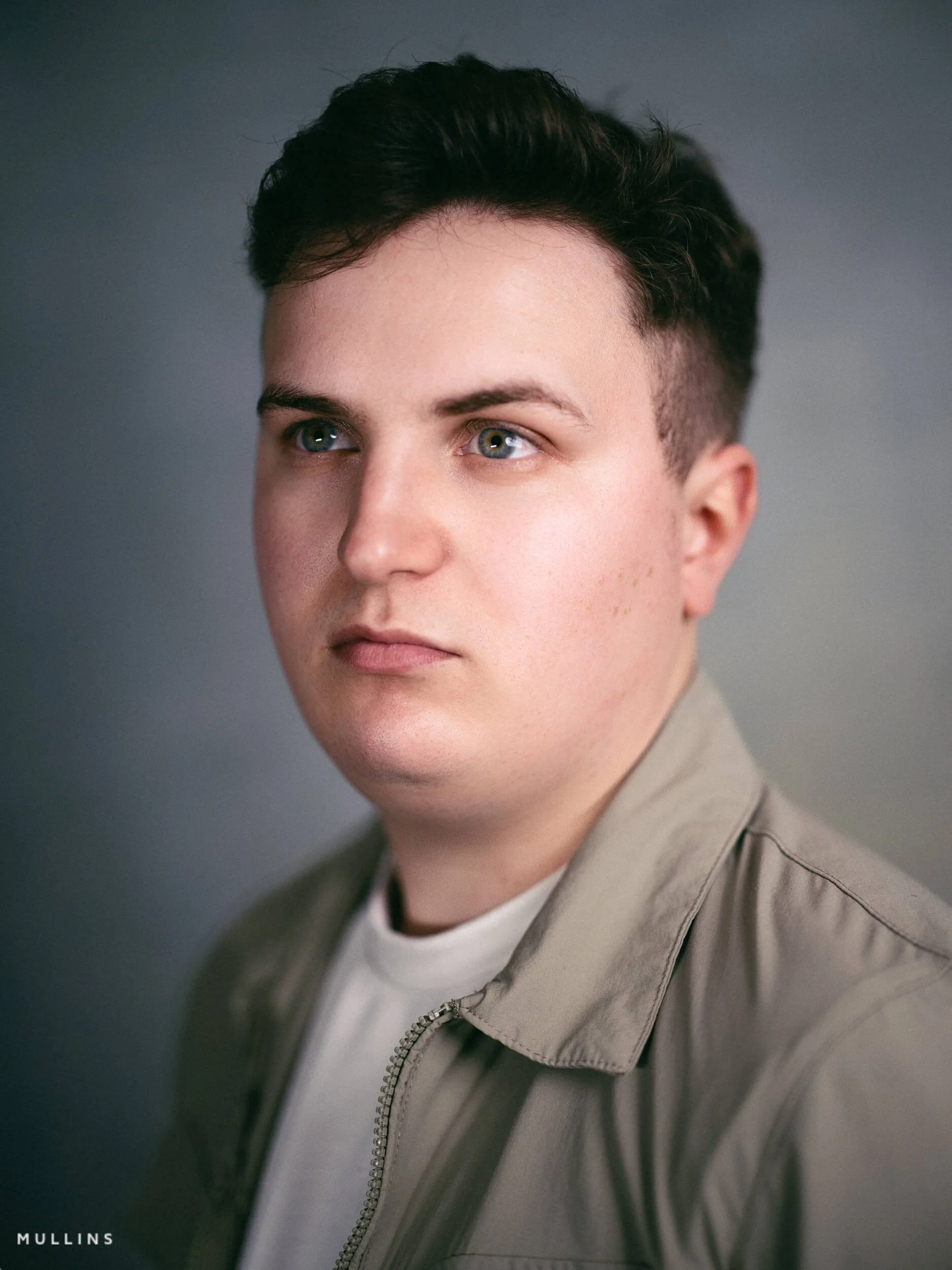
Chrome Profile from Mullins Film Edition 5 - Colour
Steps involved in creating this very filmic monochrome image from the original (below)
Make basic exposure corrections.
Choose the Chrome (Neutral) Profile from Mullins Film Edition 5 Profiles.
Choose Curve - High Contrast Punch from the Toolkit (Tone)
Choose Background Darken (and use the slider for taste) from Toolkit (AI Masks)
Choose Grain - Film from the Toolkit (Grain)
A complete colour Profile, Preset & Workflow Pack for Lightroom
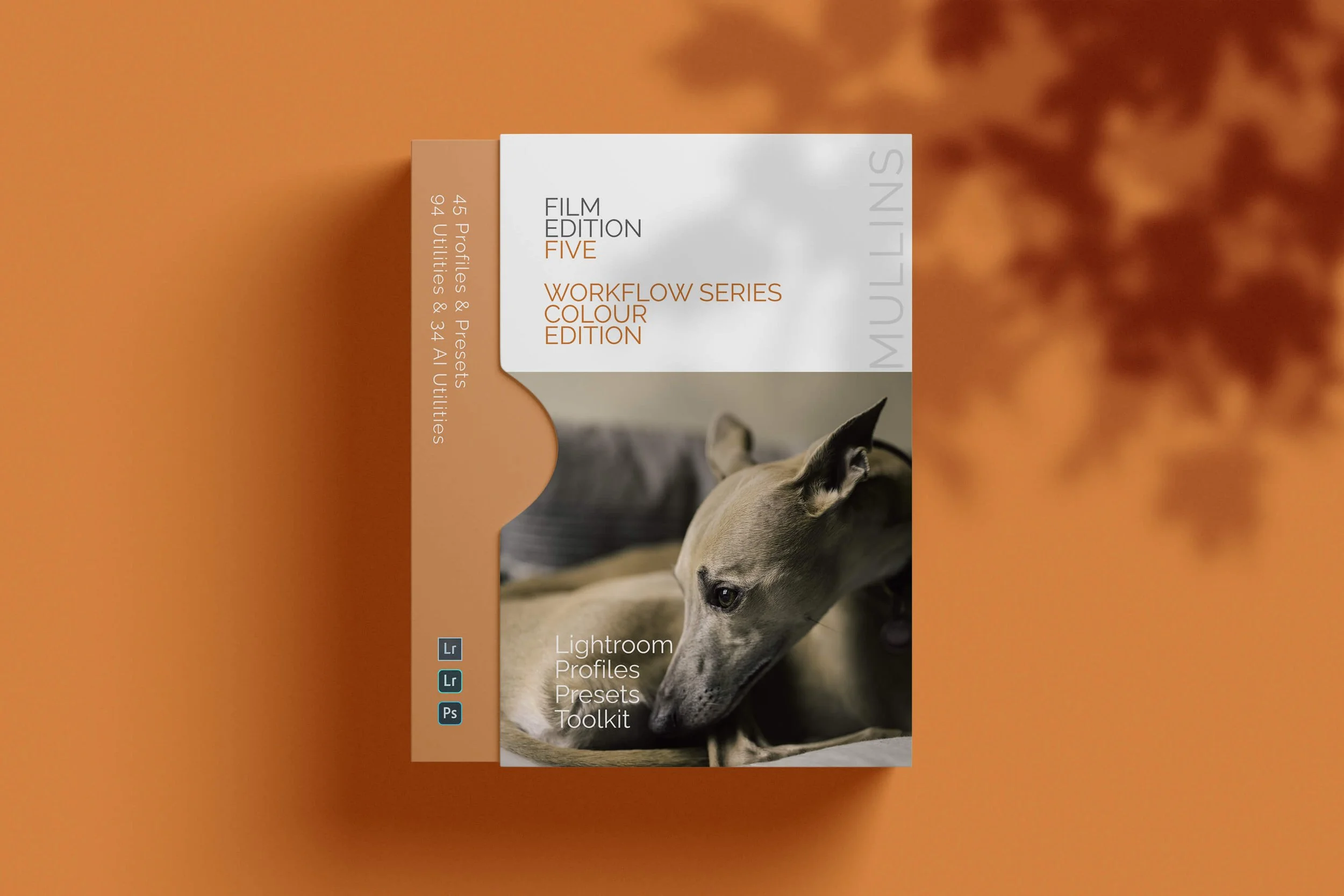
Film Edition 5 - Workflow Series (Colour) is a structured set of Lightroom profiles and presets designed to help you quickly and consistently create a finished colour look, without making Lightroom feel like a chore.
If you edit regularly in Lightroom, you already know the issue. You want a strong colour style, but you also need it to hold together across changing light, different scenes, and mixed subject matter. This pack is designed to help you move quickly without the work looking rushed.
The custom colour profiles give you the tonal and colour foundation first. From there, the workflow presets help you shape contrast, depth, and presence more precisely. Then, if the frame needs extra work, the included Toolkit gives you targeted help with AI masks, fixes, grain, curves, colour control, sharpening, noise reduction, and finishing touches.
Built for speed and consistency
Fast workflow with fewer decisions and clearer steps
Consistent results across a full set of edits
Film-inspired colour and tonality with depth, shape, and texture
Useful fixes and finishing tools for real-world Lightroom work
What’s included
15 custom colour profiles
30 workflow presets
128 Mullins Lightroom Toolkit presets, including AI masks, base fixes, utilities, grain, tone curves, colour helpers, sharpening, noise reduction, and finishers
Compatibility
Works with Lightroom Classic on Mac and Windows, as well as Lightroom Desktop. AI Mask presets require Lightroom Classic 11.0+ or Lightroom Desktop 5.0+.
3 for 2 offer
All preset packs are included in the 3-for-2 offer. Add any three preset packs to your basket, and the cheapest one is free at checkout.