

Lightroom Presets & Profiles
Get a real film look in Lightroom, with presets built on custom profiles - not just slider adjustments.
-

Premium Lightroom Presets
More than just slider adjustments. Presets based on advanced colour critical profiles.
-

Adjustable Intensity Levels
Use the Intensity Slider to give yourself endless looks and artistic opportunities.
-

Cross Platform Compatibility
Access the Presets & Profile Across Lightroom Mobile, Classic and Photoshop Camera Raw.
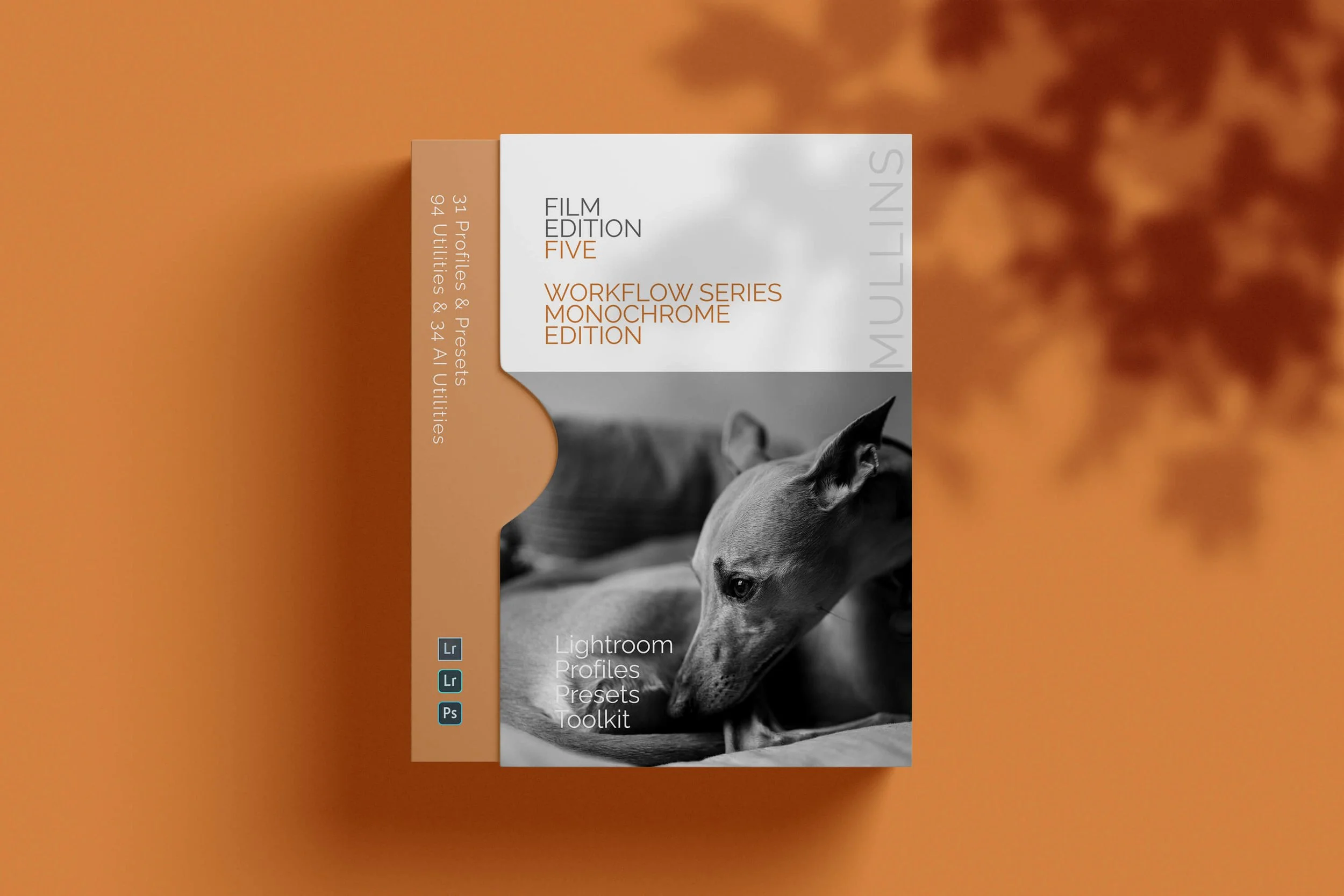
A complete black and white Profile, Preset & Workflow Pack for Lightroom
Film Edition 5 - Workflow Series (Monochrome) is a structured set of Lightroom profiles and presets designed to help you achieve a finished monochrome look quickly and consistently.
This is not a random “pick a look and hope” pack. It’s designed as a repeatable workflow you can run on a full set of images, with fixes and finishing tools when you need them.
If you edit regularly in Lightroom, you already know the problem. You want a strong black-and-white style, but you also need it to behave consistently across different scenes, lighting conditions, and subjects. This pack is designed to help you move fast without the work looking rushed.
You start with one of the custom monochrome profiles to establish the tonal foundation, then shape the image with workflow presets that are designed to work with that profile rather than fight against it. From there, you can use the included Toolkit for things like AI masking, grain, curves, highlight control, sharpening, finishing touches, and everyday problem-solving inside Lightroom. The product page positions the pack exactly this way, with the profile first, workflow second, then utilities and finishers to refine only when needed.
Built for speed and consistency
If you edit your photos in Lightroom, you already know the problem: you want a strong monochrome style, but you also need it to work across different scenes without constant fighting.
This pack helps you move fast without the work looking rushed.
Fast workflow: fewer decisions, clearer steps.
Consistent results: the set hangs together as a series.
Film-inspired tonality: depth, shape, and texture without the “preset look”.
Useful fixes included: real-world Lightroom problems, solved quickly.
What’s included
11 custom monochrome profiles
20 one-click presets
128 Mullins Lightroom Toolkit presets, including AI masks, fixes, utilities, grain, tone curves, colour helpers, sharpening and finishers
Compatibility
Works with Lightroom Classic and Lightroom Desktop. AI Mask presets require Lightroom Classic 11.0+ or Lightroom Desktop 5.0+.
Three for Two Offer
All preset packs are included in the 3-for-2 offer. Add any three preset packs to your basket, and the cheapest one is free at checkout.
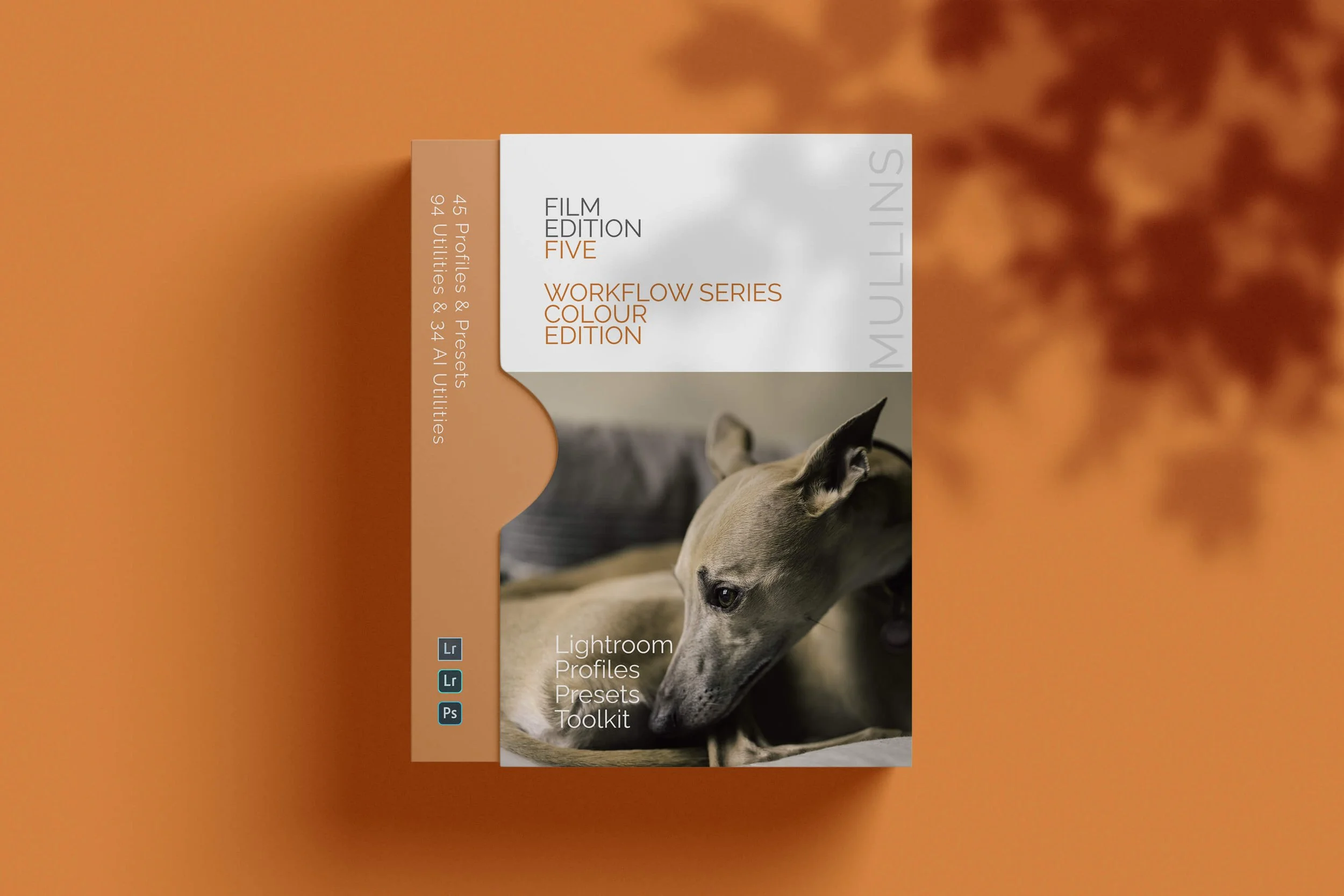
A complete colour Profile, Preset & Workflow Pack for Lightroom
Film Edition 5 - Workflow Series (Colour) is a structured set of Lightroom profiles and presets designed to help you quickly and consistently create a finished colour look, without making Lightroom feel like a chore.
If you edit regularly in Lightroom, you already know the issue. You want a strong colour style, but you also need it to hold together across changing light, different scenes, and mixed subject matter. This pack is designed to help you move quickly without the work looking rushed.
The custom colour profiles give you the tonal and colour foundation first. From there, the workflow presets help you shape contrast, depth, and presence more precisely. Then, if the frame needs extra work, the included Toolkit gives you targeted help with AI masks, fixes, grain, curves, colour control, sharpening, noise reduction, and finishing touches.
Built for speed and consistency
Fast workflow with fewer decisions and clearer steps
Consistent results across a full set of edits
Film-inspired colour and tonality with depth, shape, and texture
Useful fixes and finishing tools for real-world Lightroom work
What’s included
15 custom colour profiles
30 workflow presets
128 Mullins Lightroom Toolkit presets, including AI masks, base fixes, utilities, grain, tone curves, colour helpers, sharpening, noise reduction, and finishers
Compatibility
Works with Lightroom Classic on Mac and Windows, as well as Lightroom Desktop. AI Mask presets require Lightroom Classic 11.0+ or Lightroom Desktop 5.0+.
3 for 2 offer
All preset packs are included in the 3-for-2 offer. Add any three preset packs to your basket, and the cheapest one is free at checkout.
Meet Film Edition 5
The latest Lightroom preset collection, built around custom profiles for a cleaner, more film-like finish in both colour and monochrome.
Buy any two preset packs and get a third free. The discount is applied automatically at checkout.
Choose Your Film Edition 5 Pack.
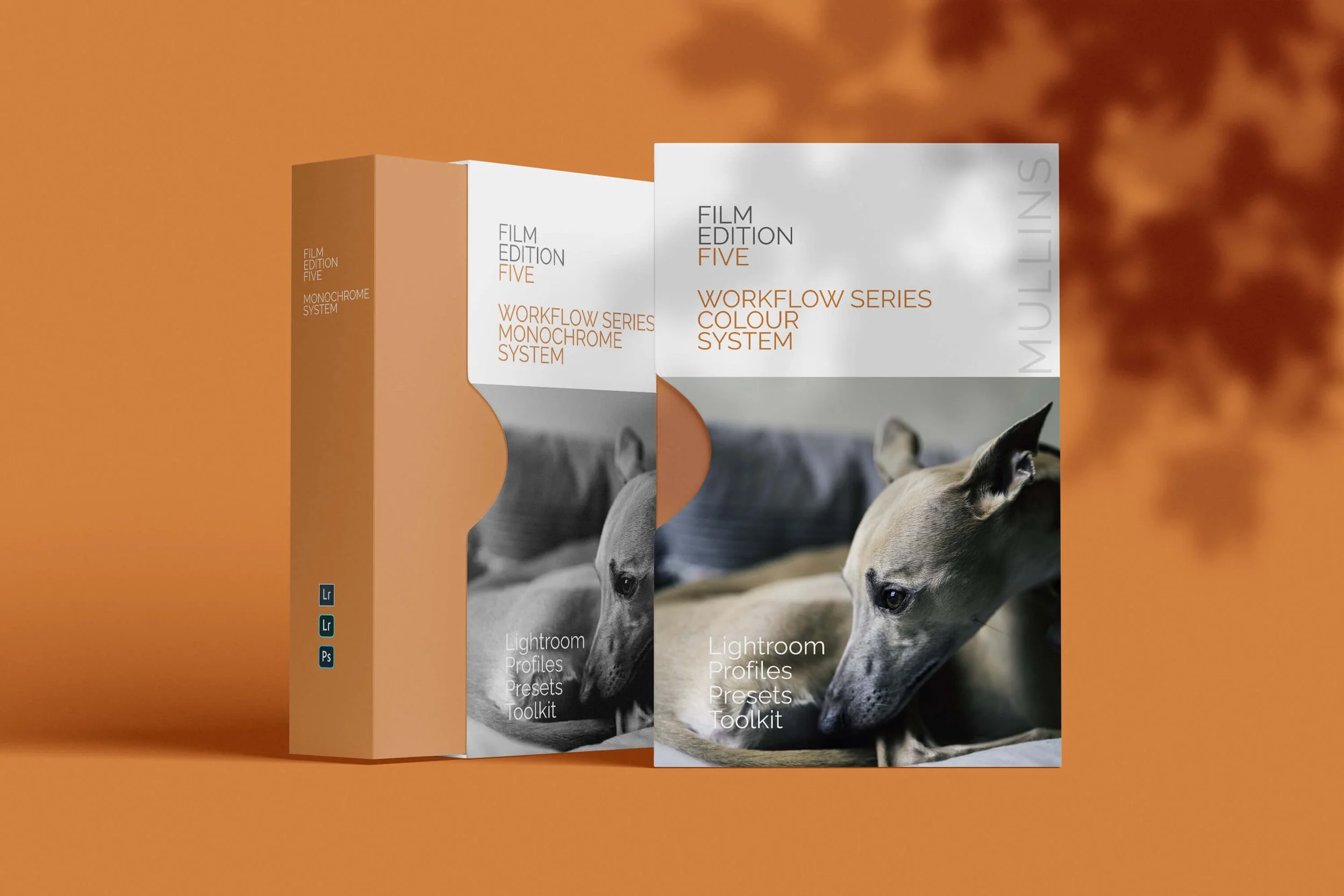
Why Film Edition 5
Why start with Film Edition 5?
The latest Workflow Series presets, built around custom profiles, designed for a cleaner, more consistent film-like finish in Lightroom.
-
✓
Built on custom profiles Not just slider adjustments.
-
✓
Works with RAW and JPEG Compatible with files from any camera.
-
✓
Flexible across Lightroom Lightroom Classic, desktop and Mobile where supported.
See more presets in action
Browse more examples, walkthroughs, and before-and-after edits from across the range.
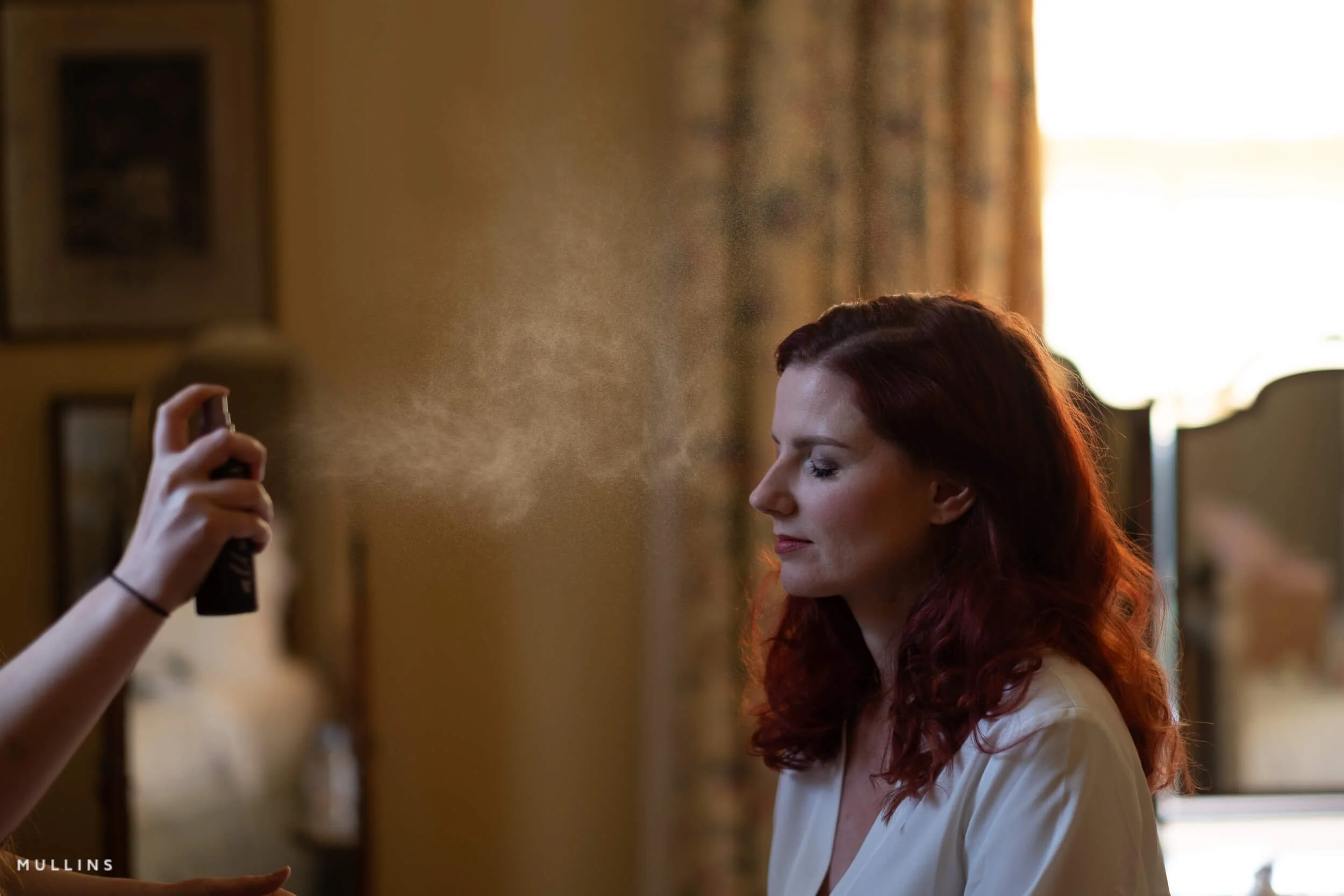
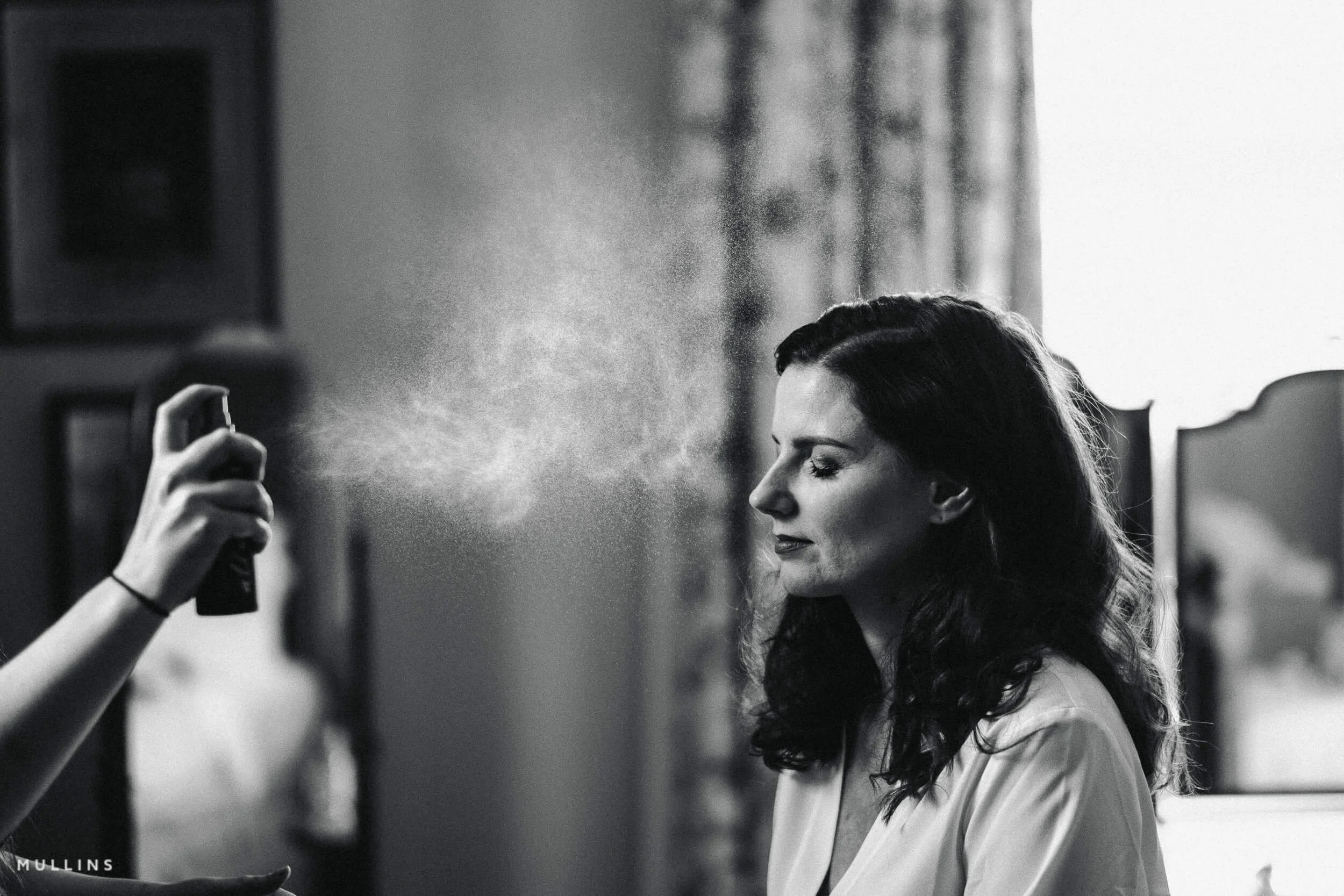
Example: Pure Deep Shadow 02
Pure Deep Shadow 02 is a one-click preset that creates a deep, dynamic filmic black-and-white look.
-
-
Pure Deep Shadow
-
For this image, I chose the Pure Deep Shadow 02 Preset.
One Click and Finished.
Example: Manhattan Haze 01
-
-
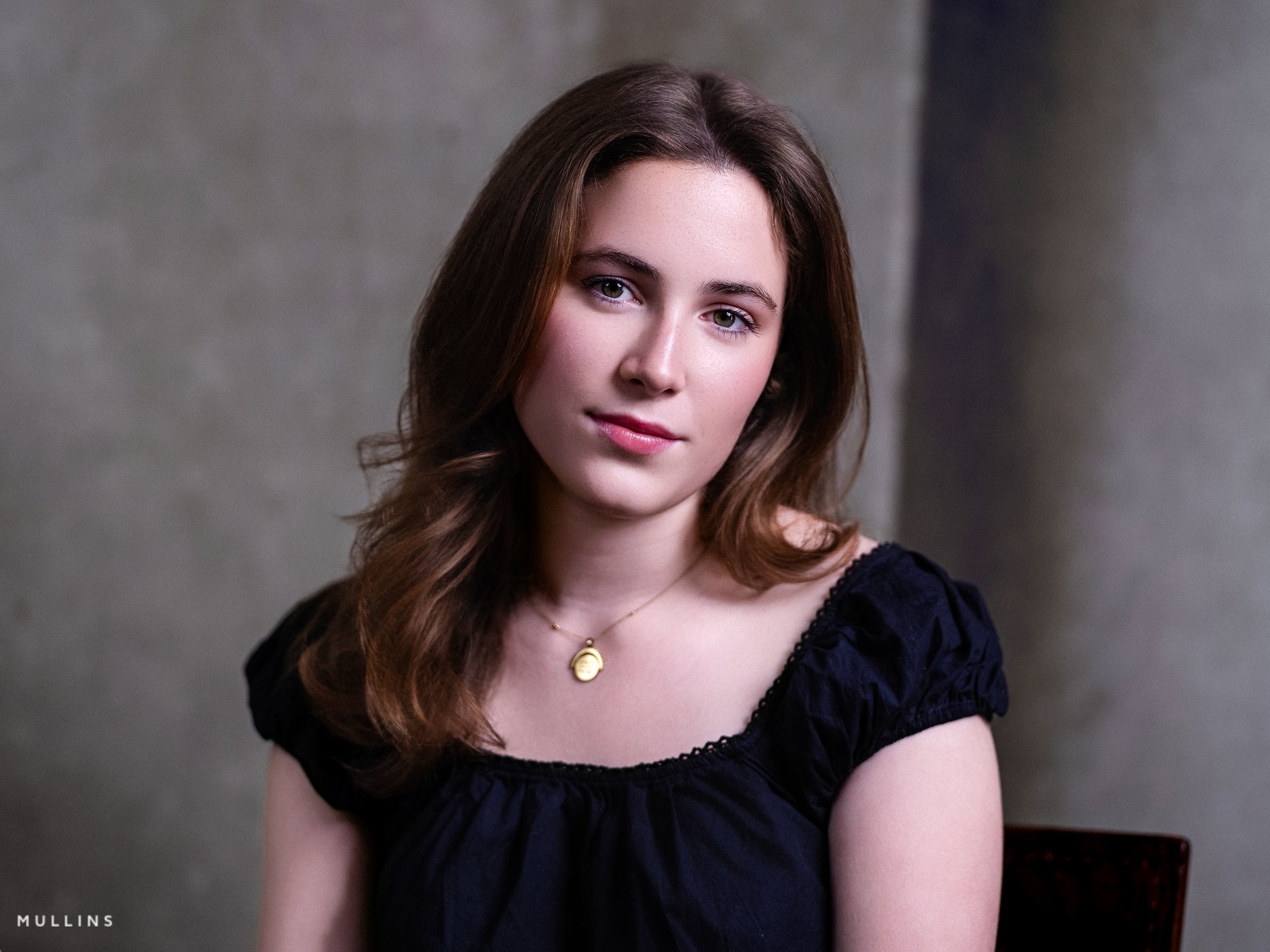
This one-click edit is based on my “Manhattan Haze 01” Preset.
-
For this image, I chose the Manhattan Haze 01 Preset, which is a lovely filmic look.
One click of the mouse from start to end.
Manhattan Haze 01 is a one-click preset that creates a deep, dynamic filmic colour look.
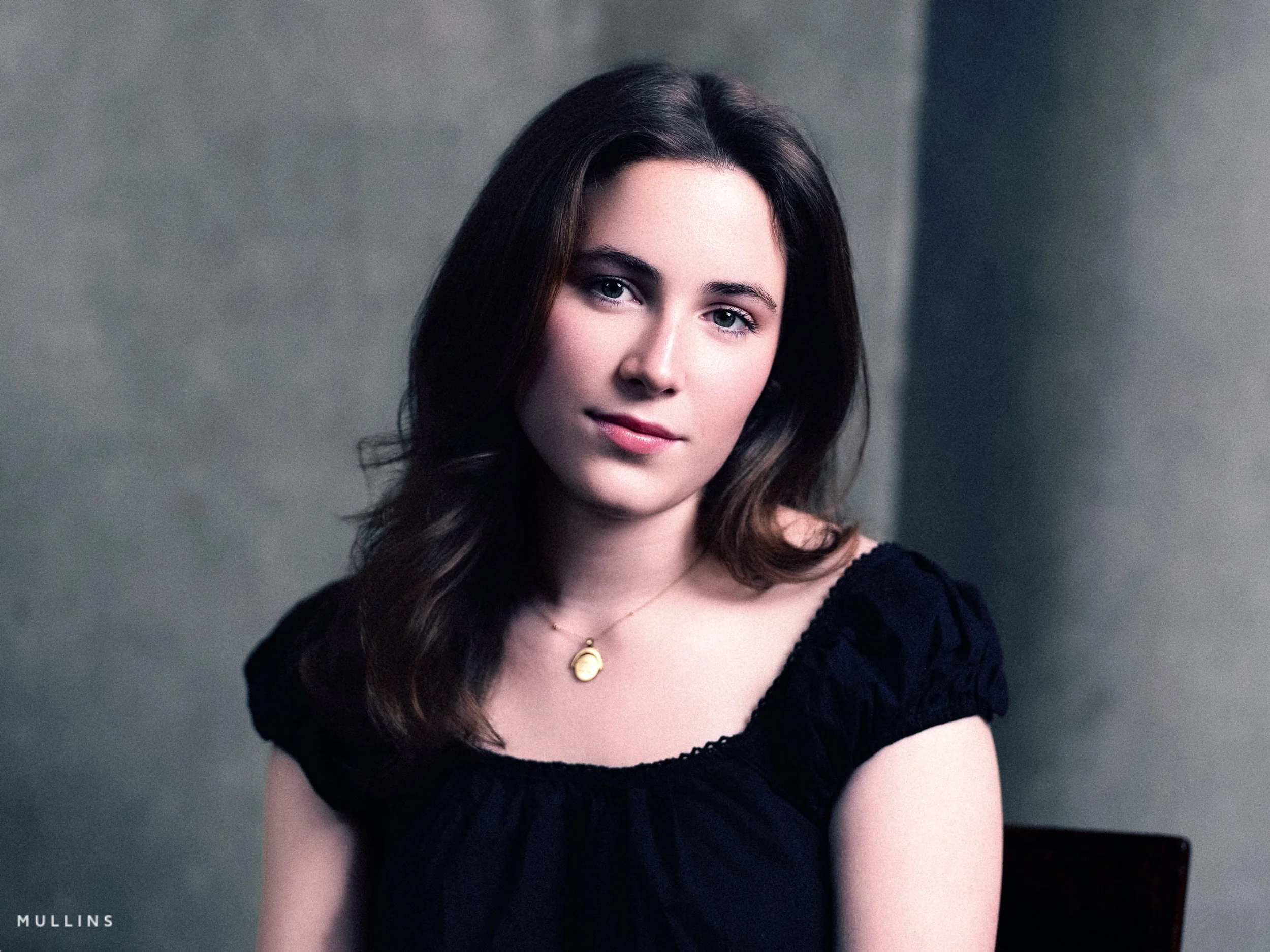
What Makes These Presets Different?
More than just saved slider adjustments
Download Lightroom presets and custom profiles for Lightroom Classic, Lightroom desktop and Lightroom Mobile where supported, with colour and monochrome packs across the range.
These presets and profiles are built around hand-crafted LUT-based colour profiles, not just a few saved slider moves, so they give your images a different starting point from the outset. The result is a workflow that feels more refined, more consistent, and a bit more characterful without becoming more complicated.
-
✓
Built around hand-crafted profiles The look starts deeper than a simple preset recipe, which is why the files tend to feel different right from the start.
-
✓
Filmic looks without extra fuss Move from softer, vintage tones to cleaner, more modern finishes in just a couple of clicks.
-
✓
Made for real editing workflows Designed to keep your editing quick, consistent, and full of character across a full set of images.
Unlock your creative potential with our AI Utilities, specifically designed for the latest versions of Adobe Lightroom. Includes AI tools for the latest Adobe Lightroom.
These advanced tools let you make precise, imaginative adjustments to any photo. For even more control, simply adjust the intuitive Amount Slider at the top of the Presets Panel—giving you the freedom to fine-tune every subtle detail to match your artistic vision.
Example: Tri-X Style True Film
-
-
This one-click edit is based on my “Tri-X Style True Film” Preset.
-
For this image, I chose the Tri-X Style True Film Preset, “Background Darken“ and “Subject Define Standard” AI-Presets.
Three clicks of the mouse from start to end.
Tri-X is a legendary black-and-white film stock produced by Kodak. It's renowned for its versatility, high contrast, and fine-grain structure.
Introduced in 1954, it has been a favourite among photographers for decades, known for its classic look and suitability for various shooting conditions.


All Preset Packs
Find the Pack That Fits Your Style
Film Edition 5 may be the newest range, but it isn’t the only option. Below you’ll find the wider preset collection, including dedicated Colour and Monochrome packs from Film Editions 4 and 3, bundle options, and the original standalone releases from Editions 1 and 2.
Some photographers want the latest pack. Others want a specific look, a monochrome option, or a more affordable entry point. This section is here to help you choose what suits your workflow best.
Bundles
The bundle options are ideal if you want the full creative spread from each edition. By combining both the Colour and Monochrome packs, they offer a more complete toolkit and a more cost-effective way to get the most from the range.
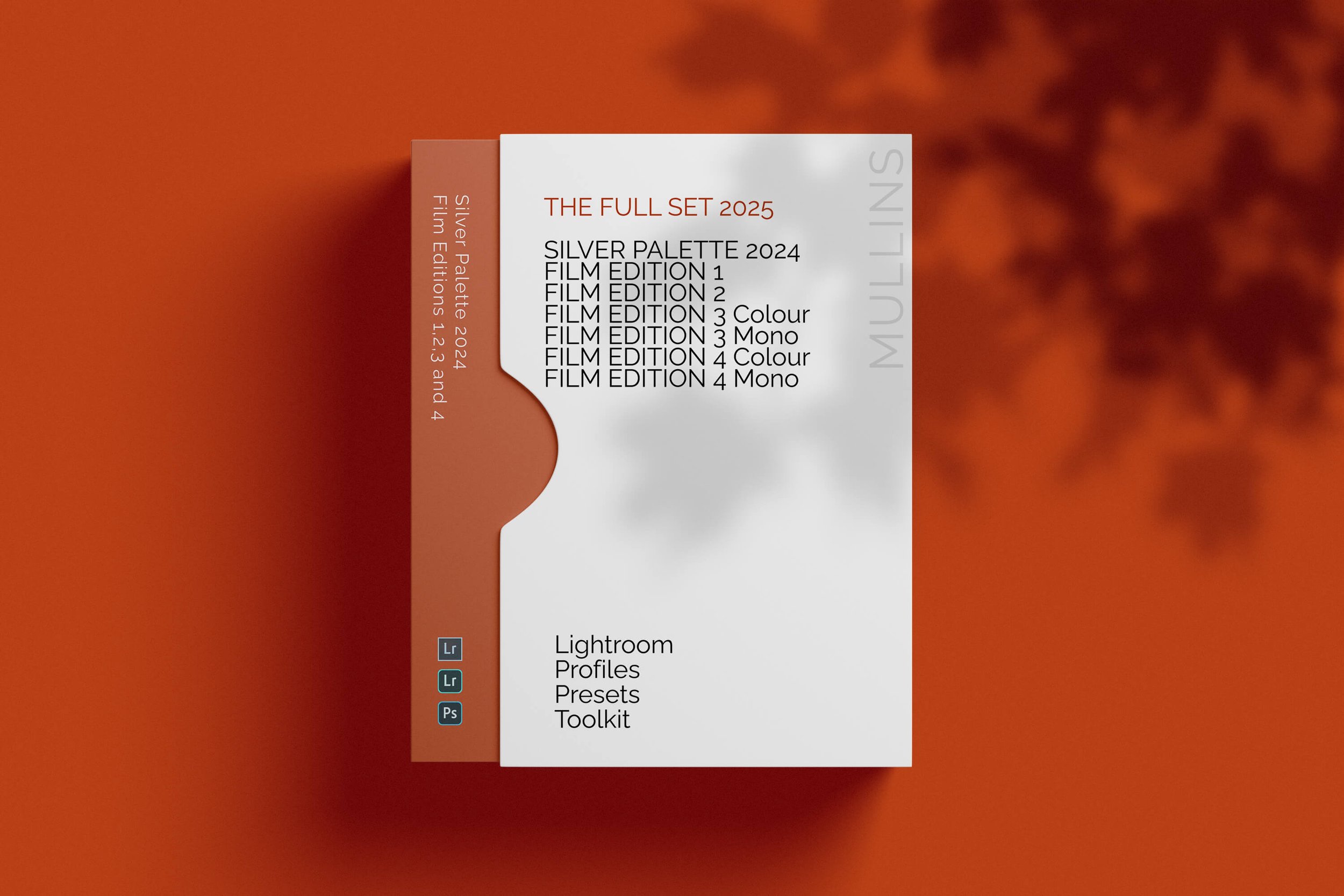


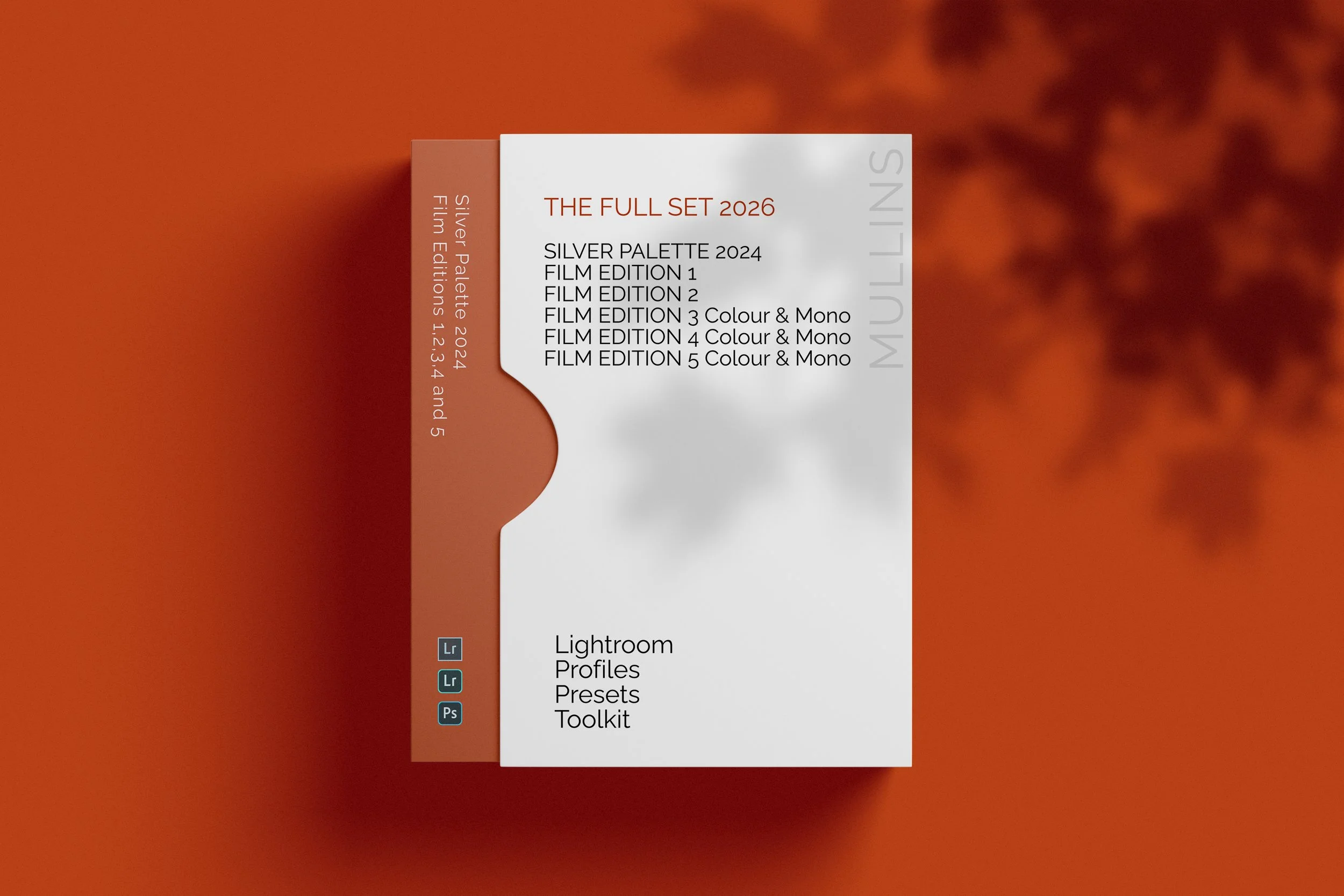
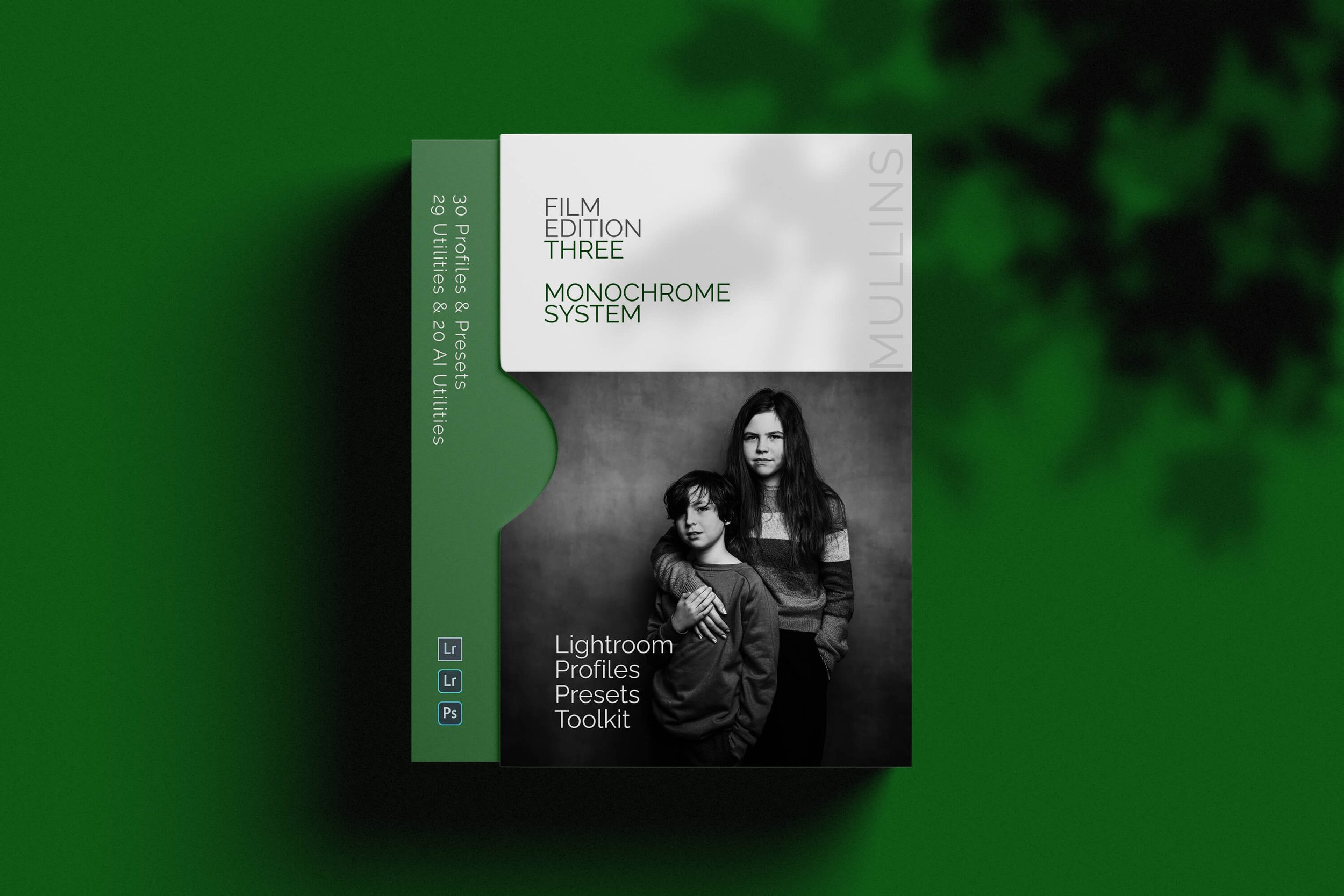
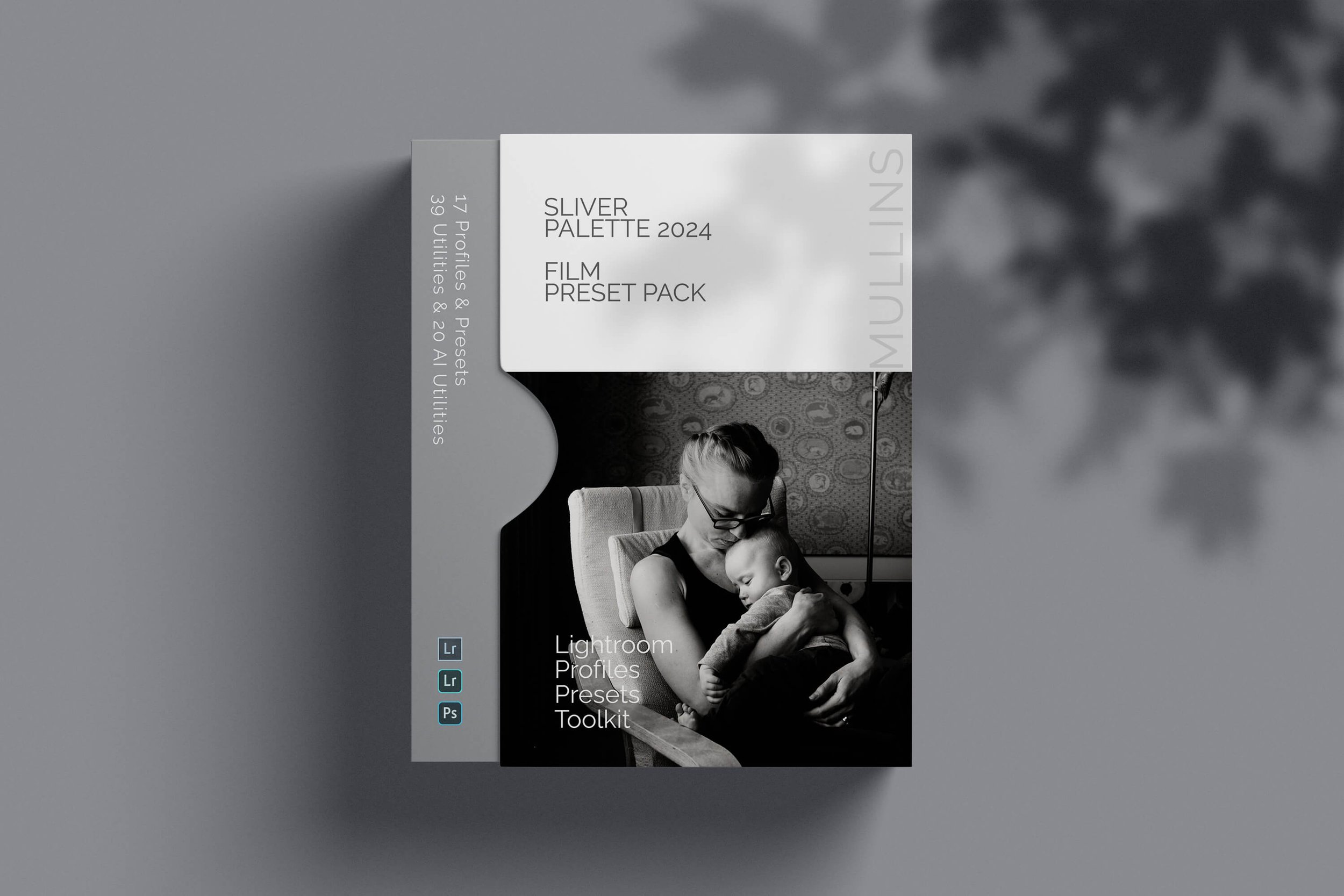
Monochrome Packs
These packs are for photographers who want a black and white workflow front and centre. From the richer, more developed monochrome tools in the later editions to the character of the earlier releases, this section brings together the packs built for photographers who see in tones, contrast and light.
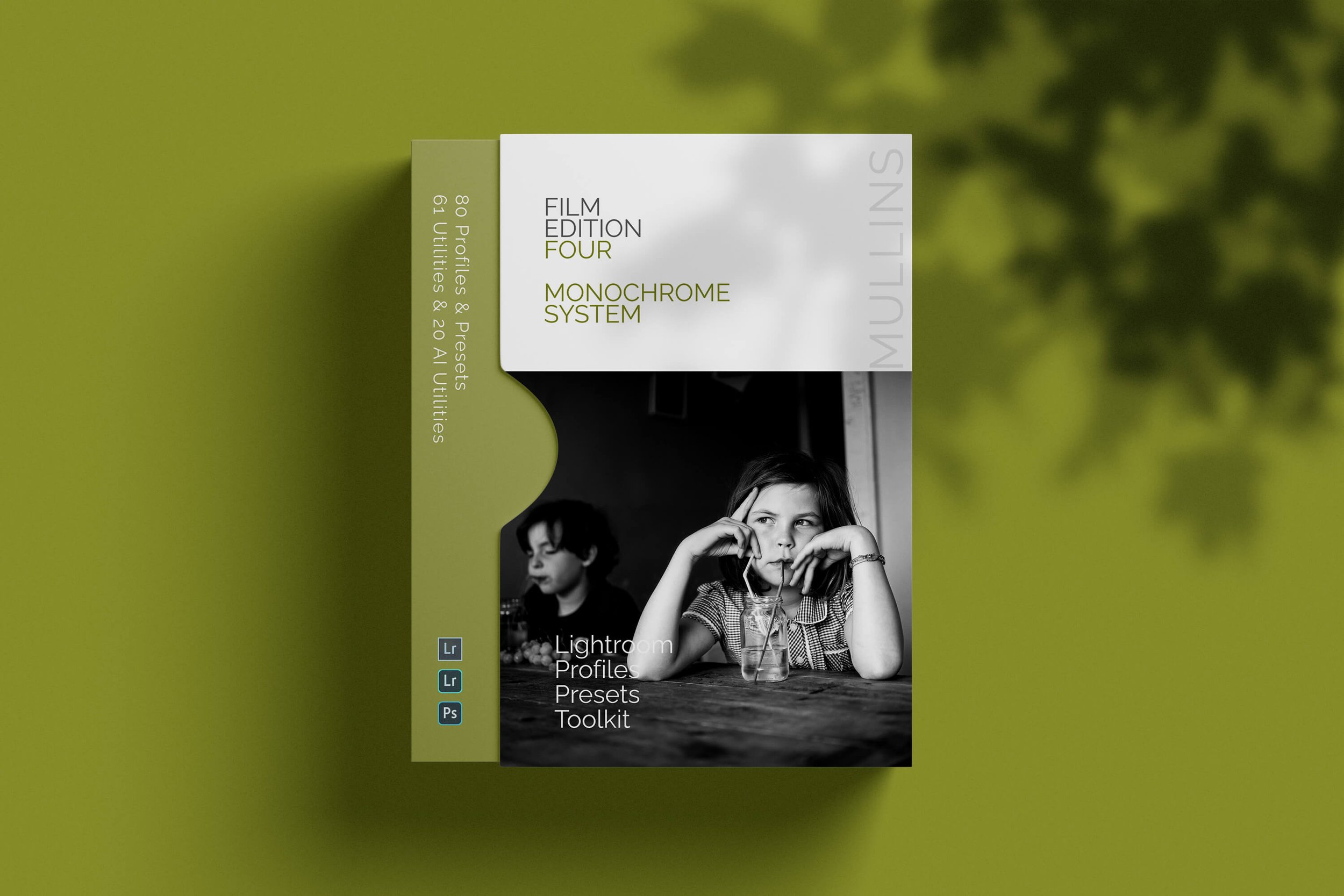
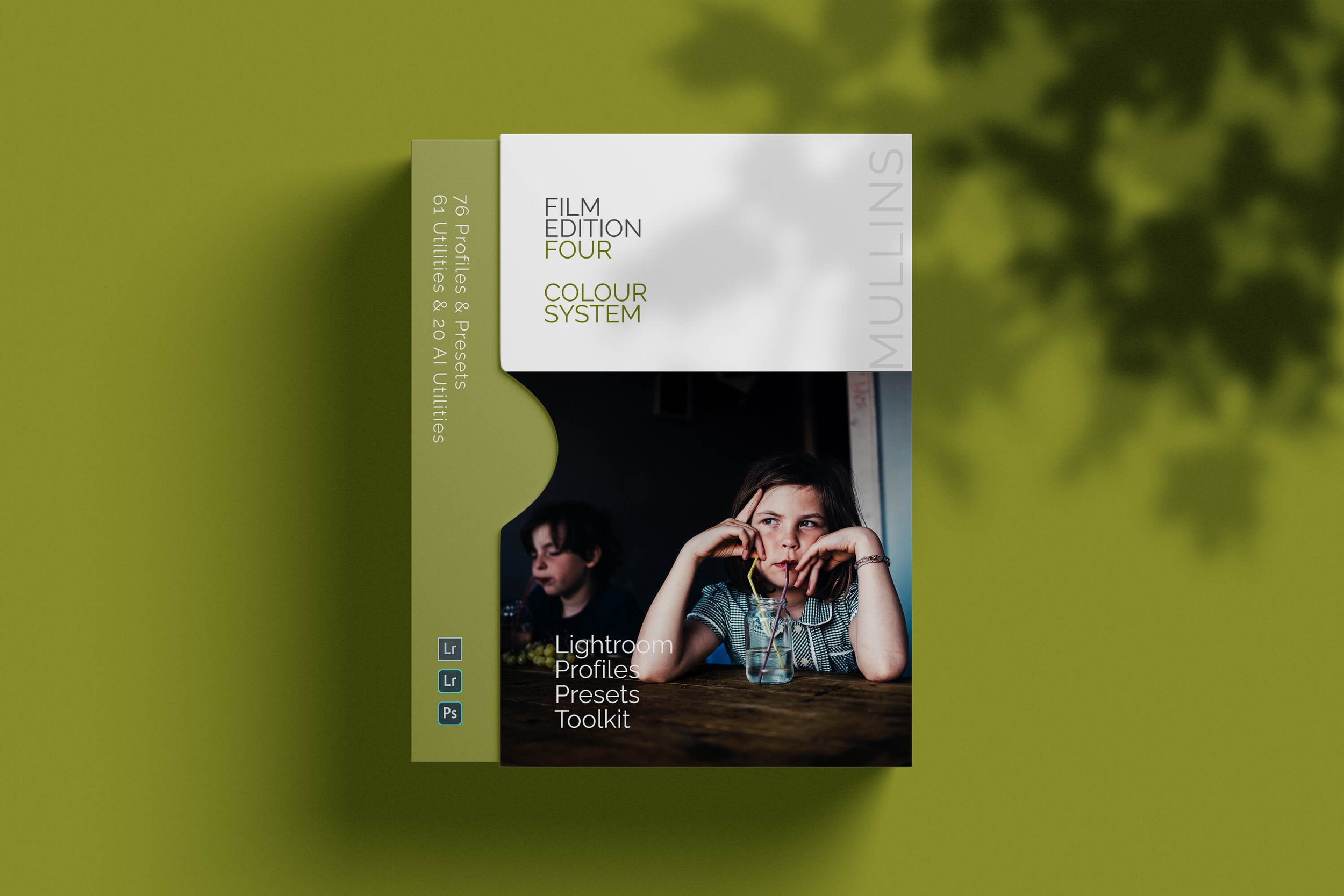
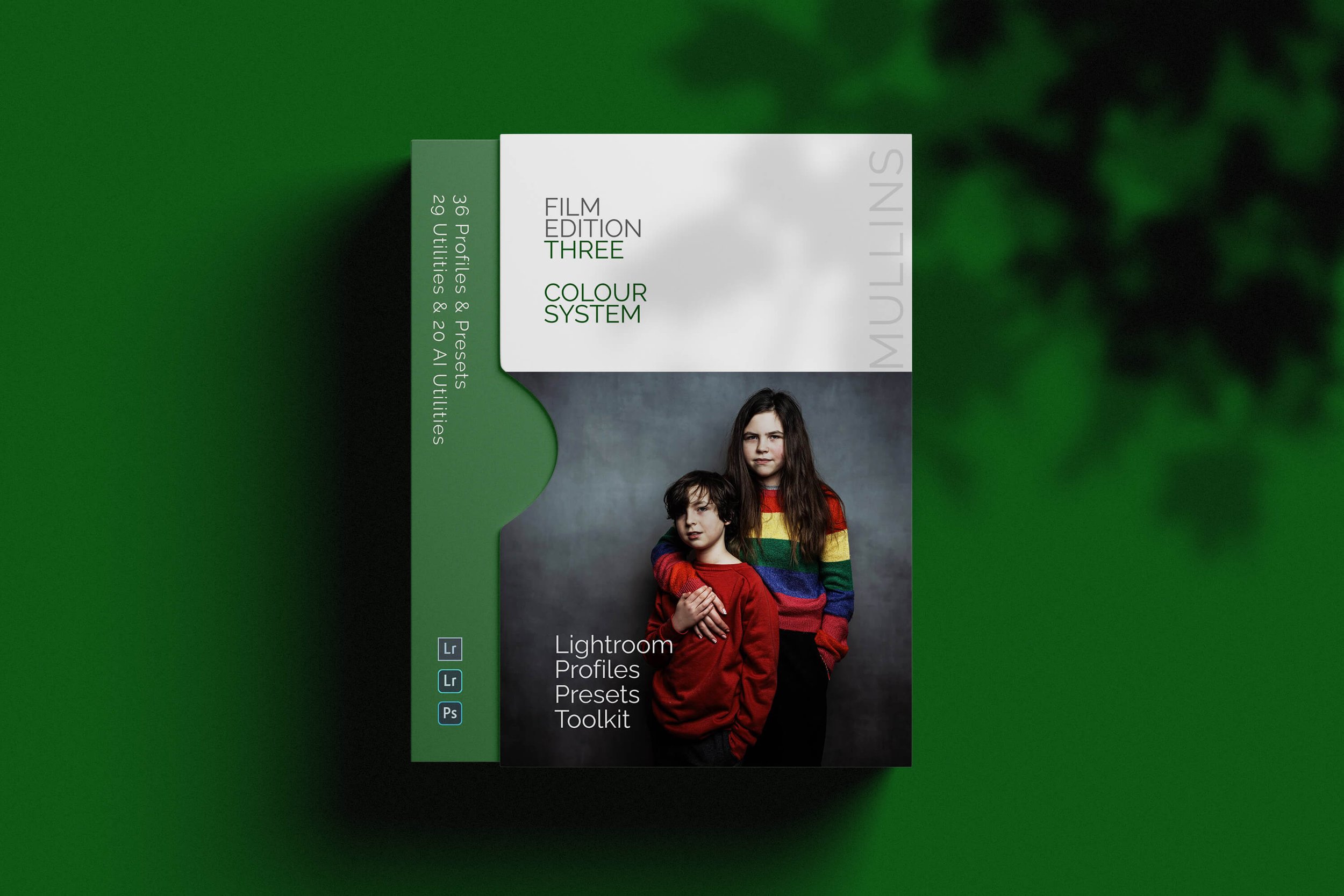
Colour Packs
If your editing starts with colour, these packs bring the full colour range together in one place. They are designed for photographers who want film-inspired looks with character and flexibility, whether you prefer the more developed feel of the later editions or the style of the earlier packs.
Earlier Packs
These are the original standalone Film Edition packs. They remain available for photographers who prefer the look of the earlier releases, already know the range, or simply want a lower-cost way into the preset collection.


Fujifilm Micro Packs
These camera-specific Micro Film Packs are made for Fujifilm photographers who want a quick, film-like starting point tailored to the X100V, X-T5, or X100VI. Just choose the pack that matches the camera you use.




FAQ
-
Yes. As long as your camera model is supported by the version of Lightroom you’re using, you’re good to go. If Lightroom can open your files, the presets and profiles can be applied.
-
Yes. They work with RAW and JPEG/HEIF files. You’ll usually get the most flexibility from RAW (there’s simply more data to grade), but the looks and toolkits still work nicely on JPEG/HEIF too.
-
Yes
-
Profiles set the underlying colour and tonal response of your photo. Think of them as the “film stock” decision. They can change the feel of an image without you touching a single slider.
Presets adjust Lightroom’s sliders. They’re the finishing moves, the workflow steps, and the practical fixes that shape the image once the base profile is in place.
-
Mine are built around custom profiles made from Look-Up Tables (LUTs). In plain English, that means the colour and tone shaping is mapped deliberately, rather than relying on generic slider moves.
The result is a more nuanced, film-like grade with consistent behaviour from image to image. You still get full control in Lightroom, it just starts from a more deliberate foundation.
-
Both.
If you want one click, you can apply a profile (or a look preset) and stop there. If you want more control, the workflow presets and utilities let you build the finish in sensible steps, without fighting Lightroom or rebuilding the same edits every time.
-
Yes, for the pack you bought. If I release a maintenance update or a compatibility tweak within that pack, you’ll have access to it.
Major new releases or new editions are treated as new products, because they’re genuinely new looks and new builds, not small upgrades.
-
Yes. They work on both Mac and Windows, as long as you’re running a compatible version of Lightroom.
-
Not yet. If you want those in future, the easiest thing is to join my newsletter below. That’s where I’ll announce it first if and when I release Capture One styles.
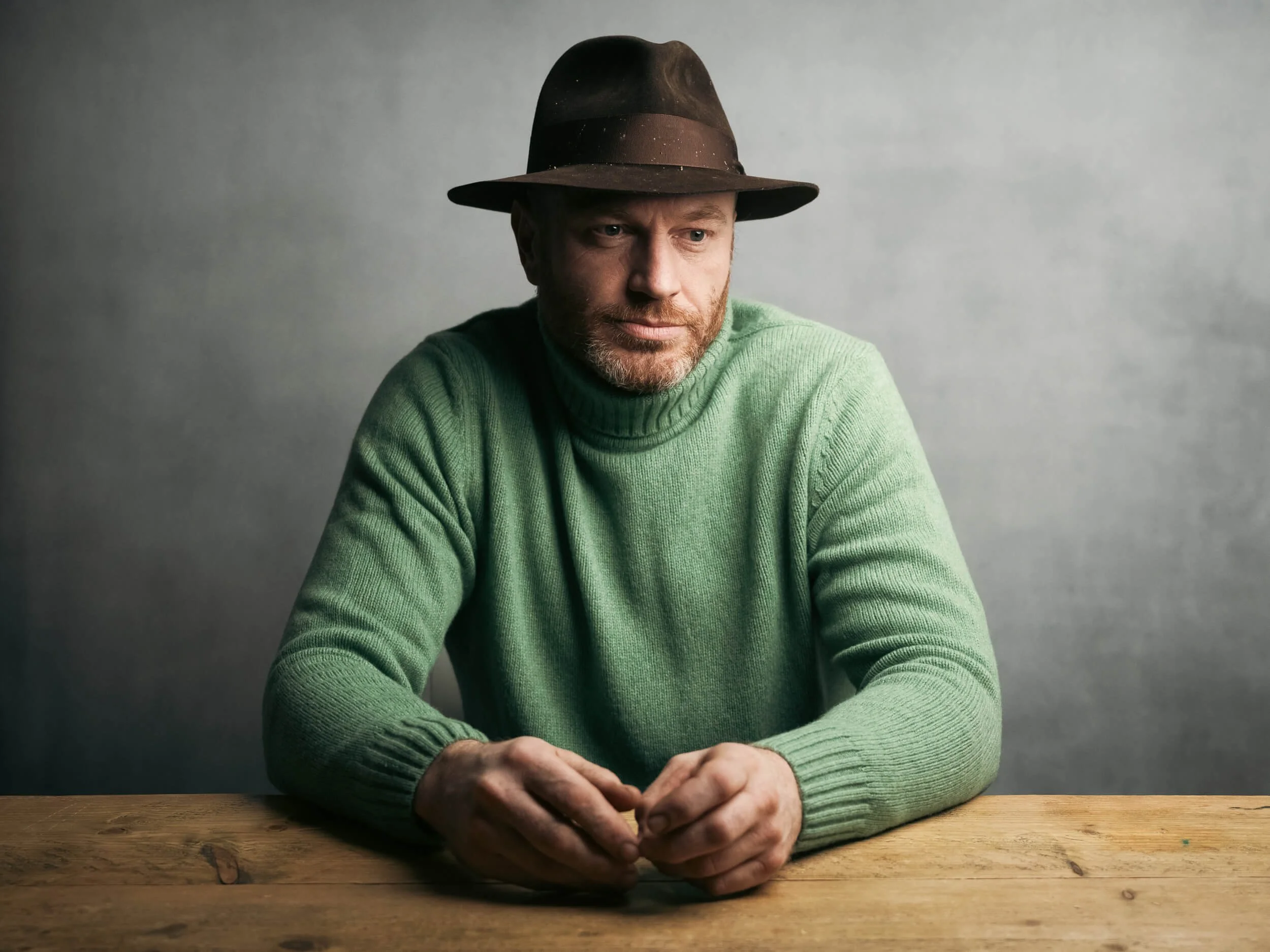
About Kevin Mullins
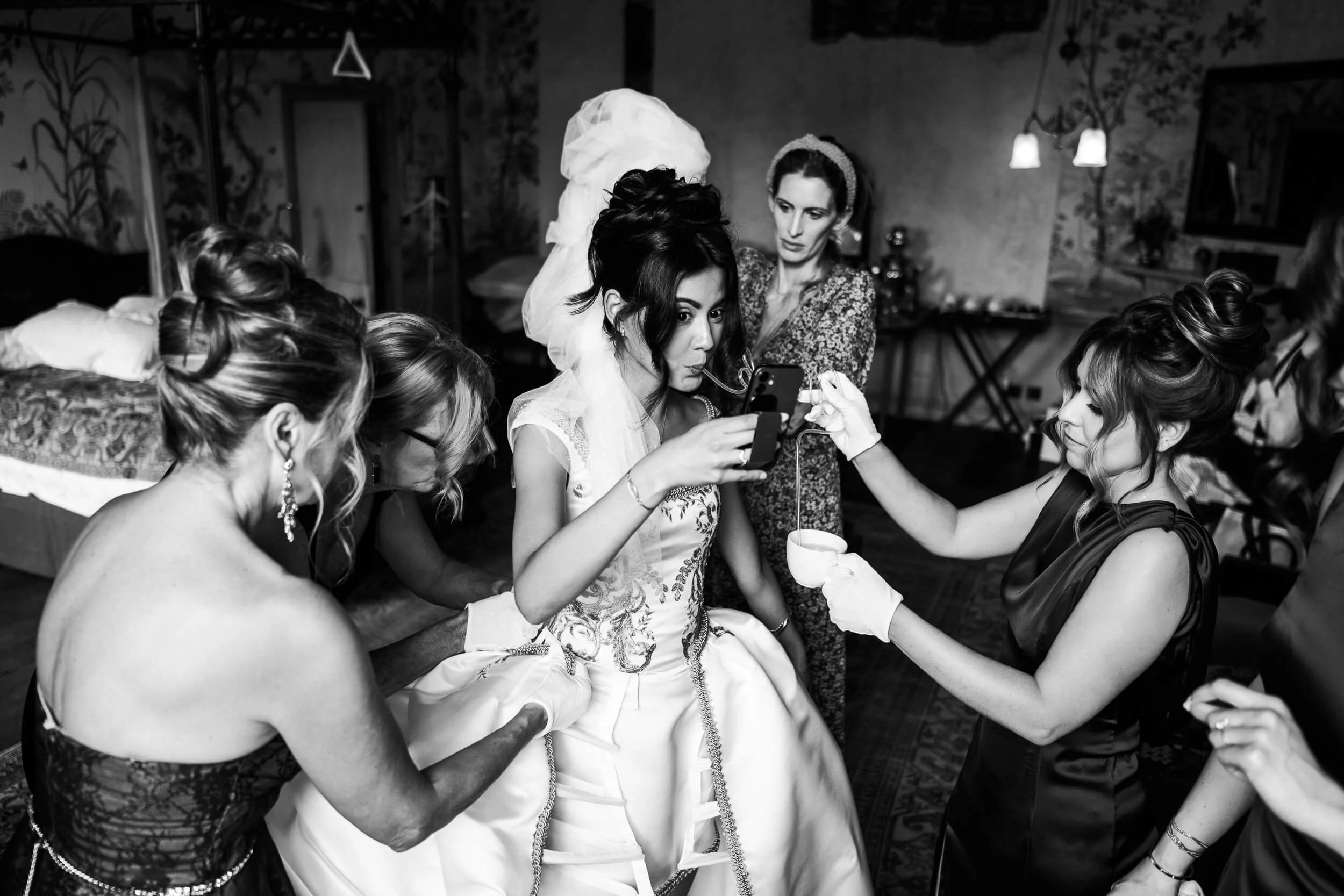
Kevin Mullins is a renowned British documentary-style photographer known for his candid, photojournalistic approach to wedding photography.
He captures unposed moments, focusing on emotions and atmosphere, which makes his work stand out.
Mullins is also respected for his black-and-white imagery and has conducted workshops and seminars.
The complete preset collection for Lightroom.
The Full Collection (2026 Edition) brings together the complete Film Edition range from Editions 1 to 5, plus Silver Palette 2024, giving you the broadest preset and profile collection currently available across the Kevin Mullins Presets range. It is designed for photographers who want the full system rather than a single pack, with colour, monochrome, classic editions, workflow packs, utilities, and AI tools all in one place.
This is more than a bundle of slider-based presets. Across the range, these packs are built around custom-designed LUT-based profiles and practical workflow tools, so you can move between different editing styles while still keeping your process consistent. Some packs are more classic and film-emulation-driven, while Film Edition 5 adds a newer profile-first workflow with Toolkit and AI support.
If you want the widest possible choice across your editing, this is the collection that gives you that. You have the earlier Film Edition packs for a broader mix of established looks, Silver Palette 2024 for monochrome work, Film Edition 4 in both colour and black-and-white, and the newer Film Edition 5 Workflow Series packs for a more structured editing workflow. The live page also states that the full suite of Utilities and AI Utilities is included.
Built for speed and flexibility
The widest preset collection in the range
Includes both colour and monochrome packs
Combines classic film-style packs with the newer FE5 workflow system
Includes Utilities and AI Utilities for more control when you need them
What’s included
Film Edition 1
Film Edition 2
Silver Palette
Film Edition 3 Colour
Film Edition 3 Monochrome
Film Edition 4 Colour
Film Edition 4 Monochrome
Film Edition 5 - Workflow Series (Monochrome)
Film Edition 5 - Workflow Series (Colour)
Full suite of Utilities and AI Utilities
3 for 2 offer
All preset packs are included in the 3-for-2 offer. Buy any two preset packs and get a third free, with the discount applied automatically at checkout.