

Fujifilm X100VI & X100V: Quick Start Guide for Essential Settings

Just Got Your Fujifilm X100VI or X100V?
In this quick start guide, I'll walk you through the essential settings to immediately change to make the most of your new camera.
We'll explore how to:
➤ Customize Function Buttons for quick access to your favourite features
➤ Navigate Key Menus to optimize your shooting experience
➤ Set up Back Button Focusing for greater control over your focus
Whether new to the X100 series or upgrading, these tips will help you hit the ground running and set your camera up exactly the same way as I do.
My recommendation is to watch the video below and use the notes below as a reference.
This article is part of my Fujifilm Learning Hub.
A growing collection of real-world guides, camera setup tips, lens suggestions by use-case, practical assignments, and buying advice with examples.
Prefer to see everything I write—brand-agnostic pieces on documentary & street work, reviews, tips, and the business of photography? Browse F/16 Click.
Streamlining Your Fujifilm X100VI & X100V for Speed and Efficiency
Today, I want to share how I set up my Fujifilm X100VI to maximise speed and ease of use. This setup also applies to the X100V and other models in the series.
Over the years, I've honed a shooting style that captures moments as they unfold—whether it's the unpredictability of street photography or the intimacy of a wedding.
My goal is to be quick and discreet, allowing me to stay fully immersed in the scene without constantly fiddling with camera settings.
In the above video, I'll explain how I customise my camera's function buttons, focus settings, and key menu options to create a streamlined shooting experience.
Function Buttons Configuration
One of the first things I do with any new camera is customise the function buttons to fit my shooting style. For the X100VI & V, I keep it simple and use only three function buttons, disabling the rest to avoid accidental presses.
Front Function Button (Fn2): Assigned to toggle Face Detection on and off. This allows me to quickly enable face detection when needed without diving into menus.
Top Plate Function Button (Fn1): Set to control Photometry (Metering Mode). This lets me switch between spot metering and other modes on the fly.
Rear Command Dial (R-DIAL): Configured for Back-Button Focusing (AF-ON). By pressing the rear command dial, I can focus without using the shutter button, giving me more control.
To customise these buttons:
Go to Menu > Setup > Button/Dial Setting > Function (Fn) Setting.
Assign the desired functions to each button as listed above.
I Set all other function buttons to "None" to prevent unintended changes.
Back-Button Focusing
I prefer using back-button focusing to separate focusing from the shutter release, allowing me to focus once and shoot multiple times without refocusing. Here's how to set it up quickly:
Switch to Manual Focus Mode:
On the side of the camera, set the focus mode selector to M (Manual).
Assign AF-ON to Rear Command Dial:
As mentioned in the function button settings, assign AF-ON to the rear command dial.
With this setup:
Focusing: Press the rear command dial to autofocus.
Shooting: Press the shutter button to take the shot without triggering autofocus.
This method keeps you engaged with your subject and reduces the need to adjust settings between shots.
Key Menu Settings for Optimal Performance
To further streamline the camera, I adjust several key menu settings:
Image Quality Settings
Image Size: Set to 3:2 ratio.
Image Quality: Choose Fine + RAW for maximum flexibility.
RAW Recording: Select Lossless Compressed to save storage space without sacrificing quality.
Film Simulations and Custom Settings
I often shoot with black-and-white film simulations (even when shooting in RAW) to match my documentary style. Fujifilm cameras allow you to:
Create Custom Settings: Save your preferred film simulations and settings for quick access.
Use X RAW Studio: Utilise Fujifilm's software X-RAW Studio to create and transfer custom presets to your camera.
Autofocus Settings
AF Mode: Set to Single Point for precise control.
Focus Area: Use a centrally located focus point and recompose as needed.
Number of Focus Points: Choose 117 Points for optimal sensitivity.
AF-C Custom Settings: Select Preset 2 (Ignore Obstacles & Continue to Track Subject) for continuous focus situations.
Priority Settings
AF-S Priority Selection: Set to Focus to ensure the camera only takes a shot when the subject is in focus.
AF-C Priority Selection: Set to Release to prioritize capturing the moment, even if perfect focus hasn't been achieved yet.
Disable Unnecessary Features
Touchscreen: I disable the touchscreen to avoid accidental focus changes, especially when using the viewfinder.
Go to Menu > Setup > Button/Dial Setting > Touch Screen Setting and turn it off.
Simplifying for Speed
By paring down the camera's functions to the essentials, I minimise distractions and potential errors. This setup allows me to:
Keep My Eye on the Scene: With fewer buttons and settings to worry about, I can focus on capturing the moment.
Shoot Quickly and Confidently: The streamlined controls make it easier to react to fleeting opportunities.
Customise as Needed: While I prefer a minimalist approach, you can adjust these settings to fit your own style.
My Advanced Lightroom Profiles & Presets
You may be interested in my advanced Lightroom Presets which feature AI Utilities and carefully crafted professional profiles.
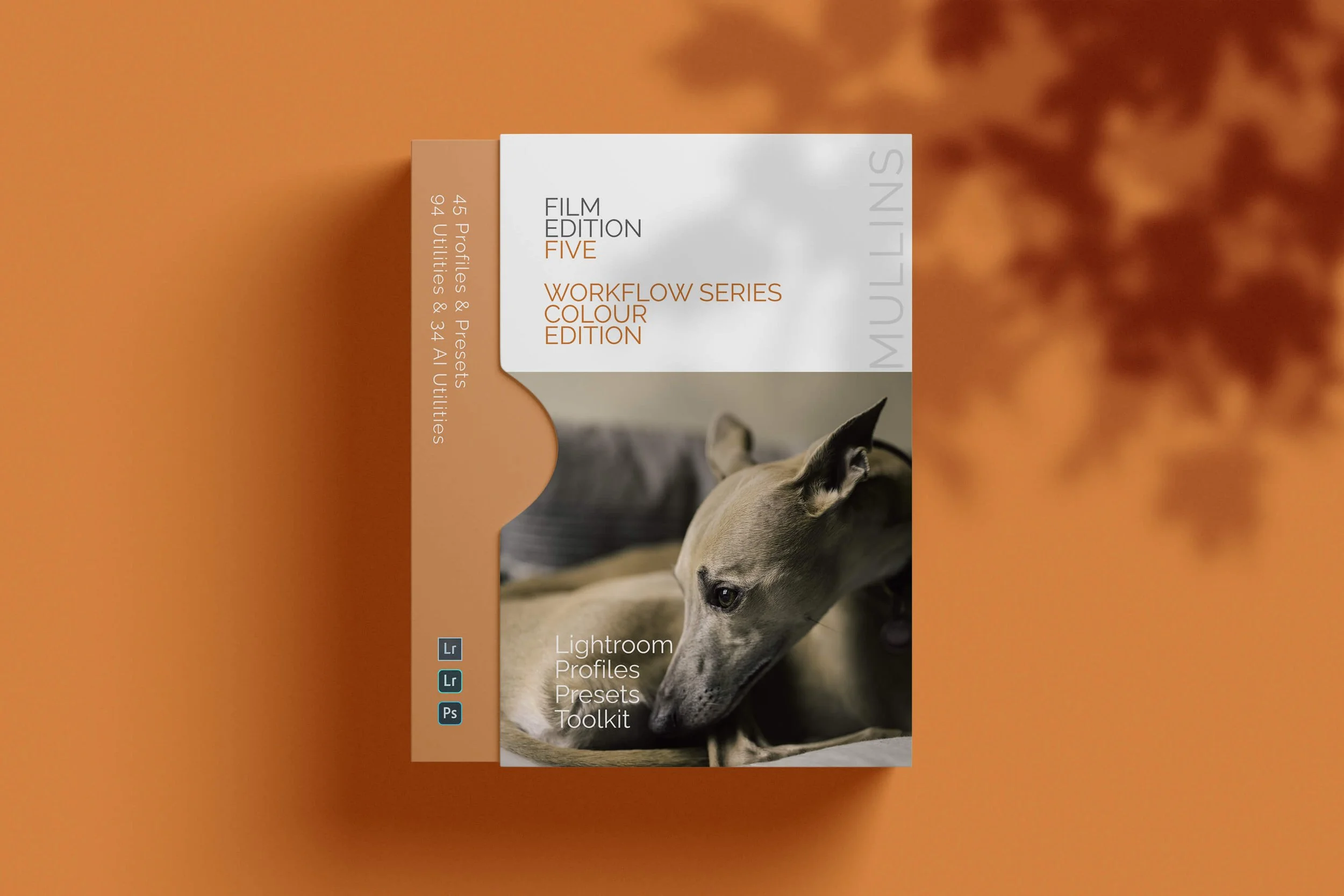
A complete colour Profile, Preset & Workflow Pack for Lightroom
Film Edition 5 - Workflow Series (Colour) is a structured set of Lightroom profiles and presets designed to help you quickly and consistently create a finished colour look, without making Lightroom feel like a chore.
If you edit regularly in Lightroom, you already know the issue. You want a strong colour style, but you also need it to hold together across changing light, different scenes, and mixed subject matter. This pack is designed to help you move quickly without the work looking rushed.
The custom colour profiles give you the tonal and colour foundation first. From there, the workflow presets help you shape contrast, depth, and presence more precisely. Then, if the frame needs extra work, the included Toolkit gives you targeted help with AI masks, fixes, grain, curves, colour control, sharpening, noise reduction, and finishing touches.
Built for speed and consistency
Fast workflow with fewer decisions and clearer steps
Consistent results across a full set of edits
Film-inspired colour and tonality with depth, shape, and texture
Useful fixes and finishing tools for real-world Lightroom work
What’s included
15 custom colour profiles
30 workflow presets
128 Mullins Lightroom Toolkit presets, including AI masks, base fixes, utilities, grain, tone curves, colour helpers, sharpening, noise reduction, and finishers
Compatibility
Works with Lightroom Classic on Mac and Windows, as well as Lightroom Desktop. AI Mask presets require Lightroom Classic 11.0+ or Lightroom Desktop 5.0+.
3 for 2 offer
All preset packs are included in the 3-for-2 offer. Add any three preset packs to your basket, and the cheapest one is free at checkout.
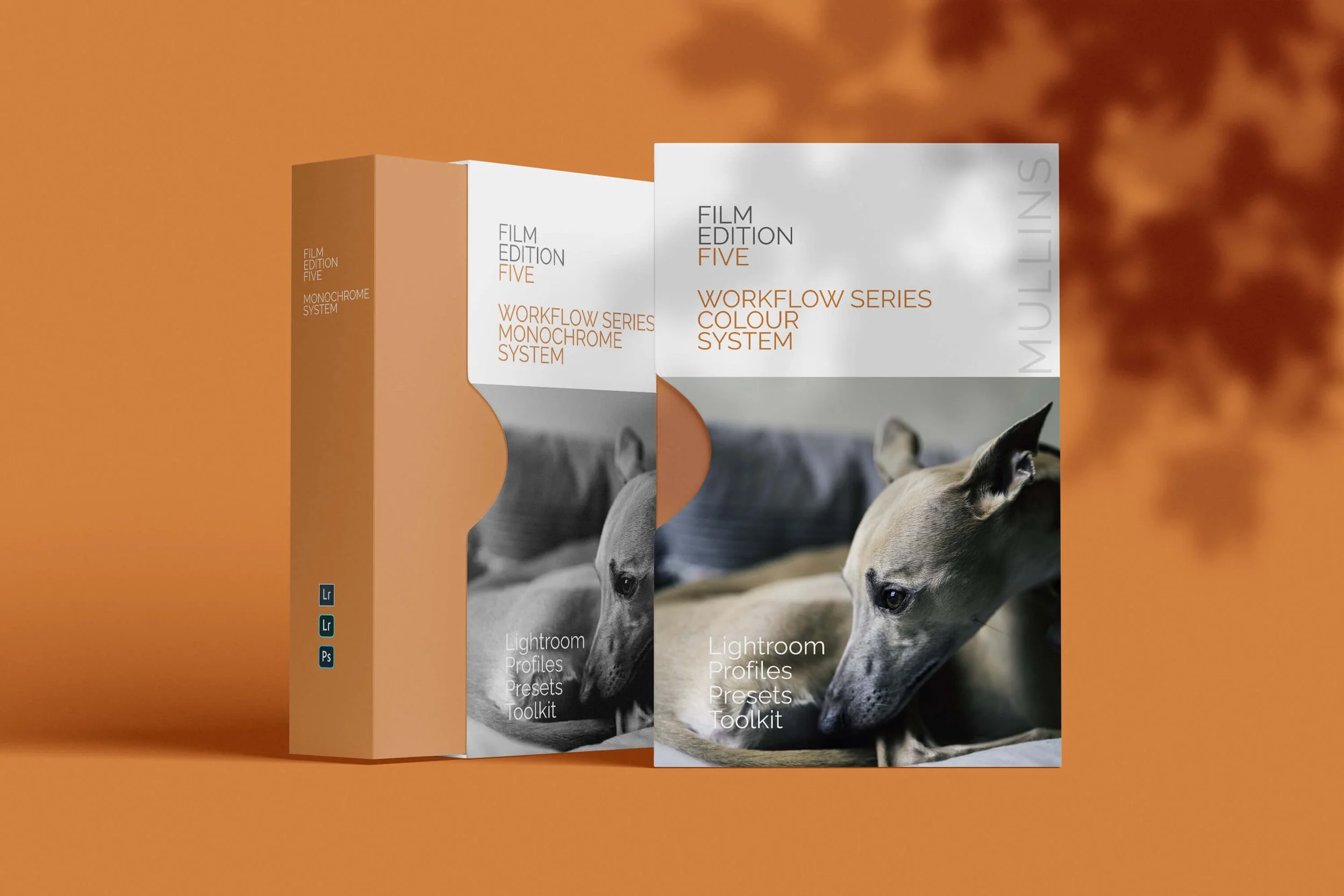
Film Edition 5 Bundle - complete colour and monochrome workflow packs for Lightroom
Film Edition 5 Bundle brings together both Film Edition 5 Workflow Series Colour and Film Edition 5 Workflow Series Monochrome in one package, giving you the full FE5 system for photographers who want a film-inspired workflow in both colour and black-and-white.
This is not just a collection of slider-based presets. Both packs are built around custom-crafted profiles, developed through LUT-based processes, then supported by workflow presets, finishing tools, and AI utilities designed to help you work quickly without losing control of the final look.
If you want the full Film Edition 5 experience, this is the simplest way to get it. You have the colour pack for rich, film-inspired edits with depth and tonality, and the monochrome pack for strong black-and-white work with shape, texture, and consistency. Together, they give you a flexible Lightroom workflow that feels organised, repeatable, and fast.
Built for speed and consistency
Two complete FE5 workflow packs in one bundle
Colour and monochrome profiles for different editing needs
Workflow presets designed to take images from a strong starting point to a finished edit quickly
Practical Toolkit and AI utilities included for real-world Lightroom work
What’s included
Film Edition 5 Workflow Series Colour
15 custom colour profiles
30 workflow presets
Mullins Lightroom Toolkit with AI utilities included
Film Edition 5 Workflow Series Monochrome
11 custom monochrome profiles
20 workflow presets
Mullins Lightroom Toolkit with AI utilities included
Compatibility
Works with Lightroom Classic and Lightroom Desktop, with Lightroom Mobile support referenced across the FE5 preset range where supported. AI Mask presets require current Lightroom versions as noted on the individual FE5 product pages.
3 for 2 offer
All preset packs are included in the 3-for-2 offer. Buy any two preset packs and get a third free, with the discount applied automatically at checkout.
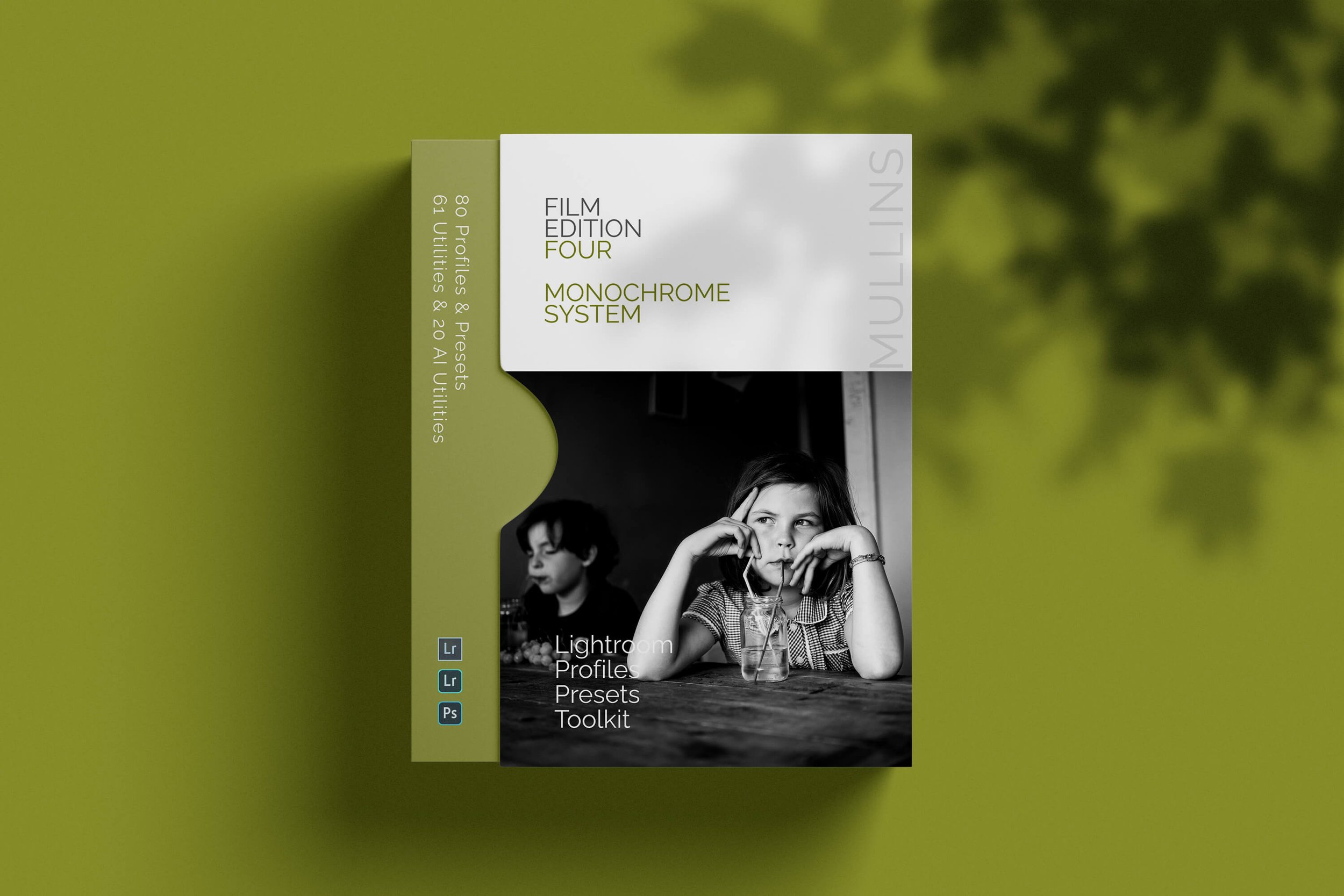
A complete black and white Profile, Preset & Workflow Pack for Lightroom
Film Edition 4 - Monochrome is a structured black-and-white preset and profile pack for Lightroom, designed to help you create expressive monochrome work with depth, texture, and consistency. It is built around handcrafted presets, custom monochrome profiles, workflow utilities, and AI-powered tools, giving you a more complete editing system rather than just a handful of looks.
This is not a simple desaturation pack. It is designed to give your images the tonal richness, contrast depth, grain character, and film-inspired response associated with classic black-and-white stocks. The page positions it around the look and feel of films such as Kodak Tri-X, Ilford HP5+, Fuji FP-3000B, and Rollei Retro, supported by raw-level monochrome profiles that shape tone and dynamic range before you even start adjusting sliders.
If you edit regularly in Lightroom, you already know the challenge. You want black-and-white work to feel intentional, not flat, muddy, or overly digital. This pack is built to help you move quickly while still giving your images character. The included profiles give you a strong tonal base, the presets build on that foundation, and the utilities and AI tools are there when you need more precise control.
Built for speed and consistency
Fast workflow with fewer decisions and clearer starting points
Strong monochrome tonality with depth, texture, and film-inspired contrast
Flexible profiles that can be used on their own or as the base for a full preset edit
Useful workflow, AI, and technical adjustment tools for real-world Lightroom editing
What’s included
65 handcrafted black and white presets
15 custom-built monochrome base profiles
Time-saving editing utilities
AI-powered tools for the latest versions of Lightroom
Technical Adjustment Utilities for monochrome tone curves, contrast response, and highlight behaviour
Compatibility
Built for Lightroom Classic, CC, and Cloud, with AI-powered tools included for the latest versions of Lightroom.
3 for 2 offer
All preset packs are included in the 3-for-2 offer. Add any three preset packs to your basket, and the cheapest one is free at checkout.
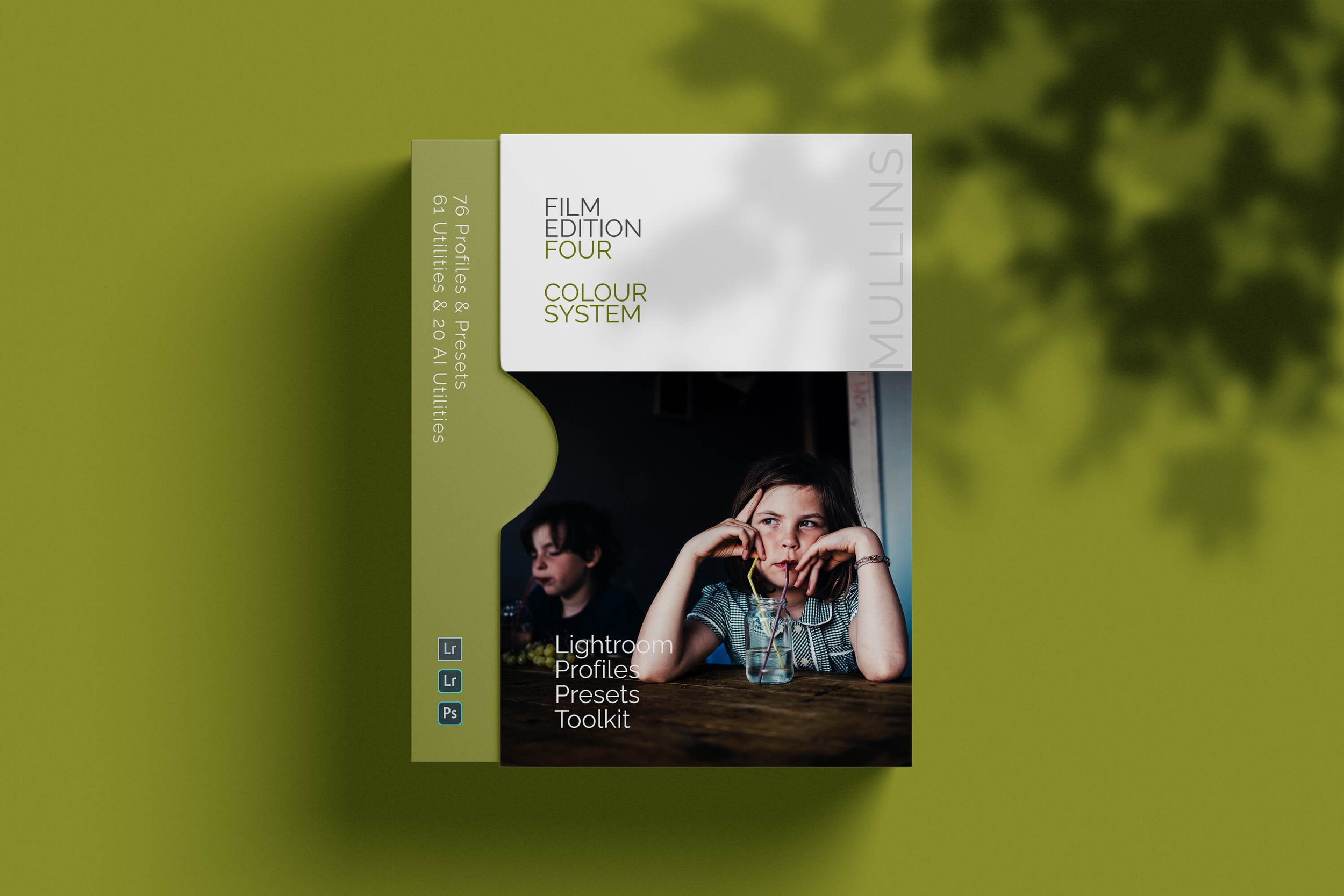
A complete colour Profile, Preset & Workflow Pack for Lightroom
Film Edition 4 - Colour is a structured colour preset and profile pack for Lightroom, designed to help you create rich, film-inspired edits with consistency, depth, and subtlety. It combines handcrafted colour presets, custom base-level profiles, workflow utilities, AI tools, and technical adjustment tools into one complete editing system.
This is not a simple preset pack built around slider shifts. It is designed to give your images the tonal response, colour feel, grain character, and atmosphere associated with classic colour film, while still fitting into a modern Lightroom workflow. The page positions it around analogue-inspired looks, supported by profiles that work at the profile stage rather than simply layering colour on top.
If you edit regularly in Lightroom, you already know the problem. You want colour that feels intentional, not trendy or overcooked, but you also need it to work across different scenes and lighting conditions. This pack is built to help you move quickly while still keeping control. The profiles give you a strong starting point, the presets build on that foundation, and the included utilities and tools are there when you need extra refinement.
Built for speed and consistency
Fast workflow with fewer decisions and clearer starting points
Film-inspired colour with depth, subtle contrast, and natural tonal transitions
Flexible profiles that can be used on their own or as the base for a full preset edit
Useful workflow, AI, and technical adjustment tools for real-world Lightroom editing
What’s included
63 handcrafted colour presets
13 custom-built colour base profiles
Time-saving editing utilities
AI Utilities for Lightroom Classic, CC, and Cloud
Technical Adjustment Tools for better control over tone, contrast, and colour
Compatibility
Built for Lightroom Classic, CC, and Cloud, with AI Utilities included for supported Lightroom versions.
3 for 2 offer
All preset packs are included in the 3-for-2 offer. Add any three preset packs to your basket, and the cheapest one is free at checkout.

A complete colour and black and white Profile, Preset & Workflow Bundle for Lightroom
Film Edition 4 Bundle brings together both Film Edition 4 Colour and Film Edition 4 Monochrome in one package, giving you the full FE4 system for photographers who want a film-inspired Lightroom workflow in both colour and black and white. It is designed for people who want more than a handful of looks, with profiles, presets, utilities, AI tools, and technical adjustment tools all working together as one complete editing toolkit.
This is not a simple bundle of slider-based presets. The Colour pack is built around 63 handcrafted colour presets and 13 custom colour base profiles, while the Monochrome pack includes 65 handcrafted black-and-white presets and 15 custom monochrome base profiles. Both packs also include time-saving utilities, AI tools for Lightroom, and the newer Technical Adjustment Tools introduced in Edition 4.
If you want the full Film Edition 4 experience, this is the cleanest way to get it. You have the Colour pack for rich, film-inspired edits with subtle tonal transitions and analogue character, and the Monochrome pack for black-and-white work with depth, texture, and strong tonal structure. Together, they give you a more flexible Lightroom workflow that still feels consistent from one shoot to the next.
Built for speed and consistency
Two complete Film Edition 4 packs in one bundle
Colour and monochrome workflows for different editing needs
Custom profiles, presets, utilities, AI tools, and technical adjustment tools included
A better-value way to get the full FE4 system in one purchase
What’s included
63 handcrafted colour presets
13 custom-built colour base profiles
Time-saving editing utilities
AI Utilities for Lightroom Classic, CC, and Cloud
Technical Adjustment Tools for tone, contrast, and colour control
65 handcrafted black and white presets
15 custom-built monochrome base profiles
Time-saving editing utilities
AI-powered tools for Lightroom Classic, CC, and Cloud
Technical Adjustment Utilities for monochrome tone curves, contrast response, and highlight behaviour
Compatibility
Built for Lightroom Classic, CC, and Cloud, with AI tools included for supported Lightroom versions across both packs.
3 for 2 offer
All preset packs are included in the 3-for-2 offer. Add any three preset packs to your basket, and the cheapest one is free at checkout.
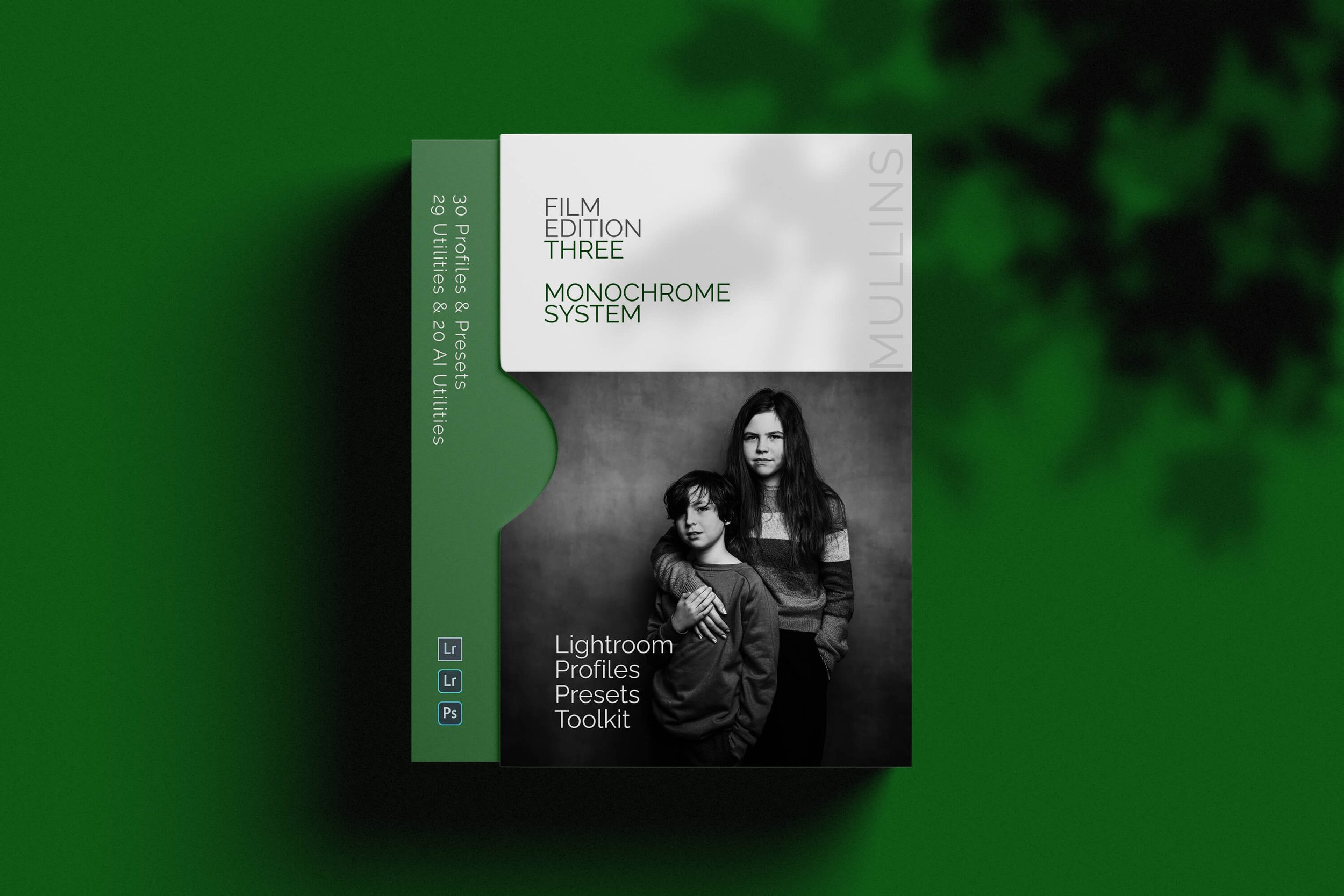
A complete black and white Profile, Preset & Workflow Pack for Lightroom
Film Edition 3 - Monochrome is a structured black-and-white preset and profile pack for Lightroom, designed to help you create expressive monochrome edits with consistency, speed, and a stronger tonal foundation. It combines handcrafted monochrome presets, detail-accurate base profiles, workflow utilities, and AI tools into one complete editing system.
This is not a simple desaturation pack or a bundle of slider tweaks. The presets are built around carefully crafted Look-Up-Table profiles, giving each image a stronger starting point than a preset-only workflow. The page positions Film Edition 3 as a fresh collection, distinct from the earlier packs, with a more developed monochrome system and a wider supporting toolset.
If you edit regularly in Lightroom, you already know the problem. You want black and white work to feel deliberate, rich, and film-inspired, but you also need it to behave well across different scenes and subjects. This pack is designed to help you move quickly while keeping your edits cohesive. The base profiles give you the tonal starting point, the presets build from that, and the utilities and AI tools are there when you need extra control.
Built for speed and consistency
Fast workflow with fewer decisions and clearer starting points
Film-inspired monochrome tonality with depth, contrast, and character
Flexible base profiles that can be used on their own or as the foundation for a full preset edit
Useful utilities and AI tools for real-world Lightroom editing
What’s included
21 handcrafted monochrome presets
9 detail-accurate base-level monochrome profiles
29 workflow utilities
19 AI Utilities for supported versions of Lightroom
Works with any camera brand
Compatibility
Built for Lightroom Classic, CC and Cloud. The page also notes that the AI Utilities require an up-to-date version of Lightroom CC.
3 for 2 offer
All preset packs are included in the 3-for-2 offer. Add any three preset packs to your basket, and the cheapest one is free at checkout.
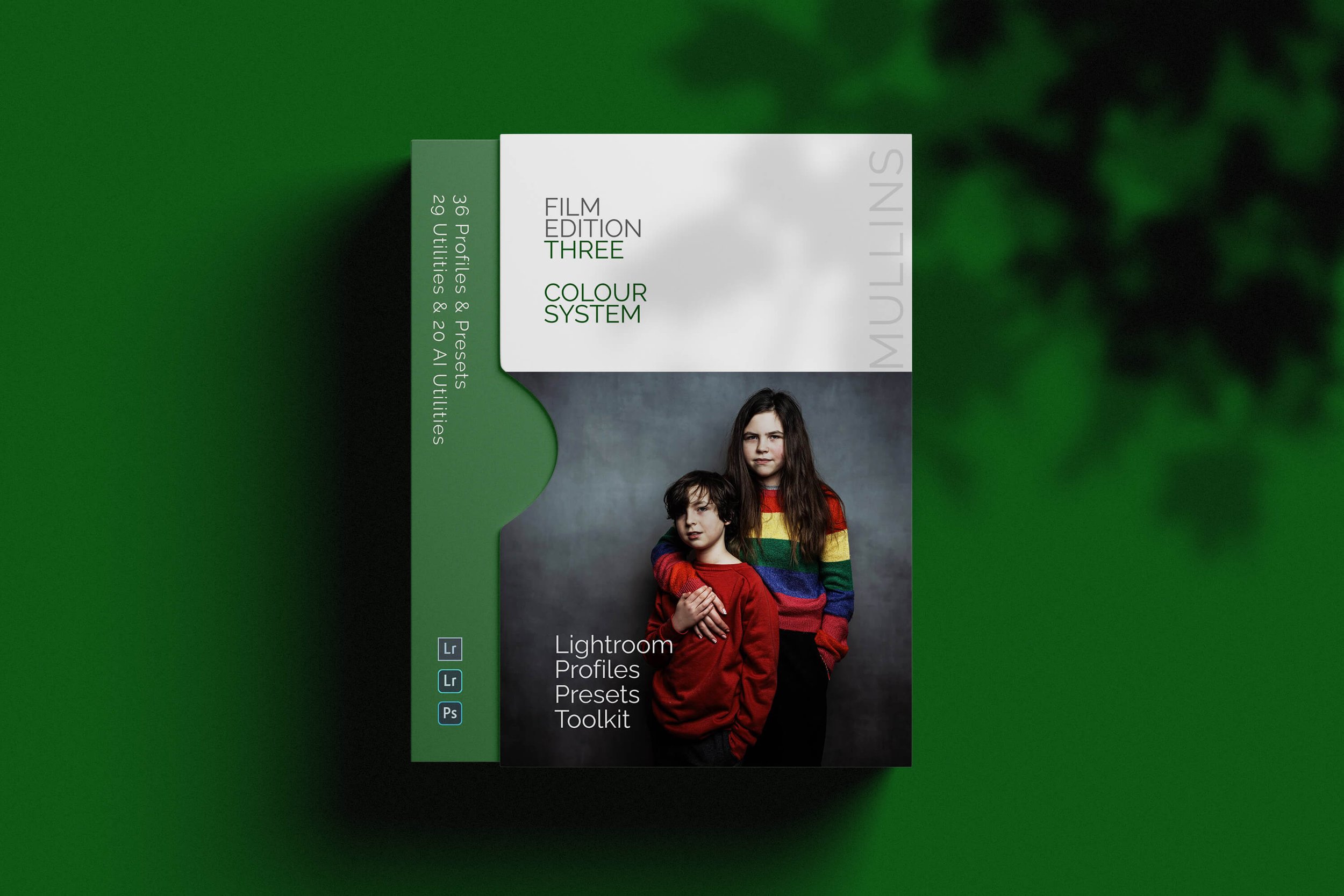
A complete colour Profile, Preset & Workflow Pack for Lightroom
Film Edition 3 - Colour is a structured colour preset and profile pack for Lightroom, designed to help you create rich, film-inspired edits with consistency, speed, and a more refined tonal foundation. It combines handcrafted colour presets, detail-accurate base profiles, workflow utilities, and AI tools into one complete editing system.
This is not a simple slider-based preset pack. The presets are built around custom Look-Up-Table profiles, giving each edit a stronger starting point than a normal preset-only workflow. The page positions Film Edition 3 as a fresh collection, distinct from the earlier packs, with a more developed colour system and a broader set of supporting tools.
If you edit regularly in Lightroom, you already know the problem. You want colour that feels intentional and film-inspired, but you also need it to work across different scenes without becoming fiddly or slow. This pack is designed to help you move quickly while keeping your edits cohesive. The base profiles give you the tonal and colour foundation first, the presets build from that, and the utilities and AI tools are there when you need extra control.
Built for speed and consistency
Fast workflow with fewer decisions and clearer starting points
Film-inspired colour with depth, richness, and more natural tonal transitions
Flexible base profiles that can be used on their own or as the foundation for a full preset edit
Useful utilities and AI tools for real-world Lightroom editing
What’s included
20 handcrafted colour presets
16 detail-accurate base-level colour profiles
29 workflow utilities
19 AI Utilities for supported versions of Lightroom
Works with any camera brand
Compatibility
Built for Lightroom Classic, CC and Cloud. The page also notes that the AI Utilities require an up-to-date version of Lightroom CC.
3 for 2 offer
All preset packs are included in the 3-for-2 offer. Add any three preset packs to your basket, and the cheapest one is free at checkout.

A complete colour and black and white Profile, Preset & Workflow Bundle for Lightroom
Film Edition 3 Bundle brings together both Film Edition 3 Colour and Film Edition 3 Monochrome in one package, giving you the full FE3 system for photographers who want a film-inspired Lightroom workflow in both colour and black and white. It is designed for people who want more than a handful of looks, with profiles, presets, workflow utilities, and AI tools all working together as one complete editing toolkit.
This is not a simple bundle of slider-based presets. The Colour pack includes 20 handcrafted colour presets and 16 detail-accurate base-level profiles, while the Monochrome pack includes 21 handcrafted monochrome presets and 9 detail-accurate base-level monochrome profiles. Both packs also include 29 workflow utilities and 19 AI Utilities, giving you a broader editing system rather than just a set of looks.
If you want the full Film Edition 3 experience, this is the cleanest way to get it. You have the Colour pack for rich, film-inspired edits with depth and tonal subtlety, and the Monochrome pack for black-and-white work with contrast, character, and a stronger tonal foundation. Together, they give you a more flexible Lightroom workflow that still feels consistent from one shoot to the next.
Built for speed and consistency
Two complete Film Edition 3 packs in one bundle
Colour and monochrome workflows for different editing needs
Custom profiles, presets, utilities, and AI tools included
A better-value way to get the full FE3 system in one purchase
What’s included
20 handcrafted colour presets
16 detail-accurate base-level colour profiles
29 workflow utilities
19 AI Utilities
Works with any camera brand
21 handcrafted monochrome presets
9 detail-accurate base-level monochrome profiles
29 workflow utilities
19 AI Utilities
Works with any camera brand
3 for 2 offer
All preset packs are included in the 3-for-2 offer. Add any three preset packs to your basket, and the cheapest one is free at checkout.
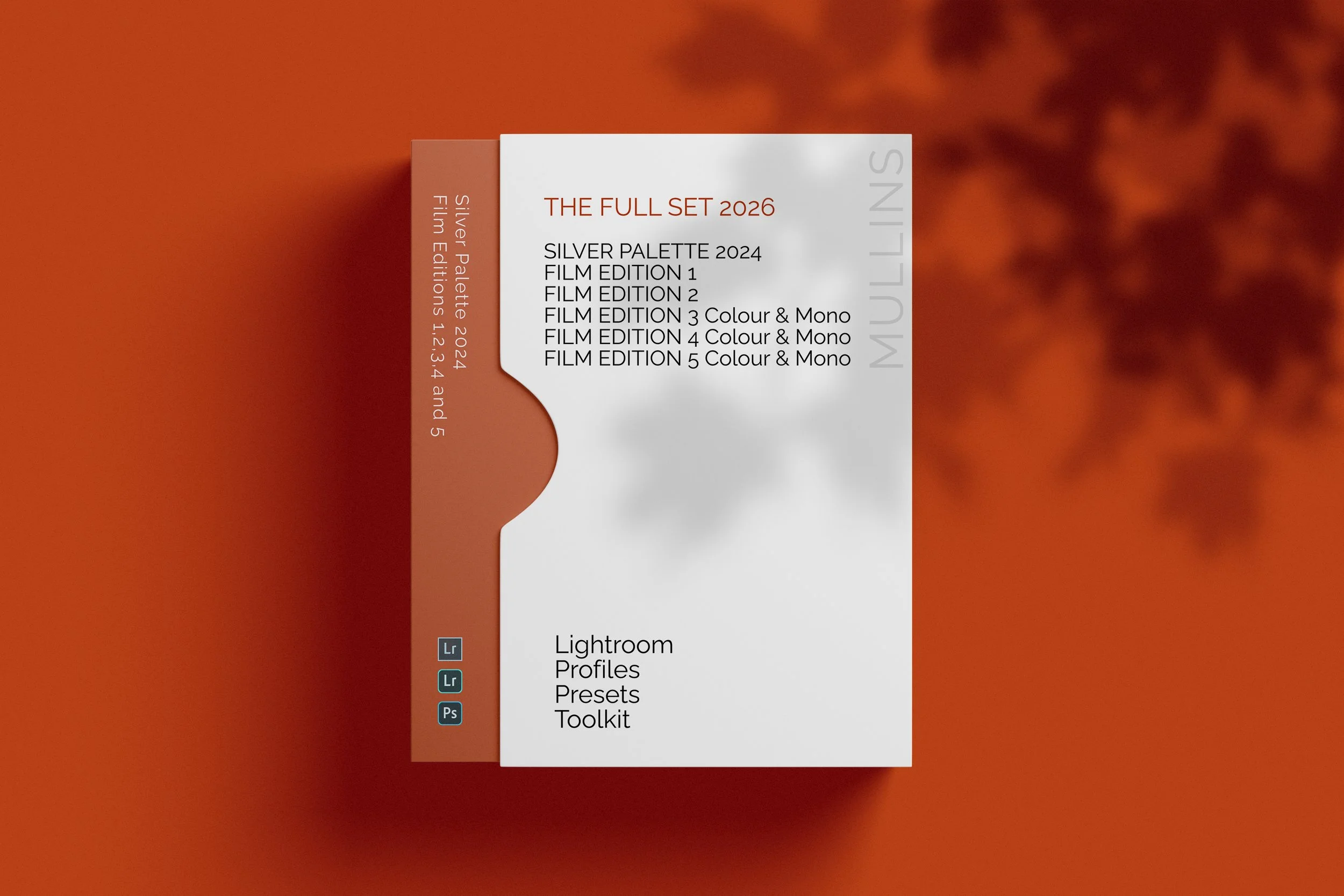
The complete preset collection for Lightroom.
The Full Collection (2026 Edition) brings together the complete Film Edition range from Editions 1 to 5, plus Silver Palette 2024, giving you the broadest preset and profile collection currently available across the Kevin Mullins Presets range. It is designed for photographers who want the full system rather than a single pack, with colour, monochrome, classic editions, workflow packs, utilities, and AI tools all in one place.
This is more than a bundle of slider-based presets. Across the range, these packs are built around custom-designed LUT-based profiles and practical workflow tools, so you can move between different editing styles while still keeping your process consistent. Some packs are more classic and film-emulation-driven, while Film Edition 5 adds a newer profile-first workflow with Toolkit and AI support.
If you want the widest possible choice across your editing, this is the collection that gives you that. You have the earlier Film Edition packs for a broader mix of established looks, Silver Palette 2024 for monochrome work, Film Edition 4 in both colour and black-and-white, and the newer Film Edition 5 Workflow Series packs for a more structured editing workflow. The live page also states that the full suite of Utilities and AI Utilities is included.
Built for speed and flexibility
The widest preset collection in the range
Includes both colour and monochrome packs
Combines classic film-style packs with the newer FE5 workflow system
Includes Utilities and AI Utilities for more control when you need them
What’s included
Film Edition 5 - Workflow Series (Monochrome)
Full suite of Utilities and AI Utilities
3 for 2 offer
All preset packs are included in the 3-for-2 offer. Buy any two preset packs and get a third free, with the discount applied automatically at checkout.
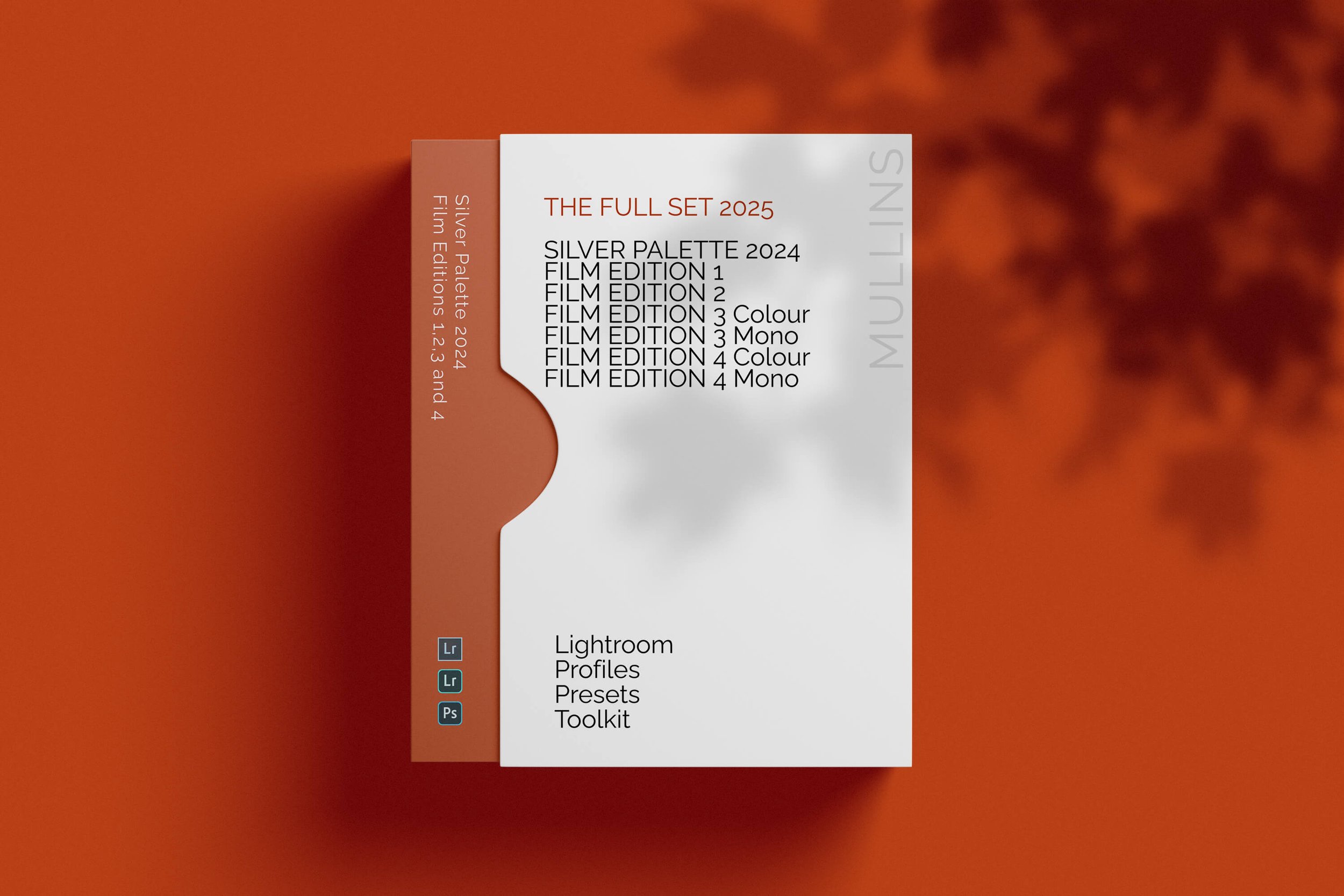
The most complete collection of Kevin Mullins Presets to date
Collection (Editions 1-4 + Silver Palette) brings together the full preset range from Film Edition 1 through to Film Edition 4, plus Silver Palette 2024, giving you a broad mix of colour and monochrome tools across the Kevin Mullins Presets range.
This is more than a bundle of slider-based presets. Across the collection, these packs are built around custom-designed Colour Look Up Tables, profile-based processes, and practical workflow tools, giving you a more refined editing system than a simple preset-only approach. It is a strong choice for photographers who want the widest possible spread of Kevin Mullins preset packs in one place.
If you want maximum flexibility across your editing, this is the collection that gives you that. You have the original Film Edition packs, the expanded Film Edition 3 colour and monochrome sets, the more developed Film Edition 4 packs, and Silver Palette 2024 for a dedicated monochrome option. Together, they give you a flexible Lightroom toolkit that covers a wide range of styles while still feeling cohesive throughout.
Built for speed and flexibility
The broadest collection in the range
Includes both colour and monochrome packs
Combines the original Film Edition releases with the more developed Film Edition 3 and Film Edition 4 packs
Includes Utilities and AI Utilities for more control when you need them
What’s included
Full suite of Utilities and AI Utilities
Compatibility
Because this collection brings together multiple generations of the preset range, compatibility varies slightly by pack. It is best thought of as the complete collection of the earlier Film Edition and Silver Palette releases rather than one single uniform workflow product.
3 for 2 offer
All preset packs are included in the 3-for-2 offer. Buy any two preset packs and get a third free, with the discount applied automatically at checkout.
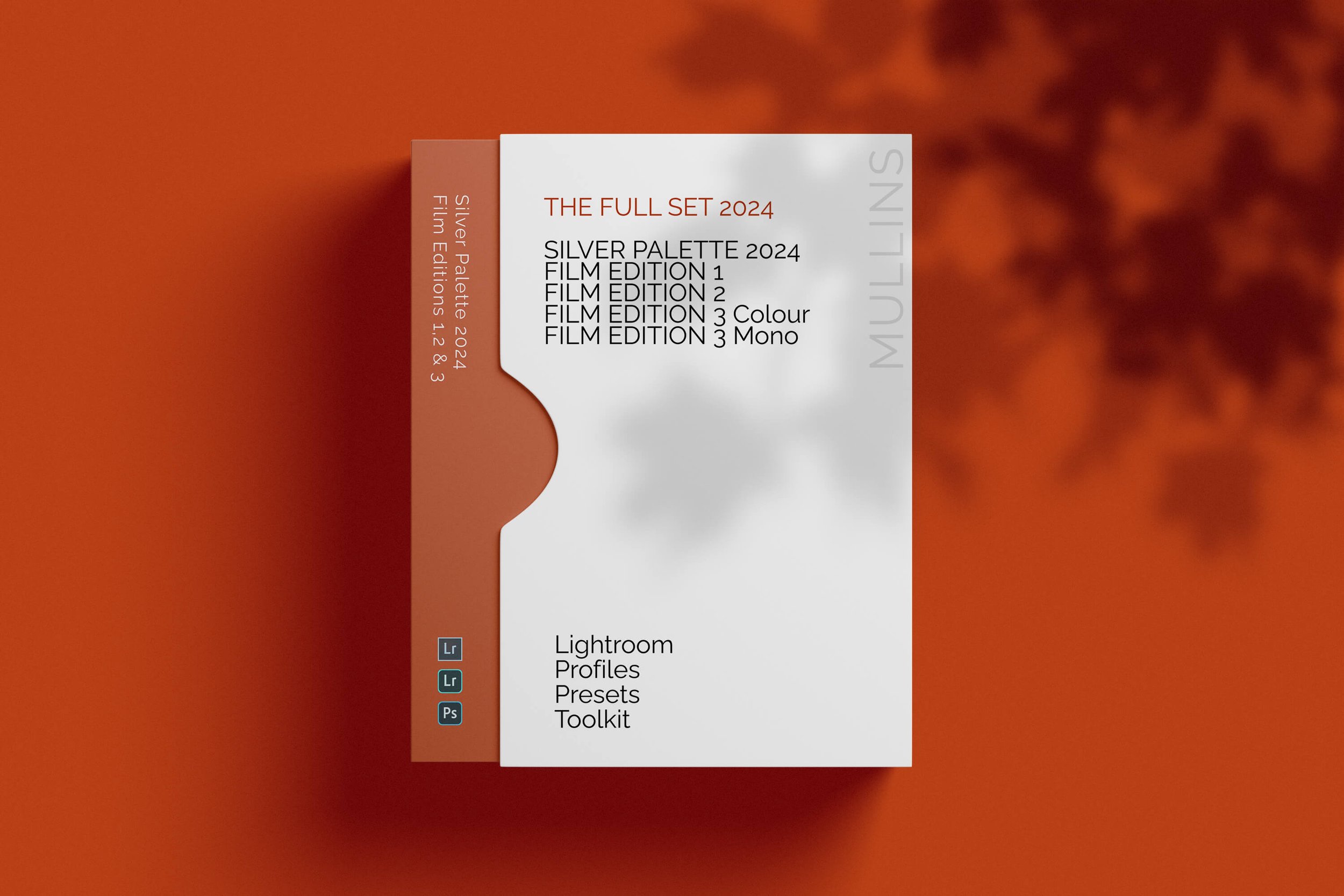
This comprehensive collection includes Film Edition 1, Film Edition 2, Silver Palette 2024, Film Edition 3 Colour, and Film Edition 3 Monochrome — plus the complete set of Utilities and AI Utilities.
Special Offer: Pick 3 Preset Packs – Only Pay for 2! No Code Needed, Discount Applied Automatically.
These are more than just Lightroom Presets. Built on meticulously crafted Colour Look Up Tables, each pack offers a refined editing workflow that goes far beyond simple slider adjustments.
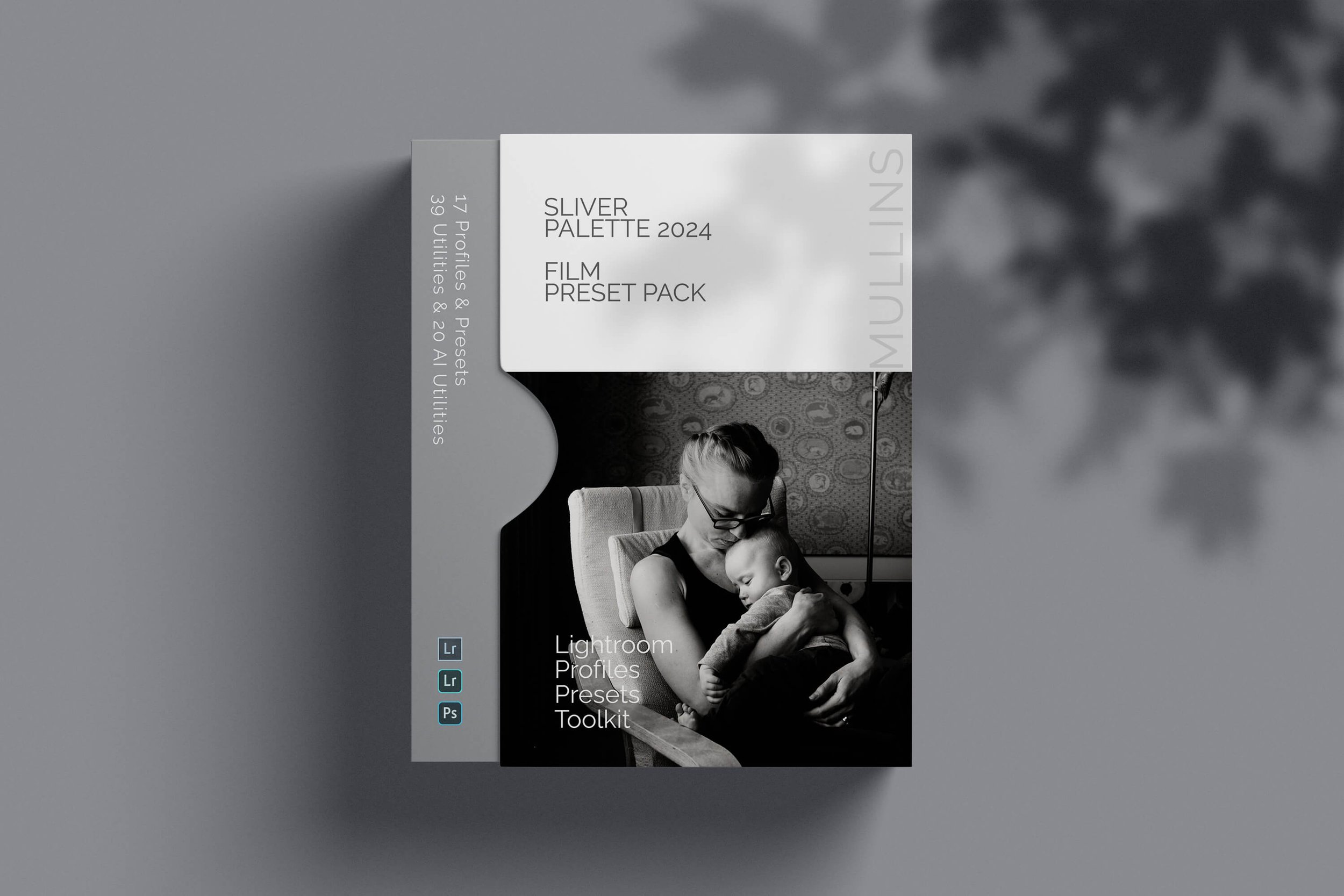
A complete black and white Profile, Preset & Workflow Pack for Lightroom
Silver Palette Edition 1 is a structured monochrome preset and profile pack for Lightroom, designed to help you create film-inspired black-and-white edits with consistency, speed, and subtle character. It combines handcrafted monochrome presets, base-level profiles, workflow utilities, and AI tools into one complete editing system.
This is not a simple desaturation pack or a handful of slider tweaks. The presets are built around carefully crafted Look-Up-Table profiles, giving each image a stronger tonal foundation and a more distinctive monochrome feel from the start. The live page positions Silver Palette as an entirely new monochrome set that pays homage to film photography, while still fitting naturally into a modern Lightroom workflow.
If you edit regularly in Lightroom, you already know the problem. You want black-and-white work to feel intentional, rich, and cohesive, but you also need it to be quick to apply across real-world images. This pack is designed to help you move faster while keeping your edits consistent. The base profiles give you the tonal starting point, the presets build from that, and the included utilities and AI tools are there when you need extra refinement.
Built for speed and consistency
Fast workflow with fewer decisions and clearer starting points
Film-inspired monochrome tonality with depth, contrast, and character
Flexible base profiles that can be used on their own or as the foundation for a full preset edit
Useful utilities and AI tools for real-world Lightroom editing
What’s included
15 handcrafted monochrome presets
2 detail-accurate base-level monochrome profiles
29 workflow utilities
19 AI Utilities for supported versions of Lightroom
Works with any camera brand
Compatibility
Built for Lightroom Classic, CC, and Cloud. The page also notes that the AI Utilities require an up-to-date version of Lightroom CC.
3 for 2 offer
All preset packs are included in the 3-for-2 offer. Add any three preset packs to your basket, and the cheapest one is free at checkout.

A complete foundational Film Edition bundle for Lightroom
Film Edition 1 & 2 Bundle brings together the first two Kevin Mullins Film Edition Lightroom preset collections, giving you the foundational packs that started my film-inspired editing range. It includes a mix of black-and-white looks, colour film styles, profile-based processes, Legends presets, utilities, and noise-reduction tools.
This is not a bundle of random slider-based presets. Both packs are built around carefully crafted, profile-based processes designed to give your images a more natural, film-inspired starting point in Lightroom. Film Edition 1 leans into subtle black-and-white film emulation with bonus colour looks, while Film Edition 2 expands the system with a broader set of colour and monochrome profiles, plus the first Legends presets.
If you want a simple, lower-cost way into the Kevin Mullins Presets range, this bundle is a good starting point. It does not include the newer Film Edition 3, 4, or 5 packs, nor the later AI-powered utilities, but it does give you the original profile-led film workflow that the later collections grew from.
Built for speed and consistency
Two foundational Film Edition packs in one bundle
Includes black and white and colour film-inspired looks
Profile-based processes for a more natural starting point
Workflow utilities and noise reduction tools included
What’s included
8 black-and-white film profile-based processes
5 colour film processes
22 one-click utility workflow tools
6 noise reduction utility tools
Bonus colour processing profiles
Designed mainly for RAW files, with some processes also working on JPEGs
22 colour profiles
21 monochrome profiles
6 Legends of Film presets
22 workflow utility tools
6 noise reduction utility tools
Works on RAW or JPEG files from any camera brand
Compatibility
Built for Adobe Lightroom CC or Adobe Lightroom Classic 7.3 or newer, on both Windows and Mac.
3 for 2 offer
All preset packs are included in the 3-for-2 offer. Add any three preset packs to your basket, and the cheapest one is free at checkout.

A complete film-inspired Profile, Preset & Workflow Pack for Lightroom
Film Edition 2 is a structured Lightroom preset and profile pack designed to help you create film-inspired edits quickly and consistently. Built around a broader mix of colour looks, monochrome styles, Legends presets, and practical workflow tools, it gives you a flexible editing system rather than a handful of isolated preset effects.
This is not a random collection of slider-based presets. The live page positions Film Edition 2 as a more advanced follow-on from Film Edition 1, with a stronger focus on film stock emulation and a new modular approach to building your own look. It also introduces the Legends Presets, which aim to capture the feel of some of your favourite photographers, alongside colour- and monochrome-profile-based processes.
If you edit regularly in Lightroom, you already know the problem. You want variety and character, but you also need the pack to stay practical across a full set of images. Film Edition 2 is built to give you that balance. The profile-based looks give you a strong starting point, while the included utilities and noise-reduction tools help you shape and refine the result without slowing your workflow.
Built for speed and consistency
Film-inspired colour and monochrome looks in one pack
Profile-based processes designed for a stronger starting point
Legends presets included for more creative variation
Workflow utilities and noise reduction tools to keep editing practical and consistent
What’s included
22 colour profiles
21 monochrome profiles
6 Legends of Film presets
22 workflow utility tools
6 noise reduction utility tools
Works on RAW or JPEG files from any camera brand
Compatibility
Built for Adobe Lightroom CC or Adobe Lightroom Classic 7.3 or newer, on both Windows and Mac.
3 for 2 offer
All preset packs are included in the 3-for-2 offer. Add any three preset packs to your basket, and the cheapest one is free at checkout.

A complete film-inspired Profile, Preset & Workflow Pack for Lightroom
Film Edition 1 is a structured Lightroom preset and profile pack designed to help you create film-inspired edits quickly and consistently. Built around carefully crafted profiles and subtle film processes, it combines black-and-white looks, colour film styles, and practical workflow tools in one straightforward editing system.
This is not a random collection of heavy-handed slider presets. The live page describes it as built on colour-critical Look-Up-Table profiles, with monochrome film emulation at its core, and includes a bonus collection of favourite colour-processing profiles as part of the pack. The result is a set of edits that feel more photographic and less synthetic.
If you edit regularly in Lightroom, you already know the problem. You want a film-like finish, but you also want it to be quick to apply and easy to manage across a full set of images. Film Edition 1 is built to give you that balance. The profile-based looks give you a strong starting point, and the included workflow and noise reduction tools help you refine the result without overcomplicating the process.
Built for speed and consistency
Film-inspired black and white and colour looks in one pack
Profile-based processes designed for a more natural starting point
One-click utility tools to keep editing quick and consistent
Noise reduction tools are included for a smoother Lightroom workflow
What’s included
8 black-and-white film profile-based processes
5 colour film processes
22 one-click utility workflow tools
6 noise reduction utility tools
Bonus colour processing profiles
Works primarily on RAW files, with some processes also working on JPEGs
Compatibility
Built for Adobe Lightroom CC or Adobe Lightroom Classic 7.3 or newer, on both Windows and Mac.
3 for 2 offer
All preset packs are included in the 3-for-2 offer. Add any three preset packs to your basket, and the cheapest one is free at checkout.
 Kevin Mullins
Kevin is a documentary photographer and educator with over 800 weddings under his belt and well over 1,000 students taught. He was the first Fujifilm Ambassador for Wedding Photography, an independent Fujifilm X Photographer, and co-host of The FujiCast photography podcast. Through workshops, online courses, and one-to-one mentoring, he helps photographers develop their own voice.
Based in the Cotswolds, he shares work and thoughts on Instagram, Threads and YouTube, and occasionally behind a microphone as a part-time radio DJ. He's a Black-Belt in Judo and British Judo Coach.
A complete black and white Profile, Preset & Workflow Pack for Lightroom
Film Edition 5 - Workflow Series (Monochrome) is a structured set of Lightroom profiles and presets designed to help you achieve a finished monochrome look quickly and consistently.
This is not a random “pick a look and hope” pack. It’s designed as a repeatable workflow you can run on a full set of images, with fixes and finishing tools when you need them.
If you edit regularly in Lightroom, you already know the problem. You want a strong black-and-white style, but you also need it to behave consistently across different scenes, lighting conditions, and subjects. This pack is designed to help you move fast without the work looking rushed.
You start with one of the custom monochrome profiles to establish the tonal foundation, then shape the image with workflow presets that are designed to work with that profile rather than fight against it. From there, you can use the included Toolkit for things like AI masking, grain, curves, highlight control, sharpening, finishing touches, and everyday problem-solving inside Lightroom. The product page positions the pack exactly this way, with the profile first, workflow second, then utilities and finishers to refine only when needed.
Built for speed and consistency
If you edit your photos in Lightroom, you already know the problem: you want a strong monochrome style, but you also need it to work across different scenes without constant fighting.
This pack helps you move fast without the work looking rushed.
Fast workflow: fewer decisions, clearer steps.
Consistent results: the set hangs together as a series.
Film-inspired tonality: depth, shape, and texture without the “preset look”.
Useful fixes included: real-world Lightroom problems, solved quickly.
What’s included
11 custom monochrome profiles
20 one-click presets
128 Mullins Lightroom Toolkit presets, including AI masks, fixes, utilities, grain, tone curves, colour helpers, sharpening and finishers
Compatibility
Works with Lightroom Classic and Lightroom Desktop. AI Mask presets require Lightroom Classic 11.0+ or Lightroom Desktop 5.0+.
Three for Two Offer
All preset packs are included in the 3-for-2 offer. Add any three preset packs to your basket, and the cheapest one is free at checkout.