

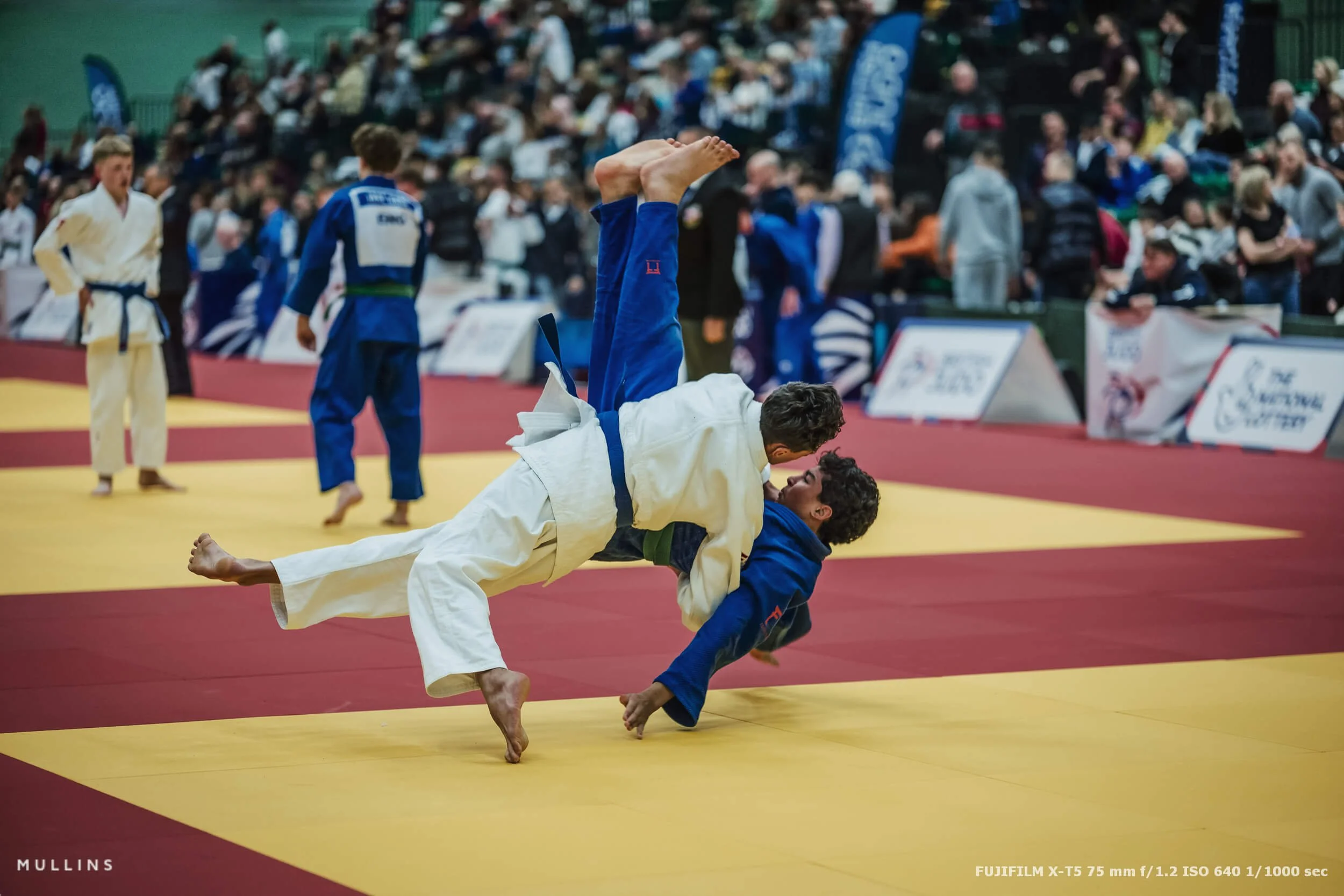
Quick event summary
The British Judo Championships 2025 ran across Saturday 13 and Sunday 14 December 2025 at the David Ross Sports Village, University of Nottingham. The weekend was split across age groups, with Cadets and Juniors on the Saturday, then Pre-Cadets and Seniors on the Sunday.
It was a packed weekend, with hundreds of athletes from clubs across Great Britain.
Why I wanted to shoot this properly
I wasn’t there as a spectator with a camera. I was there as part of the official British Judo media team, working alongside my friend and sports photography mentor, Mike Varey.
Judo, more than a lot of sports, punishes lazy photography. If you don’t understand what’s unfolding, you’ll always be half a second late.
Judo is my sport
I love it, so it’s a lovely opportunity for me to photograph it properly when I get the chance.
If you’re interested in giving judo a go, I’m a 1st Dan black belt coach at Cirencester Judo Club.
Everybody is welcome. Come along any Monday or Wednesday at 7:30pm - no experience necessary, and all ages welcome.
The kit I used (and why)
Most of my frames were on the Fujifilm X-T5, with a smattering of GFX100S, which I’ve used for sports photography before.
The X-T5 did the heavy lifting because it’s fast, responsive, and well-suited to indoor sport, where things can switch from “nothing happening” to “ippon” in a blink.
The GFX100S came out when I wanted a different feel, usually when the pace slowed just enough to be more deliberate. Not better, not worse. Just a different look and a different type of frame.
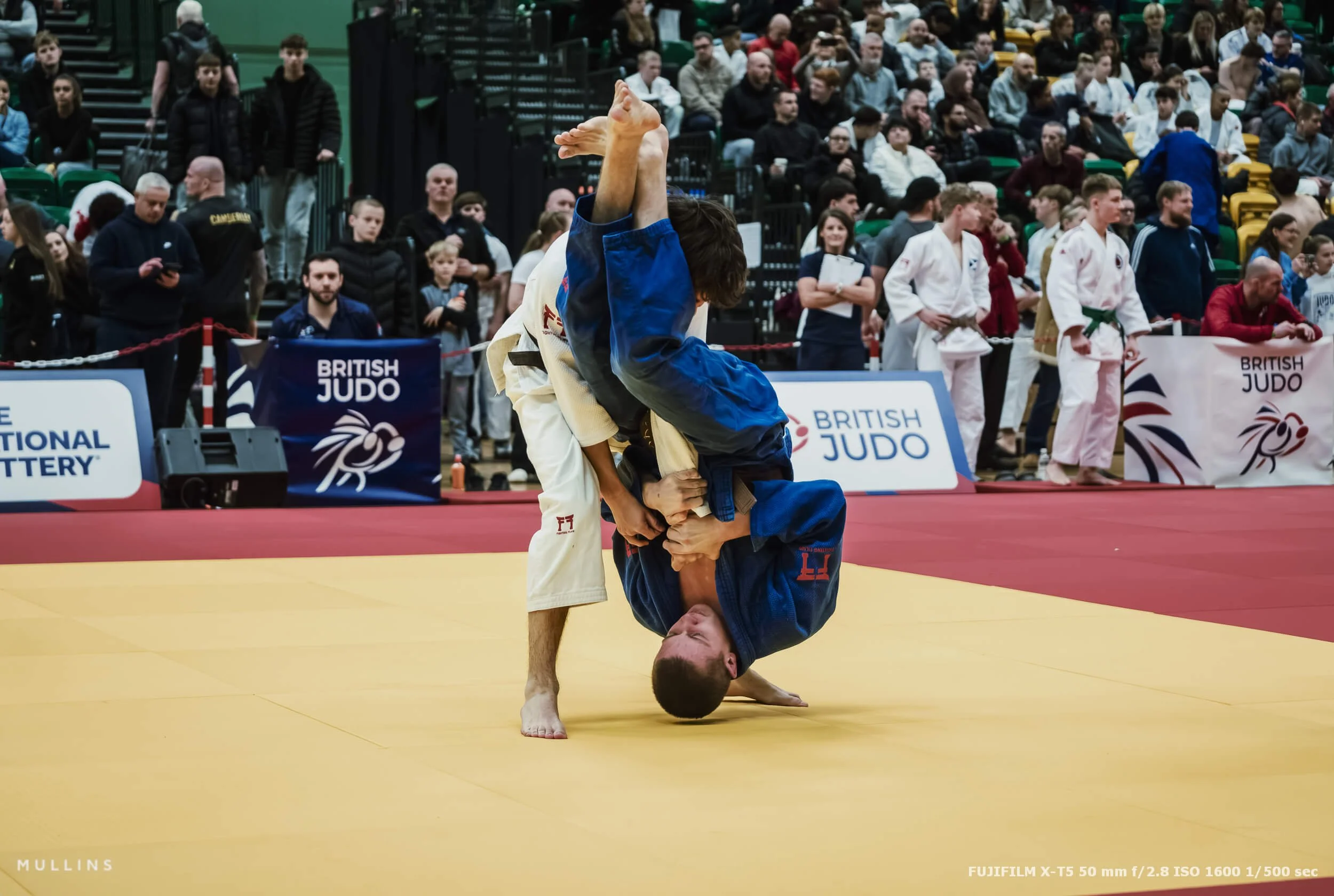
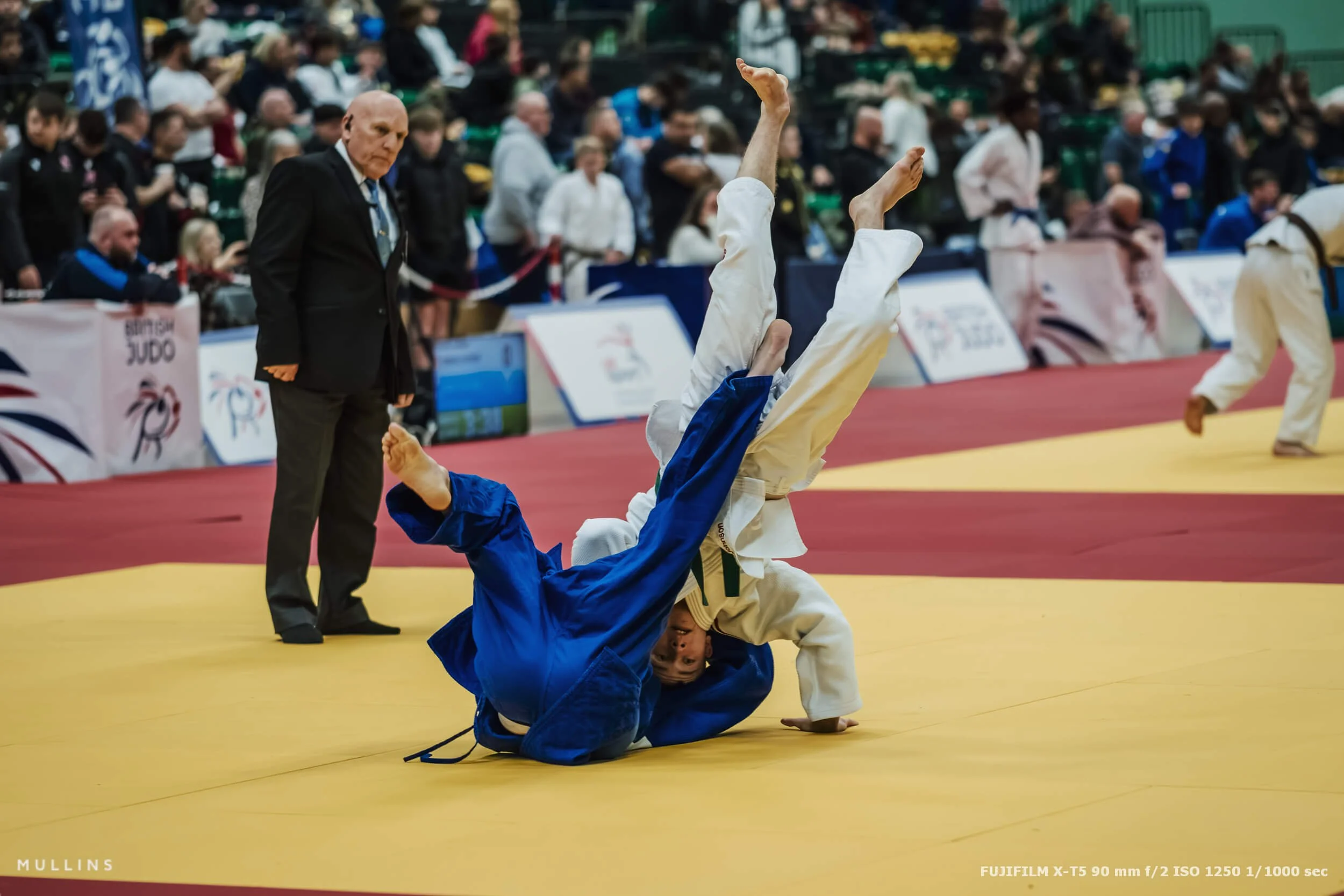
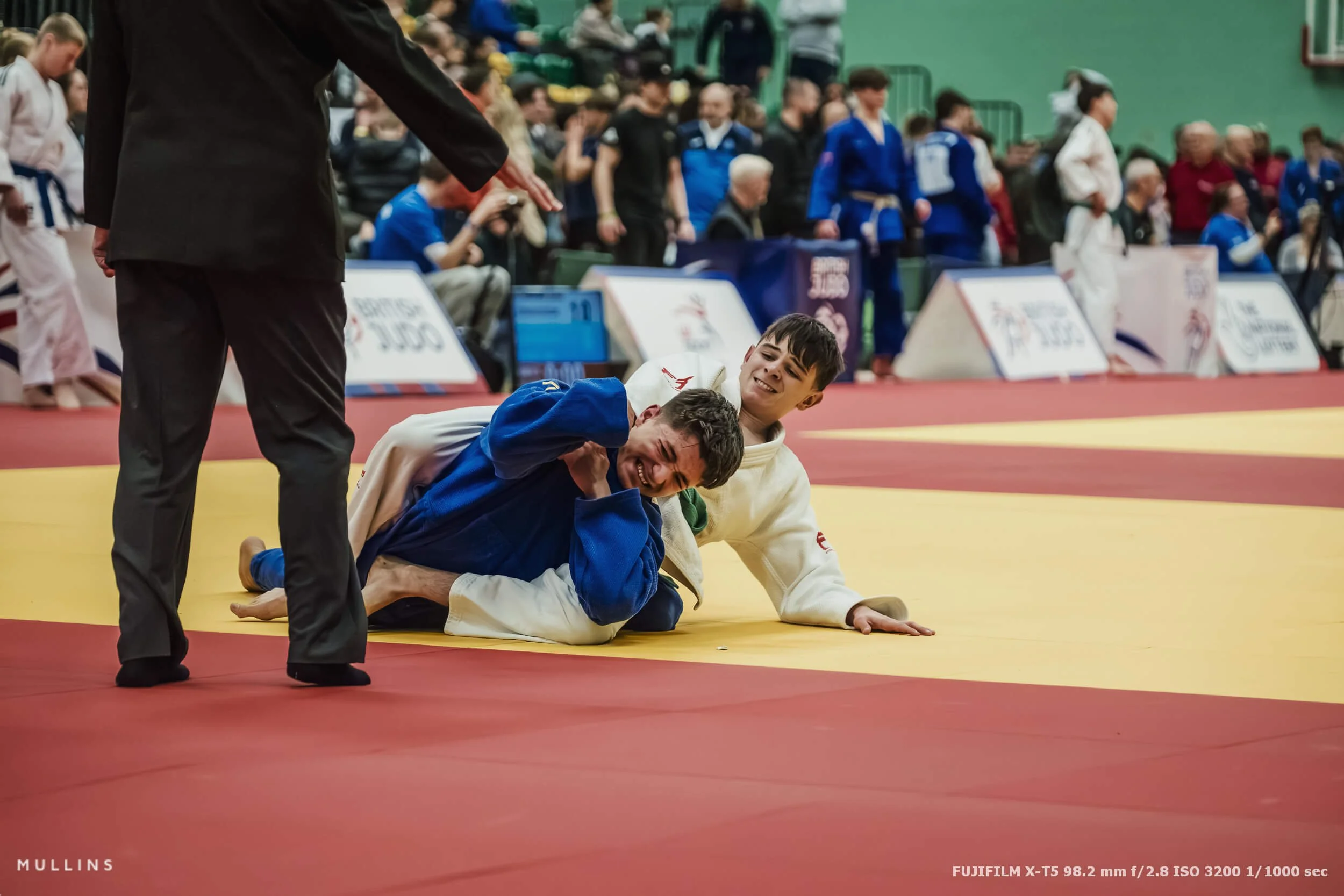
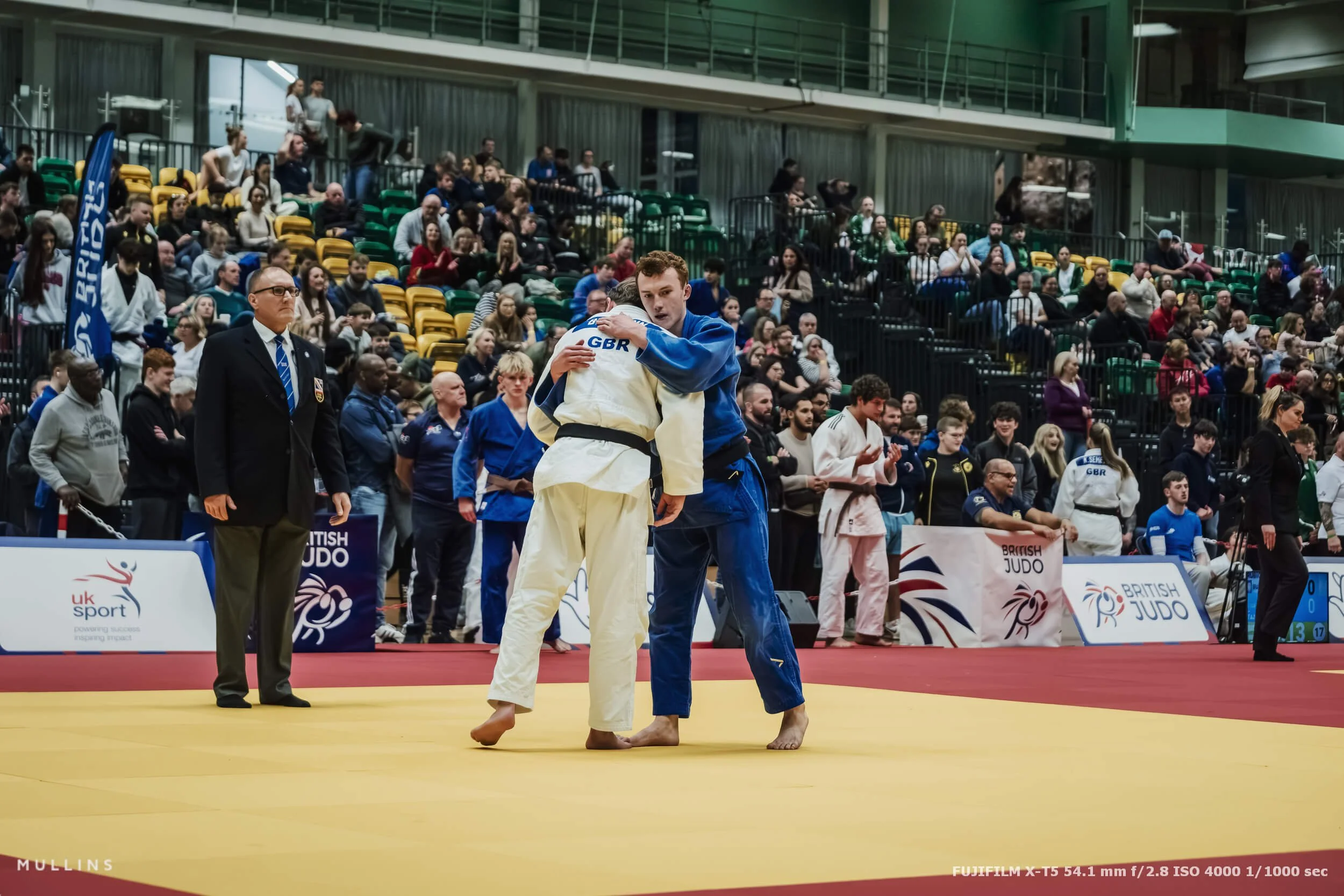
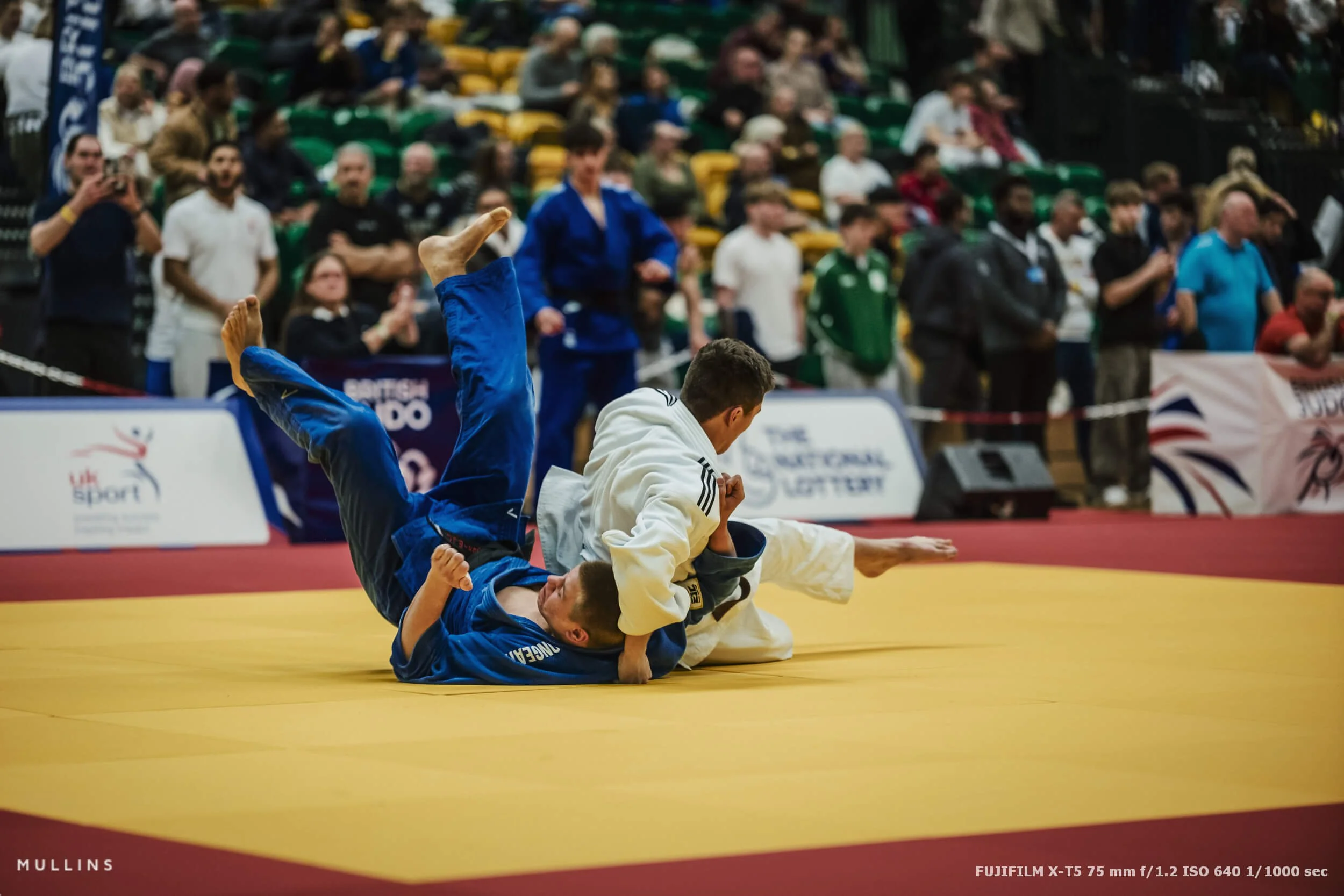
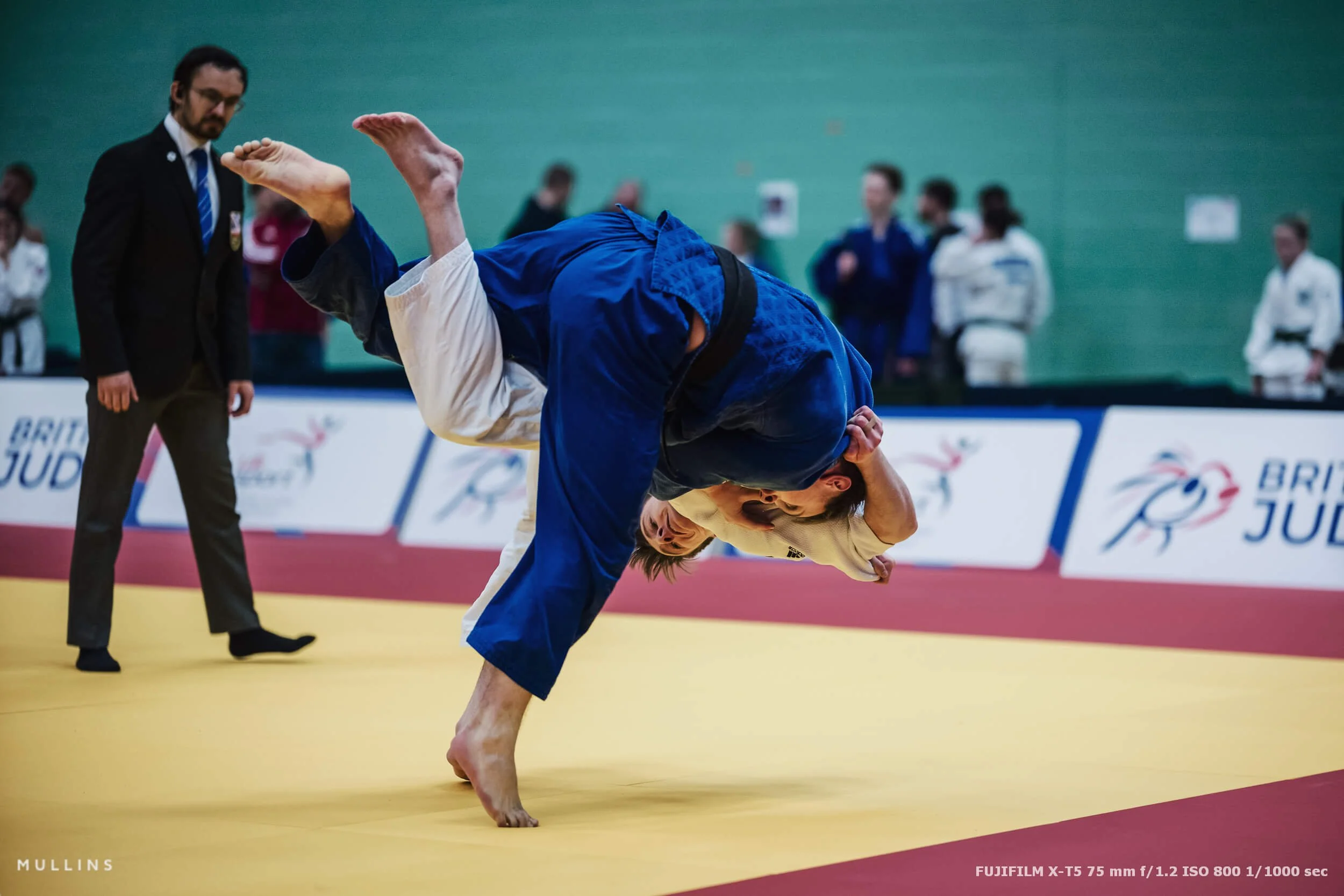
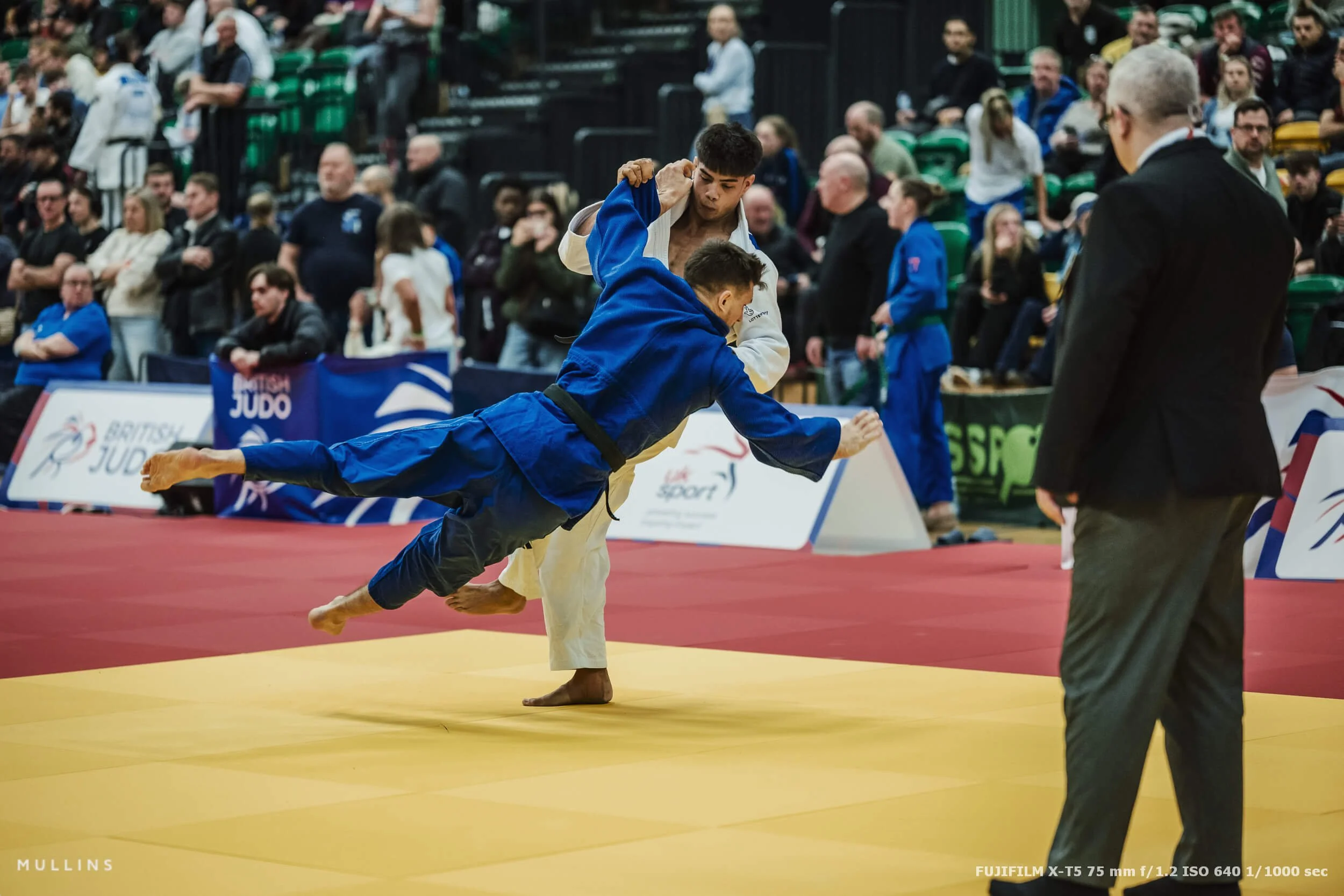
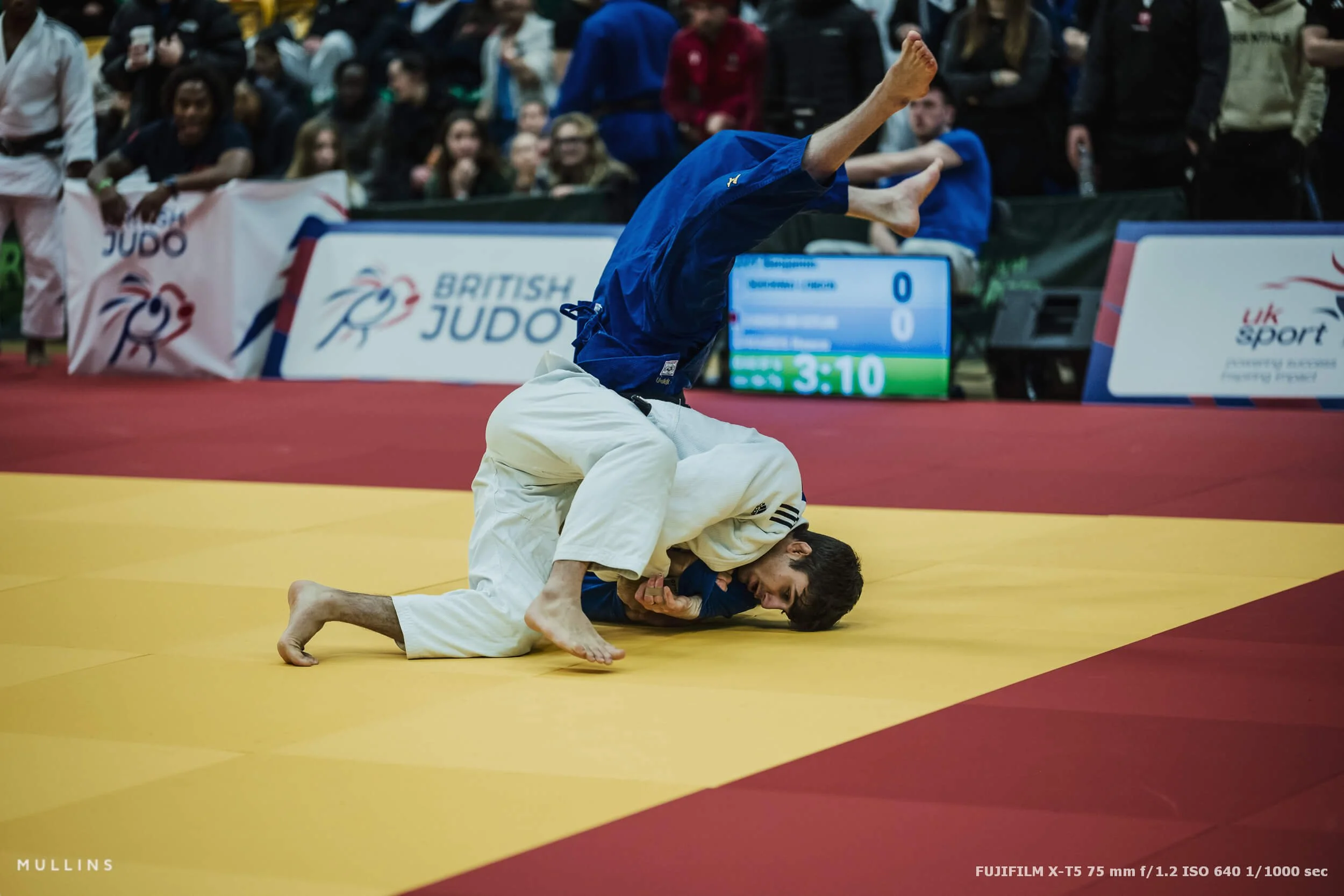
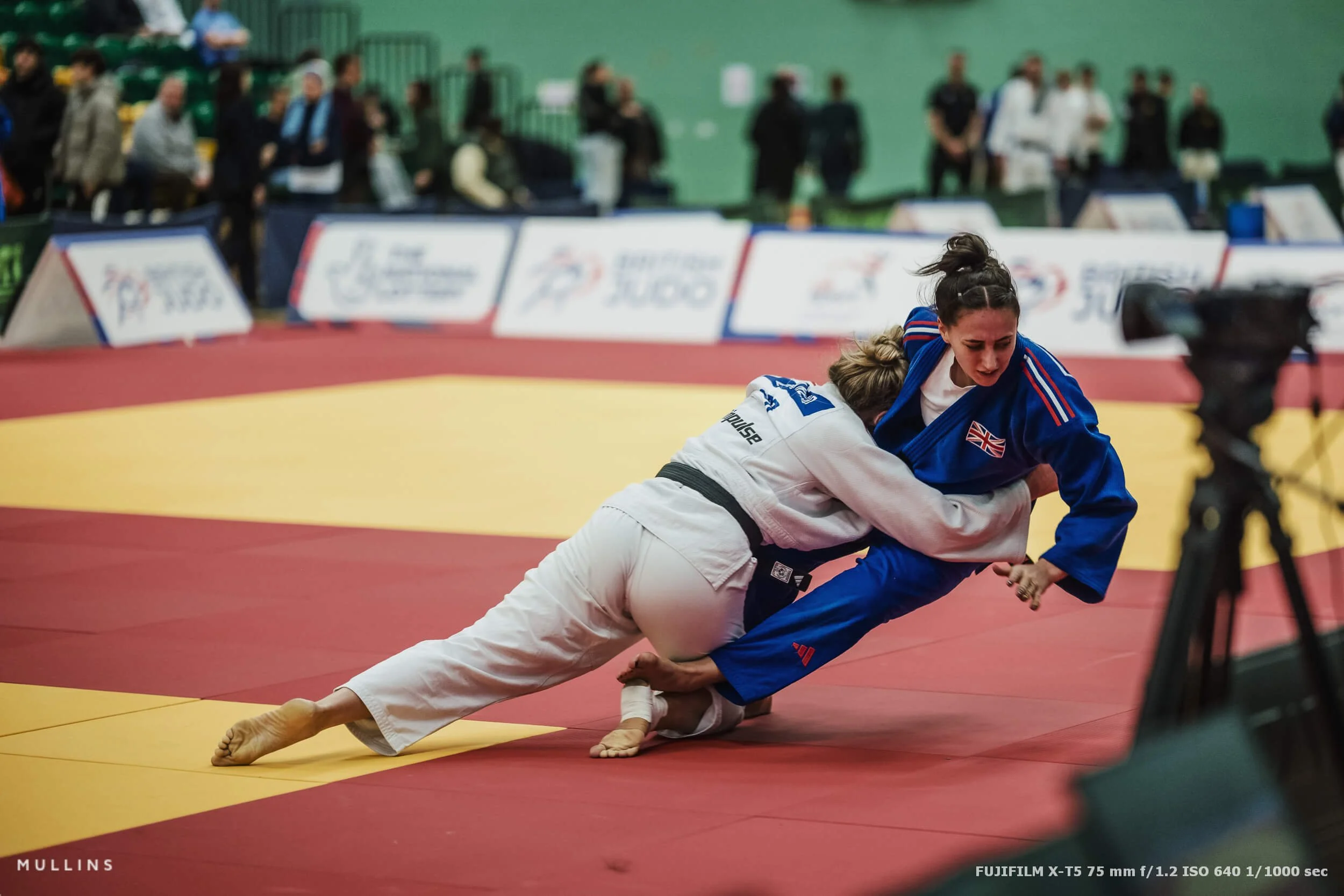
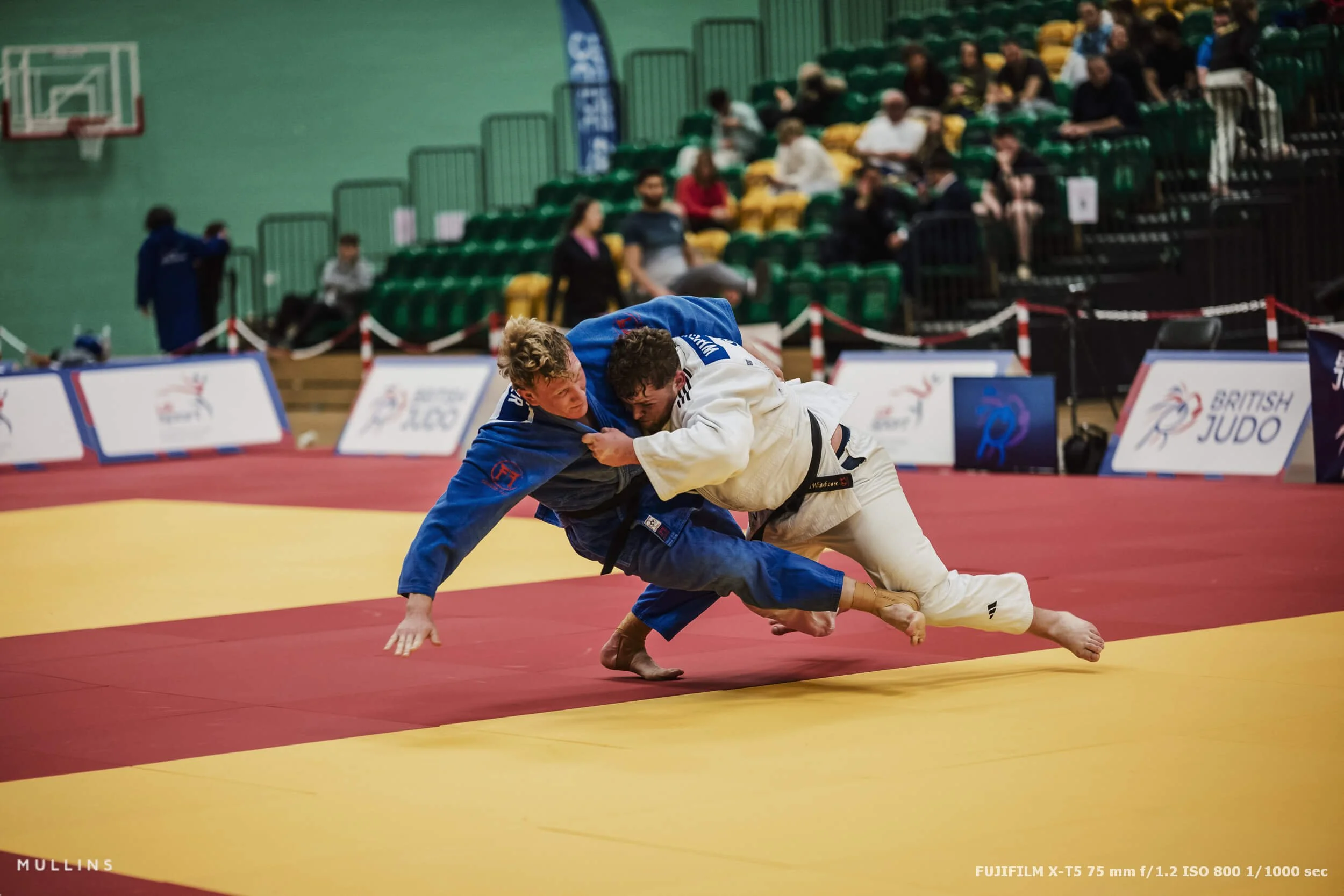
One thing worth mentioning is that the EXIF is visible in the watermarks on the images in this post, so if you’re curious about shutter speed, ISO, focal length, and that sort of thing, it’s all there without me pretending I remember every setting from a two-day event.

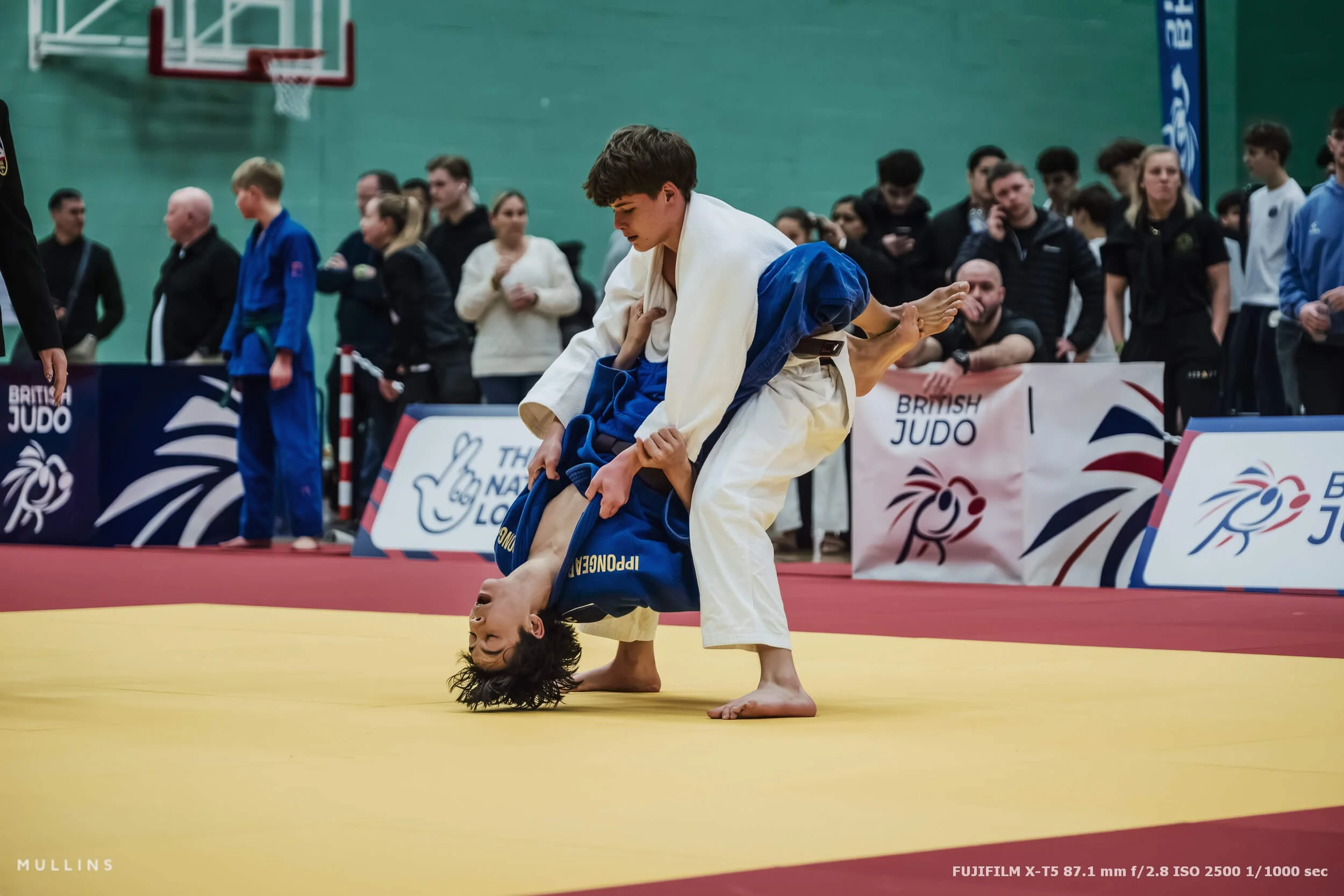
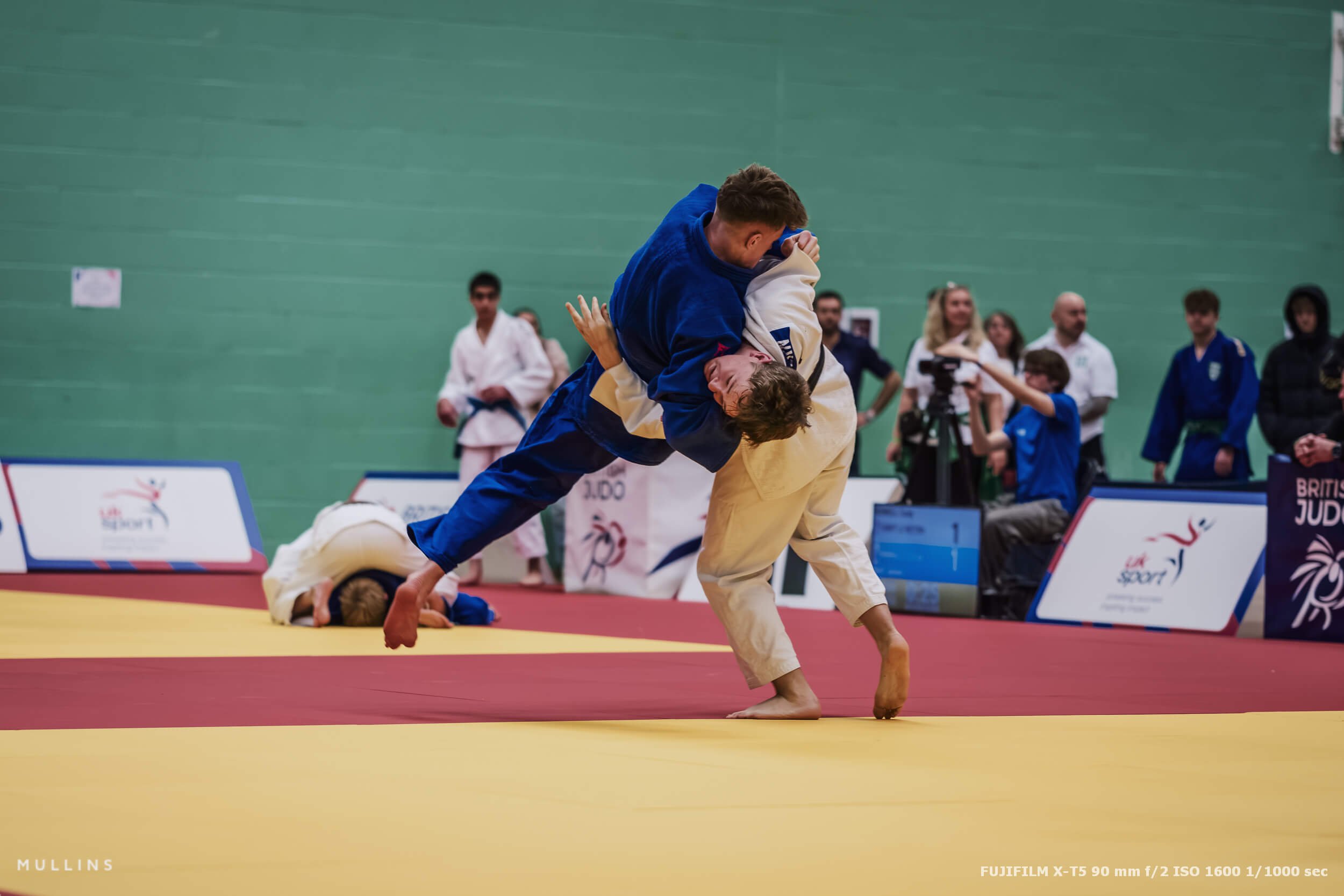
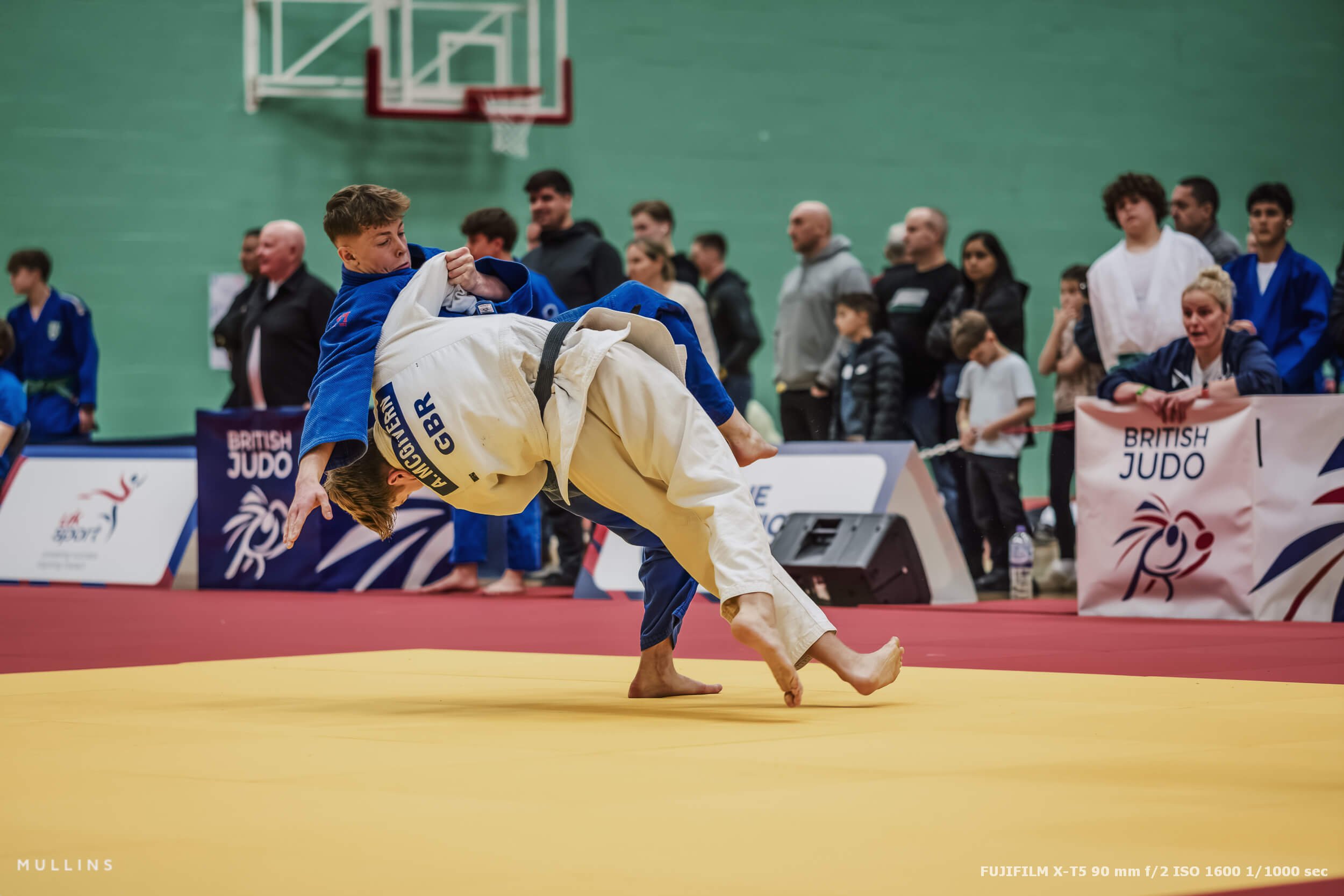
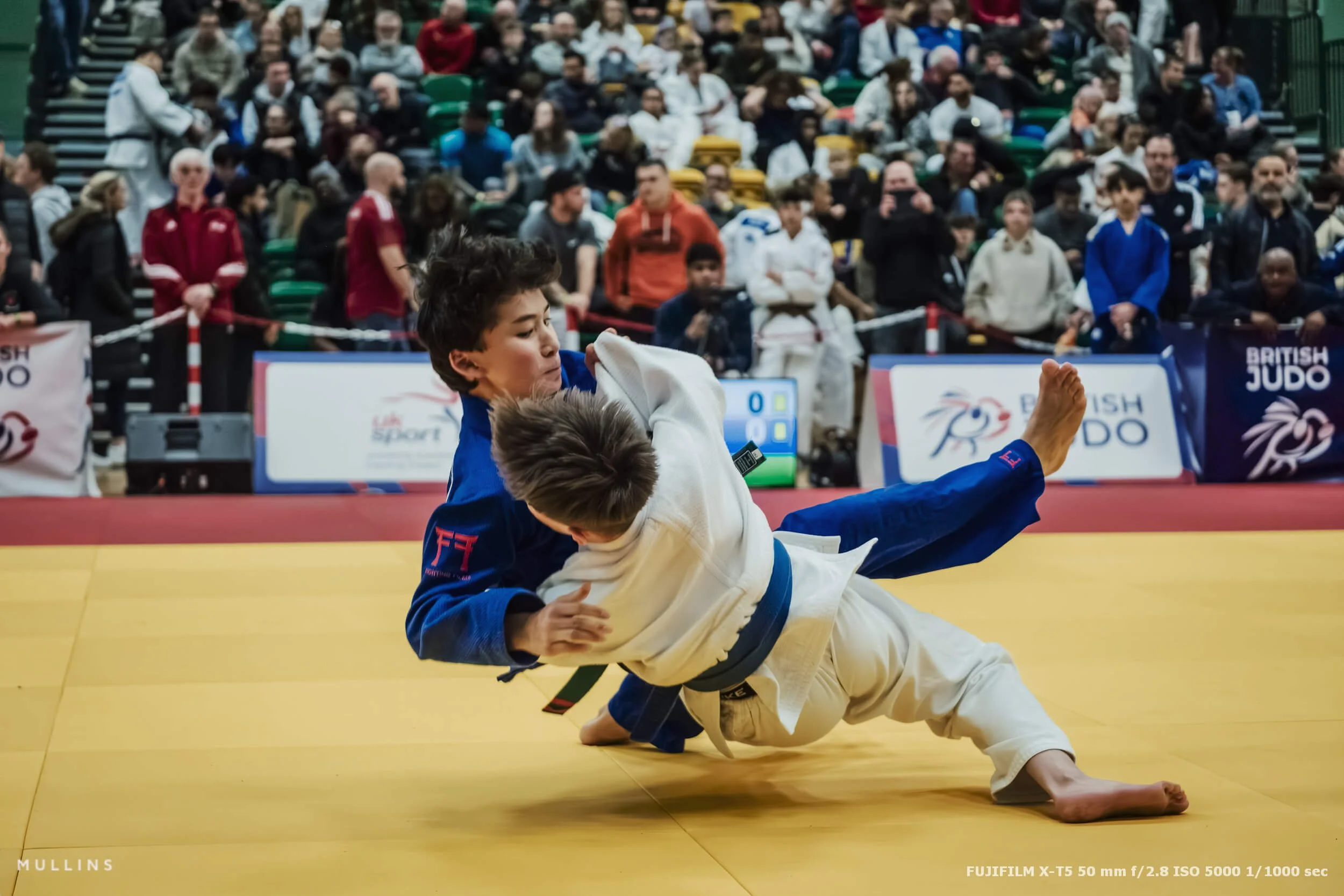
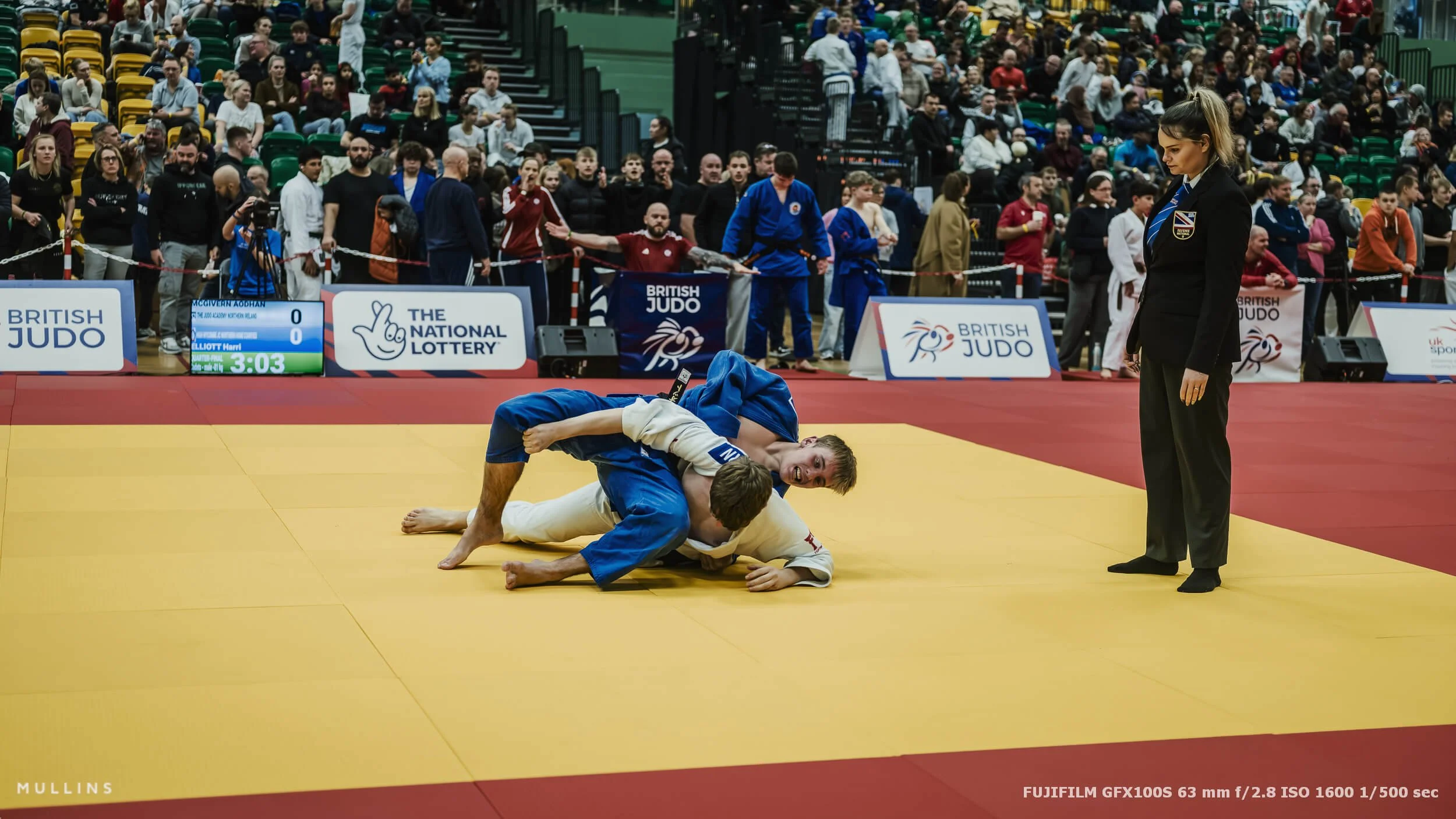
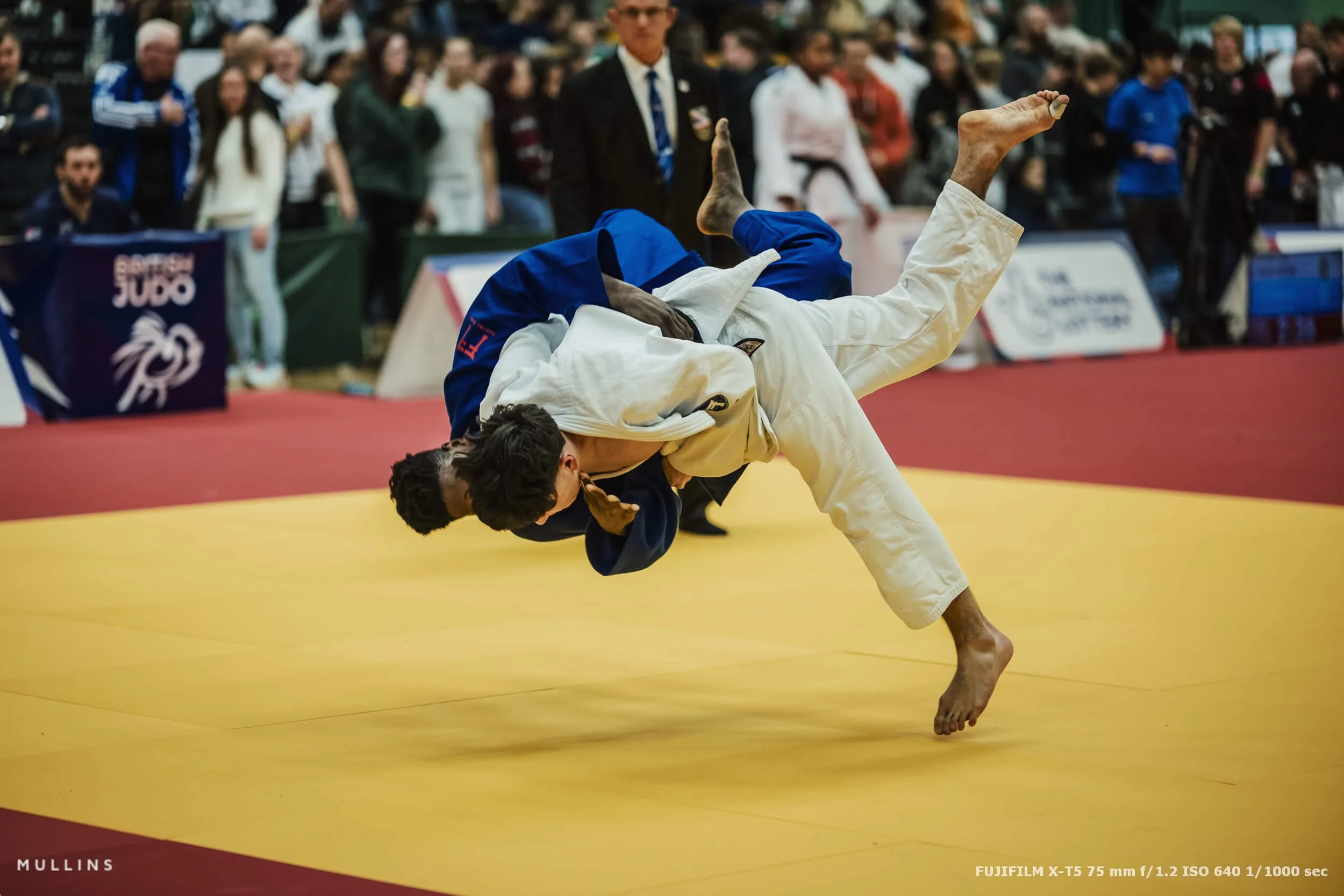
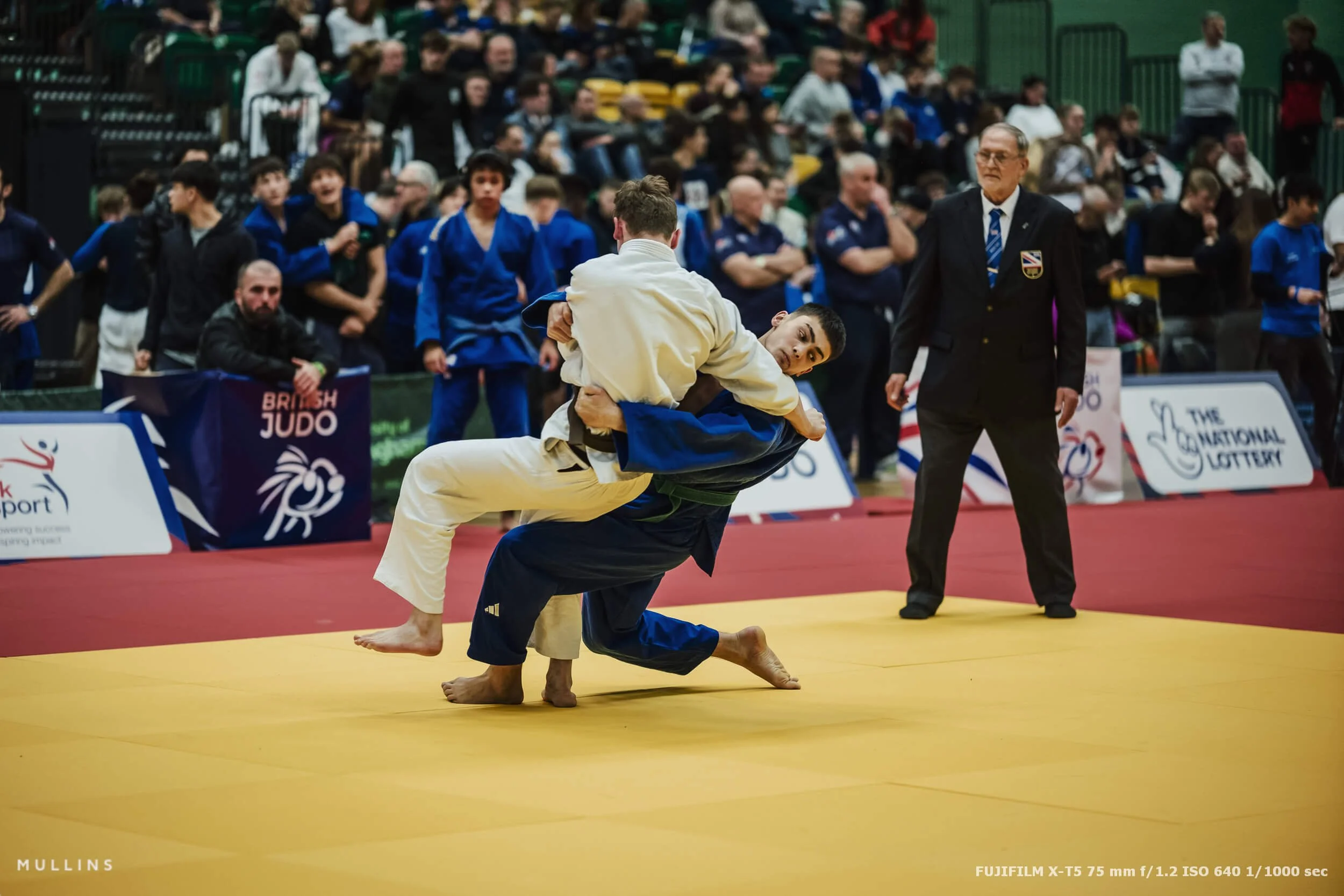
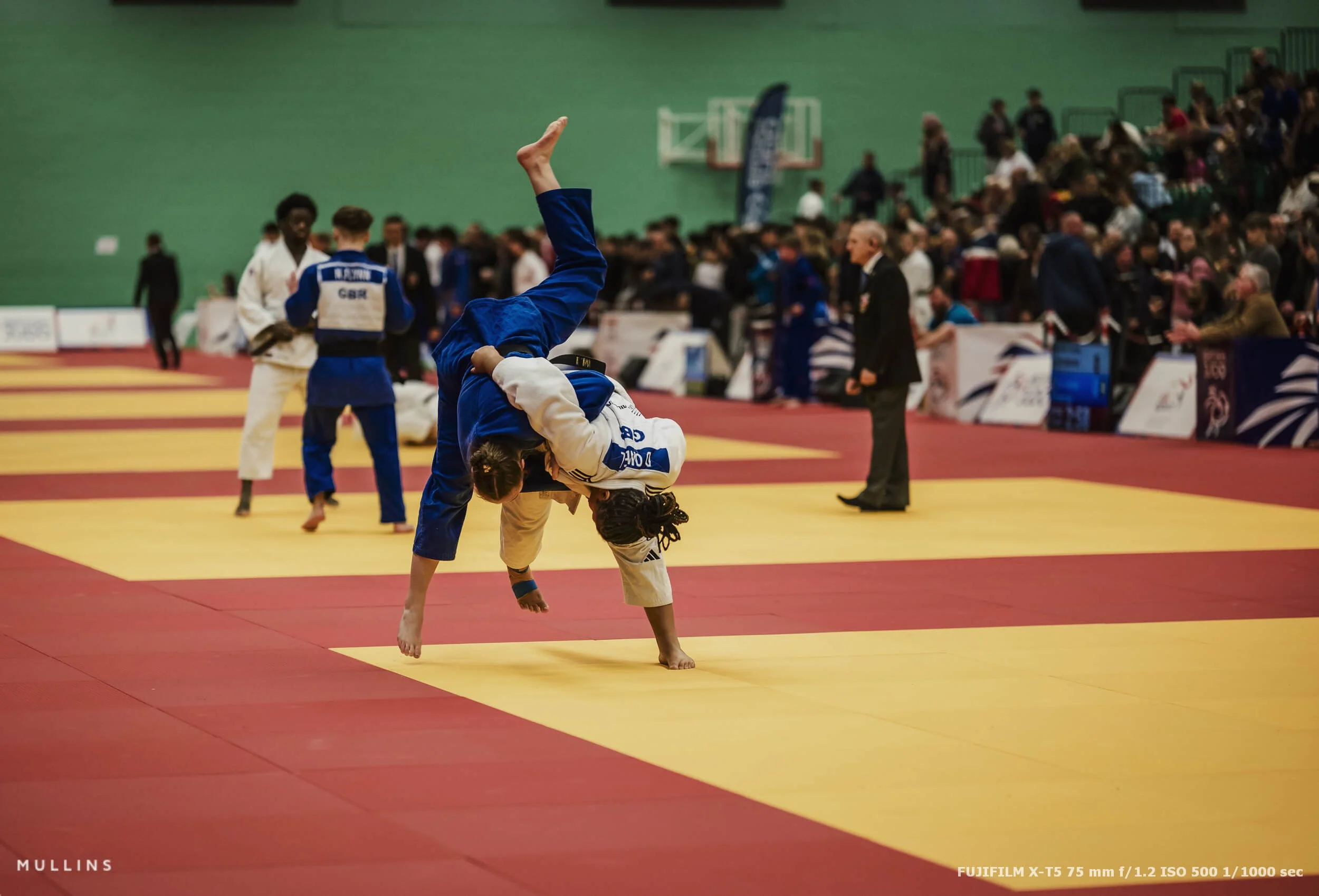
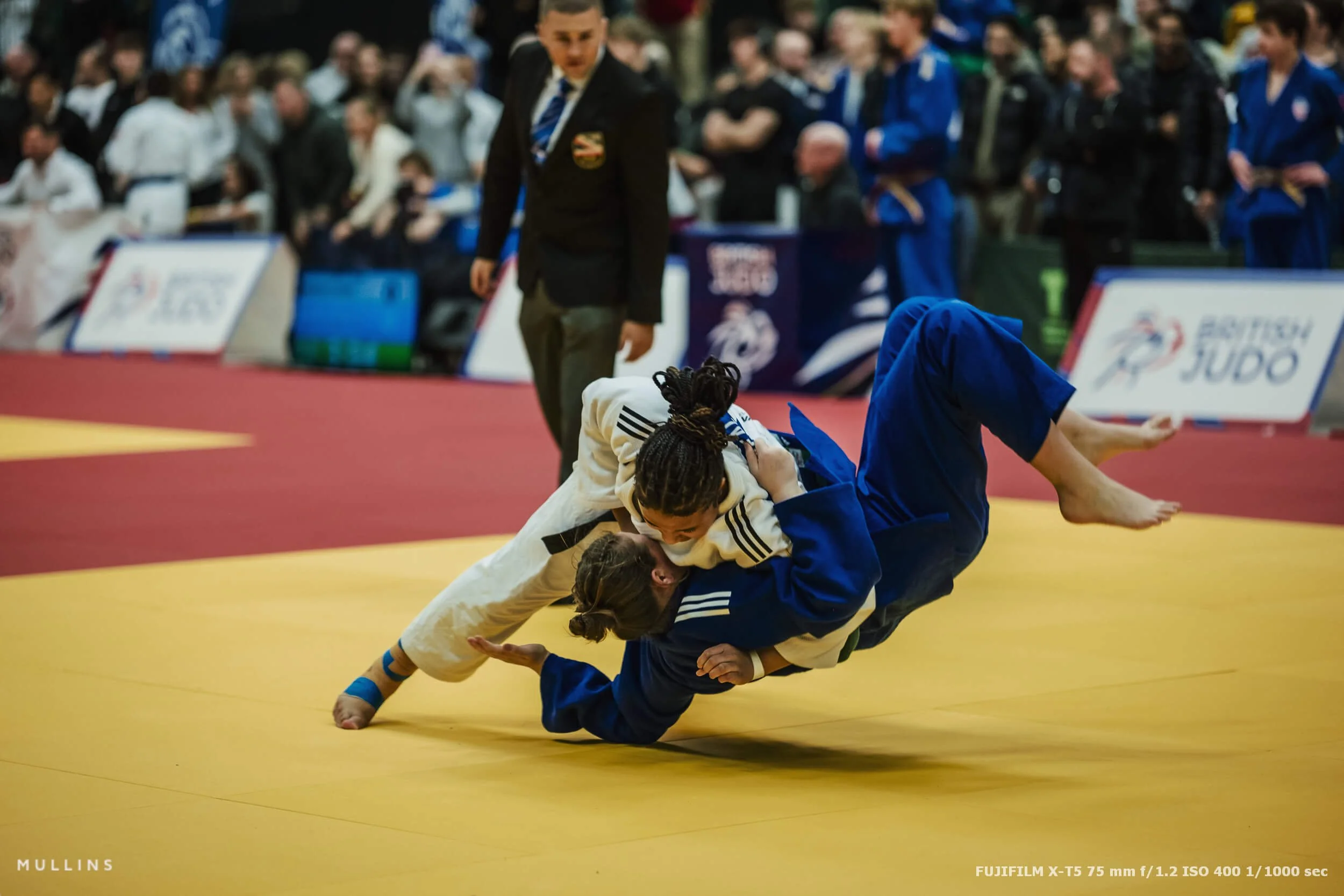
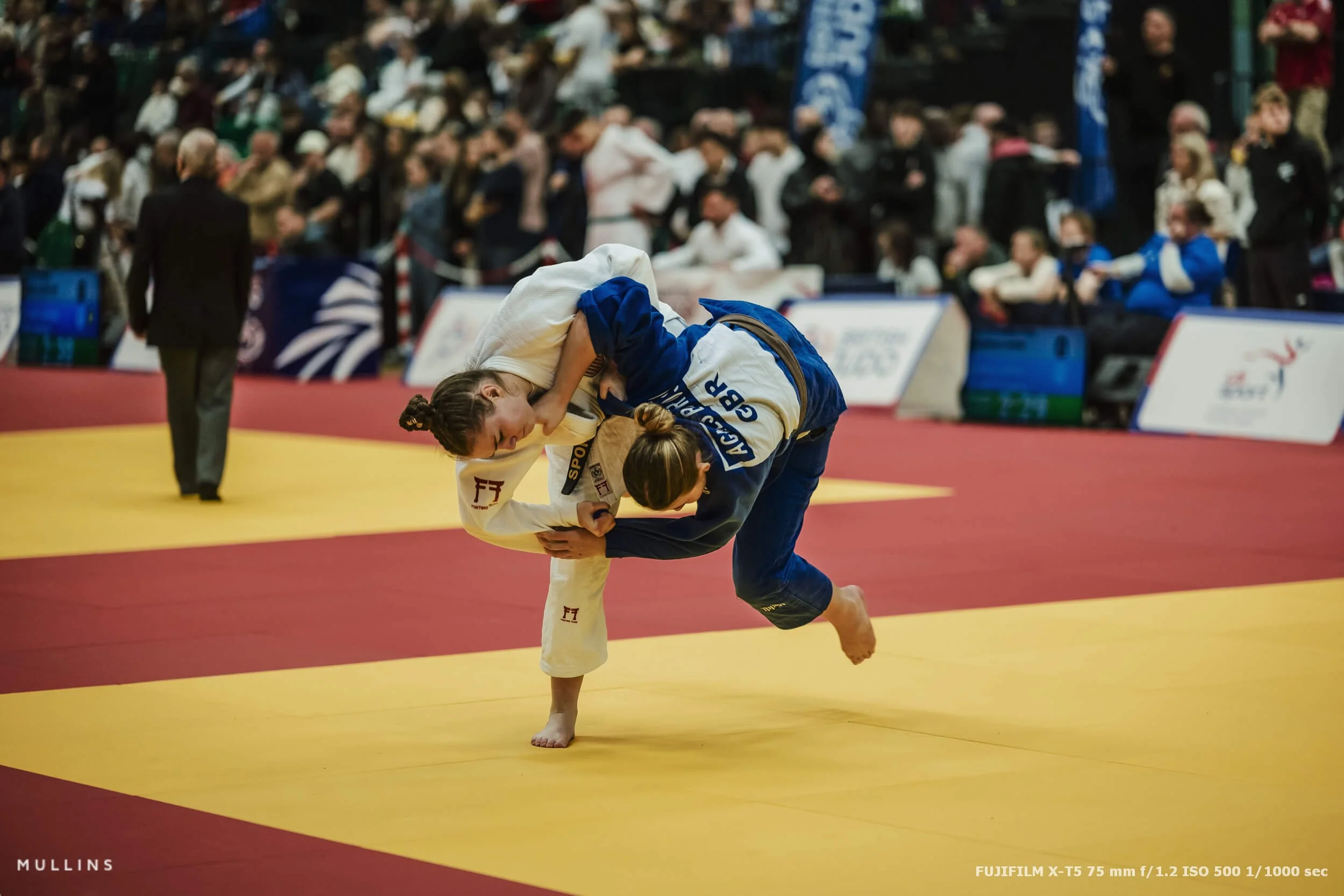
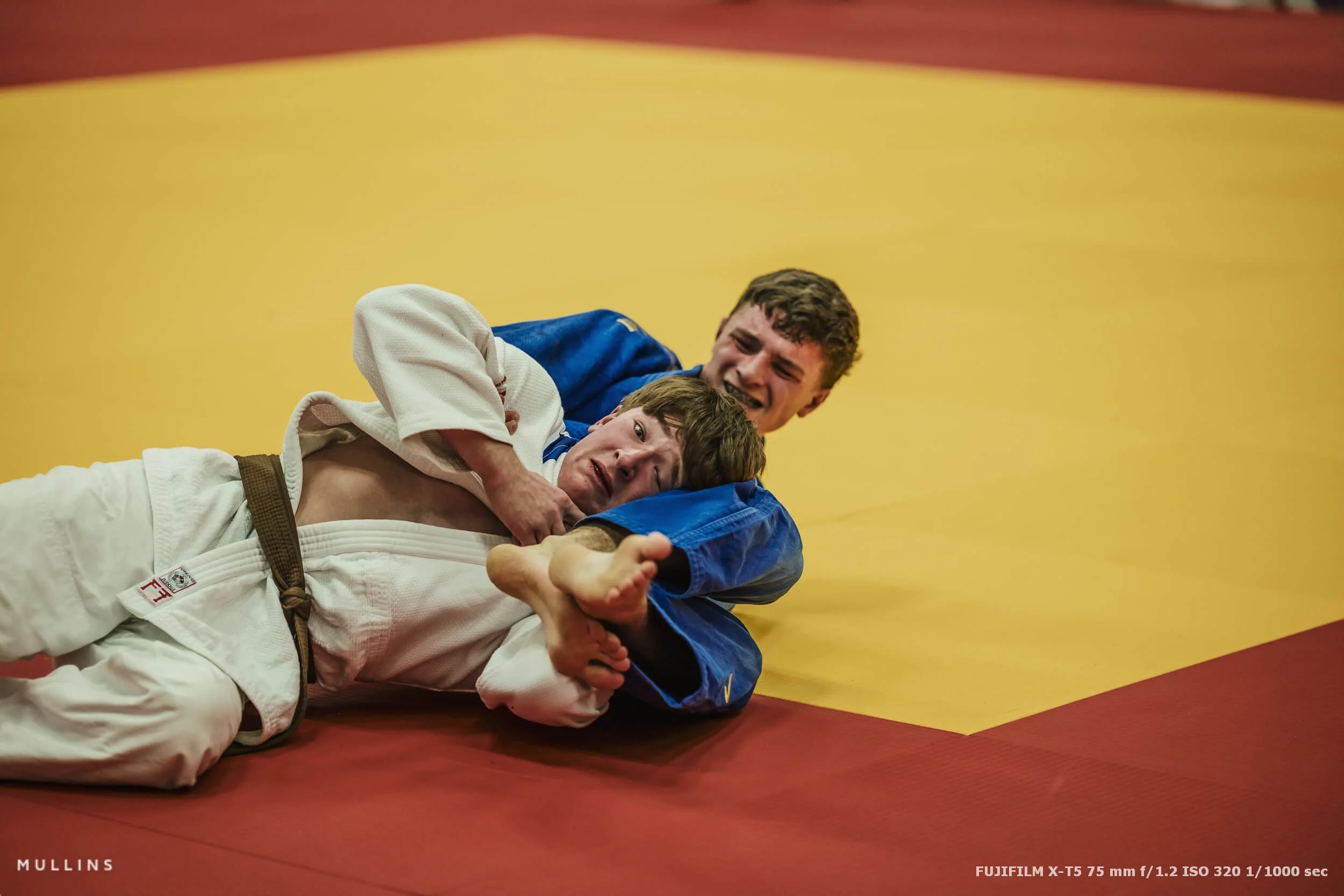
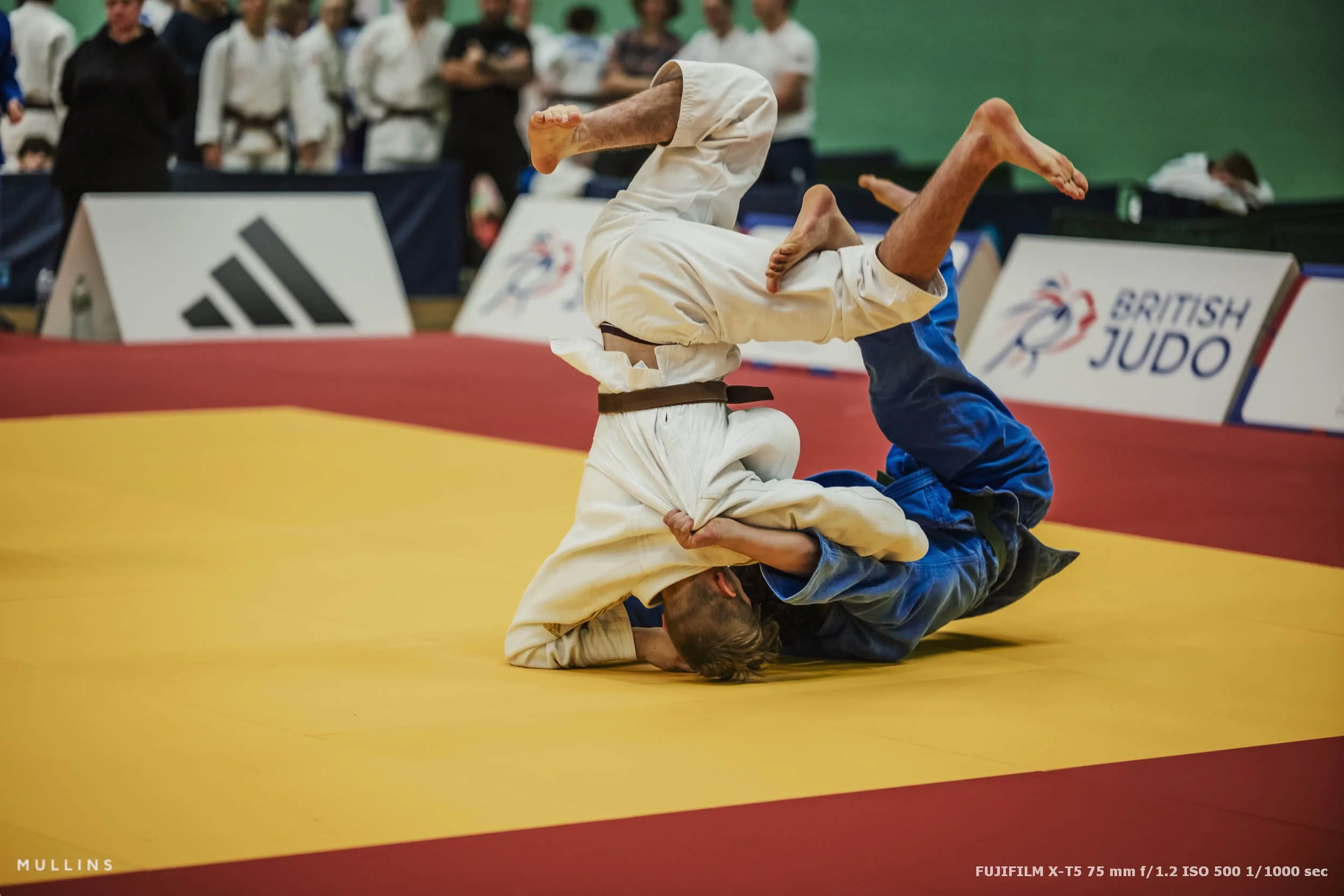
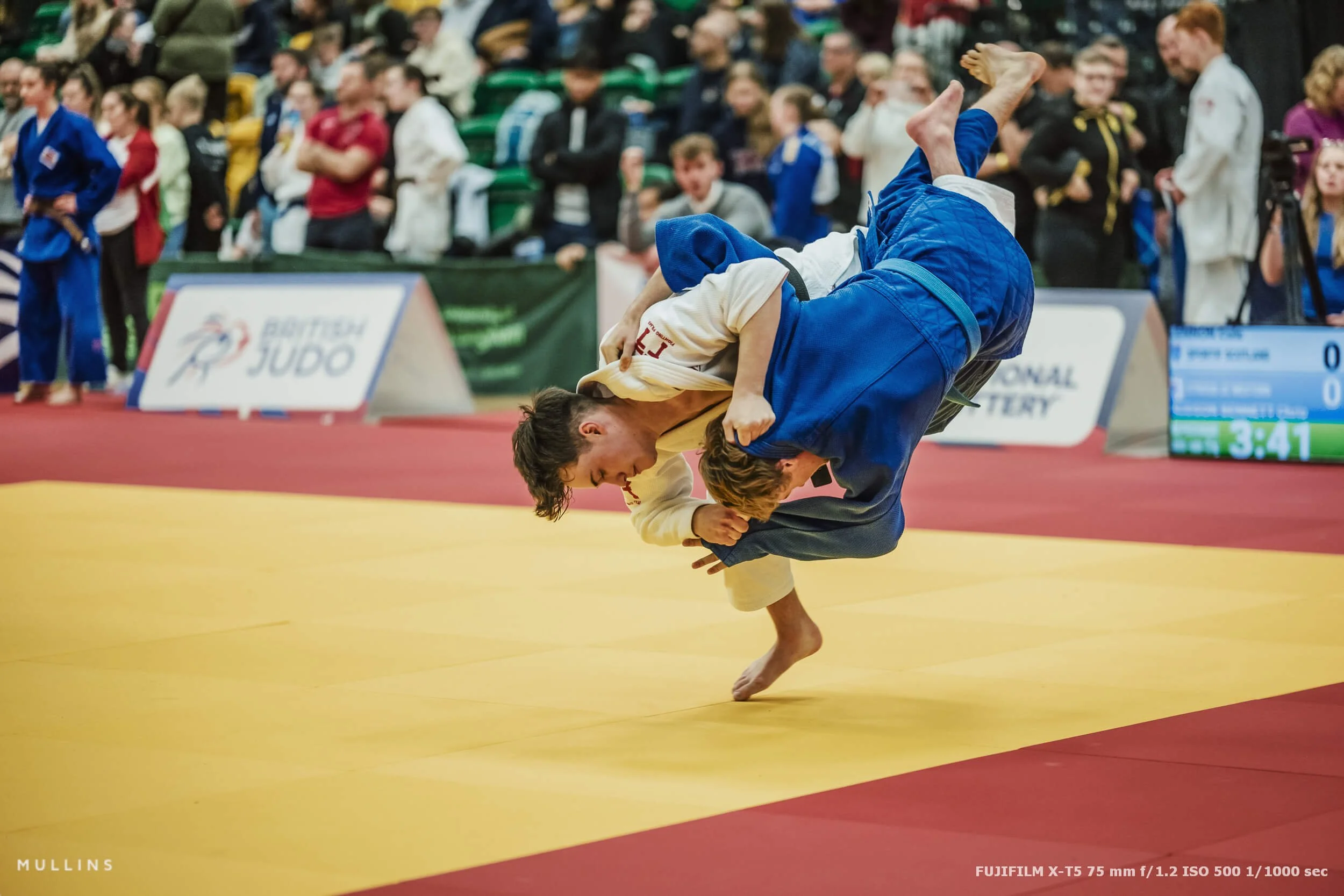
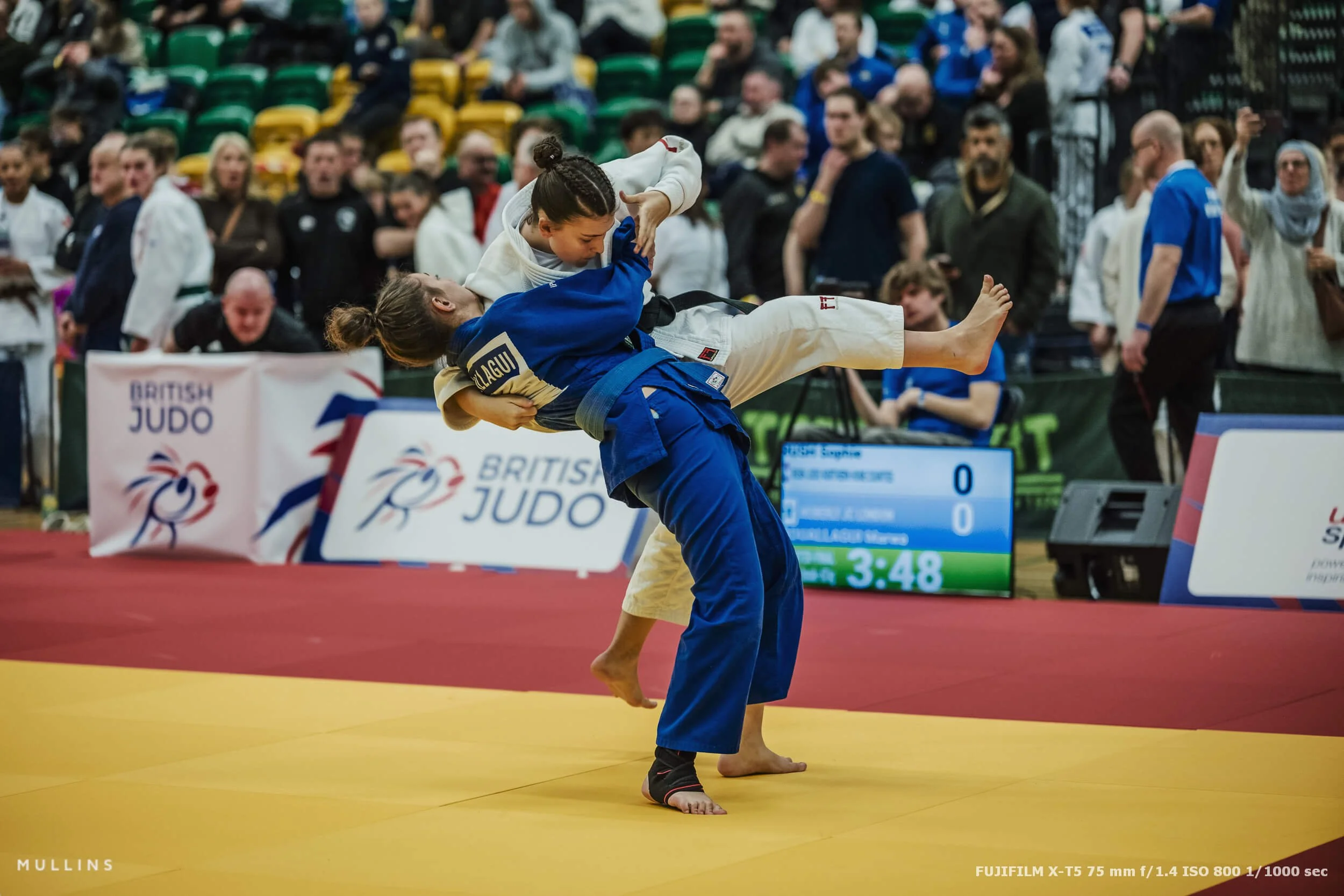
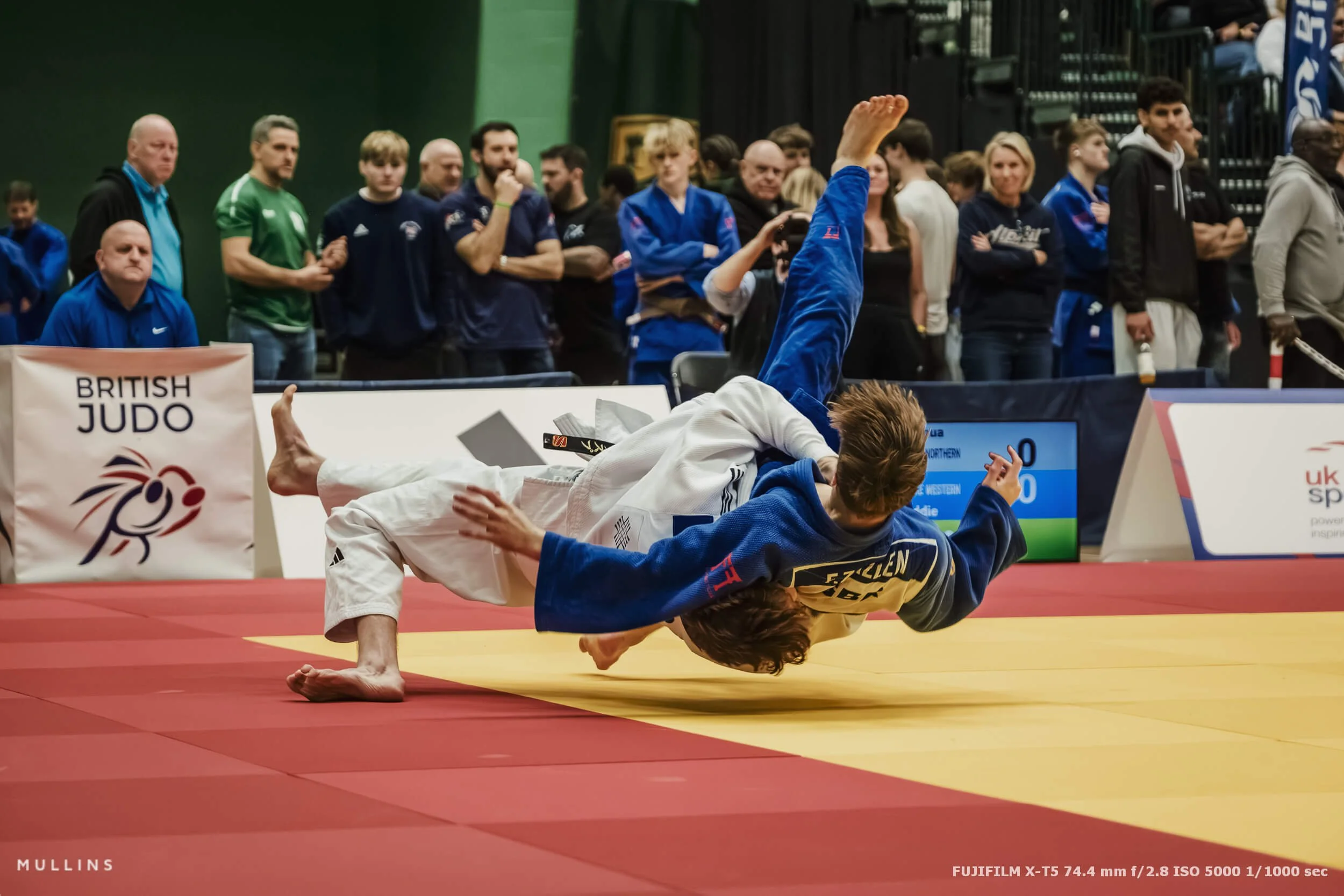
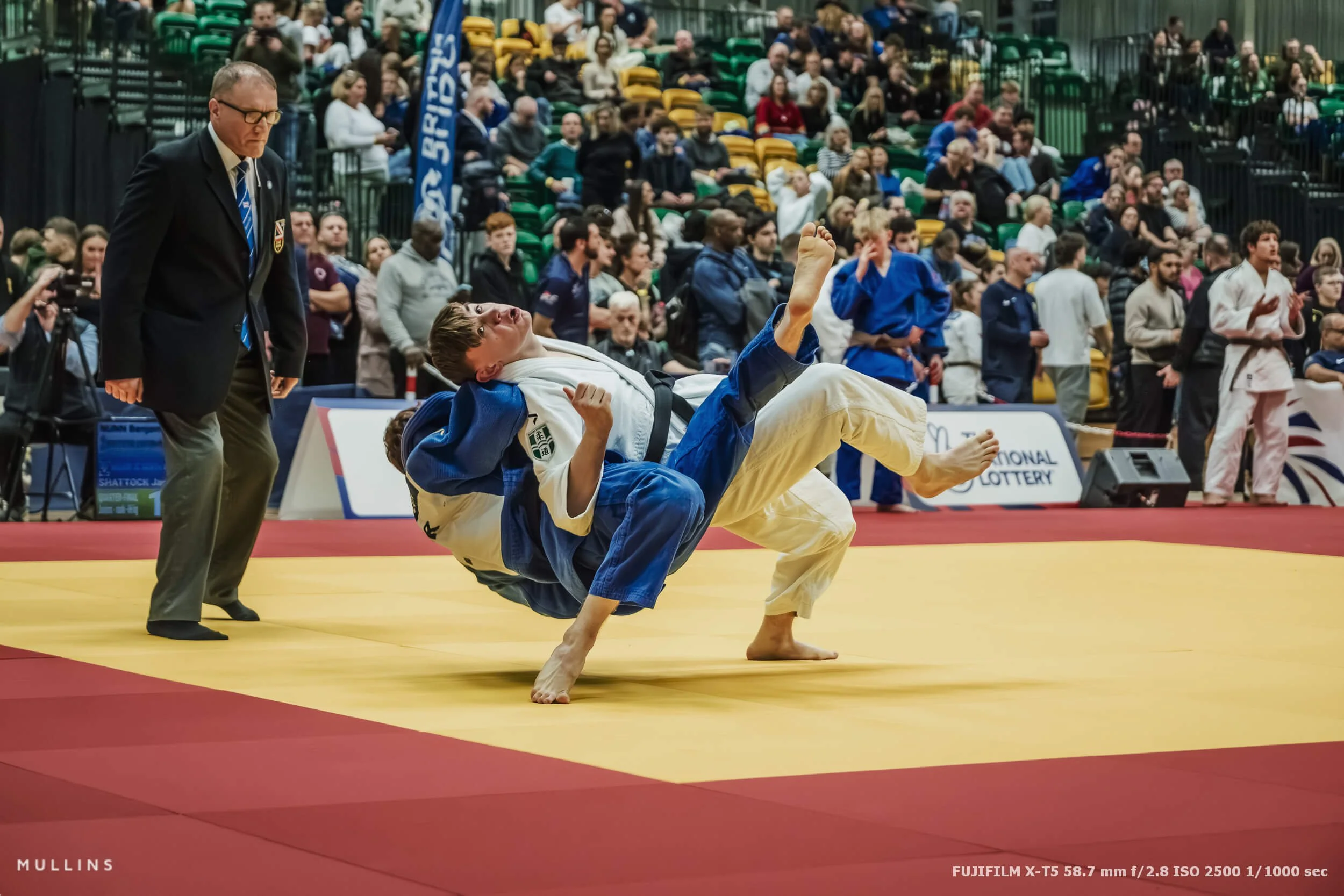
Judo photography is not just about the throw
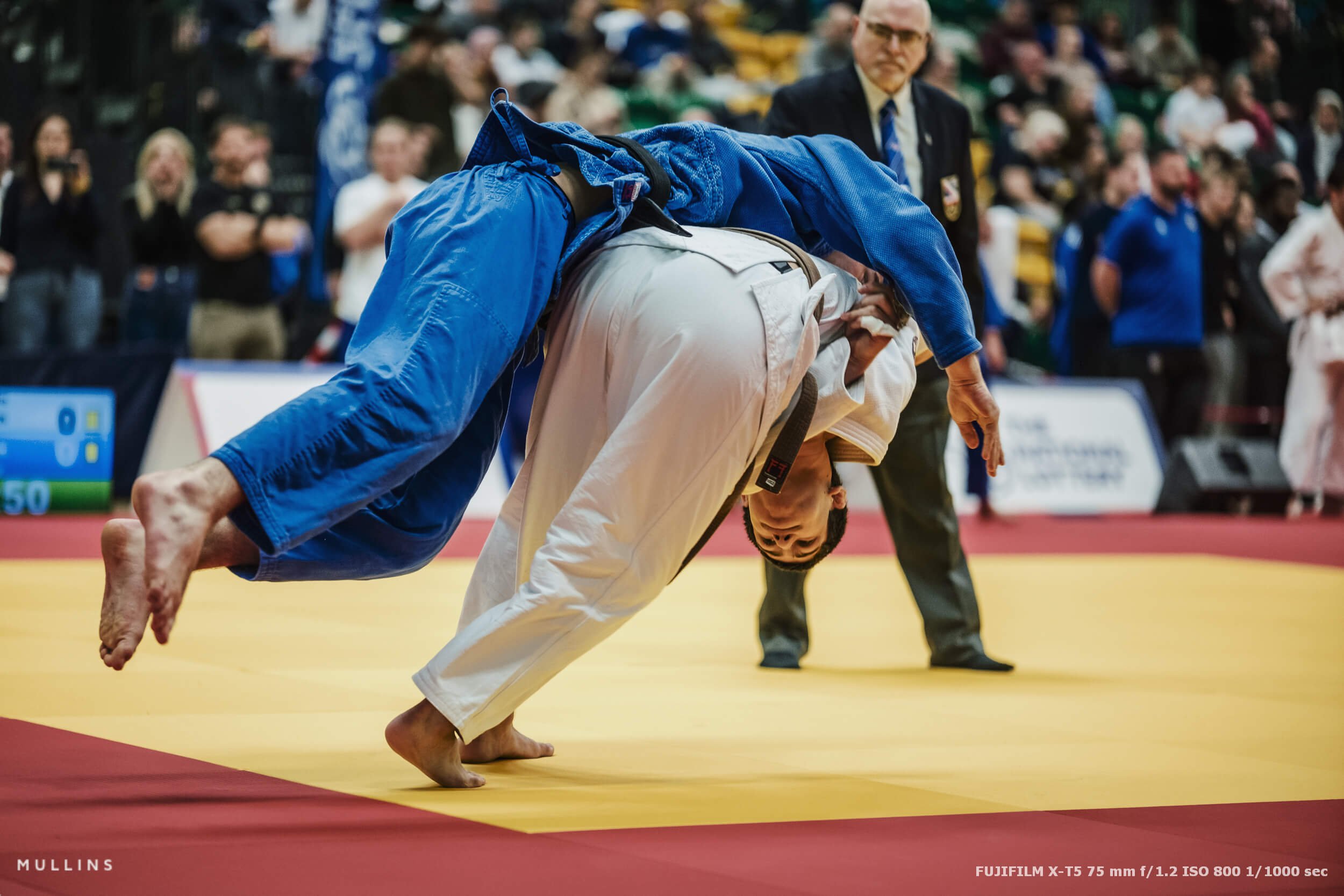
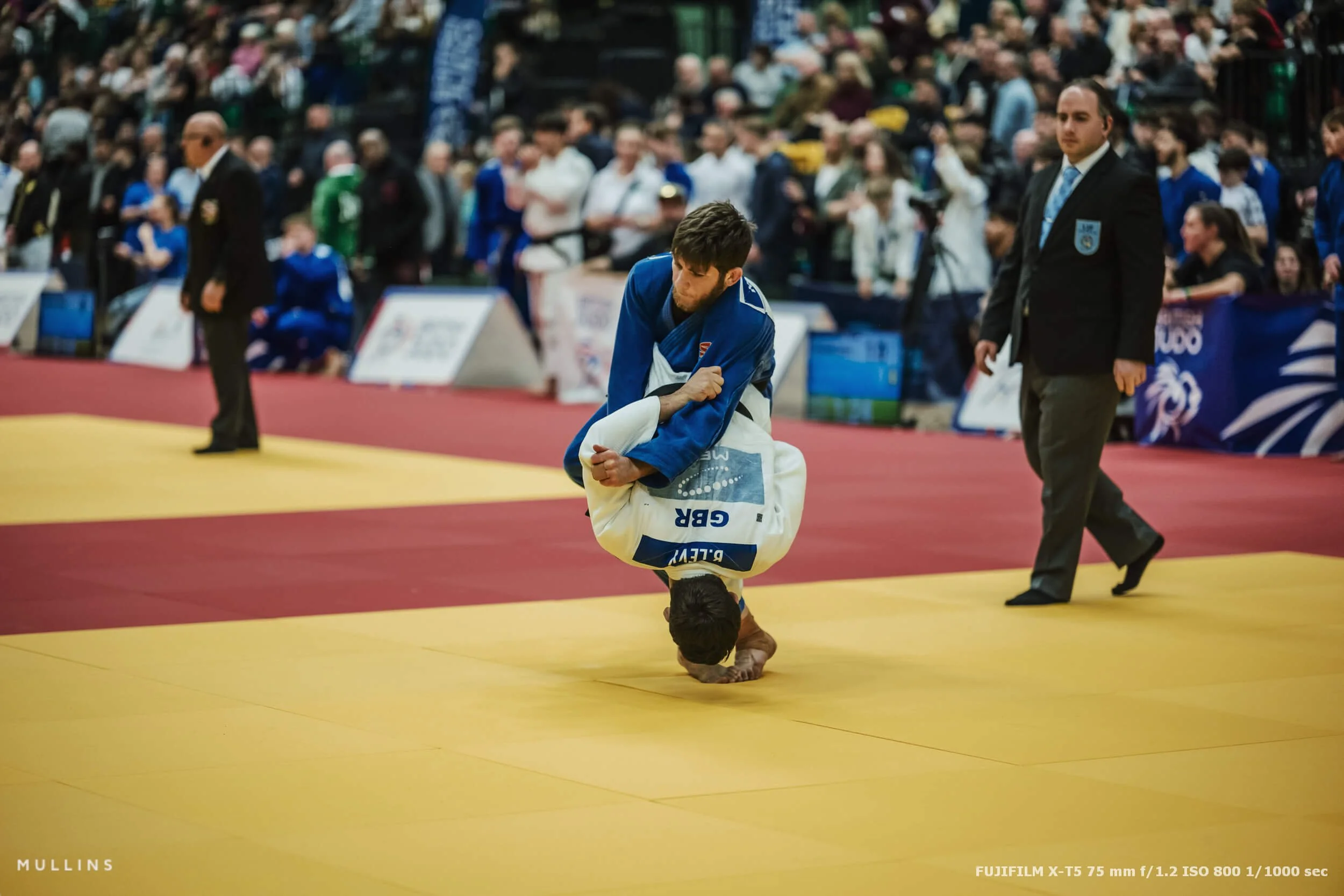
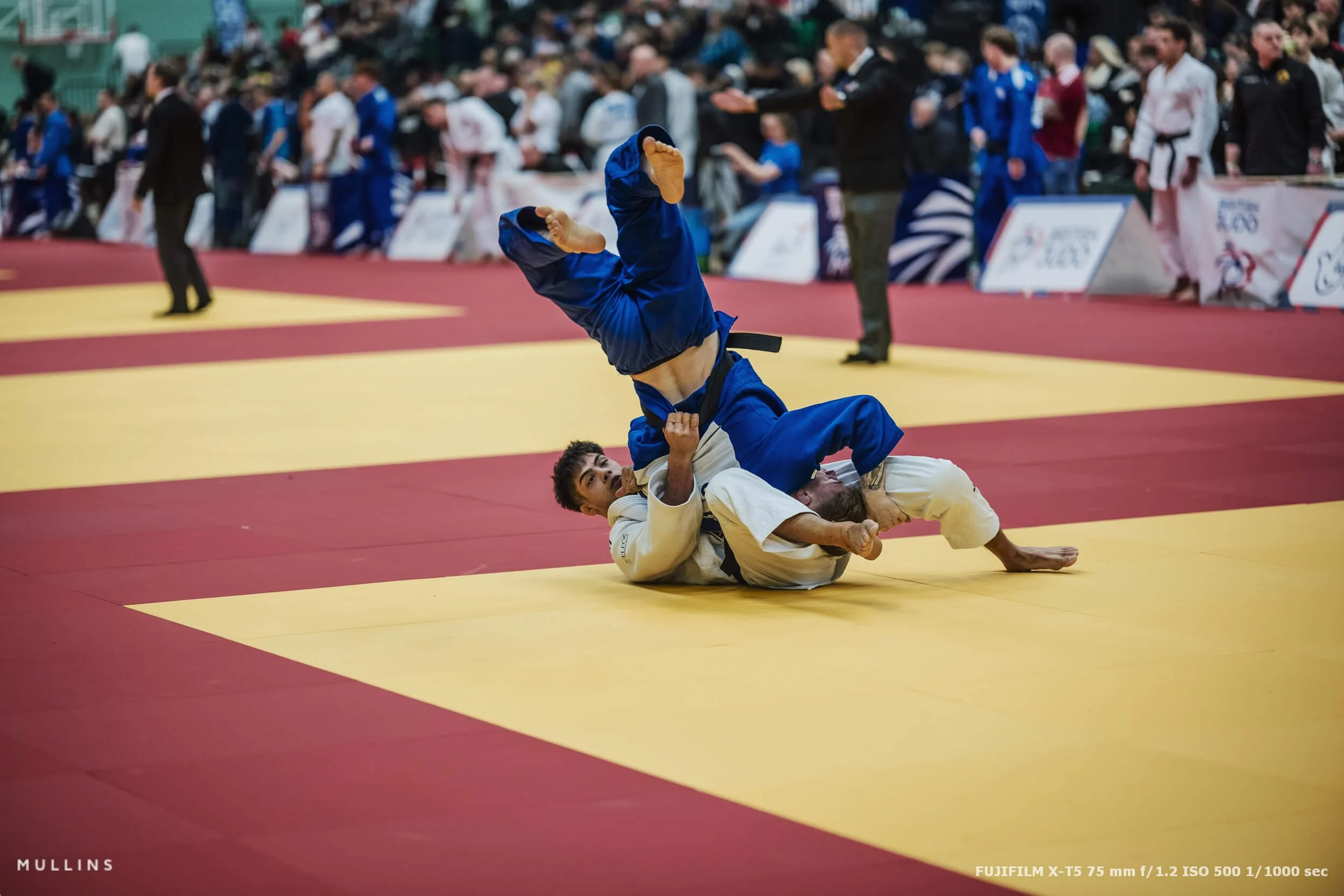
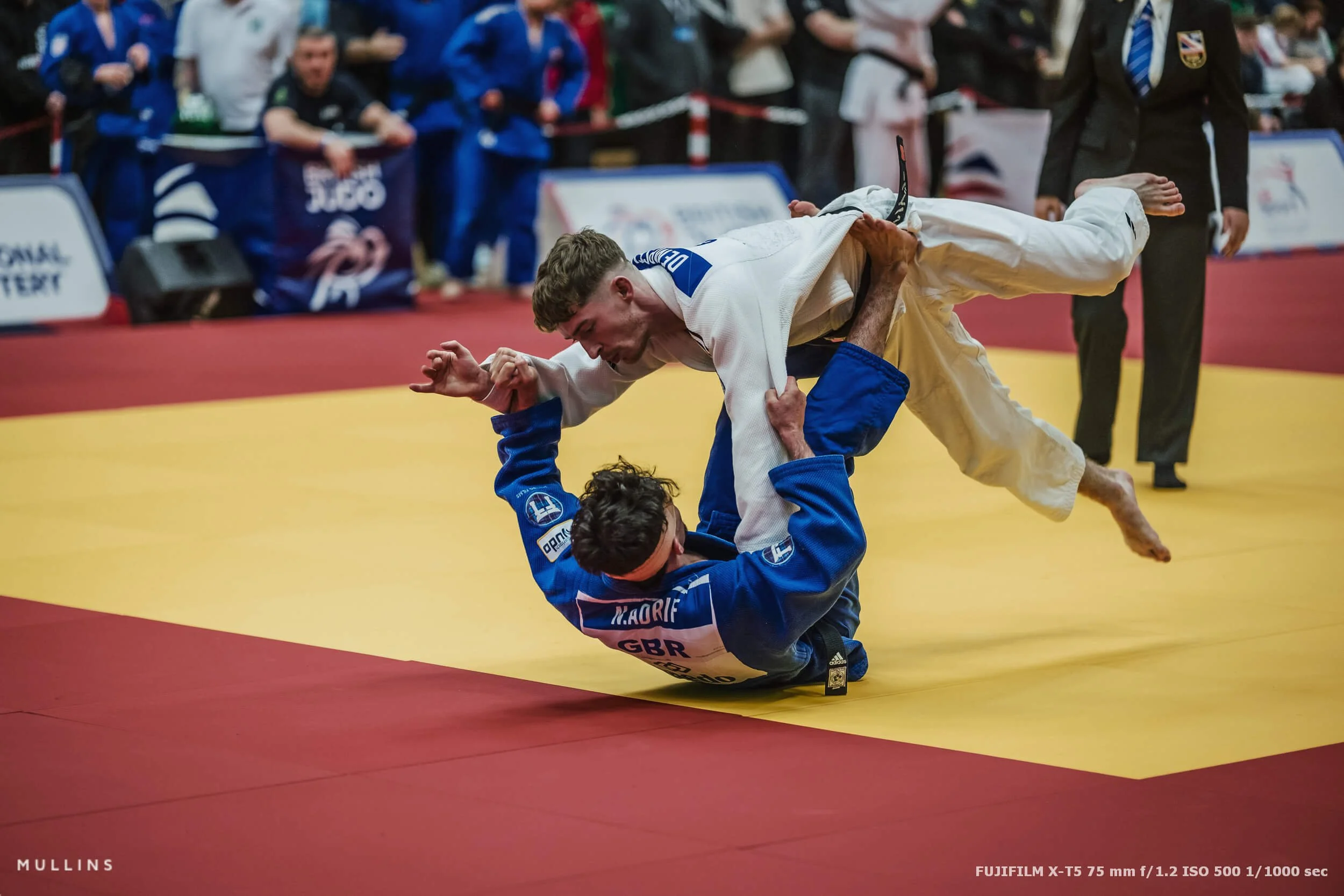
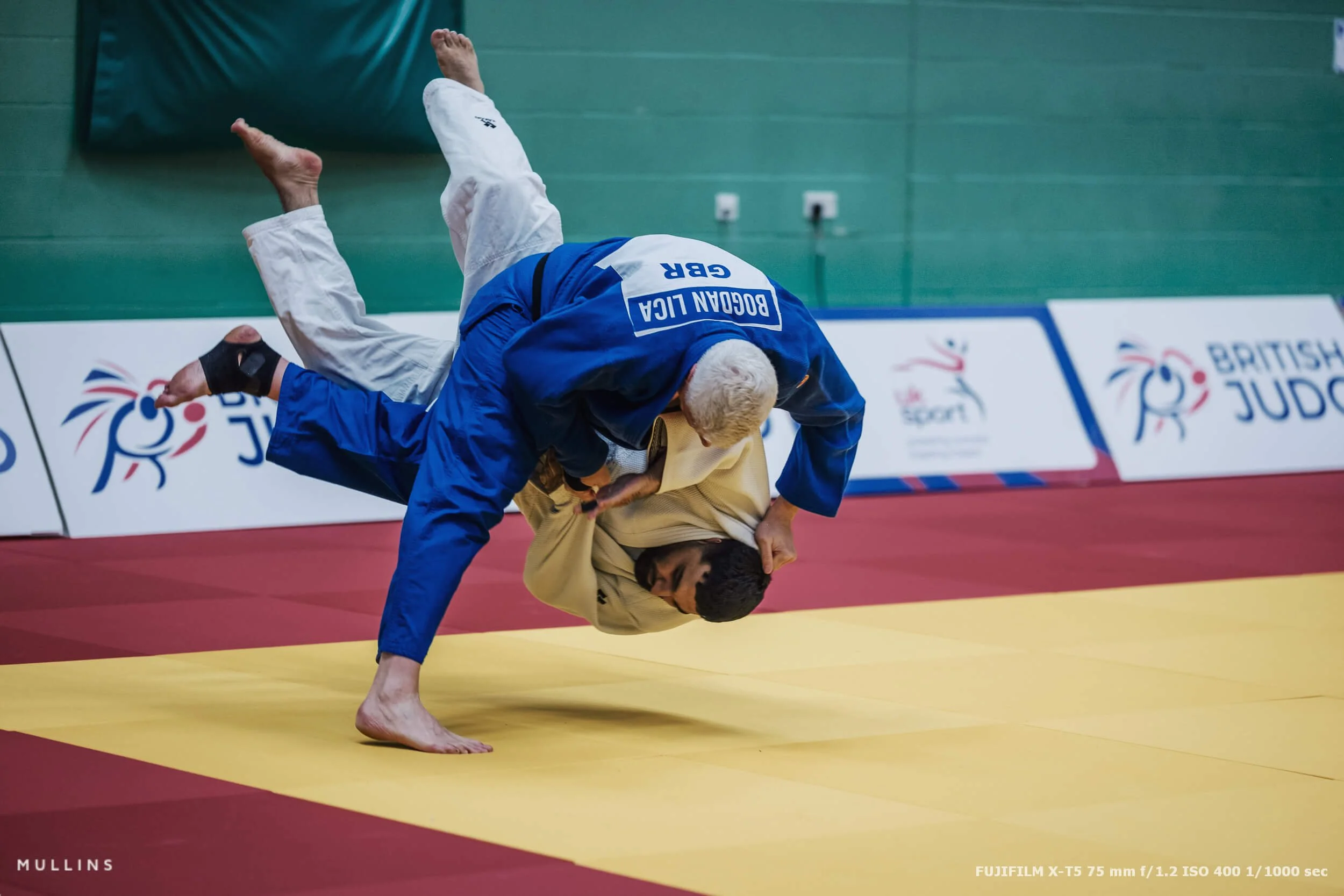
People assume judo photography is all about big air. The classic throw frame. Legs in the air, referee in the background, crowd going mad.
You do need those photos, obviously.
But if that’s all you chase, your gallery ends up feeling like a highlights reel with no context. The sport lives in the bits that happen just before and just after the throw. Grip fighting, tension, frustration, coaching, relief, disappointment. The little human moments that tell you what the contest meant.
So I’m always looking for a mix:
Establishing frames that show the venue and its scale
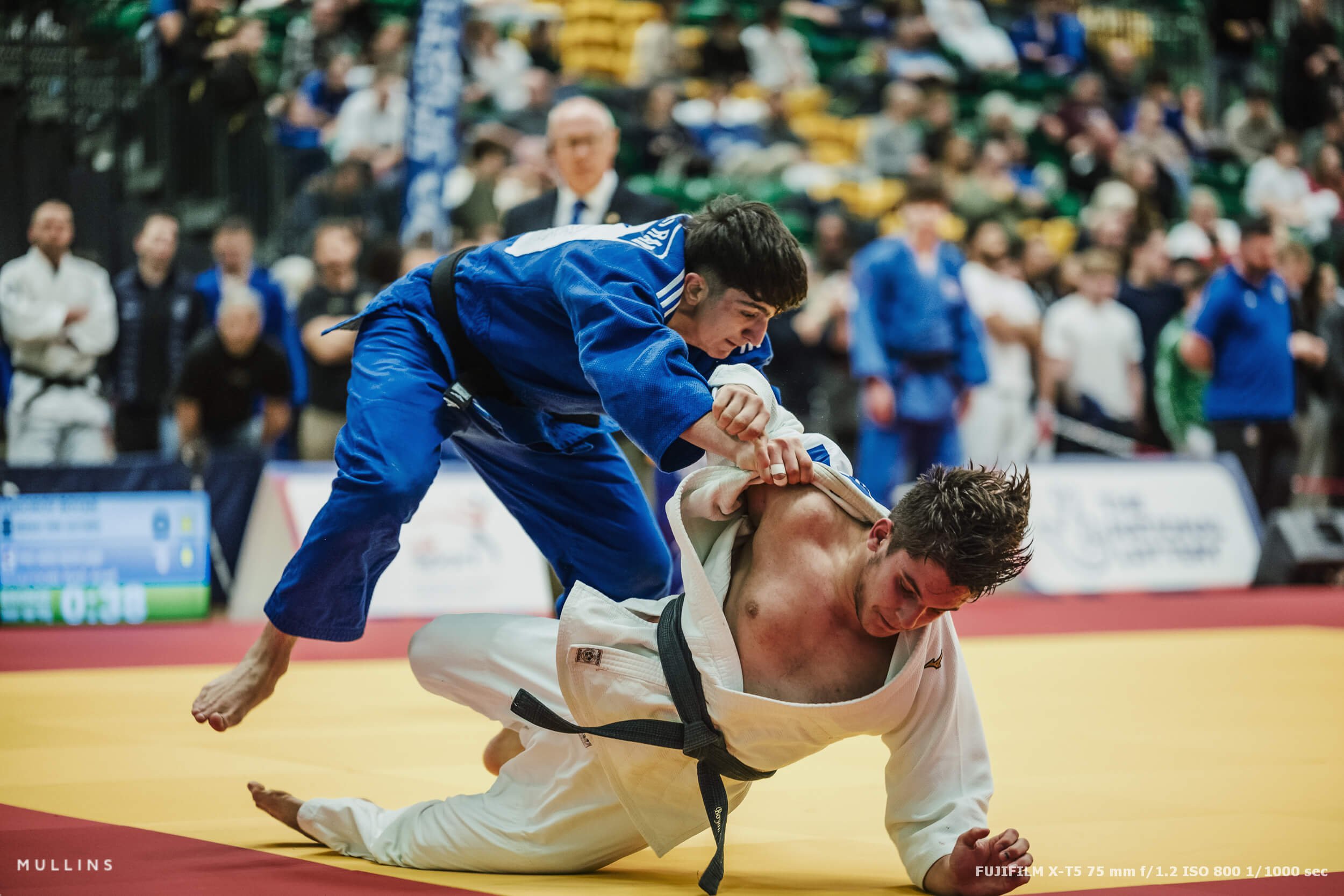
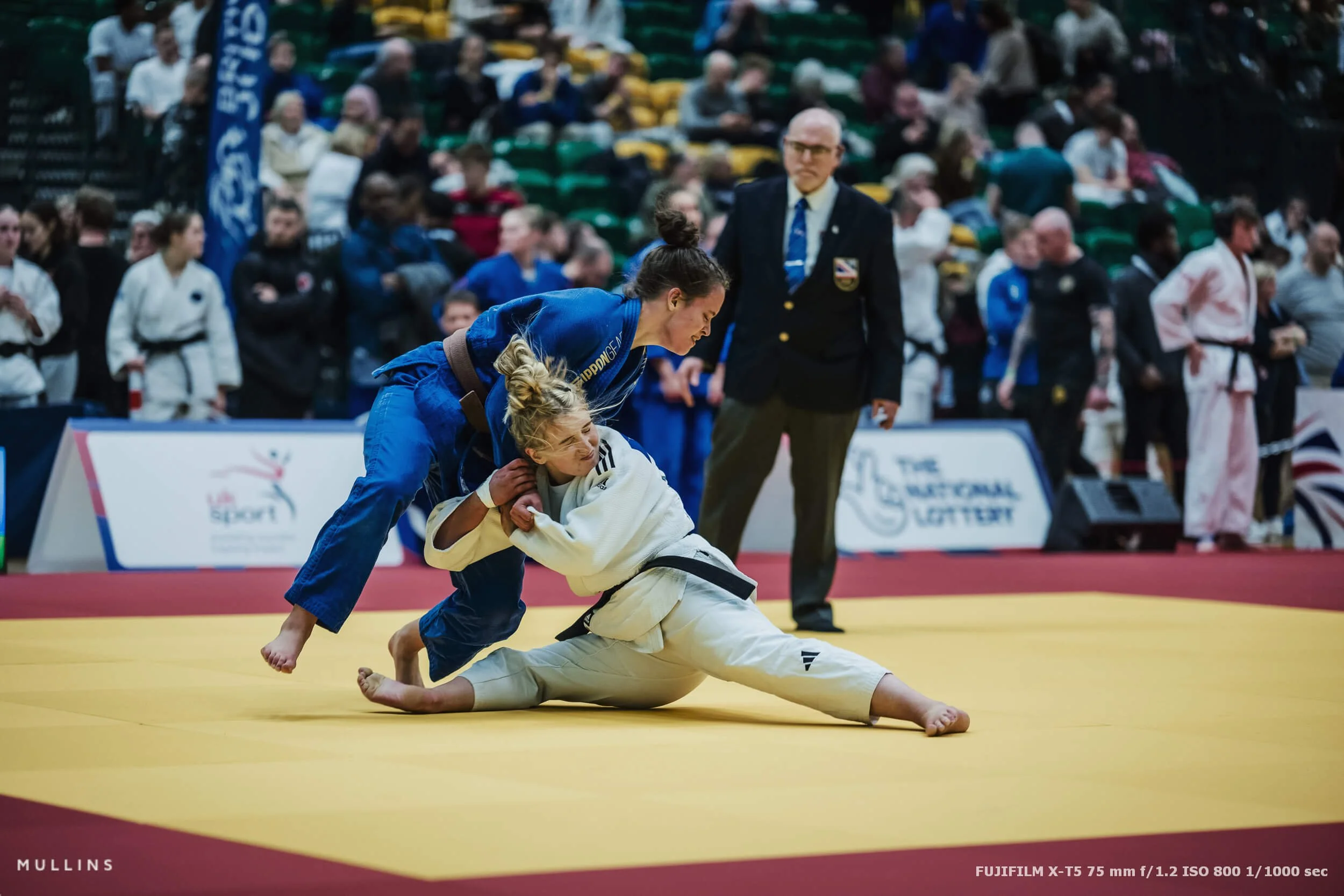
Grip fighting and movement, where you can actually see faces
Peak action when it happens, not three frames after it’s finished
Reactions, both the winners and the ones who are trying not to fall apart
You can see more of this work on my other Judo Photography blog post.
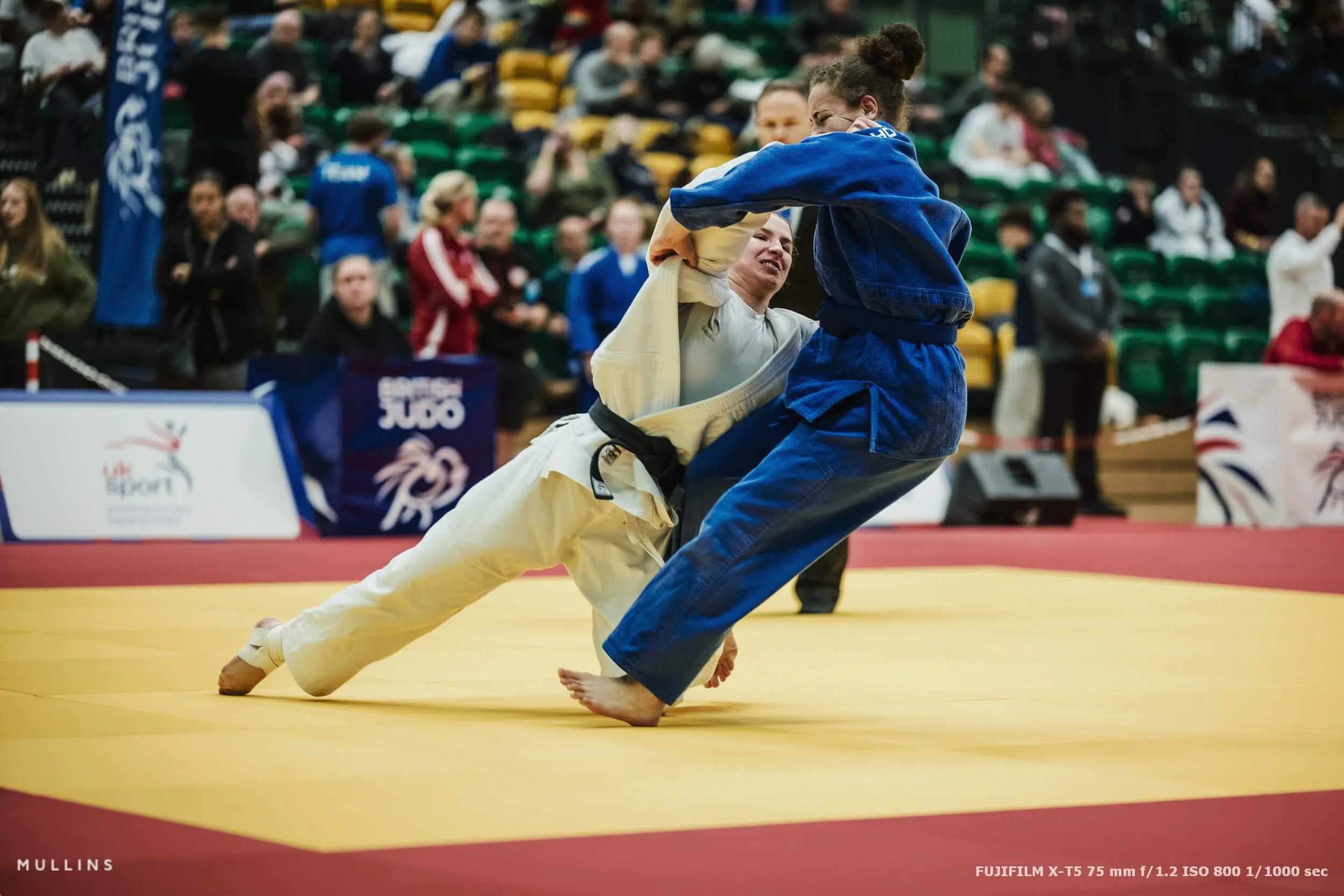
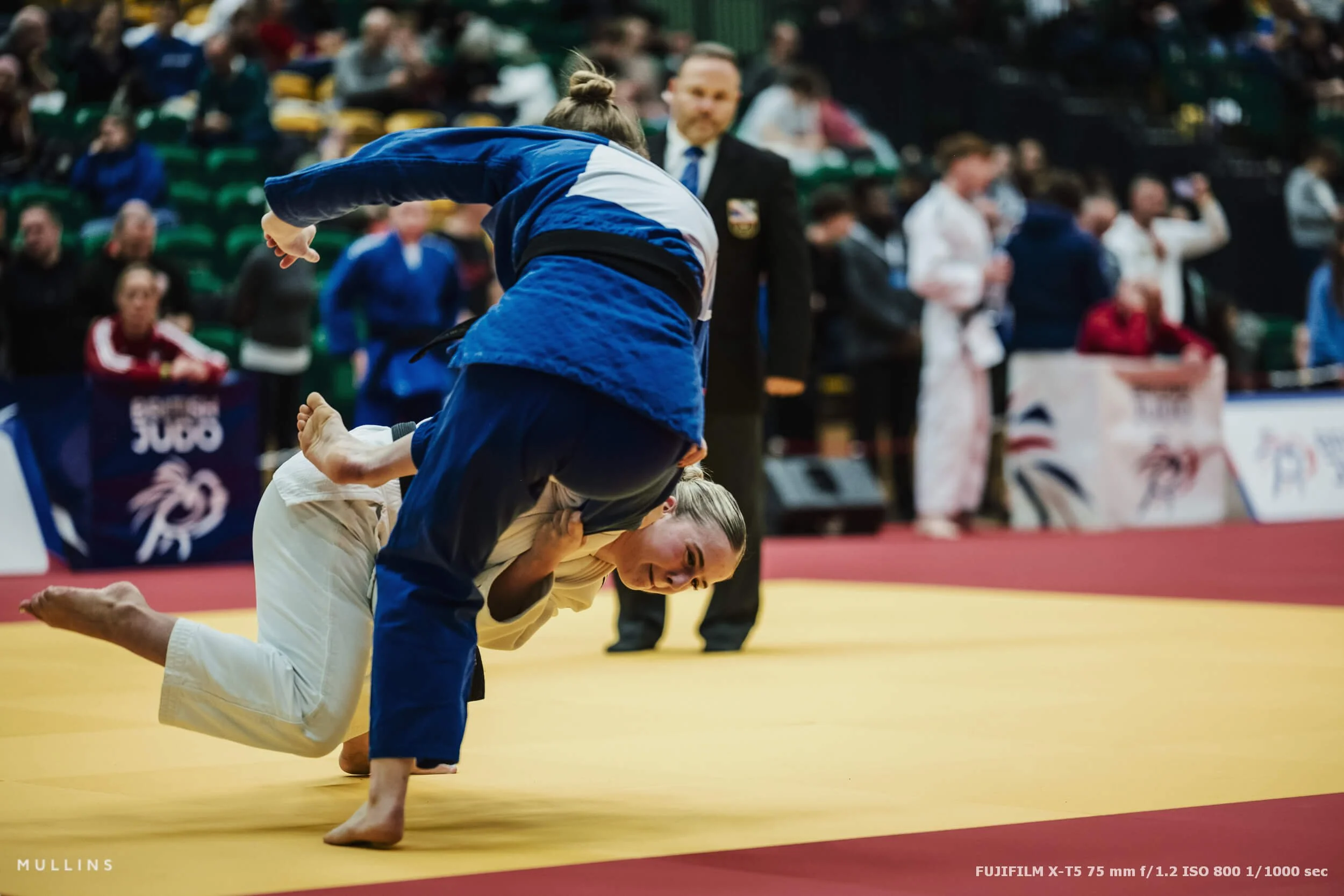
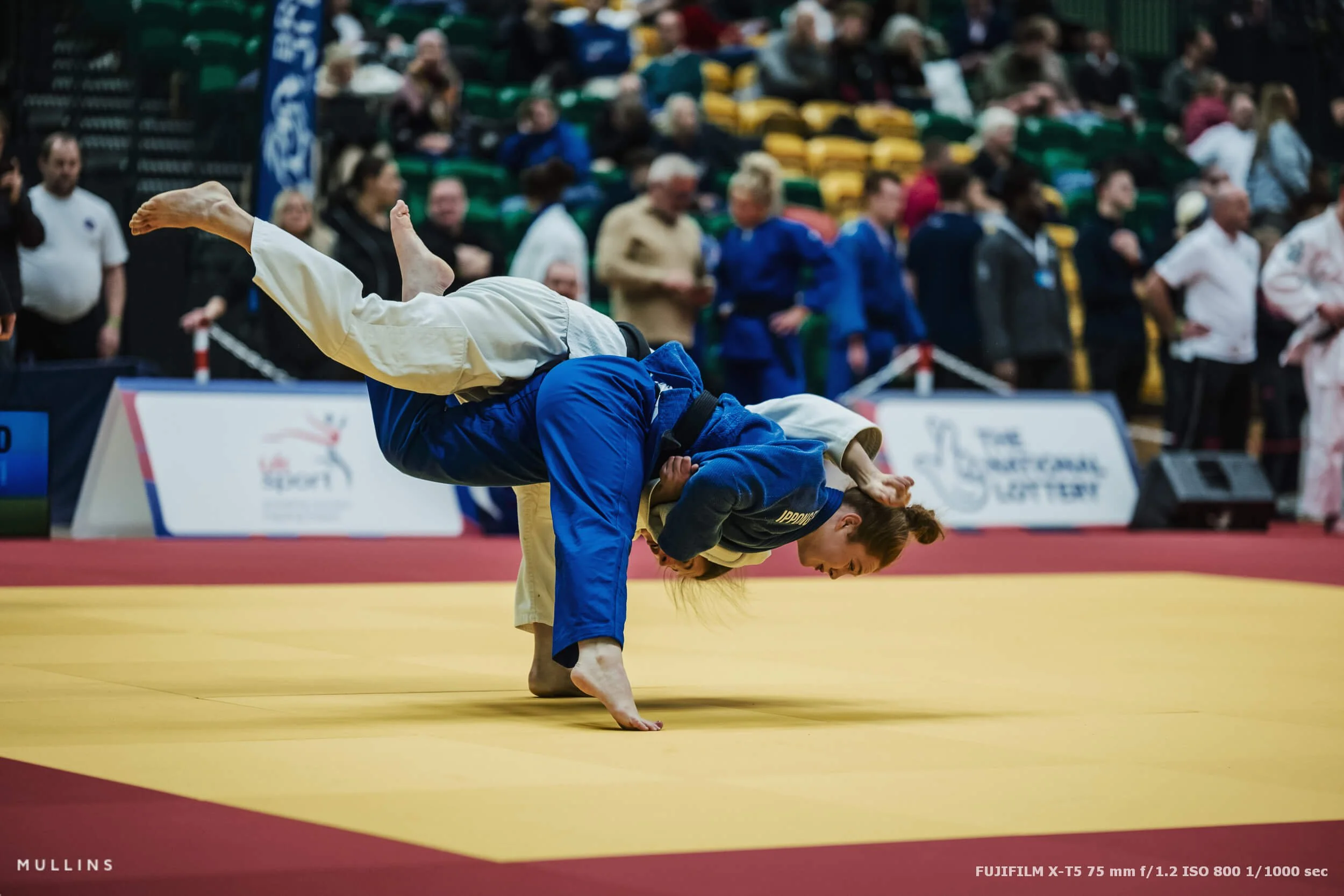
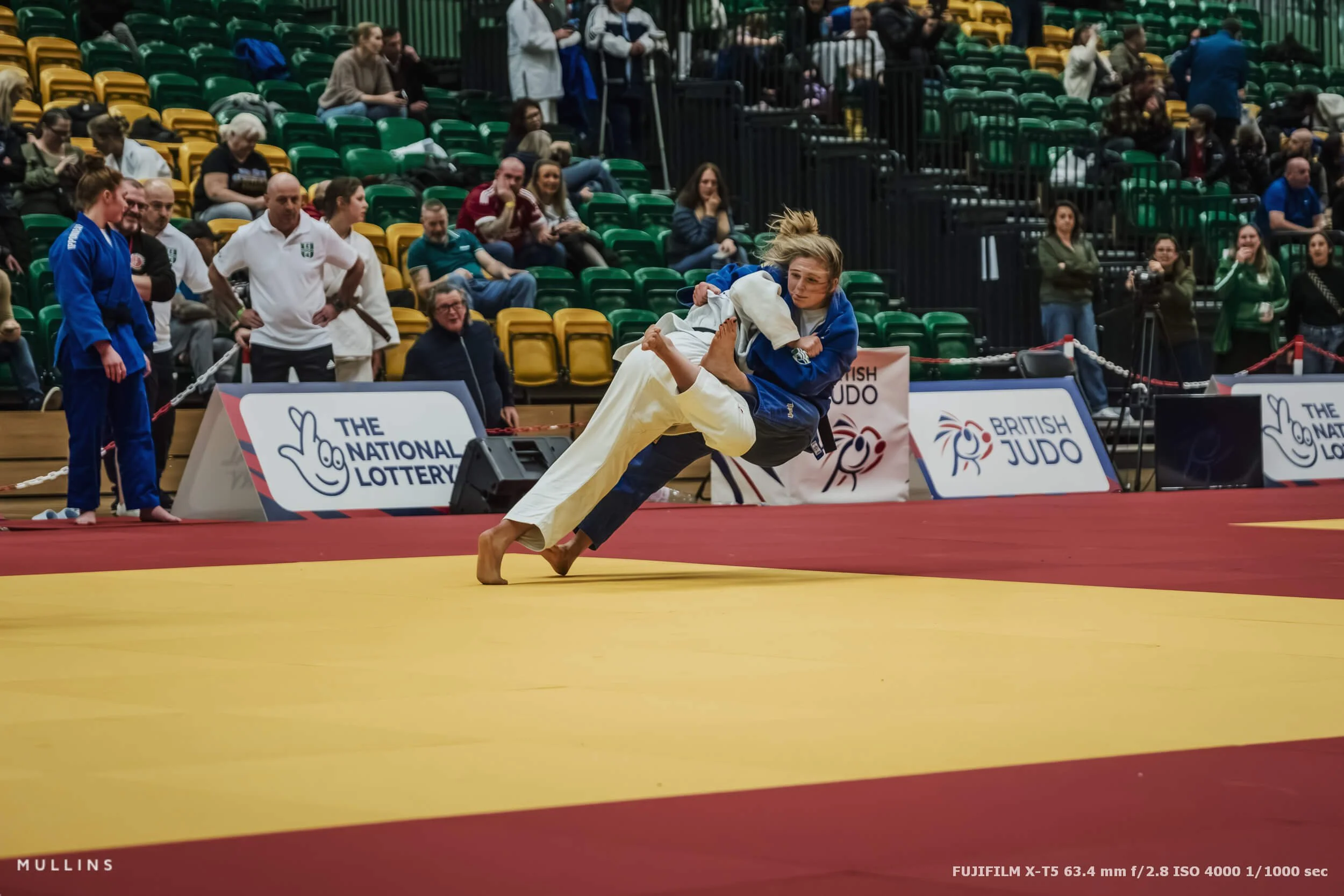
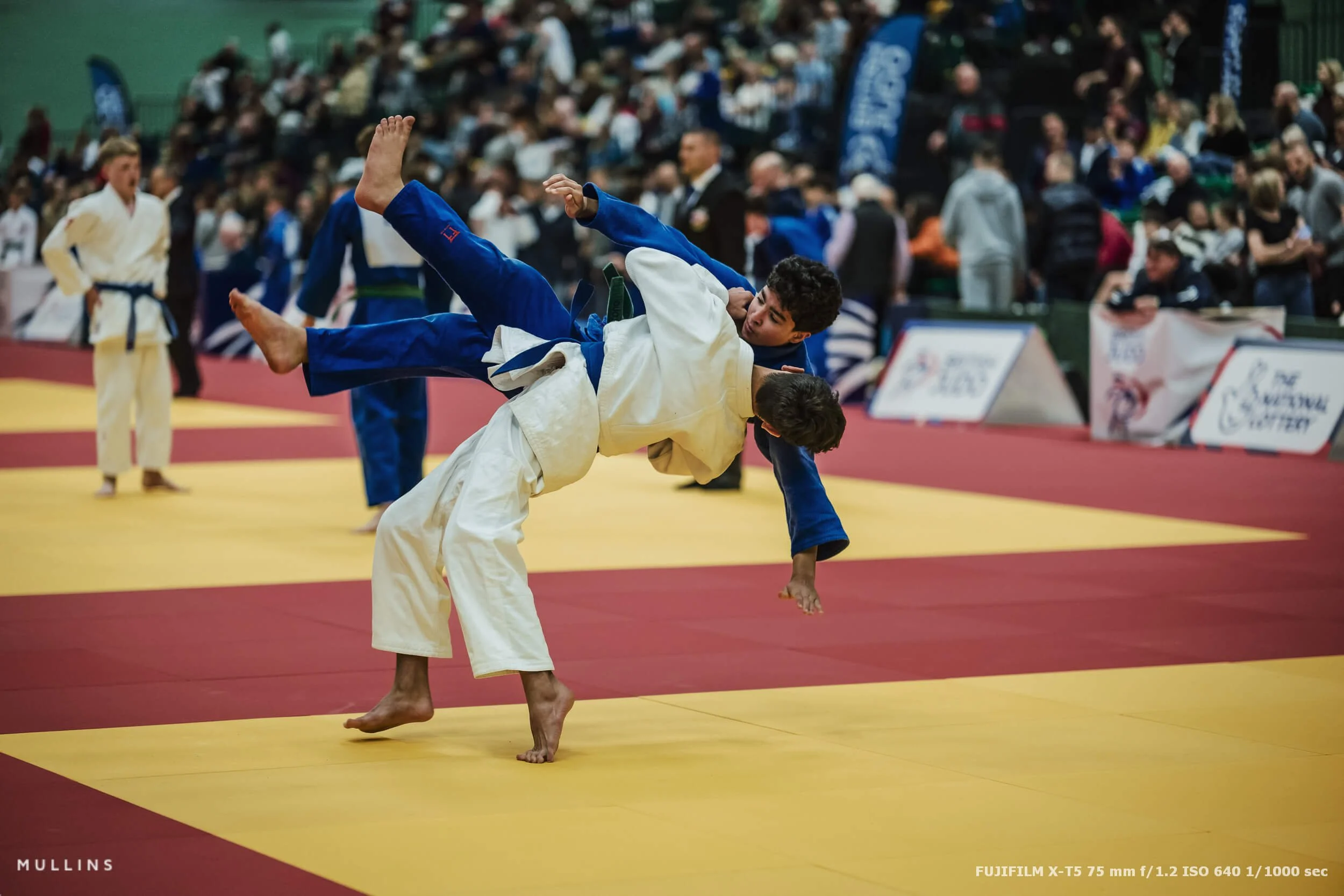
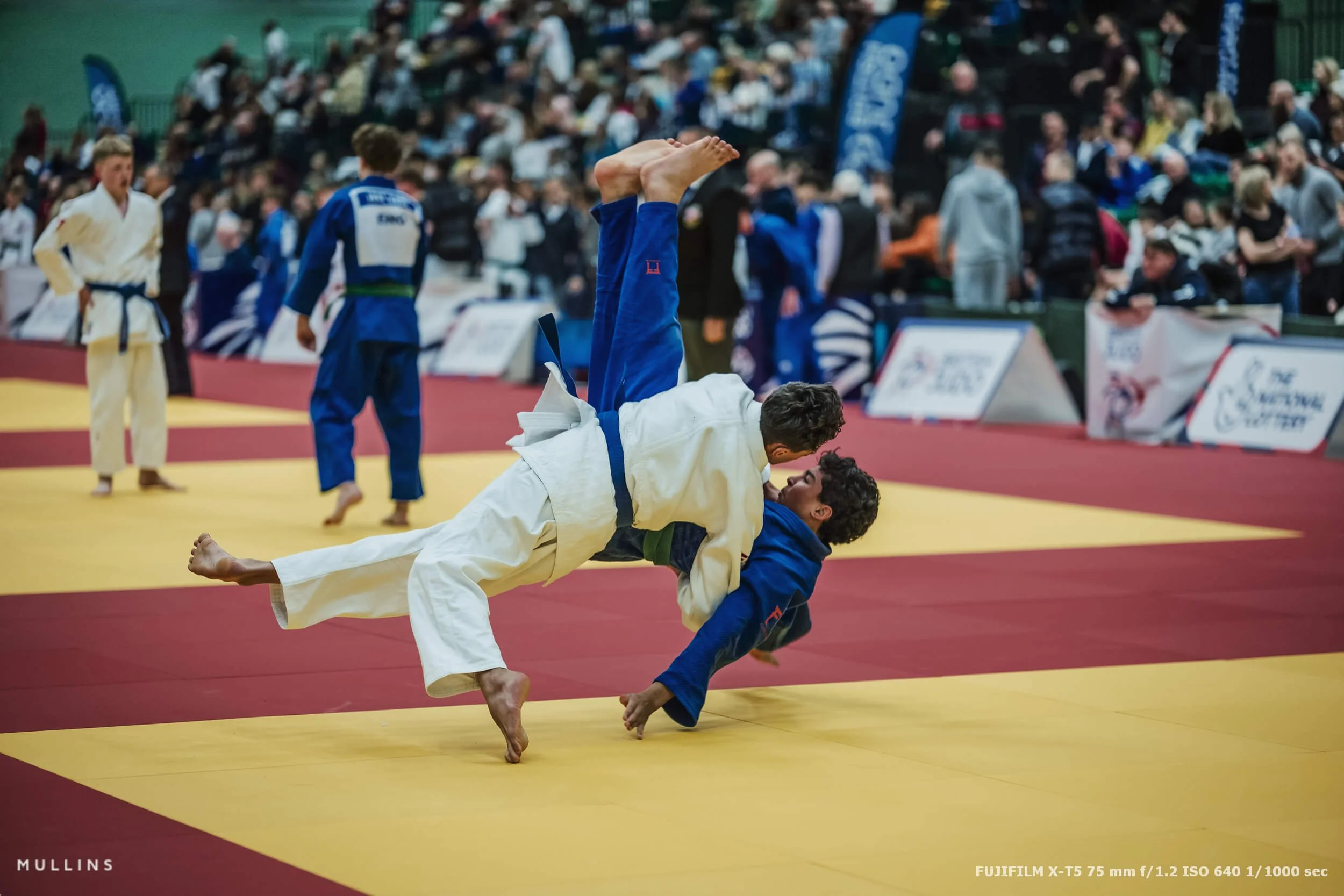
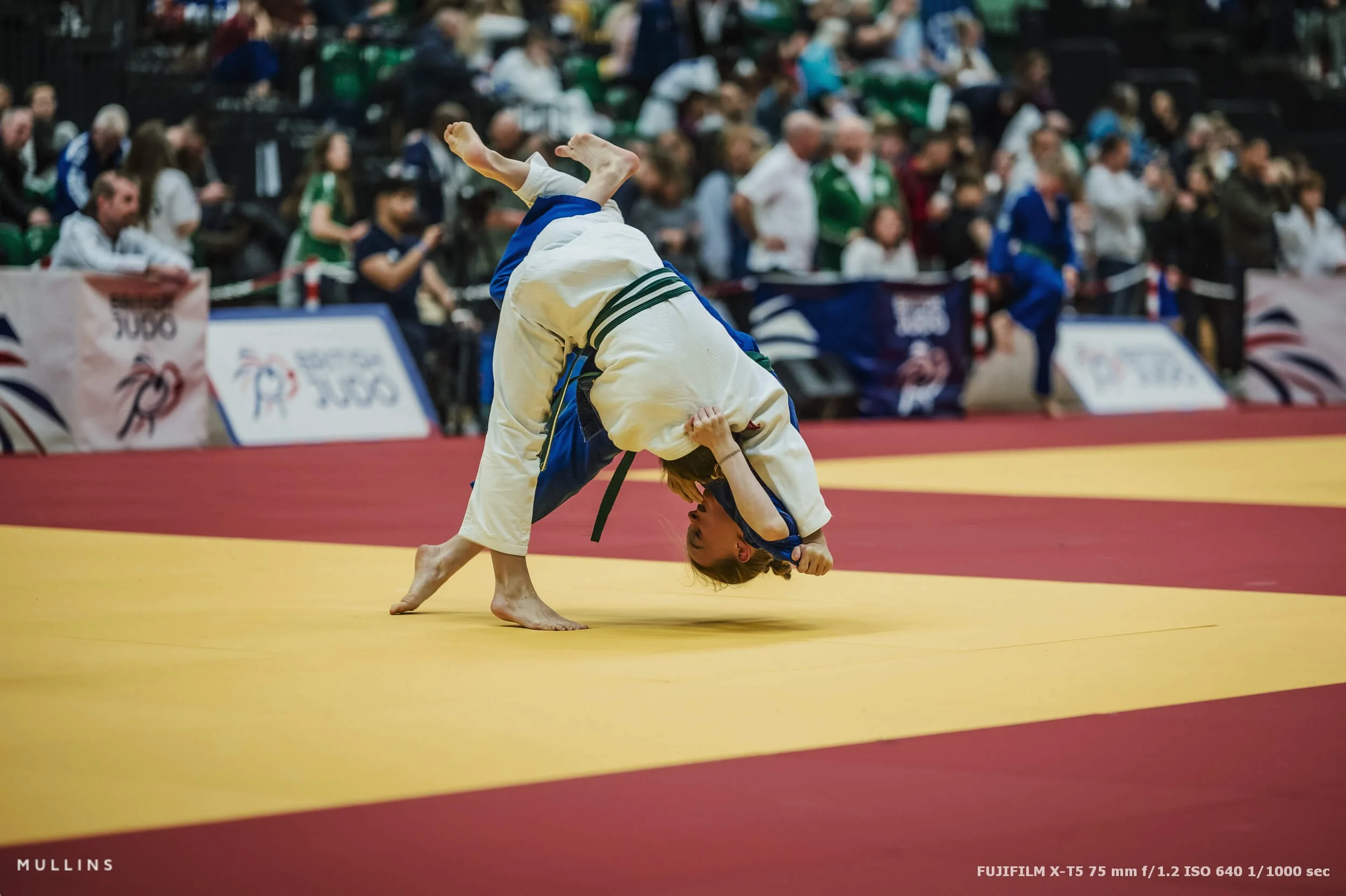
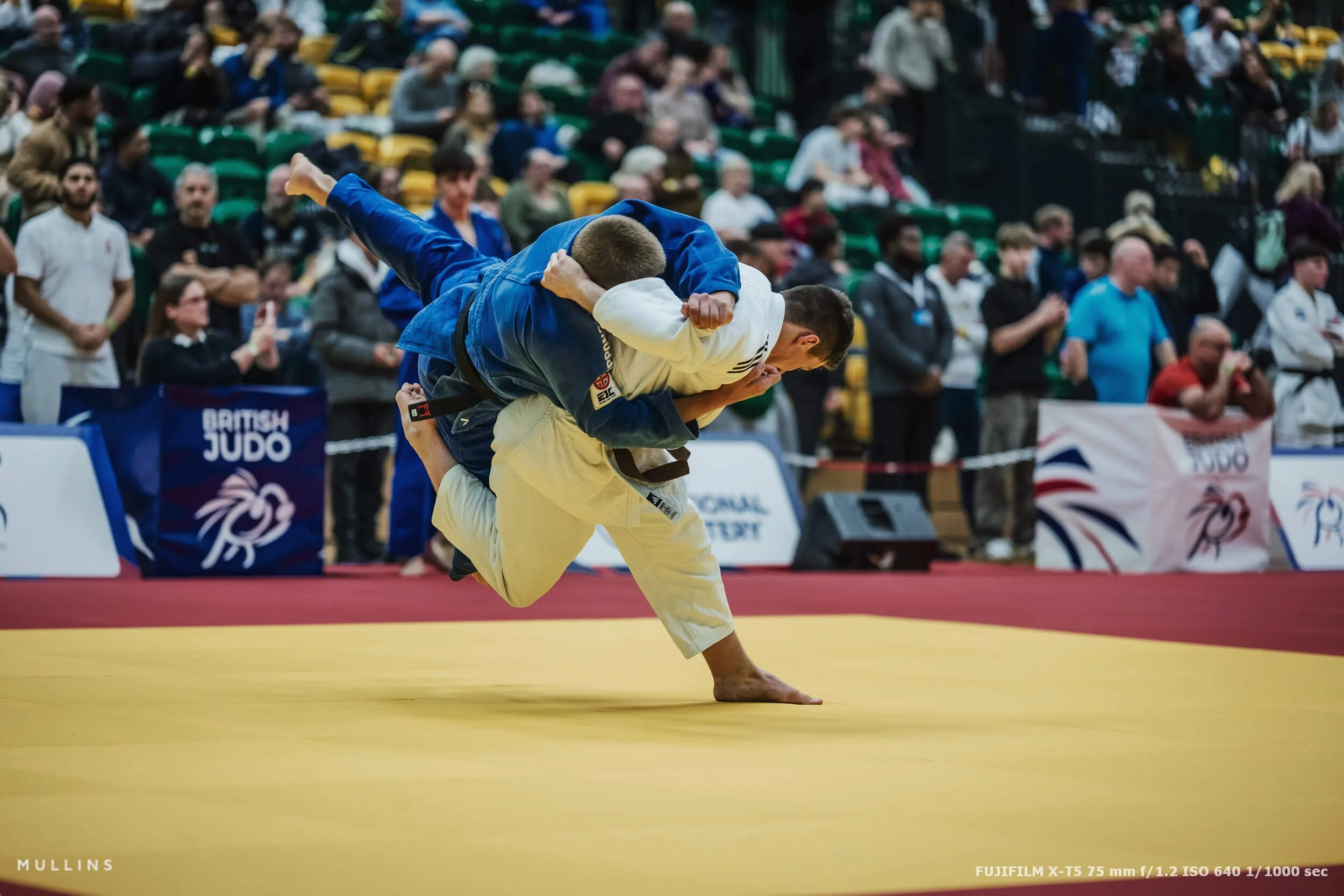
Timing beats burst mode
I did shoot bursts, but not in a panicked machine-gun way.
The goal for me is short controlled bursts that cover the build-up and the peak, then I stop. If you just hold the shutter down, you end up with thousands of frames that all look the same, and you still miss moments because you’re stuck waiting for the camera to clear, or you’re simply not watching what’s happening anymore.
Judo has rhythm. You can feel when something’s about to happen if you pay attention. Grip changes, balance shifts, hips turn. It’s not magic. It’s just watching properly.
Light and exposure indoors
Indoor sport is rarely pretty light. It’s functional light.
You’ve got bright mats, darker edges, and sometimes nasty overhead lighting that does nobody any favours. So it becomes a balancing act:
You want shutter speed high enough to freeze action when it matters.
You accept that ISO will climb, and you stop worrying about it. Most of these images have had noise-reduction done using my own AI-Lightroom Presets.
You aim for consistency and cohesiveness across the set.
The X-T5 is great for this kind of work because it’s quick and reliable. The GFX files, when I used them, were more of a deliberate choice for quieter frames, not the frantic peak action stuff.
A quick note on the edit
Every image in this set was finished in Lightroom using my own presets. I’m not trying to make judo look like something it isn’t, I just want clean skin tones, sensible contrast, and a bit of bite in the blacks so the photos feel punchy without looking overcooked.

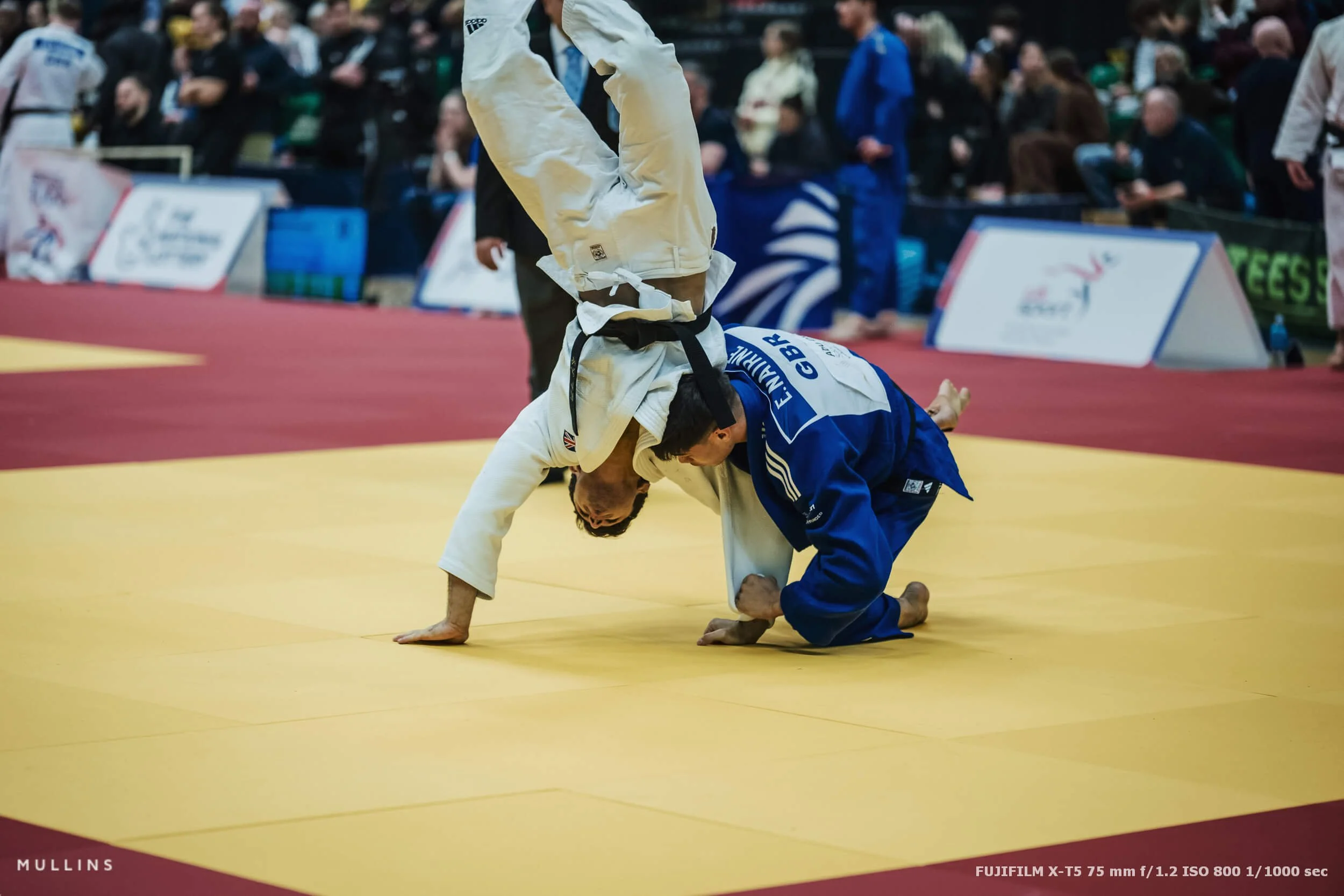
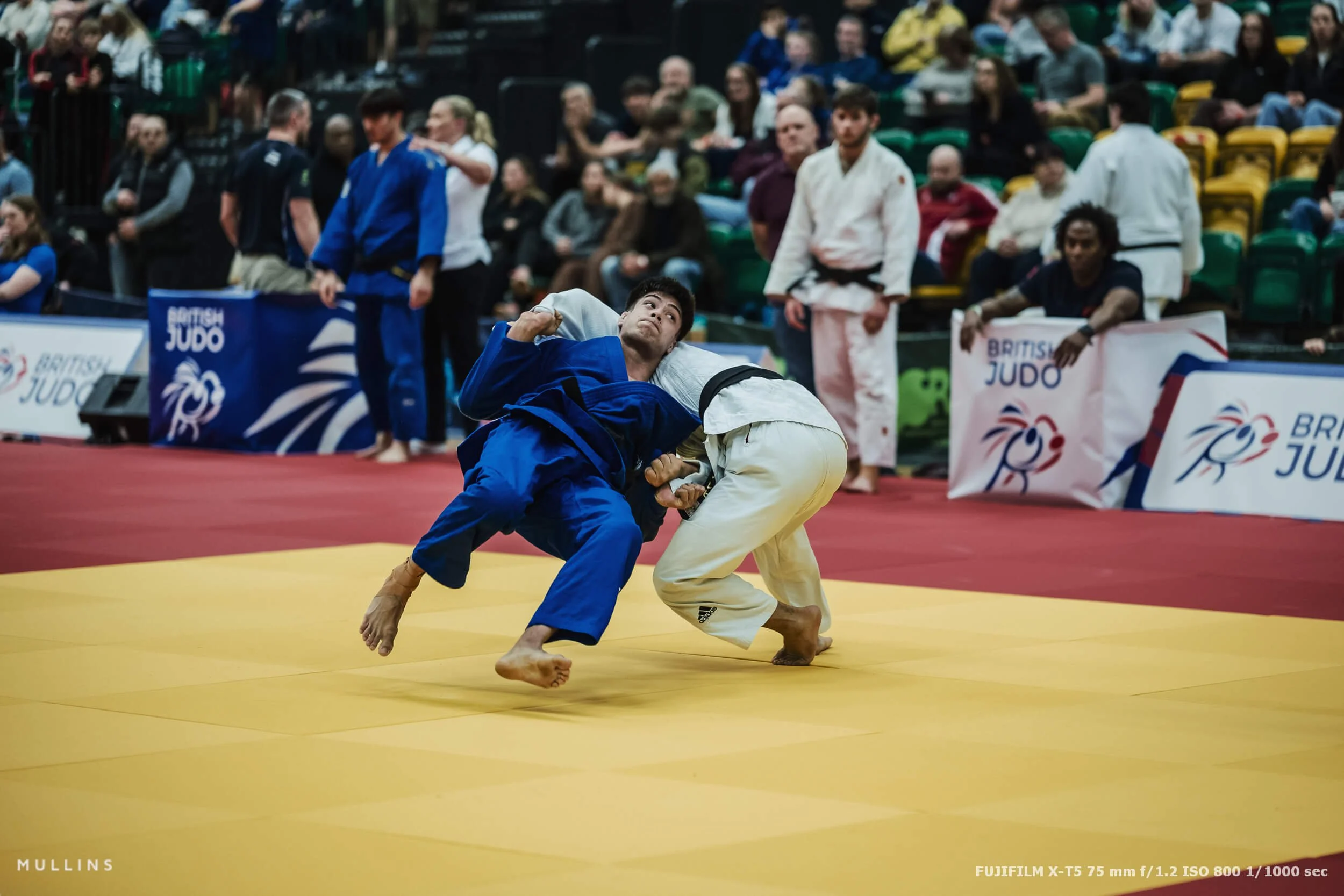
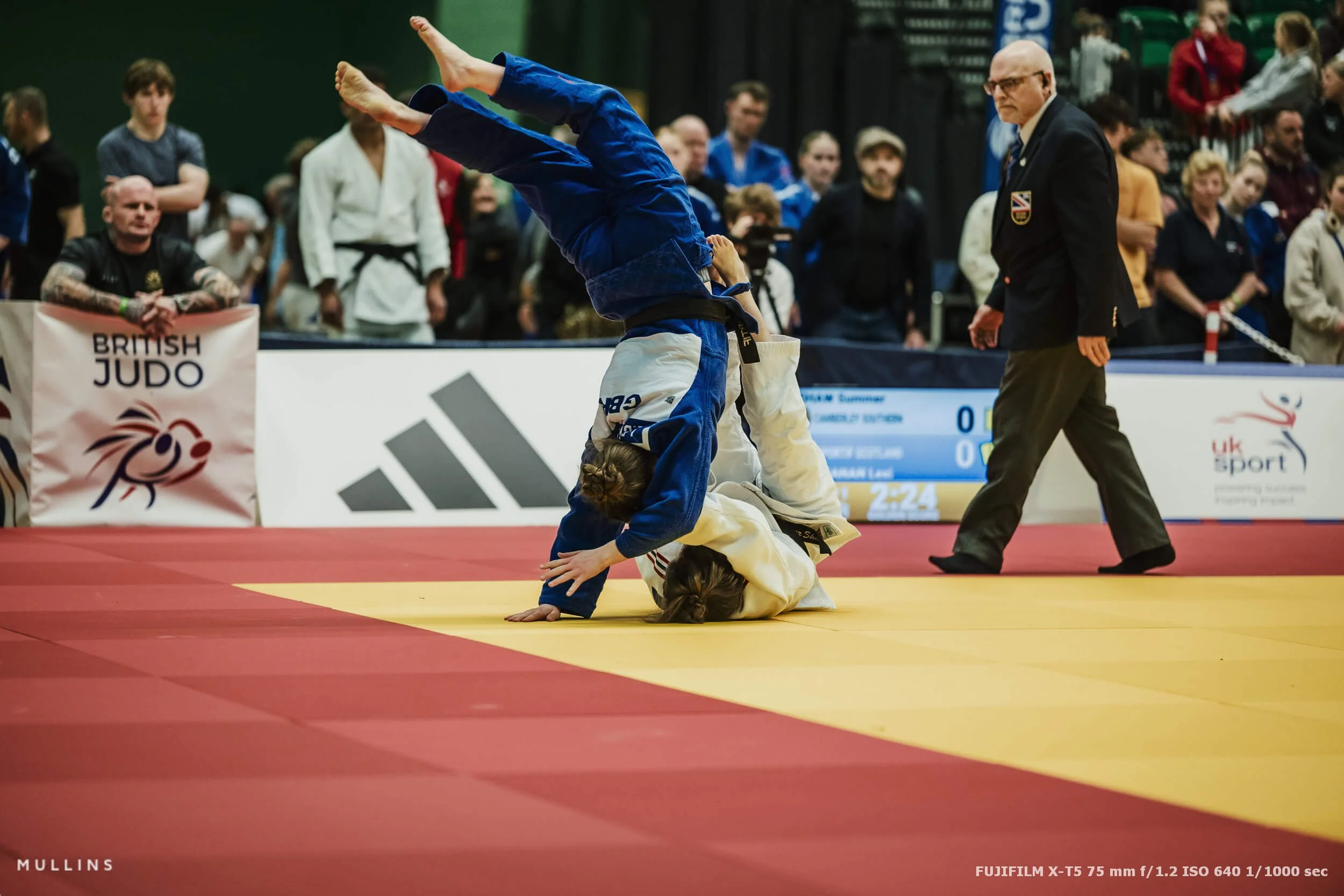
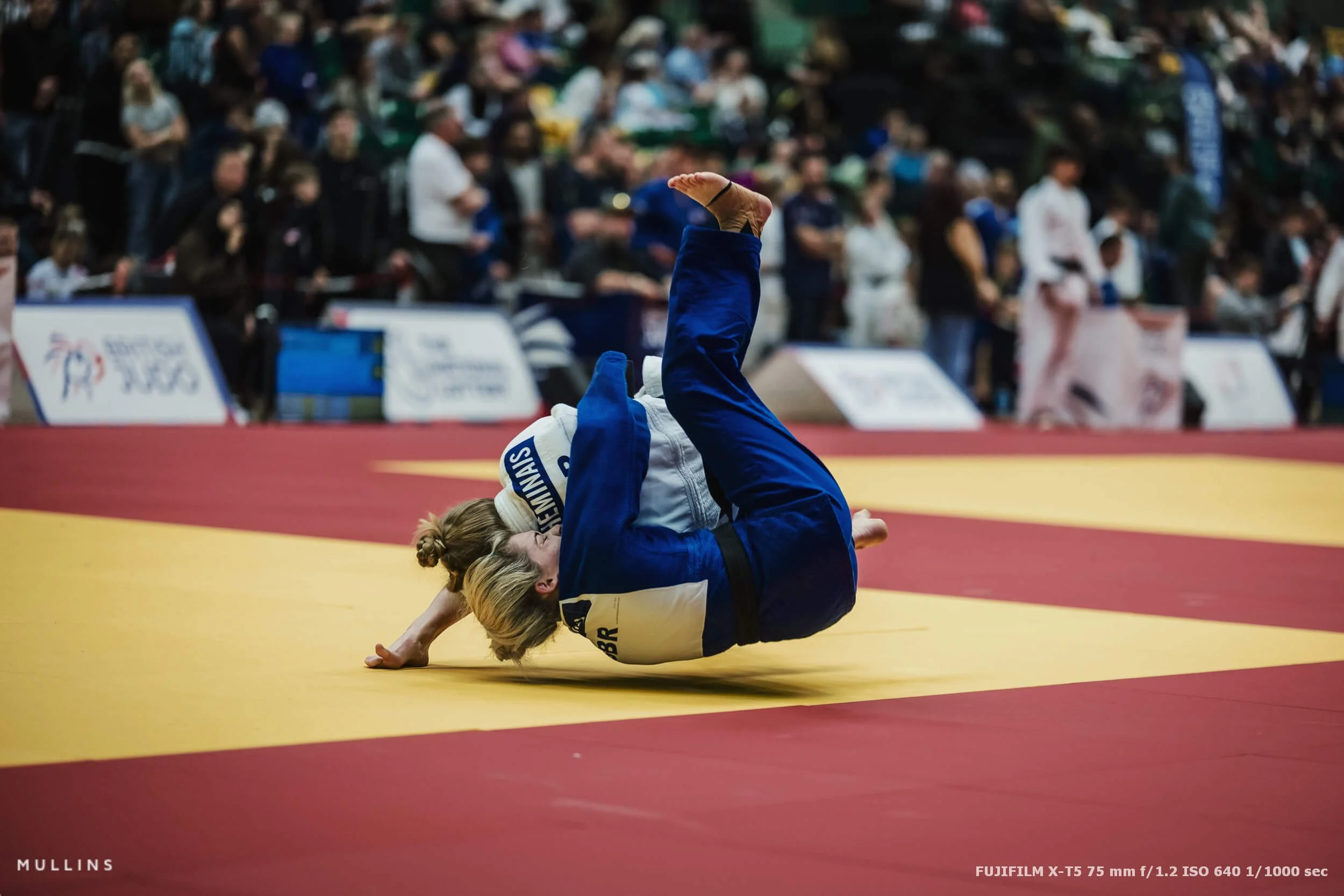
A quick note on results and coverage
If you want to see the official full results list for the weekend, British Judo published a PDF covering Pre-Cadet, Cadet, Junior and Senior results for Nottingham across the two days.
Closing thought
Photographing judo well is a mix of anticipation, positioning, and restraint. You’re waiting for very fast moments, but you’re also trying to show the story around them. That’s the bit I enjoy most.
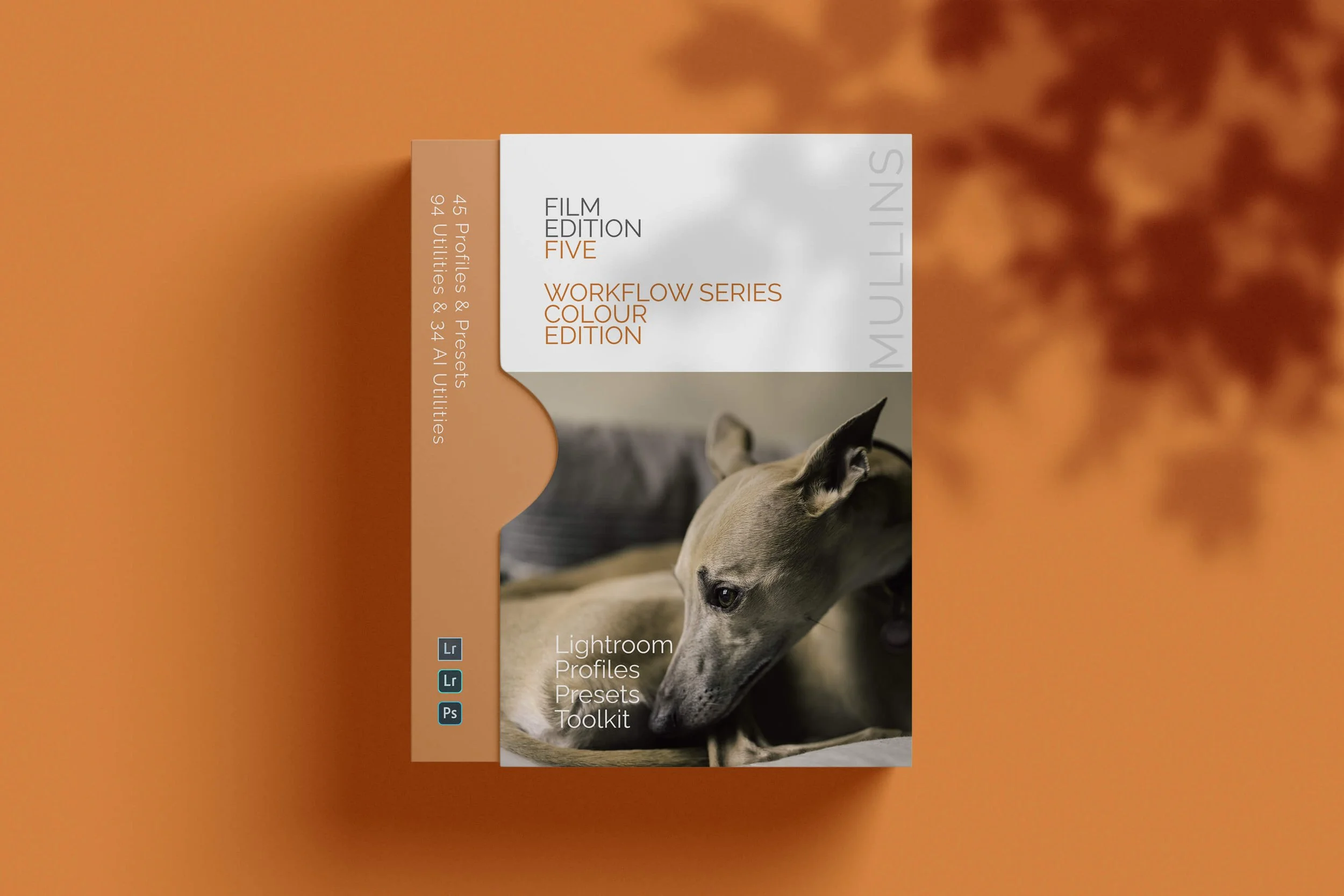
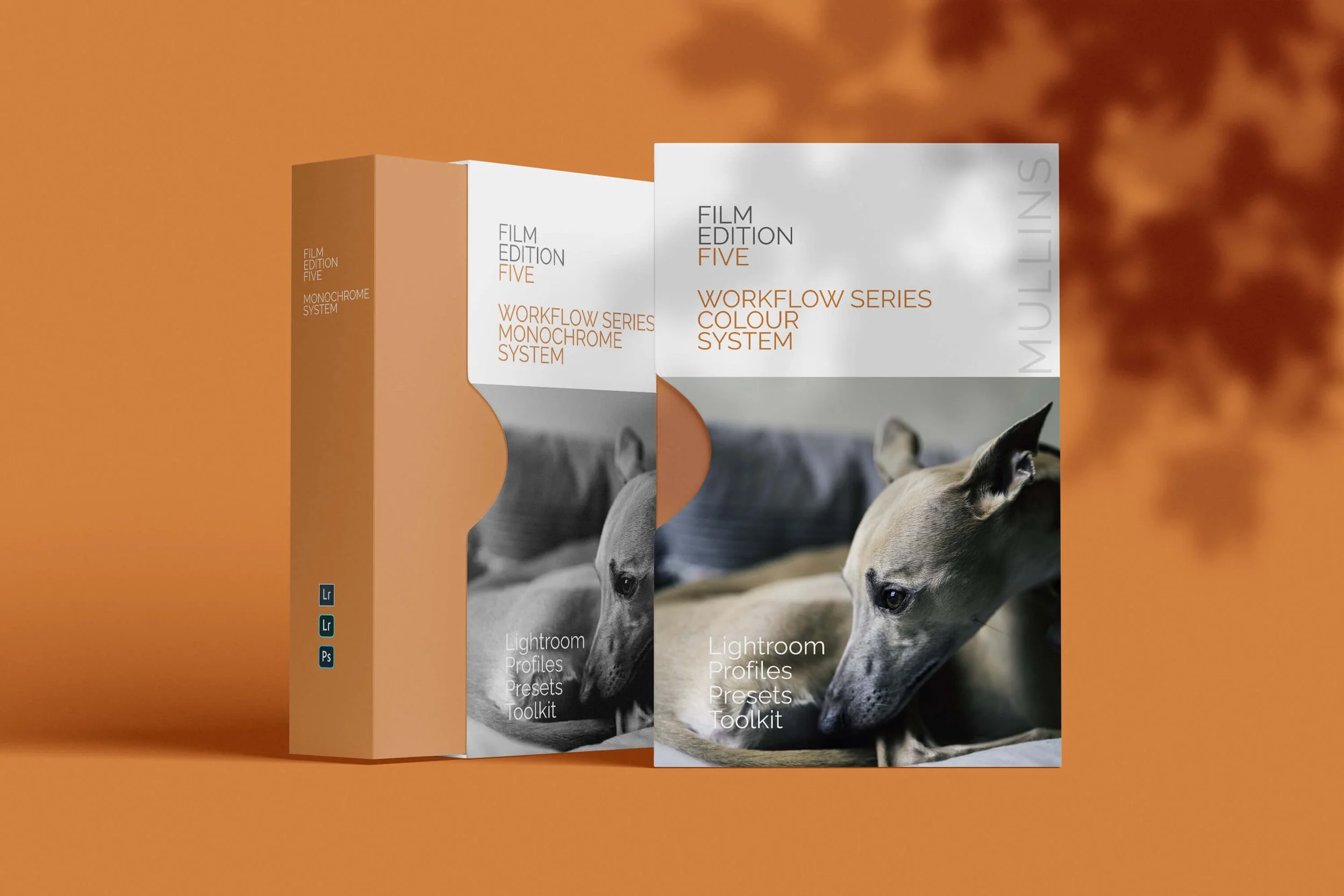
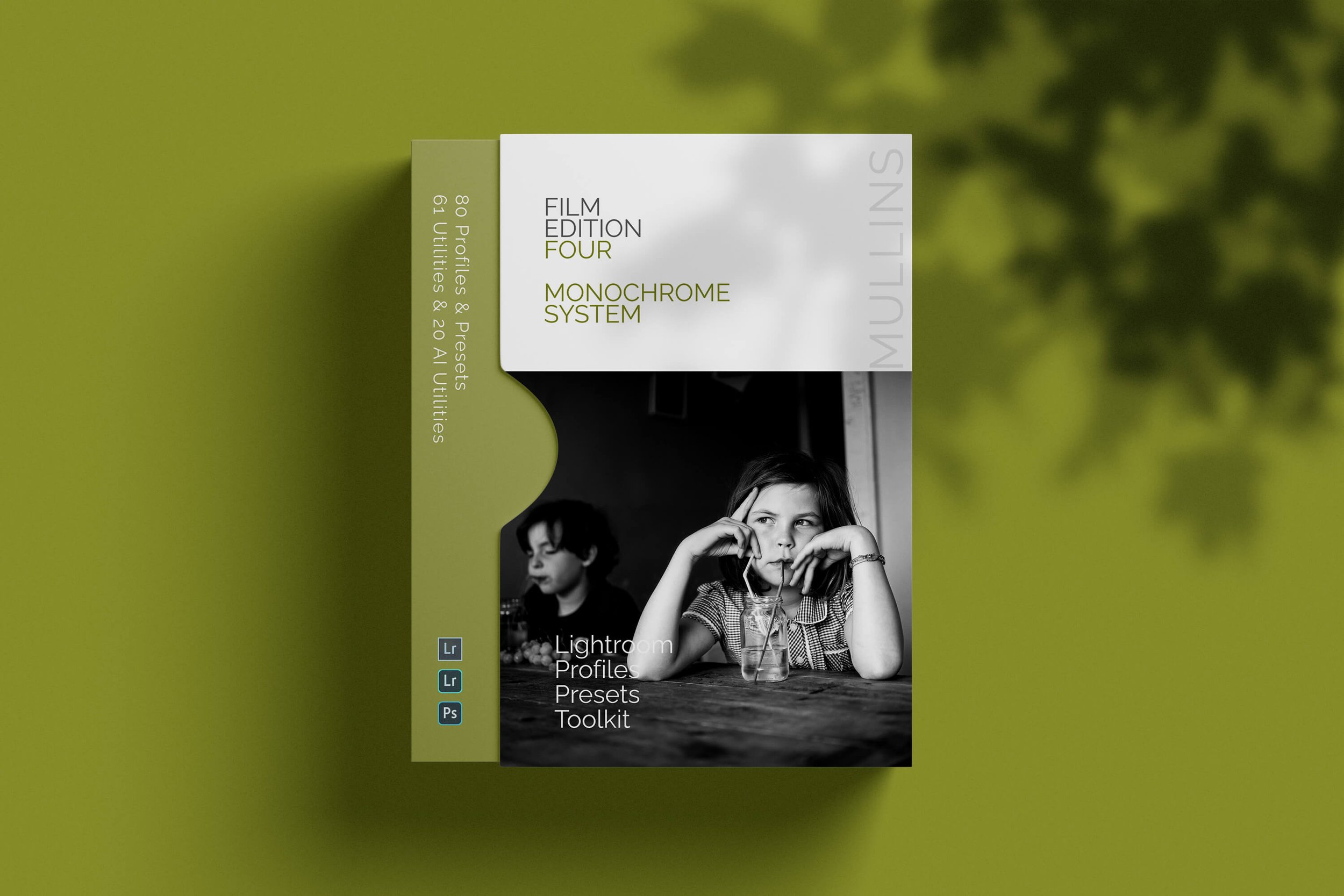
A complete black and white Profile, Preset & Workflow Pack for Lightroom
Film Edition 5 - Workflow Series (Monochrome) is a structured set of Lightroom profiles and presets designed to help you achieve a finished monochrome look quickly and consistently.
This is not a random “pick a look and hope” pack. It’s designed as a repeatable workflow you can run on a full set of images, with fixes and finishing tools when you need them.
If you edit regularly in Lightroom, you already know the problem. You want a strong black-and-white style, but you also need it to behave consistently across different scenes, lighting conditions, and subjects. This pack is designed to help you move fast without the work looking rushed.
You start with one of the custom monochrome profiles to establish the tonal foundation, then shape the image with workflow presets that are designed to work with that profile rather than fight against it. From there, you can use the included Toolkit for things like AI masking, grain, curves, highlight control, sharpening, finishing touches, and everyday problem-solving inside Lightroom. The product page positions the pack exactly this way, with the profile first, workflow second, then utilities and finishers to refine only when needed.
Built for speed and consistency
If you edit your photos in Lightroom, you already know the problem: you want a strong monochrome style, but you also need it to work across different scenes without constant fighting.
This pack helps you move fast without the work looking rushed.
Fast workflow: fewer decisions, clearer steps.
Consistent results: the set hangs together as a series.
Film-inspired tonality: depth, shape, and texture without the “preset look”.
Useful fixes included: real-world Lightroom problems, solved quickly.
What’s included
11 custom monochrome profiles
20 one-click presets
128 Mullins Lightroom Toolkit presets, including AI masks, fixes, utilities, grain, tone curves, colour helpers, sharpening and finishers
Compatibility
Works with Lightroom Classic and Lightroom Desktop. AI Mask presets require Lightroom Classic 11.0+ or Lightroom Desktop 5.0+.
Three for Two Offer
All preset packs are included in the 3-for-2 offer. Add any three preset packs to your basket, and the cheapest one is free at checkout.