

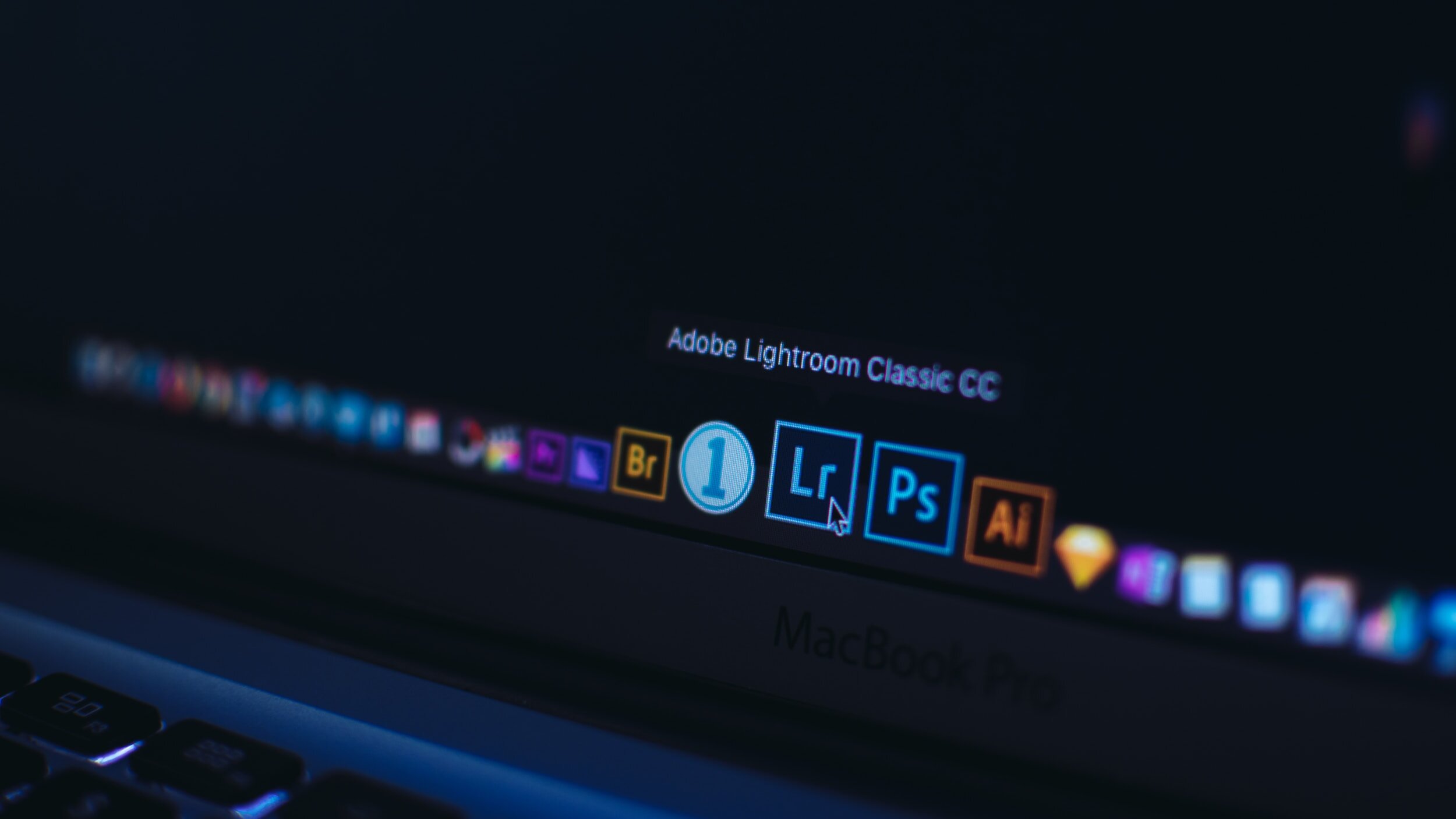
Installing Presets into Adobe Lightroom Classic & CC
Compatible with Lightroom Classic 7.3 or greater / Lightroom CC 1.3 or greater.
Are you looking for some creative and beautiful Lightroom Presets?
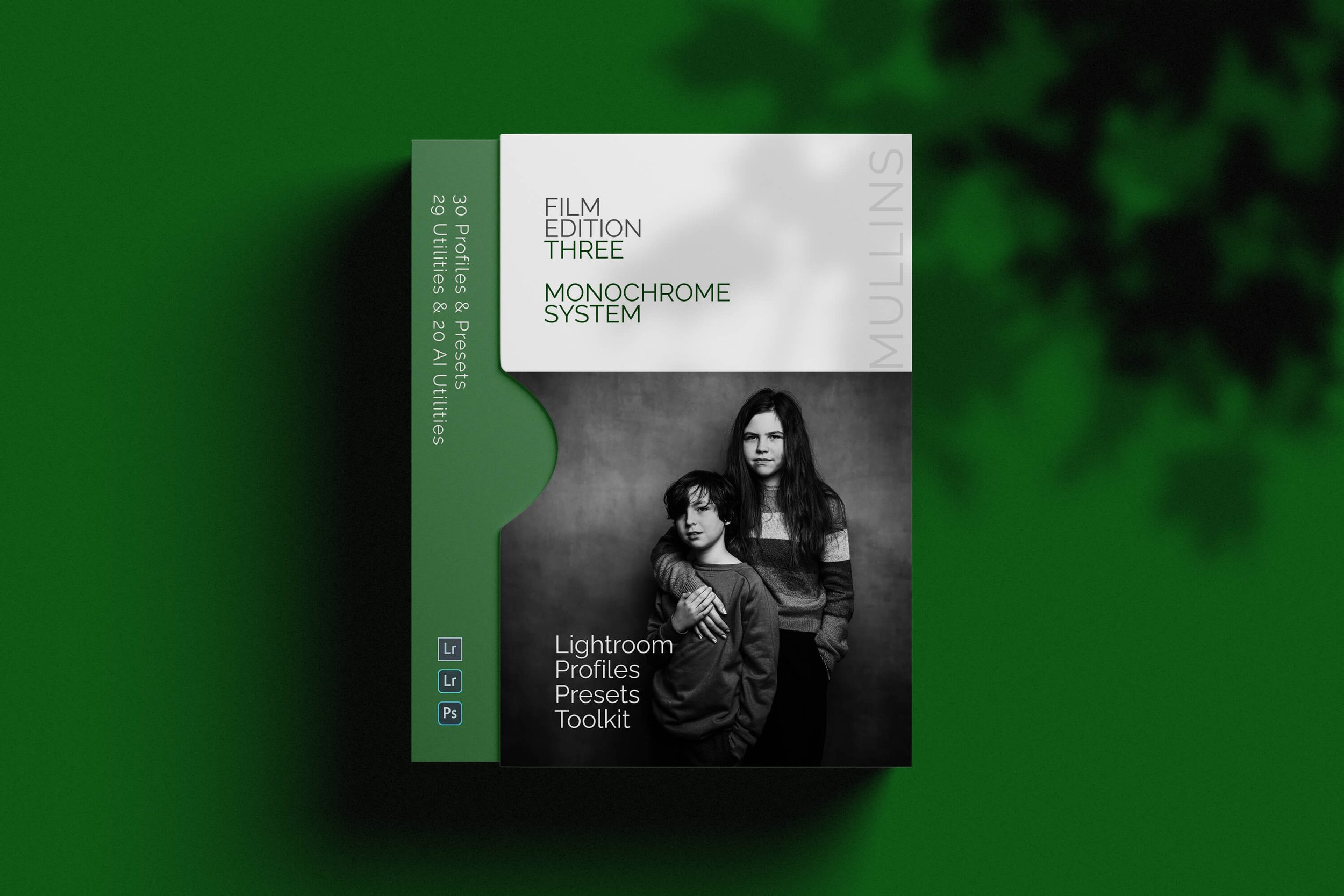
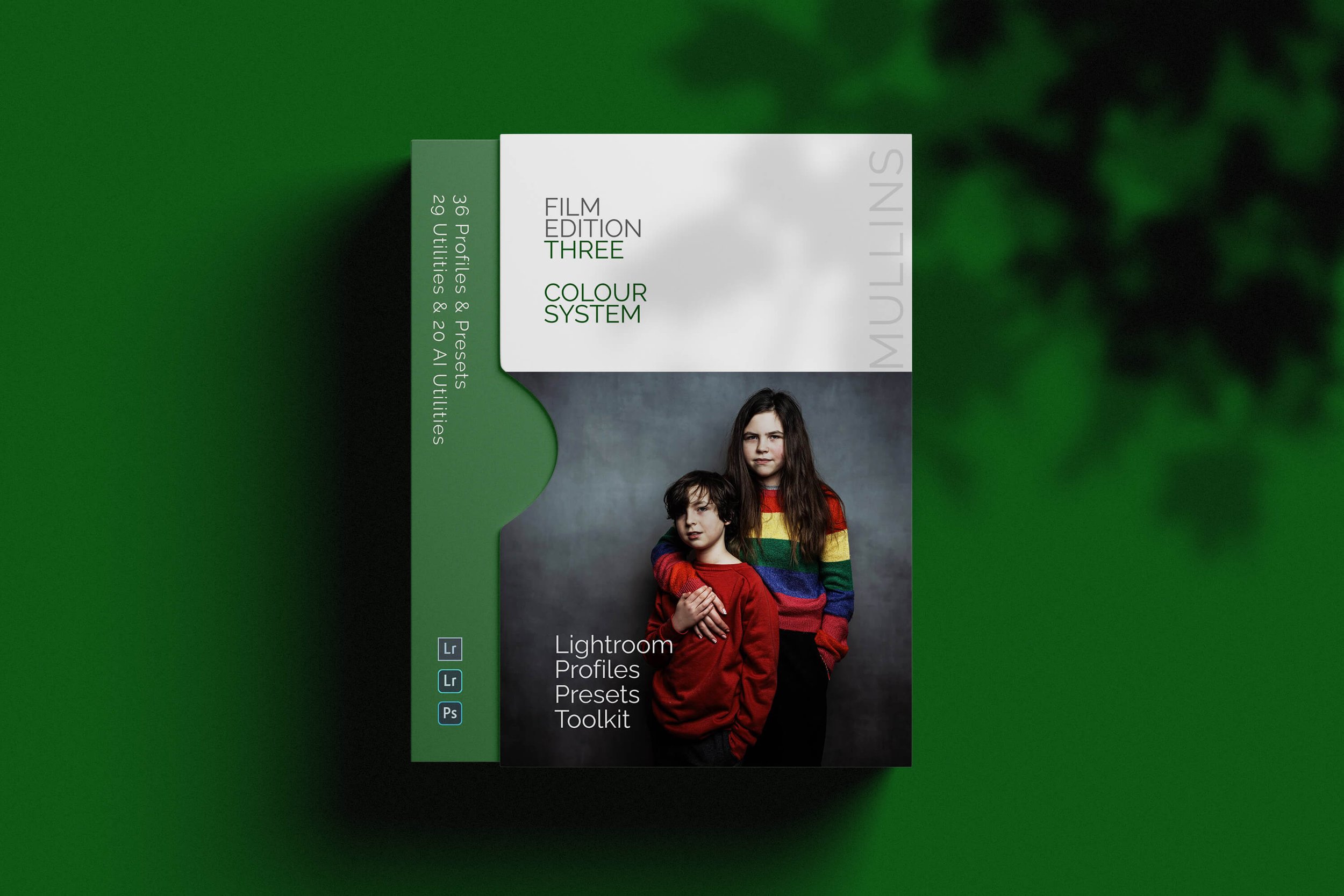
Installing Kevin Mullins Presets into Lightroom Classic
Installing Presets into Lightroom Classic
Installing Presets into Lightroom Classic can all be done from within Lightroom itself.
Open Adobe Lightroom.
Ensure you are in the Develop Module
Select File Menu and Import Profiles & Presets.
Browse to the .zip file you received with your purchase (no need to uncompressed it). 5
Select the .zip file and allow Adobe to install the profiles and presets.
Your presets and professional profiles are now installed and ready to use.
Note for Apple Users
Some Apple Systems are set up to unzip files when you download them automatically. This will stop you from installing the presets correctly.
Generally, this is a Safari settings issue. To fix this, go to Settings/Preferences in Safari and uncheck the checkbox next to “Open “safe” files after downloading”.
Unchecking this box ensures Safari doesn’t open zip files after downloading automatically.
Installing Kevin Mullins Presets into Lightroom CC
Installing Presets into Lightroom CC.
Installing Presets into Lightroom CC can all be done from within Lightroom itself.
Open Adobe Lightroom CC.
Ensure you have an image open for editing.
Select File Menu and Import Profiles & Presets.
Browse to the .zip file you received with your purchase (no need to uncompressed it). 5
Select the .zip file and allow Adobe to install the profiles and presets.
Your presets and professional profiles are now installed and ready to use.
Installing Presets into Adobe Camera Raw.
Installing Kevin Mullins Presets into Lightroom CC can all be done from within Photoshop itself.
Open Adobe Photoshop and open any RAW file.
When you open a RAW file, Adobe Camera RAW will automatically load.
On the right-hand side, select the Presets tab.
Right-click in the Presets area and select Import Profiles and Presets.
Ensure you are in the Develop Module (Lightroom Classic) or you have an image in develop mode (Lightroom CC).
Browse to the .zip file you received with your purchase (no need to uncompressed it).
Select the .zip file and allow Adobe to install the profiles and presets.
Your presets will now be imported and available under a new group.
A complete colour and black and white Profile, Preset & Workflow Bundle for Lightroom
Film Edition 3 Bundle brings together both Film Edition 3 Colour and Film Edition 3 Monochrome in one package, giving you the full FE3 system for photographers who want a film-inspired Lightroom workflow in both colour and black and white. It is designed for people who want more than a handful of looks, with profiles, presets, workflow utilities, and AI tools all working together as one complete editing toolkit.
This is not a simple bundle of slider-based presets. The Colour pack includes 20 handcrafted colour presets and 16 detail-accurate base-level profiles, while the Monochrome pack includes 21 handcrafted monochrome presets and 9 detail-accurate base-level monochrome profiles. Both packs also include 29 workflow utilities and 19 AI Utilities, giving you a broader editing system rather than just a set of looks.
If you want the full Film Edition 3 experience, this is the cleanest way to get it. You have the Colour pack for rich, film-inspired edits with depth and tonal subtlety, and the Monochrome pack for black-and-white work with contrast, character, and a stronger tonal foundation. Together, they give you a more flexible Lightroom workflow that still feels consistent from one shoot to the next.
Built for speed and consistency
Two complete Film Edition 3 packs in one bundle
Colour and monochrome workflows for different editing needs
Custom profiles, presets, utilities, and AI tools included
A better-value way to get the full FE3 system in one purchase
What’s included
Film Edition 3 Colour
20 handcrafted colour presets
16 detail-accurate base-level colour profiles
29 workflow utilities
19 AI Utilities
Works with any camera brand
Film Edition 3 Monochrome
21 handcrafted monochrome presets
9 detail-accurate base-level monochrome profiles
29 workflow utilities
19 AI Utilities
Works with any camera brand
3 for 2 offer
All preset packs are included in the 3-for-2 offer. Add any three preset packs to your basket, and the cheapest one is free at checkout.