

Keep You in the Moment: How I Work as a Documentary Wedding Photographer

At a Glance
I promise couples I won’t interrupt their day. That single promise controls everything I do as a Wedding Photographer. For you, if you shoot weddings, this piece is my practical guidelines: preparation that removes problems, a simple working philosophy, zero direction , and an edit that tells the truth without overloading the clients. Sixteen years and 700+ weddings taught me that if you keep people in their moments, the photographs will follow.
Why this matters
Authenticity is fragile. Small interruptions can cost big moments.
Preparation creates headspace. Good logistics let real emotion show in the wedding story.
Editing is storytelling. Tight, honest sets age better than large galleries.
The main philosophy
Everything rests on three pillars: light, composition, and moment.
I let light tell me where to stand, I try to set a clean composition early, then I wait for the moment.
I don’t machine-gun through emotional moments. One frame that holds meaning is worth more than twenty near misses. Patience is a practical skill; try to learn it.

Practical steps for documentary wedding workflow — stages, purpose, and cues
| Stage | What I do | Why it matters | Practical cues |
|---|---|---|---|
| Prep | Walk the schedule and spaces; pre-visualise transitions. | Removes friction so real moments can happen. | Note shade vs sun; identify locations if weather isn't great. |
| Light checks | Pre-meter key scenes (confetti, speeches, first dance). | Lets you watch behaviour, not histograms. | Lock exposure for the next scene while walking between spaces. Or trust P-Mode |
| Framing | Compose the background before the action. | Clean frames read as intentional, not lucky. | Edges tidy, light direction set, no bright dramatic issues. |
| Patience & timing | Wait for hands/eyes to tell the story. One frame at the peak of the moment. | Avoids nearly-moments and keeps you respectful. | Breathe in → shoot → lower camera. | Proximity ethics | Work close, never intrusive. | Intimacy without interference. | One step in, one frame, step out. |
| Dancefloor | Subtle light, honest shutter speed; anticipate the swell of the moment. | Energy drives these moments. | Hold line; shoot the crest of the moment. |
| Curation | Build a story spine; cut filler/duplicates. | Galleries that age well and feel true. | “Does this frame say something real?” If not, bin it. |
Prep that removes problems
Before the camera comes out, I think about the day. Not to control it, but to make it easier for real things to happen.
Schedule and spaces. I note where transitions between parts of the day will happen and where people will naturally gather.
Light checks. If confetti is under a canopy or down the aisle, I pre-meter that shade. If speeches are in a room with a lot of windows and natural light, I plan angles that avoid glare but keep faces in the frame.
Quiet contingencies. If the weather moves us inside, I know that I have fast prime lenses that will cope.
The in-between is where moments happen
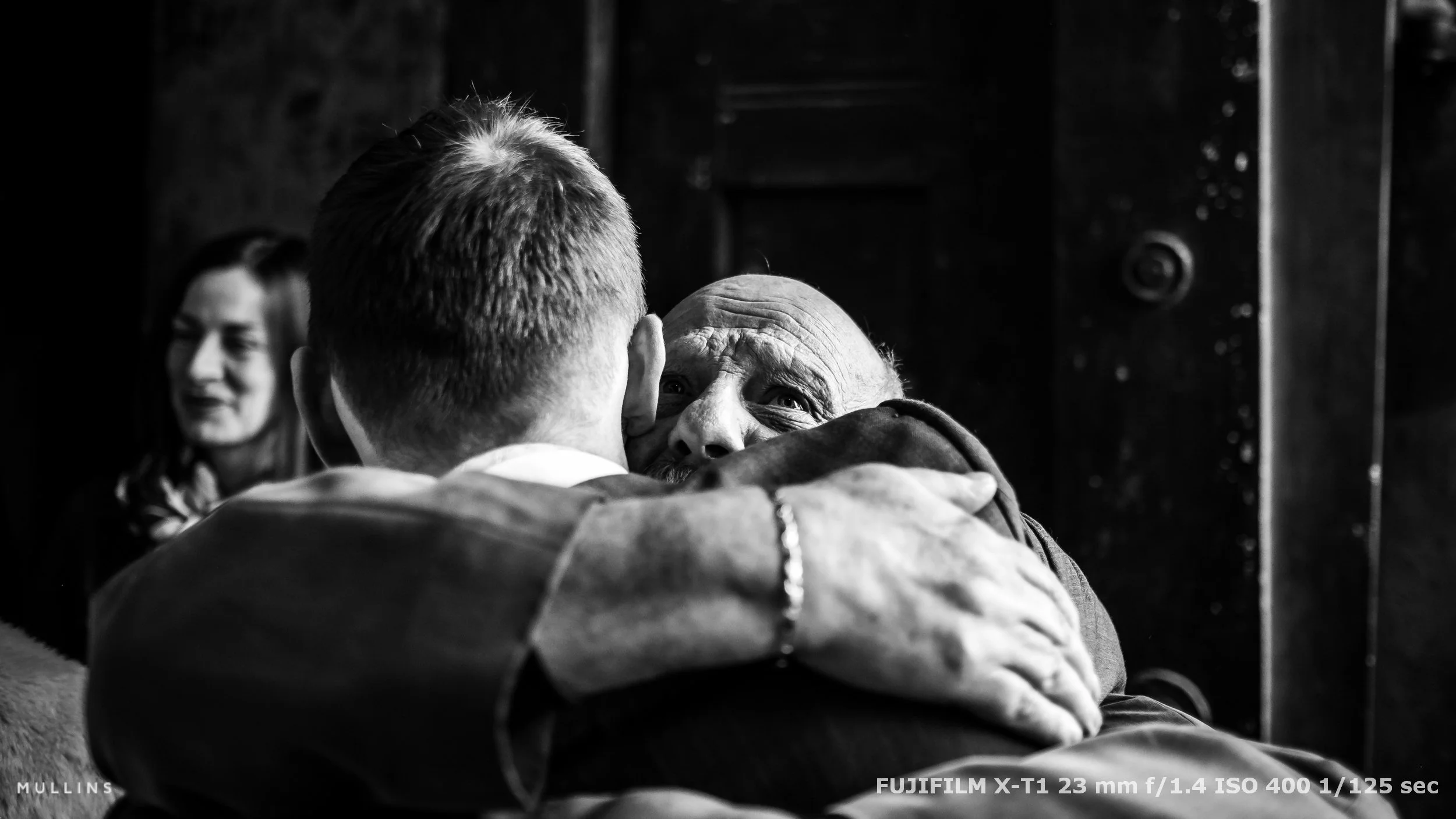
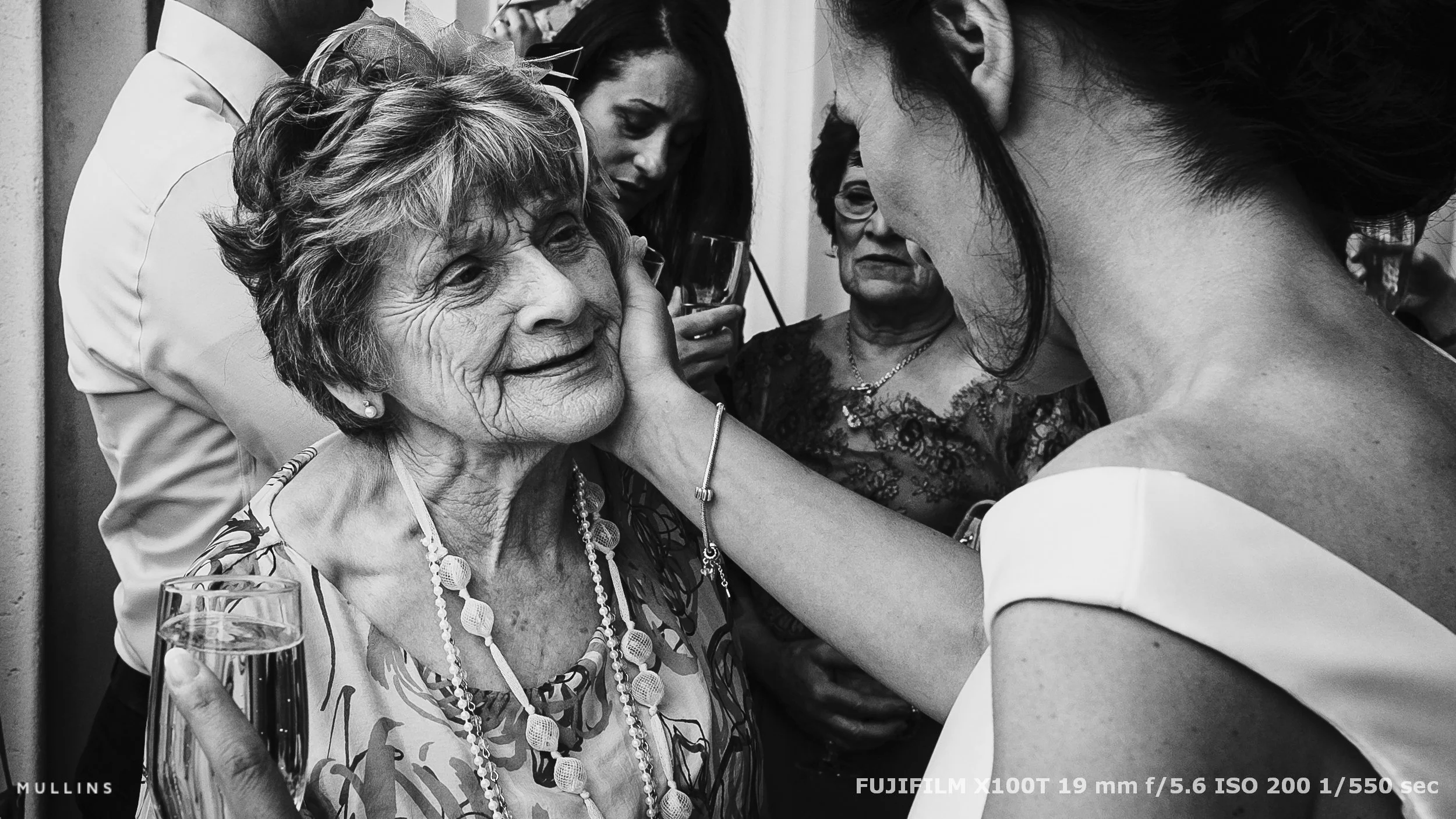
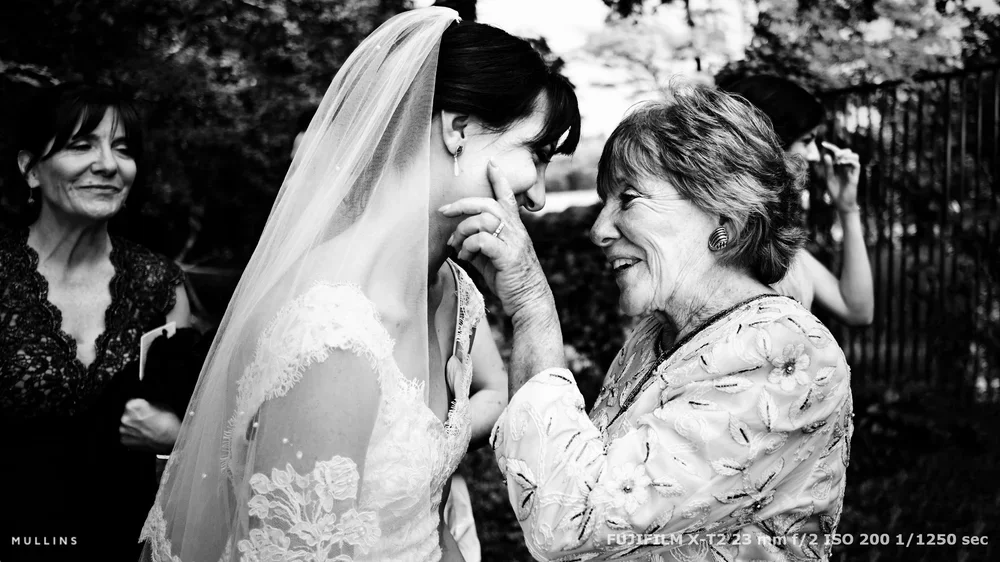
I’ve mentioned this a lot on this website. The walk between places, the deep breath after the vows, the lull before music - these are not gaps. I often walk a few paces ahead of a group to shoot through their laughter, then move away so I’m present but not a presence.
If you’re noticed occasionally, that’s fine. We’re there, not hiding. We do not have a cloak of invisibility, sadly.
Proximity, ethics, and respect
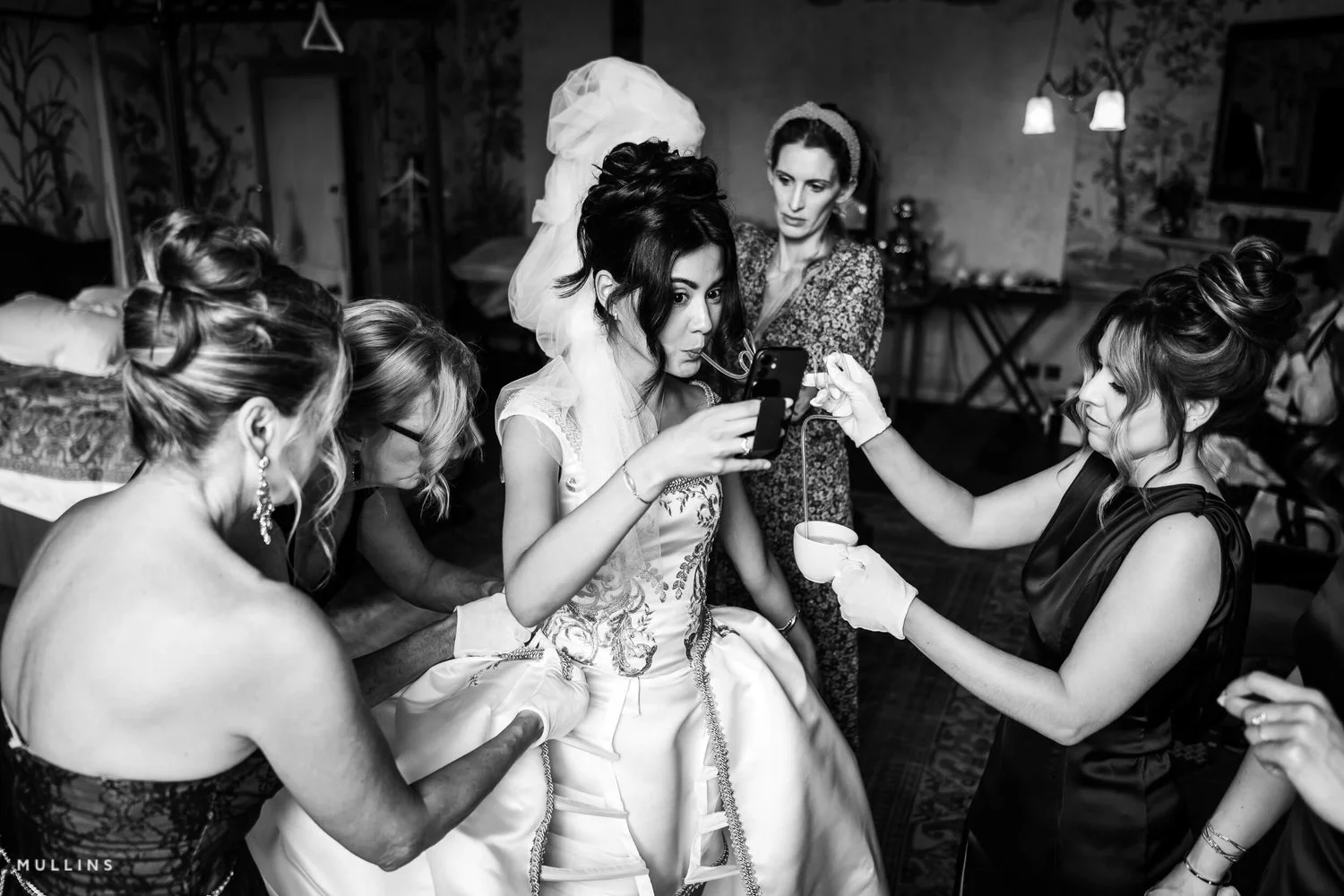
Close up does matter. Faraway images rarely feel like anything (though they can have their place). But close is not intrusive. I read the room, step in once, click a couple of times, then move on. Sometimes the most respectful act is lowering the camera.
Machine-gunning through moments will not build trust, and worse, can erode a moment from actually happening.
Go deeper: The Art of Documentary Wedding Photography
What you’ll get: real-world workflow, live case studies, story-first editing.Who it’s for: photographers who want honest, patient, people-centred coverage.
Check it out → The Art of Documentary Wedding Photography
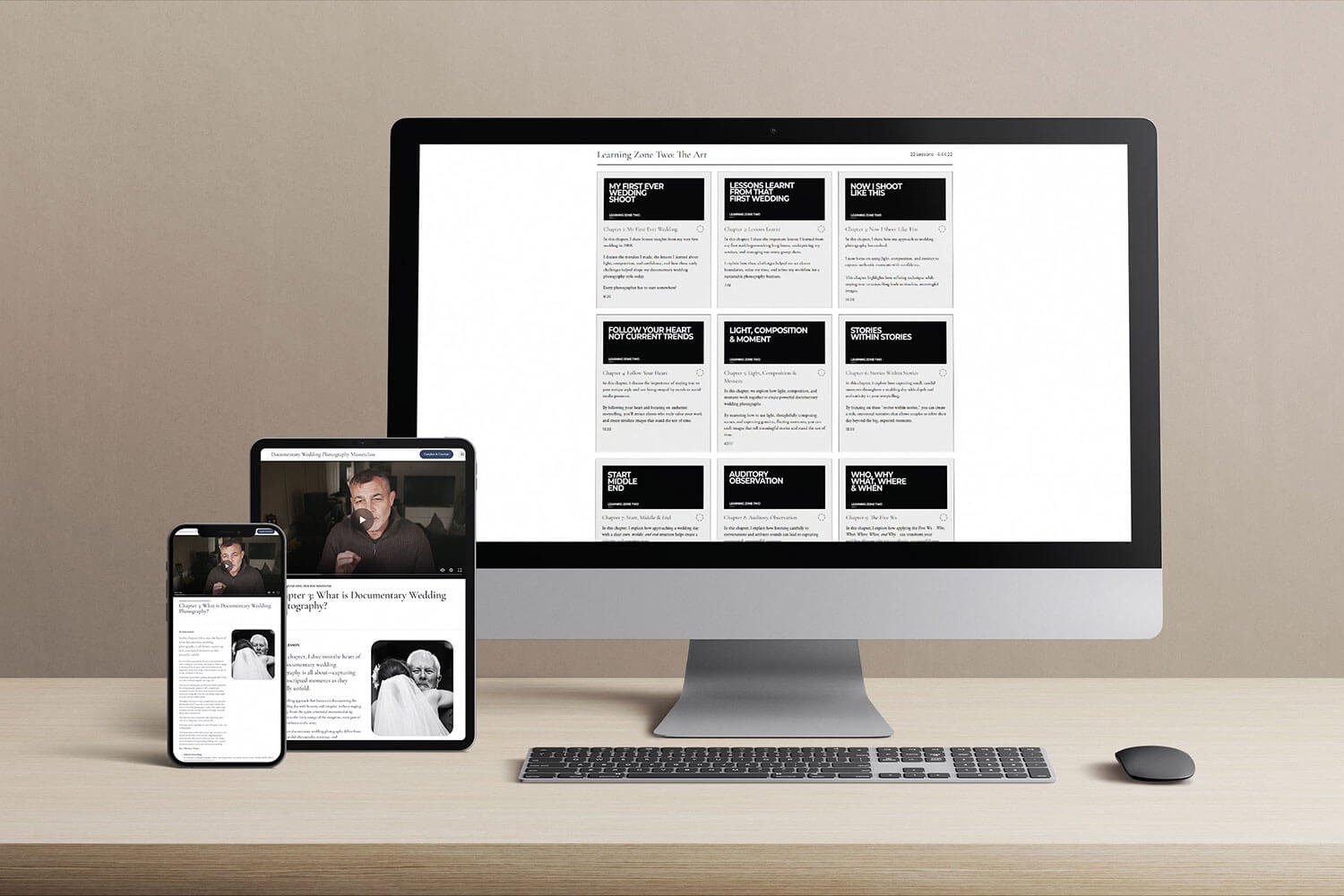
My Online Self-Paced Wedding Photography Course
Gear prep & knowledge
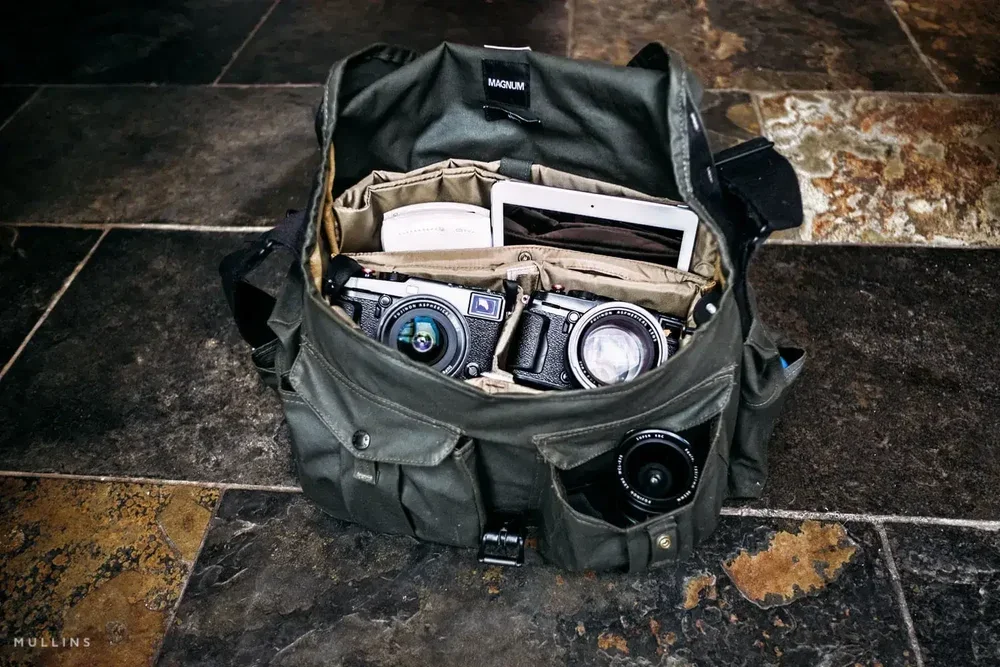
Fast primes, simple setup, configured for speed. Less menu, more seeing.
If you find yourself fiddling with the camera, simplify. Your attention is the tool that matters.
“A Photograph doesn’t have to be great, but it must be important.”
The edit: finding the future nostalgic look
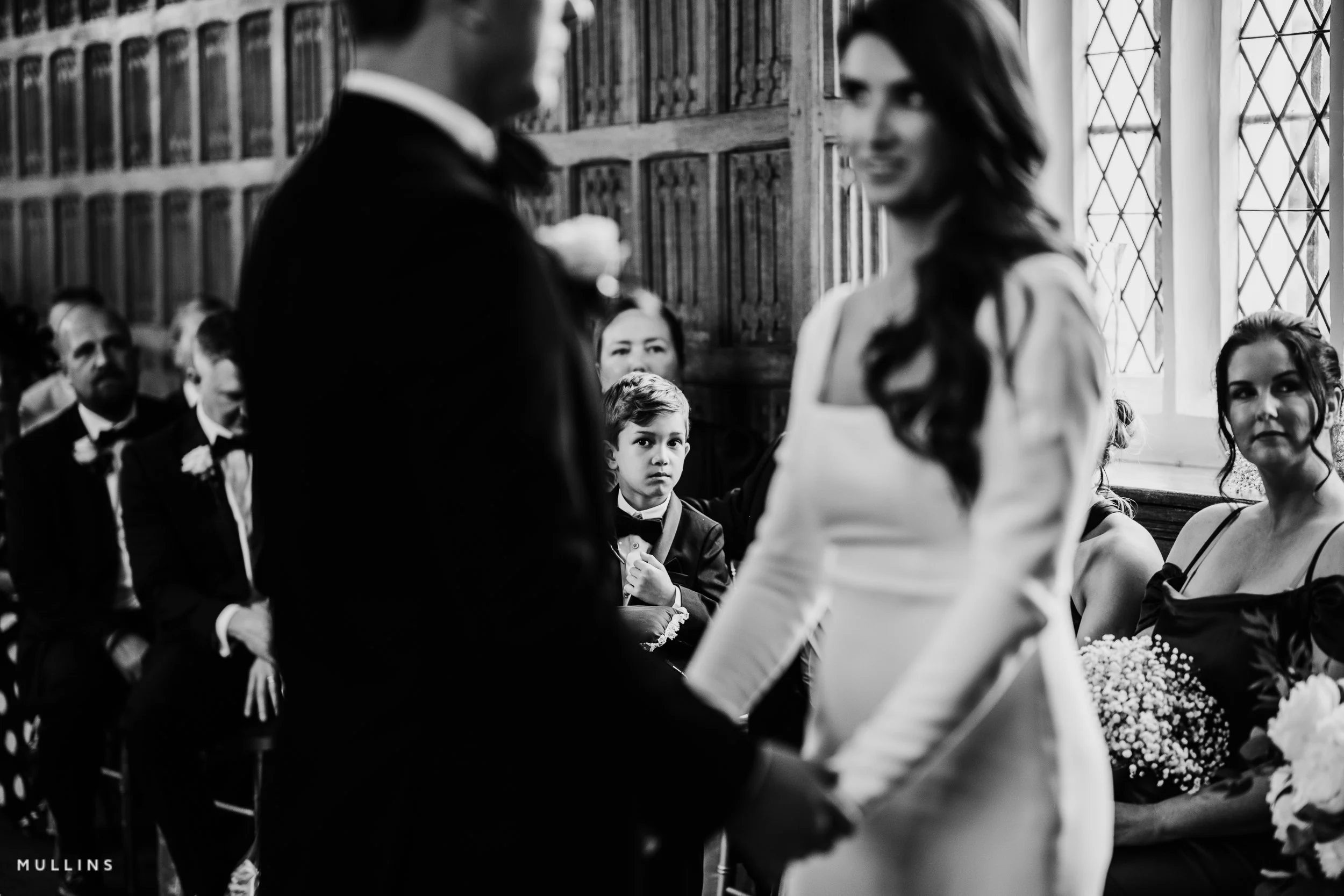
Curation is half the skill of a Documentary Wedding Photographer. I look for a sequence that carries emotion from moment to moment. Duplicates get deleted. Filler shots get deleted.
Only one of four very similar photos can be the best. Removing the other three elevates the fourth to great.
The test is simple: does this frame say something real about the people and the day? If it’s merely “ok”, it doesn’t earn its place.
Practical drills for documentary wedding photographers
Compose first. Lock a background, then wait for hands and eyes to bring it to life.
Meter once, watch twice. Pre-set exposure for the next scene, or use P-Mode, then concentrate on behaviour.
Transition practice. Follow three guest movements between spaces and make one strong frame from each.
One-frame discipline. In emotional moments, allow yourself a single frame, then step back. Train your timing.


FAQ for authentic documentary wedding photographers
-
No, never. An authentic documentary wedding photographer has an entirely hands-off approach.
-
Pre-walk, pick angles with face-friendly reflection, expose for skin, and use clean backgrounds to reduce chaos.
-
Anticipate the peak moments, lean on fast glass, stabilise your stance, and shoot at the crest rather than in the swell.
-
Tight, honest, story-led. Fewer images than you might expect, more meaning than you might think.


Quick Wins
Quick Wins
Compose first: set a clean background, then wait for hands and eyes to animate it.Pre-meter the next scene: expose for where you’re going so you can watch behaviour, not dials and buttons.
One-frame discipline: in emotional moments, take a single decisive frame and step back.
Transitions matter: treat the walk between spaces as oportunity, not dead time.
Closing thought
Documentary wedding photography is an act of respect; for people, for emotion, for truth.
Keep the moments in your mind, and the pictures will look after themselves.
Edit like this with my Lightroom Presets
Natural colour, rich monochrome and a consistent finish across a full set. Built for speed and subtlety.
New here? You can always start with one pack and build from there.
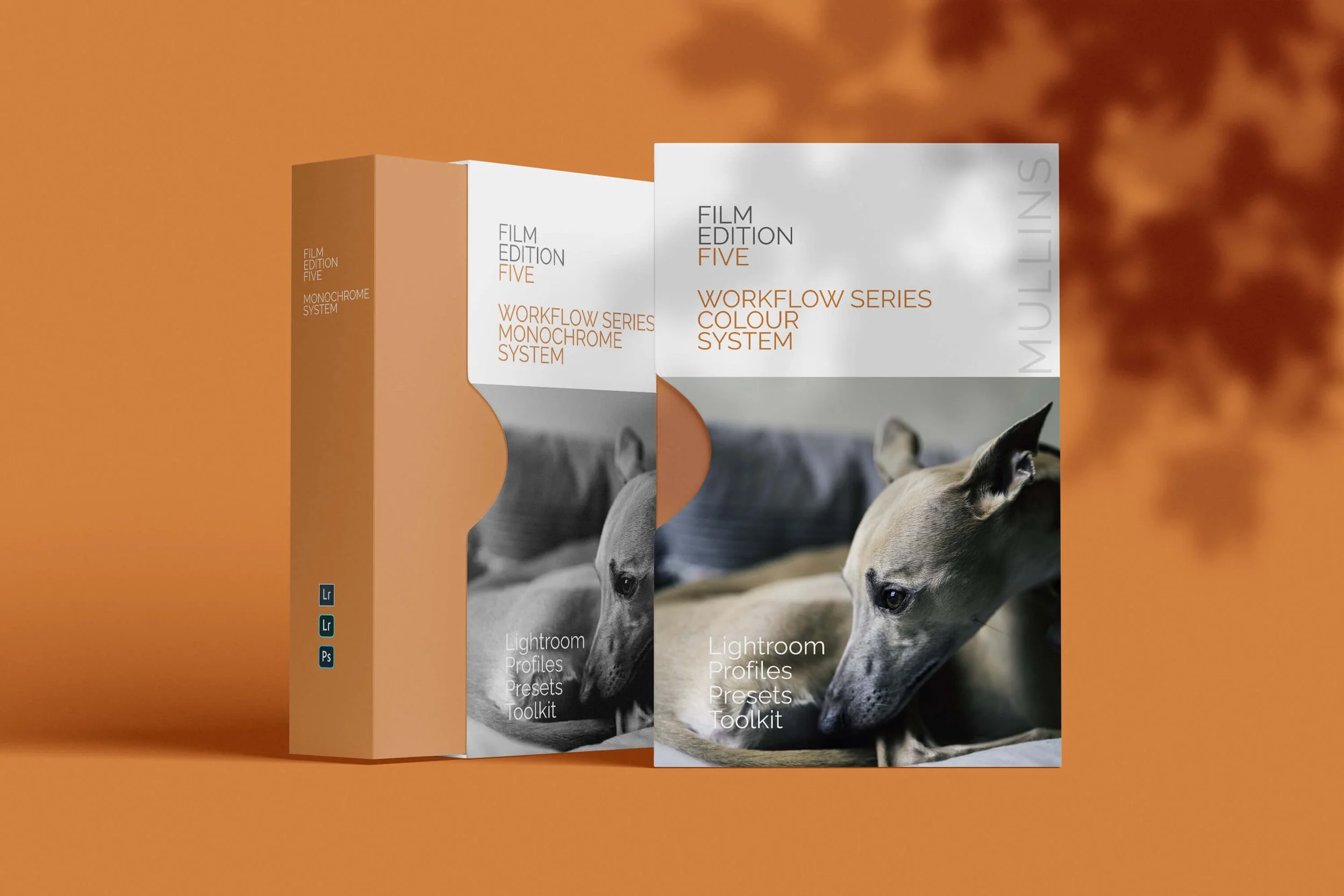
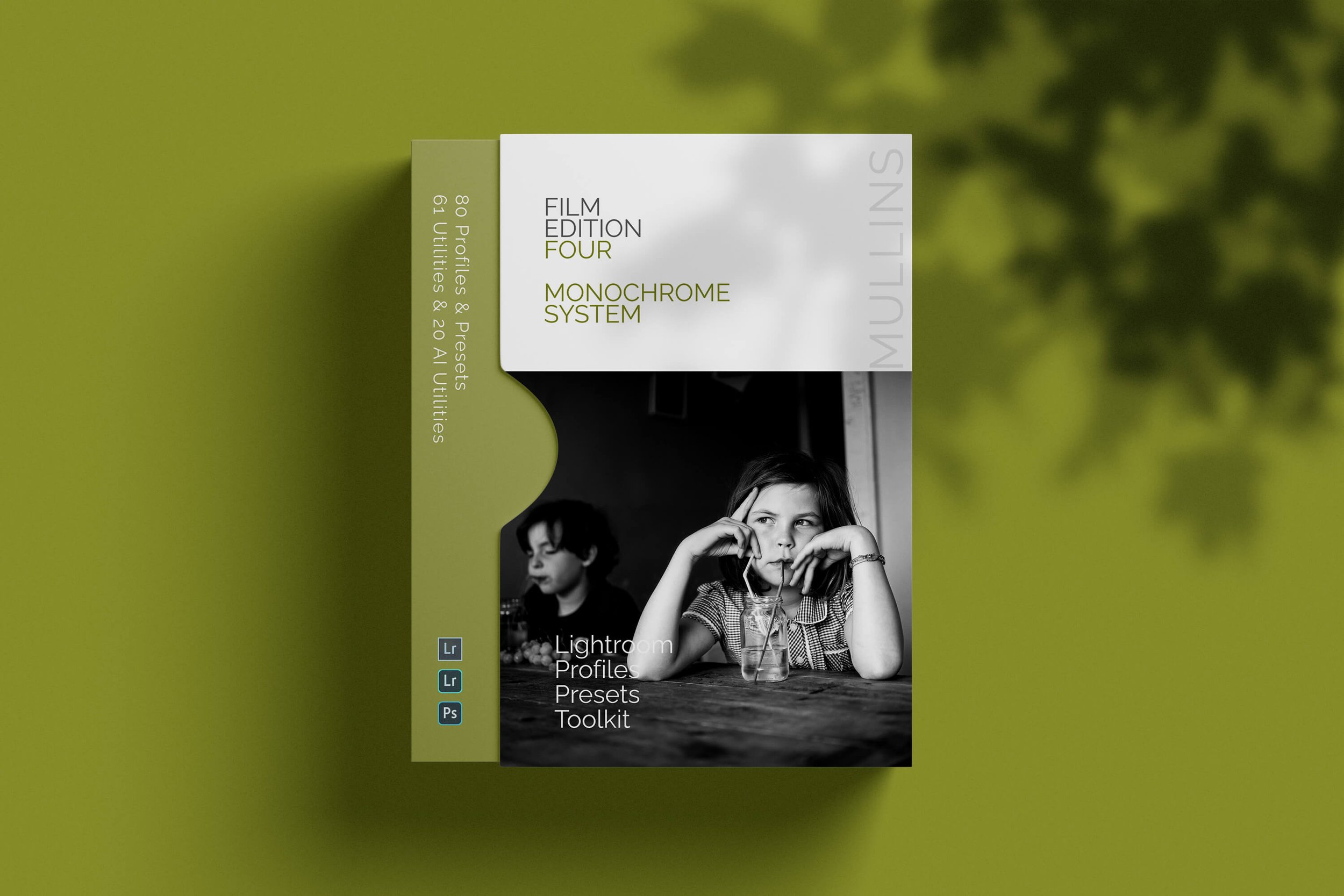
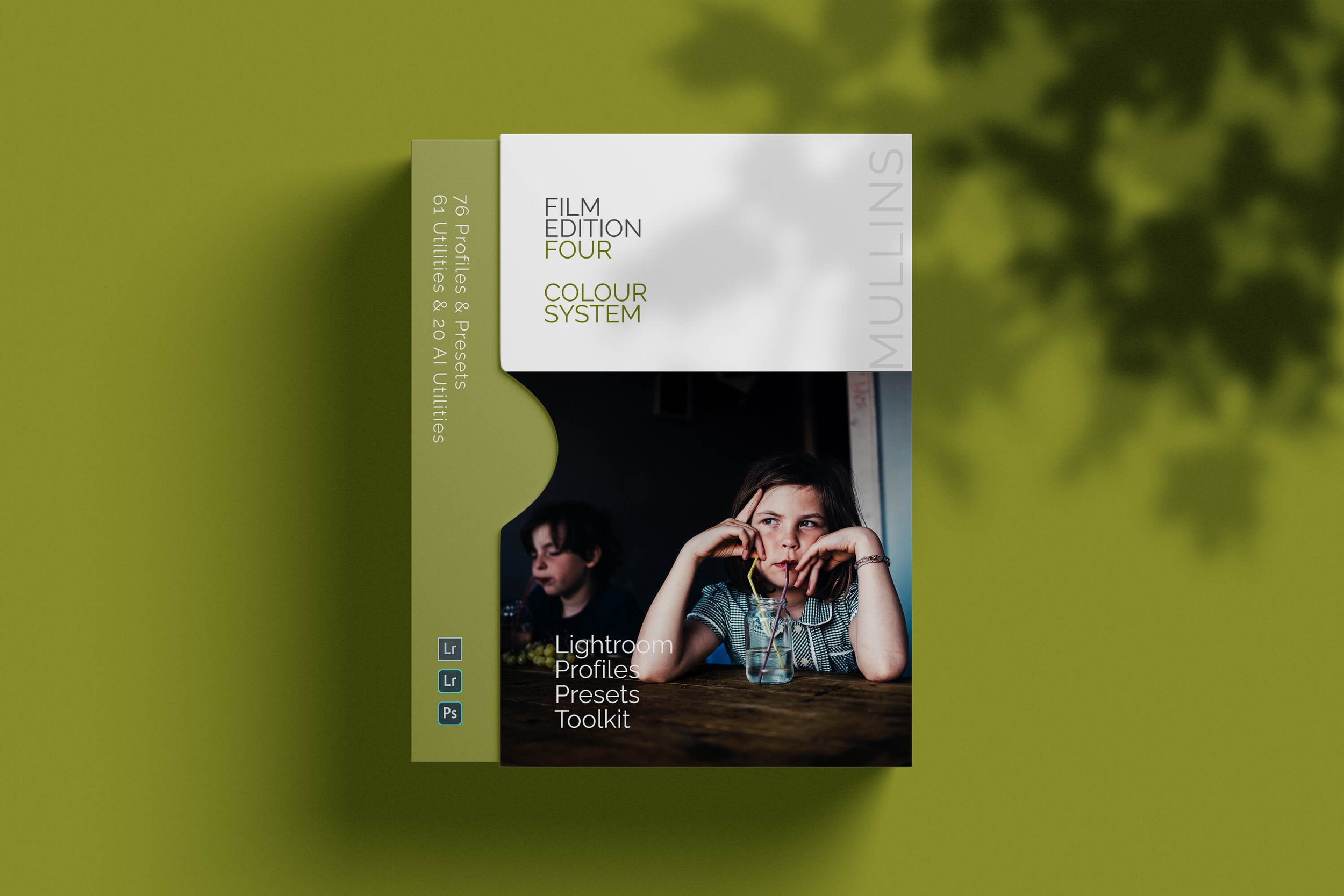

A complete black and white Profile, Preset & Workflow Pack for Lightroom
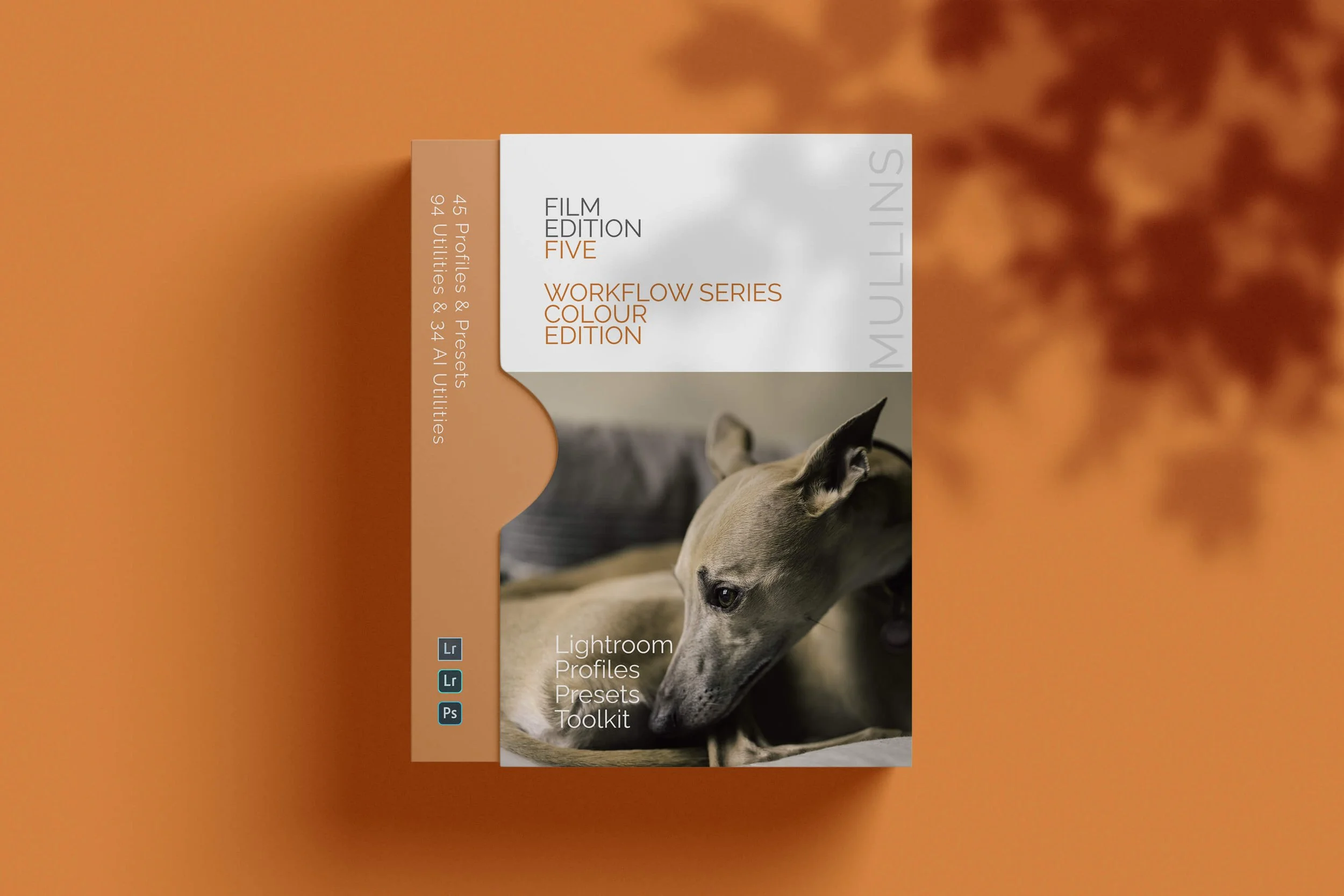
Film Edition 5 - Workflow Series (Monochrome) is a structured set of Lightroom profiles and presets designed to help you achieve a finished monochrome look quickly and consistently.
This is not a random “pick a look and hope” pack. It’s designed as a repeatable workflow you can run on a full set of images, with fixes and finishing tools when you need them.
If you edit regularly in Lightroom, you already know the problem. You want a strong black-and-white style, but you also need it to behave consistently across different scenes, lighting conditions, and subjects. This pack is designed to help you move fast without the work looking rushed.
You start with one of the custom monochrome profiles to establish the tonal foundation, then shape the image with workflow presets that are designed to work with that profile rather than fight against it. From there, you can use the included Toolkit for things like AI masking, grain, curves, highlight control, sharpening, finishing touches, and everyday problem-solving inside Lightroom. The product page positions the pack exactly this way, with the profile first, workflow second, then utilities and finishers to refine only when needed.
Built for speed and consistency
If you edit your photos in Lightroom, you already know the problem: you want a strong monochrome style, but you also need it to work across different scenes without constant fighting.
This pack helps you move fast without the work looking rushed.
Fast workflow: fewer decisions, clearer steps.
Consistent results: the set hangs together as a series.
Film-inspired tonality: depth, shape, and texture without the “preset look”.
Useful fixes included: real-world Lightroom problems, solved quickly.
What’s included
11 custom monochrome profiles
20 one-click presets
128 Mullins Lightroom Toolkit presets, including AI masks, fixes, utilities, grain, tone curves, colour helpers, sharpening and finishers
Compatibility
Works with Lightroom Classic and Lightroom Desktop. AI Mask presets require Lightroom Classic 11.0+ or Lightroom Desktop 5.0+.
Three for Two Offer
All preset packs are included in the 3-for-2 offer. Add any three preset packs to your basket, and the cheapest one is free at checkout.