

Lightroom Plugins
This is where my Lightroom Classic plugins live. They’re built to make editing quicker, more consistent, and a lot more fun.
“After many years, I felt I had become rather good at editing (Lightroom/Photoshop) to achieve black and white photographs that met my goals, more often than not with high contrast.
So, deciding to get your Monochrome Studio plugin took me a while. However, only 2 days in, I am so pleased with the results. “
— Rick L.About My Lightroon Plugins:
Each plugin is designed around a proper workflow - speed, repeatability, and results that still feel like you.
If you like tools that stay out of your way and let you get on with your job, you’ll probably get on with these.
Editing Tools
Editing Tools
Filters
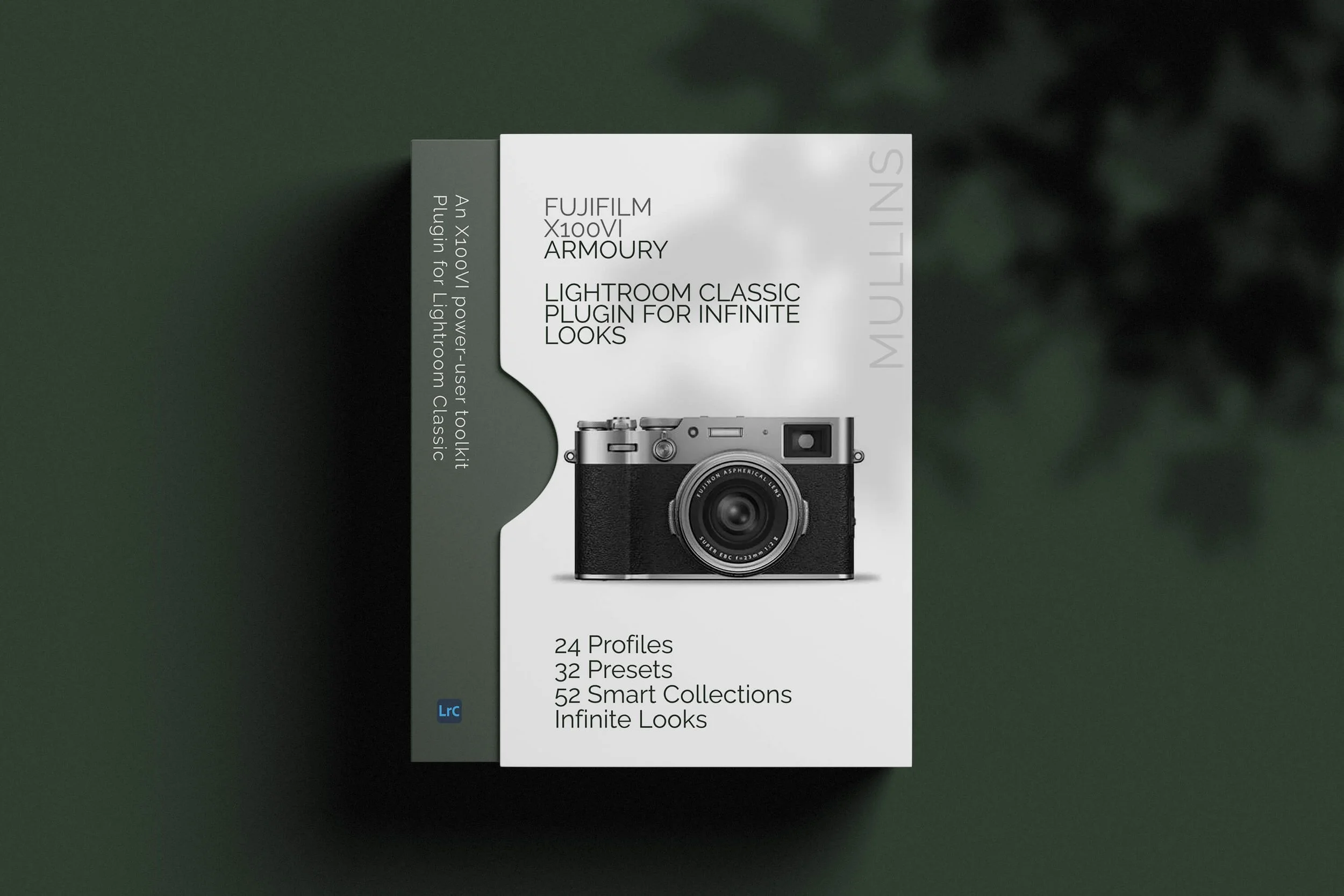
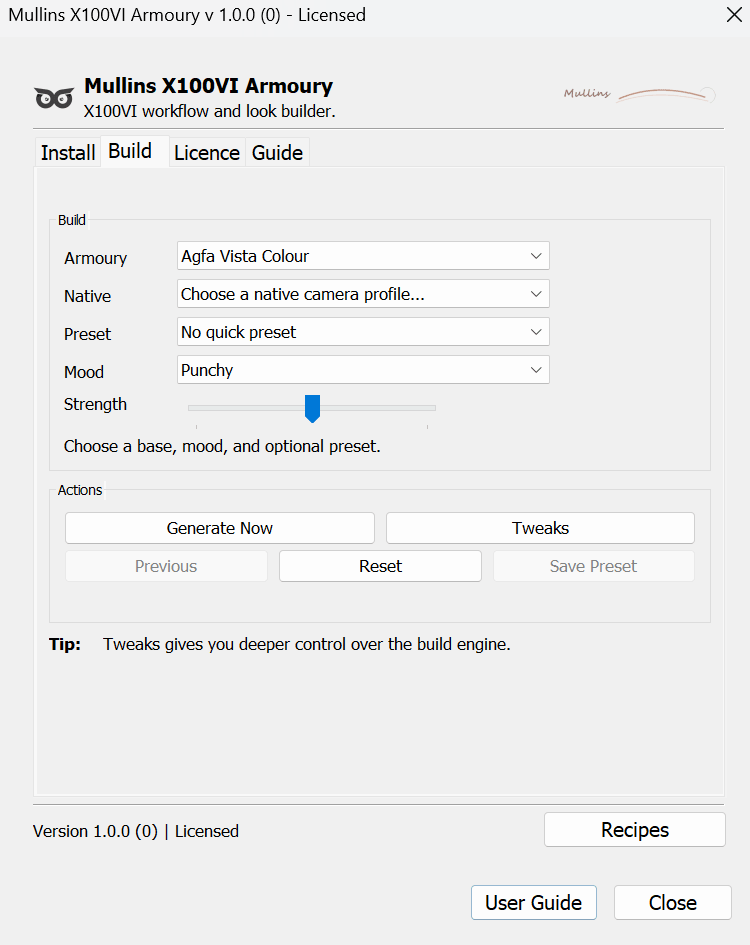
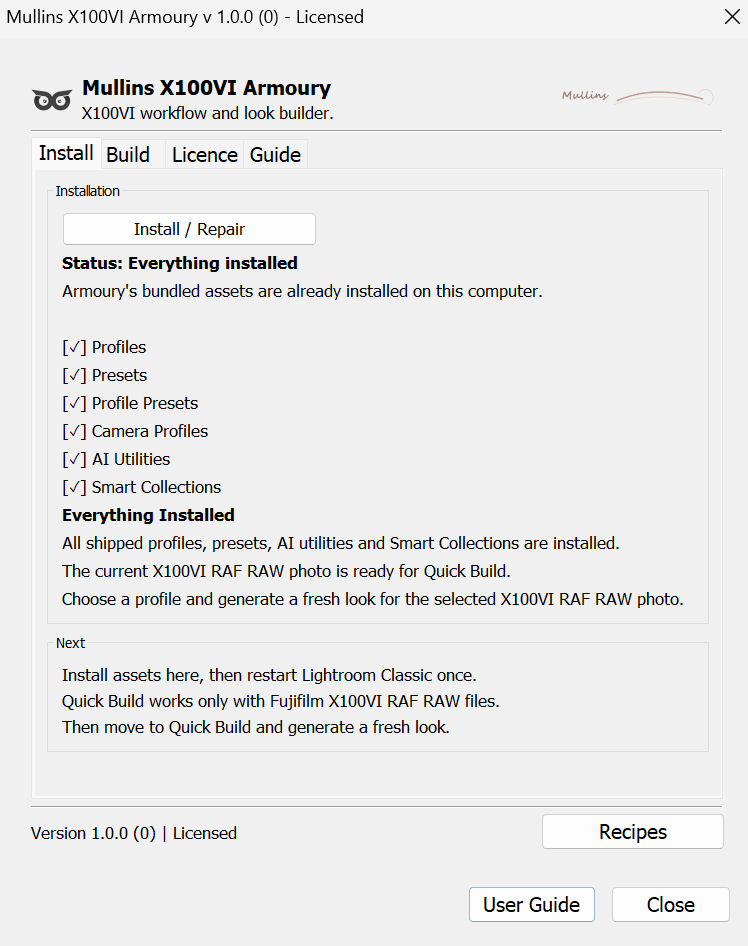
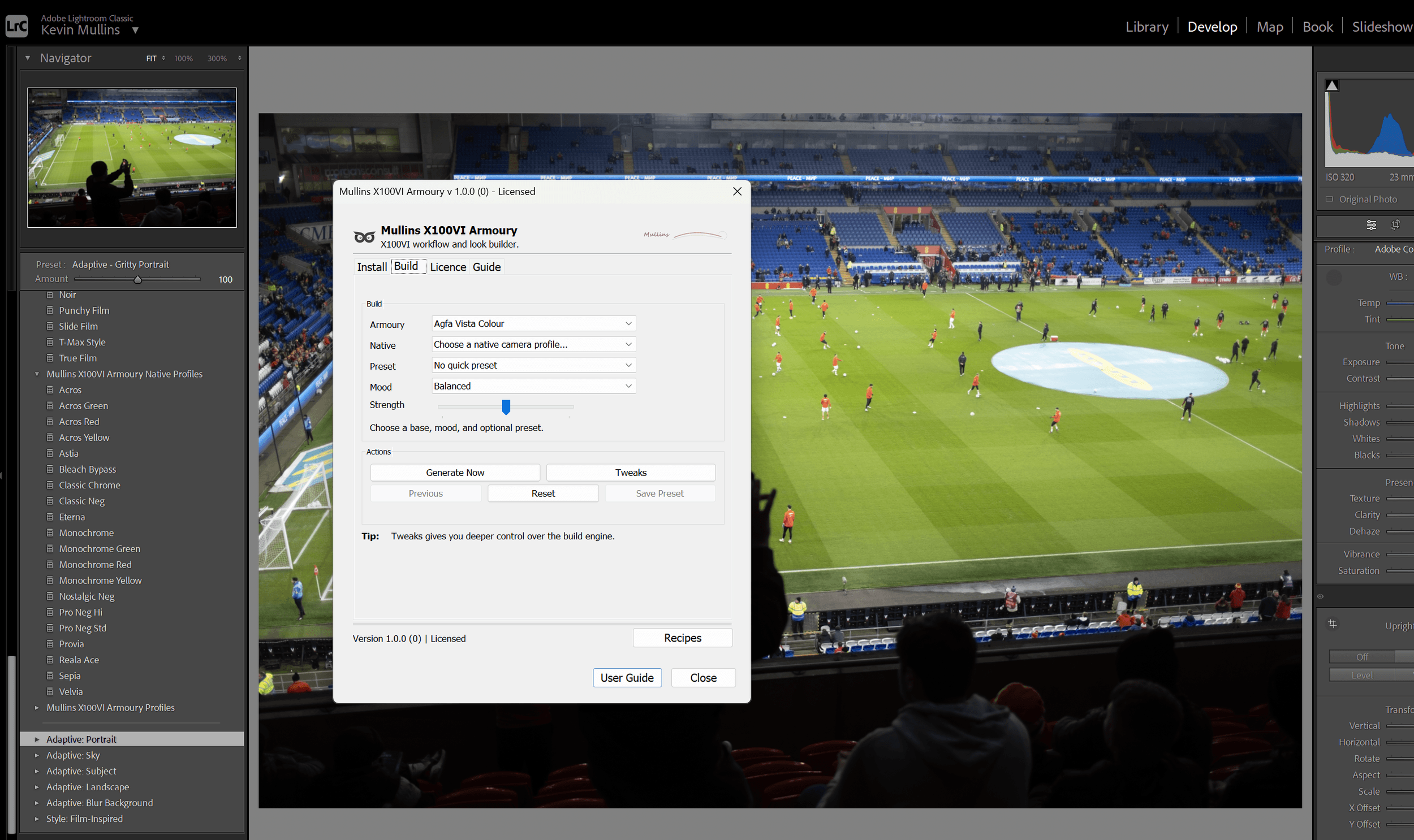
Mullins X100VI Armoury is a Lightroom Classic plug-in built specifically for Fujifilm X100VI photographers who shoot RAW and want a faster, more enjoyable editing workflow.
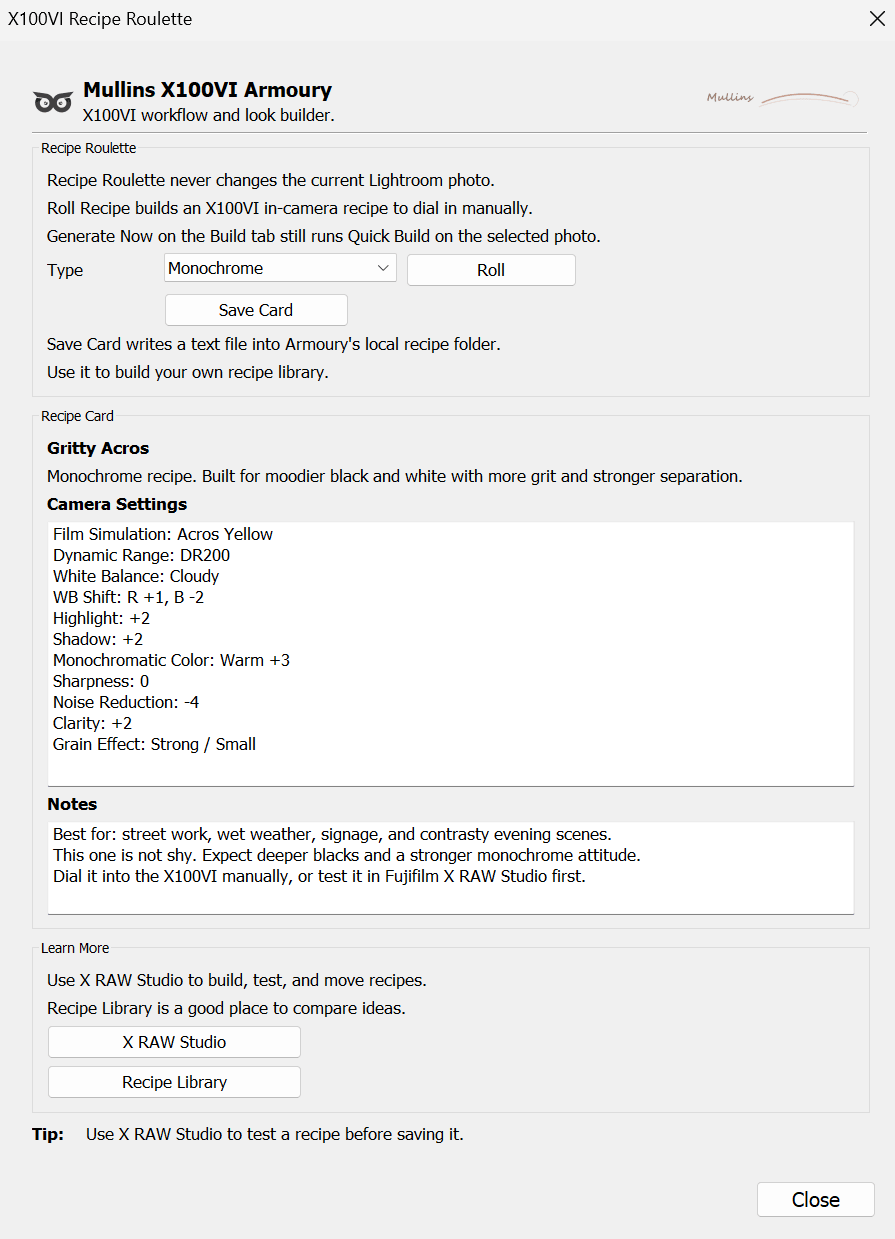
It brings together look building, bundled profiles and presets, useful workflow collections, and JPEG recipe inspiration in one place, so instead of jumping between bits of Lightroom and trying to remember where everything lives, you can get straight to making photographs look the way you want them to look.
The real point of Armoury is not to make editing more complicated. Quite the opposite.
It is designed to help you move more quickly, explore more confidently, and build strong colour or monochrome results from your X100VI RAF files without starting from scratch every single time.
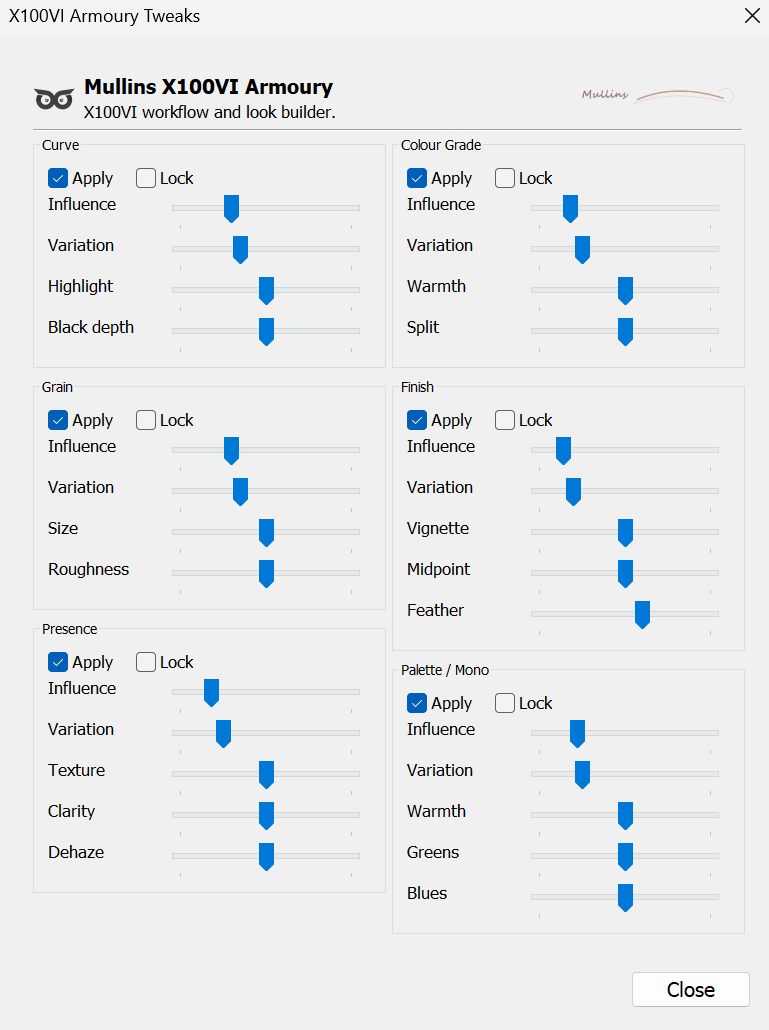
Whether you like to keep things simple or enjoy digging a bit deeper into the creative side, Armoury gives you both speed and control.
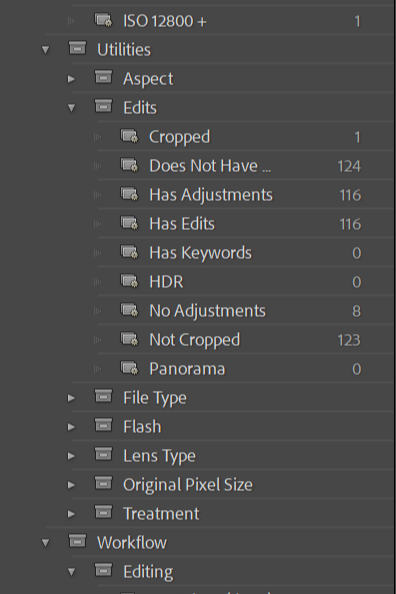
Inside, you will find a Quick Build engine for generating fresh looks, a full set of bundled profiles and one-click presets, Smart Collections to bring more order to your catalogue, AI utility presets for fast finishing moves, and Recipe Roulette for generating Fujifilm JPEG ideas to try in-camera.
Scroll down and I’ll explain exactly what is included, how it works, and why it has been built the way it has.
Built for X100VI RAW shooters - Quick Build is designed specifically for Fujifilm X100VI RAF RAW files in Lightroom Classic.
Fast to use - Generate strong starting points quickly, then refine or save the ones you love.
Much More than a preset pack - Armoury combines creative tools with practical workflow features, so it genuinely helps you work better.
Easy to get going - You do not need to be an advanced Lightroom user to start getting value from it.
Made by a working photographer - Built around real-world Fujifilm and Lightroom use, not just a list of features for the sake of it.
What are Lightroom Plugins?
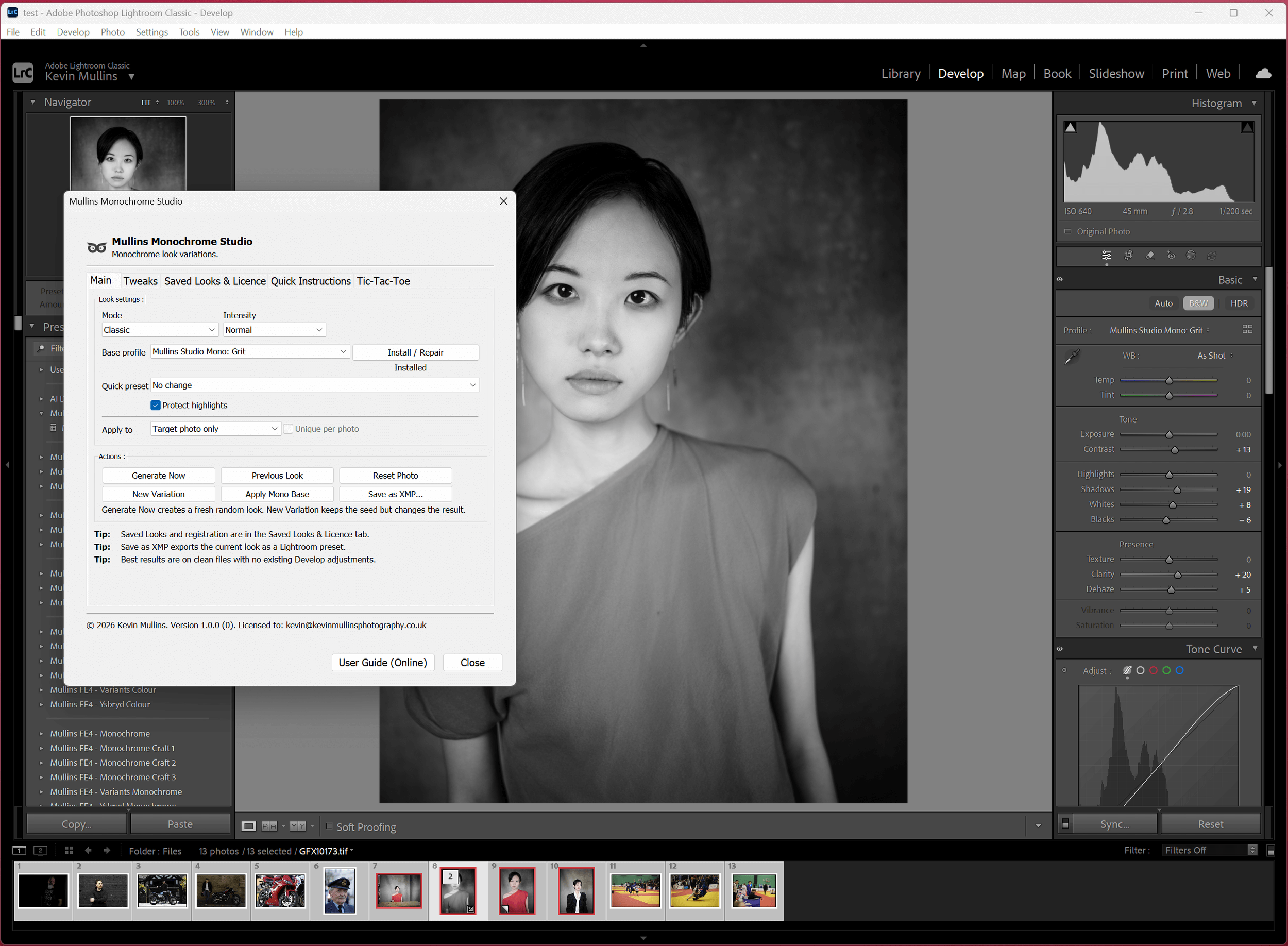
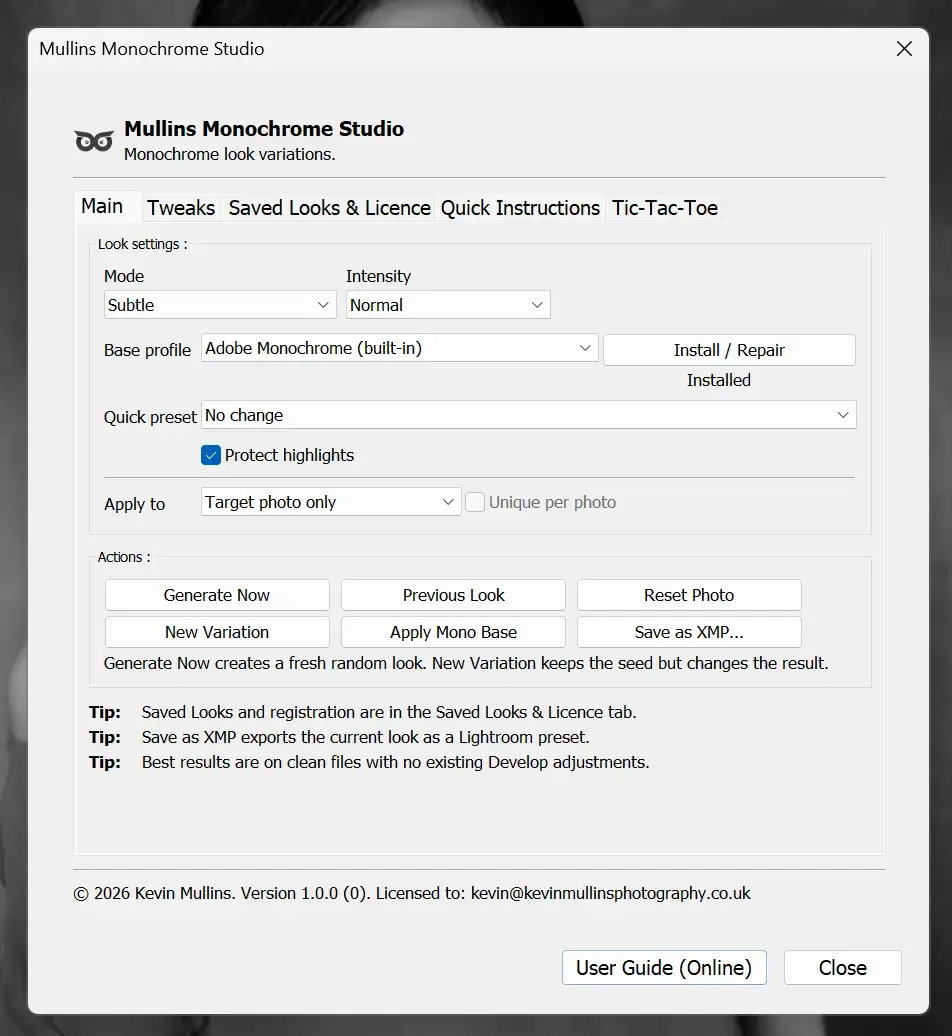
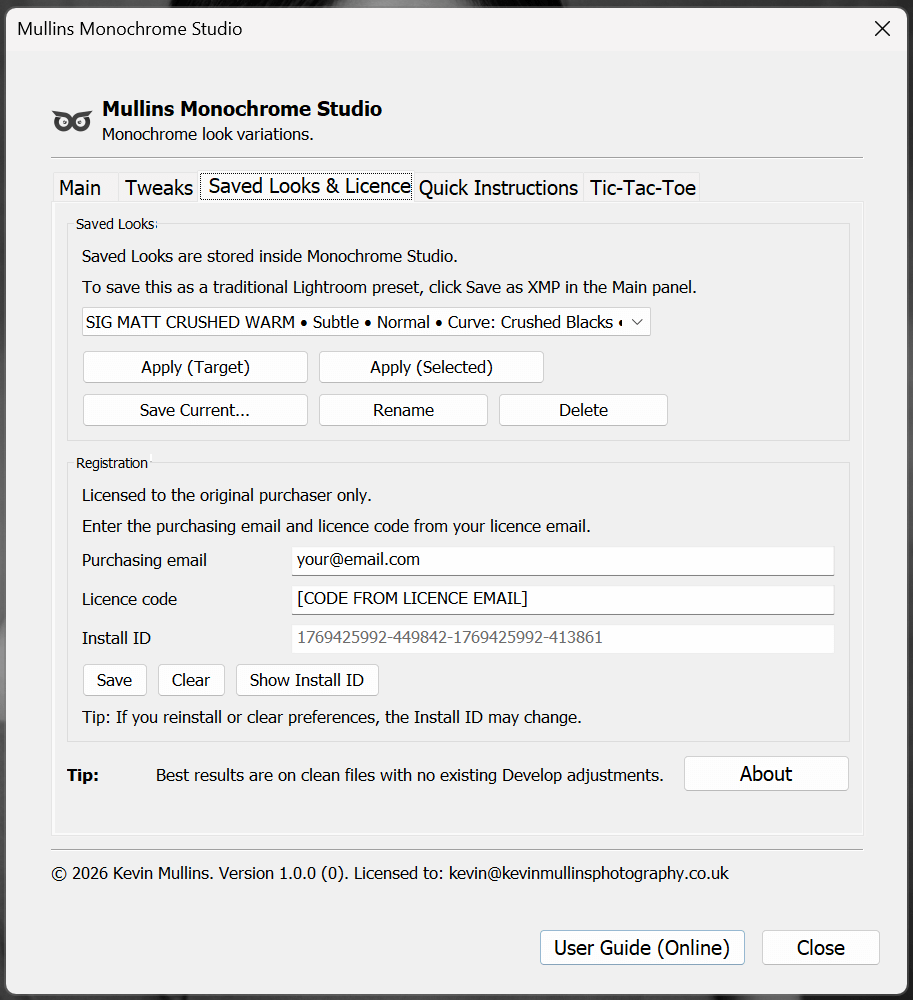
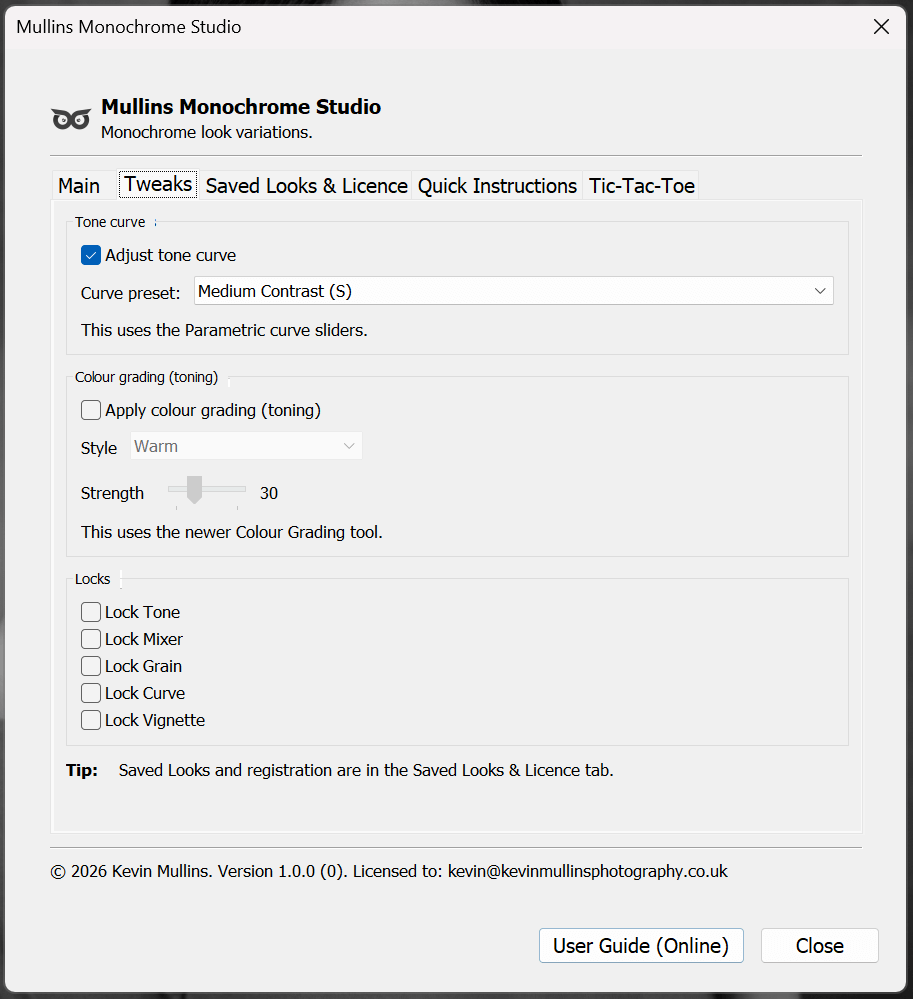
Mullins Monochrome Studio Lightroom Plugin in actionSome popular “plugins” are really external editors. They work by sending a file out of Lightroom, doing the heavy lifting elsewhere, then bringing a new file back in. That can be brilliant when you need pixel-level editing, masking, layers, or proper retouching.
A Lightroom Classic plugin is different. It’s more like a power tool for your workflow. It works with Lightroom’s sliders and settings, which means it’s usually faster, lighter, and more consistent when you want a look or a process applied across lots of photos.
Runs inside Lightroom Classic: You access it from Lightroom’s menus, and it behaves like part of the Lightroom workflow.
Non-destructive by nature: In most cases, it’s adjusting Develop settings, not baking changes into a new file. Your original files stay untouched.
No round-tripping required: You are not forced to create extra TIFFs just to get a result, unless you want to.
Great for consistency: Plugins can apply repeatable decisions quickly, especially across a set.
Limited in the right way: It won’t replace Photoshop, and it’s not trying to. It’s about speed and control inside Lightroom Classic.
So if you’ve ever thought, “I love Lightroom, I just want it to do this one thing faster”, that’s the kind of plugins we’re talking about here